
Digital Productivity, Online planners, Planners
Study Schedule Template: Free Academic Planning Tools
Mar
Okay so I’ve been testing study schedule templates for the past three weeks because honestly my college clients kept asking and I realized I had like… no good answer? So here’s what actually works.
The Basic Google Sheets Template That Doesn’t Suck
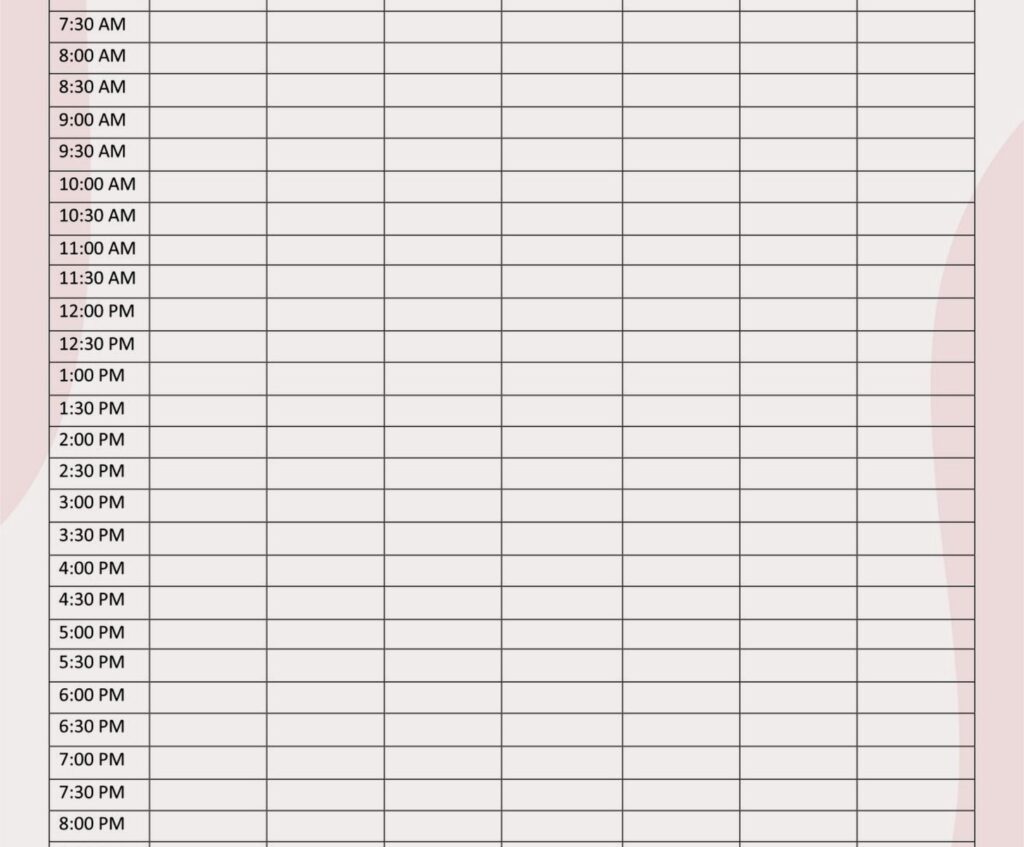
First thing – if you’re just starting out, don’t download some fancy paid planner. I’m gonna save you money right now. Go to Google Sheets and literally just set up a basic grid with days across the top and time slots down the left side. Color code by subject. That’s it. I know it sounds too simple but here’s the thing – I watched my neighbor’s kid use this exact setup for an entire semester and she went from barely passing to honor roll.
The template I actually recommend is the one from Vertex42. It’s free, it syncs across devices because Google Sheets, and you can customize literally everything. They have this weekly study planner that breaks down into 30-minute blocks which… okay I thought was overkill at first but then I tried it myself when I was studying for my coaching certification last year and wow. Game changer. You can see exactly where your time goes.
Time Blocking Actually Works If You Do It Right
So time blocking – everyone talks about it but most people screw it up. Here’s what I learned testing different approaches. You need buffer time between subjects. Like actually schedule 15 minutes between switching from math to English or whatever. Your brain needs that transition.
I use this template from Template Lab that has built-in break periods and it’s honestly the only reason I stick to my schedule anymore. You can download it as Excel or PDF but the Excel version is way more useful because you can adjust things. My dog knocked over my coffee while I was setting this up the first time and I had to redo the whole thing but whatever, it took like 10 minutes.
The Apps vs Paper Debate Nobody Asked For
Okay so digital vs paper planners. I tested both extensively because I’m extra like that. Here’s my actual experience: paper works better for visual learners who need to see the whole week at once. Digital works better if you have a chaotic schedule that changes constantly.
For digital, I’ve been using Notion’s student template and also this app called My Study Life. My Study Life is specifically designed for students and it’s completely free which is wild because it’s actually good? It tracks your classes, homework, exams, and has a built-in calendar. The notifications are actually useful unlike most apps that just spam you.
Wait I forgot to mention – My Study Life syncs across all your devices automatically. So you can update your schedule on your laptop during class and it shows up on your phone immediately. This saved me so many times when I was in grad school.
Paper Templates That Don’t Fall Apart
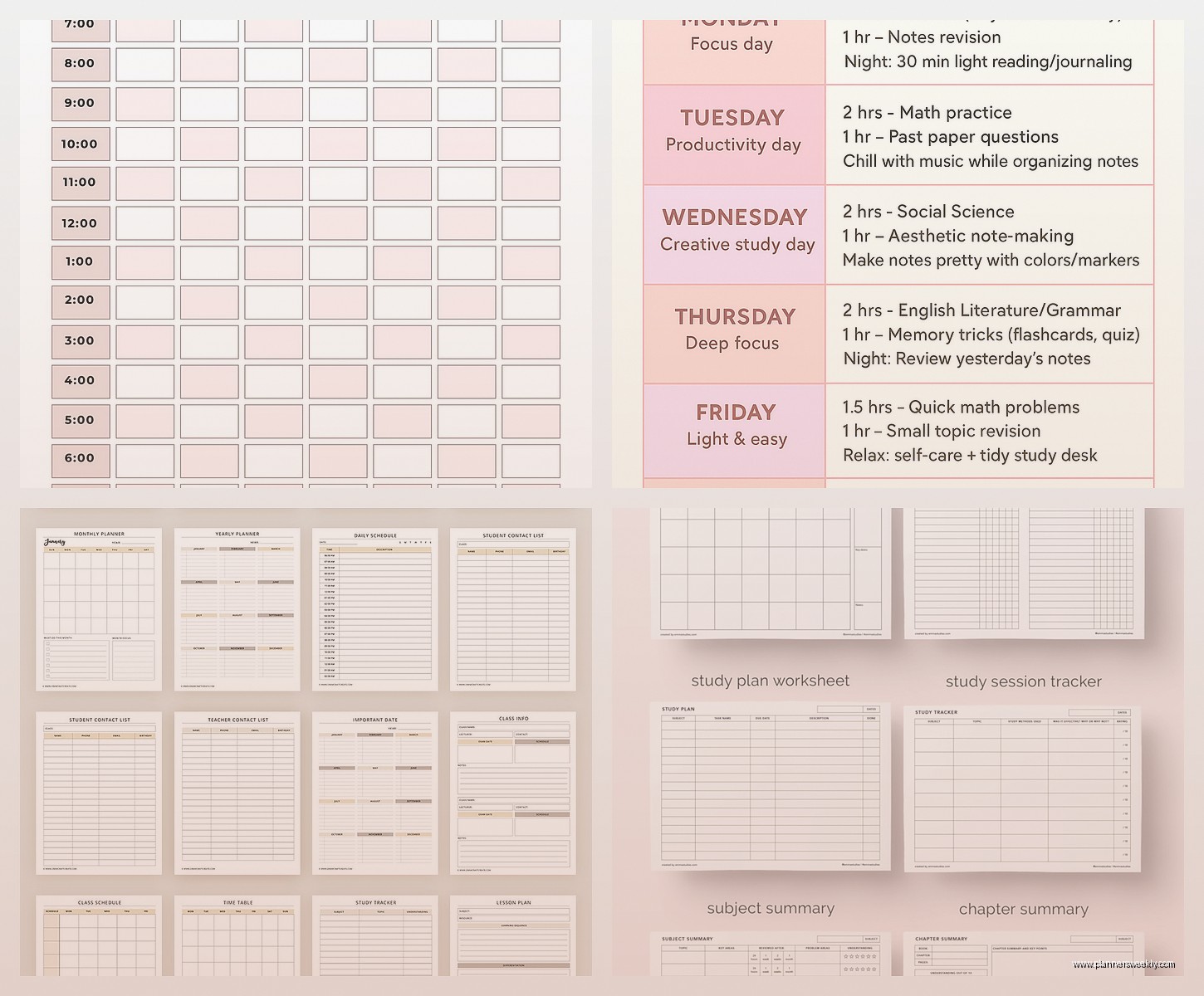
If you’re team paper (respect), print out the templates from Canva’s free education section. They have these weekly study planners that are actually pretty and functional. I print them on cardstock because regular paper gets gross in backpacks, learned that the hard way.
The template I keep coming back to is their “minimalist weekly study schedule” – it has enough structure without being overwhelming. You can write in pencil and erase when things change, which they will, constantly.
Subject-Specific Scheduling Because Not All Classes Are Equal
This is gonna sound weird but you need different time blocks for different subjects. Math and science need shorter, more frequent study sessions. Like 45 minutes max before your brain turns to mush. I learned this watching my clients struggle – they’d block out 3 hours for calculus and wonder why they couldn’t focus.
For languages and reading-heavy subjects, longer blocks work better. 90 minutes to 2 hours. You need time to get into the flow of it.
The template from Smartsheet has this built in – it lets you customize block lengths by subject. It’s technically a project management template but it works perfectly for academic planning. Free for basic use.
The Exam Prep Schedule That Actually Helped
Okay so exam season is different. Your regular study schedule goes out the window. I made this mistake in 2019 trying to stick to my normal routine during finals and it was a disaster.
Download a separate exam countdown template. The one from GoConqr is free and has this countdown feature that shows you exactly how many days until each exam. Sounds stressful but it’s actually motivating? You can plan backward from exam dates and see if you’re on track.
I set mine up to include practice test days, review sessions, and “panic cramming allowed” time slots because let’s be real, that’s happening anyway. Might as well schedule it.
Weekly vs Daily Planning (You Need Both)
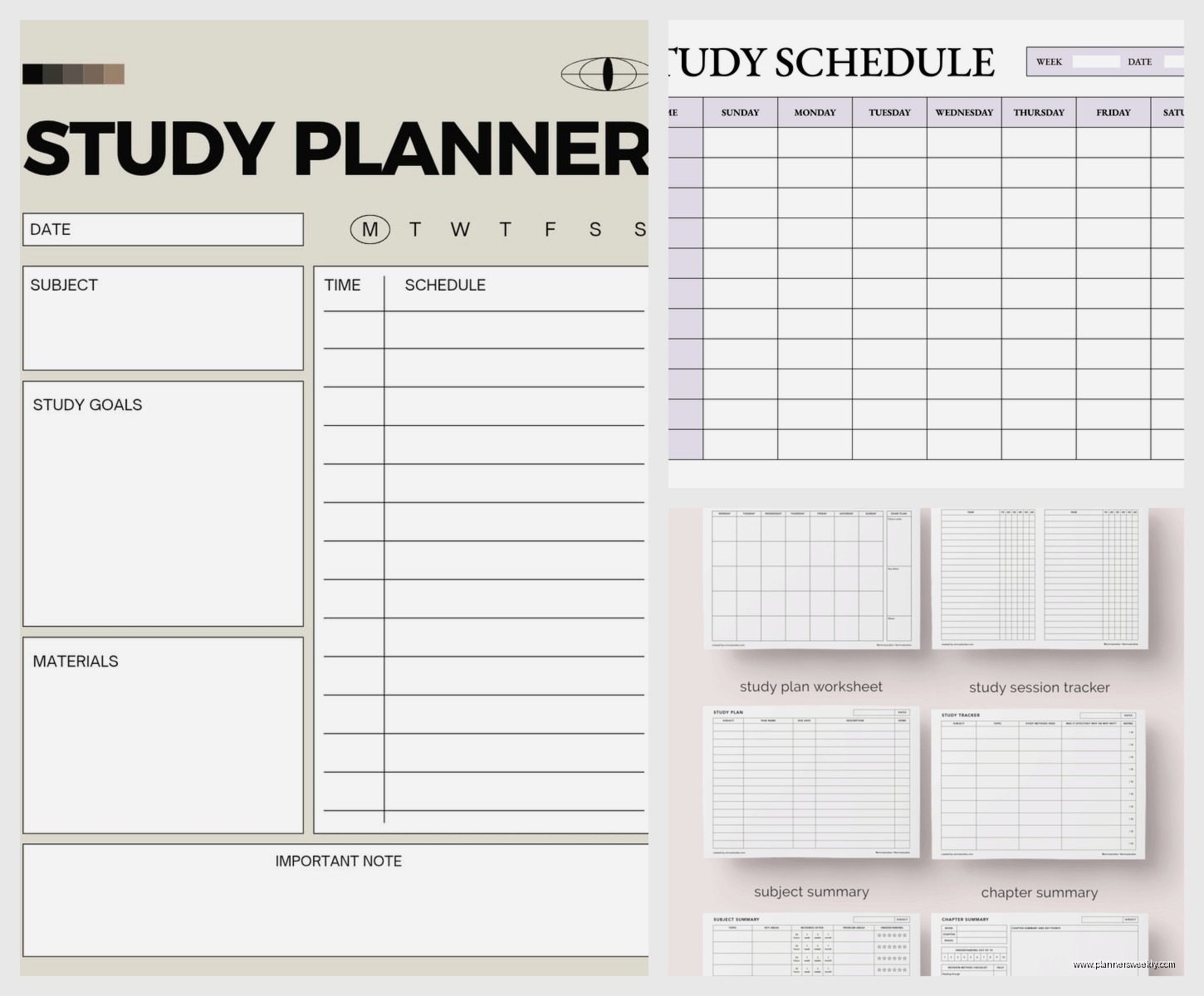
Here’s something nobody tells you – you need two templates running simultaneously. A weekly overview and a daily breakdown. The weekly shows your big picture, the daily keeps you on track hour by hour.
For weekly planning, I use this Google Calendar template that’s shareable. You can give your study group access or your parents if they’re helping you stay accountable. Color code by subject, include assignment due dates, exam dates, all of it.
For daily, the Hourly Study Planner from PrintableCal is perfect. It breaks down 6am to midnight in one-hour blocks. You don’t have to use all the hours obviously but seeing the full day laid out helps you realize you actually do have time for everything, you’re just not using it efficiently.
The Sunday Planning Session Nobody Wants to Do
Okay real talk – the only way these templates actually work is if you update them. Every Sunday I spend 20 minutes reviewing the next week, adjusting my schedule based on what actually happened the previous week. Most people skip this step and then wonder why their plan falls apart by Tuesday.
I set a phone reminder for Sunday at 4pm. Sometimes I ignore it and watch Netflix instead but when I actually do it, my whole week goes smoother.
The Realistic Schedule vs The Fantasy Schedule
This is important – your first schedule template will be completely unrealistic. That’s fine. Everyone does this. You’ll block out 6 hours of studying per day and then realize you’re human and that’s not sustainable.
After tracking my actual study time versus planned study time for two weeks, I discovered I was overestimating my capacity by like 40%. So embarrassing but also useful information. Now I plan for 3-4 hours of focused studying per day max, broken into smaller chunks.
The Time Tracking Spreadsheet from Toggl (free version) helps with this. Track what you actually do for one week without trying to change anything. Just observe. Then build your schedule based on reality, not what you think you should be doing.
Study Breaks That Are Actually Breaks
Put your breaks IN the template. Like actually write them down. 10 minutes every hour. A longer 30-minute break after every 2-3 hours. If it’s not scheduled, you won’t take breaks, then you’ll burn out and spend three days on the couch watching true crime documentaries. Not that this happened to me or anything.
The Pomodoro Technique templates are good for this. 25 minutes work, 5 minutes break. There’s a free template on Notion and also a simple one on Google Sheets. I personally do 45/15 because 25 minutes feels too short for getting into deep work but you do you.
Group Study Coordination Templates
If you study with other people, coordination becomes this whole thing. We use a shared Google Sheet where everyone puts their available times and we find overlaps. The template from Doodle Poll works too but I find spreadsheets more flexible.
Color code by person so you can see at a glance when everyone’s free. Include time zones if you’re doing online study sessions. Learned that lesson the hard way when I showed up an hour late to a group review because I forgot about daylight saving time.
The Assignment Tracker You Actually Need
Your study schedule should integrate with an assignment tracker. Otherwise you’re just scheduling random study time without knowing what you should be working on. The template from Trello is free and actually intuitive. Set up columns for To Do, In Progress, and Completed.
Each assignment gets a card with the due date, estimated time to complete, and any resources you need. When you sit down to study, you check Trello to see what needs attention and schedule accordingly.
I also keep a running list of “study goals” separate from assignments – like “understand chapter 5” or “memorize vocab set 3.” These fill in the study blocks that aren’t directly tied to specific homework.
Mobile Templates Because You’re Not Always At Your Desk
Most of my studying happens in random places – coffee shops, library, between classes. I need mobile access to my schedule or I just… won’t follow it. The Google Sheets app works fine for this. So does Notion mobile.
My Study Life (mentioned earlier) has the best mobile interface I’ve tested. Everything’s visible without scrolling forever and you can quickly mark tasks complete or reschedule things.
Adapting Templates For Different Learning Styles
Okay so this matters more than people think. Visual learners need color-coded templates with clear sections. The Canva templates work well for this. Auditory learners should include “review recordings” or “teach concepts out loud” in their schedule blocks.
If you’re kinesthetic, schedule hands-on practice time – lab work, practice problems, physical flashcards. The generic templates don’t usually include this specificity so you gotta customize.
I’m primarily visual so my template is color-coded within an inch of its life. Math is blue, English is green, science is orange. My roommate thinks it’s excessive but it helps me process information at a glance.
The Accountability Features Nobody Uses
Most templates have space for tracking completion but people don’t actually use it. I started checking off completed study sessions and holy crap, seeing those checkmarks accumulate is weirdly motivating. It’s like a game.
The Habitica app gamifies this even more – you get points and level up for completing scheduled tasks. Sounds childish but it worked for my 19-year-old client who couldn’t stick to any other system.
You can also share your schedule with an accountability partner. My friend texts me every evening asking if I completed my planned study blocks. Annoying but effective.
What Actually Doesn’t Work
Overly complicated templates with too many categories and tracking metrics. You’ll spend more time updating the template than actually studying. Keep it simple – what are you studying, when, and for how long. That’s it.
Also those aesthetic templates that are more about looking pretty than being functional. I’m looking at you, fancy printables with tons of decoration and tiny writing space. Save those for your mood board, use something practical for actual planning.
Templates that don’t have flexibility built in. Life happens, plans change. If your template doesn’t allow for easy adjustments, you’ll abandon it the first time something comes up.
The key is finding something you’ll actually use consistently rather than the “perfect” system. I’ve gone through like fifteen different templates over the years and always come back to a basic Google Sheets setup with color coding. Sometimes simple really is better, even if it’s not Instagram-worthy.
