Digital Productivity, Online planners, Planners
Best Daily Task Planners: Productivity Tools & Reviews
May
Okay so I just spent the last three weeks testing like eight different daily planners because honestly my old system was falling apart and I figured if I’m gonna recommend these to my coaching clients, I should actually know what I’m talking about.
The Paper vs Digital Thing Nobody Talks About Honestly
First thing – you gotta figure out if you’re actually a paper person or if you just like the idea of being a paper person. I wasted probably two years buying gorgeous planners that I’d use for like a week. Turns out I’m hybrid, which I know sounds like a cop-out but hear me out.
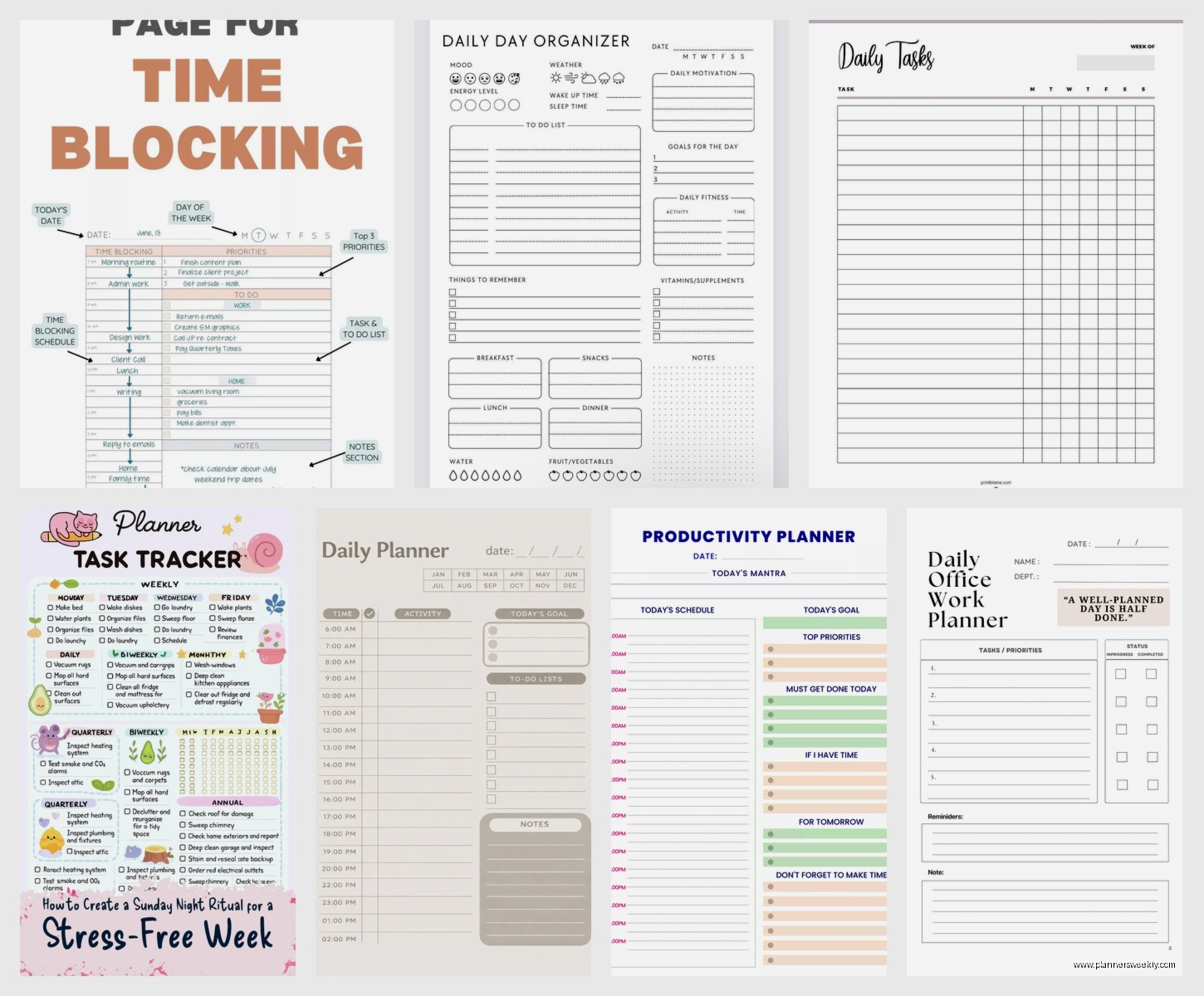
The Panda Planner is what I’m using right now for morning planning. It’s got this whole gratitude section at the top which I thought would be too woo-woo for me but actually it gets my brain going before I dive into tasks. The layout gives you space for your top 3 priorities and then a regular task list below. What I like is that it doesn’t give you fifty lines for tasks because let’s be real, if you’re writing down 50 tasks you’re just making yourself feel bad.
Price is around $25 and it lasts three months if you use it daily. The paper quality is decent – my Pilot G2 pens don’t bleed through which matters more than you’d think.
Digital Options That Don’t Make You Want to Throw Your Phone
Todoist is the one I keep coming back to even though I’ve tried to break up with it multiple times. The free version is actually usable, which is rare. You can organize tasks by project, set recurring tasks (game changer for weekly stuff), and the karma points thing is stupid but also weirdly motivating? I’m not proud of this but seeing my productivity score go up does make me want to check things off.
The premium version is $4/month and adds reminders and labels. I finally upgraded last year because I kept forgetting to call people back and my mom was getting annoyed with me. The reminders actually push to my phone in a way that’s noticeable but not annoying, which is a fine line.
Oh and another thing – Todoist integrates with basically everything. My calendar, my email, even my smart speaker which I only discovered when I accidentally told Alexa to add something and it showed up in my list. That was a weird moment.
The Bullet Journal Situation
Look, I know everyone’s either obsessed with bullet journaling or thinks it’s too much work. I’m somewhere in the middle. I used a Leuchtturm1917 for about six months and here’s what actually happened versus what Instagram makes you think happens.
You don’t need to be artistic. My spreads looked like a third grader made them and they worked fine. What matters is the index system and the rapid logging. The dot grid is legitimately better than lined paper for this – you can make quick boxes, draw lines wherever, and it doesn’t look chaotic.
The problem I ran into was maintenance. If I skipped two days, getting back into it felt like homework. Also I spent way too much time setting up monthly spreads when I could’ve just been… doing the actual tasks? But some people love that ritual and if you’re one of them, this notebook is the best quality for the price at around $20.
Hybrid Systems That Saved My Sanity
This is gonna sound weird but what actually works for me now is using Notion for project planning and big-picture stuff, then transferring today’s tasks to paper each morning. I know that sounds like double work but it takes like two minutes and something about writing it by hand makes it stick in my brain better.
Notion is free for personal use and you can make it as simple or complicated as you want. I have a database for all my tasks with properties like due date, priority, energy level required (this changed everything – I stopped trying to do high-focus work when I’m brain-dead at 3pm). Then I have a filter that shows me what’s due today or overdue, and that’s what I copy to my paper planner.
Wait I forgot to mention – Full Focus Planner by Michael Hyatt. This thing is expensive at $40 but if you’re the type who needs structure, it’s basically a productivity system in planner form. It walks you through quarterly goals, breaks them into daily tasks, and has a section for your schedule plus your task list which I actually love because I kept double-booking myself when they were separate.
The downside is it’s BIG. Like really big. I can’t throw it in my purse, it lives on my desk. Also the daily pages are undated which is nice because you don’t waste pages if you skip a day, but you have to write the date yourself every single time and I don’t know why that annoys me but it does.
Apps for People Who Hate Apps
Things 3 is Mac and iOS only which is annoying if you’re not in that ecosystem, but it’s the prettiest task manager I’ve ever used. It costs $50 for the full setup across devices which made me hesitate for like a year, but there’s no subscription which I appreciate. Everything is one-time purchases.
The interface is so clean it’s almost zen. You have an inbox for brain dumps, then you organize into projects and areas. The “Today” view shows you what you decided to do today plus anything that’s actually due. This distinction matters because sometimes I put things on my list that aren’t urgent, they’re just things I’d like to do if I have time.
My client canceled last week so I spent an hour just comparing Things 3 to Todoist side by side and honestly? Things 3 feels better to use but Todoist is more powerful. Things 3 is like the friend who’s really supportive, Todoist is like the friend who tells you what you need to hear.
The Time-Blocking Revelation
Okay so Sunsama is expensive at $16/month and I almost didn’t include it because of that, but it changed how I think about daily planning. Instead of just a task list, you drag tasks onto your calendar as time blocks. Sounds simple but seeing “write newsletter” as an actual 90-minute block on my calendar instead of just an item on a list made me actually do it.
It pulls from Todoist, Asana, Gmail, basically anywhere you have tasks hiding, and puts them all in one place. Then each morning (or the night before if you’re one of those people), you decide what’s happening today and when. The daily planning session is guided which I thought would be hand-holdy but actually keeps me from getting distracted.
The catch is you gotta commit to the time-blocking method. If you’re someone who likes having a loose list you can tackle in any order, this will drive you nuts. But if you’re constantly overestimating what you can do in a day, seeing it laid out in time blocks is a reality check.
Planners for Specific Situations
The Clever Fox Planner is $25 and it’s specifically designed around weekly and monthly reviews, which I know sounds boring but actually helps you course-correct. I used this when I was feeling really scattered and the weekly review section made me realize I was spending like 80% of my time on stuff that wasn’t actually moving my goals forward. Sometimes you need that mirror held up.
For people with ADHD or who just get overwhelmed easily – Structured app. It’s free with optional premium, designed specifically for visual time management. Each task is a block on your timeline for the day, color-coded, and you can set up a routine that repeats. My friend with ADHD says it’s the only thing that works for her because she can see the whole day at a glance without it being overwhelming text.
The Minimalist Option Nobody Expects
Plain index cards. I’m serious. Some days when everything feels too complicated, I grab an index card, write down 3-5 things, and that’s my day. When it’s full or crossed off, I’m done. There’s something about the physical constraint of a 3×5 card that makes you ruthless about priorities.
I keep a stack on my desk with a binder clip and it cost me like $2. Sometimes the best productivity tool is the one that gets out of your way.
What Actually Matters When Choosing
The best planner is honestly the one you’ll actually use, which sounds like a cop-out answer but it’s true. I’ve coached enough people through this to see patterns though.
If you’re visual and need to see everything at once – go paper or go with something like Sunsama that has a visual timeline. If you’re always on your phone anyway – pick a mobile-first app like Todoist or Things 3. If you need accountability – Todoist’s karma system or a planner with review sections.
Don’t buy something because it’s pretty or because some influencer uses it. I have a graveyard of abandoned planners that proves this point. The Passion Planner is gorgeous and I wanted to love it but the layout just didn’t match how my brain works. Meanwhile my best friend swears by it.
The Setup Nobody Tells You About
Whatever you pick, you gotta spend like an hour setting it up properly or you’ll abandon it in two weeks. For paper planners, that means deciding on your symbols and keys before you start. For digital, that means setting up your projects/categories and learning the keyboard shortcuts.
With Notion I spent a whole Saturday building my system while watching The Bear (highly recommend both the show and the planning session combo). It felt like procrastination but having everything organized upfront meant I actually used it instead of it becoming another digital graveyard.
Google Calendar deserves a mention even though it’s not technically a task planner. I use it alongside everything else because sometimes you need to see your meetings and your tasks in the same place. The mobile app lets you add tasks now too, though it’s pretty basic. But it’s free, syncs everywhere, and everyone already has it.
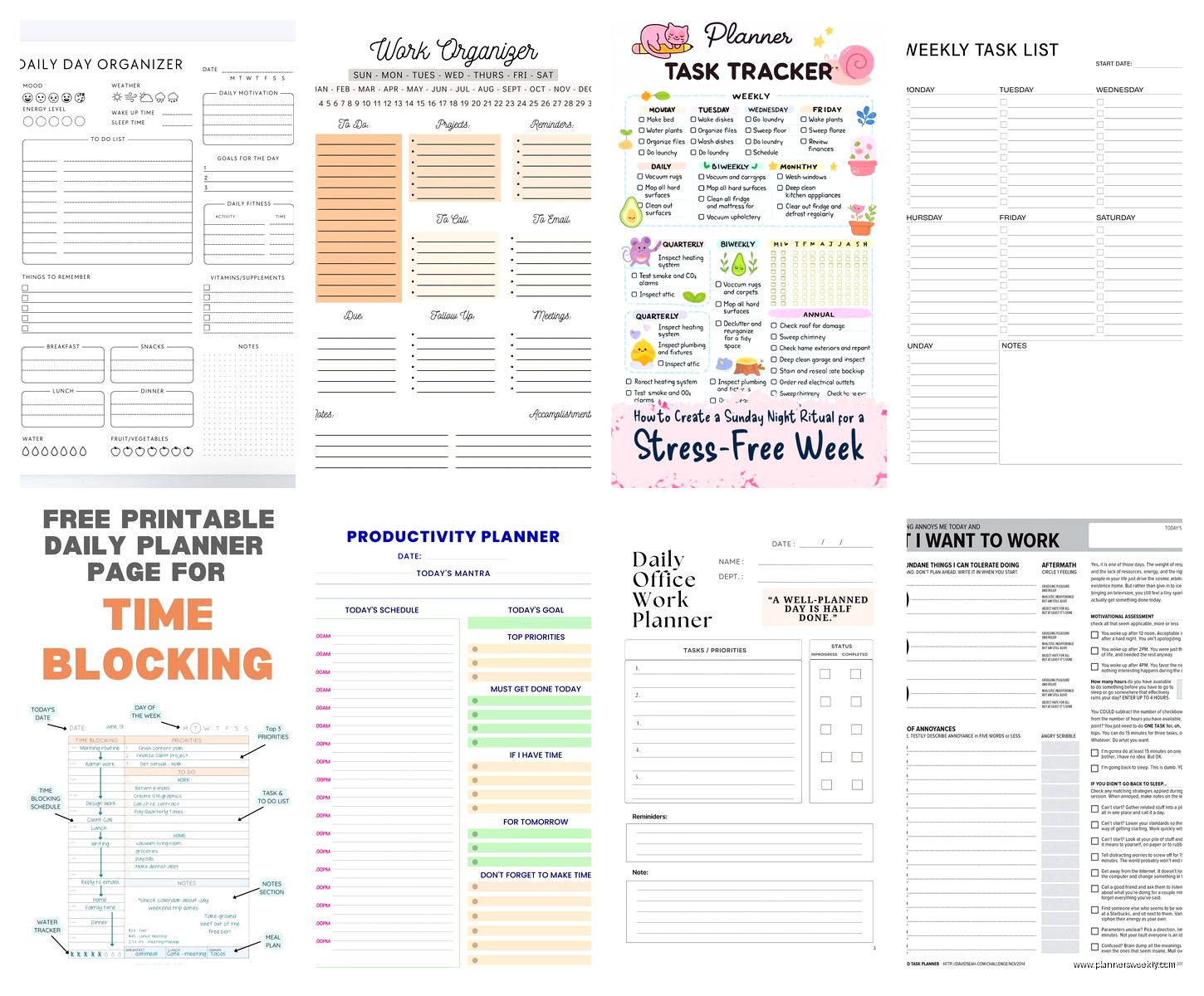
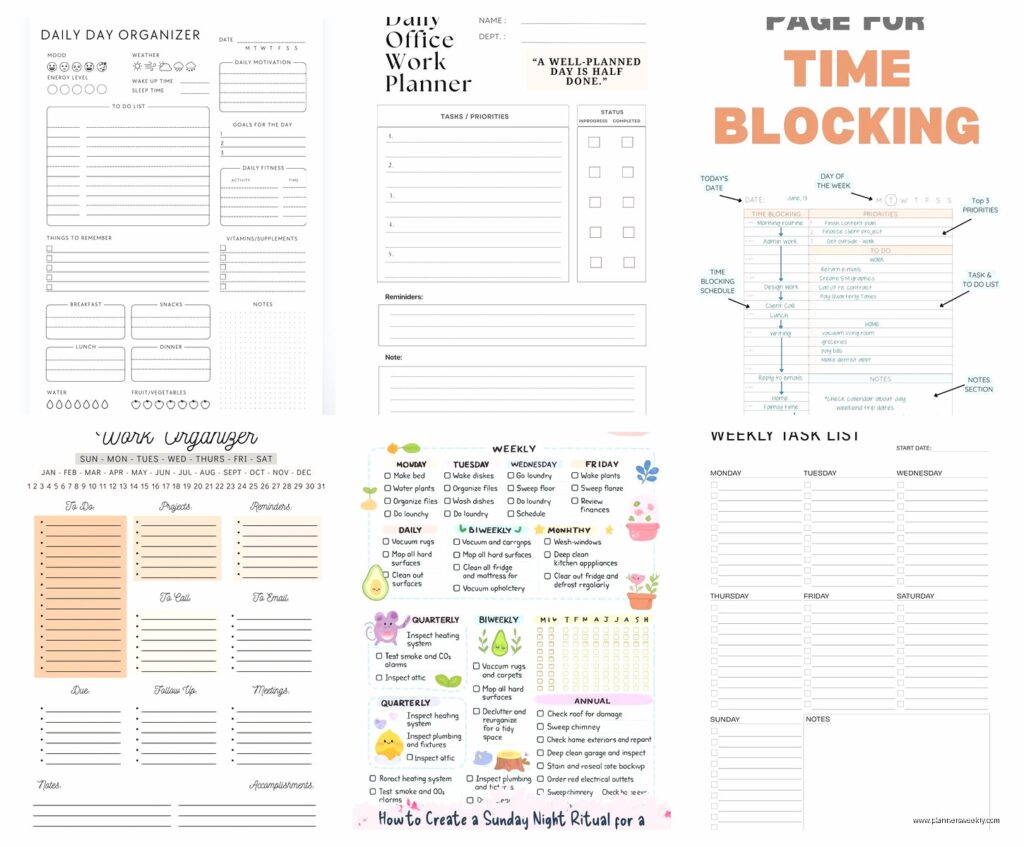
One more thing – the Daily Page planners that are just simple dated pages with lines. Sometimes that’s all you need. Morning pages, task list, notes from meetings, whatever. No structure, no pressure, just pages. I rotate back to this format when I’m between systems or when life is chaotic and I just need to brain dump.
Honestly just pick something and commit for at least two weeks before deciding it doesn’t work. The first few days always feel awkward with any new system. And maybe I’m using three systems at once right now which probably disqualifies me from giving advice, but also it works for me so who’s to say what’s right.