
Digital Productivity, Online planners, Planners
Free GoodNotes Planner: Best Templates & Downloads
Mar
Okay so I’ve been using GoodNotes planners for like three years now and honestly the free templates situation has gotten SO much better than when I started. Last Tuesday I spent way too long downloading and testing a bunch because my client canceled and I had this weird free afternoon.
Where to Actually Find Good Free Templates
The biggest mistake everyone makes is just googling “free GoodNotes planner” and downloading the first thing they see. Half of them are those weird PDF conversions that don’t hyperlink properly or the tabs don’t work and you’re just… stuck with a static PDF you could’ve opened in literally any app.
Etsy is weirdly your best bet even for free stuff. Sellers will have these “freebie” listings where they give you one planner to try before you buy their paid versions. I’ve found some really solid ones this way. The quality is usually better because they’re trying to impress you enough to spend money later. Search “free GoodNotes planner” and filter by price low to high.
Pinterest links are hit or miss but sometimes you’ll find creators who host free downloads on their actual websites. I found this minimalist weekly planner from a blog last month that’s become my go-to for client session planning. The hyperlinks actually work and everything.
The Specific Ones I Actually Use
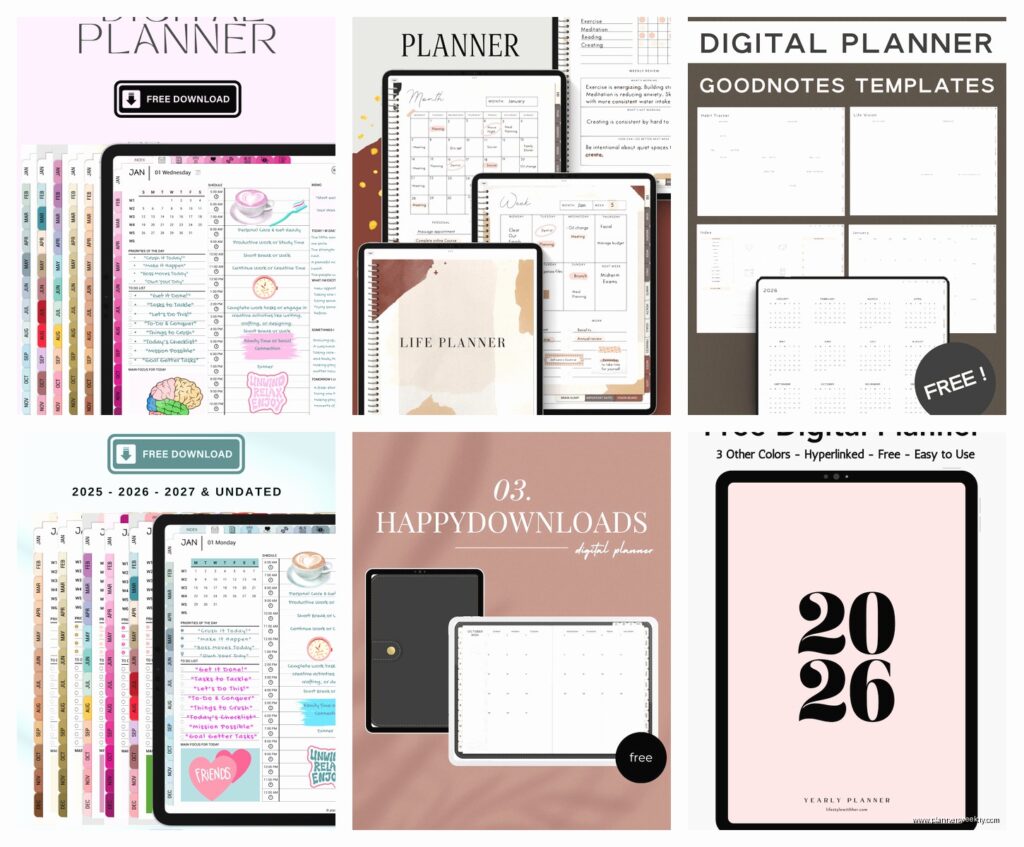
The Styled Stock Society has a free undated monthly planner that I keep coming back to. It’s got this clean layout with habit trackers on the side and the color scheme isn’t trying to do too much. You can write the month in yourself which honestly I prefer because then I’m not locked into starting in January or whatever. The hyperlinked tabs work perfectly and there’s a notes section at the bottom of each page.
Oh and another thing, Creative Stationery on Etsy does this freebie bundle that changes seasonally. Right now they’ve got a Q2 planner that’s actually formatted really well for GoodNotes 6. The stickers that come with it are kinda basic but the planner itself has this cool thing where you can toggle between daily and weekly views through the tabs.
For students specifically or if you’re tracking multiple projects, the Minimalist Productivity Planner from Gridrocket is free and it’s got this layout I haven’t seen anywhere else. It’s got weekly spreads but then each day has these little checkbox sections for different categories. I use it to separate client work from content creation from the random admin stuff that piles up.
What Actually Matters in a Template
This is gonna sound weird but the hyperlinks are literally the most important thing. I downloaded this gorgeous floral planner last year that looked amazing in the preview but none of the tabs worked so I had to manually scroll through 400 pages to find anything. Absolutely unusable.
Before you commit to using a template for the whole month, open it and test every single tab. Click the monthly tab, the weekly tabs, the index if it has one. Make sure they actually jump you to the right page. I’ve wasted so much time on planners that looked perfect but were basically just fancy PDFs.
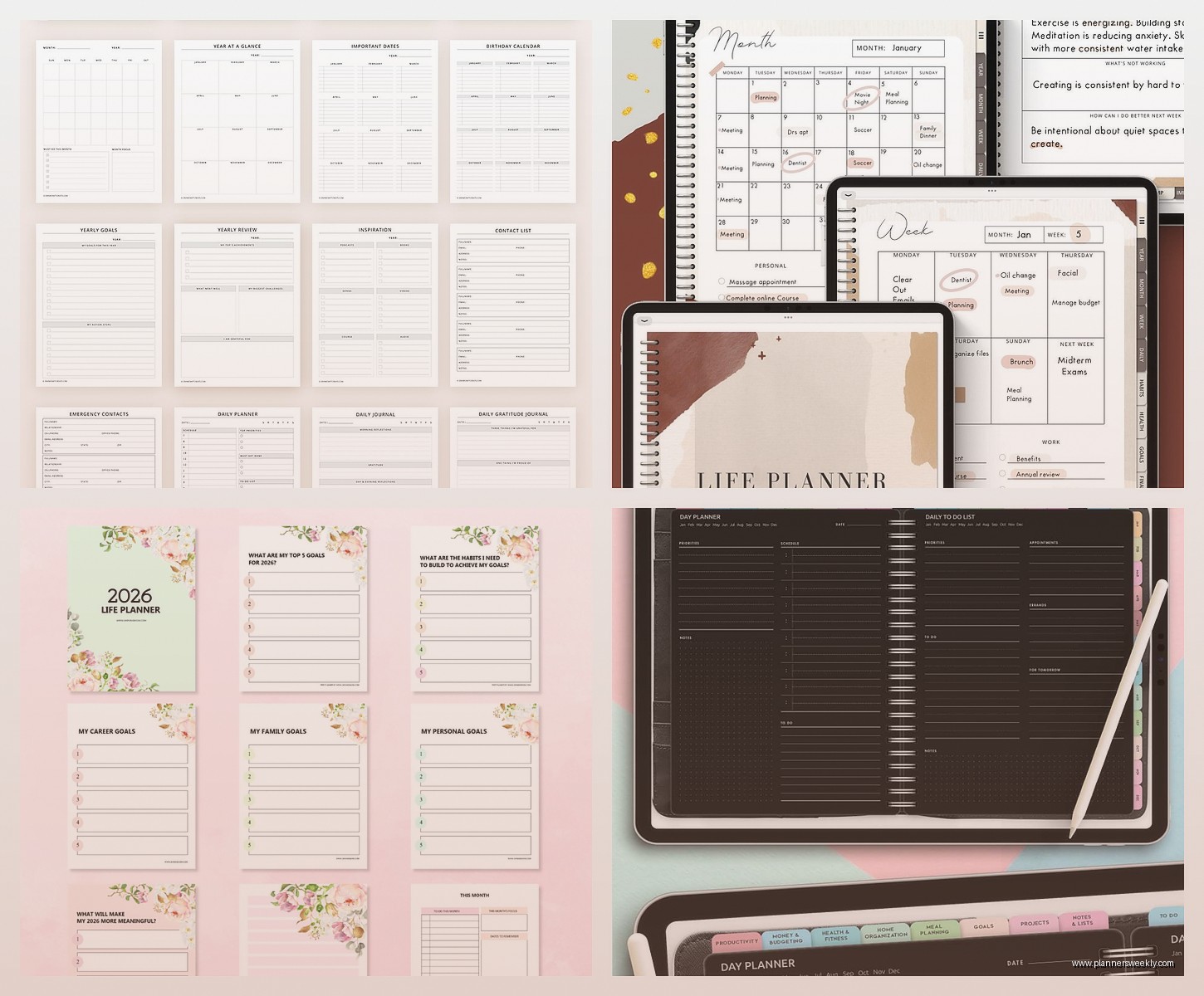
Page numbers are another thing nobody talks about. Some free templates don’t have them and you’ll be searching for “that page where I wrote down the password to the thing” for like fifteen minutes. Any planner worth using has page numbers in the corner.
Stickers vs No Stickers
Okay so this is personal preference but I’ve gone back and forth. Free planners that come with digital stickers sound great until you realize you’re spending twenty minutes decorating a page instead of actually planning. My cat walked across my iPad once while I was arranging little coffee cup stickers and somehow saved it and I had to start over.
That said, if you’re someone who needs the visual dopamine hit to actually use your planner, the stickers help. The Happy Planner Digital freebies come with decent sticker sets. Nothing revolutionary but they’ve got the basics like checkboxes, stars, little banners for headers.
I personally just use the highlighter tool in GoodNotes itself now. Way faster. But when I first started I definitely needed the stickers to make it feel “real” compared to paper planners.
Undated vs Dated Templates
Always go undated if you can find a good one. I cannot stress this enough. Dated planners are only worth it if you’re downloading it right at the start of the year and you KNOW you’ll use it consistently. Otherwise you’re gonna skip two weeks, feel guilty about the blank pages, and abandon the whole thing.
With undated templates you just write in the dates yourself. Takes like five seconds per page. I use a text box in GoodNotes and just copy-paste it across pages. Some people think this defeats the purpose of digital planning but honestly the flexibility is worth it.
The exception is if you find a really good dated template for free right at the beginning of a quarter. I grabbed a Q1 2024 planner in January that was formatted perfectly and I used it all the way through March. But that’s rare.
Format Stuff That’ll Drive You Crazy
Most free templates come in PDF format which is fine, that’s what GoodNotes imports. But check the page size before you download a million of them. Some are A4, some are A5, some are US Letter. If you’re mixing sizes in the same notebook it looks messy and the zoom levels get weird.
I stick with A5 for everything now. It’s the sweet spot for iPad planning. Big enough to write comfortably but you’re not scrolling around trying to see the whole page. US Letter is too big unless you’re on like an iPad Pro 12 inch.
Portrait vs landscape is another thing. Most planners are portrait which makes sense but I found this free landscape weekly planner that’s actually amazing for my workflow. I can see the whole week at once without zooming out. It’s from Digital Planner Central and it’s one of their freebies.
Hyperlinked Tabs vs Manual Navigation
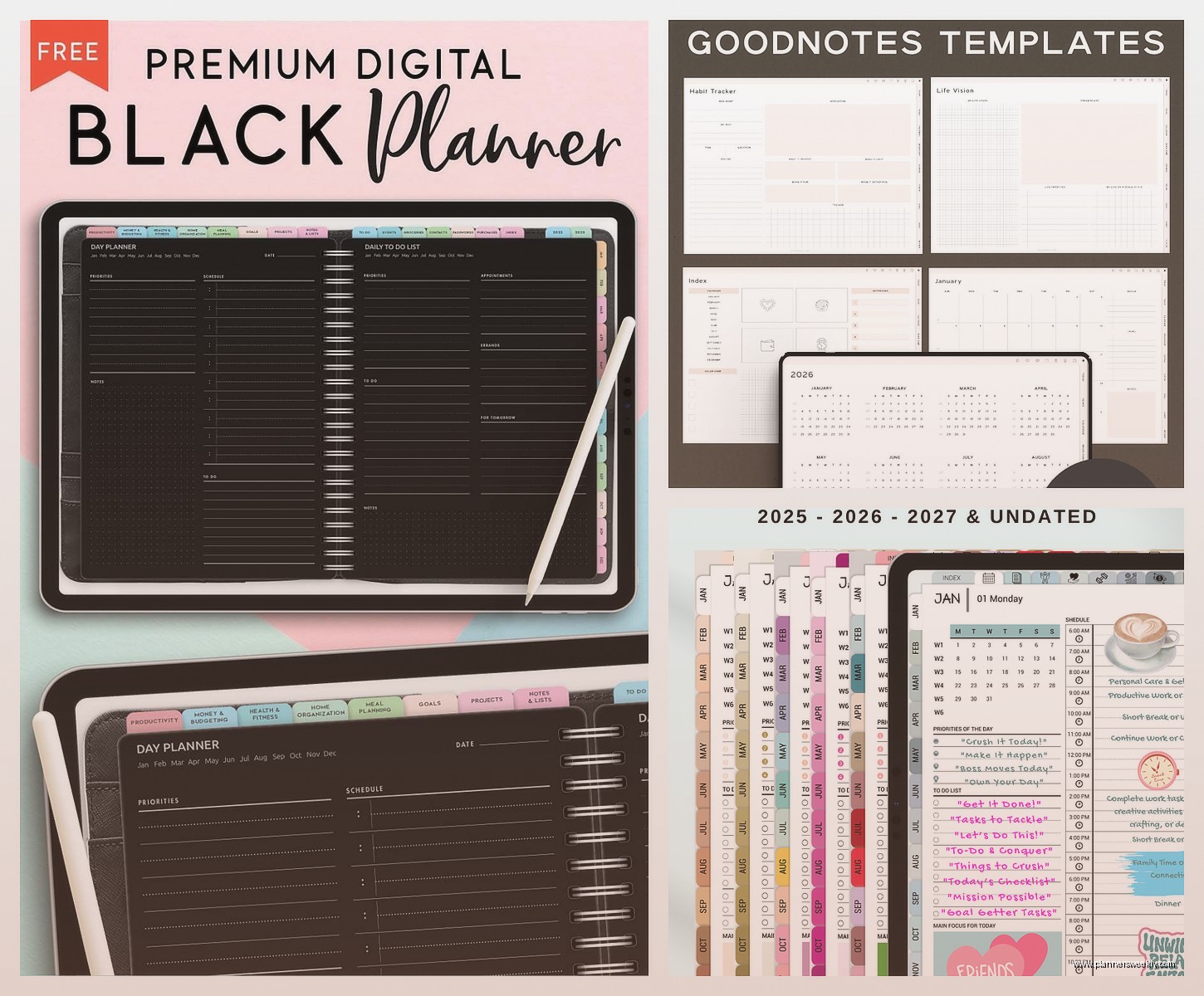
I mentioned this before but it’s so important I’m saying it again. Hyperlinked tabs mean you can tap a tab at the top or side of the page and jump directly to that section. Manual navigation means you’re swiping through pages like a cave person.
Good free templates will have tabs that work. Lazy free templates converted from paper planners won’t. This is the difference between actually using your planner daily and giving up after three days.
Test this immediately after importing. If the tabs don’t work, delete it and find something else. Your time is worth more than zero dollars.
Customization Options
The cool thing about GoodNotes is you can customize even free templates pretty heavily. I take basic free templates and add my own elements using the shapes and text tools. Last month I took this super minimal weekly template and added color-coded sections for different work categories.
You can also duplicate pages within the planner. If there’s one weekly layout you really like, just duplicate it for the next week instead of using whatever comes next in the template. I do this all the time with free planners that have like one good page and twelve mediocre ones.
Oh wait I forgot to mention, you can combine different free templates in one notebook. Import multiple PDFs into the same GoodNotes file. I have a franken-planner right now that’s got a monthly overview from one template, weekly spreads from another, and habit trackers from a third. Works perfectly.
The Actually Free vs Freemium Trap
Some “free” planners are just samples of paid versions and they’ll only give you like one month or four pages. This is fine if you know that going in but it’s annoying when you think you’re getting a full year planner.
Read the description carefully. If it says “free sample” or “try before you buy” you’re getting a limited version. Which again, sometimes worth it because the quality is good, but don’t expect 365 pages.
True free planners will say “completely free” or “full version free” or they’ll specify “12 months included” or whatever. I’ve gotten burned by this downloading something excited and then realizing it’s just February and March.
The Ones That Want Your Email
A lot of free planners are gated behind email signup. You gotta give them your email and they send you the download link. I have a separate email for this stuff now because otherwise my main inbox gets destroyed by their newsletters.
Is it worth it? Sometimes yeah. The Petite Planner has a really solid free weekly planner you can only get through email signup. I use a temporary email service for the ones I’m less sure about and my real secondary email for creators whose paid products I might actually want later.
Specific Template Recommendations By Use Case
For work productivity the best free one I’ve found is the Focused Life Planner from… I think it was called Planner Addicts Digital? It’s got time blocking sections and a priority matrix on each daily page. Very focused on getting stuff done vs looking pretty.
For students that Cornell Notes style planner from Paperlike Press is free and actually useful. It’s got class schedules, assignment trackers, and the pages are formatted for actual note-taking during lectures. My friend’s daughter uses it and says it’s better than the paid ones she tried.
For creative project tracking I like the free version of the Creative Year planner. It’s got these project spreads where you can break down big projects into phases. I use it for content planning and it’s been really helpful for seeing the big picture.
If you just want a basic weekly planner and nothing fancy, the Minimalist Weekly from PlannerPerfect is completely free, no email required, and it’s just clean weekly spreads with a notes section. Sometimes that’s all you need.
Common Problems and Fixes
If your planner imports but looks blurry, you probably downloaded a low-resolution version. Some free templates come in lower quality to encourage buying the premium version. Check if there’s a higher quality download option or find a different template.
When hyperlinks suddenly stop working after you’ve been using the planner for a while, it’s usually because you accidentally moved or deleted the linked page. GoodNotes links are based on page position. You can fix this by manually recreating the links using the pen tool and link function but honestly it’s a pain.
If the planner is too big file-size wise and your GoodNotes is lagging, some free templates are weirdly huge because they include high-res images or whatever. You can compress the PDF using online tools before importing. I use a free PDF compressor and it usually cuts the file size in half without noticeable quality loss.
Making Free Templates Work Long-Term
The thing about free planners is you’re probably gonna switch them more often than paid ones. That’s fine. I use different free templates for different quarters sometimes. The key is setting up a system where your actual important info isn’t trapped in the planner itself.
I keep a master task list in a separate GoodNotes notebook that’s just a basic lined template. Then the pretty planner is for weekly planning and daily stuff but if I abandon it, my main task list is still intact. Learned this the hard way after switching planners in March and losing track of like fifteen projects.
Also take screenshots of important pages before you switch templates. Sounds obvious but I’ve lost some really good planning sessions because I got excited about a new template and deleted the old one.
Another thing, you can export individual pages as PDFs from GoodNotes. If there’s one week in a free planner you really want to keep, export just those pages before moving on. I have a “planner archives” folder now with my favorite weekly spreads from different templates.
Honestly the beauty of free templates is you can experiment without feeling guilty. Try the aesthetic ones, try the minimalist ones, try the ones with way too many sections. Figure out what actually works for your brain. I went through probably twenty free planners before I figured out I need time blocking but hate habit trackers.
The free GoodNotes planner world is actually pretty robust now compared to like 2021 when I started. You can legit plan your entire life with free templates if you’re willing to search a bit and test things out. Sometimes they’re better than paid ones because individual creators are just sharing what works for them without trying to appeal to everyone.
