
Digital Productivity, Online planners, Planners
At a Glance DayMinder 2026: Complete Product Review
Feb
okay so I’ve been using the At a Glance DayMinder 2026 for about three weeks now and I gotta tell you, it’s not what I expected at all
The Size Thing Everyone Gets Wrong
First thing you need to know is that the standard size is way bigger than you think. Like I ordered mine thinking oh it’s a daily planner, it’ll fit in my bag, and then this 8×11 inch thing shows up and I’m like well okay guess we’re going full briefcase mode now. There’s also a smaller version that’s like 5×8 which honestly might be the better choice if you’re not chaining yourself to a desk all day.
The weight is real too. My shoulder was actually sore after carrying it around for a week because I also had my laptop and water bottle and apparently I pack like I’m preparing for the apocalypse. Something to consider if you’re already dealing with back issues or whatever.
The Daily Layout Actually Makes Sense Though
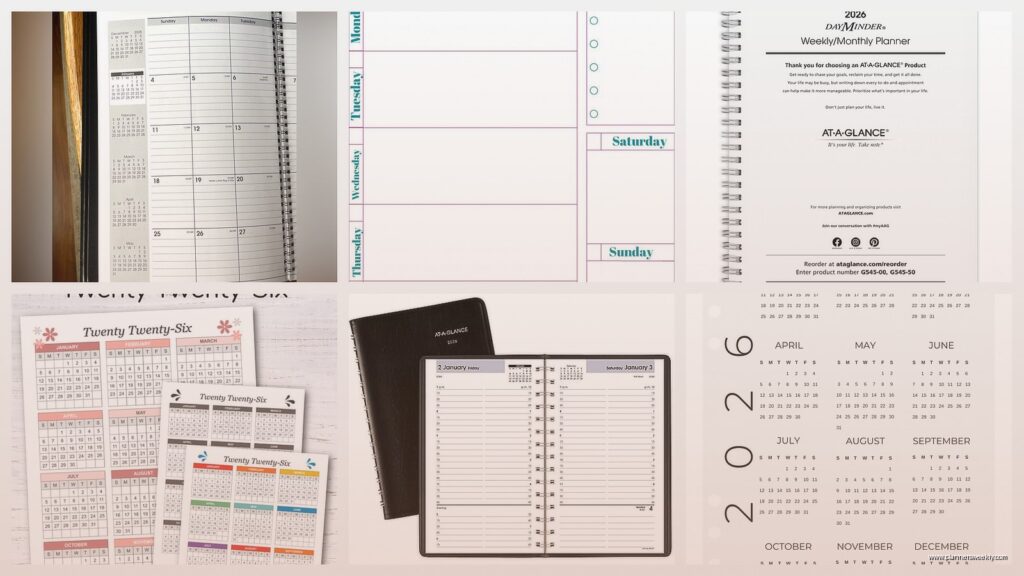
So each day gets its own page which sounds excessive until you actually start using it. The layout has this time column from 7am to 6pm in 30-minute increments, then a notes section on the right side. I was testing it during a really busy week where I had back-to-back client calls and honestly the hourly breakdown saved me from double-booking myself like three times.
The notes section is bigger than most daily planners give you. Like you can actually write full sentences there instead of trying to cram everything into tiny boxes. I’ve been using it for meeting notes and random ideas that pop up, and there’s still room left over.
What the Pages Actually Feel Like
The paper is decent but not amazing. It’s that standard white planner paper, kinda cream-colored actually, and it’s thick enough that most pens won’t bleed through. I say most because I tested it with like eight different pens because that’s apparently what I do with my free time now.
Ballpoint pens are totally fine. Gel pens mostly fine but some of the really juicy ones will ghost through a bit. Fountain pens are gonna be a problem if you use anything with a medium or broader nib, the paper just can’t handle it. Which is disappointing because I really wanted to use my nice pens with this.
oh and another thing – highlighters work great on this paper. I spilled my yellow highlighter testing the Passion Planner last month and got paranoid about it, but the DayMinder handles highlighting without any issues.
The Binding Situation
It’s spiral bound which I have mixed feelings about. On one hand, it lays completely flat which is amazing when you’re writing. On the other hand, the spiral catches on EVERYTHING. My sweater, papers in my bag, the edge of my desk. I watched half an episode of The Bear while detangling it from a tote bag yesterday.
But honestly the lay-flat thing is worth it. I’ve used sewn bindings that don’t stay open and you end up fighting with the planner while trying to write, and that’s way more annoying than occasionally getting snagged on stuff.
The Actual Organization Features
There’s a monthly calendar at the start of each month which is actually useful. Some planners stick these in as an afterthought but the DayMinder ones are big enough to actually see what you wrote. Each day has a little box where you can write appointments or deadlines or whatever.
The contacts section in the back is kinda useless in 2026 because who writes down phone numbers anymore, but I’ve been using it to track podcast recommendations from clients. So like, you can repurpose it.
wait I forgot to mention the corners are perforated. Each page has perforations so you can tear them out cleanly if you want. I haven’t used this feature yet because I’m weirdly attached to keeping everything intact, but I can see it being useful if you need to share notes or file things separately.
The Reference Stuff Nobody Talks About
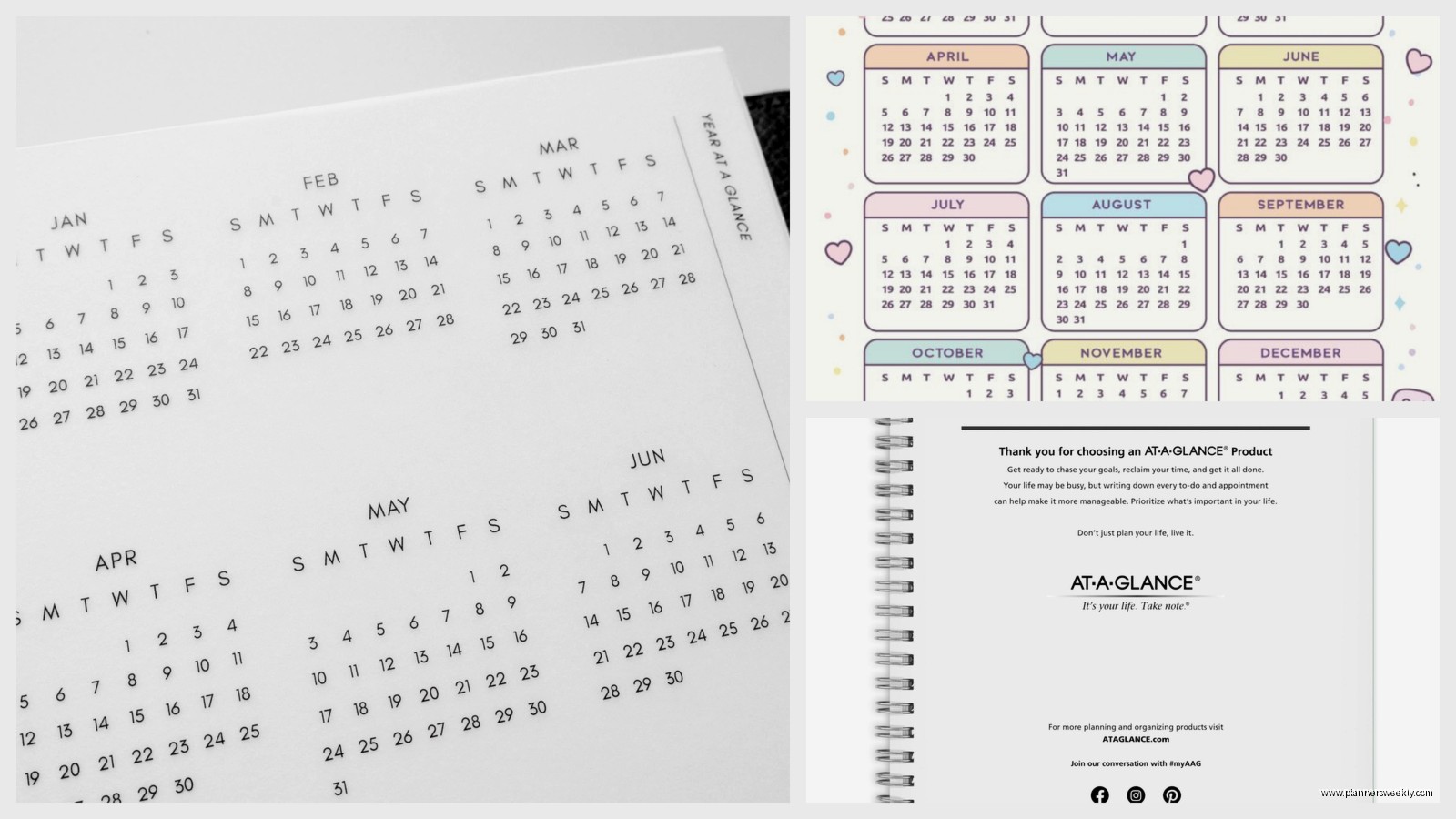
There’s all this extra content in the front and back that most reviews skip over. Future planning pages for 2027, a section for goals, some project planning templates. I actually used the project planning pages when I was outlining my course launch and they worked really well for breaking down all the steps.
The goals section is pretty basic though. Just lines where you write stuff down. Nothing fancy with habit trackers or whatever is trendy right now.
How It Compares to What You Probably Already Have
If you’re coming from a digital calendar this is gonna feel like a lot. Like there’s something about writing everything down by hand that makes you more aware of how much time things actually take. My client sessions that I thought were 30 minutes? Turns out they’re consistently running 45 minutes when I actually track them properly.
Compared to other daily planners I’ve tested this year, the DayMinder is more practical and less pretty. The Passion Planner has way more inspiring quotes and reflection prompts. The Panda Planner has all that gratitude journaling built in. The DayMinder is just like here’s your day, write down your stuff, done.
this is gonna sound weird but I actually prefer the no-frills approach now. I was using a really decorated planner earlier this year and I spent so much mental energy on making it look nice that I wasn’t actually being productive.
The Price Thing
It’s usually around 25-30 dollars depending on where you buy it. That’s not cheap for a planner but also not luxury pricing. When you break it down it’s like less than 10 cents per day which seems reasonable.
I’ve seen it on sale at office supply stores during back-to-school season and also randomly in January when everyone’s doing New Year organization stuff. Amazon has it but sometimes the price jumps around weirdly.
What Actually Annoys Me About It
The cover is flimsy. It’s flexible cardstock that’s already showing wear after three weeks. There’s a slight bend in one corner from being in my bag. If you’re rough with your stuff this isn’t gonna hold up great without a separate cover.

No elastic closure or bookmark ribbon. Every time I grab it from my bag it opens to some random page from like two weeks ago. I stuck a paper clip on the current day which works but feels janky.
The weekends get less space than weekdays which makes sense for a work planner but annoying if you’re trying to plan personal stuff too. Saturday and Sunday share a two-page spread instead of each getting their own page.
Who This Actually Works For
If you have a job where you’re scheduling calls or appointments all day, this is perfect. I’m talking therapists, consultants, coaches, sales people, anyone who lives and dies by their calendar. The hourly breakdown is detailed enough to actually be useful without being overwhelming.
If you prefer time blocking, this format basically forces you into it in a good way. You can visually see your day broken down and plan accordingly.
It’s also good if you’re trying to track how you actually spend your time versus how you think you spend it. My cat knocked it off my desk this morning and when I picked it up I noticed I’ve been spending way more time on email than I realized.
Who Should Skip It
If you want something cute or aesthetic for social media this ain’t it. The design is boring on purpose. Navy cover with minimal branding. Very corporate looking.
If you need portability, get the smaller version or honestly just get a different planner. The standard size is really only practical if you have dedicated desk space.
If you’re into bullet journaling or creative planning systems, you’ll probably find this too restrictive. The format is what it is, there’s not much room for customization beyond how you use the notes sections.
The Weird Things I’ve Started Using It For
okay so funny story, I started using the notes section to track what I eat during the day because I kept forgetting if I’d had lunch or not during busy days. Not intentionally meal planning just literally writing down “ate sandwich at 1pm” so I don’t forget I’ve eaten.
Also tracking water intake by making little tally marks. The structure of checking the planner every hour or so naturally reminds me to drink water.
One of my clients uses hers to track mood alongside appointments to see if certain types of meetings affect her energy levels. That’s actually genius and I might steal that idea.
The Real Bottom Line
It’s a solid, functional daily planner that does exactly what it’s supposed to do without any extra bells and whistles. Not exciting but reliable. The kind of thing you’ll use consistently because it just works.
For 2026 specifically there’s nothing different from previous years as far as I can tell. Same layout, same features, just updated dates. So if you liked the 2025 version you’ll like this one.
The biggest thing is making sure you’ll actually use a daily planner format before committing. It’s a lot of pages and if you’re not scheduling things daily it might be overkill. But if you do need that level of detail, this is one of the better options out there for the price.
