
Digital Productivity, Online planners, Planners
Best Daily Planners 2026: Top Picks for Productivity
Feb
Okay so I just tested like eight different daily planners over the past month and honestly the 2026 lineup is kinda wild compared to what we had last year. Let me just dump everything I found because I’m looking at my desk right now and it’s covered in these things.
The Passion Planner Is Still Holding Its Own
Started with the Passion Planner because everyone keeps asking me about it. The 2026 version has the same layout which is either good or bad depending on how you feel about change. I’m gonna be honest, the whole “passion roadmap” section at the front still feels a bit much for me, but the daily spreads are actually really functional. You get a full page per day which sounds excessive but when you’re trying to block out your actual schedule PLUS track random tasks PLUS have space for notes from that meeting that went twenty minutes over, it works.
The paper quality is 80 GSM which means my Pilot G2 pens don’t bleed through. I tested this specifically because last year someone complained about bleed-through and I wanted to see if they fixed it. They did. Or maybe they didn’t change anything and that person was using a marker, I don’t know.
What Actually Makes It Different
- Hourly schedule runs 6am to 11pm (finally, someone who gets that people work weird hours)
- The “good things that happened today” section which I ignored for three weeks then suddenly found myself using when work got stressful
- Reflection questions every month that I still skip mostly but my friend Sarah swears by them
- Comes in compact and full size, get the full size trust me
Panda Planner Daily Edition Did Something Interesting
Wait I forgot to mention, the Panda Planner changed their layout for 2026 and it’s actually better? They split the day into “priorities” and “everything else” which sounds obvious but most planners just give you a big list and expect you to figure it out. This one makes you pick your top three things before you do anything else.

I used this for two weeks straight in January when I was trying to finish a course launch and it actually kept me from spiraling into checking email for three hours. The morning review section is quick, like two minutes max. Evening review is where it gets specific about what worked and what didn’t.
Oh and another thing, they added a habit tracker to each daily page which seems redundant if you already use a habit app but I found myself actually using it? My dog walked into my office while I was testing this and knocked over my water bottle onto it, which is how I discovered the paper is surprisingly durable. Barely wrinkled.
The Layout Breakdown
- Morning review with gratitude plus your focus for the day
- Top three priorities in a box you can’t ignore
- Schedule section from 5am to 9pm in 30-minute blocks
- Notes section that’s actually big enough to be useful
- Evening review that takes like three minutes
Clever Fox Daily Planner If You Like Structure
This is gonna sound weird but the Clever Fox planner feels like it’s designed by someone who actually has ADHD or works with people who do. Everything is compartmentalized in a way that doesn’t let your brain wander off. The 2026 edition has these little checkboxes everywhere which shouldn’t matter but somehow really does when you need that dopamine hit from checking something off.
Used this during a particularly chaotic week where I had client calls back to back and needed to prep for each one. The “today’s focus” section at the top made me actually decide what the day was about instead of just reacting to whatever came up. They have a water intake tracker which I thought was silly until I realized I was drinking like one glass of water a day because I kept forgetting.
The binding lays completely flat which is crucial if you’re trying to write in it while on a phone call and holding a coffee. Learned that one the hard way with a different planner that kept trying to close on me.
Legend Planner Went Minimalist for 2026
Okay so funny story, I almost didn’t test this one because the previous version was too busy for me. But they completely redesigned it for 2026 and it’s actually clean now? Still has the productivity focus but without feeling like you’re gonna fail at life if you don’t fill out every section.
Each daily page has your schedule, a priorities list, and a notes section. That’s it. No gratitude prompts, no habit trackers, no motivational quotes. Just space to plan your actual day. I used this when I needed a break from all the “wellness” focused planners that want you to journal about your feelings every morning.
Who This Works For
People who get overwhelmed by too many sections. People who already have a separate habit tracker or journal. People who just need to see their schedule and tasks in one place without the extra stuff. Me, basically, on days when I have back-to-back meetings and need to see what’s happening when.
Day Designer Still Dominating If You’re Visual
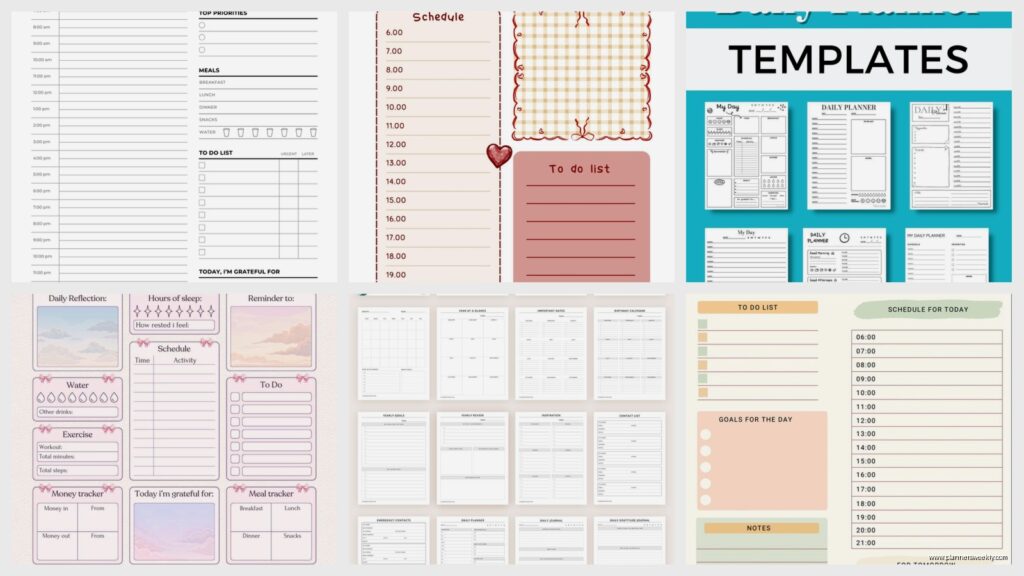
The Day Designer 2026 flagship edition is expensive, I’m not gonna pretend it’s not. But the layout is still the best I’ve found for people who need to see their whole day at a glance. Left side is your hourly schedule, right side is your to-do list. Simple. Obvious. Actually works.
What makes it worth the price is the paper quality and the fact that it includes monthly spreads that are actually useful. Not just a calendar but space to plan out the whole month’s projects and deadlines. I use the monthly section way more than I thought I would.
My client canceled last week so I spent an hour comparing the Day Designer to the Passion Planner and honestly they serve different purposes. Day Designer is better if you have a lot of appointments and meetings. Passion Planner is better if you’re working on longer-term projects and need space to think.
Ink+Volt Daily Planner Added Time Blocking
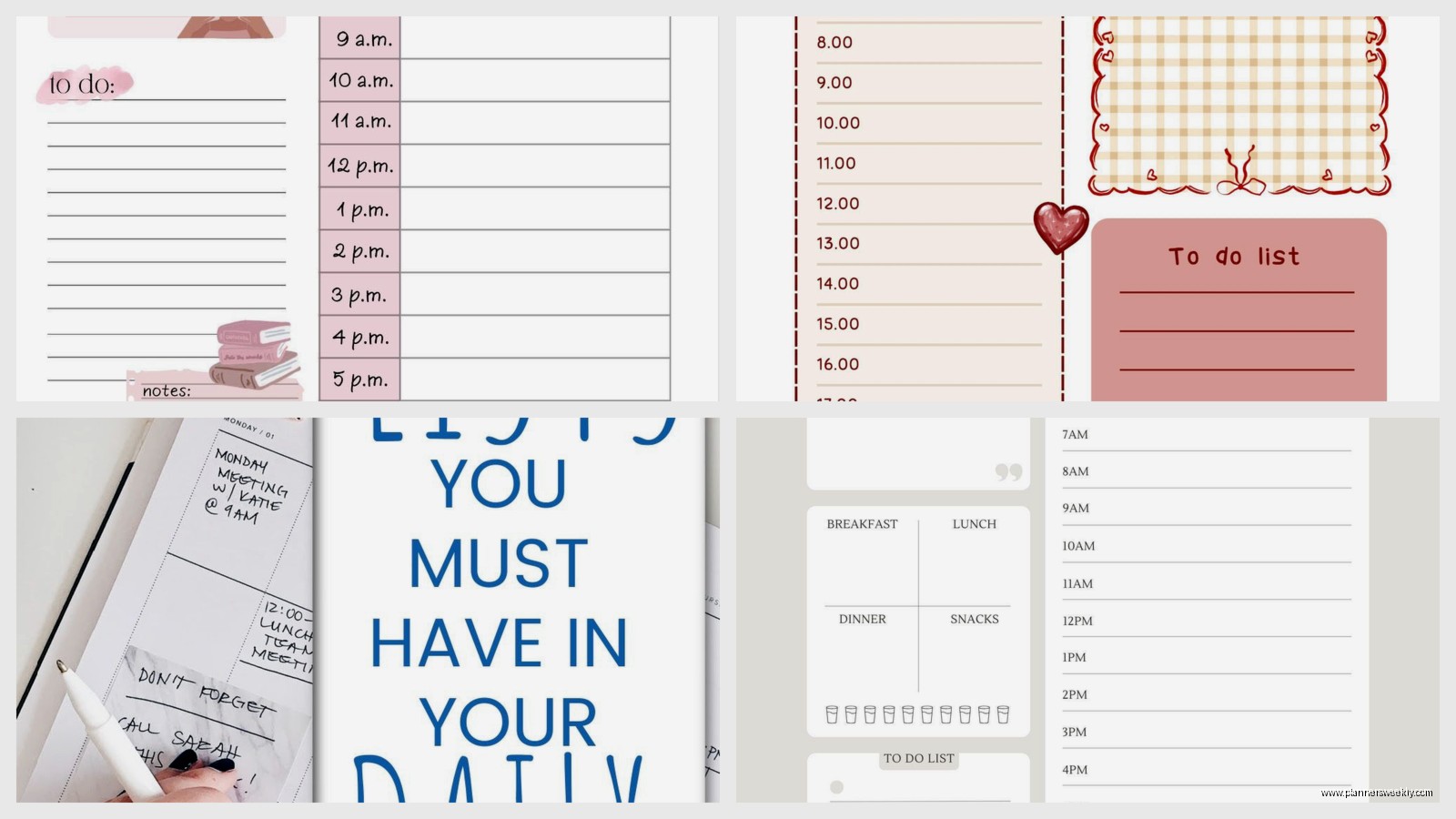
This one surprised me because I’d written it off as too pretty to be functional. The 2026 version has actual time blocking built into the layout with 15-minute increments which is perfect if you’re trying to Cal Newport your way through deep work.
The pages are thick, like almost cardstock. You can use markers, highlighters, whatever. I got aggressive with color coding one week and nothing bled through. They also added a “brain dump” section to each day which sounds corporate but is actually just space to write down the random thoughts that pop up while you’re trying to focus.
Small Details That Matter
- Two ribbons for bookmarks instead of one
- Elastic closure that’s actually strong enough to keep it shut in your bag
- Pocket in the back that fits business cards and receipts
- Perforated corners on each page so you can rip them out cleanly if needed
Moleskine Daily Planner If You’re Stubborn Like Me
Look, I know Moleskine is basic at this point but their 2026 daily planner is just solid. No bells and whistles. No productivity framework. Just a page per day with times on the left and space on the right. Sometimes that’s all you need.
The paper is thin which means you gotta be careful with wet ink pens but it also means the planner itself is way lighter than the others. I throw this in my bag when I’m working from a coffee shop and don’t want to carry extra weight. It fits in most purses which none of the other full-size planners do.
They have the hard cover and soft cover versions. Get the hard cover. The soft cover gets bent up in like a week and then looks sad.
Erin Condren Focused Daily Planner Is Maximum Customization
Okay this one is overwhelming at first. Erin Condren lets you customize basically everything for the 2026 planners. Layout style, cover design, add-ons, all of it. Which is great if you know exactly what you want and terrible if you don’t.
I went with the “focused” layout which has your schedule, priorities, and notes all on one page. Used it for a month and the thing I appreciated most was the coiled binding. Sounds boring but it means you can fold it completely back on itself and write on just one page without the other page getting in the way.
The monthly calendar pages have a “top three goals” section which I actually used to track client projects. Also there are stickers. So many stickers. I’m not a sticker person but somehow I ended up using them to mark deadlines and it worked.
BestSelf Daily Planner Simplified Things
This is gonna sound like a contradiction but the BestSelf planner is structured yet simple? They have a framework called “daily wins” where you pick three things that would make the day successful. That’s it. Then you have your schedule and a reflection section at the end.
What I liked about the 2026 version is they made the schedule section flexible. It’s not locked into specific hours, you just write in whatever time blocks you need. Some days I start at 6am, some days I start at 10am. This planner doesn’t judge.
Oh wait I forgot to mention the weekly preview pages. Every week starts with a planning page where you map out what’s coming. I thought this was redundant since I already do weekly planning but having it right there in the daily planner actually made me more consistent with it.
What Actually Matters When Choosing
After using all these for real work (not just flipping through them), here’s what actually makes a difference:
Paper quality matters more than you think. If you use fountain pens or markers, get something with thick paper. If you use pencil or ballpoint, you can get away with thinner paper and a lighter planner.
Layout determines if you’ll actually use it. Hourly schedules work if you have meetings. Time blocking works if you have deep work. Simple task lists work if your schedule changes constantly. Don’t fight your actual life.
Size is a real consideration. Full-size planners are great at home or in an office. Compact planners are better if you move around a lot. I ended up using different planners for different contexts which sounds extra but actually worked.
The extras either help or distract. Habit trackers, gratitude sections, goal planning pages, they’re either useful or they make you feel guilty for not using them. Be honest about which category you fall into.
My Actual Recommendation
If you’re just starting with daily planning, get the Panda Planner or the Day Designer. They’re structured enough to guide you but not so complicated that you’ll give up after a week.
If you already know you like daily planning and want to optimize, the Ink+Volt or Passion Planner will give you more to work with.
If you just need a simple place to write your schedule and tasks without any productivity philosophy attached, get the Moleskine or Legend Planner.
I’m currently rotating between three of these depending on what kind of week I’m having which probably says more about me than the planners but whatever. They’re all good for different things and honestly the best planner is the one you’ll actually open every day.
The Clever Fox is sitting on my desk right now because this week is chaotic and I need the structure. Next week I’ll probably switch to the Moleskine because I have fewer meetings and more writing time. Just noticed my cat is sitting on the Passion Planner which means I should probably put these away before they all become cat beds.
