
Digital Productivity, Online planners, Planners
Best Digital Planner for MacBook: Apps & Software
Mar
Okay so I just switched three different planner apps this month and here’s what actually works
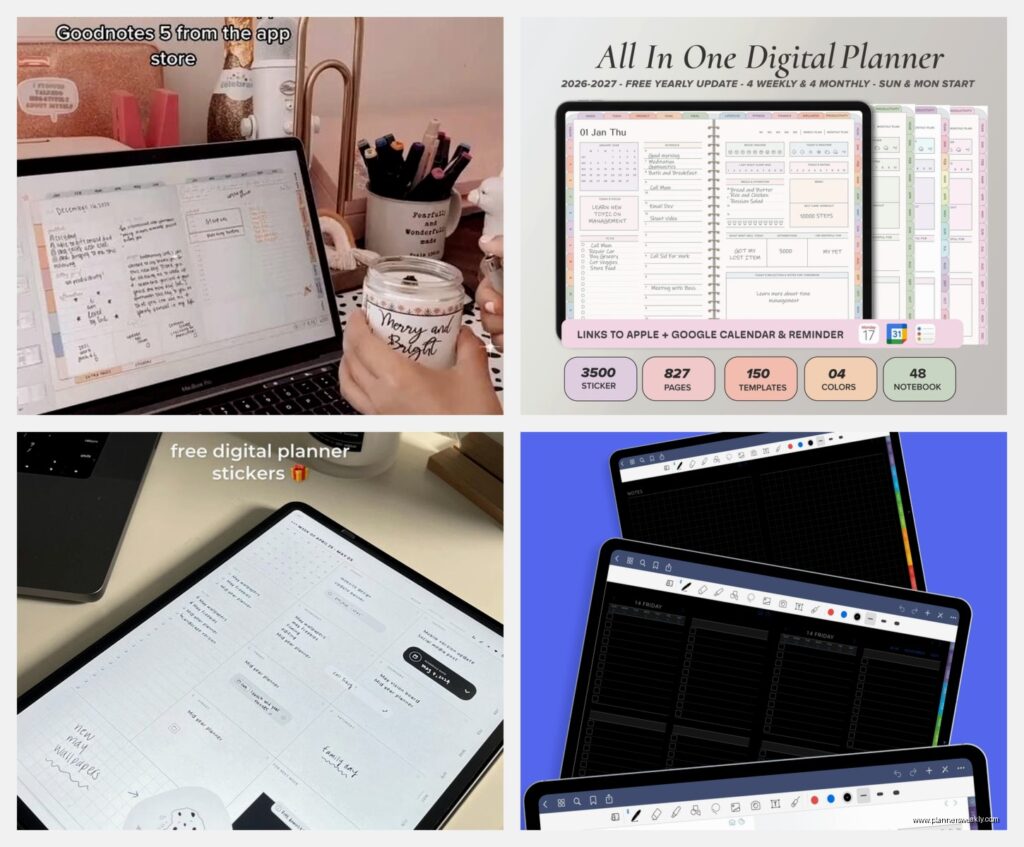
So GoodNotes 6 is probably where you wanna start if you’re coming from paper planners. I tested it last week after my morning client canceled and honestly spent like two hours just importing different templates. The thing is, it feels the most like actual writing? Like if you’ve got an Apple Pencil and you’re one of those people who misses the feel of pen on paper, this is it.
The hyperlinks situation is actually really good now. You can create these linked tabs that jump between months or sections, which sounds basic but trust me, when you’re trying to flip from your weekly view to your habit tracker at 6am before coffee, you don’t want to be scrolling through 400 pages. They added this thing where you can favorite pages too, which I didn’t think I’d use but now I literally can’t live without it.
The templates situation with GoodNotes
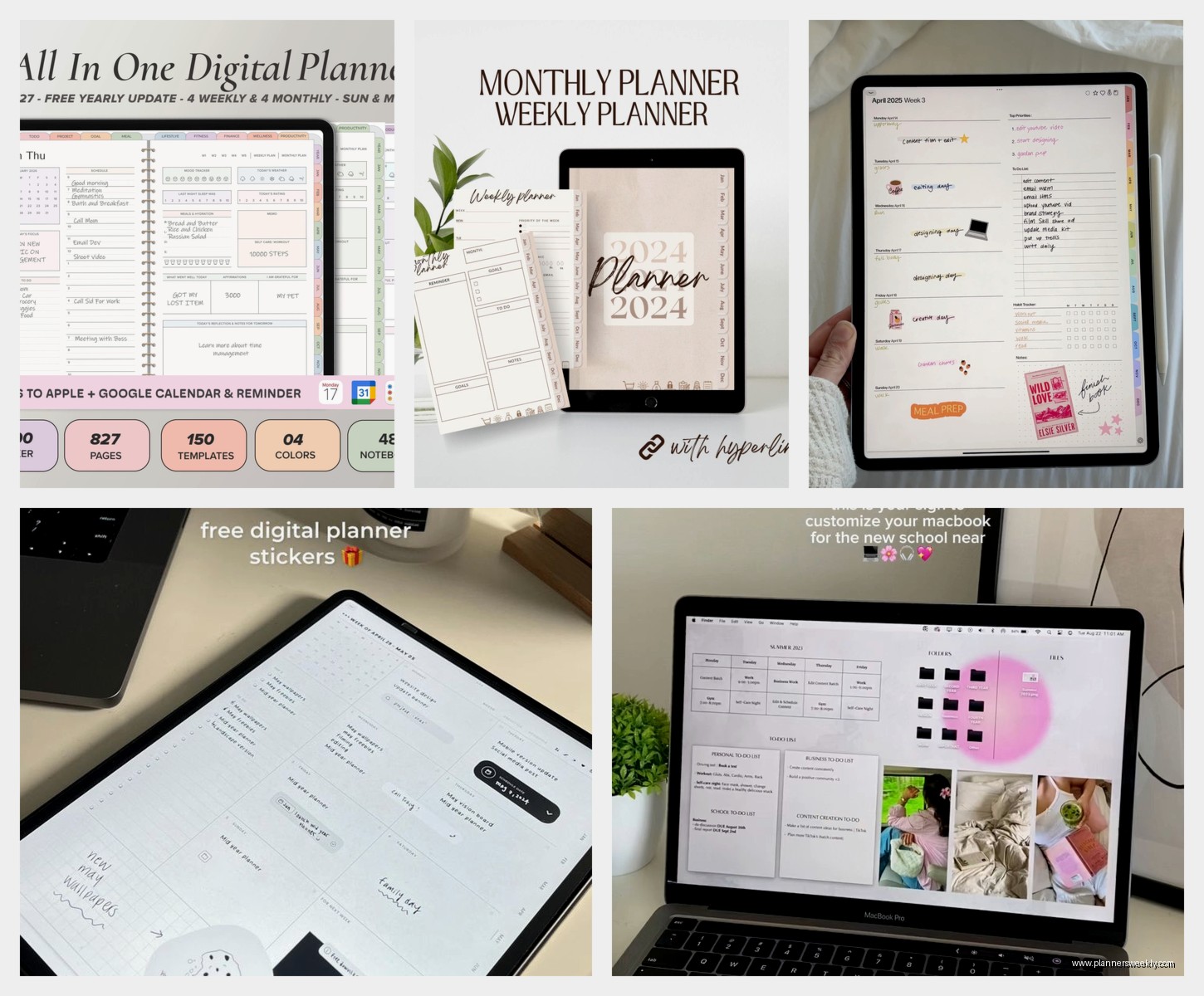
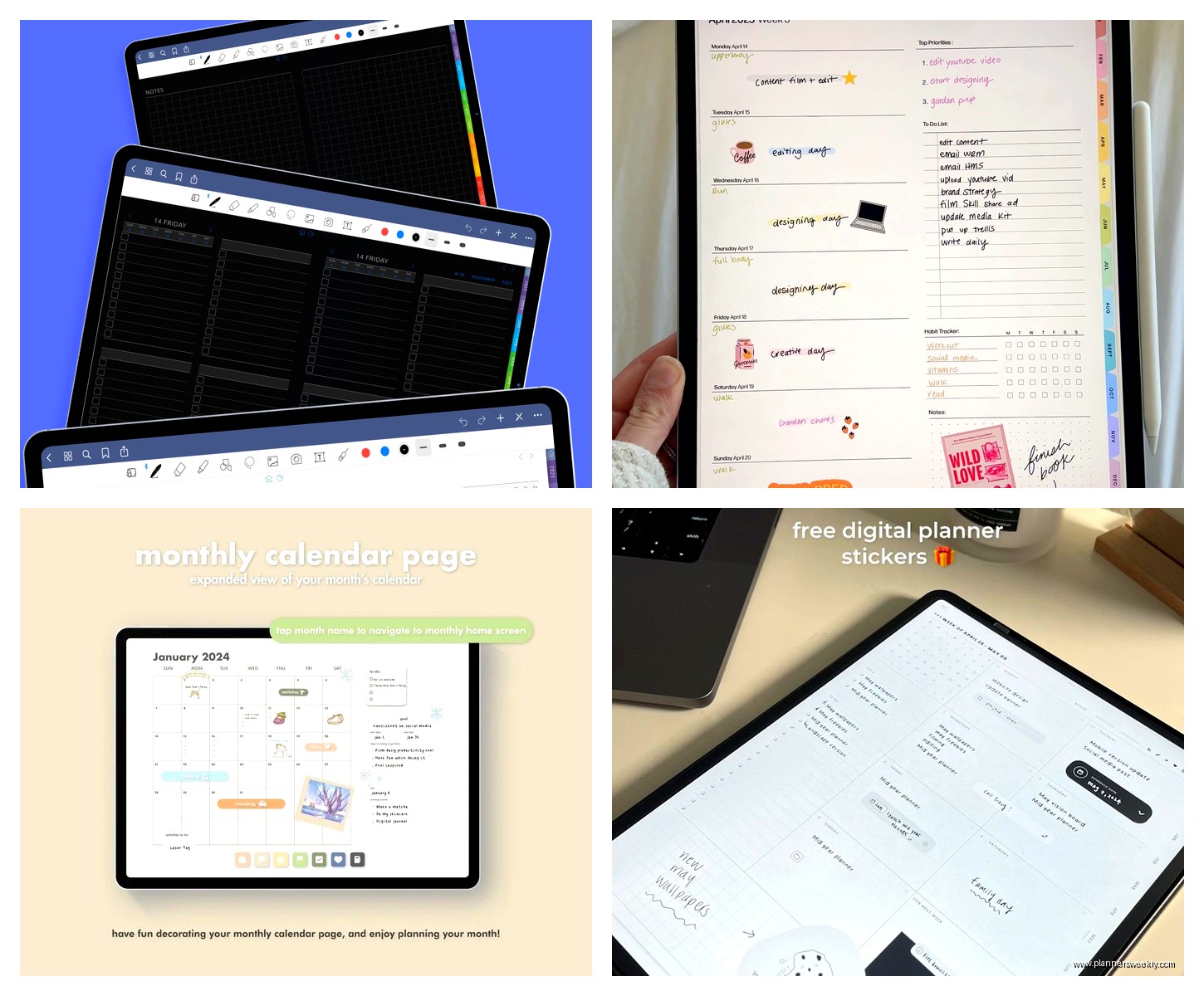
Here’s where it gets interesting. GoodNotes doesn’t come with planners built in, you gotta buy templates from Etsy or other sellers. I know, I know, sounds annoying. But actually? The variety is insane. I bought this minimalist daily planner from some seller in Australia for like $8 and it’s better than any pre-made app I’ve tried. You can also find free ones on Reddit if you search around.
The PDF import is smooth, takes maybe 30 seconds even for a 400-page planner. And you can write on it with the pencil, type text boxes, add stickers if you’re into that. My dog knocked my laptop off the couch mid-setup once and I thought I lost everything but it auto-saves constantly, so.
Notability is the other handwriting option but here’s the deal
I tested Notability right after GoodNotes because everyone kept telling me the audio recording feature was a game-changer. And okay, if you’re in meetings a lot or you do coaching calls like me, being able to record audio that syncs to your notes is actually pretty wild. You tap on something you wrote and it plays back what was being said at that exact moment.
But for pure planning? It’s not as smooth as GoodNotes. The organization system is folders and dividers instead of a notebook feel, which some people prefer but it made my brain itch. Also the gesture controls are different and I kept accidentally selecting things when I meant to scroll. Took me like three days to stop doing that.
The subscription threw me off too. It’s $15/year which isn’t terrible but GoodNotes is one-time purchase. Depends on your situation I guess.
Wait I forgot to mention Noteshelf
Noteshelf 3 just came out and it’s trying to be this middle ground between GoodNotes and Notability. The handwriting feel is really nice, maybe even better than GoodNotes if I’m being honest. They’ve got this paper texture thing that actually makes a difference when you’re writing for long periods.
The built-in planner templates are okay but nothing special. Very basic monthly and weekly layouts. But it imports PDFs just like GoodNotes so you can bring your own. The color situation is better though, like you get way more highlighter and pen color options out of the box.
One-time purchase of $10, which is fair. The syncing between devices works well, tested it on my MacBook and iPad simultaneously and didn’t have any issues.
Okay so if you want actual planning features instead of just digital paper
Notion is where things get complicated. And I mean that in both good and bad ways. I’ve been using it for my business planning for like two years now and the learning curve is real. You’re basically building your own planner from scratch using databases and templates.
The flexibility is insane though. You can create a task database that connects to your project database that links to your client database and then filter everything by due date or priority or whatever. I have this setup where my content calendar automatically populates my daily to-do list and it took me probably 10 hours to build but now I can’t imagine going back.
The Notion situation for people who don’t want to build everything
You can buy pre-made Notion templates which honestly is what I’d recommend starting with. There’s this whole economy of people selling these elaborate planner setups on Gumroad and Etsy. Some are like $30 which feels steep but if it saves you 10 hours of setup, worth it?
The free version is actually pretty robust now. They changed their pricing last year so individuals get most features without paying. I didn’t pay for like 18 months and was totally fine.
Here’s the thing though, if you’re wanting to handwrite stuff, Notion isn’t it. It’s all typing and clicking and databases. Very digital, very structured. My friend who’s super into bullet journaling hated it because she missed the creative aspect.
Craft is like if Notion and Apple Notes had a baby
I just started testing Craft two weeks ago after seeing it recommended everywhere. It’s Mac and iOS only which is either perfect or a dealbreaker depending on your situation. The interface is gorgeous, like genuinely the prettiest planning app I’ve used. Very Apple aesthetic, lots of white space.
It’s simpler than Notion but more powerful than Apple Notes. You can link pages together, create daily notes that auto-generate, add tasks with due dates. The calendar integration is really smooth, pulls in your actual calendar events so you can see everything in one place.
There’s this feature where you can create note templates and then generate new pages from them with one click. So I made a daily planning template with my morning routine checklist, top 3 priorities, schedule blocks, and reflection questions. Now every morning I just hit one button and boom, new page ready to go.
The free version limits you to like 1,000 blocks or something but for personal planning that’s plenty. I’m still on free after two weeks of daily use.
The Apple Notes situation that everyone sleeps on
Okay so funny story, I went down this whole rabbit hole of testing fancy planning apps and then realized I was still using Apple Notes for half my actual planning. It’s just so fast to open and it syncs instantly and the Smart Folders are actually really useful.
You can create checklists with the circle checkboxes, add tables for habit tracking, scan documents with your phone camera. The handwriting with Apple Pencil works fine, not as smooth as GoodNotes but totally usable. And it’s free, already installed, searches everything including handwriting.
I made this system where I have folders for different life areas and then use tags to mark things by date or priority. Pin your most important notes to the top. Link between notes with the @ mention thing. It’s not fancy but it works and there’s zero learning curve.
Things 3 if you’re specifically wanting task management
This is gonna sound weird but Things 3 is my favorite planning app that I don’t actually use for planning anymore. I used it for two years and it’s beautiful, like genuinely the most elegant to-do app ever made. The Today view, the Upcoming view, the Anytime list, all perfectly designed.
You organize tasks into projects and areas, add tags, set deadlines, create repeating tasks. The quick entry shortcut is incredibly fast, I had it set to Command+Space and could capture thoughts in like 2 seconds. Checklists within tasks, headings to organize long projects, notes fields for details.
But it’s $50 for Mac and another $10 for iPhone and it doesn’t do calendar integration or time blocking or notes really. It’s purely task management. Which is perfect if that’s what you need but I needed more context around my tasks, which is why I moved to Notion.
Still recommend it though if you like that clean, simple approach. The design is just so good it makes you want to actually check things off.
Fantastical for calendar-based planning
If you’re one of those people who plans their entire life in calendar blocks, Fantastical is the move. It’s a calendar app technically but the task integration and natural language parsing make it work as a planner. You can type “team meeting next Tuesday at 2pm” and it just figures it out.
The calendar sets are really useful for separating work and personal stuff visually. Different colors, toggle them on and off. Pulls in your tasks from Reminders app so everything’s in one place. Weather forecast shows up on each day which seems minor but it’s actually really helpful for planning.
It’s $5/month though which adds up. I used the free trial and liked it but couldn’t justify the cost when Apple Calendar is free and does 80% of the same stuff. But if you live in your calendar and want those extra features, worth considering.
Wait let me tell you about Agenda real quick
Agenda is this interesting hybrid where notes are organized by date but they’re not strictly a calendar. It’s like meeting notes meets planning meets journaling. Each note can be linked to a calendar event or just dated or left undated.
The timeline view on the left side shows all your dated notes in chronological order which is really satisfying for seeing your progress over time. You can create projects, tag notes, set them On the Agenda to highlight current priorities.
I used it for client session notes for a while because I could link each note to the calendar appointment and then see the whole client history in order. Pretty clever for that specific use case. The free version is surprisingly full-featured, premium is $25/year for some extra stuff like more export options.
The iPad app situation if you’re using that with your MacBook
Most of these sync between Mac and iPad which is clutch if you have both. GoodNotes, Notability, Noteshelf all work great on iPad actually better than Mac because of the pencil. Notion and Craft have iPad apps that are basically identical to Mac versions.
Things 3 syncs perfectly across all devices, that’s actually one of its best features. Apple Notes obviously syncs instantly. Fantastical works on iPad but I found myself never using it there, always just pulled out my phone instead.
The workflow I landed on is GoodNotes on iPad with Apple Pencil for handwritten planning and daily journaling, then Notion on MacBook for project management and content planning. They serve different purposes and trying to force one app to do everything made me crazy for like three months.
What I’d actually recommend depending on your situation
If you’re coming from paper planners and miss handwriting, just get GoodNotes 6 and buy a nice template from Etsy. Spend the $15 on a good one with hyperlinks, it’s worth it. Use your Apple Pencil or trackpad depending on the day.
If you want something free and simple, honestly Apple Notes is slept on. Make folders, use checklists, pin important stuff. Done.
If you’re managing complex projects or building a business, Notion is probably worth the learning curve. Start with a template though, don’t try to build from scratch. Watch like two YouTube tutorials and you’ll get it.
If you just want elegant task management and have the budget, Things 3 is beautiful and will make you actually want to plan.
The handwriting apps all have free trials so test them yourself because everyone’s preferences are different. I thought I’d hate Notability but some people swear by it. Your mileage will vary based on what kind of planner you are and whether you’re more visual or list-based or whatever.
My cat just knocked over my coffee while I was typing this which feels appropriate for a planning conversation because that’s real life, stuff happens and your planner needs to be flexible enough to handle it. Digital planning isn’t about being perfect, it’s about finding something that actually works with your brain instead of against it.
