
Digital Productivity, Online planners, Planners
Digital Planner that Syncs with Google Calendar: Best Apps

Mar
Okay so I’ve been testing like seven different digital planners over the past month because honestly my paper planner situation was getting out of control and I needed something that would actually talk to Google Calendar without me having to manually update everything twice.
Notion Calendar is probably where you should start
So Notion just acquired Cron and rebranded it as Notion Calendar and honestly? It’s probably the smoothest experience I’ve had. The Google Calendar sync is basically instant, like I’m talking under a second. You can see all your calendars, drag stuff around, and it updates everywhere immediately.
The thing that got me hooked is you can link it directly to your Notion workspace. So like, I have my entire content calendar in Notion with all these database properties and tags and whatever, and then I can pull those into the calendar view. When I update a deadline in Notion Calendar, it changes in my main Notion database too. It’s wild.
The interface is super clean, almost too minimal at first. I was like where are all the buttons, but then you realize that’s kinda the point. Command-K opens everything you need. Takes maybe a day to get used to the keyboard shortcuts but then you’re flying.
Downsides though: it’s really built for people already in the Notion ecosystem. If you’re not using Notion for project management or notes, you’re basically just getting a prettier Google Calendar app. Which, fine, but there are simpler options for that.
Sunsama if you want the full planning experience
Wait I forgot to mention Sunsama earlier and this one’s actually my current daily driver even though it’s expensive as hell. Like $20/month expensive, which made me wince when I first saw it.
But here’s what it does that nothing else really nails: it pulls in your Google Calendar events AND your tasks from like everywhere. Asana, Trello, Gmail, Slack. Every morning I do this thing they call “daily planning” where it shows me everything on my plate and I drag what I actually plan to do into today’s column.
The Google Calendar integration is two-way, which is huge. So when I’m in Sunsama planning my day and I block out 2-4pm for writing, it creates an actual event in Google Calendar. My team can see I’m blocked. And if someone schedules a meeting in Google Calendar, it shows up in Sunsama automatically.
The weekly review feature is lowkey the best part though. Every Sunday I spend like 15 minutes going through what I actually accomplished versus what I planned. Sounds tedious but it’s helped me stop over-scheduling myself by like 40%. I used to plan 8 hours of deep work in a day with back-to-back meetings and wonder why I was always behind.
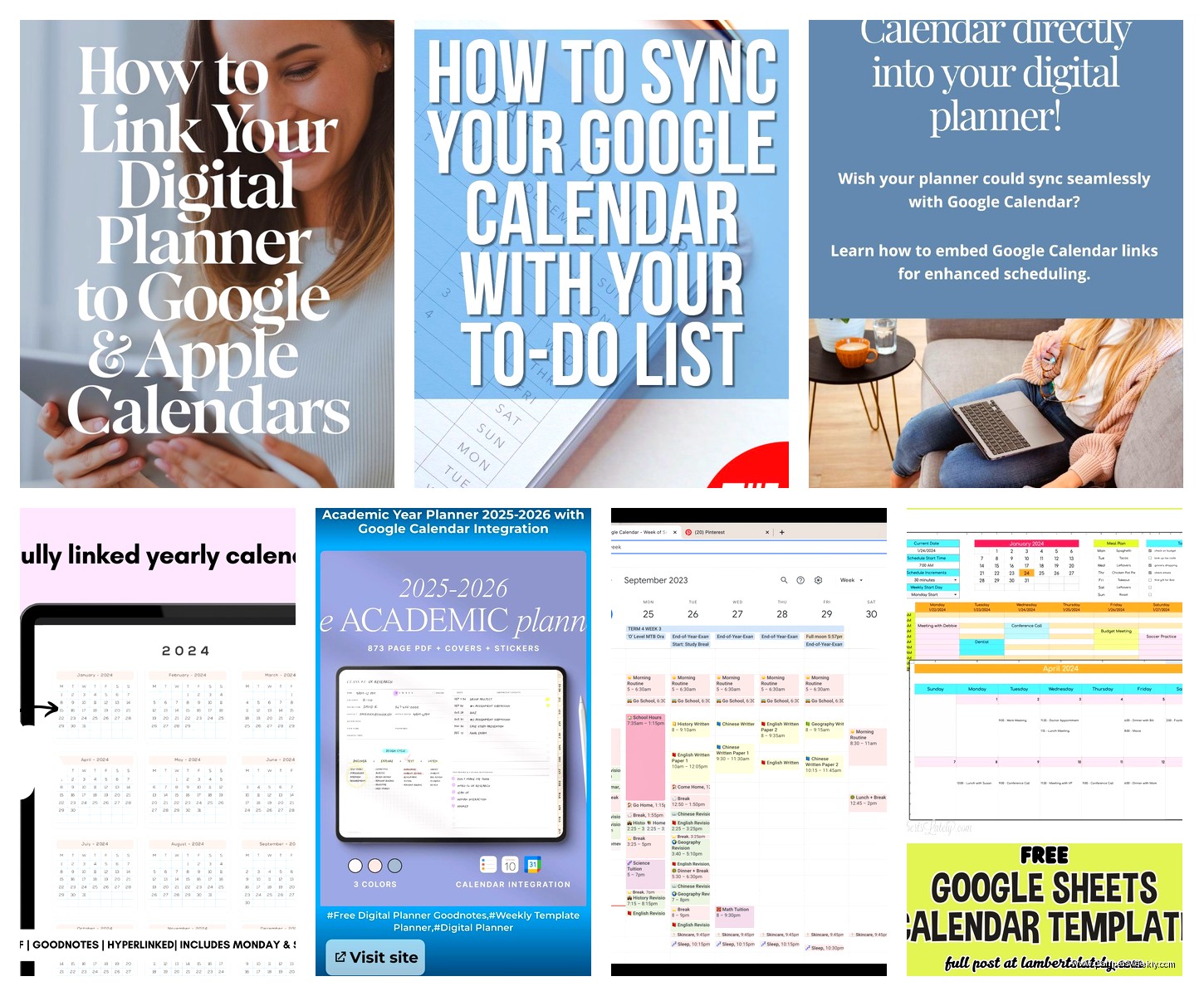
Oh and another thing, the timeboxing is really visual. You can see your day as blocks of time and it’ll warn you if you’ve scheduled more tasks than hours available. Revolutionary for my chronically optimistic planning brain.
The mobile app is just okay though. Like it works fine for checking what’s next, but the planning interface really needs a desktop screen to shine.
Motion for the AI scheduling people
This is gonna sound weird but Motion uses AI to automatically schedule your tasks around your meetings and it’s either genius or chaos depending on your personality type.
You dump all your tasks in with deadlines and time estimates, and Motion looks at your Google Calendar and finds time slots to do the work. Meeting gets moved? Motion automatically reschedules your tasks. Project deadline changes? Everything shifts.
I tested this for two weeks and my brain couldn’t handle giving up that much control, honestly. Like I’d wake up and Motion would’ve decided I’m doing client work from 9-11 instead of the content creation I was mentally prepared for. For some people this is amazing because the decision fatigue disappears. For me it felt like having a very insistent robot assistant.
The Google Calendar sync is flawless though. Everything flows both directions in real-time. And if you’re someone who struggles with actually executing your task list because you never “find time” for it, Motion solves that by literally putting it on your calendar.
Price is steep at $34/month but they pitch it as replacing both your planner and your task manager. My dog started barking at the mail guy while I was testing this and I lost like 30 minutes of my “Motion-scheduled writing block” and the app just… moved everything else later. Which was helpful but also made me feel weirdly guilty?
Reclaim.ai for the habit tracking integration
Okay so funny story, I found Reclaim because I was looking for something that would defend my personal time better. It connects to Google Calendar and then creates “flexible” events for stuff like lunch breaks, exercise, focused work time.
The smart part is these events automatically move around your hard meetings. So if someone books a meeting during your usual workout time, Reclaim finds another slot that same day and moves your workout block there. It’s like having a really attentive assistant who’s protecting your habits.
For syncing with Google Calendar it’s probably the most seamless because it IS Google Calendar, just with extra automation on top. Everything lives in your actual Google Calendar, so your coworkers can see when you’re blocked and you don’t need to maintain a separate app.
I use it mostly for my writing blocks now. I told it I need 10 hours of writing time per week, and it automatically schedules 2-hour blocks in my calendar, moving them around as meetings get added. Game changer for actually protecting creative time.
The free version is pretty generous too. You can have like 3 habits and some basic scheduling policies without paying. Pro is $8/month which feels reasonable.
TickTick if you want simple task management
This one flies under the radar but TickTick’s calendar view with Google Calendar sync is really solid for people who don’t need all the bells and whistles.
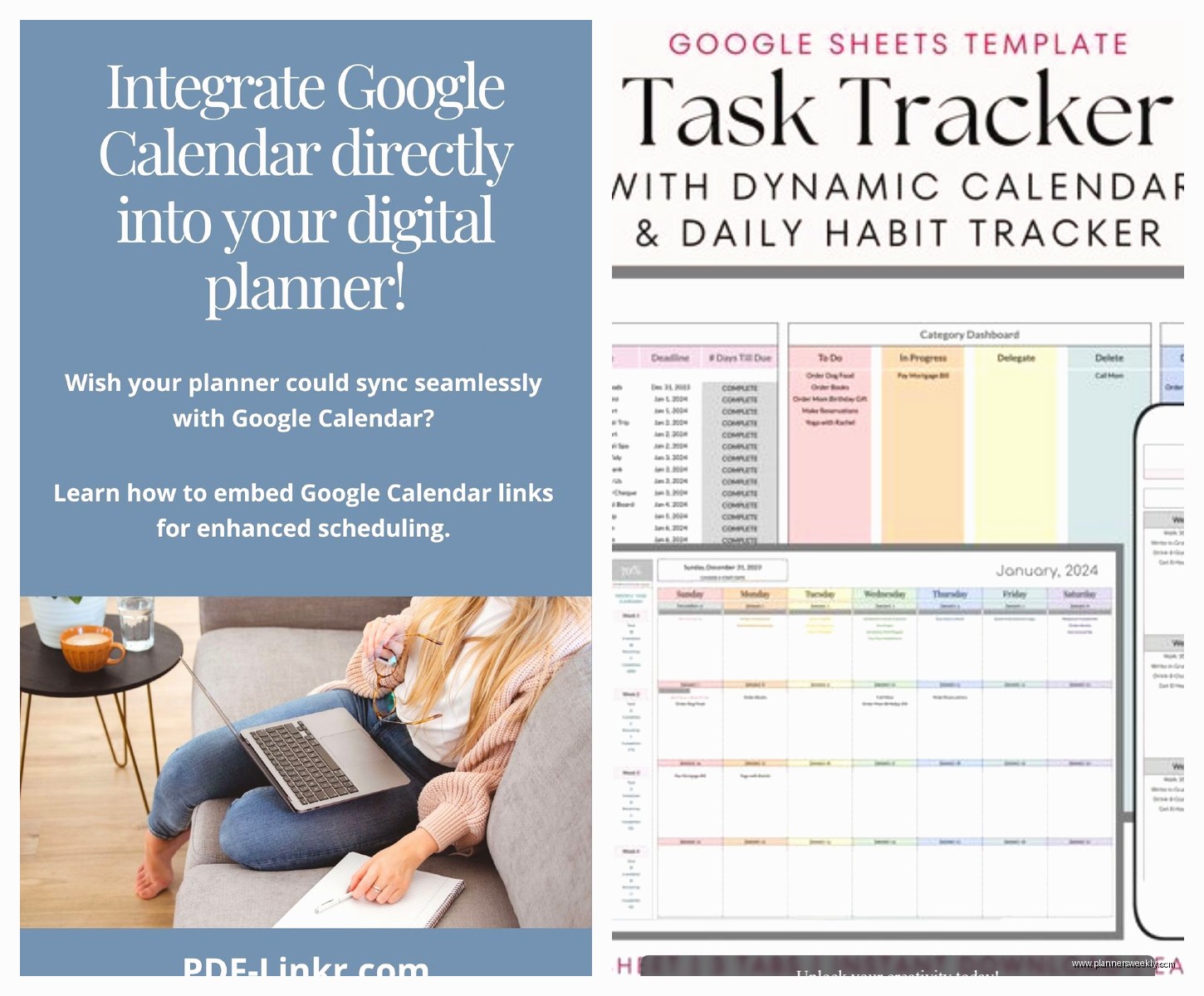
You can subscribe to your Google Calendar inside TickTick, so you see your meetings and your tasks in one view. It’s not two-way sync though, which means tasks you create in TickTick won’t show up in Google Calendar unless you specifically turn them into calendar events.
For me this is actually a feature not a bug because I don’t want every tiny task cluttering my Google Calendar that my whole team sees. But I DO want to see my meetings when I’m planning my task list. TickTick handles this perfectly.
The natural language input is chef’s kiss. You can type “write blog post tomorrow 2pm for 90min” and it creates a task with a date, time, and duration. Then you can drag it onto your calendar view where it sits alongside your Google Calendar events.
Premium is like $28/year which is almost nothing compared to these other options. You get calendar view, better filters, and more customization. The free version is totally usable though if you just want basic calendar integration.
Structured for iOS if you’re Apple-only
Wait I gotta mention Structured even though it’s iOS only because the Google Calendar integration is surprisingly good for a mobile-first app.
It shows your Google Calendar events right in the timeline view with your tasks. Super visual, very colorful, kinda feels like a game almost? Each hour is a block and you fill it with either calendar events or tasks.
The unique thing is it’s built around this concept of your “day flow” rather than separate lists. Everything is in chronological order. Your 10am meeting, then your 11am task block, then lunch, then afternoon tasks. Really helps if you’re someone who thinks in terms of “what’s happening now” rather than abstract task lists.
Sync with Google Calendar is read-only though, so your calendar events show up but you can’t create new calendar events from Structured. You CAN create tasks with time blocks that help you plan around your meetings.
One-time purchase of like $10 I think? Maybe $12? Anyway, not a subscription which is refreshing.
What I actually use day-to-day
So after testing all these I’m currently using Sunsama for daily planning and Reclaim for protecting my recurring time blocks. Yeah I’m paying for two apps which is kinda ridiculous but they solve different problems.
Sunsama is where I plan my actual work – pulling in tasks from Asana, emails that need responses, and creating time blocks for everything. Reclaim runs in the background making sure I always have my writing time, workout slots, and lunch breaks scheduled, moving them automatically when conflicts happen.
Both sync perfectly with Google Calendar so my team sees accurate availability. The combo means I’m both intentionally planning my days AND protecting the habits that keep me sane.
If you’re gonna pick just one though? Probably Notion Calendar if you already use Notion, or Reclaim if you just want better automatic scheduling without changing your whole workflow. Sunsama if you’re willing to invest in the full planning methodology and have the budget.
TickTick is my recommendation for people who want something simple that just works without a learning curve or big price tag. Motion is for people who want AI to make scheduling decisions for them, which is either your dream or your nightmare depending on your control issues.
The honest truth is the best digital planner is the one you’ll actually open every day, and that’s different for everyone based on how your brain works and what your workflow looks like.
