
Digital Productivity, Online planners, Planners
2026 Day Designer Planner: Complete Features & Review
Mar
Okay so the 2026 Day Designer just landed on my desk last week and here’s what you actually need to know
First thing I noticed when I pulled it out of the box is they changed the cover texture slightly from the 2025 version. It’s got this more matte finish now which honestly I’m obsessed with because my old one always showed fingerprints and I’m weirdly particular about that kind of thing. The binding still feels solid though, like you can lay it flat without that annoying spring-back thing some planners do.
The 2026 version runs from January through December obviously but they’ve added these mini monthly overview pages at the very front that I didn’t expect. Super helpful for blocking out big stuff before you dive into the daily pages. I’ve been using mine to map out client intensive weeks and podcast recording days because my brain cannot hold that information apparently.
The daily layout situation
So here’s the thing about Day Designer that makes it different from like every Passion Planner or Erin Condren I’ve tested. The daily pages are actuallyDaily with a capital D. You get a full page per day from Monday through Friday, then Saturday and Sunday share a page. Some people hate the weekend thing but honestly I never fill a full page on Saturdays anyway so it works.
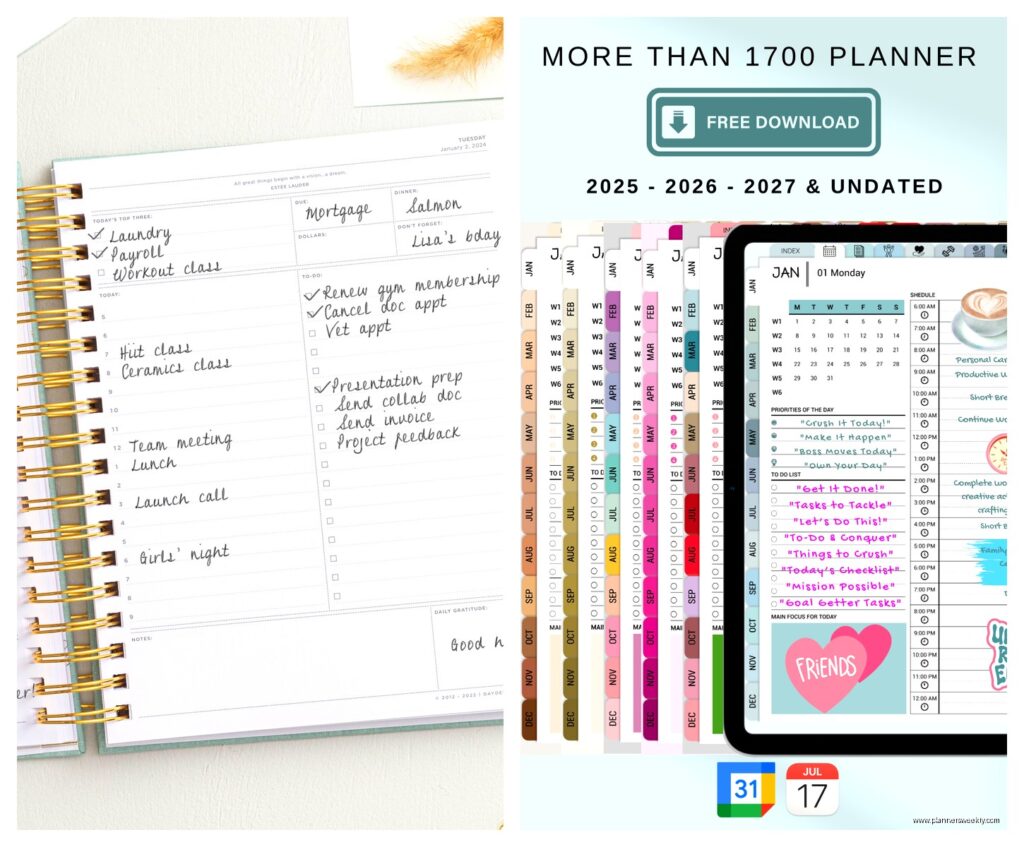
Each daily page has the date at the top obviously, then this section they call the daily targets which is basically your top three priorities. I know everyone says pick three things but Day Designer literally gives you three lines and that’s it, which forces you to actually choose instead of listing seventeen tasks and feeling bad about yourself at 9pm.
Below that you’ve got the hourly schedule running from 5am to 9pm. The time blocks are pretty generous, enough room to write actual details not just “meeting” which tells you nothing when you look back at it later. Oh and they kept the gratitude section at the bottom which… okay I’m not always great about filling that in but my therapist would probably want me to use it more.
Paper quality because this actually matters
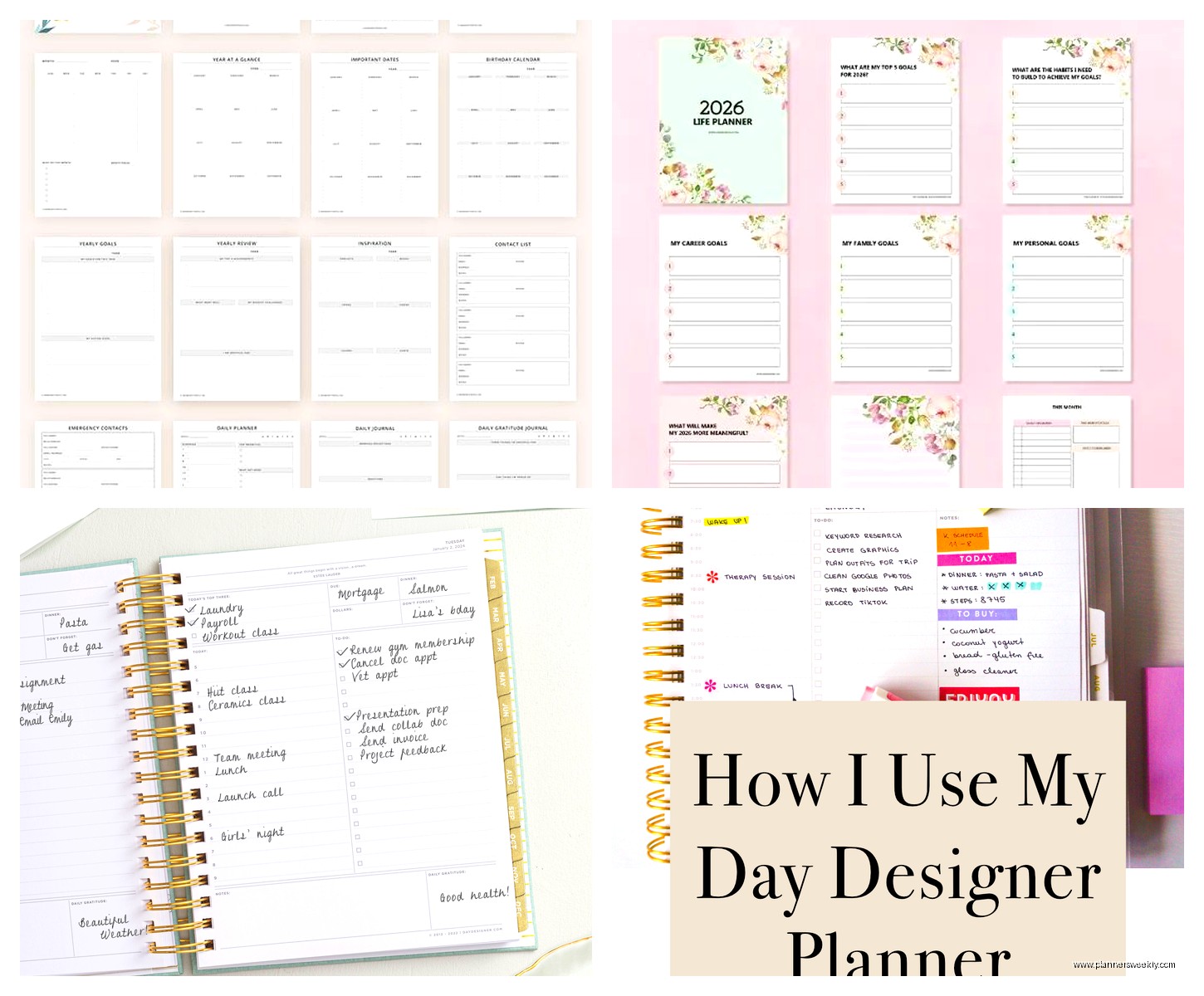
The paper is 80lb text weight I think? Let me check… yeah 80lb. It handles most pens really well. I’ve been using my Pilot G2 07 pens exclusively this month and zero bleed through. Also tested with my Staedtler fineliners because I got into this whole color coding thing for client categories and those work great too.
Markers are gonna be a problem though like they are with most planners. I tried using a Sharpie for a header once and it definitely bled. So if you’re a heavy highlighter user maybe test a page first or stick to Mildliners which are more gentle.
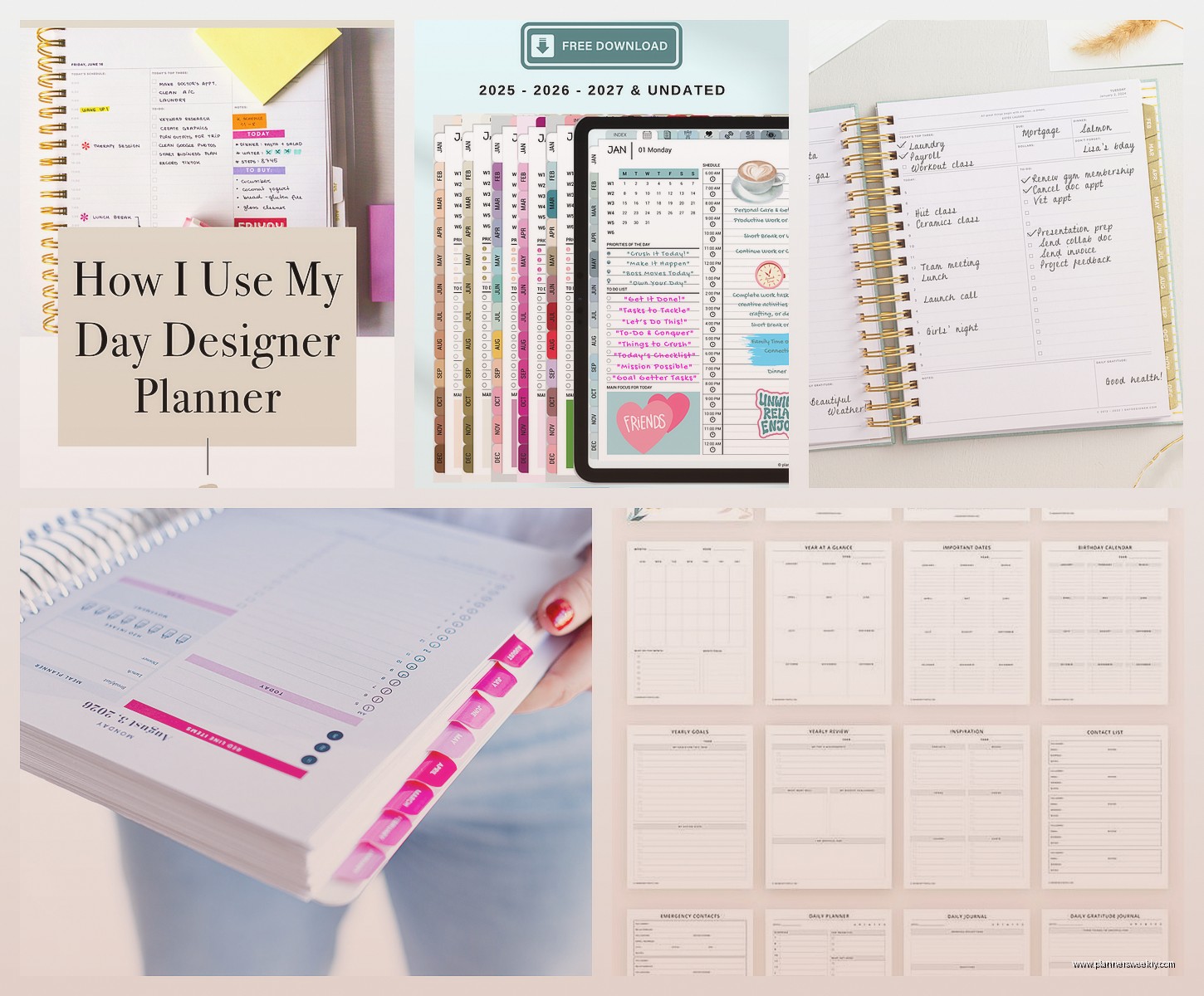
Wait I forgot to mention the perforated corners. Every daily page has this little perforated tab at the top corner so you can rip it off to mark where you are in the planner. Sounds gimmicky but I actually use it constantly because I’m always flipping around between this week and next week and two weeks from now when someone emails about scheduling.
Monthly pages that actually get used
The monthly calendar spreads are at the beginning of each month obviously. They’re the standard grid layout, nothing fancy, but the boxes are actually big enough to write in. Like you can fit multiple events per day without your handwriting turning into microscopic chicken scratch.
There’s also a notes section on the right side of each monthly spread which I use for tracking bigger picture stuff. Like in February I wrote down all my speaking engagement deadlines and in March I’m using it to track blog post ideas because apparently I think of blog content in monthly themes now.
This is gonna sound weird but the monthly pages are also where I track my dog’s vet appointments because if I put them only in the daily pages I somehow forget they exist until the day before. Having them in both places means I actually remember to prepare.
The extras they threw in this year
Okay so new for 2026 they added these project planning pages in the middle of the planner. There’s like six or eight pages with these templates for breaking down bigger projects. I’m using one right now for planning my spring workshop series and it’s actually really helpful to have it in the same place as my daily schedule instead of in a separate notebook that I’ll definitely lose.
They also included more note pages scattered throughout. Every month has about four blank lined pages at the end before the next month starts. My client canceled last Tuesday so I spent like an hour just comparing how different planners handle note pages and Day Designer’s approach is pretty smart actually. The pages are there when you need them but not so many that the planner gets bulky.
The back pocket is still there, still useful for random papers. I shove receipts in there that I need for expense tracking and printouts of my quarterly goals. It’s not reinforced or anything fancy but it hasn’t ripped yet so that’s good enough.
Size options because this matters more than you think
The 2026 Day Designer comes in three sizes I think. I have the 8.5 x 11 inch version which is the original size. It’s big. Like definitely not fitting in a normal purse big. I keep mine on my desk and carry a smaller notebook when I’m out because I’m not lugging this thing to coffee shops.
There’s also a mid-size version that’s more like 6 x 8 inches maybe? And a mini one but honestly I don’t know why you’d get the mini version when the whole point of Day Designer is having space to actually plan. But maybe if you have tiny handwriting or only need to track appointments not full task lists.
Oh and another thing, they make both dated and undated versions. The 2026 dated one is obviously specifically for 2026, all the dates are printed in. But if you’re reading this in like October 2025 and don’t wanna wait, the undated version lets you start whenever. You just fill in the dates yourself which sounds annoying but takes like two seconds per page.
Real talk about who this planner is actually for
If you’re someone who has a lot of appointments and tasks every single weekday, this planner is gonna work for you. I use mine for tracking client sessions, content deadlines, podcast recordings, all the admin stuff that comes with running a business. It’s designed for people who need structure.
But if your schedule is more like… you have a few things each week but mostly you’re working on long-term projects without daily deadlines? This might be too much planner. You’d probably be happier with something that has more project planning space and less daily structure. Like maybe a Clever Fox or even just a bullet journal.
Also if you’re totally new to planning and you’ve never used a planner consistently before, the Day Designer might feel overwhelming. It’s not beginner-hostile or anything but there’s a lot of sections to fill in every day and if you’re not used to that it might feel like homework.
I will say though, the layout is pretty intuitive. I’ve recommended it to clients who are getting back into planning after years of just using their phone calendar and most of them figure it out within a week or two. The structure actually helps if you’re the type who gets overwhelmed by blank pages.
Comparison to other planners I’ve tested recently
So I’ve been testing planners for my blog for like six years now and Day Designer consistently ranks in my top three. The Passion Planner has more goal-setting space and those roadmap sections which some people love. But the daily layout in Passion Planner is more structured around time blocking for tasks, whereas Day Designer keeps your schedule and task list more separate.
Erin Condren planners are prettier, let’s be real. The customization options and colorful designs are way more fun. But they’re also more expensive and the paper quality isn’t as good for fountain pens or markers if that matters to you. I spilled coffee on both an Erin Condren and a Day Designer once during a comparison review and the Day Designer handled it way better, the pages didn’t wrinkle as much.
Compared to like a basic Blue Sky planner, Day Designer has way more structure and features. Blue Sky is cheaper though so if you’re on a budget that’s worth considering. But you’re getting less space per day and no extras like project pages.
Pricing and where to actually buy it
The 2026 Day Designer retails for around forty to fifty dollars depending on which size and cover design you get. You can find it on Amazon usually for a bit less, especially if you’re not picky about the cover design. Target also carries them in store which is helpful if you wanna see it in person before buying.
Sometimes the Day Designer website itself has sales, like I’ve seen twenty percent off during back-to-school season and at the end of the year. If you’re planning ahead for 2026 and it’s still 2025, might be worth waiting for a sale.
Oh wait I should mention the coil binding versus the sewn binding options. Most of the standard Day Designers have sewn binding which lays flat pretty well. But they make a coiled version too that some people prefer because it lays completely flat and you can fold it back on itself. I personally like the sewn binding because it feels more durable and professional looking but that’s just personal preference.
Little things that might annoy you or might not
The planner is thick. Like an inch and a half thick or something. So if you have limited desk space or you’re trying to fit it in a bag with other stuff, that could be an issue. I keep mine in a desk drawer when I’m not actively using it because it takes up too much surface area otherwise.
The weekend pages being combined is fine for me but I know people who hate it. If you have as much going on during weekends as weekdays you might feel cramped. Though honestly if that’s the case maybe you need to block out more rest time anyway but that’s my productivity coach brain talking.
There’s no elastic closure band which some people really want. I don’t personally care but if you’re throwing your planner in a bag a lot, pages might get bent. You can buy an elastic band separately for like five bucks though.
The covers are nice but they’re not like luxurious. It’s good quality material but if you’re expecting leather-bound planner vibes you’re gonna be disappointed. These are functional pretty covers not show-off-on-Instagram fancy.
I was watching that new series on Netflix while filling in my February spreads and realized the perforated monthly tabs are kinda pointless actually. Like why would I rip off the whole tab when I already have the page numbers? But they don’t get in the way so whatever.
One more thing about the goal setting sections. They exist but they’re minimal. There’s a yearly overview page at the front where you can write big goals but Day Designer isn’t really focused on like vision boarding and long-term planning worksheets. It’s more about daily execution. So if you want a planner that helps you figure out your goals in the first place, you might need to supplement with a separate goals workbook or something.
