
Digital Productivity, Online planners, Planners
2026 Digital Planner: Best Apps & Templates

Feb
Okay so I’ve been testing digital planners basically nonstop since November because everyone’s asking me what to use for 2026 and honestly the landscape has changed SO much even from last year. Let me just dump everything I know because I literally have like twelve apps open on my iPad right now.
GoodNotes 6 Is Still The One But Wait
So GoodNotes 6 updated their template situation and it’s actually really good now for planners. I’ve been using their marketplace templates and the 2026-specific ones started dropping in December. Here’s the thing though – you gotta know what you’re buying because some templates are just pretty and some are actually functional.
I tested this one called “The Clarity Planner 2026″ from a creator named PlannerStudioCo and it has these linked tabs that actually work smoothly. Like you can jump from monthly to weekly to daily without that annoying lag that used to happen. They fixed something in the backend I think. It’s $18 which feels like a lot for a PDF basically but I’ve used it every single day since January 1st so… the math works out to like 5 cents a day which is less than my coffee.
The hyperlinks are what make or break a digital planner honestly. I cannot stress this enough. If you’re clicking around and waiting for pages to load you’re gonna abandon it by February. Trust me I have graveyard of abandoned planners on my device.
What Actually Makes GoodNotes Worth It
- The lasso tool is chef’s kiss for moving stuff around when you inevitably write in the wrong date
- Handwriting recognition means you can search your actual handwriting which still feels like magic
- You can layer templates on top of each other which sounds weird but it’s amazing for habit tracking over your weekly spread
- Works with Apple Pencil obviously but also with like any stylus
Notability For The Audio Note People
Wait I forgot to mention – if you’re someone who takes audio notes, Notability is actually better than GoodNotes for 2026 planning. They added this feature where audio recordings sync to what you’re writing in real time. So like if you’re in a meeting taking notes in your planner, you can tap on your handwriting later and it’ll play back what was being said at that exact moment.
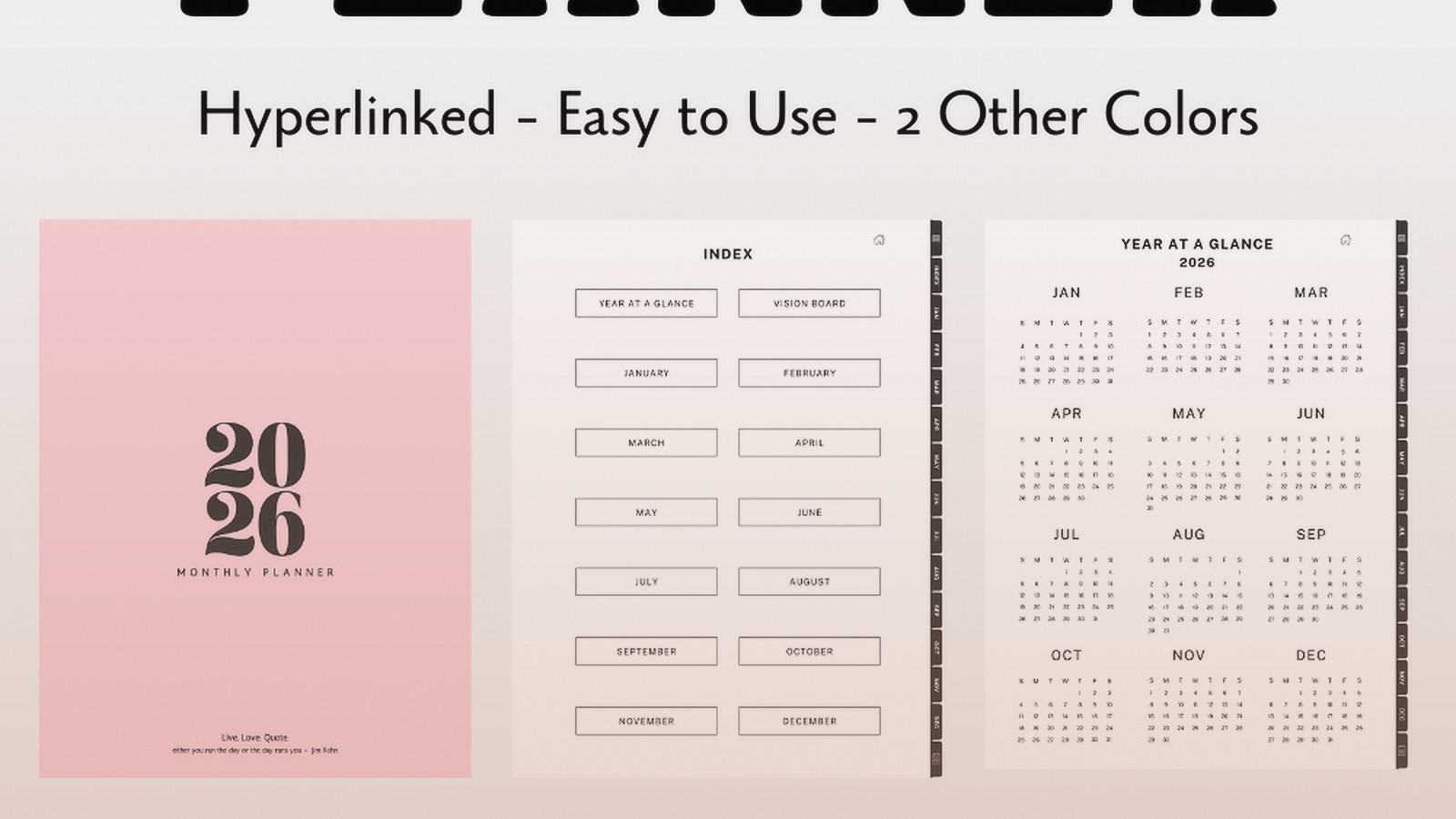
I tested this during a client call last week and it’s honestly game-changing for work planning. The 2026 templates on Notability are more limited though. There’s a really solid one from “Digital Planning Co” that’s minimalist and actually has undated pages you can duplicate which is smart because not everyone starts their planning journey on January 1st.
My dog barked during a recording test and now every time I look at that page I hear barking which is… not ideal but also kinda funny.
Noteshelf Is The Dark Horse Nobody Talks About
Okay so funny story – I almost didn’t test Noteshelf because I thought it was outdated but they did a massive update for 2026 and the pen feel is actually the most realistic now? Like if you care about the writing experience feeling like actual paper, this is it. The lag is basically nonexistent even when I’m writing fast and messy.
They partnered with some planner creators and there’s built-in templates now. The “2026 Productivity Planner” that comes pre-loaded is surprisingly good. It has monthly reviews, weekly spreads, and daily pages but also these project planning sections I didn’t expect. You can customize the covers too which is whatever but people seem to care about that.
The problem with Noteshelf is the learning curve is steeper. Like GoodNotes is intuitive, Notability is pretty straightforward, but Noteshelf has all these settings and customization options that are powerful but also like… do I need 47 pen options? Probably not but here we are.
Pen Feel Rankings Because People Ask Me This
- Noteshelf – most paper-like, slight texture resistance
- GoodNotes 6 – smooth, consistent, reliable
- Notability – smooth but almost too slippery
- OneNote – we don’t talk about OneNote’s pen feel
Samsung Notes If You’re Not In The Apple Ecosystem
Listen I’m gonna be real with you – Samsung Notes is actually really good now and it’s free. FREE. The catch is you need a Samsung device obviously and the template importing is more annoying than iOS options. But if you’ve got a Galaxy Tab, the S Pen integration is seamless and the 2026 templates on Etsy work with it.
I borrowed my sister’s Galaxy Tab for testing (she uses it for her recipes which is adorable) and I was genuinely impressed. The syncing across Samsung devices is instant. The templates aren’t as fancy looking but functionality-wise they’re solid. There’s this one called “Simple 2026 Planner” that’s like $8 and does everything you need without being overwhelming.
Nebo For The Typing People Who Sometimes Write
This is gonna sound weird but if you’re someone who types more than you handwrite but still wants the flexibility, Nebo is actually perfect. It converts handwriting to text automatically and you can mix typed text and handwritten notes on the same page naturally.
The 2026 templates are limited but there’s a weekly planner template that works really well. I use this for my content calendar planning because I can type out blog post ideas quickly but then handwrite notes and sketches around them. It feels more natural than switching between apps.
Oh and another thing – Nebo does math equations automatically which has nothing to do with planning but I used it to calculate my quarterly revenue goals and it was satisfying.
The Template Situation On Etsy
Okay so Etsy is where you’re gonna find most third-party 2026 digital planner templates and it’s overwhelming. I’ve bought probably 30 templates in the last two months testing for this. Here’s what actually matters when you’re shopping:
Look For These Things
- Hyperlinked navigation – click on every sample page they show to make sure links actually work
- Multiple page sizes (especially if you switch between devices)
- Undated option or at least Q1/Q2/Q3/Q4 separated files so you’re not downloading 400 pages at once
- Preview the actual pages not just the pretty cover
- Read reviews specifically mentioning the app you use because compatibility is inconsistent
I bought this gorgeous watercolor planner that looked amazing but the hyperlinks didn’t work in GoodNotes and the creator never responded to my message so that was $24 wasted. Learn from my mistakes.
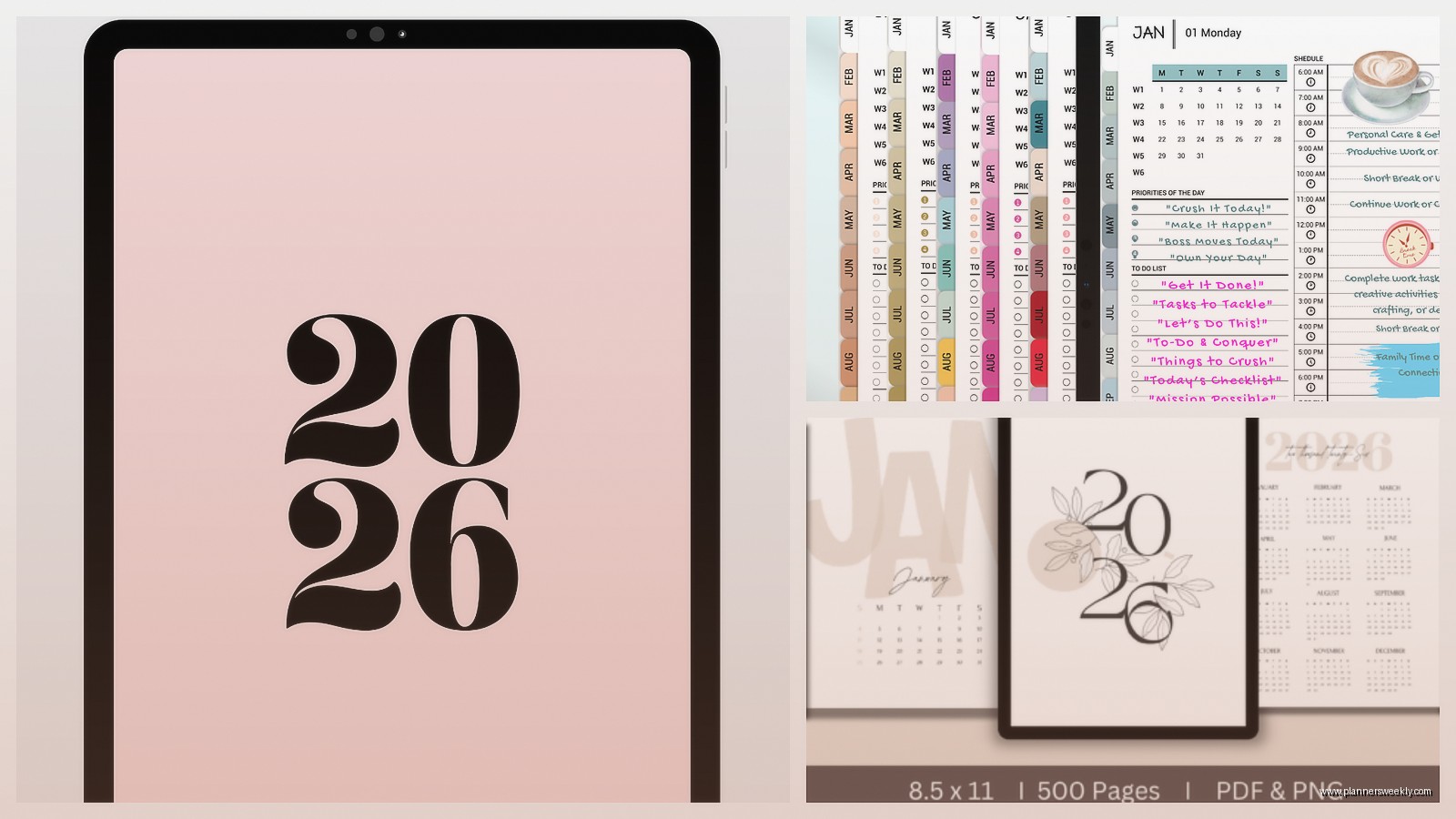
Specific 2026 Templates I Actually Use
The “CEO Planner 2026” from BlissPlansCo is my main work planner. It’s $32 which made me hesitate but it has quarterly planning pages, monthly budget trackers, weekly time blocking, and daily pages with prioritization sections. The tabs are organized by quarter which helps with the file size situation.
For personal stuff I’m using “Simple Year 2026” which is minimalist and cheap at $12. It’s just monthly and weekly spreads, no daily pages, which is actually perfect because I don’t need that granularity for personal life. Plus it loads faster.
There’s also this habit tracker template I layer on top of my weekly spreads called “2026 Habit Builder” and it’s just transparent tracking boxes you can customize. It’s like $5 and I use it in both planners.
The Free Options That Don’t Suck
Not everything has to cost money okay. I tested free options too because not everyone wants to invest before they know if digital planning works for them.
Notability has free basic templates including a 2026 monthly calendar. It’s bare bones but functional. You can duplicate pages and build your own system which is actually a good way to figure out what you need before buying something elaborate.
GoodNotes has free templates in their marketplace too. Search “2026 free” and there’s actually some decent options. They’re not as pretty or feature-rich but they work. I tested one called “Basic 2026 Academic Planner” that runs August to August and it’s surprisingly well-designed for free.
Google has printable calendars you can import as PDFs into any app. They’re ugly but they’re functional and free and sometimes that’s all you need. I imported the 2026 calendar into OneNote just to test and it worked fine.
What About Specialized Planning Apps
So there are apps that are specifically for planning rather than note-taking apps with planner templates. I tested a bunch because people keep asking me about them.
Structured is really good for daily planning specifically. It’s time-based and you drag tasks onto a timeline. It’s not traditional planner layouts but if you’re a visual time-blocker it clicks. They updated for 2026 with better recurring task options.
Fantastical combined with a note-taking app is what some people prefer – calendar for time-based stuff, notes for planning and reflection. I do this sometimes when I’m feeling scattered. Fantastical’s natural language input is still the best for quick entry.
Sunsama is expensive at $16/month but it’s beautiful and combines task management with calendar and daily planning. I tested it for three weeks and it’s really good for work planning specifically. The 2026 templates and views are clean. The price is the barrier though – that’s $192 a year versus one-time template purchases.
My Actual Current Setup For 2026
Okay so what am I personally using right now because you’re probably wondering if I’m actually using all this stuff or just testing it.
I’m primarily in GoodNotes 6 with the CEO Planner 2026 for work stuff. Monthly reviews, weekly time blocking, and I use the daily pages only for big project days or important meetings. For personal life I have a separate notebook in GoodNotes with the Simple Year 2026 template – just monthly and weekly spreads.
I also use Structured for my actual daily schedule because I like seeing my day as a timeline. And then Fantastical syncs everything so I don’t miss appointments.
Is it too many apps? Maybe. Does it work for me? Yes. Your setup will probably be different and that’s fine.
Things That Don’t Matter As Much As You Think
Pretty covers. Like yes they’re nice but you’re gonna see the inside pages 99% of the time.
Having every single planning page type. You don’t need daily, weekly, monthly, quarterly, yearly, habit tracker, goal setting, gratitude journaling, meal planning, budget tracking, and project management pages all in one planner. You’re not gonna use all of it. I promise. Get a focused planner that does a few things well.
Stickers and decoration stuff. I know digital stickers are a whole thing but honestly they slow down my planning process. If you like them cool, but don’t feel like you need to decorate your digital planner. It’s not Instagram.
Things That Actually Matter
Speed. If your planner is laggy you won’t use it. Test before you commit if possible.
Hyperlinks that work. Cannot stress this enough. Clicking through pages manually defeats the purpose of digital.
Backup system. Whatever app you choose, make sure it syncs to cloud storage. I’ve heard horror stories of people losing entire years of planning. GoodNotes syncs to iCloud, Notability has automatic backup, Samsung Notes syncs to Samsung Cloud. Figure out where your stuff is going.
Writing feel if you’re someone who writes a lot. The pen simulation matters for long-term use. My hand gets tired faster in some apps than others.
How To Actually Decide
Download free trials of the apps. GoodNotes has a trial, Notability has a trial, Noteshelf has a trial. Test them with free templates before buying expensive ones.
Think about your actual planning style. Are you a time-blocker? Get a planner with hourly layouts. Are you a list person? Get a planner focused on task lists. Do you barely plan and just need monthly overview? Don’t buy a 400-page daily planner.
Start simple and add complexity if needed. I see people buy these elaborate planners with seventeen different tracking systems and then get overwhelmed and quit. Start with monthly and weekly views. Add daily pages later if you need them.
Watch YouTube reviews but take them with a grain of salt. A lot of planner YouTubers are partnered with creators so they’re gonna be positive about everything. Look for reviewers who show the actual functionality not just the pretty pages.
Random Tips From Two Months Of Testing
Page size matters – I like the classic paper size in landscape orientation because it fits more information and feels natural for weekly spreads. Portrait is better for daily planning if you do that.
Dark mode compatibility is worth checking if you plan at night. Some templates look terrible in dark mode and others are designed for it.
Widget integration if you’re an iOS person – GoodNotes has widgets you can put on your home screen to quick-access your planner. I have my weekly spread as a widget and tap it constantly.
The zoom function needs to be good. You’re gonna zoom in to write in small spaces. Some apps handle zoom better than others. GoodNotes is smooth, OneNote is choppy.
Export options matter if you ever want to print pages or share them. GoodNotes exports clean PDFs, Notability does too, some apps export weird file types.
Oh wait I forgot to mention – if you use a screen protector get a paperlike one. It changes the writing feel significantly and makes it more realistic. I use
