
Digital Productivity, Online planners, Planners
Meal Plan Template Guide: Weekly & Monthly Options
Mar
Okay so I’ve been testing meal planning templates for the past month because honestly my own dinner situation was getting ridiculous and I figured if I’m gonna fix it I might as well document everything for you guys.
The Weekly Template Situation
So weekly templates are where most people should actually start, not monthly ones even though those look more impressive on Instagram. I learned this the hard way after buying like four different monthly planners and using them for exactly six days each.
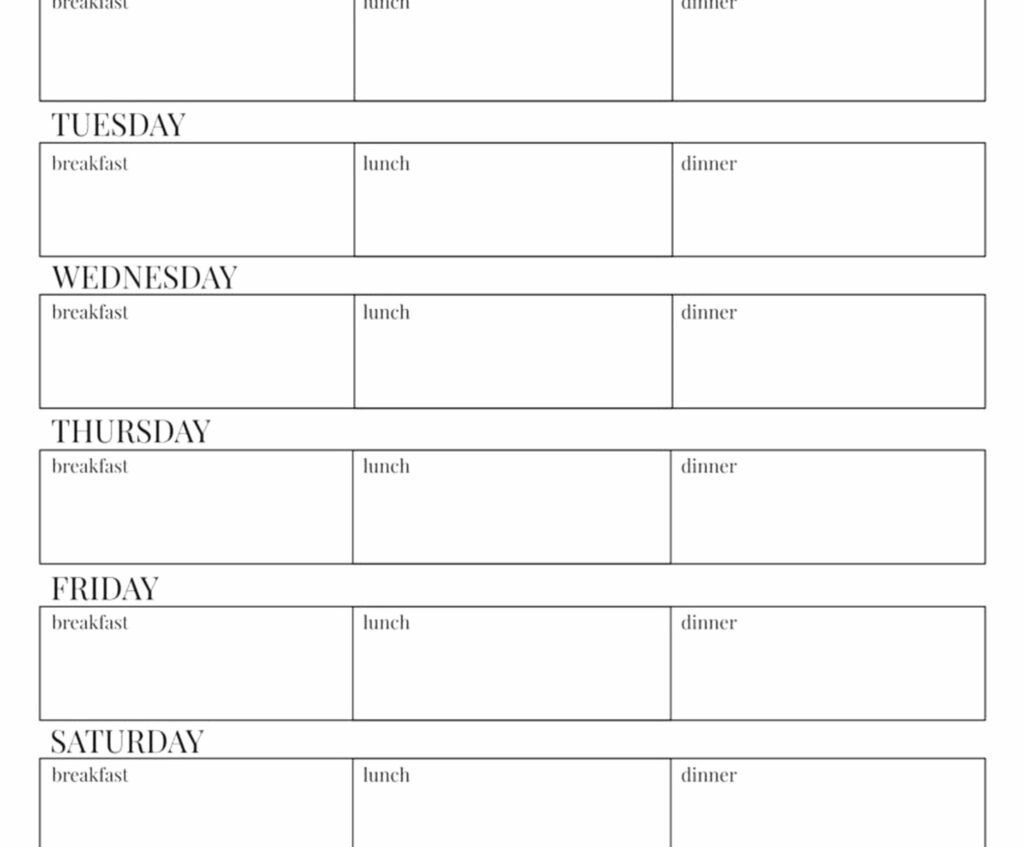
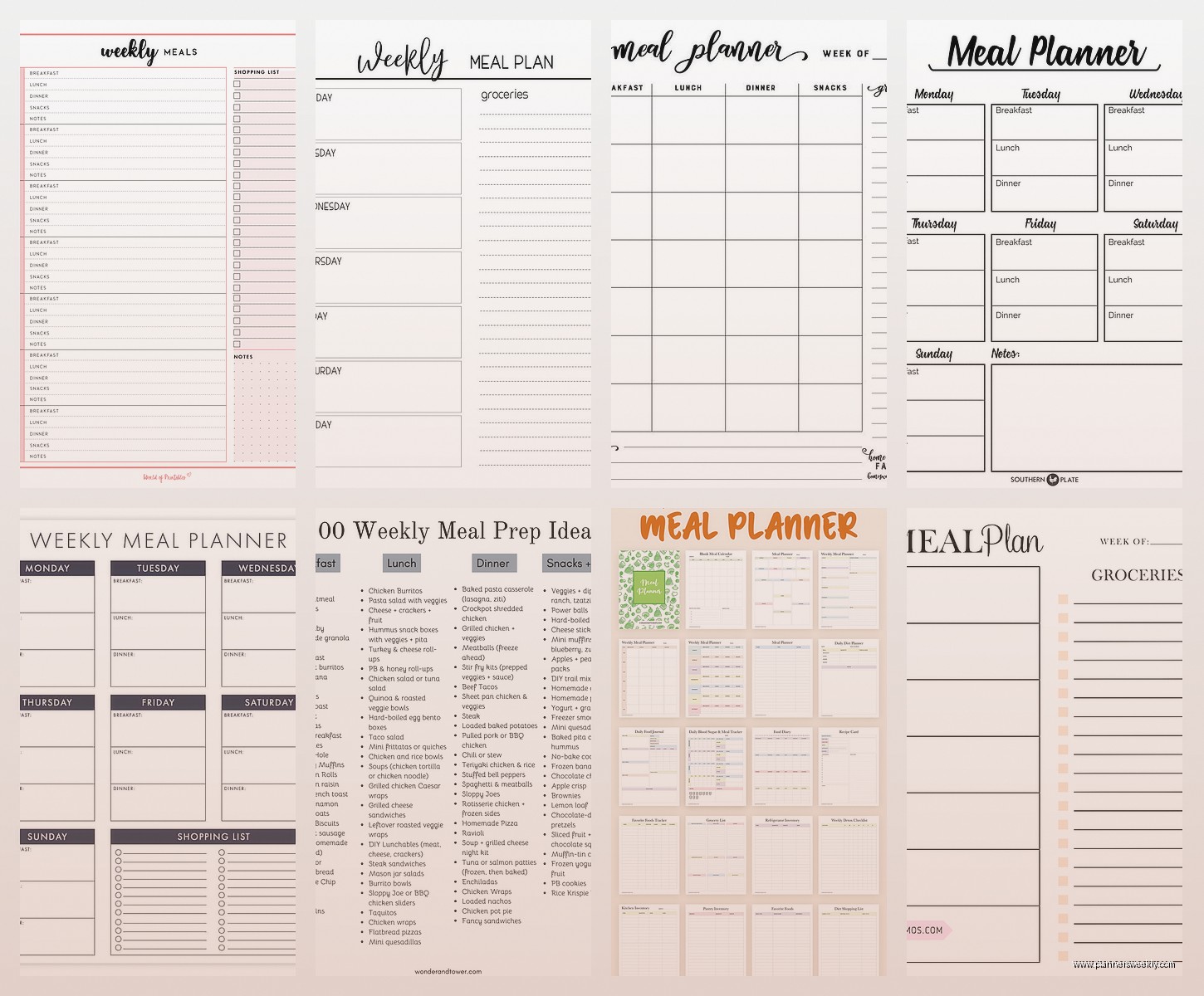
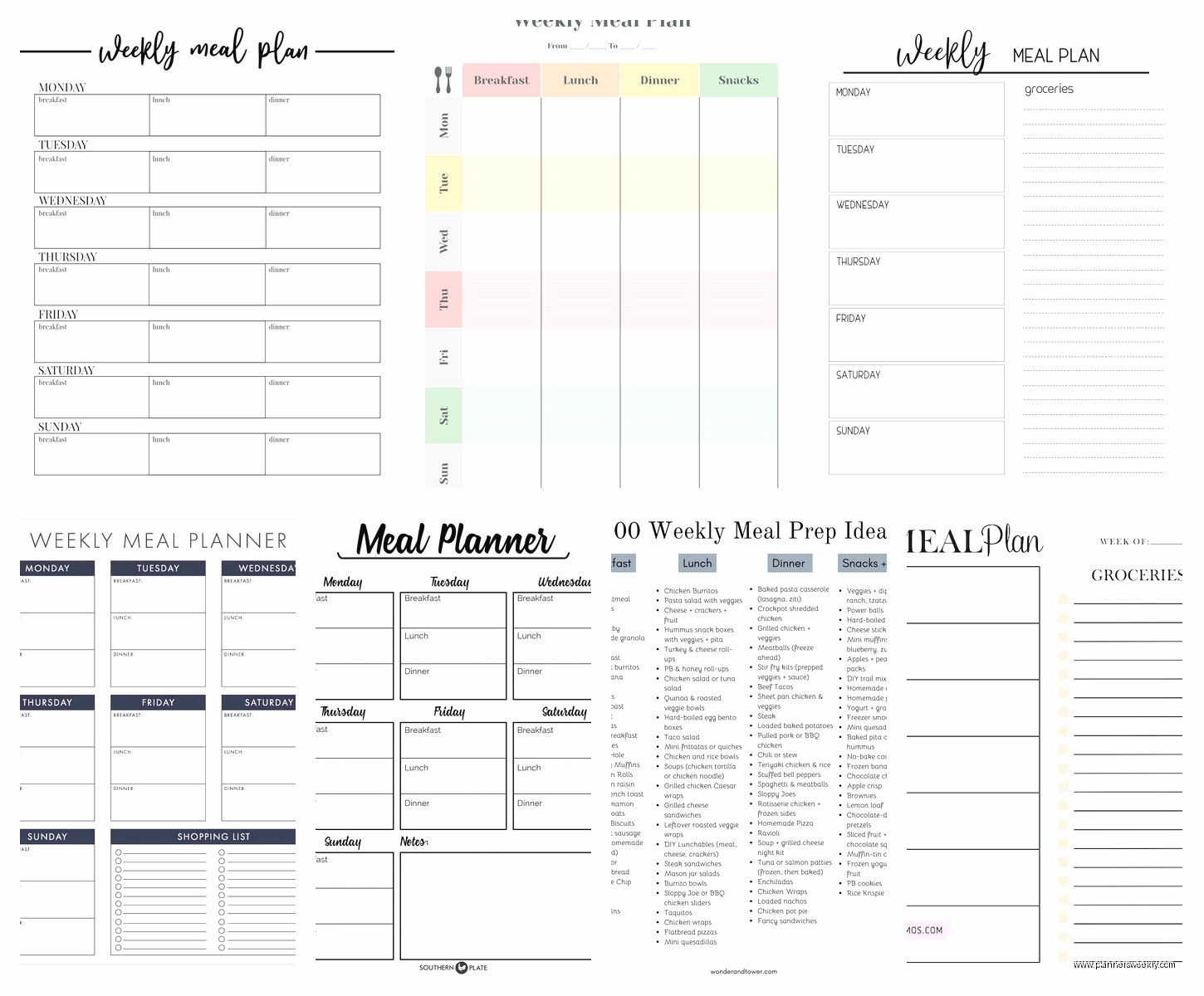
The basic weekly template I’m using right now is just a simple grid – seven days across the top, then rows for breakfast, lunch, dinner, and snacks. Sounds boring but here’s the thing… it actually works? Which is more than I can say for that fancy color-coded system I tried to implement in January.
You want your weekly template to have space for:
- Each meal obviously
- A grocery list section on the side or bottom
- Prep notes because future you will NOT remember that the chicken needs to marinate overnight
- Maybe a leftover tracker if you’re trying to reduce waste
I’ve been testing both digital and paper versions and honestly? Paper wins for me during the actual planning phase. I was watching The Bear last week while filling out my meal plan and something about writing it down made me actually think through whether I’d realistically make that complicated recipe on a Wednesday.
The Sunday Reset Template
This is gonna sound weird but I have a separate mini-template just for Sunday planning sessions. It’s not even a real product, I just made it in Canva after realizing I needed a thinking framework before I touched the actual meal plan.
It has sections for:
- What’s already in the fridge that needs using (wrote “sad carrots” last week and it made me laugh but also I used them)
- How many nights I’ll actually be home
- Energy level predictions for each day
- Which meals can do double duty as leftovers
That energy level thing sounds silly but like… I’m not making risotto on a day I have three client calls and a dentist appointment. Wednesday-me deserves a rotisserie chicken and bagged salad.
Monthly Templates That Don’t Suck
Okay so monthly templates. I resisted these forever because they seemed overwhelming but then I figured out they’re not supposed to replace weekly planning – they’re for the big picture stuff.
The monthly template I actually use now is more of a… strategic overview? That sounds too corporate. It’s basically where I note:
- Theme weeks (like “use up freezer stuff week” or “try three new recipes week”)
- Days I know I’ll need quick meals
- Dinner parties or meal prep sessions I’m planning
- Seasonal ingredients I want to prioritize
I spilled coffee on my Blue Sky planner last month which actually tested the paper quality accidentally and it held up pretty well? But also made me realize I was trying to cram too much detail into the monthly view.
The Hybrid Approach Nobody Talks About
Wait I forgot to mention – the system that’s actually working for me right now uses both templates together but in a specific way.
Monthly template = strategic planning and theme setting. I fill this out at the end of each month for the next month, takes maybe 20 minutes, usually while my cat is yelling at me for dinner which is ironic.
Weekly template = the actual detailed plan. I do this every Sunday based on what I outlined in the monthly template, but with real recipes and specific grocery items.
This two-layer thing solved my biggest problem which was either planning too far ahead and then circumstances changing, or not planning at all and eating cheese and crackers for dinner four nights in a row.
Template Features You Actually Need
So I’ve tested templates from Etsy, Amazon, Target, and made my own in both Notion and Google Sheets. Here’s what actually matters:
Space for Notes
Not cute little boxes – actual usable space. I need to write things like “double this recipe, it barely fed us” or “kids hated this, never again” or “this took 90 minutes not 30 you liar recipe blogger.”
The Erin Condren meal planner has good note space but it’s expensive and honestly? A basic template with wide margins works just as well.
Grocery List Integration
Your template needs a grocery list section that’s organized by store section. I tested one that just had a blank list and I ended up at the store seventeen times because I kept forgetting stuff from different departments.
The best format I’ve found has categories like:
- Produce
- Meat/Protein
- Dairy
- Pantry staples
- Frozen
- Other (this is where “wine” and “fancy cheese I don’t need but want” live)
Flexible Meal Slots
This is huge – your template shouldn’t force you into “breakfast lunch dinner” if that’s not how you eat. I barely eat breakfast so having that row was just wasted space and also made me feel guilty which is dumb but there it is.
The template I designed for myself just has “Meal 1, Meal 2, Meal 3” plus snacks. Some days Meal 1 is at 11am and it’s leftover pizza. The template doesn’t judge me.
Digital vs Paper (I Have Opinions)
Okay so I really tried to make digital work because I WANT to be that person who has everything in their phone and tablet.
Tested for digital:
- Notion templates (about 12 different ones)
- Google Sheets (made my own, used other people’s)
- Various meal planning apps
- iPad planner apps with my Apple Pencil
Tested for paper:
- Printed templates from Etsy
- Actual published planners
- Notebooks with hand-drawn grids
- Magnetic ones for the fridge
When Digital Works Better
Digital is genuinely better if you:
- Share planning responsibilities with someone else – my friend swears by the shared Google Sheet she has with her husband
- Want to save and reuse full weekly plans
- Like clicking buttons to auto-generate grocery lists
- Already live in a digital ecosystem and won’t forget to check it
The Notion template I tested from some productivity blogger (not gonna name her but it was expensive) had this cool feature where you could tag recipes and it would pull ingredients automatically. Worked great in theory. In practice I never actually built out my recipe database so it was just… an empty fancy template.
When Paper Wins
Paper is better when you:
- Need to see the whole week at once without scrolling
- Want it physically present in your kitchen
- Find that writing things down makes you actually process them
- Don’t want another thing on your phone competing for attention
I keep coming back to paper even though I’m a productivity coach and feel like I should be promoting digital solutions. But like… I can prop my paper template against the backsplash while I’m cooking and glance at it. I can’t do that with my phone without getting flour or raw chicken germs on it.
Oh and another thing – when my client canceled last Thursday I spent an hour comparing the paper quality of different printed templates and here’s what I learned: anything under 28lb paper is gonna feel flimsy. The cheap ones from Amazon are printed on basically copy paper. Etsy sellers usually tell you the paper weight – look for at least 28lb, 32lb is better.
Building Your Own Template
So you might not need to buy anything? I made my current template in Canva (free version) and it took maybe 30 minutes once I knew what I wanted.
Basic Structure That Works
At the top: Week of [date] and a motivational quote lol just kidding, don’t do that. At the top just put the date range and maybe the theme if you’re doing theme weeks.
Main section: Grid with days as columns and meal types as rows. I use about 1 inch of height per meal to have room for the meal name plus little notes.
Side or bottom: Grocery list organized by category. I make this section about 1/3 of the total template size because the list gets long.
Extra sections I added after testing:
- Prep tasks for the week with checkboxes (like “cut up veggies Sunday” or “defrost chicken Wednesday morning”)
- Recipes to try – just a little box where I jot down ideas I see during the week
- Budget tracker because I was consistently overspending and lying to myself about it
Design Mistakes I Made So You Don’t Have To
First version I made was SO pretty. Had color coding for different protein types, cute little icons, fancy fonts. Took forever to fill out and I abandoned it within a week.
Turns out I don’t need pretty, I need functional. Current template is basically black and white with just a tiny pop of color for section headers. It’s boring but I actually use it.
Also made the mistake of making the boxes too small. Thought I was being space-efficient. Reality is I need to write “Sheet pan chicken with roasted vegetables and maybe that lemon sauce if I feel like it” and that doesn’t fit in a tiny box.
The Weekly Planning Process
Having a template is useless if you don’t have a system for filling it out, which I learned after buying my first meal planning template and then just… looking at it blankly every Sunday.
My Actual Sunday Planning Session
This is gonna sound rigid but having a process actually makes it faster. Takes me about 30 minutes now, used to take over an hour when I was just winging it.
Step one: Check the fridge and pantry. I write down everything that needs using soon. This week it was bell peppers that were getting sad, half a rotisserie chicken, and some random mushrooms.
Step two: Check the calendar. How many nights am I actually home? What’s the energy situation looking like? This week I have two evening calls so those are automatic easy dinner nights.
Step three: Plug in the anchor meals. These are meals I make pretty regularly that I know work. For me that’s usually:
- Some kind of sheet pan situation
- Crockpot something (dump it in morning, eat it at night)
- Pasta night because always
- Takeout or leftovers buffer night
Step four: Fill in the rest based on what needs using up and what sounds good. This is where those sad bell peppers become fajitas.
Step five: Make the grocery list from what’s planned. This is tedious but necessary. I go through each meal and write down what I need, checking the pantry as I go so I don’t buy a third jar of cumin.
Theme Weeks That Actually Help
Wait I forgot to mention theme weeks earlier in more detail. This is a game changer if you get decision fatigue.
Instead of choosing seven completely different meals, pick a theme:
- Mediterranean week
- Use the freezer week
- Soup and stew week (great for winter)
- One-pot meals week
- Vegetarian week
- Batch cooking week where you make 2-3 big things Sunday
This narrows your options which sounds limiting but actually makes planning faster. Last month I did an “Asian-inspired week” and only had to buy like six ingredients because they overlapped across multiple meals.
Monthly Planning That’s Not Overwhelming
Monthly templates scared me for a long time because filling out 30 days of meals in advance seemed absolutely bonkers.
That’s because it is bonkers. Don’t do that.
Your monthly template should be high-level strategy only. Here’s what I actually put in mine:
The Big Picture Stuff
Known events: dinner parties I’m hosting or attending, meal prep days, nights I’ll be out.
Theme weeks: I plan out themes for the month. Week 1 might be “clean out the freezer” and Week 3 might be “try new recipes” and Week 4 is usually “whatever I’m tired.”
Shopping trips: I note when I’ll do the big grocery shop vs quick top-up trips. This helps me plan meals that use similar ingredients in the same week.
Seasonal focus: January was soup month without me officially declaring it, but now I write these things down. Spring is gonna be “use more fresh herbs” month.
