
Digital Productivity, Online planners, Planners
Scheduling Calendar Template: Free Downloads & Guide
Apr
Okay so I’ve been testing scheduling calendar templates for like three months now because honestly my whole system fell apart in January and I needed to figure out what actually works without spending money on fancy apps.
Google Sheets Templates Are Actually Your Best Friend
Look, I know everyone wants the pretty aesthetic templates from Etsy, but hear me out. Google Sheets has free scheduling templates that sync across devices and you can literally access them from your phone while you’re at the grocery store trying to figure out if you have time for that dentist appointment. I found this out when my dog knocked over my coffee onto my planner and I had a total meltdown.
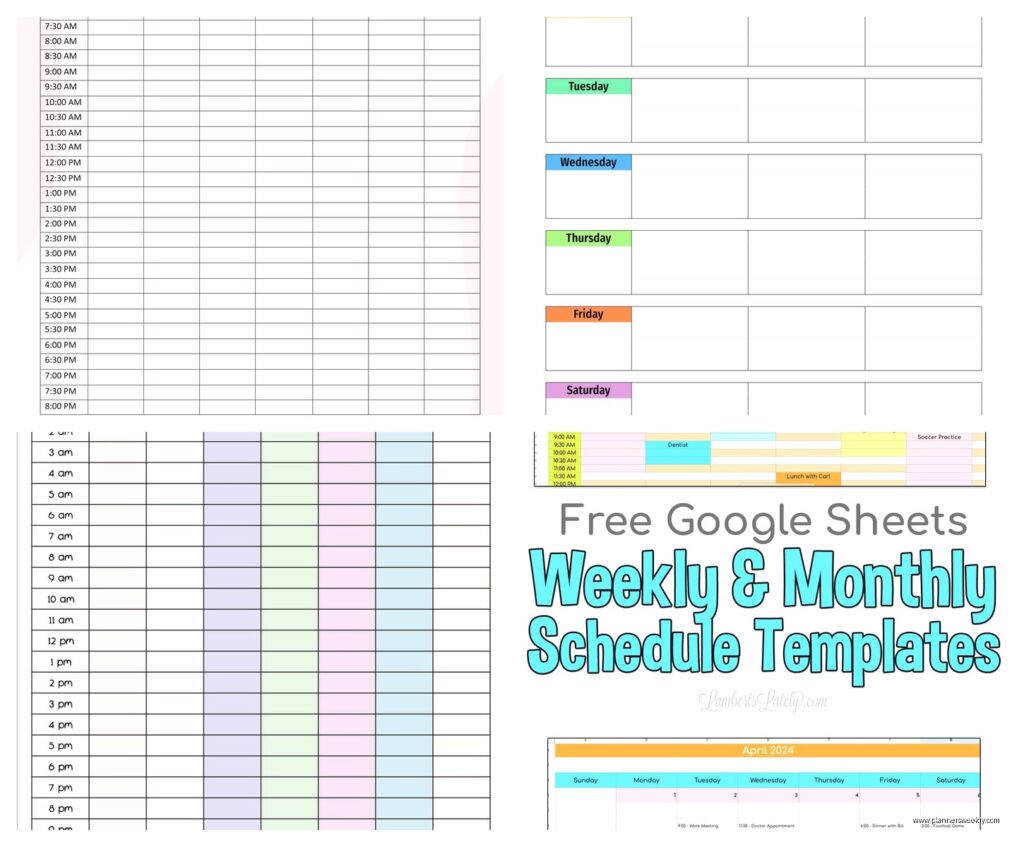
The basic weekly schedule template in Google Sheets is under Template Gallery when you open a new sheet. It’s not gorgeous but it works and you can color-code it. I use yellow for client meetings, blue for personal stuff, and this weird green color for things I’m avoiding but gotta do eventually.
How to Actually Set It Up
- Open Google Sheets and click Template Gallery at the top
- Scroll to the Schedule section
- Pick either the weekly or monthly view depending on how your brain works
- Make a copy so you don’t mess up the original template
- Share it with yourself on different devices if you want
The monthly calendar template is better if you need to see the big picture. I switched to this after double-booking myself twice in one week because I couldn’t see that I had back-to-back commitments on Thursdays.
Microsoft Excel Templates Nobody Talks About
Wait I forgot to mention that Excel actually has better looking templates than Google if you already have Microsoft 365. Go to File then New and search for “schedule” and there’s like forty options. The academic calendar one is weirdly perfect even if you’re not a student because it breaks things down by semester or quarter which is how I plan my business goals anyway.
My favorite is the “Student schedule” template because it has time blocks from 7am to 9pm and you can just delete the class-specific stuff. I tested this for two weeks and it’s honestly the most detailed free option I found. You can track:
- Hourly appointments
- Priority levels for each task
- Notes section for each day
- Weekly goals at the bottom
The only annoying thing is it doesn’t auto-repeat for multiple weeks so you gotta manually copy it. But whatever, takes like thirty seconds.
Notion Templates If You’re Into That Whole Thing
Okay so funny story, I resisted Notion for forever because it seemed complicated and I was watching The Bear while trying to set it up which was a mistake because I got distracted. But their free scheduling templates are actually insane once you get past the learning curve.
The Calendar view in Notion lets you drag and drop stuff which is chef’s kiss for someone like me who changes plans constantly. You can duplicate their “Content Calendar” template even if you’re not making content and just use it for life scheduling.
Setting Up Notion Calendar Template
Go to notion.so and create a free account. Click Templates in the sidebar. Search for calendar or schedule. The “Weekly Agenda” template is the simplest one to start with.
What makes Notion different is you can link your calendar entries to other databases. So like if you have a project list, you can connect calendar entries to specific projects. This is gonna sound weird but this helped me see that I was spending way too much time on low-priority client work and not enough on my own business stuff.
The downside is the mobile app is slower than Google Sheets and sometimes when I’m trying to quickly add something while I’m out it takes forever to load. My client canceled last Tuesday so I spent an hour comparing the load times and yeah, Google Sheets wins for speed.
Canva Has Free Printable Calendars Now
This surprised me because I thought Canva was just for making graphics but they have a whole calendar section. If you prefer paper planning like me sometimes, these are actually really nice. The designs are way better than what you get from Excel.
You can customize colors, fonts, add stickers if you’re into that. I made a monthly calendar with my brand colors just to see if it would make me actually use it and honestly yes it did. Something about it matching my aesthetic made me more likely to look at it.
To find them, go to Canva.com, search “calendar template” in the search bar, and filter by Free. There’s weekly planners, monthly calendars, academic year planners. Download as PDF and print at home or use the digital version on your tablet.
The Template I Actually Use Daily
After testing everything, I landed on a hybrid system that probably sounds chaotic but works. I use Google Sheets for my master monthly calendar because I can access it anywhere and my husband can see it too so he knows when I’m busy. Then I use a printed weekly template from Canva that sits on my desk.
The weekly one is important because I need to physically write things down or they don’t stick in my brain. I tested going fully digital for three weeks and missed so many things. There’s something about the physical act of writing that makes me remember.
My Actual Weekly Setup Process
Every Sunday night I do this thing where I look at my Google Sheets monthly calendar and transfer the week’s stuff to my printed Canva template. Takes maybe ten minutes. I also use different colored pens because I’m apparently twelve years old but color-coding genuinely helps me see at a glance what kind of day I’m having.
Red is for urgent deadline stuff. Blue for meetings and appointments. Green for personal life things like doctor appointments or my kid’s school events. Black for regular work tasks that are flexible.
Time-Blocking Templates Are a Different Beast
Oh and another thing, if you want to get into time-blocking which changed my productivity completely, you need a different kind of template. Regular calendars just show what you’re doing but time-blocking templates show exactly when you’re doing each thing in like 30-minute or hour chunks.
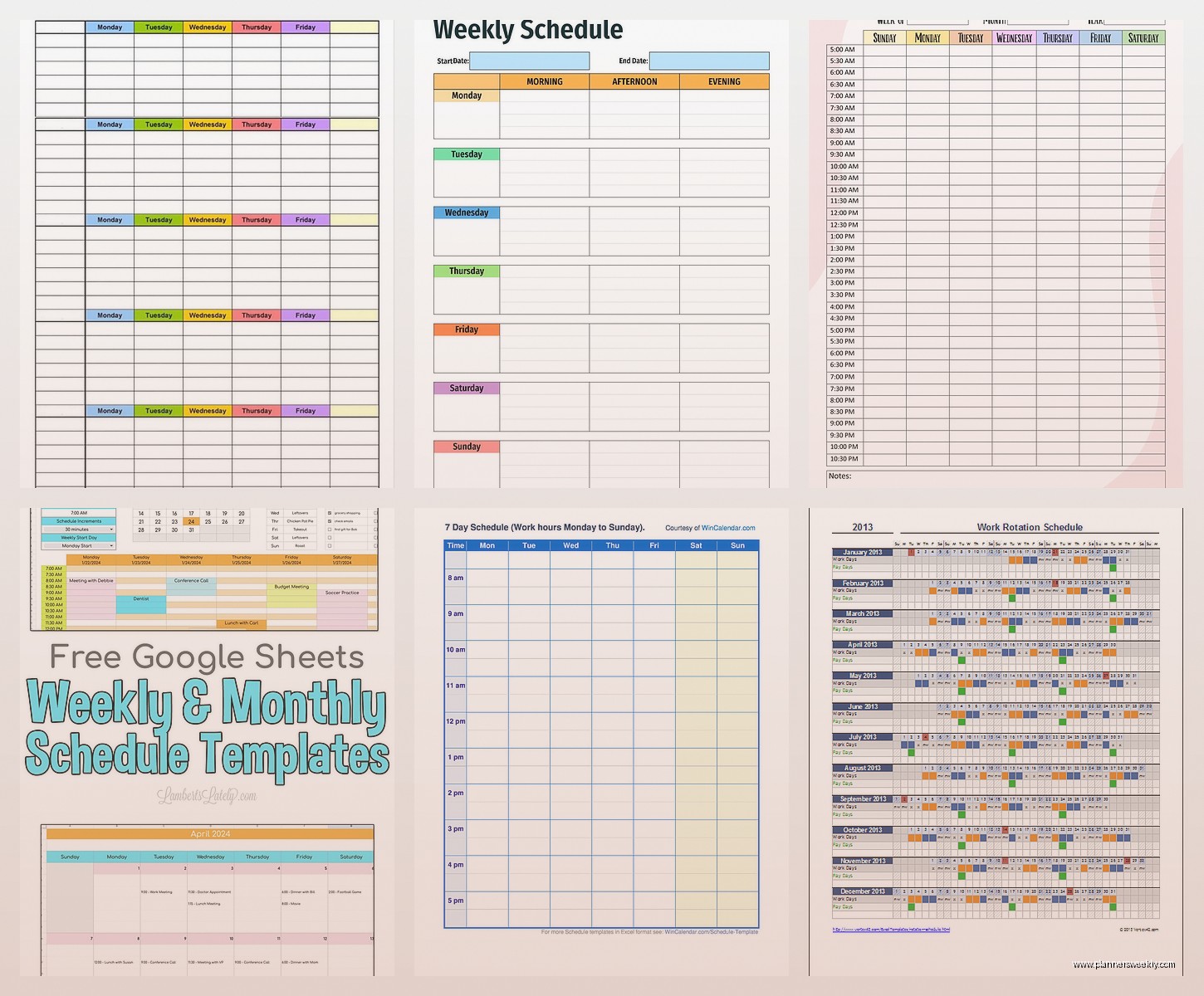
The best free one I found is on Vertex42.com. Search for “time blocking planner” and they have Excel templates you can download. It looks kinda old-school design-wise but functionally it’s perfect. You can block out your entire day from 6am to 10pm if you’re that person.
I use this on Mondays specifically because Mondays are always chaotic and if I don’t time-block I end up scrolling Instagram for an hour and then panicking at 4pm. Don’t judge me, we all do it.
Trello Board as a Calendar Hack
This is gonna sound weird but you can use Trello’s free version as a visual scheduling calendar. Make lists for each day of the week or each week of the month, then create cards for each task or appointment. The Calendar Power-Up shows everything in calendar view.
I tested this when I was managing a big project with multiple deadlines and needed to see dependencies between tasks. Regular calendars don’t show you “okay this needs to happen before that can happen” but Trello kind of does if you set it up right.
The learning curve is medium but once you get it, moving cards around is super satisfying. Plus you can add checklists within each card so like if “prepare presentation” is on your calendar, the card can have all the subtasks listed.
What Doesn’t Work Despite Looking Pretty
Okay real talk, those aesthetic PDF planners you download from Pinterest? Most of them are terrible for actual scheduling. They’re beautiful and I’ve bought probably ten of them but they’re designed for looking good on Instagram not for functional planning.
The problems I found: no space to actually write details, weird layouts that don’t match how normal people’s schedules work, and they’re static so you can’t rearrange things when plans change. Which they always do.
Also those bullet journal templates that are super minimal with just dots? I tried for a month and it’s too much work to draw out calendars every week. Maybe if you find drawing relaxing but I just got frustrated.
Mobile App Templates Worth Mentioning
Google Calendar app has templates kinda built in now through their Goals feature. You can set recurring goals and it automatically schedules them in open spots. I use this for things like “exercise three times a week” and it finds time slots for me.
The Samsung Calendar app also has decent templates if you’re on Android. They call them “stickers” but they’re basically quick-add templates for common events. There’s ones for birthdays, meetings, workouts, meal planning.
Apple Calendar doesn’t really have templates which is annoying but you can create recurring events that function similarly. Just more manual setup.
The Spreadsheet I Made After Testing Everything
After going through all these options I made my own master template in Google Sheets that combines the best parts of everything. It has a monthly overview page, weekly detail pages, and a running task list that feeds into the calendar.
I’m not gonna lie, it took me like four hours to set up initially but now I just copy it each month and fill it in. The formulas auto-calculate how many tasks I have each day so I don’t overbook myself which was a huge problem before.
If you want something similar you can build it yourself by starting with Google’s basic calendar template and adding columns for priority level, estimated time, and status. Then use conditional formatting to color-code based on priority. There’s tutorials on YouTube for the formula stuff if you need them.
What to Actually Download Right Now
If you’re reading this at 11pm trying to figure out what to use tomorrow, here’s my actual recommendation: start with Google Sheets weekly schedule template. It’s free, it works, you can access it anywhere, and it’s flexible enough to customize as you figure out what you actually need.
Then if you want something prettier for printing, grab a Canva template and customize it. Use both together like I do. Digital for the master copy and access anywhere, printed for your desk or wall.
Don’t overcomplicate it with fancy systems until you know what your actual scheduling problems are. I wasted so much time trying elaborate templates when what I really needed was just something simple I would actually use consistently.
