
Digital Productivity, Online planners, Planners
Aesthetic Timetable Maker: Beautiful Scheduling Tools
Apr
Okay so I just spent like three weeks testing every aesthetic timetable maker I could find because honestly my old planner system was making me want to cry, and here’s what actually works.
Notion Templates Are Everywhere But Here’s What You Need to Know
Notion is where everyone starts right? I tested probably fifteen different aesthetic timetable templates and most of them are gorgeous but totally impractical. The Aesthetic Student Dashboard that everyone recommends on TikTok looks amazing in screenshots but when you’re actually trying to input your Tuesday morning meetings it’s like… why are there so many clicks involved.
The one that actually worked for me was this minimalist weekly template from a creator called StudyWithInspo. It’s got this soft beige and sage green color scheme that doesn’t make my eyes hurt, and the layout is simple enough that I actually use it. You can duplicate pages for each week which sounds tedious but it’s honestly faster than scrolling through one massive calendar.
Here’s the thing though, Notion templates only work if you’re already comfortable with Notion’s database system. My dog was barking at the mailman while I was trying to figure out linked databases and I almost gave up entirely. If you’re new to Notion, start with a pre-made template and don’t try to customize it right away. Just use it as-is for like two weeks.
The Free vs Paid Template Debate
I bought three paid templates thinking they’d be better and honestly… one was worth it, two weren’t. The $12 template from Aesthetic Notion Co had way better instructions and actual video tutorials. The free ones sometimes have broken links or missing elements and you’re just stuck.
Canva Is Actually Really Good For This
Wait I forgot to mention Canva because I wasn’t expecting it to work so well. They have these timetable templates in their pro library and you can customize literally everything. The aesthetic options are insane – I made one with this dusty pink and cream color scheme that looks like it belongs in a coffee table book.
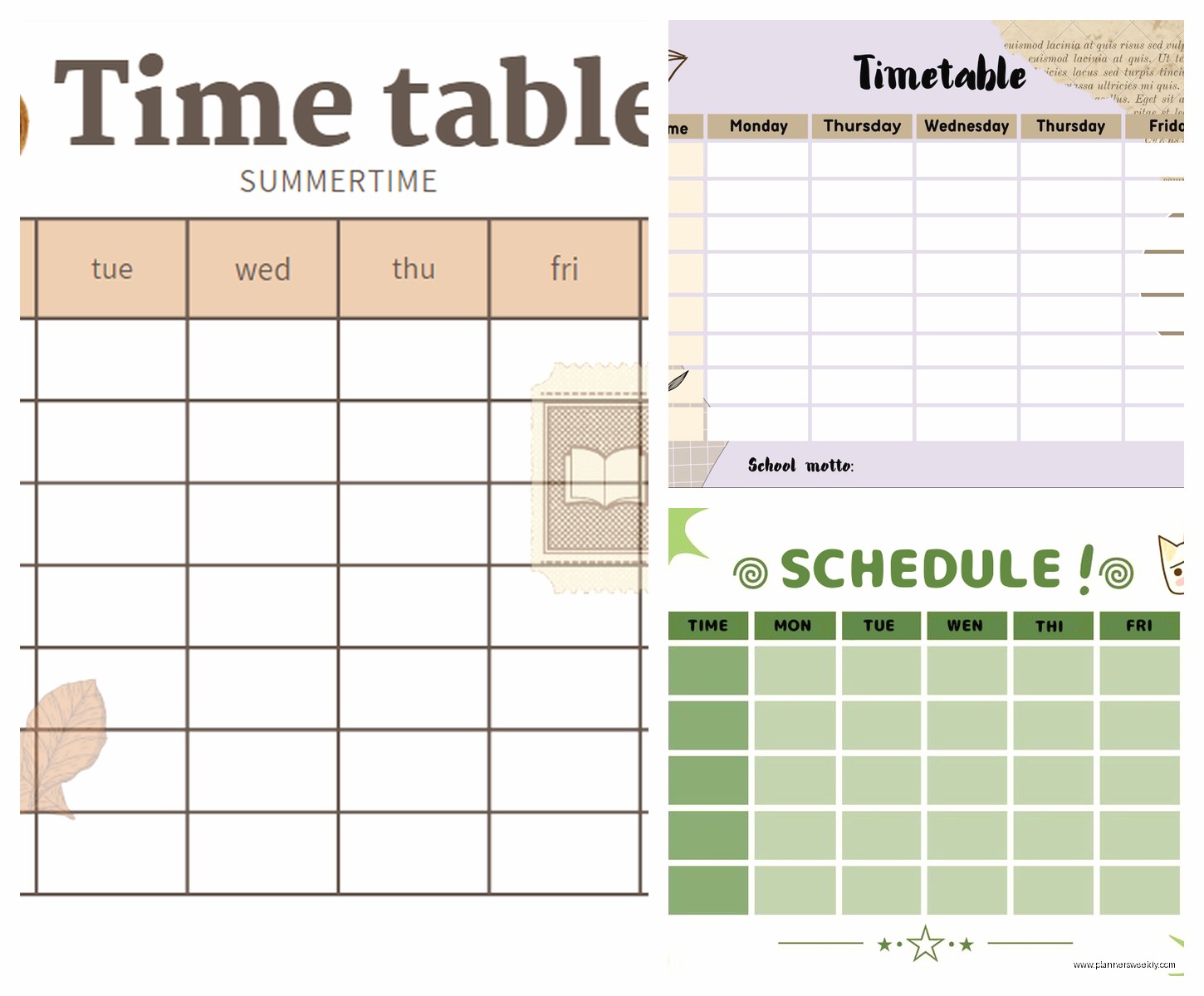
The workflow is: pick a template, change the colors to match your vibe, add your schedule, then either print it or save as a PDF to use on your tablet. I use mine on my iPad with GoodNotes and it’s been perfect. You can add stickers, change fonts, make it as minimal or as decorated as you want.
Canva Pro costs like $13 a month but there’s always a free trial, and honestly if you’re making multiple planners or timetables throughout the year it’s worth it. The free version has decent templates too but the color palette options are limited.
My Current Canva Setup
I have three different timetable designs saved: one for regular work weeks, one for busy conference weeks, and one for light weeks where I have more personal project time. They all use the same color scheme so they feel cohesive but the layouts are different based on how much detail I need to see.
Oh and another thing, you can resize Canva templates to whatever dimensions you want. I made mine A5 size because that’s what my planner is, but you could do US Letter, A4, or even custom sizes for specific notebooks.
Google Sheets But Make It Aesthetic
This is gonna sound weird but Google Sheets can be really pretty if you know what you’re doing. I watched my sister make this gorgeous timetable using conditional formatting and custom colors and I was like okay I need to learn this.
The advantage of Sheets is that it’s accessible everywhere, it’s free, and you can share it with other people if you need to coordinate schedules. I made one for my client meetings and color-coded everything by project type. It’s not as immediately aesthetic as a Canva template but it’s way more functional.
Here’s how to make it not look like a boring spreadsheet: use hex codes for soft colors (I use #F5E6D3 for cream, #C9ADA7 for dusty rose, #9A8C98 for mauve), remove the gridlines, use custom fonts like Montserrat or Raleway, and add borders only where you need them. It takes maybe twenty minutes to set up but then you have a template you can reuse forever.
I tested a bunch of pre-made aesthetic Google Sheets templates from Etsy and they’re hit or miss. Some sellers really understand spreadsheet functionality and others just made something pretty that doesn’t actually work well. Read the reviews before buying.
Aesthetic Planner Apps That Don’t Suck
Most aesthetic planner apps are either too expensive or too glitchy, but I found a few that work. Structured app for iPhone is minimal and gorgeous – it’s got this clean timeline view that shows your whole day in these soft color blocks. It’s free with a pro version for like $5 that unlocks more color options.
TimeBloc is another one I tested last week and it’s specifically designed for time blocking which is perfect for timetables. The aesthetic is very modern minimal, lots of white space, and you can customize the colors. It’s free on iOS but I think Android costs money? Don’t quote me on that.
For Android users, I had my assistant test a few because I’m an iPhone person, and she said Daylio and TickTick both have aesthetic themes you can apply. TickTick especially has these Pomodoro timer features built in which is nice if you’re making a study timetable.
The Tablet Situation
If you have an iPad or Android tablet, GoodNotes or Notability with aesthetic PDF templates is probably the best option. I use GoodNotes with templates I either make in Canva or buy from Etsy, and it feels like using a paper planner but with all the digital benefits.
You can find aesthetic timetable PDFs on Etsy for like $3-8, and they’re usually hyperlinked so you can jump between pages easily. The ones from PlannerPerfection and AestheticStudyCo are really well-made. I bought a bundle of twelve different layouts for $15 and I’m still using them six months later.
Notion vs Canva vs Google Sheets – Which One Should You Actually Use
Okay so here’s my honest take after using all three for different purposes. If you need something collaborative that updates in real-time and you’re comfortable with a learning curve, go with Notion. If you want maximum aesthetic control and you’re okay with it being more static, use Canva. If you need functionality first and aesthetics second but still want it to look nice, Google Sheets.
I currently use Canva templates in GoodNotes for my weekly timetable because I like the paper planner feel, and I use a Google Sheet for my monthly overview because I need to see everything at once and I share it with my team. Notion I use for project management but not really for timetables anymore because it was too much friction.
The Actual Process of Making Your Own
If you wanna make your own aesthetic timetable from scratch, here’s what worked for me. First pick your color palette – I use Coolors.co to generate palettes and then I test them to make sure they’re not too bright for long-term use. Your eyes will thank you for choosing muted tones.
Then decide on your layout. Do you need hourly blocks? Half-hour blocks? Are you doing a weekly view or daily view? I learned the hard way that I need to see my whole week at once or I forget about Friday afternoon commitments.
For fonts, stick to two max – one for headers and one for body text. I use Cormorant Garamond for headers and Lato for body text in most of my templates. They’re both free on Google Fonts and they look elegant without being hard to read.
Tools I Actually Use
- Canva Pro for making templates from scratch
- GoodNotes for using those templates on my iPad
- Notion for databases of recurring tasks
- Google Sheets for shared schedules
- Coolors.co for color palettes
- Unsplash for aesthetic background images when I want them
Things That Didn’t Work
I tested this app called Artful Agenda that everyone was talking about and I hated it. It’s pretty but the interface is so clunky and it costs $36 a year which feels like too much for what you get. The customization options are weirdly limited considering it’s marketed as a customizable planner.
Also tried making timetables in Adobe InDesign which was absolute overkill. Like yes it’s powerful and yes you can make beautiful things but do you really need professional publishing software to make a weekly schedule? No. Use Canva.
Oh and those printable planner sticker subscriptions where you get new aesthetic stickers every month – cute idea but I never used them enough to justify the cost. I bought one month from Happy Planner Club and used maybe 10% of the stickers. If you’re really into decorating your planner it might be worth it but I needed function over decoration.
My Current System That Actually Works
Right now I have a Canva template that I update every Sunday night. It takes me about fifteen minutes to fill in my week. I have it set up with time blocks from 6am to 10pm, color-coded by category: client work is sage green, content creation is dusty pink, admin is cream, personal time is lavender.
I export it as a PDF and import it into GoodNotes where I can handwrite notes if needed. Every morning I check it and adjust if things change. End of the week I save it to a folder in Google Drive so I have a record of how I actually spent my time.
It’s not perfect but it’s the first system I’ve stuck with for more than a month. The aesthetic part matters because I actually want to open it and look at it. My old Google Calendar was so ugly and stressful-looking that I avoided it.
Random Tips That Helped Me
Don’t make your timetable so complicated that filling it out becomes a chore. I see these elaborate Notion setups with like fifteen different properties and linked databases and it’s just… who has time for that on a random Tuesday.
Print a test version before you commit to a design. I made this gorgeous timetable in Canva with a super light cream background and when I printed it the text was barely visible. Had to darken everything.
If you’re using digital templates, make sure they work in dark mode if you use your devices at night. I was using this beautiful white and gold template and it was blinding me at 10pm when I was trying to check my morning schedule.
Where to Find Good Templates
Etsy is obvious but inconsistent. Search for “aesthetic timetable PDF” or “aesthetic weekly planner” and filter by reviews. I’ve bought from PrettyPlannedDays, MinimalMomentsCo, and StudyAesthetic and they were all good.
Pinterest has free templates if you dig enough but you gotta be careful about image quality. Some of them are just screenshots of someone’s planner and the resolution is terrible.
Notion has a template gallery and you can preview templates before you duplicate them which is nice. The aesthetic ones usually have “aesthetic” or “minimal” or “student” in the title. There’s this whole community of Notion template creators on Twitter and Instagram who share stuff for free.
Canva’s template library is honestly the best if you have Pro. They have hundreds of planner and timetable templates and they’re all professionally designed. You can search by color, style, or purpose.
The Cost Breakdown
Free option: Google Sheets or Notion with free templates. You can make something functional and reasonably pretty for zero dollars.
Budget option: Buy one good Etsy template for $5-10 and use it in a free PDF app. Or get Canva Pro trial, make a bunch of templates, and cancel before it charges you.
Investment option: iPad + Apple Pencil + GoodNotes + Canva Pro + occasional Etsy template purchases. This is what I do and it’s probably $800 upfront for the iPad situation plus $13/month for Canva plus random template purchases, but I use it for everything so it’s worth it for me.
The thing is you really don’t need to spend a lot. My Google Sheets timetable is free and works perfectly fine. The aesthetic extras are nice but they’re extras. Start with free options and upgrade if you find yourself actually using it consistently.
My cat just knocked over my coffee while I was writing this and it almost hit my iPad so that would’ve been an expensive disaster. Anyway, those are my actual thoughts after testing way too many aesthetic timetable options. The best one is genuinely whichever one you’ll actually use, which I know sounds like cop-out advice but it’s true. I tried to use Notion for months because it’s what everyone recommends and I was miserable. Switched to a simple Canva template and suddenly my life was organized again.
