
Digital Productivity, Online planners, Planners
At a Glance Daily Planner 2026: Complete Product Review
Feb
Okay so I’ve been testing the At a Glance Daily Planner 2026 for the past three weeks and here’s what you actually need to know before spending your money on it.
The Basic Layout Stuff Nobody Tells You
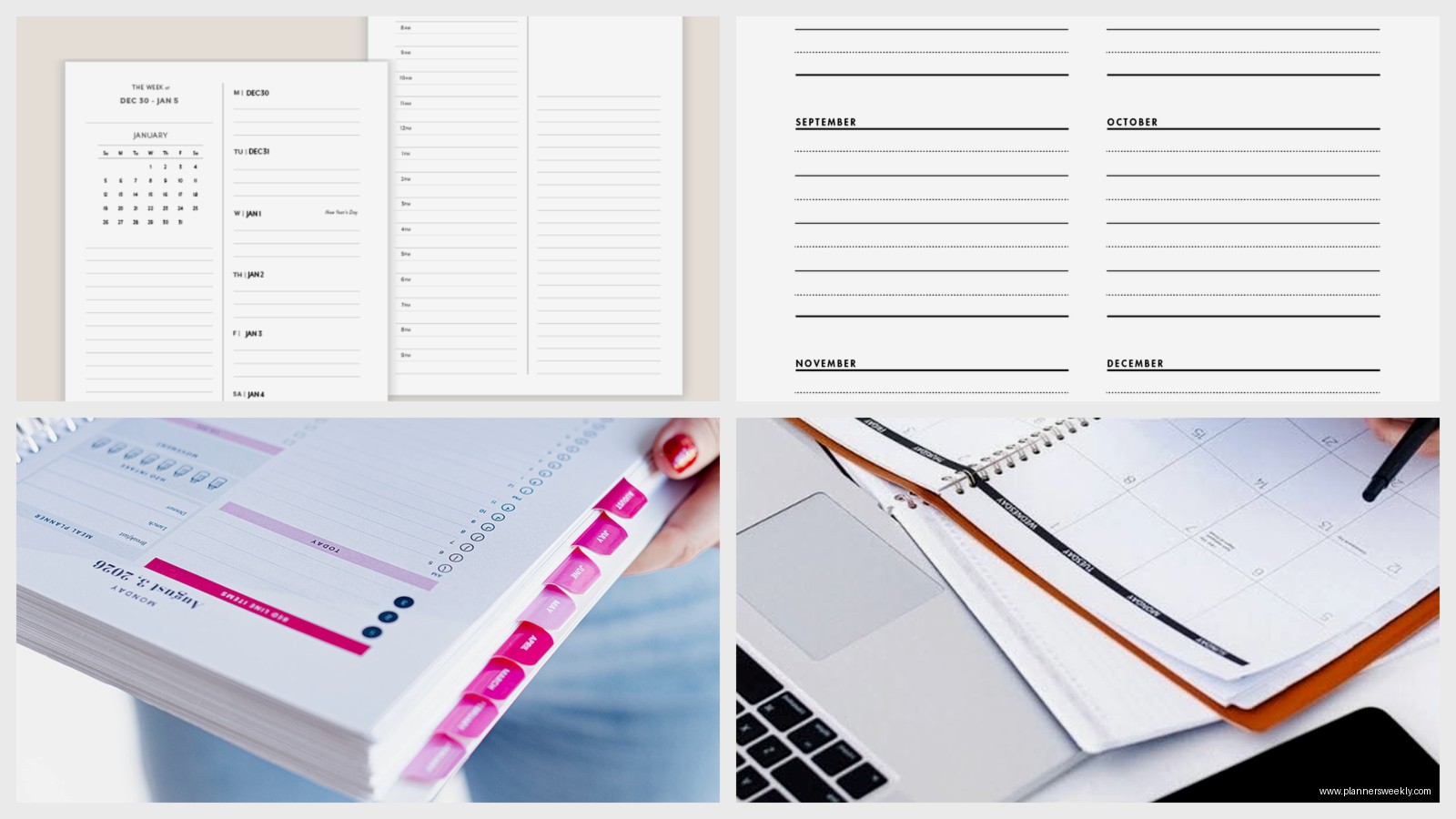
First thing, the daily pages are actually DAILY which sounds obvious but you’d be surprised how many “daily planners” give you like half a page per day. Each page in this one is dedicated to a single day running from January through December 2026. The layout is pretty straightforward, starts at 7am and goes through 6pm in half-hour increments which is gonna be either perfect or completely wrong depending on your schedule.
I work with clients who start at 5am and others who don’t really get going until 10am so this 7am start won’t work for everyone. There’s some space at the bottom for notes but honestly it’s not as much as I’d like. I was testing it during a week where I had back-to-back coaching calls and I ran out of room by like 2pm, had to start writing in the margins.
Paper Quality And The Coffee Incident
So funny story, my dog knocked over my coffee cup during a Zoom call and it splashed directly onto the open planner. This actually turned into an accidental paper quality test which… wasn’t planned but here we are. The paper held up better than expected, some bleeding through but not catastrophic. It’s not fountain pen friendly though, learned that the hard way when I tried using my Lamy.
The paper weight is decent, feels like around 70gsm maybe? It’s not the premium stuff you’d get in a Hobonichi or anything boutique like that, but for the price point it’s solid. Ballpoint pens and regular gel pens work great. Highlighters are fine on one side but you’ll see some ghosting on the back of the page.
What Actually Works With This Paper
- Ballpoint pens (obviously)
- Most gel pens under 0.7mm
- Pencils if that’s your thing
- Mild highlighters, not the super saturated ones
- Frixion pens worked surprisingly well
What Doesn’t Work
- Fountain pens are a hard no
- Sharpie markers will bleed through completely
- Those thick chisel tip highlighters
- Wet ink anything really
The Binding Situation
It’s spiral bound which I have mixed feelings about. On one hand, lays completely flat which is amazing when you’re writing. On the other hand, the spiral is gonna catch on everything in your bag. I’ve been carrying it in a separate sleeve because it kept snagging on my laptop charger and notebooks.
The spiral is on the left side so if you’re left-handed this might bug you. My client Sarah is a leftie and she mentioned the spiral digs into her hand when she writes, something to consider.
Size And Portability Real Talk
The dimensions are 8 x 11 inches so it’s basically the size of a standard notebook. Fits in most bags but it’s not exactly portable in a “throw it in your purse” kind of way. I’ve been using it primarily at my desk and keeping a smaller weekly planner for when I’m out and about.
Weight-wise it’s substantial because you’re looking at 365+ pages plus covers. My scale says it’s about 2.3 pounds which doesn’t sound like much until you’re carrying it around all day with your laptop and everything else.
The Cover Durability Thing
The cover is that standard laminated cardstock situation. It’s held up okay so far but I can already see some wear on the corners after three weeks. Not terrible but not impressive either. I’m probably gonna reinforce the corners with some book tape because I can see this getting beat up by December.
There are a few color options, I got the blue one which is more of a navy situation. They also have black, red, and I think burgundy? The colors are pretty muted and professional looking if that matters to you.
Extra Features That Actually Matter
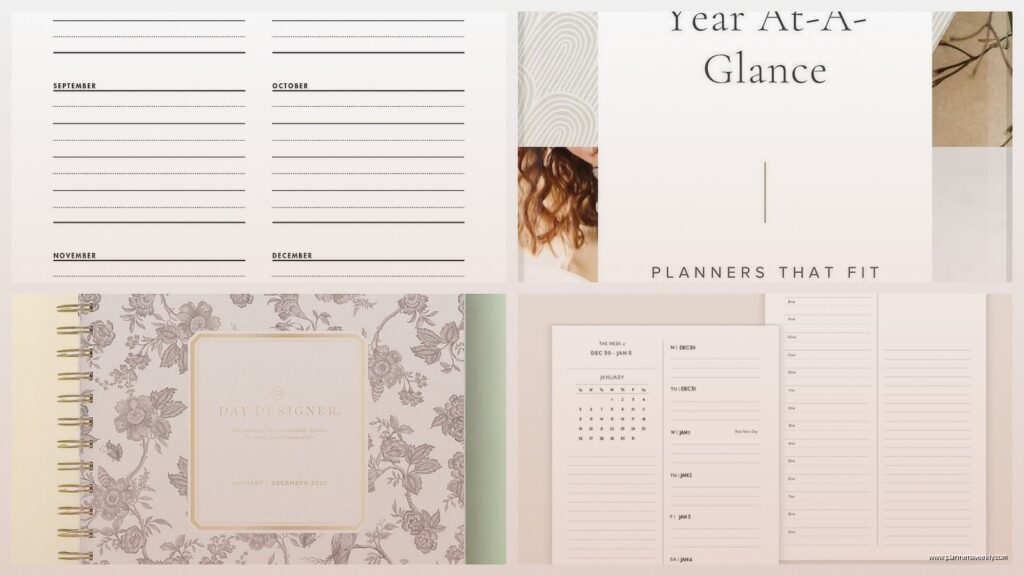
Okay so beyond the daily pages there’s some bonus stuff. There’s a yearly overview at the front showing all of 2026 on two pages which is actually useful for blocking out vacations and major deadlines. I’ve been using it to mark my conference dates and client intensive weeks.
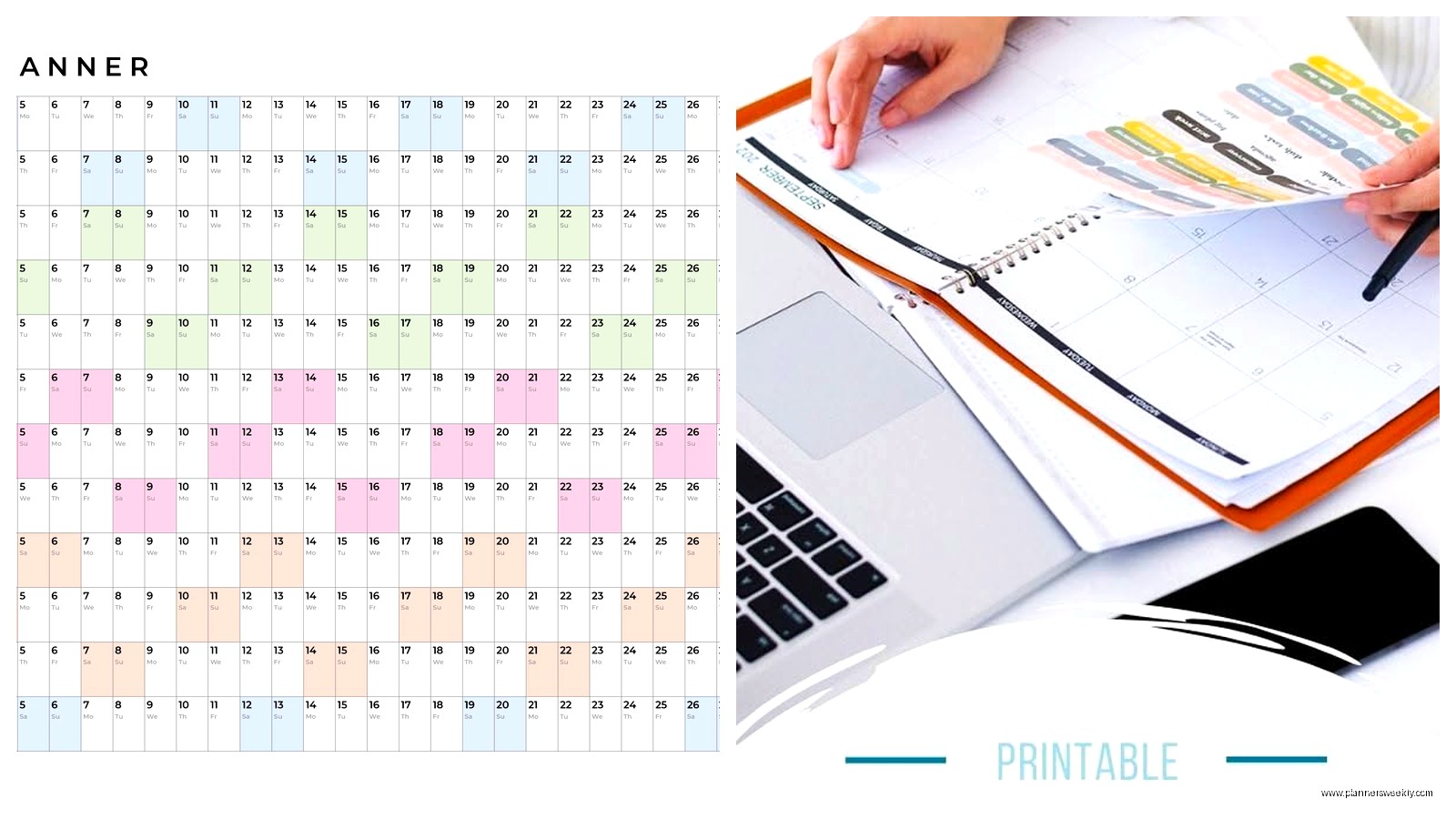
Monthly tabs are included which sounds basic but some planners skip this and it’s SO annoying to flip around looking for a specific date. The tabs are color-coded by quarter which is a nice touch, makes it faster to navigate.
Each month starts with a monthly calendar spread before diving into the daily pages. This is where I plan out bigger picture stuff before getting into the daily weeds. The monthly pages have ruled lines for each day which is enough space for quick notes but not detailed planning.
The Reference Pages
There’s a reference section at the back with:
- Three year calendar showing 2025, 2026, and 2027
- Contact pages which I actually use for client phone numbers
- Notes pages, maybe 10 or 15 of them
- Some random stuff like metric conversions that I’ve never used
Who This Actually Works For
Real talk, this planner works best if you have a pretty structured schedule with specific appointments and time blocks. If your days are more fluid or project-based, the hourly layout might feel restrictive.
I’ve been using it alongside my digital calendar which feels redundant sometimes but there’s something about writing things down that makes them stick better. I know, I know, everyone says that but it’s true.
It’s good for:
- People who have a lot of appointments and meetings
- Anyone who works traditional business hours
- Students with structured class schedules
- Healthcare workers tracking shifts (I have a nurse client who loves this format)
- Anyone who wants a big writing surface
Probably not ideal for:
- Creative types who need more flexible layouts
- People who work non-traditional hours
- Anyone wanting something portable
- Bullet journal enthusiasts who want blank pages
- Digital-first people who won’t actually use paper
Comparison To Other Options I’ve Tested
I tested this alongside the Blue Sky Daily Planner and the Passion Planner. The At a Glance is more straightforward and less… aspirational? Like there’s no gratitude prompts or inspirational quotes, it’s just a functional tool.
Blue Sky has better paper quality but costs more. Passion Planner has more planning features but feels overwhelming if you just want to track your day. The At a Glance sits in this middle zone of decent quality at a reasonable price without extra fluff.
Oh and another thing, it’s usually cheaper than comparable planners. I’ve seen it around $25-30 which for a full year daily planner is pretty reasonable. Some of the boutique planners I review cost like $60+ for the same basic functionality.
The Actual Annoying Parts
Weekend pages have the same layout as weekdays which is kinda wasteful. I don’t need hourly time slots on Saturday, I’m not scheduling myself in half-hour increments on my days off. Would be nice if weekends had a different format, maybe more note space or blank sections.
The perforated corners are supposed to help you find the current day but they’re not very effective. They tear off as you go but it’s not the smoothest system. I’ve just been using a paperclip to mark my current week.
No elastic closure or pen loop which isn’t a dealbreaker but would be nice. I’m using a separate pen case and the planner flops open in my bag sometimes.
Long Term Durability Concerns
Three weeks in, I’m already wondering how this will hold up for a full year. The spiral binding seems sturdy but the cover is showing wear. The pages are staying intact which is good. I’m planning to check back in after a few months to see if it’s still functional or falling apart.
Based on previous At a Glance planners I’ve used, they typically make it through about 8-9 months before looking really rough. Not unusable, just beat up. If you’re precious about your planners staying pristine, this isn’t gonna do that.
Setup Tips If You Buy It
When you first get it, go through and fill in the important stuff right away. I spent like an hour on a Sunday afternoon (while watching that new Apple TV show, couldn’t tell you the plot but the planner got set up) blocking out:
- Birthdays and anniversaries on the monthly pages
- Known vacations and time off
- Recurring appointments and commitments
- Work schedule if you have rotating shifts
- Important deadlines and project milestones
I also added some custom categories at the bottom of pages using different colored pens. Like blue for personal, black for work, red for urgent stuff. The planner doesn’t have built-in categories so you gotta create your own system.
Wait I forgot to mention, there’s no habit tracking or goal setting sections which might matter depending on what you’re looking for. If you want that stuff, you’ll need to add it yourself or use a different planner. I just track habits in a separate notebook but some people want everything in one place.
Price And Where To Actually Buy It
Amazon usually has it cheapest, around $25-28 depending on the color. Office supply stores carry it too but often at full retail which is closer to $35. I’ve seen it at Target sometimes in their office section.
If you have Amazon Prime the shipping is free which matters when you’re comparing prices. Some office supply stores will price match Amazon if you show them the listing on your phone.
There’s also a smaller version, like 5 x 8 inches, if the full size is too big. Haven’t tested that one personally but the reviews seem decent. Same basic layout just more compact.
The Verdict Without Being Weird About It
Look, it’s a solid functional daily planner that does what it’s supposed to do without any fancy extras. Not the best paper quality, not the most durable, but decent value for the price. If you need hourly time blocking and don’t want to spend a fortune, this works.
I’m gonna keep using mine through at least mid-year to see how it holds up long term. Right now it’s doing its job, nothing spectacular but nothing terrible either. That’s kind of the At a Glance brand in general, reliable middle-of-the-road office supplies that get the job done.
Just don’t expect it to be life-changing or Instagram-worthy. It’s a tool, use it if it fits your needs, skip it if you need something more specialized. The end.
