Digital Productivity, Online planners, Planners
Daily Timetable Template: Free Scheduling Downloads
Apr
Okay so I’ve been testing daily timetable templates for like three months now because honestly my own schedule was a disaster and I figured if I’m recommending this stuff to clients I should actually know what works.
The Basic Digital vs Paper Thing Everyone Gets Wrong
First thing – everyone asks me “should I go digital or paper” and honestly it’s not about which one is better, it’s about when you’re actually looking at the thing. I have this whole collection of both now and here’s what I figured out: paper templates work better if you’re at a desk most of the day. Digital ones are better if you’re moving around a lot or if you’re gonna forget to check it otherwise because notifications.
I tested this super structured hourly template from Canva last month and it was beautiful but completely useless for me because I’d print it out, fill in like three time slots, then something would change and I’d just… not look at it anymore. My dog knocked over my coffee on one of them which honestly was probably doing me a favor.
The Hourly Block Templates
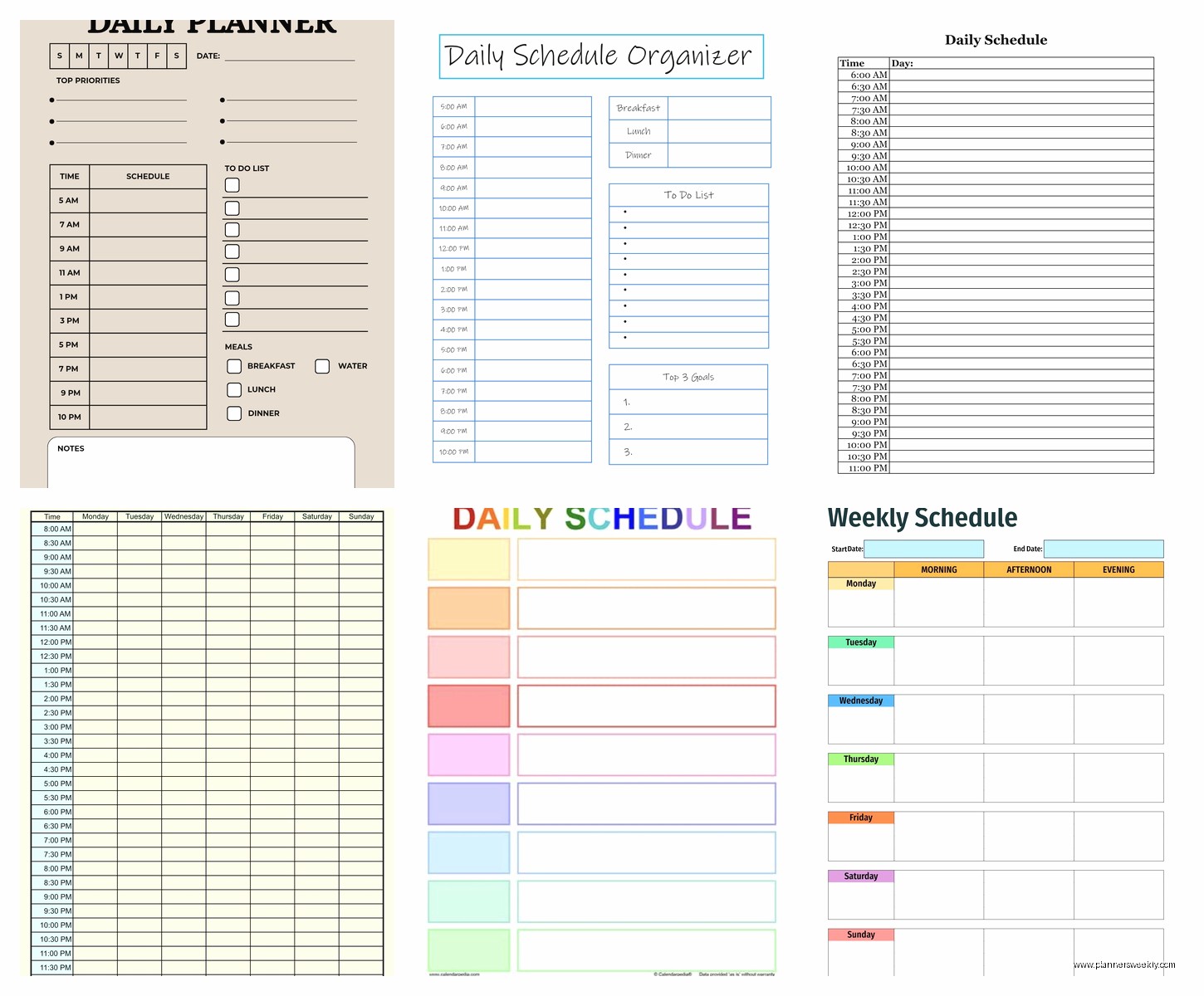
The classic hourly ones are everywhere – you can download them free from places like Vertex42, Template.net, or just make one in Google Sheets. They usually run from like 6am to 10pm in one-hour or 30-minute blocks.
Here’s the thing though: if your days aren’t actually that structured, these feel suffocating. I gave one to a client who works from home and she came back two weeks later like “I feel like I’m failing at life because I can’t stick to this” and I was like yeah that’s because you don’t need hour-by-hour, you need task blocks.
But if you’re a student or you have back-to-back meetings or appointments, the hourly ones are actually perfect. I use the Excel template from Microsoft’s template library when I have those packed days with multiple client sessions. It’s boring looking but it has this nice feature where you can color-code different types of activities.
Time Block Templates That Actually Work
Okay so this is gonna sound weird but the best free template I found was actually from a random productivity blog that doesn’t even exist anymore, but the format stuck with me. Instead of hours, it had these expandable blocks: Morning Focus, Midday Tasks, Afternoon Blocks, Evening Wrap-up.
You can recreate this in Notion really easily (they have a free plan) or just in a Word doc. The reason this works better for most people is because life doesn’t happen in perfect one-hour chunks. Sometimes a “morning focus” session is 90 minutes, sometimes it’s 45 minutes because your kid’s school called.
The Templates I Actually Keep Using
I’ve got about seven templates rotating depending on the day type:
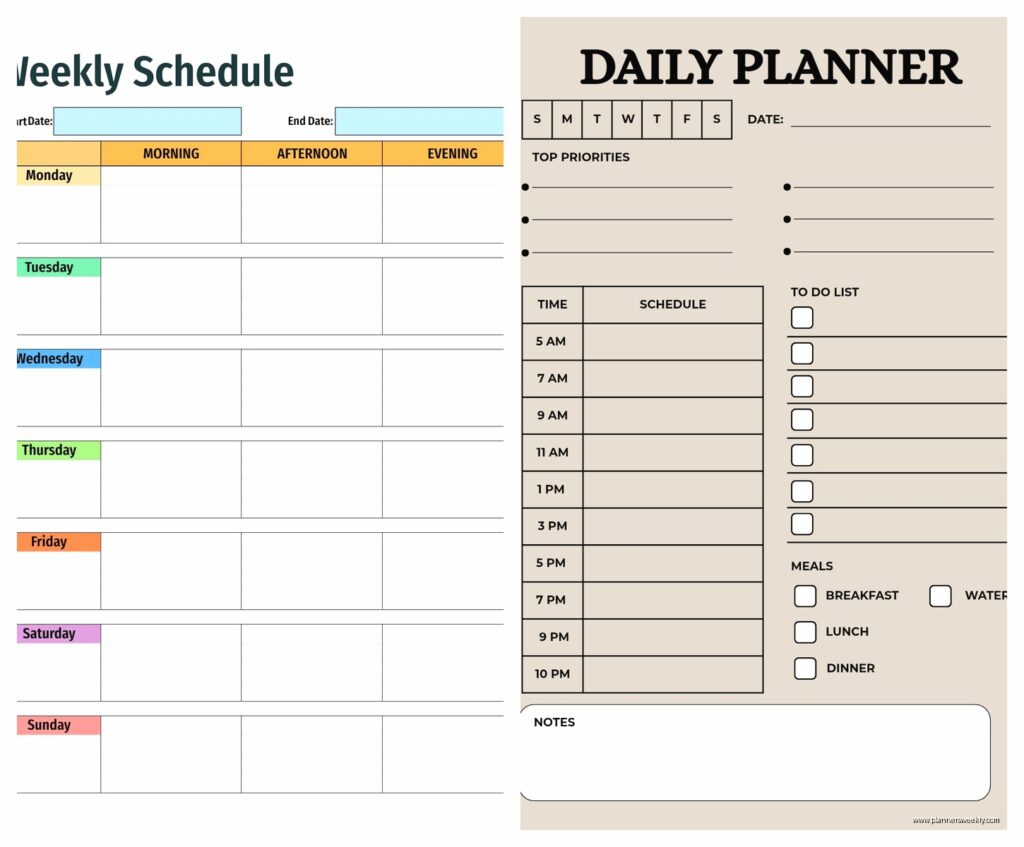
The Standard Day template – this is just a simple vertical list with three main blocks (morning/afternoon/evening) and space for top three priorities. I print these from a PDF I made myself in Canva and they live in a clipboard on my desk.
The Appointment-Heavy template – hourly from 8am to 6pm with a separate column for prep notes. Found this on Etsy but you can make it in Google Sheets in like 10 minutes. The prep notes column is key though – I write what I need to have ready before each thing.
The Deep Work template – only has two time slots: focused work session and everything else. Sounds too simple but on days when I need to write or do actual thinking work, this is the only one that doesn’t stress me out.
Wait I forgot to mention – there’s this free app called Structured that’s basically a daily timetable on your phone and it’s weirdly satisfying? You drag tasks into time slots and it sends you notifications. I resisted it forever because I’m a paper person but it’s actually really good for days when I’m out of the office a lot.
The Weekly Overview Templates
Some people need to see the whole week at once. I’m testing this theory with a few clients right now and it’s like 50/50 whether it helps or just makes people anxious about how much they have coming up.
The best free weekly timetable I found is from Vertex42 – it’s an Excel template that shows all seven days in columns with hourly rows. You can see patterns really clearly, like “oh I’m always exhausted on Thursdays” and then you realize it’s because you scheduled all your difficult calls on Thursday mornings for some reason.
There’s also this Google Sheets template that went viral on Reddit last year – it’s got conditional formatting so if you go over your planned hours in a category it turns red. That’s either motivating or guilt-inducing depending on your personality type.
Templates for Specific Situations
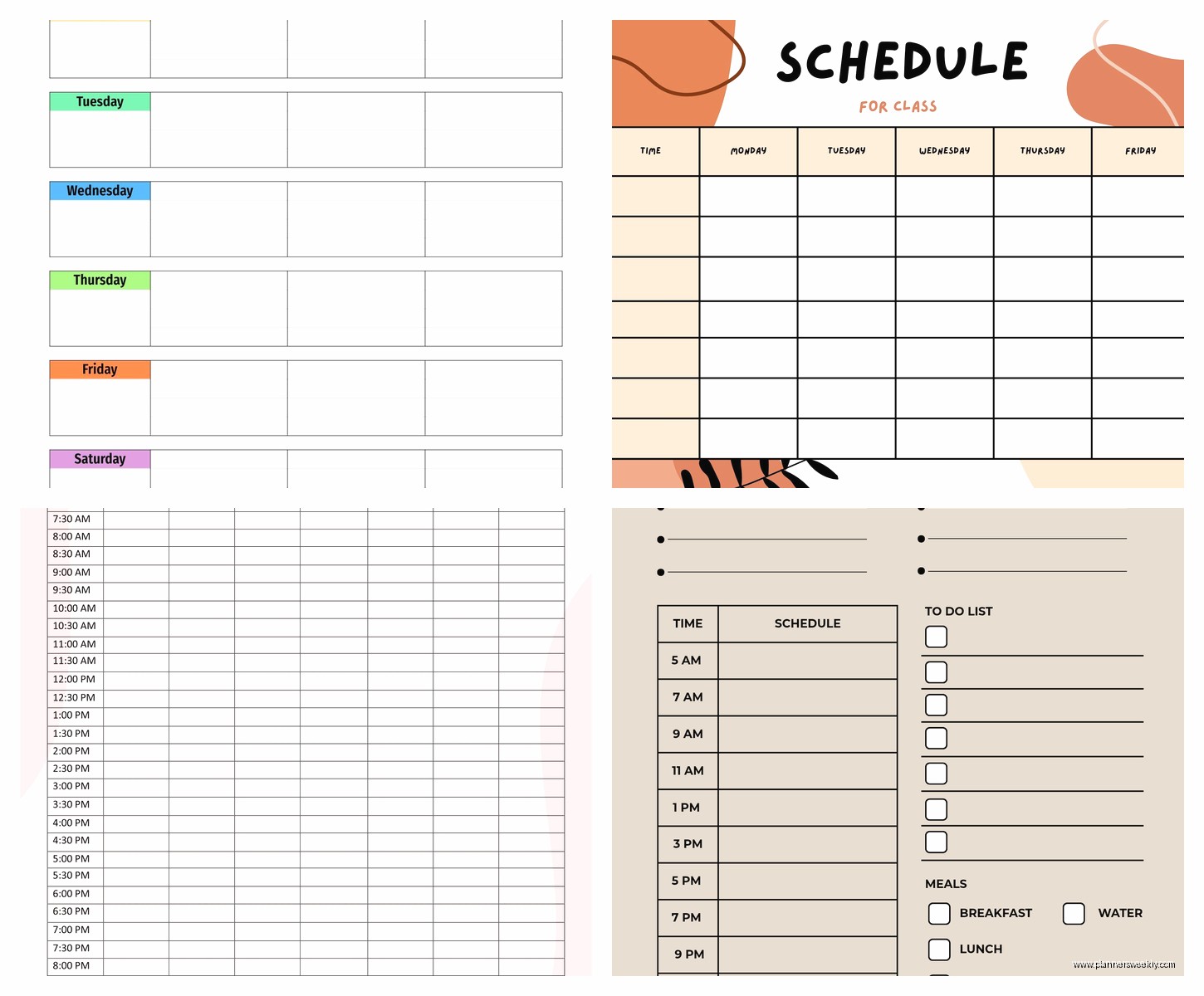
If you’re a student, the templates on GoodNotes (if you have an iPad) are actually worth it even though most cost like $3. But there are free ones on their marketplace too. They’re designed for class schedules plus study time plus assignments and they just… make sense for that lifestyle.
For parents, I’ve seen some really good free templates on Cozi (it’s a family organizing app). They have daily timetables that include everyone’s schedules in different colors. My sister uses this and swears by it even though the interface looks like it’s from 2010.
Oh and another thing – if you work shifts or irregular hours, most regular templates are gonna be useless. There’s a free template on Smartsheet specifically for shift workers that lets you input your rotating schedule and it calculates your hours automatically. I tested it for a client who’s a nurse and she said it was the first time she actually understood her own schedule.
The Customization Thing Nobody Talks About
Here’s what I figured out after wasting way too much time: the free templates are a starting point, not a final solution. You’re gonna need to customize whatever you download.
Like the Canva templates are gorgeous but they always have too much or too little space in the wrong places. I usually download them, then spend 15 minutes adjusting. Same with Excel templates – the default fonts are always too small or the time blocks don’t match when you actually work.
Google Sheets is probably the best for customization because you can copy someone else’s template, then modify it without breaking anything. There’s literally a whole community on Reddit (r/productivity) where people share their templates and you can just make a copy and adjust.
What to Actually Include in Your Daily Timetable
This is where most people mess up including past me. You don’t need to schedule every single thing. I learned this the hard way after trying to follow a minute-by-minute schedule for like three days and nearly losing my mind.
What actually needs to be in there:
– Time-specific commitments (meetings, appointments, calls)
– Your main focus blocks (even if you’re not sure exactly what you’ll work on)
– Transition time (everyone forgets this and then wonders why they’re always late)
– Actual breaks (not “I’ll take a break when I feel like it” because you won’t)
What doesn’t need to be scheduled:
– Every small task
– Personal stuff that happens automatically anyway
– Buffer time between everything (just build in realistic transition times)
I was watching this productivity YouTuber last week while testing templates and she had literally “drink water” scheduled and I was like… that’s too much. But maybe it works for her, I don’t know.
Free Download Sources That Are Actually Good
Okay so here’s where to actually get these without signing up for spam lists:
Vertex42 has the most practical, unsexy templates. They’re Excel and Google Sheets formats. Very functional, zero aesthetic appeal, but they work and they’re truly free.
Canva obviously has beautiful ones and the free version gives you access to tons of daily planner templates. You need an account but they don’t spam you that much. The downside is everything looks very… Canva. You know what I mean.
Microsoft Template Library is underrated. If you have Word or Excel anyway, their built-in templates include some really solid daily schedules. They’re boring but they’re stable and they print well.
Google Sheets Template Gallery has community-made ones that are often better than the “official” templates because actual users made them.
Notion has a template gallery and while Notion has a learning curve, their daily schedule templates are really flexible. The free version is enough for personal use.
The Print vs Digital Reality
I keep going back and forth on this. Right now I’m using both which feels excessive but actually works? I have a printed daily template on my desk that I fill out each morning with a pen (there’s something about writing it that makes it stick in my brain), and then I also have a digital version in Google Calendar because that’s where other people can see my availability and also notifications.
The printed one is from a PDF I customized in Canva – it’s just a simple A4 page with time blocks from 7am to 7pm, a priorities box at the top, and a notes section at the bottom. I print like 50 copies at once because going to print one page every day is annoying.
The digital one syncs across my phone and laptop which is obviously the advantage. I tried going fully digital for a month and I just… didn’t look at it as much? Something about having paper on my desk makes it harder to ignore.
Common Template Mistakes I See All The Time
People download these beautiful elaborate templates with like 12 different sections and trackers and habit monitoring and then they use it for two days. Keep it simple especially at first.
Also everyone wants to start their day at 5am in their template because they saw some productivity influencer do it, but if you actually wake up at 7:30, just start your template at 7:30. I had a client who had a template starting at 5am and she’d just leave those first hours blank and feel bad about it every single day.
Another thing – not leaving any white space or flex time. Life happens. If you schedule every 30-minute block, you’re gonna be behind by 10am and then the whole template becomes useless.
Oh and people forget to include commute time or transition time between tasks. If you have a meeting that ends at 2pm and another at 2:15pm in a different location, that’s not gonna work unless it’s virtual.
Making Templates Actually Stick
The reason most daily timetables fail isn’t because the template is bad, it’s because people don’t have a system for actually using it. Here’s what works for me and like 80% of my clients:
Fill it out the night before OR first thing in the morning, not randomly throughout the day. Pick one time when you do the planning.
Keep it visible. If it’s digital, keep that tab pinned or that app on your home screen. If it’s paper, it needs to be right in front of where you work, not in a drawer or notebook you have to open.
Review it at least twice during the day. I set phone reminders for 12pm and 4pm to just glance at my schedule and see if I’m remotely on track or if I need to adjust.
Don’t try to follow it perfectly. It’s a guide, not a prison. Some days everything goes according to plan, most days you need to adapt, and that’s fine.
The template I’m using this week is honestly just a Google Doc with time blocks and it’s working great because it’s quick to update. Last week I tried this fancy Notion setup with databases and templates and it was too much friction to actually use daily.
You gotta find what actually fits into your life, not what looks good on Pinterest or what some productivity guru says you should use. I’ve tested probably 40 different templates at this point and the ones I actually use consistently are the simplest ones that take less than 2 minutes to set up each day.