
Digital Productivity, Online planners, Planners
Daily Work Schedule Template: Free Downloads & Guide
Mar
okay so I just spent like three weeks testing daily schedule templates because my coaching clients kept asking
and honestly the biggest mistake everyone makes is downloading the first cute template they see on Pinterest and then wondering why they never use it. like I did this with at least seven different templates before I figured out what actually matters.
so here’s the thing about daily work schedule templates in 2025 – you need to pick based on HOW you actually work, not how you wish you worked or how that productivity influencer on Instagram works. I learned this the hard way when I bought this gorgeous minimalist planner and used it for exactly three days before it became a very expensive coaster.
the types that actually work for different people
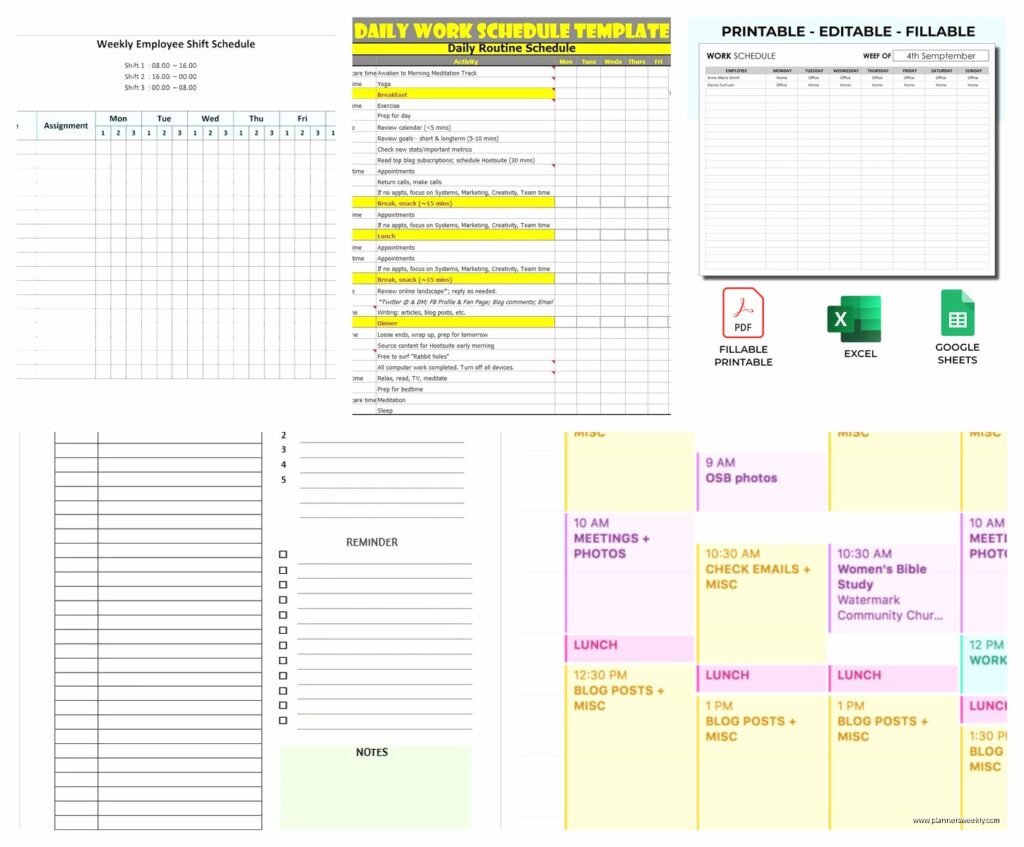
Time-blocked templates are for people who need to see their day in chunks. I’m talking about the ones that have every hour listed from like 6am to 9pm. My client Sarah swears by these because she has ADHD and needs to know exactly what she’s doing at 2:47pm or she’ll end up reorganizing her pantry instead of working. The free Google Sheets version from Vertex42 is honestly better than most paid ones – it auto-calculates your time and you can color-code by project type.
Task-based templates work better if your job is more about completing specific things rather than being somewhere at specific times. These look more like organized to-do lists with priority markers. I use these on days when I’m writing or doing client reviews because sometimes a blog post takes 45 minutes and sometimes it takes three hours and I don’t wanna stress about the clock.
oh and another thing – hybrid templates exist and they’re actually my favorite now. They’ve got time blocks on the left and a running task list on the right. Microsoft’s free template library has one called “Daily Schedule with Tasks” that I’ve been using since January and it’s… chef’s kiss. You can download it directly in Excel or Word.
what to look for when you’re downloading templates
Okay so funny story, I downloaded this really aesthetic template from Etsy last month – spent like $8 on it – and realized after printing 30 copies that there was no space to write what I was actually DOING during each time block. Just had pretty lines. So now I have a stack of expensive scratch paper.
Look for these things before you commit:
- Enough writing space – sounds obvious but you’d be surprised how many templates give you like half an inch to describe a complex task
- Editable format – PDF templates are pretty but useless if you can’t type in them. Get Word, Excel, or Google Docs versions
- Mobile-friendly if you use your phone a lot – some templates look great on desktop and turn into chaos on a phone screen
- Space for notes or a priorities section – you’re gonna need somewhere to dump random thoughts
- Realistic time frames – if a template starts at 5am and you know you’re not a morning person, don’t lie to yourself
free downloads that don’t suck
I’ve tested probably 40+ free templates this year because my dog ate my favorite planner (long story, involved peanut butter) and I had to go digital anyway.
for google sheets people
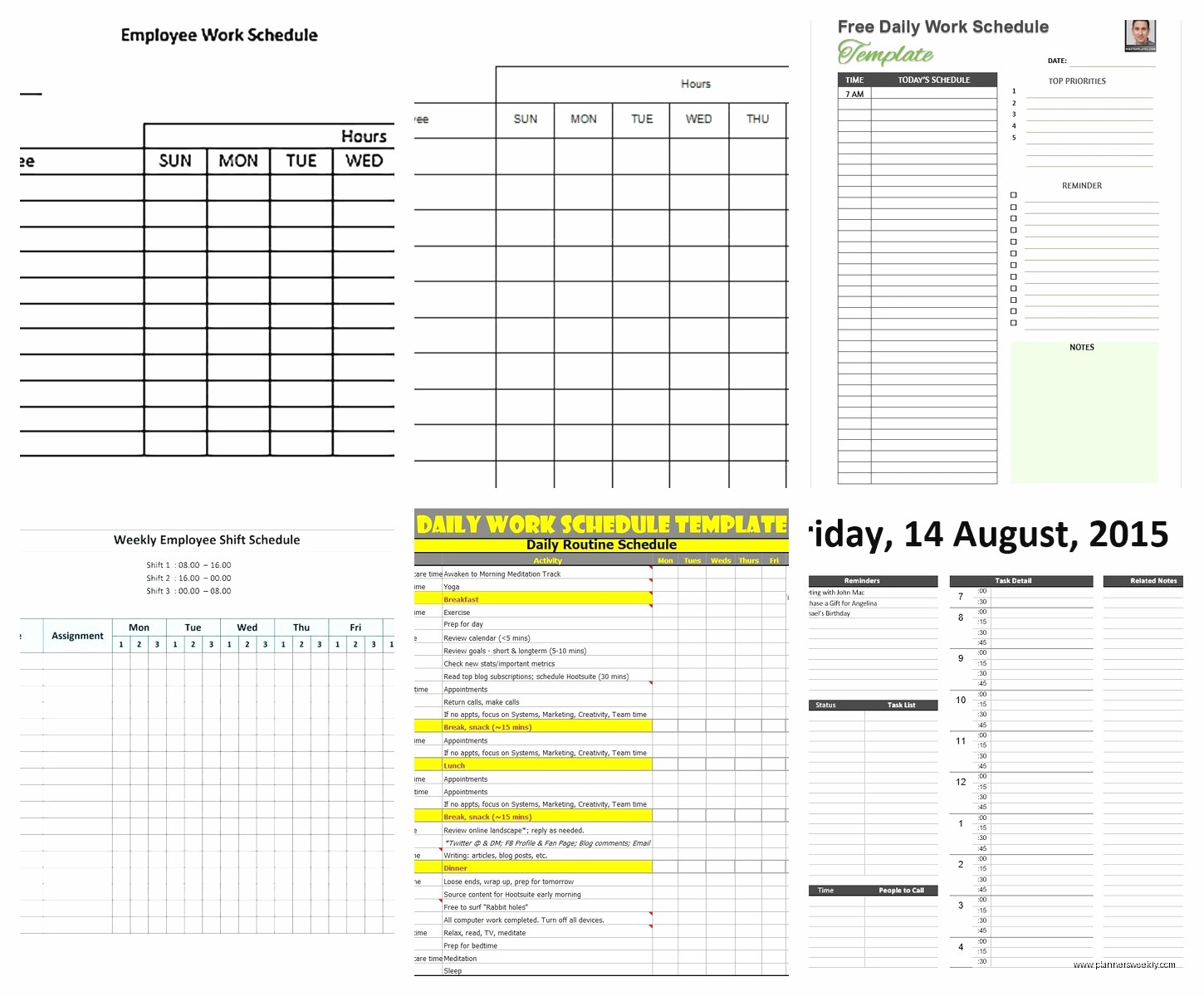
The basic daily schedule template in Google Sheets template gallery is actually solid. It’s under “Personal” and then “Schedule.” Nothing fancy but it works. You can duplicate it for each day of the week and it syncs across devices which is clutch when you’re checking your schedule in the grocery store parking lot.
Wait I forgot to mention – there’s also this one from Template.net that has sections for morning routine, work blocks, and evening wrap-up. It’s specifically designed for remote workers and has a spot to track your water intake which sounds silly but actually helps me remember to drink something besides coffee.
microsoft office templates
If you’ve got Office 365, open Word or Excel and search their template library for “daily schedule.” The one called “Daily Schedule Planner” in Excel is surprisingly good – it’s got dropdown menus for task categories and conditional formatting that turns your cells red if you’re scheduling more than 8 hours of work. Like a built-in reality check.
The Word version is better if you prefer a more narrative style. I use that one on days when I’m doing creative work and need to brain-dump my process notes.
notion templates are having a moment
Okay so I resisted Notion for like two years because everyone was so annoying about it, but their daily schedule templates are actually really flexible. The “Daily Planner” template in their template gallery is free and you can customize literally everything. Plus it links to your other Notion pages if you’re into that whole second-brain thing.
The learning curve is real though. I spent an embarrassing amount of time watching YouTube tutorials while my cat knocked pens off my desk. But once you get it set up, it’s pretty powerful.
how to actually use these things consistently
This is where most people fail and honestly where I failed for years. Having a template doesn’t mean anything if you don’t develop a system around it.
fill it out the night before
I know everyone says to do morning planning but that’s when I have the most energy for actual work. So I spend 10 minutes before bed sketching out tomorrow’s schedule. It’s rough – just the main blocks and must-do tasks. Then in the morning I can jump straight into work instead of spending 45 minutes “planning” which is really just procrastinating with extra steps.
be realistic about transition time
this is gonna sound weird but I started adding 15-minute buffers between major tasks and it changed everything. Like if I have a client call at 2pm, I block 1:45-2pm as “prep and transition” time. Gives me space to grab water, review notes, and not feel like I’m sprinting from thing to thing.
track what actually happens vs what you planned
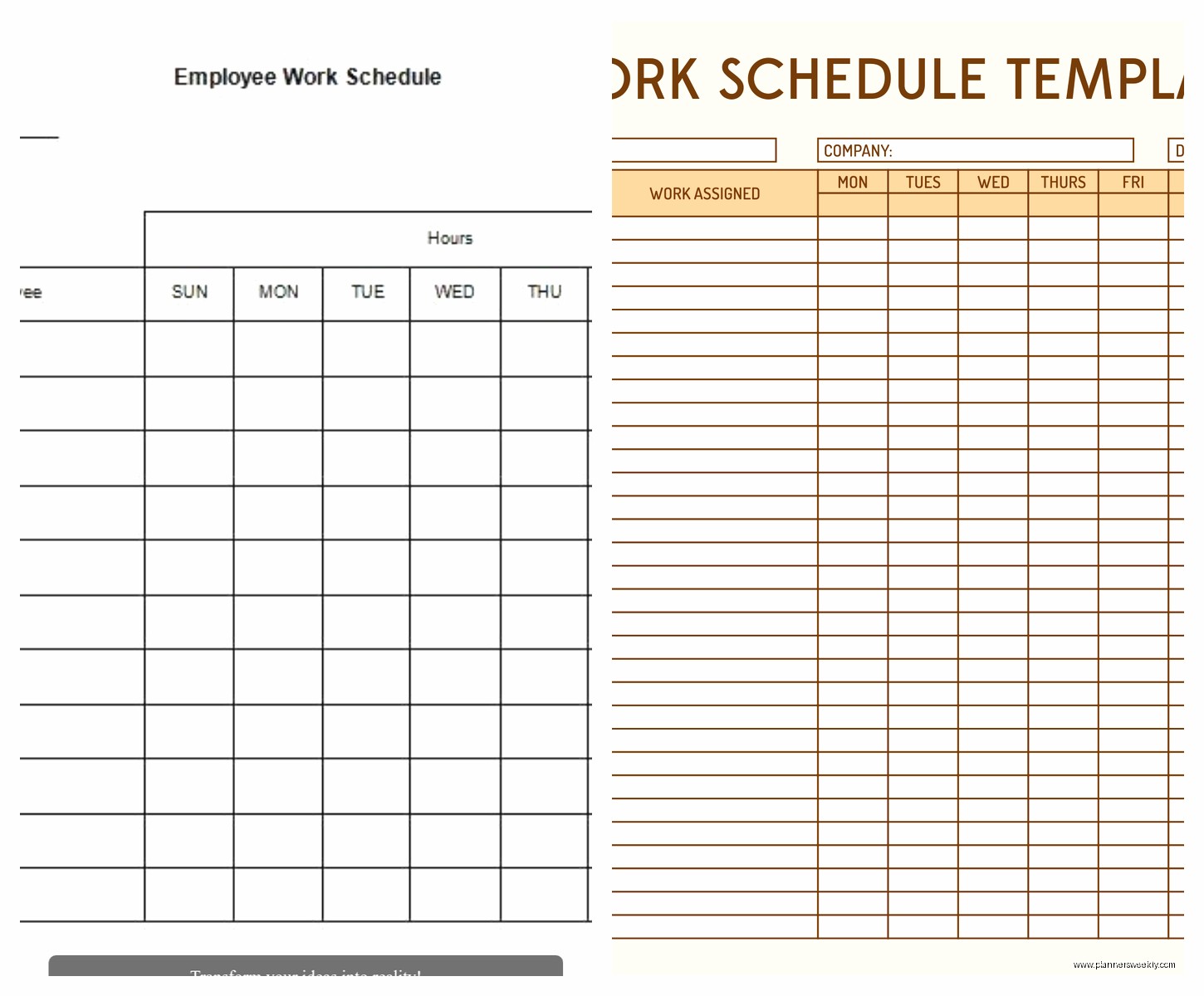
For one week – just one – keep your schedule template open and jot down what you ACTUALLY did with your time. The gap between your plan and reality is where all the useful information lives. I discovered I was scheduling back-to-back writing sessions but actually needed a 20-minute break between them to not lose my mind.
My client Jake did this exercise and realized he was scheduling deep work during his lowest energy hours (right after lunch) and wondering why he never got anything done. Moved those blocks to morning, kept afternoons for meetings and admin stuff, productivity went up like 40%.
customizing templates for your actual life
The templates you download are starting points, not gospel. I’ve never met anyone who uses a template exactly as-is for more than a week.
add your non-negotiables first
Before you fill in work stuff, block out the things that have to happen. For me that’s walking the dog at 7am and 6pm, lunch, and my hard stop at 5:30pm because that’s when I watch Jeopardy with my husband (yes really, it’s sacred). Everything else fits around that.
color coding that actually makes sense
Don’t go crazy with colors. I see people with these elaborate rainbow systems and then they spend more time picking colors than working. I use three: red for urgent/deadline stuff, blue for deep work that needs focus, green for meetings and calls. That’s it. Simple enough that I don’t have to think about it.
weekly vs daily templates
oh wait, I should mention – some people do better with weekly templates that show all five days at once. I switch between daily and weekly depending on what’s happening. Busy weeks with lots of moving parts? Daily templates so I can see detail. Normal weeks with routine work? Weekly view so I can see patterns and balance my workload.
There’s a free weekly template on Canva that’s actually designed to be printed on 11×17 paper and it’s perfect for this. You can see your whole week at a glance and it has space for weekly goals at the top.
digital vs paper templates real talk
I use both and people think I’m weird but here’s why it works. Digital templates are better for schedules that change a lot – you can drag and drop, copy blocks from previous days, set reminders. I use Google Calendar synced with a daily schedule spreadsheet for my main work stuff.
Paper templates are better for the thinking and planning part. There’s something about writing by hand that makes me more thoughtful about what I’m committing to. I print a blank template every Sunday and rough out my week with a pencil. Then I transfer the final version to digital.
Is this extra? Maybe. But it works for me and my coaching clients who try it usually stick with it.
troubleshooting when templates aren’t working
If you’ve tried templates and they never stick, it’s usually one of these problems:
Too detailed: If your template takes more than 10 minutes to fill out, it’s too complicated. You need something you can maintain even on chaotic days.
Too rigid: Life happens. Your template needs flex time built in. I have a “misc” block every afternoon that’s basically a catch-all for the random stuff that always comes up.
my client canceled yesterday so I spent an hour comparing the free templates on Smartsheet vs Asana and honestly Smartsheet has better daily planning templates but Asana is better if you’re coordinating with a team. just FYI if you’re working with other people.
Wrong time scale: Some people think in hours, some in tasks, some in energy levels. If you’re forcing yourself into a time-blocked template but you naturally think in tasks, you’re gonna hate it. Try a different format.
Not reviewing it: The template only works if you actually look at it throughout the day. I check mine at morning, midday, and end of day. Takes like 30 seconds each time but keeps me on track.
my current setup for 2025
Since people always ask what I’m personally using – I’ve got a hybrid system going. I use the Microsoft Excel daily schedule template as my base, customized with my color system and time blocks. It’s saved in OneDrive so I can access it from my phone or laptop.
I also print one paper copy at the start of each week from a Canva template I modified. That stays on my desk for quick reference and hand-written notes. The physical paper helps me stay present instead of getting distracted by other tabs.
For my coaching clients, I usually start them with the Google Sheets basic template because it’s free, simple, and most people already have Google accounts. Once they get comfortable with daily scheduling, we level up to something more customized.
The key is starting simple and building up. Don’t download the most complex template thinking it’ll make you more productive. Start with something basic, use it for two weeks, then add features as you figure out what you actually need. That’s how you build a system that sticks instead of another pretty template you abandon by Wednesday.
