
Digital Productivity, Online planners, Planners
Day Designer Academic Planner: Student Planning Guide
Mar
Okay so I just grabbed the Day Designer Academic Planner last month because like three of my clients kept asking about it and honestly? It’s pretty solid but there’s definitely a learning curve if you’re coming from those basic spiral planners.
First thing you need to know about the layout
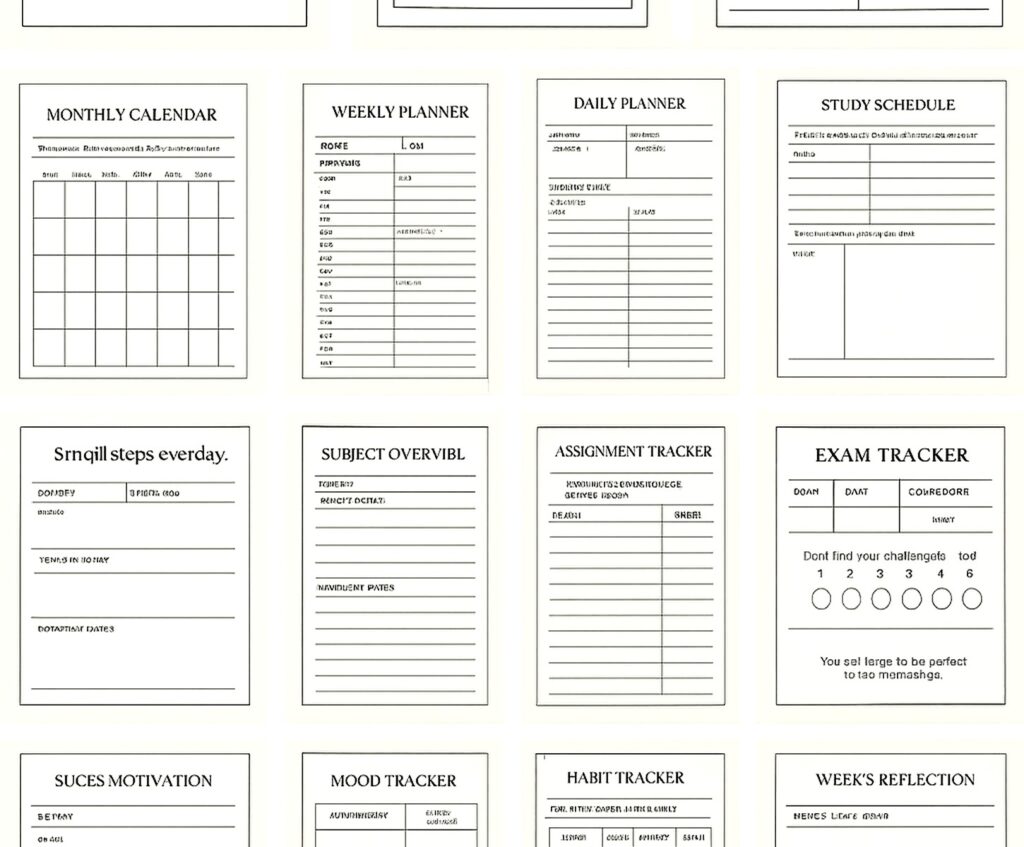
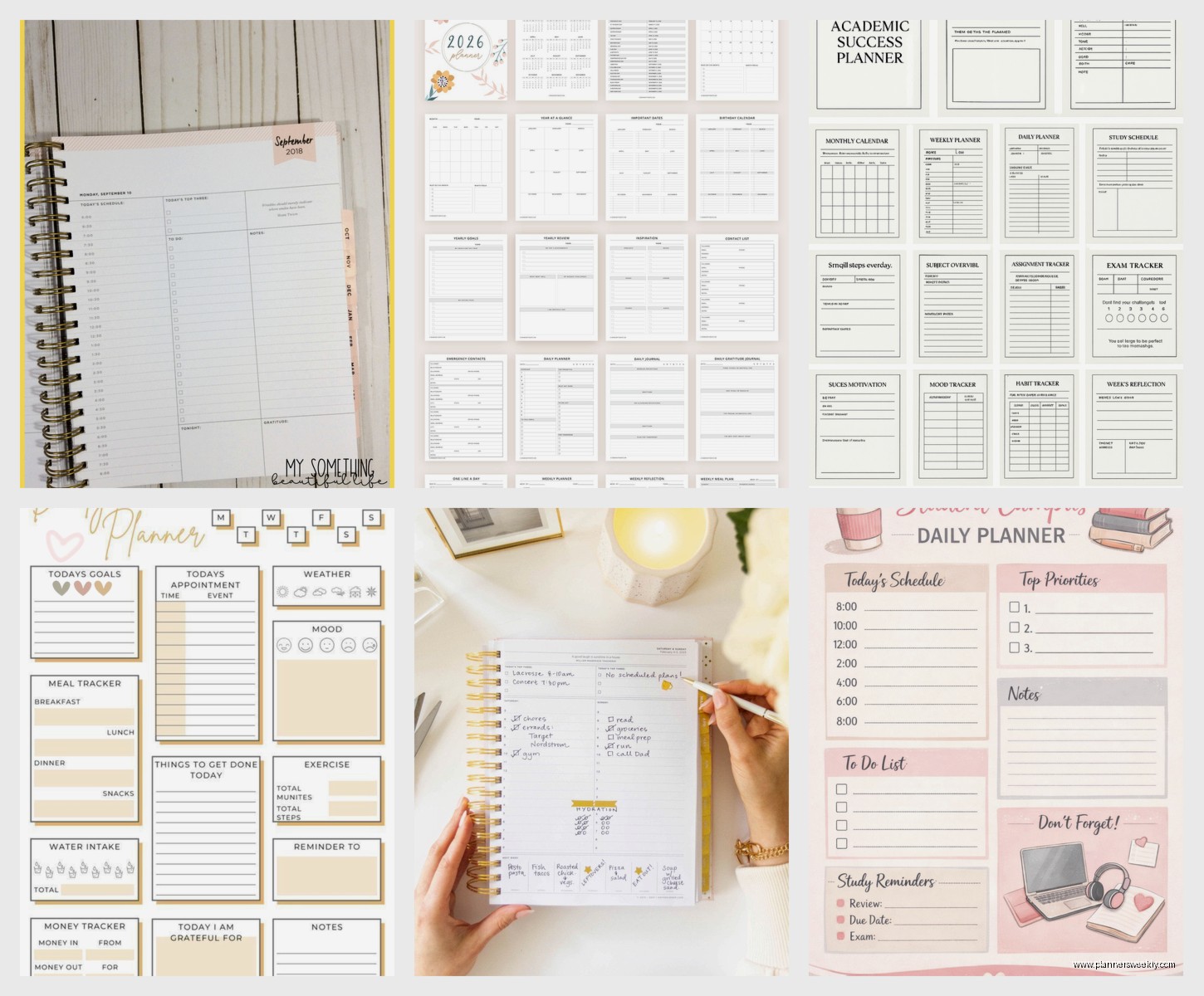
The daily pages are where this planner actually shines. Each day gets a full page which sounds excessive but wait lemme explain. The left side has your hourly schedule from 6am to 9pm, and the right side has this top three section that I was skeptical about at first. Like, only three tasks? But then I tested it for two weeks straight and yeah, it actually keeps you from that thing where you write down 47 things and accomplish none of them.
Below the top three there’s a to-do list section that’s pretty generous. I usually put my smaller tasks there, the stuff that doesn’t make the top three cut but still needs to happen. My dog ate the corner of mine during week one which was annoying but also proved the paper quality is thick enough that it didn’t bleed through to the next page.
The monthly calendar is at the beginning of each month and it’s just a standard grid layout. Nothing fancy here but it gets the job done for seeing your whole month at a glance.
Size options gonna matter way more than you think
They make this in like three different sizes and this is where people mess up. The full size daily is 8.5 x 11 which is basically a notebook. Fits perfectly in most backpacks but if you’re carrying one of those mini backpacks or a tote bag, it’s gonna stick out awkwardly. I learned this when I tried to shove mine into my everyday bag and it just… didn’t work.
The mid-year option is clutch if you’re starting in January for a fall semester. Academic planners usually run July to June or August to July depending on which version you grab. Check the dates before you buy because I’ve seen people accidentally order the wrong year span and then they’re stuck with blank months.
Daily planning section breakdown
So the hourly time slots are in 30-minute increments which is either perfect or annoying depending on your schedule. For classes it works great because most classes are in those standard time blocks. But if you’ve got a weird lab that runs 2 hours and 45 minutes you’re gonna be drawing arrows and crossing stuff out.
There’s a notes section at the bottom of each day that I actually use for tracking assignments. Like if a professor mentions something in class that’s due in three weeks, I’ll jot it down there and then transfer it to the actual due date later. This is gonna sound weird but I also use it to track when I actually START assignments not just when they’re due, because otherwise I end up with seven things all due the same week and no time management whatsoever.
The extras they include
Okay so in the front there’s goal-setting pages which are fine I guess? Very typical planner stuff about monthly goals and semester goals. I don’t really use them because I keep my big-picture goals in a separate notebook but some of my clients swear by having everything in one place.
- Reference calendars for the current year and next year
- A notes section in the back with grid pages
- Perforated corners on each page so you can find today quickly
- A bookmark ribbon which seems small but you’ll use it constantly
- Sticker sheets in some versions but honestly they’re pretty basic
The perforated corners are actually genius. You tear off the little triangle each day and then you can just flip to where the corner’s missing. Saves so much time compared to flipping through trying to find today’s date.
How to actually set it up without getting overwhelmed
When you first get it, don’t try to fill out the whole semester at once. I watched my niece do this and she spent like six hours writing in every class meeting and then burned out on the planner before school even started.
Start with this: grab your syllabus for each class and put the major due dates in the monthly spreads first. Just the big stuff like exams, papers, projects. Use different colors if you want but honestly you don’t need to get fancy here.
Then go through and add your recurring weekly schedule to maybe the first two weeks of daily pages. Your classes, work shifts if you have a job, regular club meetings, whatever happens every week. After two weeks you’ll have the routine memorized anyway and you won’t need to keep writing “Chem 101 MWF 9am” over and over.
The top three strategy that actually works
Oh and another thing about those top three tasks. The trick is to make them specific enough that you can actually complete them. Don’t write “study for bio” because that’s not a task that’s just a vague anxiety. Write “make flashcards for bio chapter 7” or “review lecture notes from Tuesday’s class.”
I tested both approaches for a week each and the specific version got way better results. Like, I could actually check things off instead of just migrating “study” forward every single day until I wanted to throw the planner across the room.
Wait I forgot to mention the weekend pages. Saturday and Sunday share a spread which means less space for each day. If you work weekends or have a lot going on, this might be annoying. But for typical student schedules where weekends are more flexible it’s usually fine.
What doesn’t work great about it
The binding is coil which I personally prefer because it lays flat, but it does catch on stuff in your bag. I’ve had the coil snag on my laptop sleeve multiple times. Not a dealbreaker but something to be aware of.
There’s no built-in pocket or folder situation. Some planners have those expandable pockets in the back for loose papers and this one just doesn’t. I ended up taping in a small envelope to hold receipts and sticky notes but it would’ve been nice to have that included.
The paper isn’t fountain pen friendly if that matters to you. I tested it with three different pens and they all bled through at least a little bit. Ballpoint and gel pens are fine though.
Meal planning section thoughts
Each day has a little water tracker and meal planning boxes which… okay I have mixed feelings. As a productivity coach I get why they included it because staying hydrated and fed helps you focus. But as someone who tested this, I literally never used those sections. They take up space that could’ve been more to-do list area.
Some students apparently love tracking this stuff though so your mileage may vary. My client who has ADHD said the water tracker actually helped her remember to drink water between classes so there’s that.
Comparing it to other academic planners real quick
The Panda Planner academic version has more structure for habit tracking if you’re into that. Day Designer is more freeform which I prefer but some people need more guidance.
Passion Planner has that whole roadmap section for long-term planning which is cool but also overwhelming. Day Designer keeps it simpler.
Regular Erin Condren academic planners are prettier with more design options but they’re also pricier and the layout isn’t as functional in my opinion. The hourly schedule in Day Designer just works better for actual class scheduling.
Price and where to get it
They run about $28-35 depending on where you buy and which cover design. Target usually has them in summer before school starts. Amazon has pretty much every version year-round but check the dates like I mentioned earlier.
The covers are either hardcover or flexible cover. I have the hardcover and it’s held up really well even with daily use and getting shoved in bags. The flexible cover is lighter but I haven’t tested it long-term so can’t speak to durability.
Sometimes you can find them on sale at HomeGoods or TJ Maxx for like $15 but it’s hit or miss. Worth checking if you have one nearby.
Making it work with digital tools
Okay so funny story, I tried to go fully digital with Google Calendar last semester and lasted exactly nine days before I bought this planner. But I do use both now and it actually works pretty well.
I keep class schedules and major deadlines in Google Calendar because it syncs across devices and sends me reminders. Then I use Day Designer for daily task management and the detailed planning stuff. This way if someone asks when I’m free I can check my phone, but when I’m actually planning out my day I have the physical planner.
The act of writing things down helps me remember them better anyway. There’s research on this but also I just know from testing that I retain information way better when I physically write it versus typing it into an app.
Weekly review process
Set aside like 20 minutes on Sunday to look at the week ahead. I do this while watching TV honestly, it doesn’t require that much focus. Go through each day and make sure your classes are noted, check for any deadlines coming up, think about when you’ll actually work on stuff.
This is when you’d use those monthly spreads to see what’s coming up beyond this week. If you have a paper due in two weeks, you can start blocking out time this week to work on it instead of panic-writing it the night before.
My cat keeps sitting on my planner when I’m trying to do this which is very unhelpful but also kind of forces me to take breaks so maybe it’s fine.
Customizing without going overboard
You don’t need to buy a bunch of stickers and washi tape to make this planner work. I know planner Instagram makes it look like you need to decorate every page but you really don’t. A couple of highlighters for color-coding is plenty.
I use yellow for classes, pink for assignments, and blue for personal stuff. That’s it. Takes like two seconds per entry and makes scanning the page way easier.
Some people like adding tabs to mark different months or sections. The sticky page flags work for this and they’re cheap. You can grab a pack for a couple bucks at any office supply store.
Wait I should mention the notes pages in the back are actually really useful for keeping a running list of assignment grades or tracking your GPA. I didn’t think I’d use them but then I needed to calculate my grade in a class mid-semester and it was helpful to have all that info in one place with my planner.
Long-term durability
I’ve been using mine since August and it’s holding up well. The cover has some wear on the corners but nothing major. Pages are still firmly attached to the coil. The bookmark ribbon is still intact which honestly surprises me because those usually fray or fall out.
The biggest wear issue is the cover edges getting dinged up from being in bags. If you’re precious about your stuff staying pristine maybe get a planner cover but I can’t be bothered with that extra step.
For the price point it’s definitely worth it if you’re someone who actually uses a planner consistently. If you’re the type who buys a planner every year and uses it for two weeks then forgets about it, maybe start with something cheaper to build the habit first.
But yeah that’s pretty much everything I’ve learned from actually using this thing daily. It’s not perfect but it’s probably the best academic planner layout I’ve tested for standard college schedules.
