Digital Productivity, Online planners, Planners
GoodNotes Templates Guide: Planners Notes & Journals
Mar
Okay so I just spent like three weeks testing every GoodNotes template I could get my hands on because one of my clients asked me which planner to use and I realized I had no idea what actually worked versus what just looked pretty on Instagram.
First thing you gotta know is that GoodNotes templates are basically PDFs that you import into the app, and the quality varies wildly. Like some of them are clearly made by designers who’ve never actually used a digital planner, and others are so functional they’re ugly but you’ll actually use them every day.
The Import Process Nobody Warns You About
So importing templates is weirdly finicky. You download the PDF, then you have to open it in GoodNotes specifically, not just your Files app. I spent twenty minutes the first time trying to figure out why my template wasn’t showing up and it’s because I was doing it completely wrong. You need to tap the three dots, select Import, and then choose your PDF. Once it’s in there, it becomes its own notebook.
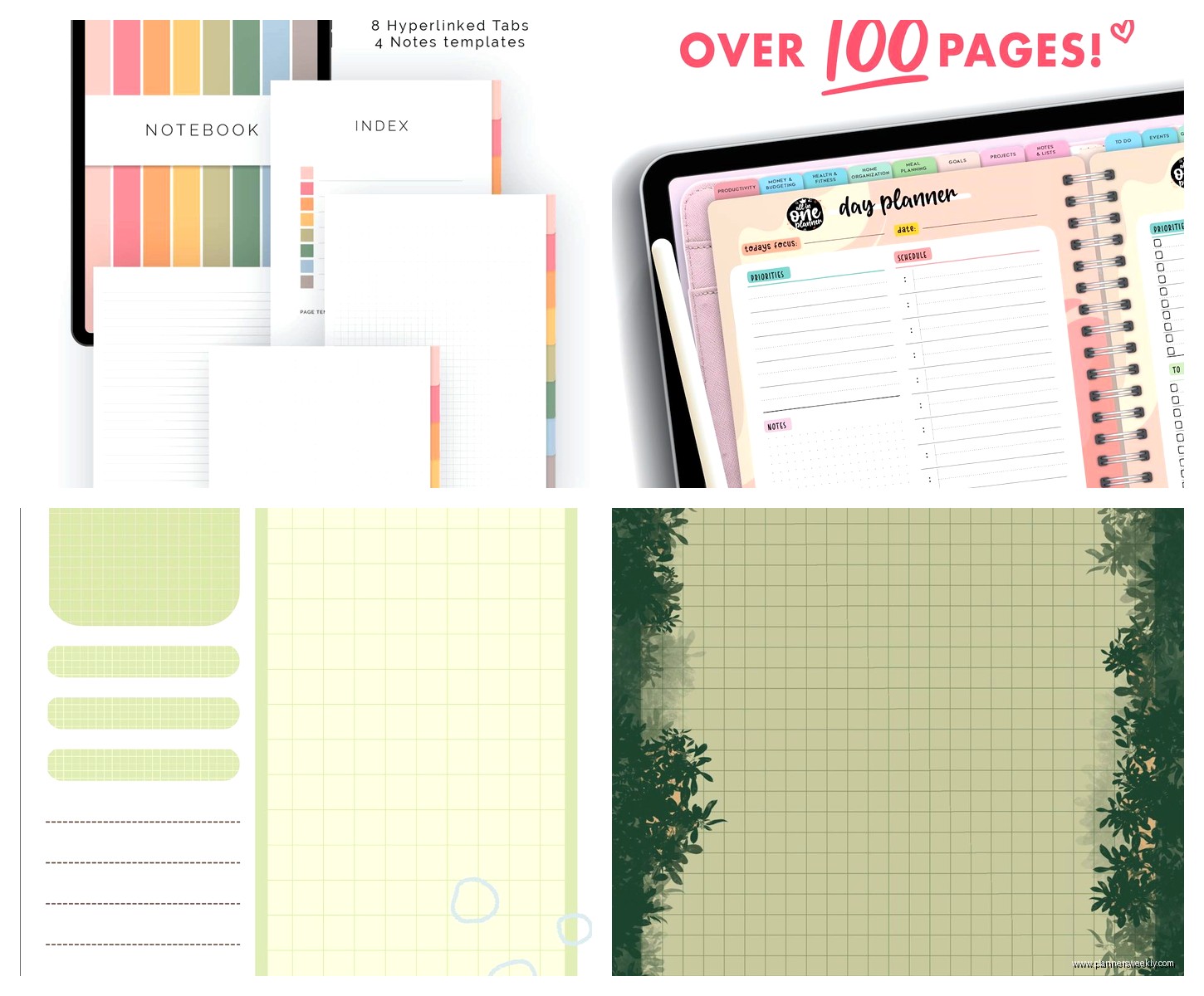
The hyperlinks are the thing that makes or breaks a template though. Good templates have working hyperlinks on every page that let you jump between sections. Bad templates make you swipe through 500 pages to find your monthly overview and you’ll want to throw your iPad across the room.
Daily Planners That Actually Function
I tested like eight different daily planner templates and honestly most of them are too cramped. The ones designed for portrait mode on an iPad are basically unusable unless you have a stylus the size of a toothpick and the patience of a saint.
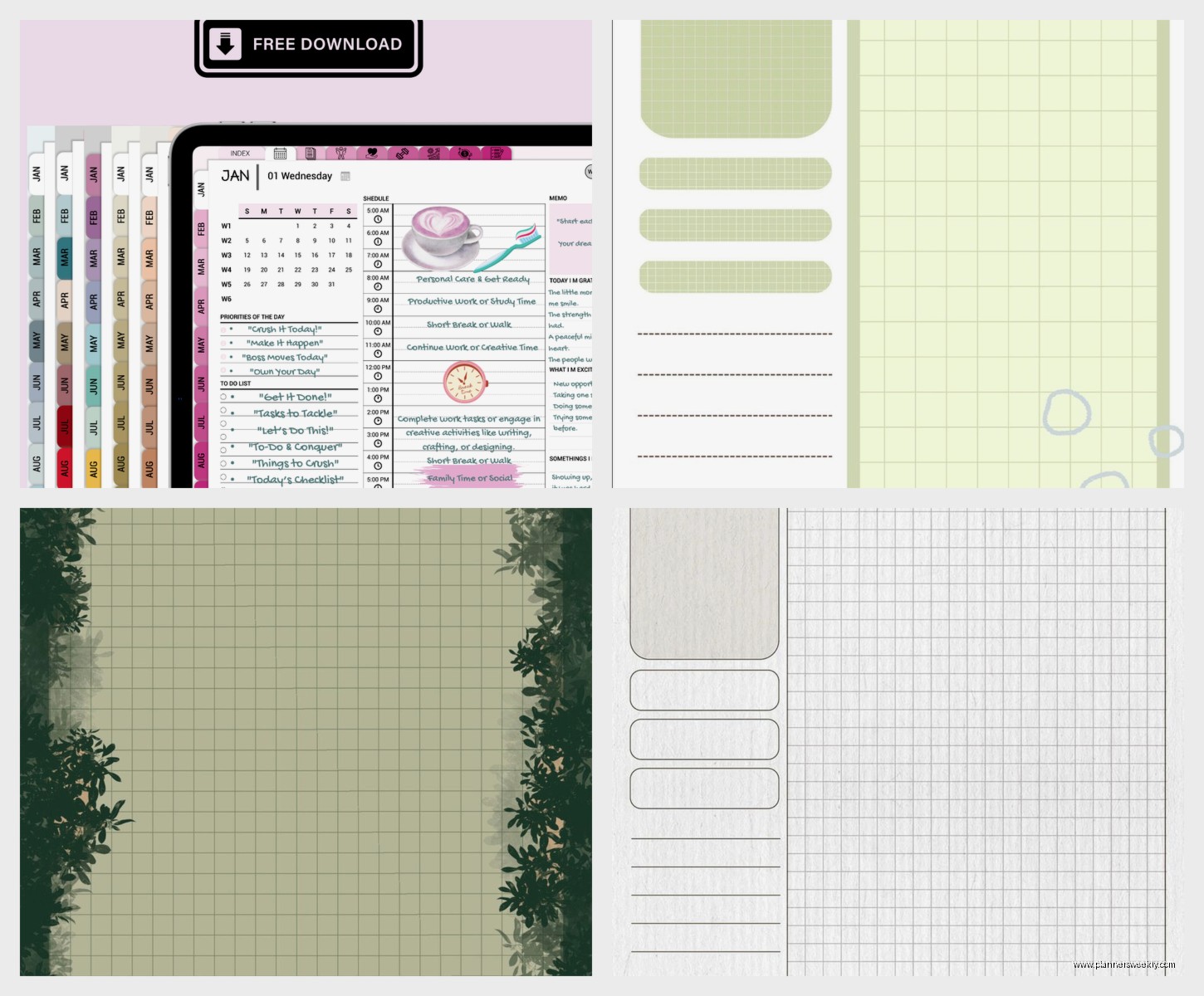
The landscape dailies work way better. I’ve been using this one called the Digital Planner Pro (sounds generic but whatever) and it’s got hourly blocks from 6am to 10pm, a priorities section, and a notes area that’s actually big enough to write in. The hyperlinked tabs on the side let you jump to different months without the endless scrolling thing.
Oh and another thing, the undated planners are way more practical than the dated ones. I bought this gorgeous 2024 planner in January and then didn’t use it for two weeks because I got the flu, and now all the dates are off and it drives me insane. Undated means you can skip days without feeling like you wasted pages.
Weekly Spreads vs Daily Pages
This is gonna sound weird but I actually prefer weekly spreads for planning and then I use separate note pages for detailed daily stuff. The weekly view keeps me from over-scheduling because I can see the whole week at once and realize that no, I cannot fit in three client calls, two writing deadlines, and reorganizing my entire office on Thursday.
The best weekly template I found has the days in columns with hourly breakdowns, plus a sidebar for the week’s priorities and a habit tracker. It’s from Minimalist Productive Planners or something like that, they have a whole Etsy shop. The habit tracker thing seemed gimmicky but I’ve actually been using it to track if I remembered to take my vitamins and it’s surprisingly helpful.
Wait I forgot to mention, some templates come with stickers and decorative elements built in as separate PDFs. I thought I’d use these constantly but honestly I used them twice and then never again. They’re cute but when you’re actually planning your week you just wanna write stuff down, not spend fifteen minutes finding the perfect coffee cup sticker.
The Hyperlink Situation
Okay so the hyperlinks deserve their own section because this is what separates the $3 templates from the $15 ones. Good hyperlinks mean you can tap on “March” in your yearly overview and jump straight to March’s monthly spread. Then from there you can tap individual days to get to daily pages.
The cheap templates sometimes have hyperlinks that link to the wrong pages, or they’re not clickable at all, or they only work going forward but not backward. I tested one where the “back to monthly” button just sent me to January every single time no matter what month I was actually in. Deleted that one immediately.
Note-Taking Templates for Actual Work
The Cornell note templates are honestly perfect for client meetings. I was watching The Bear while testing these (that show stresses me out btw) and I kept pausing to take notes in different templates to see which one felt most natural.
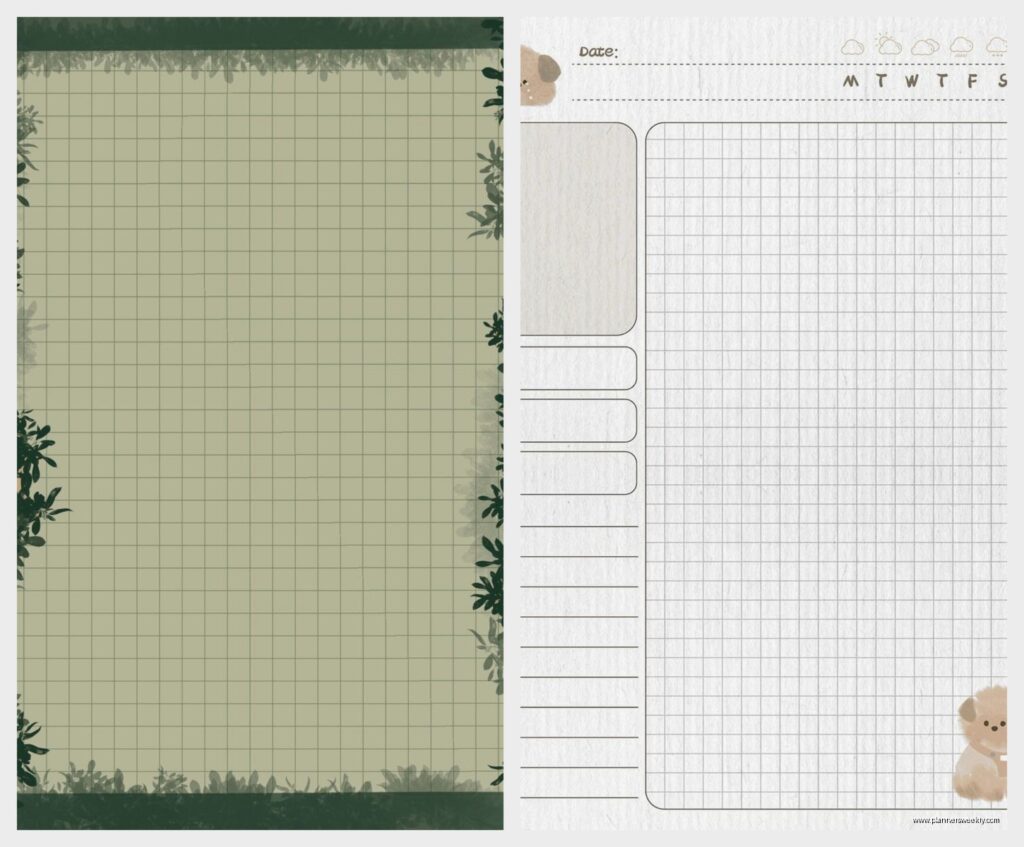
Cornell style has that narrow left column for main points and questions, then the big right section for detailed notes, then a summary section at the bottom. It forces you to organize while you’re writing instead of just creating a wall of text you’ll never read again.
For creative brainstorming though, the blank dot grid pages work better. The dots give you some structure but you can draw, make mind maps, whatever. I use these for content planning and they’re way better than lined pages for that kind of scattered thinking.
Meeting Notes Templates
The meeting notes templates with pre-made sections are hit or miss. Some have sections like “attendees” and “action items” and “follow-up needed” which sounds organized but then you’re in a meeting and half those sections don’t apply and you’ve got all this wasted space.
The simple ones with just a header area for the meeting title and date, then open space for notes, work better for me. You can add your own structure as needed instead of being locked into someone else’s system.
Journal Templates and Why Most Are Too Structured
Okay so funny story, I bought this guided journal template that had prompts for every single day. “What are you grateful for? What’s your intention today? What challenged you?” And I used it for exactly four days before I felt like I was filling out a questionnaire instead of actually journaling.
The better journal templates are just nice-looking lined or blank pages with maybe a date field at the top. Some have a small mood tracker or a simple “today I…” prompt but they’re not forcing you into this whole production every time you want to write something down.
The bullet journal style templates are actually pretty useful if you’re into that system. They come with index pages, future log, monthly log, all that stuff already set up. I’m not organized enough to maintain a real bullet journal but having the structure already there makes it easier to at least try.
Budget Planners and Trackers
I tested these mostly out of curiosity because my client who originally asked about templates mentioned wanting to track expenses. The budget templates range from super simple (just categories and amounts) to these elaborate things with debt payoff trackers and savings goals and investment portfolios.
The monthly budget tracker with expense categories, income tracking, and a summary page is probably the most practical. You can see where your money went without needing a degree in accounting to understand the template.
Some templates have weekly expense trackers which seems excessive to me but maybe if you’re really trying to crack down on spending? I used one for a week and just found it tedious to log every coffee purchase.
Habit and Goal Tracking
The habit tracker templates are everywhere and they’re basically all the same. Grid with days across the top, habits down the side, you fill in boxes. They work fine. Some are prettier than others but functionally they’re identical.
Goal tracking templates though, those vary a lot. Some are very vision-board-y with space for images and inspirational quotes (not my thing). Others are practical with quarterly goals, monthly milestones, weekly actions. The latter actually helps you break down goals into doable steps instead of just writing “get organized” and hoping it happens.
Subject-Specific Notebooks
For work projects I’ve been using these subject notebook templates that are basically enhanced lined paper. They’ve got a header for the subject/project name, date, and then either lined, dotted, or grid paper depending on what you download.
The ones with numbered pages and an index at the front are genuinely useful for long-term projects. You can find stuff later without scrolling through everything. My cat knocked my iPad off the desk while I was testing these and I nearly had a heart attack but it was fine, just wanted to mention that happened.
Class Notes and Study Templates
Even though I’m not in school anymore I tested the student templates because several of my younger clients ask about them. The class schedule templates with time blocks and room numbers seem helpful for keeping track of multiple classes.
The study note templates with space for lecture notes, textbook notes, and practice problems are way more organized than how I took notes in college. Some have built-in flashcard pages which is clever, you can write questions on one page and answers on another.
Creative Templates Worth Considering
The sketchbook and drawing templates are just different paper types, really. Blank, dot grid, isometric grid for technical drawing. If you’re into digital art these are fine but honestly you could just use GoodNotes’ built-in paper options and save money.
Story planning templates for writers have character sheets, plot outlines, world-building sections. I tried using one for blog content planning and it was way too detailed for what I needed but I can see it being useful for actual fiction writing.
What to Actually Buy
Okay so if you’re just starting out, get an undated daily or weekly planner with good hyperlinks, a basic Cornell notes template, and some blank or dotted pages for general notes. That’ll cover like 90% of what you actually need.
Don’t buy the massive bundle packs with 47 different templates because you’ll use maybe three of them. Start simple, figure out what you actually use, then add specific templates as you need them.
The free templates on Reddit and various blogs are honestly fine for testing what styles you like before spending money. Quality varies but you can get a sense of whether you prefer daily vs weekly, portrait vs landscape, minimal vs detailed.
Price-wise, templates range from free to like $25 for the really elaborate ones. The sweet spot is around $8-12 for a well-made planner with good hyperlinks and multiple sections. Anything over $15 better be absolutely perfect and gorgeous.
Test the hyperlinks immediately after importing. Tap through every link to make sure they work. Some sellers are good about fixing broken links if you contact them, others ghost you, so check their reviews before buying.
The templates that get updated for new years are worth considering if you want dated pages, but again, undated is more flexible. You’re gonna skip days sometimes and that’s fine, don’t let pre-printed dates make you feel guilty about it.