Digital Productivity, Online planners, Planners
Hourly Schedule Template: Free Time-Block Downloads
Apr
Okay so I’ve been testing hourly schedule templates for like three weeks now because honestly my own planning system was a mess and I figured if I’m gonna recommend stuff to clients I should actually know what works.
Google Sheets Templates Are Actually Pretty Solid
Starting with Google Sheets because it’s free and you probably already have it. I found this template from Vertex42 that’s basically just a simple hourly breakdown from 6am to 10pm. You can customize it which is huge because not everyone operates on the same schedule right? Like my friend Sarah starts her day at 5am which is insane to me but whatever works.
The thing with Google Sheets templates is they’re flexible but also kinda ugly unless you spend time formatting. I spent probably 45 minutes making mine not look like a spreadsheet from 2003. Changed the colors, made the time blocks bigger, added conditional formatting so completed tasks turn green. You can share them easily though which is perfect if you’re coordinating with someone else or if you’ve got a team.
Download from Vertex42 or just search “hourly schedule template Google Sheets” and pick one that doesn’t have a million features you won’t use. The simpler ones are honestly better. You want something you can glance at, not something that requires a tutorial.
Notion Templates If You’re Already In That Ecosystem
Wait I forgot to mention Notion templates. So if you’re already using Notion for other stuff, there are some really good hourly templates in their template gallery. The one I’ve been using is called “Daily Time Blocking” and it’s got this satisfying toggle thing where you can collapse sections.
The downside is Notion can be slow sometimes? Like if you’re trying to quickly add something and the page is loading you’re gonna get frustrated. Also it’s not great for printing if you’re someone who needs physical copies. I tried printing mine once and it came out weird with the toggles all expanded and it was like 6 pages for one day.
But the database features are pretty cool. You can link your tasks to projects, add tags, filter by priority. I made a view that only shows my “deep work” blocks which helped me realize I was only giving myself like 2 hours a day for actual focused work. No wonder I felt behind on everything.
Setting Up Your Notion Template
If you go the Notion route, duplicate the template first and then customize the time blocks. The default is usually 30-minute blocks but I changed mine to 60-minute because I found 30 minutes too granular. Just made me feel stressed looking at it.
Add a property for energy level maybe? I started tagging blocks as high-energy or low-energy and scheduling accordingly. Like I know I’m useless after 3pm so that’s when I do emails and admin stuff, not writing or strategy work.
Canva Has Free Templates That Actually Look Nice
Okay so funny story, I was watching The Bear while testing Canva templates and got completely distracted but anyway. Canva has a bunch of free hourly schedule templates that are actually pretty. Like you could print these and not feel embarrassed putting them on your desk.
Search “hourly schedule” in Canva and filter by free. There’s this one called “Minimalist Daily Planner” that I’ve been using. It’s got time slots from 7am to 9pm, space for priorities at the top, and a notes section. You can customize colors, fonts, add stickers if you’re into that.
The best part is you can download as PDF and print, or save as PNG and set as your phone wallpaper. I did that for a week and honestly it helped me stay on track because every time I checked my phone I saw my schedule staring at me.
Making It Actually Functional
Don’t just fill in every single hour though. I made that mistake initially and it was overwhelming. Leave buffer time between blocks, seriously. I do 15-minute buffers every few hours for bathroom breaks, getting coffee, staring into space, whatever.
Also color-code by category. Work stuff in blue, personal in green, appointments in red. Your brain processes that faster than reading each item.
Excel If You Want Formulas and Stuff
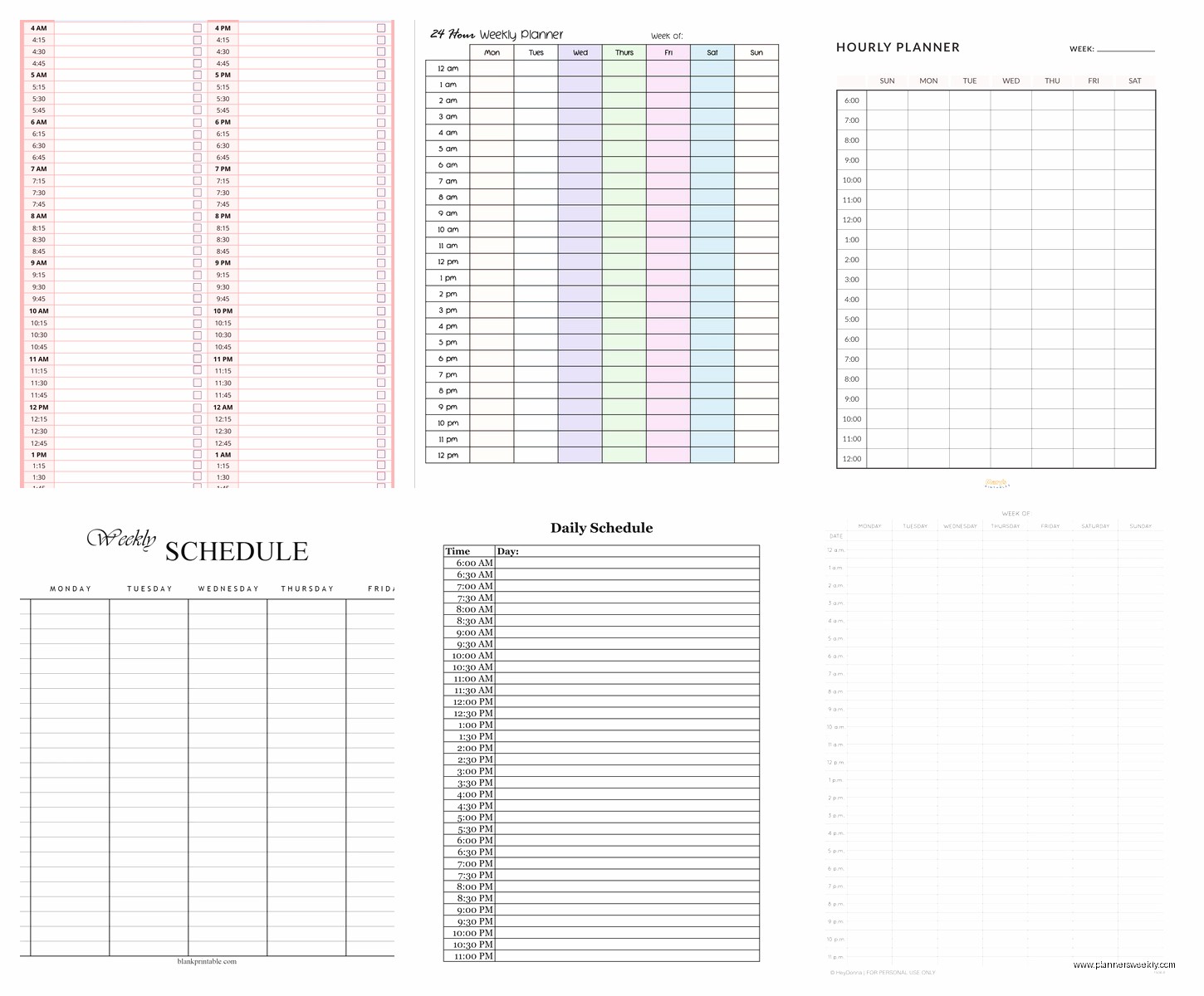
Microsoft has templates in Excel that are pretty robust. The “Weekly Schedule with Time Blocks” one is solid if you want to see your whole week at once. It’s got Monday through Sunday with hourly rows.
I added formulas to calculate total hours per category which was eye-opening. Turns out I was spending like 12 hours a week in meetings which explained why I never got anything done. Cut that down to 8 and suddenly had time to breathe.
Excel is better than Google Sheets for complex formatting and it works offline which matters if you’re somewhere without wifi. The templates are free if you have Microsoft 365, otherwise Google Sheets is your friend.
Printable PDF Templates For Paper People
This is gonna sound weird but I actually prefer paper sometimes? There’s something about physically writing things down. I found a bunch of free printable templates on sites like 101 Planners and Scattered Squirrel.
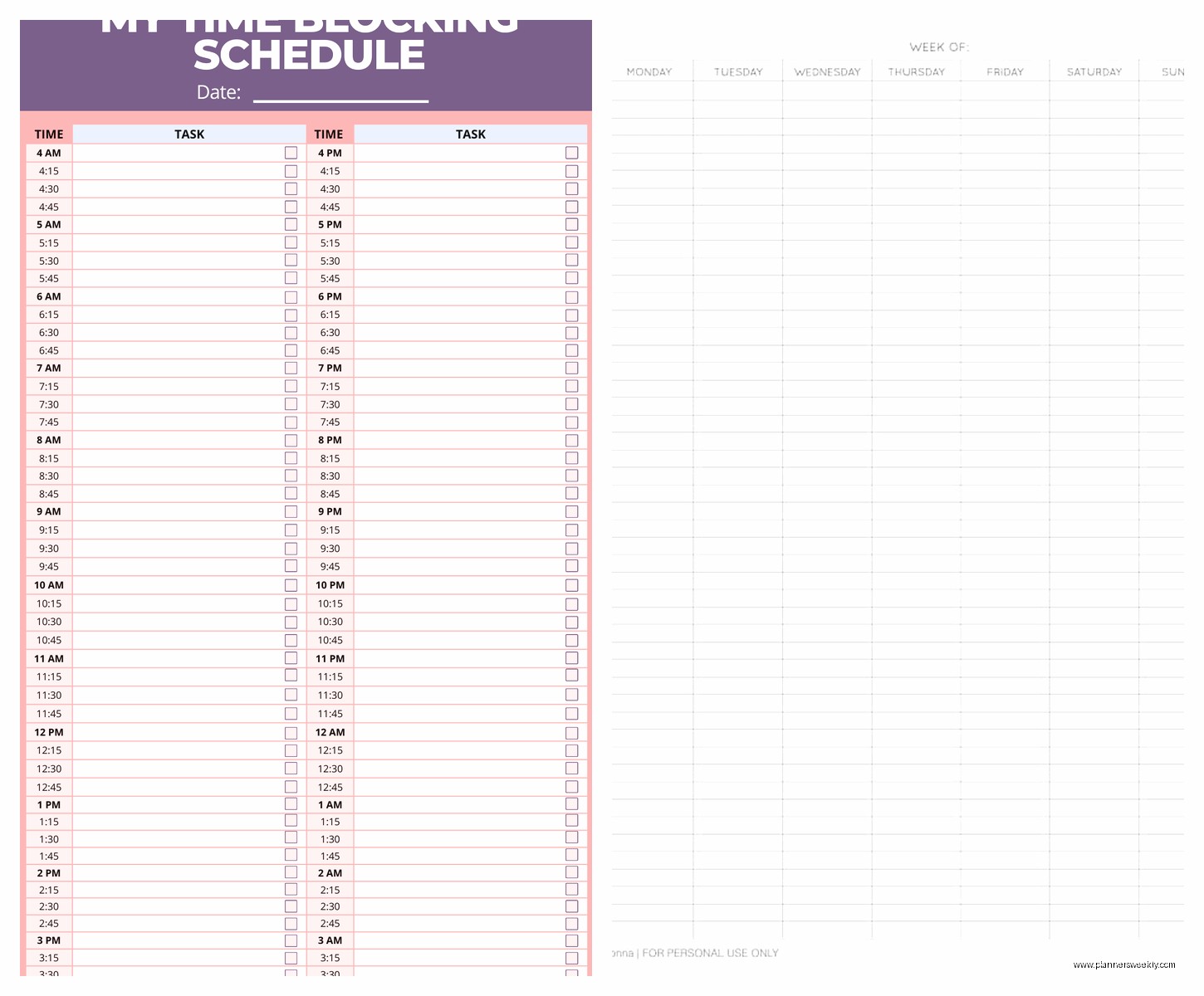
The “Hourly Daily Planner” from 101 Planners is my go-to. It’s simple, has time slots from 6am to 9pm in 30-minute or 60-minute increments depending which version you download. Print it, put it in a binder, done.
I hole-punch mine and keep them in a cheap binder from Target. My dog chewed one corner of my binder last week which is beside the point but now I keep it on a higher shelf.
The Actual Printing Part
Print on regular printer paper or go fancy with heavier cardstock if you want it to feel more substantial. I use 24lb paper which is slightly thicker than regular. Makes a difference somehow, feels more official.
Print a week at a time or a month, whatever. I do weekly because my schedule changes too much to plan further out. Some people swear by planning monthly but that stresses me out.
Time Block Strategies That Actually Work
Okay so having a template is one thing but actually using it effectively is another. Here’s what I figured out after testing all these:
Theme your days if possible. Like Mondays are meeting days, Tuesdays are deep work days. Makes it easier to plan and you’re not context-switching as much. I learned this from my client who’s a developer and she swears by it.
Block time for breaks. I mentioned this before but seriously. If you schedule 8am to 6pm solid with no gaps you’re gonna burn out. I block 12-1pm for lunch and actually take it now instead of eating at my desk.
Put your most important task in your peak energy time. For me that’s 9am to 11am. That’s when I do writing, strategy work, anything that requires brain power. After lunch I’m good for meetings and lighter tasks.
Leave evening blocks flexible. I used to schedule my evenings down to the minute and then felt guilty when I didn’t follow it. Now I just block “evening free time” from like 7pm on and do whatever.
Digital vs Paper – My Actual Opinion
I’ve gone back and forth on this. Digital is better for syncing across devices and making quick changes. Paper is better for focus because you’re not getting notifications while you’re looking at it.
My current system is digital planning in Notion for the week overview, then printing daily sheets. Gives me the flexibility of digital with the focus of paper. Is it extra? Maybe. But it works for me.
Some people use their phone exclusively which I cannot wrap my head around. The screen is so small and I find myself getting distracted by other apps. But if it works for you, great.
Apps Worth Mentioning
Oh and another thing, if you want an app specifically for time blocking, I tested a few. Structured App for iOS is really good, super visual timeline view. Plan for Android is similar. Both free with premium options.
These are better than just a template if you want reminders and notifications. Structured will literally buzz you when it’s time to move to the next block. Annoying but effective if you lose track of time like I do.
I still prefer my template system but these apps are solid alternatives. The free versions are functional enough that you don’t need to pay unless you want themes or cloud sync.
Customizing Your Template
Whatever template you pick, customize it. The default settings are never quite right. Adjust the time range to match your actual day. If you don’t start work until 9am why does your template start at 6am?
Add sections that matter to you. I added a “wins” section at the bottom where I write one thing that went well. Sounds cheesy but it helps on days when I feel like I got nothing done.
Remove stuff you won’t use. Some templates have like 15 different sections and it’s too much. Keep it simple: time blocks, task list, maybe a notes area. That’s it.
Where To Actually Download These
Google Sheets: Vertex42, Template.net, or just make your own from scratch
Notion: Notion template gallery, search “time blocking”
Canva: Canva.com, search “hourly schedule,” filter free
Excel: Microsoft Office templates, search “schedule”
Printable PDFs: 101 Planners, Scattered Squirrel, The Incremental Mama
All of these are actually free. Some sites try to get you to sign up for newsletters but you can usually skip that. If a site wants payment for a basic hourly template, skip it, there are free alternatives that are just as good.
Common Mistakes I Made So You Don’t Have To
Scheduling every minute – leaves no room for life happening
Making the blocks too small – 15-minute blocks are too granular unless you’re doing surgery or something
Not accounting for transition time – you can’t end a meeting at 2pm and start a task at 2pm, give yourself 5-10 minutes
Treating it like it’s set in stone – things change, your schedule should too
Picking overly complicated templates – you’ll abandon them in a week
I went through like 10 different templates before settling on my current system. It’s okay to try several and see what sticks. What works for your friend might not work for you.
The template doesn’t matter as much as actually using it consistently. Start simple, adjust as you go, don’t overthink it. Pick one of the options I mentioned, download it, and just start using it tomorrow. You’ll figure out what needs to change as you go.