Digital Productivity, Online planners, Planners
Hourly Weekly Schedule Template: Time-Block Planning
May
Okay so I’ve been using hourly weekly schedule templates for like three years now and honestly the time-block planning thing changed how I actually get stuff done. Not in a weird motivational poster way but like, I actually know where my time goes now.
The Basic Setup That Actually Works
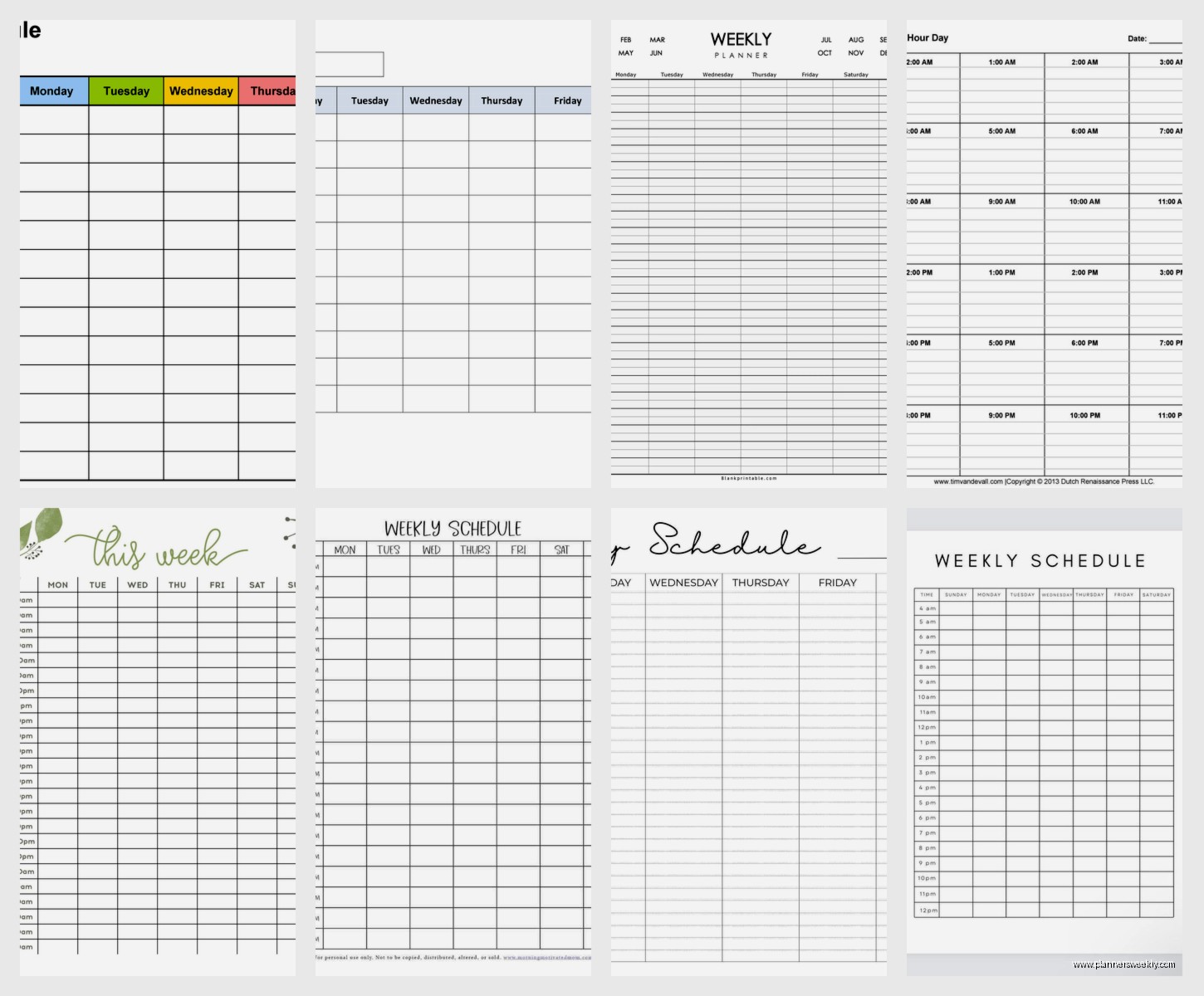
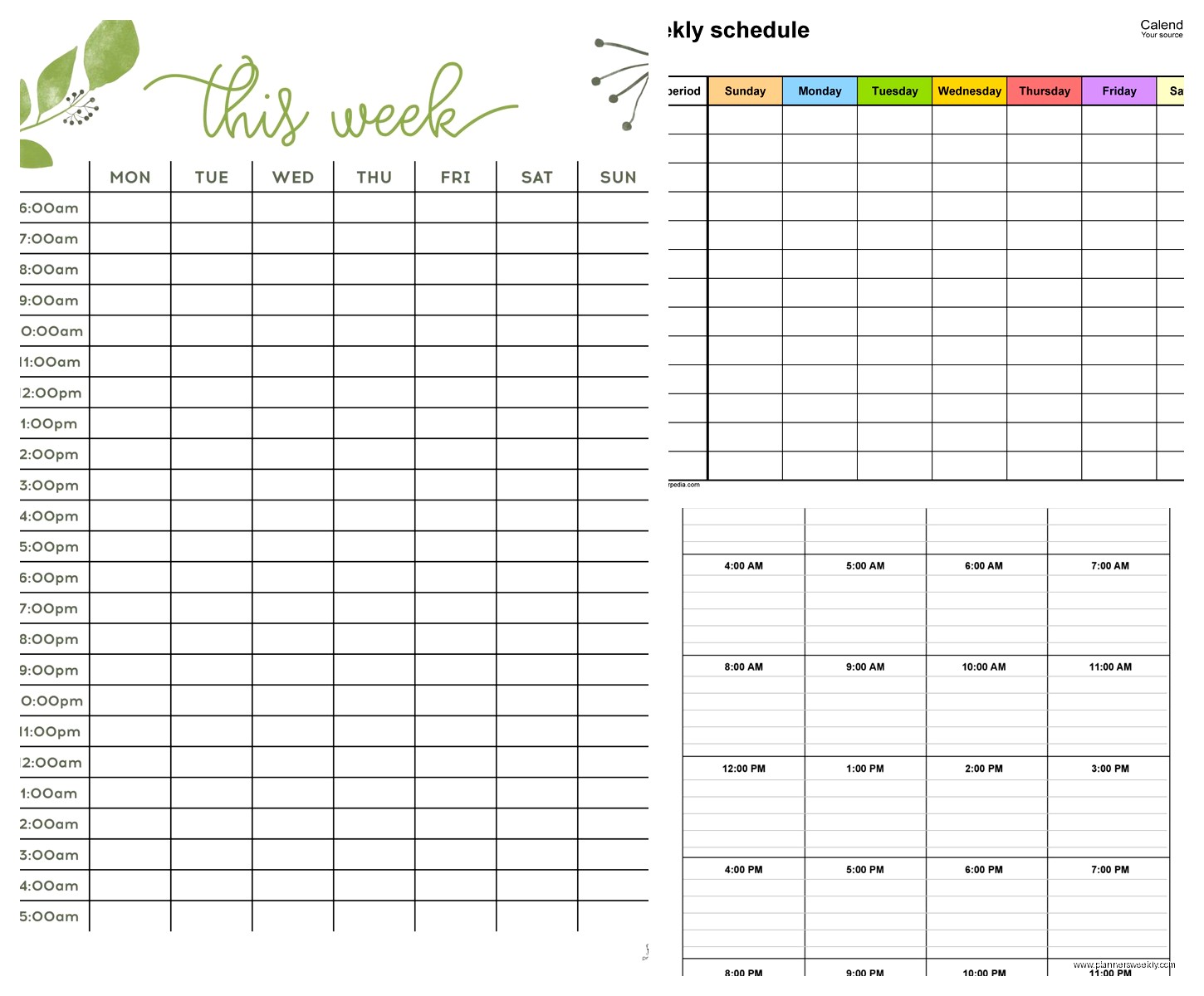
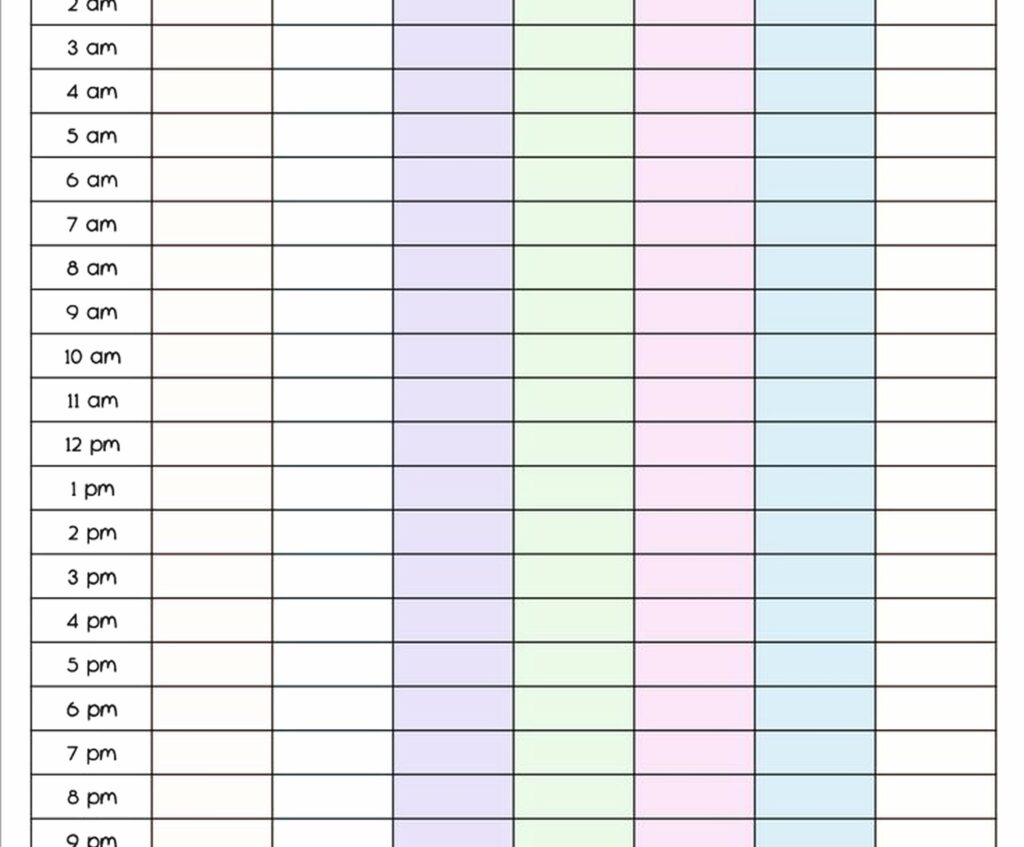
So the template itself is pretty straightforward. You need a grid with days across the top and hours down the side. I usually start mine at 6am and go till 10pm because anything after that is just me watching true crime documentaries and that doesn’t need to be scheduled.
The key thing nobody tells you is that you gotta start with your non-negotiables first. Like I had this client who kept saying she had no time for anything and when we mapped it out, she was trying to fill in all the fun productive stuff first and then wondering why her kid’s pickup time kept getting ignored. Start with the stuff that HAS to happen at specific times. School runs, meetings you can’t move, that kind of thing.
I use 30-minute blocks because hourly blocks are too big for most tasks. When you say “I’ll work on that report from 2-3pm” you’re lying to yourself because the report takes 25 minutes and then you spend 35 minutes on Instagram. Half-hour blocks keep you honest.
Color Coding Without Making It a Craft Project
People get real extra with the color coding and look, I love a good highlighter set as much as the next stationery person, but you need like 4-5 categories max. I do:
- Deep work (stuff that needs real focus)
- Meetings and calls
- Admin and email
- Personal/life stuff
- Buffer time
That last one is the secret weapon everyone skips. Buffer time is just empty blocks between things so when your 2pm call runs over or you need 10 minutes to decompress, you’re not immediately late for everything else. I learned this the hard way when I scheduled things back-to-back for a week and by Wednesday I was eating lunch at 4pm and answering emails at midnight.
Oh and another thing, if you’re doing this digitally, Google Calendar works fine but I actually prefer a printed template on my desk. There’s something about seeing the whole week at once that helps my brain process it better. I’ve tested both ways and the paper version makes me stick to it more, probably because it’s just sitting there staring at me all day.
Time Blocking Your Deep Work
This is gonna sound weird but the biggest mistake people make is not protecting their deep work time like it’s a real meeting. You know how you wouldn’t just skip a meeting with your boss? Treat your focused work blocks the same way.
I block my deep work for mornings, usually 9am-12pm, because that’s when my brain actually works. Your time might be different. I have a friend who does her best work from 8pm-11pm and schedules accordingly. The template doesn’t care when you’re productive, it just needs to be consistent.
And you gotta batch similar tasks together. All my content writing happens in one block, all my client calls happen on Tuesday and Thursday afternoons, all my admin stuff gets crammed into Friday morning. When you switch between different types of tasks your brain needs like 20 minutes to actually get into the new thing, so you’re wasting time every time you jump around.
The Sunday Planning Session
Wait I forgot to mention, none of this works if you don’t do a weekly planning session. I do mine Sunday evening, takes about 20 minutes. I pull up my blank template and start filling it in based on what’s coming up that week.
First I add all the fixed appointments and commitments. Then I look at my project list and figure out what actually needs to happen this week. Not what I wish would happen or what would be nice to do, but what actually has to get done. Those tasks get assigned to specific time blocks.
My cat always tries to sit on my planner during this which is incredibly unhelpful but also kind of forces me to keep it simple because I can’t see half the page.
Making It Realistic
Here’s the thing about time blocking that took me forever to figure out. You gotta be honest about how long things take. Most people are wildly optimistic. They’ll be like “oh I’ll answer all my emails in 30 minutes” when it actually takes 90 minutes because you get distracted by that one client who writes novels in every message.
I started tracking my time for two weeks just to see where I was lying to myself. Turns out everything takes about 1.5x longer than I think it will. So now when I’m filling in my template, I add that buffer automatically. If I think something takes an hour, I block 90 minutes.
Also you can’t schedule every single minute. I tried that in my first month of time blocking and I wanted to throw my planner across the room by Wednesday. You need white space. I aim for about 60-70% of my day scheduled, leaving the rest for the random stuff that always comes up.
Adjusting Throughout the Week
The template isn’t set in stone once you fill it out Sunday. Things change, meetings get moved, you wake up feeling like garbage and can’t do the deep work you planned. That’s fine.
I keep my template in a sheet protector and use a dry erase marker so I can adjust things. Or if you’re digital, obviously just drag stuff around. The point is to have a plan but not be weird and rigid about it.
What I do is a quick 5-minute review each evening. Did I stick to the plan? What got in the way? Do I need to move anything to tomorrow? This keeps me from losing track of stuff that got bumped.
The Energy Management Part
Okay so funny story, I scheduled all my client calls on Monday once because I wanted to “get them over with” and I was absolutely destroyed by 3pm. Couldn’t think straight, couldn’t write, just sat there staring at my computer like it was personally attacking me.
You gotta schedule based on energy, not just time availability. High-energy tasks need high-energy time slots. For me that’s mornings. Low-energy tasks (like admin work, scheduling social media, organizing files) get the afternoon slots when I’m running on fumes anyway.
I also learned to schedule breaks, which sounds silly but if you don’t block time for lunch you’ll end up eating crackers at your desk at 2:47pm while trying to finish something. Ask me how I know this.
Different Templates for Different People
The basic grid works for most people but I’ve seen variations that work better for specific situations. If you work shifts or have irregular hours, you might need a template that’s more flexible. I have a nurse friend who uses a monthly view with daily blocks instead of hourly because her schedule changes week to week.
If you’re a student, you probably want your class schedule already printed on the template so you’re just filling in study blocks and other commitments around it.
For parents, I’ve seen templates that include a section for each kid’s schedule too because apparently you need to know when soccer practice is and when the school project is due. I don’t have kids but my clients tell me this is essential.
Digital vs Paper
I keep going back and forth on this. Digital is obviously more flexible, you can set reminders, it syncs across devices, whatever. But paper is right there, you can see the whole week without clicking anything, and there’s something about physically writing in your blocks that makes you commit to them more.
What I actually do now is hybrid. I keep my master schedule digital (Google Calendar) but print out my weekly template every Sunday and keep it on my desk. Best of both worlds. The digital version catches all the changes and reminders, the paper version keeps me focused during the actual workday.
Common Problems I’ve Seen
People try to schedule too much. Like they’ll have every 30-minute block filled with important tasks and then wonder why they feel stressed and behind by Tuesday. You’re not a robot, you need space to breathe.
Or they make the blocks too vague. “Work on project” doesn’t mean anything. “Draft introduction section for client report” is specific enough that you know exactly what you’re doing when that block comes up.
Another thing is not accounting for transition time. If you have a meeting that ends at 2pm, your next block shouldn’t start at 2pm. You need time to decompress, use the bathroom, grab water, whatever. I usually add 15 minutes between major transitions.
Oh and people forget to schedule the boring life maintenance stuff. Grocery shopping, paying bills, that doctor’s appointment you’ve been putting off. If it’s not in the template, it probably won’t happen, or it’ll happen at a random time and throw off everything else.
Making It Stick
The first few weeks are gonna feel weird and you’ll probably abandon it by Wednesday at least once. That’s normal. I’ve restarted time blocking like six times before it actually stuck.
What helped me was starting with just blocking out my mornings for the first week. Not the whole day, just mornings. Once that felt natural, I added afternoons. Trying to do your entire week perfectly from day one is overwhelming.
Also, review what worked and what didn’t each week. Maybe you realize Friday afternoons are dead zones for you and you should just schedule easy stuff then. Or maybe you discover you actually can focus after lunch if you go for a walk first. The template should evolve based on what you learn about your actual work patterns.
I still tweak mine occasionally. Like I recently realized I was scheduling too many calls on Thursdays and it was wrecking my ability to do any real work that day, so now I spread them out more.
The point isn’t to create the perfect schedule, it’s to have a framework that helps you be intentional about your time instead of just reacting to whatever’s loudest. And honestly, even when I don’t follow my template exactly, just having made the plan means I’m way more aware of what I’m choosing to do instead, which somehow makes the whole week feel less chaotic.