
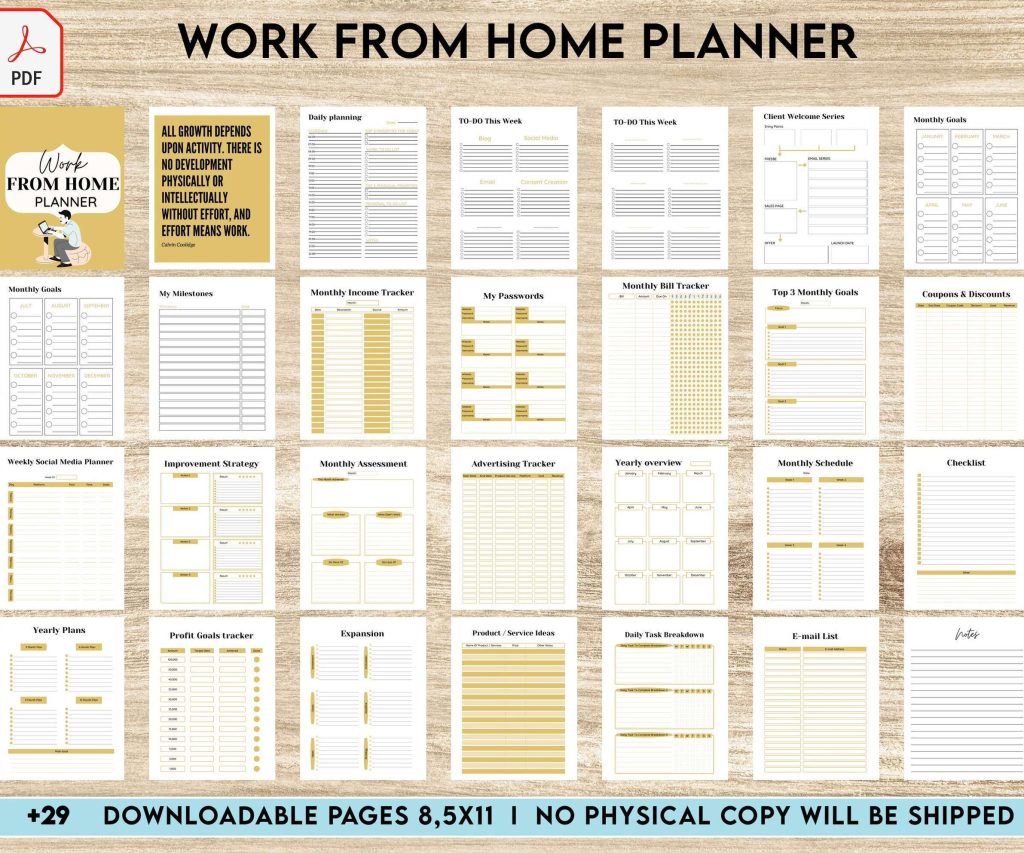
 Work From Home Planner, Productivity planner, Working from home, freelancer solopreneur business planner, Digital Download PDF file 8,5x11 inch
 Digital Productivity, Online planners, Planners
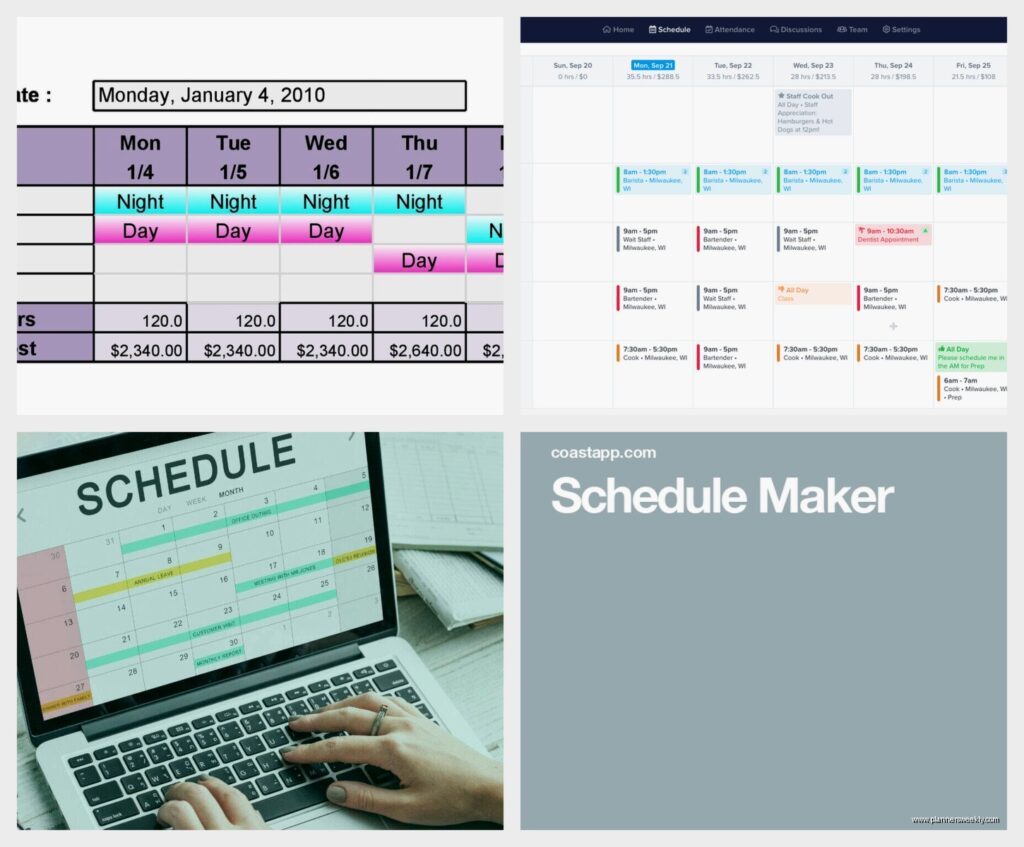
Online Shift Schedule Maker: Best Free Tools for Teams
Mar
Okay so I just spent the last two weeks testing like seven different shift schedule makers because three of my clients were driving themselves crazy with Excel spreadsheets and honestly it was getting embarrassing. Let me tell you what actually works.
When I Met Needs This
First off, When I Met is probably the easiest one to just jump into if you’re managing a small team. It’s completely free for up to 10 people which is perfect for most small businesses. I tested it with my client who runs a coffee shop with six baristas and she literally got her first schedule done in like fifteen minutes.
The interface is super clean, you just drag and drop shifts onto a calendar grid. You can set different shift types with colors which sounds basic but when you’re looking at a week view it makes everything way clearer. My favorite part is the automatic conflict detection because it’ll tell you if someone’s already scheduled or if they’re about to hit overtime.
The mobile app is decent too. Her staff can check their schedules on their phones and request shift swaps which then just ping her for approval. No more group chat chaos with people trading shifts through seventeen different messages.
One weird limitation though is you can’t do rotating schedules automatically. You gotta manually copy and paste weeks if you want a pattern which got annoying when I was testing it for a client with a two-week rotation pattern.
Homebase Actually Surprised Me
Wait I forgot to mention Homebase which I almost skipped because the name sounds so generic but it’s actually really solid. Free version supports unlimited employees which is kinda nuts. I was testing this while my dog kept barking at the mail carrier so I had to restart the tutorial like three times.
What makes Homebase different is it’s built more for hourly workers specifically. You can set labor cost budgets and it’ll show you in real-time if you’re gonna go over based on who you’re scheduling. This is huge for restaurants and retail where labor costs can destroy your margins.
The time clock feature is built in so employees can clock in and out from their phones with GPS verification. My client was super paranoid about time theft and this basically solved that problem. You can see exactly where someone was when they clocked in.
The Scheduling Part
Creating schedules is pretty straightforward. You set up your shifts, assign people, and it auto-calculates hours. There’s a template feature where you can save common schedules and just reuse them which saved me so much time during testing.
Oh and another thing, the communication tools are actually useful. You can message individual employees or broadcast to everyone scheduled for a specific shift. Way better than trying to manage a group text.
The catch with the free version is you don’t get the advanced reporting or payroll integration. For those you need the paid tier which starts at like $20/month per location. But honestly for basic scheduling the free version does everything most small teams need.
7shifts For Restaurant People
This is gonna sound weirdly specific but if you’re running any kind of food service operation just use 7shifts. I tested it with a client who manages two pizza places and it’s so clearly built by people who understand restaurant operations.
You can schedule by position and station which matters way more in restaurants than other industries. Like you need someone who can work expo versus someone on the line versus front of house. The system gets that.
The labor cost tracking shows you projected versus actual in real-time. You can set sales forecasts and it’ll suggest optimal staffing levels. I was watching The Bear while testing this and honestly the show made me appreciate these features even more because scheduling restaurants is genuinely chaotic.

Free tier works for one location up to 30 employees. The shift trading and availability management is built in. Employees can set their availability and request time off through the app which automatically shows you conflicts when you’re building the schedule.
Stuff That Made My Life Easier
The auto-scheduler is in the paid version but even without it the manual scheduling is smooth. You can copy previous weeks, use templates, and there’s this feature where you can see everyone’s qualifications at a glance so you’re not accidentally scheduling someone for a shift they can’t actually work.
Team communication happens through the app with read receipts so you know people actually saw the schedule. This eliminated so many “I didn’t know I was working” excuses for my client.
One annoying thing is the mobile app can be glitchy sometimes. Like twice during testing it wouldn’t load the schedule and I had to force close and reopen. Not a dealbreaker but kinda frustrating.
Connecteam For Field Teams
Okay so funny story, I almost didn’t test Connecteam because I thought it was just another generic employee app but then my client who runs a cleaning service asked about it and wow it’s actually perfect for teams that work in different locations.
The scheduling works on a mobile-first design which makes sense for field workers who aren’t sitting at computers. You can assign jobs to specific locations with addresses and the app gives employees directions.
The free plan supports up to 10 users which is tight but workable. What’s cool is it includes the time clock with GPS tracking and the chat feature. For field teams this is basically essential because you need to know people are actually at the job site.
You can attach files and checklists to shifts which my cleaning service client uses for site-specific instructions. Like this office building needs these specific products, that house has a dog so text before entering, whatever.
The Actual Scheduling Interface
Building schedules you can do from desktop or mobile. It’s a calendar view where you create shifts and assign people. Pretty standard but it works smoothly. You can set recurring shifts which is great for ongoing contracts.
The availability management lets employees block out times they can’t work. When you’re creating a schedule it only shows you people who are actually available which saves so much time compared to checking manually.
Wait I should mention the paid plans start at $29/month for up to 30 users and add features like advanced reporting and custom checklists. But the free version honestly covers basic scheduling needs.
Humanity Which Changed Its Name
So Humanity is now called TCP Humanity or something corporate like that but everyone still calls it Humanity. I tested this for a client running a call center with about 25 agents and it handles complex scheduling rules really well.
You can set up different shift patterns, rotating schedules, and it has strong overtime and labor law compliance features. Like it’ll warn you if you’re about to violate break requirements or scheduling laws which varies by state and honestly I don’t trust myself to remember all that.
The free trial lets you test everything but there isn’t really a free forever plan. Pricing starts around $3 per user per month which isn’t terrible but also not free so maybe this doesn’t belong here except the trial is generous enough that you can fully test it.

The forecasting tools are sophisticated. You can input expected demand and it’ll suggest staffing levels. For the call center this was perfect because call volume varies throughout the day and week.
Shift trading is built in with approval workflows. Employees can pick up open shifts or trade with coworkers and it all routes through manager approval. My client loved this because it reduced the administrative overhead of managing swaps.
Why It Might Be Overkill
Honestly if you’re just scheduling a small team with straightforward shifts this is probably more complexity than you need. The learning curve is steeper than the other tools I tested. But for complex operations with compliance requirements it’s worth the extra effort.
The mobile experience is okay but definitely desktop-first in design. Works fine for managers but employees might find it less intuitive than some of the other apps.
ZoomShift For Simplicity
This is gonna sound weird but ZoomShift is what I’d recommend if someone just wants the absolute simplest thing that works. No fancy features, no complex setup, just schedule your team and move on with your life.
Free plan supports one location and up to five users which is limiting but if you’re a tiny team it works. The interface is extremely clean. You pick dates, create shifts, assign people. That’s it.
Employees get their schedules by email or can log into the app. They can request time off and set availability. You approve or deny. Everything is straightforward.
I tested this with my hairdresser who has three other stylists working in her salon and she got it set up in literally ten minutes. No tutorial needed, just intuitive design.
The time clock feature lets people clock in from their phones or a shared tablet. She has an iPad at the front desk and everyone just taps their name when they arrive. Simple.
What You’re Giving Up
You don’t get fancy labor cost tracking or sales forecasting or any of that. No auto-scheduling. No advanced reporting. It’s just pure scheduling and time tracking.
For small businesses that don’t need complexity this is perfect. For growing teams you’ll probably outgrow it fast. The paid tiers add more users and locations starting at like $20/month.
Findmyshift For International Teams
Oh wait I should mention Findmyshift because it handles multiple time zones really well which matters if you’ve got remote workers or multiple locations across regions. I tested this more out of curiosity than client need but it’s solid.
Free version supports up to 5 employees. The scheduling interface is clean, you can create shifts and assign people with drag and drop. Color coding by shift type or employee makes the calendar view easy to read.
The time zone handling is automatic. You set each employee’s time zone and they see their schedule in their local time. For my client with remote contractors this eliminated so much confusion.
Team messaging is built in. You can chat with individual employees or groups. Schedule changes trigger automatic notifications so everyone stays updated.
The shift trading works smoothly. Employees can offer shifts or request to take open ones. Managers approve through the app. Everything logs automatically so you have a record.
One limitation is the reporting in the free tier is pretty basic. You can see who worked when and total hours but not much analytical depth. Paid plans start around $25/month for more users and better reporting.
What Actually Matters When Choosing
Okay so after testing all these here’s what I’d actually consider. Team size is obvious, most free plans cap users somewhere between 5 and 30. If you’re bigger than that you’re gonna need paid anyway.
Industry matters more than I expected. Restaurant-specific tools understand stations and positions differently than retail or field service tools. The workflows are just designed for different operations.
Mobile experience is crucial if your team isn’t desk-based. Some of these tools are clearly desktop-first with mobile as an afterthought. Others are mobile-native. Match this to how your team actually works.
Complexity versus simplicity is a real tradeoff. More features sounds better but if you’re spending hours learning software instead of just scheduling people you’ve defeated the purpose. Sometimes simple and fast beats comprehensive and complicated.
Integration needs matter if you’re using other tools. Some of these connect with payroll systems or POS systems or whatever. If that matters to you check compatibility before committing.
The thing nobody talks about is gonna be employee adoption. The prettiest scheduling system in the world doesn’t help if your team won’t actually use the app to check schedules or request changes. Pick something your specific team will actually engage with.
I keep coming back to When I Met and Homebase for most small businesses because they hit the sweet spot of capable without overwhelming. But honestly test a couple yourself because what works for my clients might not click for your specific situation.
