Digital Productivity, Online planners, Planners
Weekly Appointment Planner: Best Scheduling Options

Mar
Okay so I just spent the last three weeks testing literally every weekly appointment planner I could get my hands on and here’s what actually matters when you’re trying to pick one.
The Digital vs Paper Thing Everyone Gets Wrong
First thing – everyone asks me “should I go digital or paper” and honestly it’s the wrong question. What you actually need to know is how many appointments you’re juggling per week. Like if you’ve got 5-10 appointments weekly, paper is gonna work fine and actually feels better to use. But once you hit 15+ appointments or you’re coordinating with other people who need to see your schedule, digital becomes necessary not just nice to have.
I tested this with my own schedule – I average about 12 client sessions plus random coffee meetings and podcast recordings. Tried going full paper for two weeks and it was fine until someone needed to reschedule and then I had to text three other people to shuffle things around. That’s when digital just makes sense.
Paper Planners That Actually Work
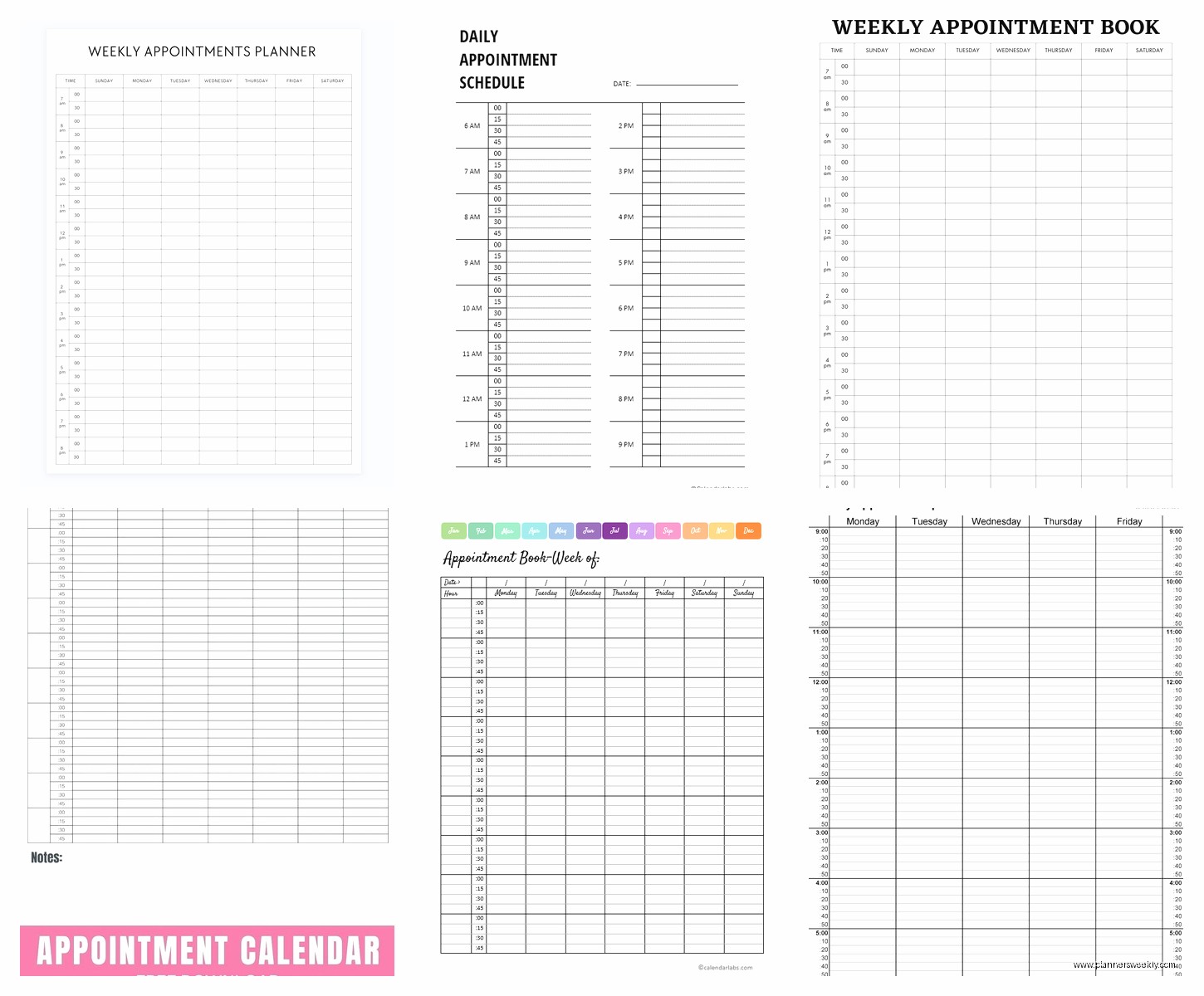
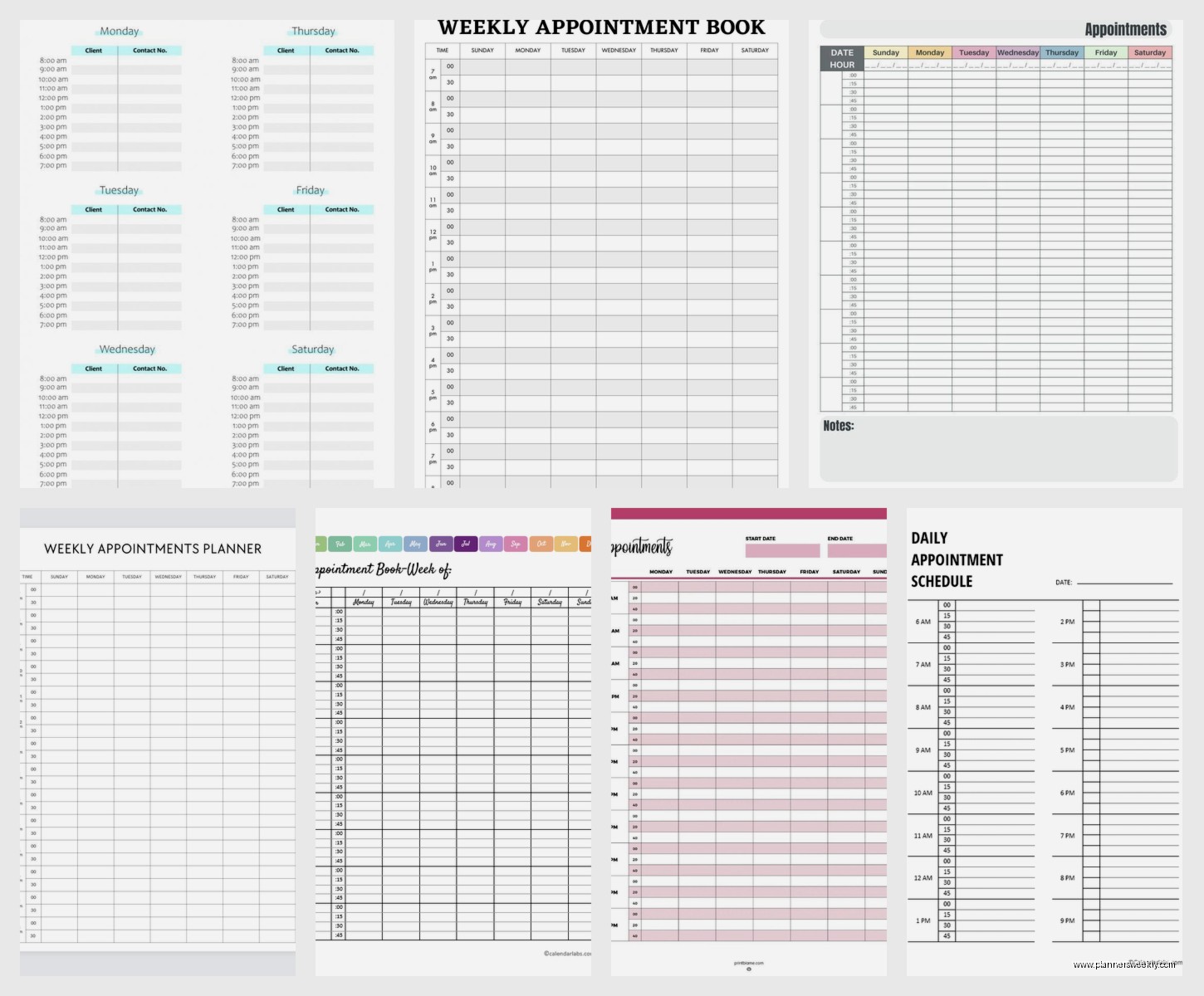
The Passion Planner weekly layout is probably the best I’ve tested for appointments specifically. It’s got hourly slots from 7am to 9pm which sounds limiting but actually forces you to be realistic about your day. They have this “roadmap” section on the side that I ignored for like six months but then started using for recurring tasks and oh my god it’s actually useful.
Blue Sky planners are cheaper and honestly the layout is almost identical. The paper quality isn’t as good – my gel pens bleed through sometimes – but if you’re using regular ballpoint you’re fine. I keep one of these in my car because I’m terrible at remembering to bring my main planner everywhere.
Moleskine weekly planners look gorgeous but here’s the thing nobody tells you – the size options are weird. The large one is too big to throw in most bags, the pocket one is too small to actually write appointments with details. I returned mine after a week because I kept leaving it at home.
The Hourly Breakdown Situation
This is gonna sound weird but the number of hourly slots matters way more than I thought. Some planners give you 8am to 6pm and that’s it. Which is fine if you’re a dentist with regular office hours but completely useless if you’re meeting clients at 7am or taking evening calls.
I need 6am to 10pm slots minimum. Not because I’m working all those hours (usually) but because appointments happen outside the traditional 9-5 and I need to see them on my schedule. The Day Designer has this and it’s one reason I keep coming back to it even though it’s kinda expensive.
Digital Options That Don’t Make You Want To Throw Your Phone
Google Calendar is the obvious choice and yeah it works but it’s so boring to look at that I found myself avoiding opening it. Which defeats the purpose. I color-code everything – client calls are blue, content creation is green, personal stuff is purple – and it helps but the interface is just meh.
Fantastical is what I actually use now on my Mac and iPhone. It costs money ($40/year I think?) but the natural language input is insane. You can type “coffee with Sarah next Tuesday at 2pm at Starbucks on Main” and it parses all of that correctly. Saves probably 30 seconds per appointment which adds up when you’re scheduling a lot.
oh and another thing – Fantastical shows you the weather for upcoming days right in your week view which seems silly but has saved me from scheduling outdoor meetings on rainy days multiple times.
Notion For The Overachievers
My assistant uses Notion for everything including her weekly schedule and I finally tried it last month. It’s incredibly powerful but honestly feels like overkill for just appointments. Where it shines is if you want to link appointments to projects or notes or client files.
Like I have a client database in Notion and I can link their profile to our weekly session and see their entire history. That’s cool but also took me like three hours to set up properly. Only worth it if you’re already using Notion for other stuff.
The learning curve is real though. I watched two YouTube tutorials and still felt confused. My cat jumped on my keyboard halfway through setting it up and somehow created a nested database that I couldn’t figure out how to delete for two days.
Hybrid Systems That Might Be Genius Or Might Be Overcomplicated
Some people swear by using paper for planning and digital for the actual scheduling. I tried this – used a paper planner to map out my ideal week, then transferred appointments to Google Calendar so other people could see my availability.
It worked okay but I kept forgetting to update both. Like I’d move something in Google Calendar and then three days later look at my paper planner and get confused about which one was correct.
The Ink+Volt planner has this feature where you can photograph your weekly spread and it supposedly syncs somehow but I never got it to work properly. Maybe I’m doing it wrong.
The Shared Calendar Problem
If you work with a team or have a family schedule to coordinate, you gotta go digital. There’s no way around it. Paper planners can’t be shared in real-time and that’s just reality.
Cozi is designed for families and it’s actually pretty good. My friend with three kids uses it and swears by it. Different color for each family member, everyone can add appointments, sends reminders to everyone’s phones. It’s not pretty but it works.
For work teams, I’ve seen people use Calendly which isn’t technically a planner but it handles the scheduling part so well that you might not need a detailed weekly planner. It shows your availability and lets people book time slots. Then those appointments sync to your main calendar.
The Weekly Review Thing You’re Probably Skipping
This is where most people mess up regardless of which planner they choose. You actually have to look at your week in advance, not just day by day.
I block Sunday evening for 15 minutes to review the upcoming week. Sounds like productivity coach bs but wait – this is when I catch conflicts, realize I need to prep for meetings, figure out when I’m gonna squeeze in grocery shopping. The planner is just a tool, this review habit is what makes it useful.
Started doing this after I showed up to a client call completely unprepared because I didn’t realize it was happening. Never again.
Time Blocking vs Appointment Listing
Some planners are designed for time blocking – you fill in chunks of time with activities. Others are just for listing appointments with times. Figured out I need both.
My current system uses the hourly columns for actual appointments (the things with other people involved) and then I use the margins or a separate section for time blocks like “content writing” or “admin work.”
The Full Focus Planner separates these explicitly which I appreciate. Appointments on the left, daily priorities on the right. Keeps me from trying to jam six hours of work into a day that’s already got four hours of meetings.
What Actually Matters When You’re Choosing
After testing all this stuff here’s what I think you should actually consider:
Start time flexibility – Can you customize when your day starts? Some planners assume everyone starts at 8am which is useless if your first appointment is at 6:30am.
Space for notes – You need room to write more than just “meeting with Bob.” Where are you meeting? What’s it about? What do you need to bring?
Monthly overview access – Being able to see the whole month at a glance while looking at your week is clutch. Helps you realize when you’re overbooked before it becomes a problem.
Portability – Will you actually carry this with you or does it need to live on your desk? Be honest with yourself. I bought a beautiful large planner that stayed on my desk and then I just never looked at it because I wasn’t at my desk.
Sync capabilities if digital – Does it work across all your devices? Does it play nice with other calendars? I’ve had digital planners that worked great on desktop but the mobile app was garbage.
wait I forgot to mention – the binding matters more than you think for paper planners. Spiral bound lets you fold it back completely which is great for small desks. Hardbound looks professional but you need more desk space. Disc bound systems like Arc or Levenger let you move pages around which is either amazing or totally unnecessary depending on your brain.
Price Reality Check
Paper planners range from like $15 to $40 generally. The expensive ones have better paper and nicer covers but functionally they’re pretty similar. I’ve used both and honestly the $20 ones work fine.
Digital subscriptions are usually $5-15 per month which seems cheap but adds up. Do the math on whether you’d rather spend $30 once on paper or $120 per year on digital. Both are valid choices but be intentional about it.
The really expensive planners ($50+) are usually leather bound or have fancy customization. They’re nice but you’re paying for aesthetics not functionality at that point.
My Actual Current Setup
Since you asked what I actually use – I’m running Fantastical for the main scheduling and keeping a simple paper weekly planner (currently using Blue Sky) for my weekly review sessions and planning. The paper one doesn’t have every appointment written in it anymore, it’s more for thinking through my week and blocking time.
This is probably gonna change in three months because I’m always tinkering with this stuff. My client literally laughed at me last week when I showed up with a new planner and she was like “didn’t you just get a different one last month” and yeah okay she has a point.
The thing is, no planner is perfect and you’re gonna feel the urge to switch systems eventually. That’s normal. But give whatever you choose at least a month before you bail on it. Some systems take time to click.
Also get a planner that you don’t hate looking at. Sounds shallow but if it’s ugly or boring you won’t use it consistently. Mine has this teal cover that makes me happy which is a completely valid selection criterion.