
Digital Productivity, Online planners, Planners
Brownline 2026 Daily Planner: Complete Product Review

Feb
Okay so I’ve been testing the Brownline 2026 daily planner for the past three weeks and honestly? It’s one of those products that surprised me because I wasn’t expecting much from what looked like a pretty standard business planner but here we are.
The Layout That Actually Makes Sense
The daily pages give you a full page per day which is wild because most planners I review are trying to cram everything into these tiny spaces. Each day runs from 7am to 8pm in half-hour increments and then there’s this section at the bottom for notes and tasks. I’ve been using mine to track client sessions and the half-hour blocks are actually perfect for that, not too granular where you’re stressing about every fifteen minutes but specific enough that you can see your whole day at a glance.
Oh and another thing – the weekend days get their own pages too, not squished together like some planners do. I tested this against my old At-A-Glance planner and the difference is huge when you’re trying to plan weekend content batches or personal appointments.
Paper Quality (I Accidentally Tested This)
So funny story, I knocked over my entire mug of coffee onto an open page last Tuesday morning and was convinced I’d ruined the whole thing. The paper is this cream-colored stock that’s thick enough that the coffee didn’t bleed through to the next day. I mean the page itself was toast obviously but it didn’t destroy like five other pages which has definitely happened with other planners. It’s not fountain pen friendly though – I tested with my Pilot Metropolitan and there was some ghosting, not terrible but noticeable.
The paper weight feels like around 70-80lb which for a daily planner is pretty solid. You can use regular ballpoint pens, gel pens, even mild highlighters without issues. My go-to Muji 0.38 pens work perfectly on these pages.
Size and Portability Situation
It’s an 8 x 5 inch planner which Brownline calls their “compact” size but let’s be real, with 365+ pages this thing is chunky. It’s about an inch and a half thick so it’s not gonna slip into a small purse or anything. I’ve been carrying it in my work tote and it fits fine but if you’re someone who likes to travel super light this might not be your planner.
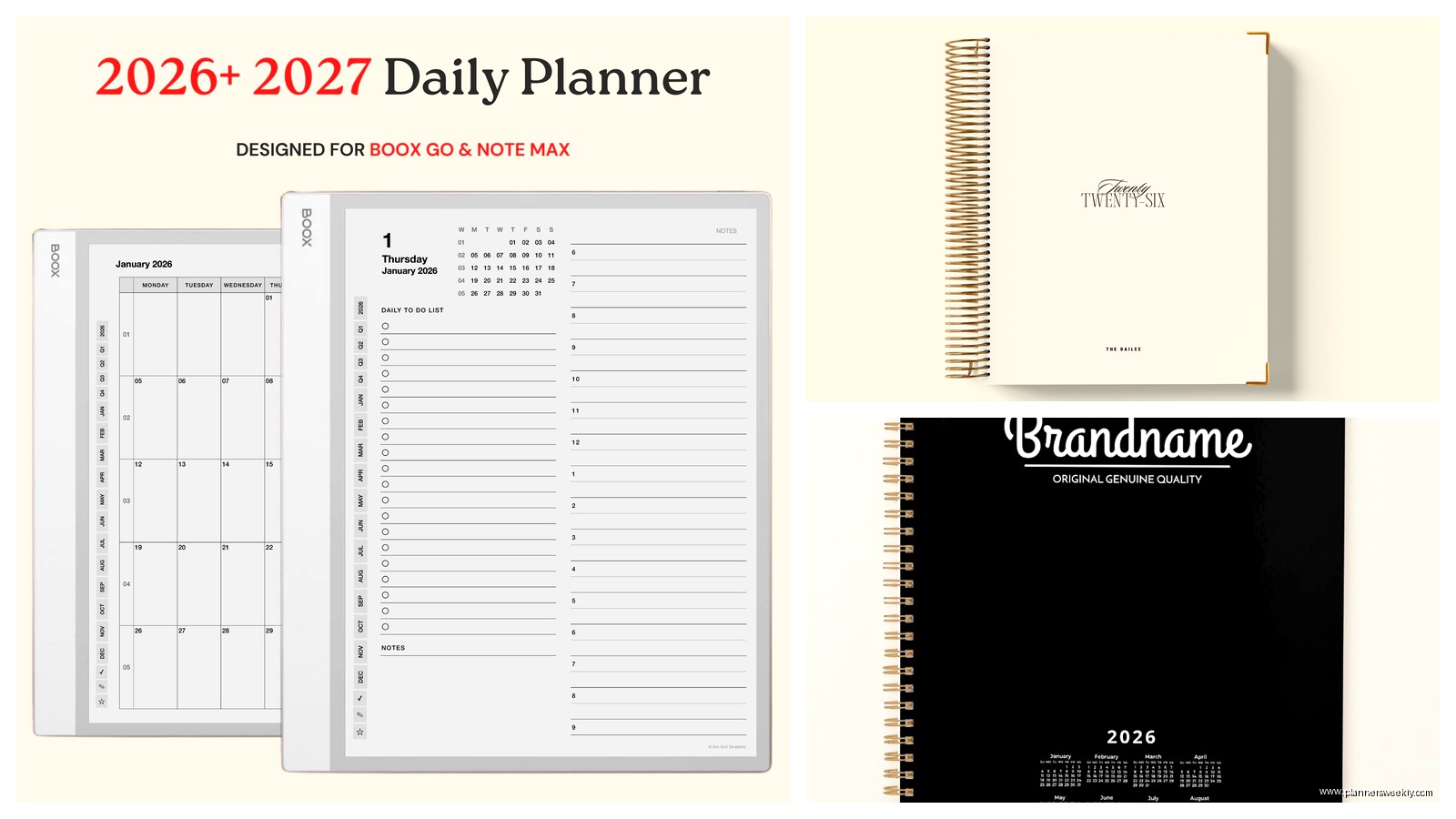
The cover is this black textured material that looks professional enough for client meetings but isn’t trying too hard to be fancy. It’s held up well to being tossed in my bag with my laptop and water bottle and keys and whatever else ends up in there. There’s some slight scuffing on the corners after three weeks but nothing major.
What’s Actually Inside Beyond the Daily Pages
The front section has the usual stuff – year-at-a-glance calendars for 2026 and 2027, contacts pages, and some reference information that I honestly never use like time zones and area codes. But then there’s this expense log section that’s actually laid out pretty well if you’re tracking business expenses or need to monitor spending.
Each month starts with a two-page monthly spread before you get into the daily pages. These monthly views are clean and simple, nothing fancy but they do the job for seeing your month overview. I’ve been using them to block out content themes and track my cycle because apparently I’m still forgetting to do that in my actual period tracking app.
The Binding Thing Nobody Talks About
It’s sewn binding which means this planner will actually lay flat when you open it. I cannot stress enough how much this matters when you’re trying to write in it at your desk or reference it while you’re on a call. My cat knocked it off my desk while it was open to next Thursday and it stayed open to that page which is both impressive binding and also my cat is a menace.
Wait I forgot to mention – there’s a ribbon bookmark attached which seems like a small thing but when you’re flipping through 400+ pages to find today’s date you really appreciate having that marker. It’s a black ribbon that’s actually long enough to tuck under the page which stops it from sliding around.
Time Management Features I Actually Use
Each daily page has this priority task section that’s separate from the hourly schedule and honestly that’s been the most useful feature for me. I write my three main tasks there every morning before I look at my timed appointments. It keeps me from getting lost in back-to-back meetings and forgetting that I actually needed to finish writing that blog post or respond to those emails.
The notes section at the bottom of each page is bigger than you’d think – I’ve been using it for random thoughts, content ideas, sometimes just venting about difficult clients. There’s enough space that you’re not trying to cram everything into two lines.
Comparison to Other Daily Planners
I tested this alongside the Passion Planner daily and the Panda Planner and honestly? The Brownline is the most straightforward of the three. It doesn’t have all the goal-setting prompts and reflection questions that some people love but some people (me) find exhausting by February. If you want a planner that just lets you plan without trying to be your life coach, this is gonna be your thing.
The Passion Planner has more creative space and inspirational quotes on every page which is either motivating or annoying depending on your mood. The Panda Planner is more focused on productivity science with morning and evening reviews built into each day. The Brownline just gives you space and time slots and trusts you to figure out what you need.
Who This Actually Works For
If you’re someone who has a lot of appointments or time-blocked work, this planner makes sense. I’ve recommended it to three clients now who were struggling with digital calendars – there’s something about writing down that you have a meeting at 2:30pm that makes it stick in your brain differently.
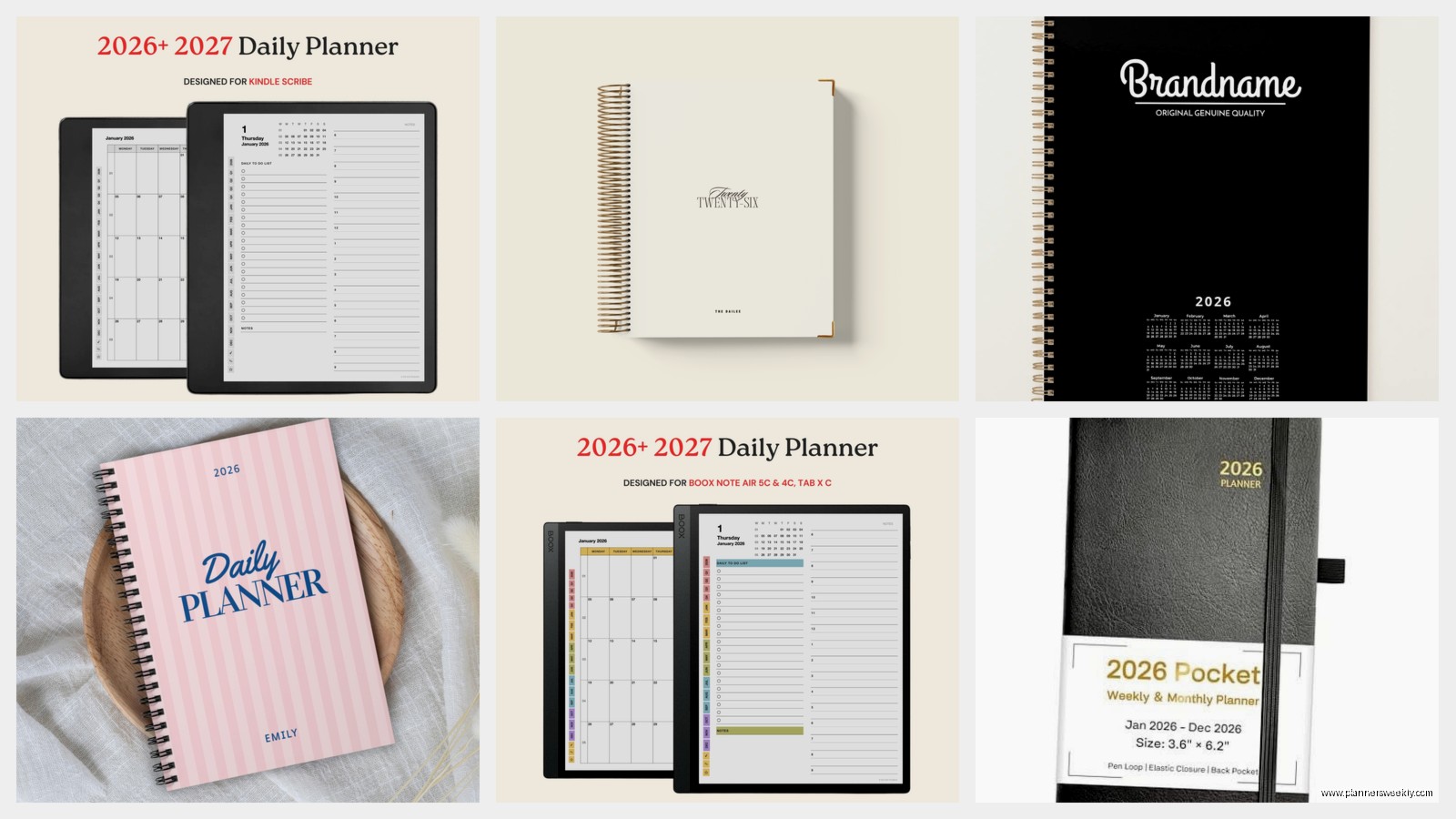
It’s also solid for people who like to keep work and personal planning in one place since you have a full page per day to divide up however you want. I’ve been drawing a line down the middle of each page – left side for work stuff, right side for personal and it’s working really well.
This is gonna sound weird but it’s also good for people who are recovering from planner addiction? Like if you’ve tried all the complicated planning systems with stickers and color coding and weekly spreads and you just need something simple that works, this strips it back to basics in a good way.
The Actual Problems I’ve Found
No elastic closure band which means if you throw this in your bag loose, pages might get bent. I’ve started keeping it in a zippered pouch which adds bulk but protects it.
The weekend pages have the same hourly layout as weekdays which is great if you work weekends but feels like overkill if you don’t. I’ve just been ignoring the time slots on Saturdays and Sundays and using them as full note pages.
There’s no pocket in the back for storing loose papers or receipts or whatever. I’ve been taping important receipts directly onto relevant days which works but isn’t ideal.
The year starts in January obviously since it’s a 2026 planner, but you can’t get it with different start months. So if you run on an academic year or fiscal year that doesn’t match calendar year, you’re out of luck.
Price Point Reality Check
It runs around $25-30 depending on where you buy it which for a daily planner that covers an entire year is actually pretty reasonable. I’ve reviewed planners that cost twice that and don’t give you any more useful features. You’re paying for 365+ pages of decent paper and solid binding, not for fancy covers or planning frameworks.
You can find it on Amazon, at office supply stores, directly from Brownline. I got mine from Amazon because I had a gift card but the price was basically the same everywhere I checked.
The Actual Day-to-Day Use Experience
I keep mine on my desk and fill it out every morning with my coffee, which I’m now more careful about keeping away from it. The routine of opening to today’s page and seeing my whole day laid out has been helping me feel less scattered. I was using Google Calendar exclusively before this and constantly feeling like I was missing something.
The act of physically writing appointments and tasks makes me think more carefully about what I’m committing to. I’ve actually started booking fewer things in a day because when I see it all written out in those time slots I can visualize how exhausting that’s gonna be.
Oh and I’ve been using the previous day’s page to track what I actually accomplished versus what I planned, just drawing a checkbox next to completed tasks. It’s helping me get more realistic about how long things take.
Setup Tips That Actually Help
Fill out the contact pages in the front even though it feels outdated – I put my doctor’s office, my vet, my accountant, people I need to call but whose numbers I never remember. Having them in my planner means I can make appointments directly without hunting through my phone.
Use the monthly spreads before you get into daily planning. I spend ten minutes at the start of each month blocking out big deadlines, travel, and recurring appointments so when I get to the daily pages I already have context.
Develop a simple key for yourself. I use a star for urgent tasks, a circle for calls I need to make, an arrow for things that got moved to another day. Don’t overcomplicate it with seventeen different symbols because you won’t remember what they mean.
If you make a mistake just cross it out and rewrite it. The pages are big enough that corrections don’t make everything look messy. I was trying to keep mine perfect the first week and it was stressing me out for no reason.
Actually use the notes section every day even if it’s just one sentence about how the day went. I’ve been doing this and when I flip back through the planner it’s like a mini journal which I wasn’t expecting to care about but I actually really like having that record.
