
Digital Productivity, Online planners, Planners
Weekly Desk Calendar: Best Desktop Planning Options
Apr
okay so I’ve been testing desk calendars for like three months now because honestly my own planning system was a disaster and I figured if I’m gonna recommend stuff to clients I should actually know what works
the thing with weekly desk calendars is they’re NOT all the same even though they look identical in those product photos. I learned this the hard way after buying four different ones in two weeks
Size Actually Matters More Than You Think
so first thing – you gotta figure out how much actual desk space you have because I bought this gorgeous 17×22 inch pad thinking it would be perfect and it literally covered my entire workspace. like I had to move my coffee mug to the floor which lasted exactly one day before I spilled it
the standard sizes you’ll see are roughly 17×11 inches (that’s the horizontal weekly view most people think of), 8.5×11 inches (more compact, fits in most desk setups), and then those massive 17×22 planning pads that are basically for people with conference tables as desks
I ended up using the 17×11 size most consistently because it gives you enough room to actually write stuff but doesn’t take over your whole desk. my cat also can’t lay on it as easily which is a bonus I didn’t anticipate but definitely matters
Binding Styles That’ll Make or Break Your Experience
this is gonna sound weird but the binding is like 80% of whether you’ll actually use the thing
tear-off pads are what I thought I wanted – you know, rip off the week and start fresh. sounds satisfying right? except half the time you tear it wrong and end up with this jagged edge and bits of paper stuck to the adhesive strip. also if you want to reference last week you’re digging through your trash or that pile of papers on your desk that you swear you’ll organize
spiral bound is better for most people honestly. the At-A-Glance weekly planner I tested stayed flat on my desk, I could flip back to previous weeks, and nothing ripped weird. the spiral is on top which means it doesn’t get in the way when you’re writing
there’s also disc-bound systems like the ones from Starc but those are more expensive and honestly unless you’re really into customizing your whole planning system it’s probably overkill for a desk calendar
Layout Configurations I Actually Tested
okay so funny story – I set up this whole test where I’d use a different layout each week for a month to see which one stuck. my client canceled week three so I actually spent like two hours on a Tuesday just comparing how I used each one
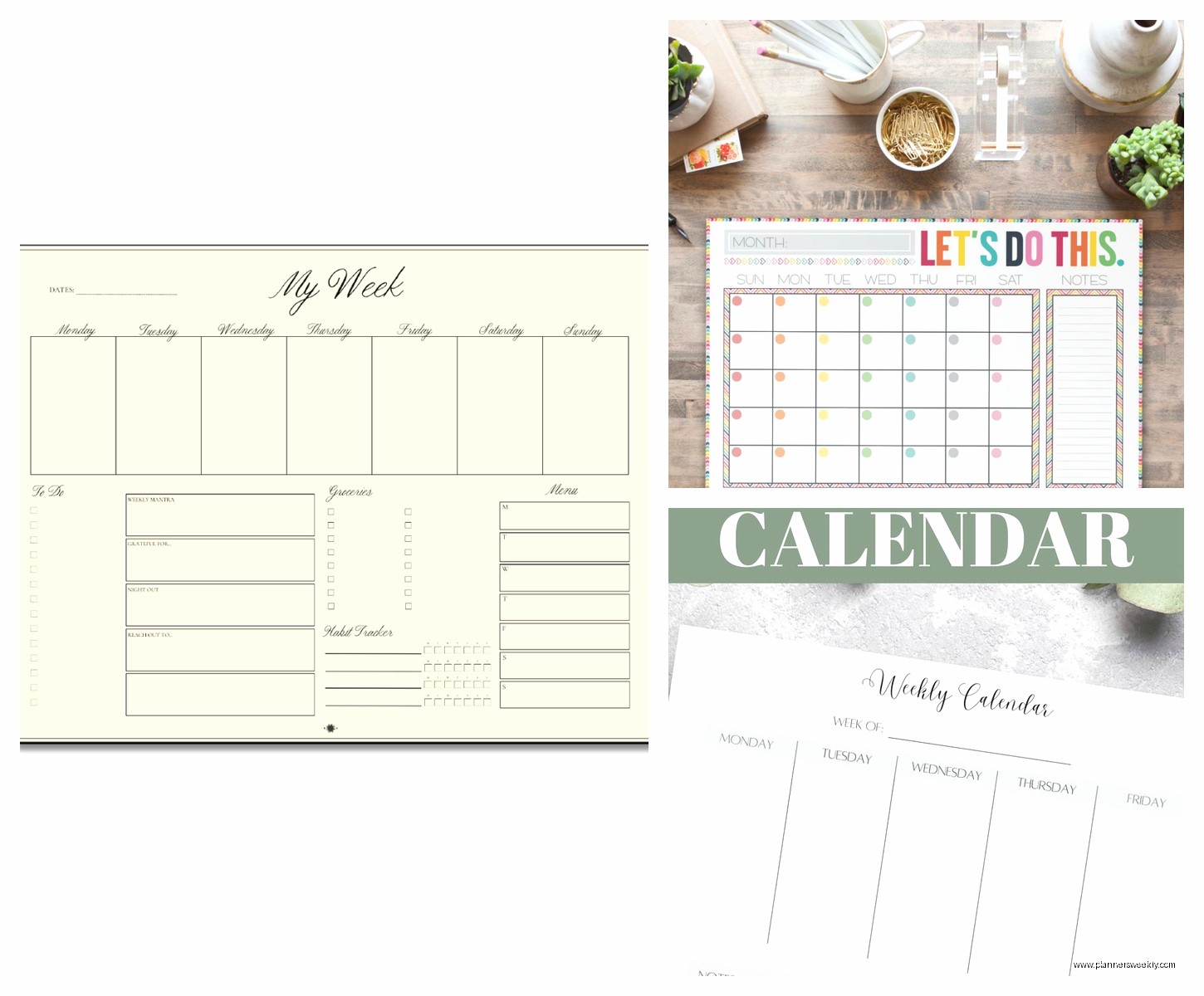
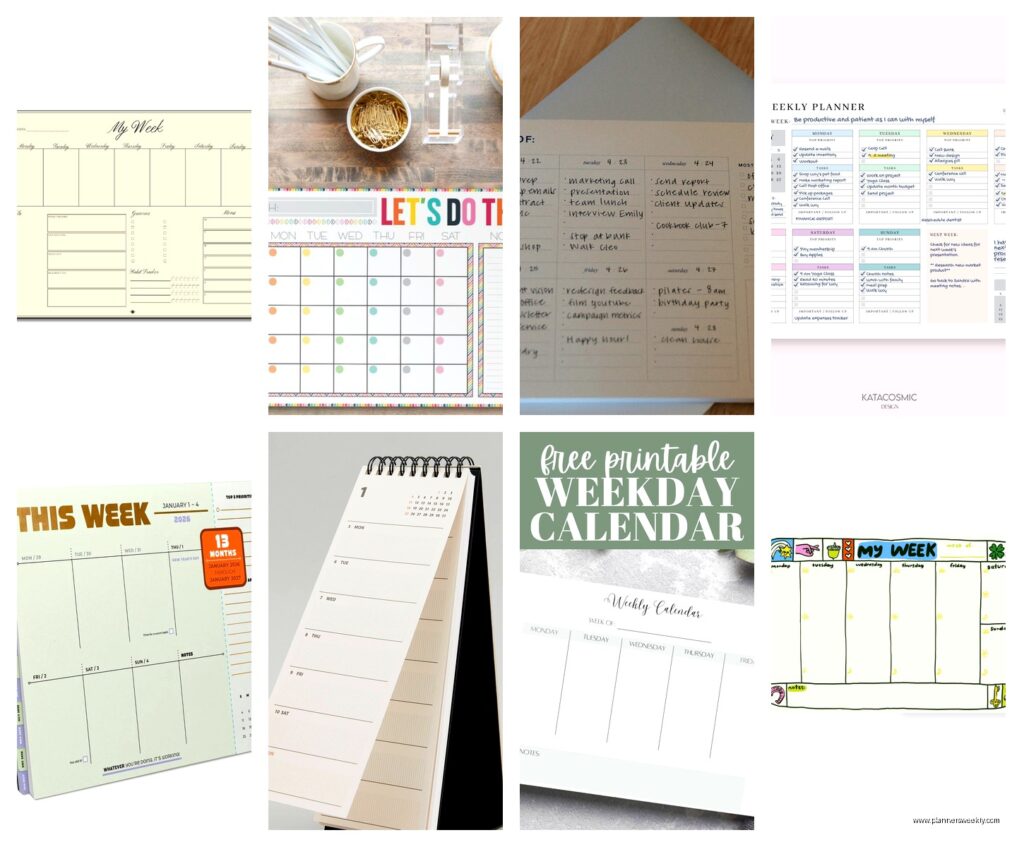
the horizontal weekly layout (Monday through Sunday across the top) is what most people picture. you get columns for each day and usually some space at the bottom or side for notes. I used the Blue Sky weekly desk pad for this and it was fine? like it worked, nothing special, but I found myself running out of room on busy days and having way too much space on light days
vertical layouts flip it – days run down the left side, time or tasks spread across. these work better if you’re scheduling appointments or time-blocking because you can see your whole day in one row. the Bloom Daily Planners weekly desk calendar does this and I actually preferred it for client-heavy weeks
then there’s the boxed grid style where each day gets a literal box and the whole week looks like a grid. this sounds organized but I felt cramped immediately. if you write small and don’t schedule much it might work but I need room to think on paper
Time Slots vs Open Space
some weekly desk calendars have pre-printed time slots (usually in 30-minute or 1-hour increments) and some are just blank space for each day
if you’re scheduling appointments all day definitely get the time slots. I tested the Simplified weekly desk pad that has hourly slots from 7am to 7pm and it made blocking out my day so much easier. you can see immediately if you’re double-booking yourself
but if you’re more task-oriented than schedule-oriented the open space is better. I don’t have back-to-back meetings usually so having those time slots just felt restrictive? like I was supposed to assign everything a time when really I just needed to list what had to get done
Paper Quality Is Where People Mess Up
this matters SO much more than I thought it would. cheap paper bleeds through with most pens and if you’re using any kind of marker or highlighter forget it
I tested this accidentally when I grabbed the wrong pen one morning – my Sharpie pen went straight through the Amazon Basics weekly planner I was trying out. the whole back of the page was ruined and since it was a tear-off pad that week was basically unusable on both sides
the Pukka Pad weekly desk planner has legitimately good paper. it’s 80gsm which is thick enough for most pens and even light highlighter use. no bleed-through even when I was aggressively crossing stuff out (which I do a lot, it’s a whole thing)
oh and another thing – some papers are weirdly slippery? the Mead weekly desk calendar I tried had this coated paper that my pen kept sliding on. felt like writing on a whiteboard. hated it
Extra Features That Might Actually Matter
most weekly desk calendars try to add extras to justify their price point and honestly some are useful and some are just clutter
reference calendars for the full year are pretty standard – usually printed on the bottom or side of each sheet. I reference these more than I expected for planning stuff weeks out
notes sections vary wildly. some give you a whole column for weekly notes (useful), some give you like two inches at the bottom (not useful unless you write microscopic), and some give you a separate notes page for each week (actually pretty nice for brain dumps)
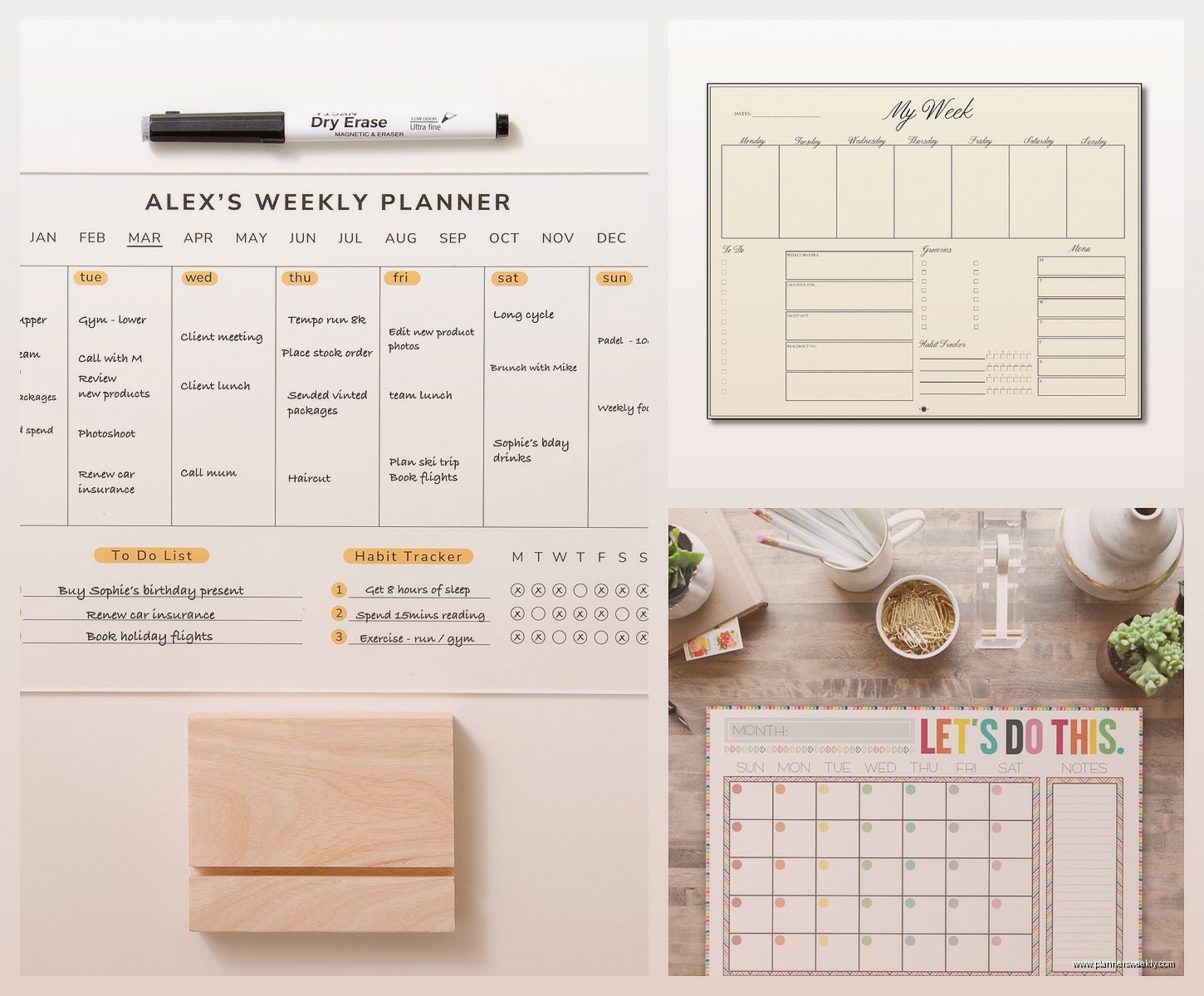
the Rifle Paper Co. weekly desk pad has these little checkbox sections for priorities and that’s… okay I thought it would be gimmicky but I used them? having three boxes labeled “top priorities” made me actually think about what mattered instead of just listing everything
stickers and decorative stuff – if that’s your thing cool but it doesn’t affect functionality. I’m not a sticker person so I just ignored the ones that came with the Ban.do planner I tested
Specific Ones I’d Actually Recommend
wait I forgot to mention – price ranges here are all over the place. you can spend $8 on a basic pad or $35 on a fancy one and honestly the mid-range options are usually the sweet spot
for just straightforward weekly planning the At-A-Glance QuickNotes Weekly Planner is like $12-15 and it’s solid. spiral bound, decent paper, clean layout, nothing fancy but it works. this is what I recommend to clients who just need something functional
if you want something prettier the Blue Sky weekly desk pad comes in actually nice designs and patterns. still around $15-18, tear-off style, good for people who like starting fresh each week. the paper’s decent, not amazing, but good enough for ballpoint pens
the Simplified weekly deskpad is around $22 and has those time slots I mentioned. it’s what I’m using now actually because I realized I do need to see my day in blocks. comes in a bunch of color options if that matters to you
for people who want the full planning experience the Day Designer weekly desk pad is like $30 but it’s basically a whole planning system on your desk. daily schedule, top three priorities, gratitude section, meal planning space – it’s a LOT. I tested it during a week I was watching that new Succession season and barely used half the sections but some people love having all that structure
What About Digital Alternatives
okay so technically not desk calendars but I should mention – I tried going all digital with my iPad and Notability for two weeks to see if that could replace the physical planner. it… didn’t work for me. I kept forgetting to open the app and something about writing on paper makes stuff stick in my brain better
but if you’re already digital-first you might not need a desk calendar at all? just being honest here. the physical calendar works best for people who think on paper or who need that visual reminder sitting right there on their desk
How to Actually Use It So It Doesn’t Become Decoration
this is where most people fail and I’m including myself here – you buy the planner, use it for three days, then it becomes another surface for stacking papers
what worked for me was making it part of my morning routine. coffee, check calendar, plan the day. takes like five minutes. if I skip it the whole day feels scattered
also I keep it directly in front of my keyboard. not off to the side where I can ignore it. right there in my main workspace. annoying at first but it forced me to reference it constantly
sunday night planning sessions are weirdly helpful too – I spend 10 minutes looking at the week ahead and blocking out my main tasks and appointments. then during the week I’m just adjusting and adding details instead of starting from scratch each morning
some people do Friday afternoon reviews instead which probably makes more sense but I’m never in planning mode on Friday afternoons so Sunday works better for my brain
Things That Don’t Matter As Much As You Think
brand names honestly don’t mean that much in desk calendars. I tested the Moleskine weekly planner expecting it to be amazing because Moleskine and it was… fine? nice paper, clean design, but not worth the $30 price tag when the $15 At-A-Glance did basically the same thing
matching your aesthetic is cool but doesn’t make you more likely to use it. I bought a really pretty floral one thinking I’d be more motivated to plan and nope. used it the same amount as the boring blue one
pre-filled dates vs blank dates – some people have strong opinions here but I found it doesn’t really matter. pre-filled saves you thirty seconds of writing, blank gives you more flexibility if you skip weeks. either works
The Real Decision Factors
okay so if you’re actually gonna buy one here’s what to consider
how much do you need to write per day? if it’s just a few appointments get something compact. if you’re task-listing your whole day you need more space
do you reference old weeks? if yes get spiral or bound. if no tear-off is fine and honestly satisfying
what pens do you use? if you use gel pens or markers get thicker paper (look for 70gsm or higher). if you’re ballpoint-only most papers work
is your desk space limited? measure before buying because I’m serious about that whole coffee-on-the-floor situation
the honest truth is most weekly desk calendars work fine if you actually use them. the biggest difference maker is finding one that fits your space and your planning style well enough that you don’t have friction every time you go to write something down
I’m still using the Simplified one but I keep the At-A-Glance as a backup recommendation because it’s cheaper and easier to find. both get the job done which is really all you need from a desk calendar
