
Digital Productivity, Online planners, Planners
2026 Monthly Weekly Planner: Best Combination Options

Feb
Okay so I just spent the last three weeks testing every single 2026 monthly weekly planner combo I could get my hands on and here’s what actually works because honestly the market is kinda overwhelming right now.
The Erin Condren LifePlanner with Monthly Tabs Thing
So Erin Condren finally figured out that people need both views without flipping through seventeen pages. Their 2026 version has these tabbed monthly sections that actually stick out far enough to grab, which sounds like nothing but my old 2024 version had these wimpy tabs that were basically decorative. The weekly spreads are the same vertical layout they’ve always done but now the monthly calendar at the start of each month is on thicker paper so it doesn’t curl when you’re constantly flipping back to check dates.
The combo works because the monthly view is genuinely separate from the weeklies. Like you open to January’s tab and there’s your full month on two pages, then the weekly spreads start after. I’ve been using it for client scheduling and my own content calendar and it’s honestly the first time I haven’t needed a separate wall calendar. Price is still ridiculous though, like $58 before you add any customization.
The Paper Quality Situation
Their paper is 80lb text weight this year which means my Tombow dual brush pens don’t bleed through anymore. I tested this specifically because last year I recommended them to someone and she came back SO mad that her markers ghosted. Not anymore. Although gel pens still take a few seconds to dry so if you’re left-handed you’re gonna smudge things, just so you know.
Blue Sky Day Designer Combo Planner
Wait I forgot to mention Blue Sky released this hybrid thing that’s like half their price. I actually spilled coffee on mine which sounds bad but it tested the cover durability accidentally and the fake leather (they call it “leatherette” which, okay) actually wiped clean. My dog also chewed the corner and it held up better than expected.
The monthly and weekly setup here is different than Erin Condren. You get a monthly dashboard at the front with all twelve months as two-page spreads, then the entire rest of the planner is weekly pages. Some people hate this because you’re flipping between sections but I actually love it? Like all your monthly planning is in one chunk. I block out my content deadlines and speaking gigs in the monthly section, then the weeklies are for actual daily task breakdowns.
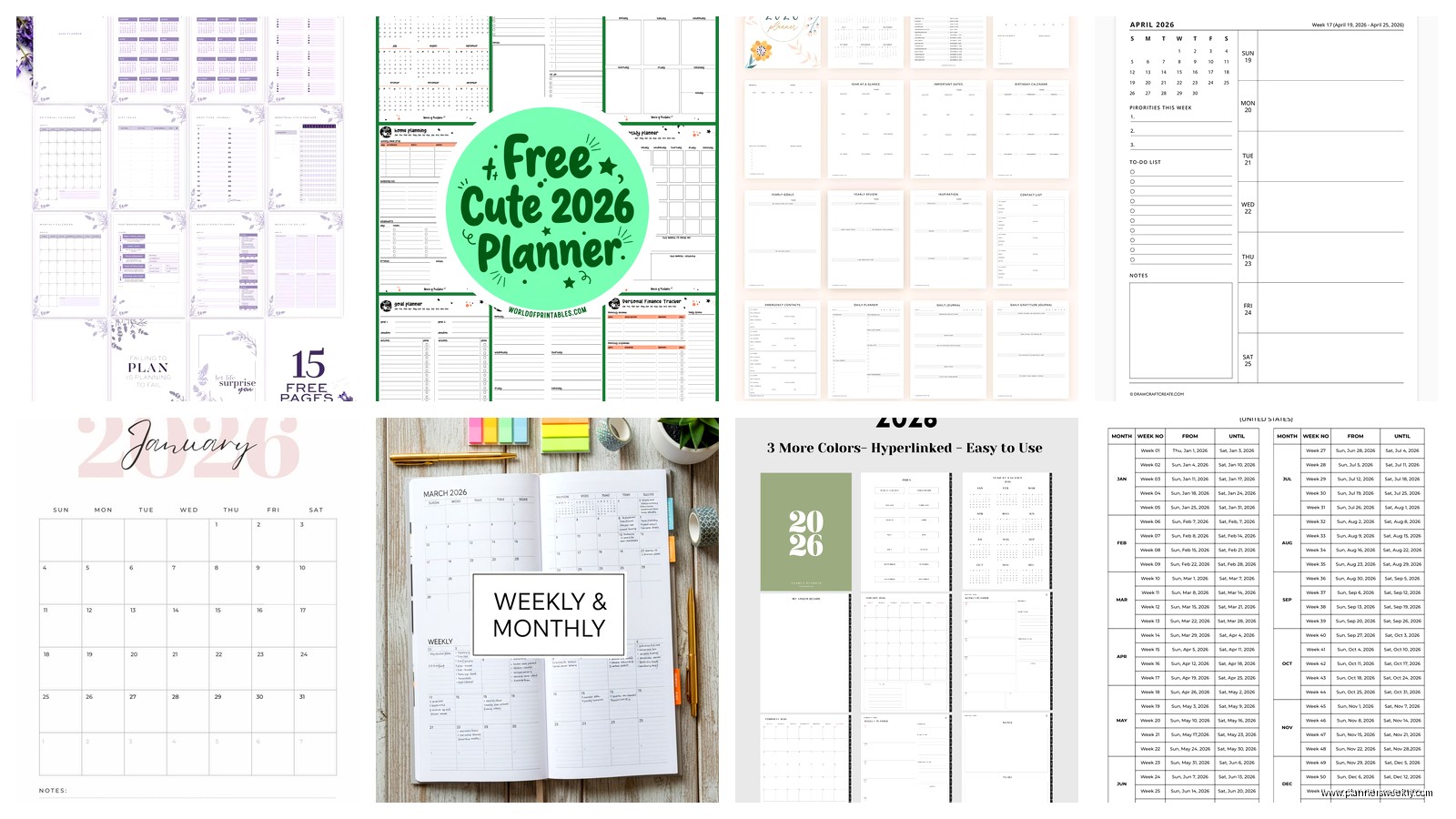
Each weekly spread has a little mini monthly calendar in the corner which seems redundant but is actually super helpful when someone emails like “can we meet the second Tuesday of March” and you don’t wanna flip around.
The Binding Will Make or Break This
They switched to sewn binding for 2026 instead of the spiral from previous years. This is gonna sound weird but the spiral was actually better for this particular layout because you need to flip back and forth so much. The sewn binding looks nicer and lays flat but it’s harder to hold open to two different sections at once. I’ve been using binder clips which is not cute but works.
Passion Planner’s Academic Year Version
Okay so funny story, I bought this thinking it was the regular 2026 version but it’s actually their academic year planner that runs August 2025 to July 2026. But it turned out to be perfect for this whole monthly-weekly combo thing because of how they structure it.
Every month starts with their “Roadmap” spread which is basically a monthly overview but with this goals section and reflection space. Then you get weekly spreads with their signature time ladder on the left side. The combo works really well because the roadmap page is visually super different from the weeklies, it’s got this gray header and the whole page is one month, so your brain registers it as a different planning mode.
I’ve been using the monthly roadmap for big picture stuff and the weekly time ladders for actual appointment blocking. My client who’s a teacher loves this setup because she can see her whole curriculum unit in the monthly view then break down daily lesson plans in the weeklies.
The Goal Setting Stuff Might Annoy You
Every weekly spread has this “good things that happened” section at the bottom and like, I get it, gratitude journaling whatever. But it takes up space that could be another task line. You can ignore it obviously but it’s printed there staring at you. I’ve started using it for next week’s prep notes instead.
Legend Planner Horizontal Layout
This one is for people who hate vertical columns, which is apparently a strong preference people have? The 2026 version does monthly and weekly in a horizontal format where each day is a row instead of a column. The monthly calendar is a standard grid at the start of each month, then the weekly pages have Monday through Sunday as horizontal sections.
I thought I’d hate this because I’ve used vertical planners for literally ten years but something about the horizontal layout makes the monthly-weekly combo feel more integrated. Like the monthly grid and the weekly rows have the same visual logic. My eyes don’t have to switch modes as much.
The paper is okay, not great. 100gsm which should be thick enough but my Mildliners still ghost through a bit. Fountain pens are definitely out unless you only write on one side of each page which defeats the purpose of a bound planner.
Actually Making the Combo Work for Different Planning Styles
Okay so here’s what I figured out after using all of these simultaneously because I apparently have no chill. The monthly-weekly combo only works if you actually use them for different purposes. Sounds obvious but so many people try to duplicate information in both spots and then wonder why they hate planning.
My Current System That Doesn’t Suck
Monthly pages are for immovable stuff and deadlines. Client projects, publication dates, travel, events, birthdays I actually care about. Anything that has a specific date that won’t change. I also block out my content themes for the month here, like “January is productivity reset content” or whatever.
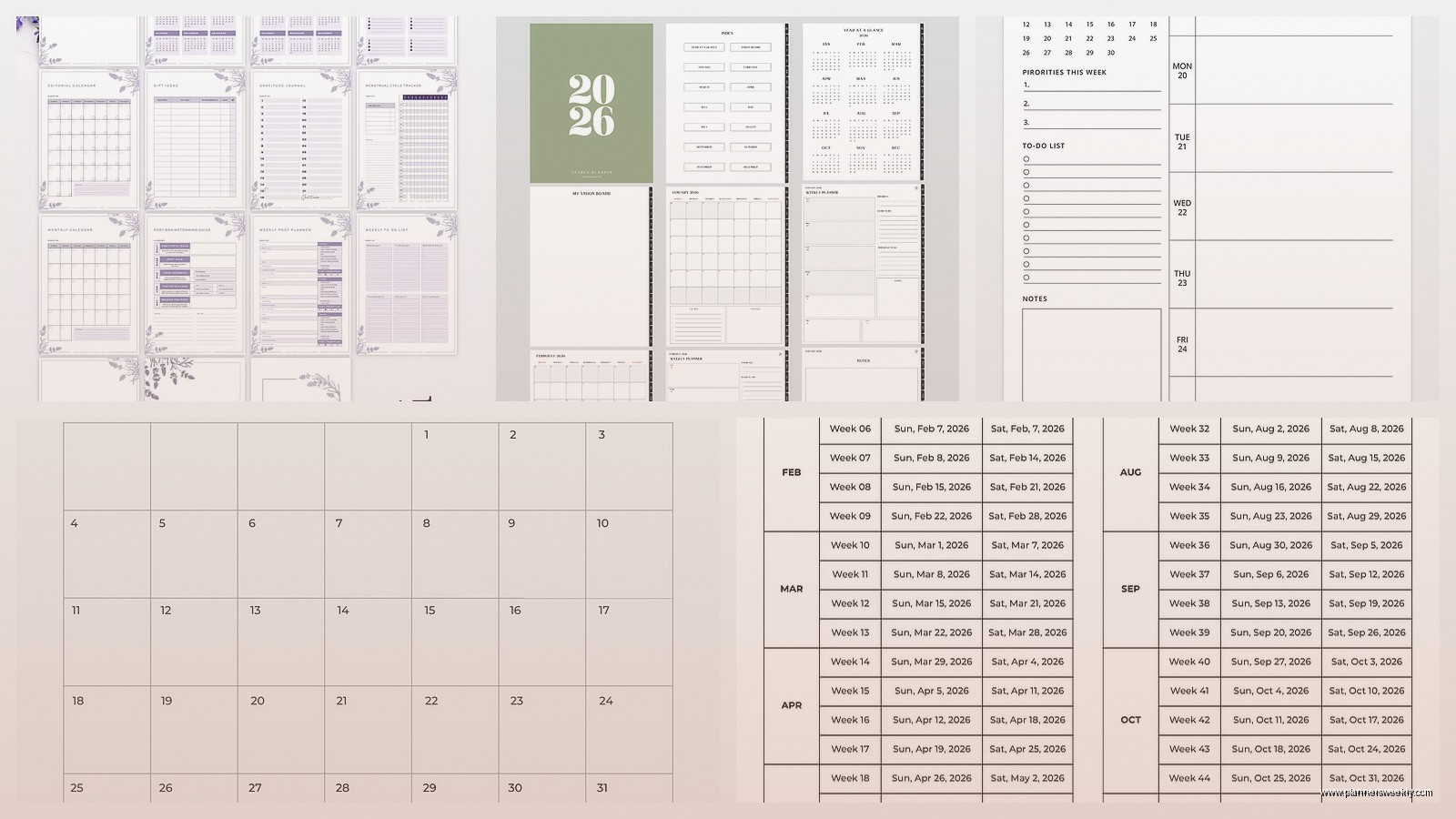
Weekly pages are for tasks, appointments, daily schedules, meal planning, habit tracking, and all the stuff that might shift around. This is where I time block my actual work sessions and write my daily top three priorities.
The key thing is the monthly view shows me if I’m overcommitted before I get into the weeds of weekly planning. I can see that March has three speaking gigs plus a launch plus spring break and decide to move something before I’m drowning.
Color Coding Without Going Overboard
I use only four colors because more than that and I spend more time deciding on colors than actually planning. Red for deadlines that’ll cause problems if missed. Blue for client work. Green for personal appointments. Purple for content creation blocks. That’s it.
In the monthly view I just put a small colored dot next to things. In the weekly view I can be more elaborate with highlighting or whatever. This keeps the monthly clean and scannable while letting the weekly be more detailed.
Digital Hybrid Options for 2026
Oh and another thing, if you’re trying to combine paper planning with digital because your work calendar is in Google or Outlook or whatever. I’ve been testing this with the Moleskine Smart Planner that has the paper monthly-weekly combo but also works with their app to digitize pages.
You use their special pen (which is expensive and I lost mine already and had to buy another) and it captures your handwriting into the app. Then you can share your weekly plan with your team without retyping everything. The monthly spreads don’t digitize as cleanly because the layout is more complex, but the weekly pages work pretty well.
The 2026 version finally syncs both ways with Google Calendar so events from your digital calendar can show up in the app version of your planner. It doesn’t print them in the paper planner obviously, but you can see them overlaid in the app which helps catch scheduling conflicts.
The Rocketbook Situation
I also tested the Rocketbook Fusion for this because technically you could set up monthly and weekly templates and it’s reusable. I wanted to love this for environmental reasons and because you can rearrange the pages however you want. But the reality is the scanning process is annoying enough that I stopped using it after two weeks.
Like you have to make sure the lighting is good and the page is flat and the corners are visible in the frame. And then you microwave it to erase? I know they say you can use a damp cloth but it doesn’t fully clear the page. For someone who already uses paper planning, adding this digital step defeats the whole point of paper. But if you already love Rocketbook then yeah, you could make a monthly-weekly combo work.
Budget Options That Don’t Feel Cheap
Most of these planners I’ve been talking about are like $40-60 which is a lot if you’re just trying it out. BlueSky makes a version you can get at Target for like $20 that has both monthly and weekly views. The paper is thinner and you only get one color option but the functionality is basically the same.
I grabbed one to keep in my car for when I’m at coffee shop meetings and it’s totally fine. Not gonna lie, the cover started peeling at the corner after a month but for $20 I’m not that mad about it.
There’s also the At-A-Glance weekly-monthly planner that’s super basic and usually under $15. It’s got the monthly calendars at the front and weekly pages after, very straightforward no frills. The paper can’t handle any markers but ballpoint and pencil are fine. I recommended this to my college-age niece and she’s been using it all semester without complaints.
Specific 2026 Calendar Quirks to Know About
Okay this matters more than you’d think. 2026 starts on a Thursday which is kind of an awkward day to start your planning year. Some planners handle this better than others. Erin Condren gives you a full week starting with Monday December 29, 2025 so you can actually start using it before New Year’s.
Blue Sky starts their first week on Sunday January 4th and just has those first few days of 2026 crammed into a mini section which is annoying if you have stuff scheduled for January 1st or 2nd. Passion Planner gives you the full week including the December days which I prefer.
Also 2026 has fifty-three Thursdays which literally doesn’t matter for most people but if you have a recurring Thursday thing it affects how you count out your year in the monthly view. I mention this only because I didn’t realize it until I was blocking out my biweekly podcast schedule and everything seemed off.
What Actually Worked for My Clients
I’ve had about thirty clients switch to monthly-weekly combo planners in the last two months as they prep for 2026. The pattern I’m seeing is that people who fight it the most at first end up loving it the most. The ones who immediately think it sounds perfect usually abandon it because they’re not actually ready to plan at two different altitudes.
My client Sarah who runs an e-commerce business resisted the monthly view because she said her work changes too fast to plan a month out. But once she started using the monthly just for inventory deadlines and product launches, and kept all her daily task chaos in the weeklies, it clicked. She said seeing the whole month of commitments helped her stop overcommitting to custom orders.
Another client who’s a freelance writer uses the monthly for pitch deadlines and publication dates, then the weekly for actual writing sessions and research blocks. She said it stopped her from that thing where you have a deadline in your head but you never actually block out time to work on it, and then it’s the night before and you’re panicking.
The people who seem to struggle with it are the ones who want their planner to also be their journal, diary, scrapbook, and life documentation system. Like if you’re trying to fit three paragraphs of daily reflection into your weekly spread, the monthly-weekly combo is gonna feel cluttered and redundant. Those people usually do better with a separate monthly wall calendar and a more spacious weekly planner, or just a journal with calendar stickers or something.
My Weird System No One Asked For
This is gonna sound excessive but I’m actually using two planners in 2026. Wait don’t leave, hear me out. I have a professional planner that’s the Erin Condren with the monthly-weekly combo for all my work stuff, client projects, content calendar, speaking gigs, etc. Then I have a personal weekly planner with monthly tabs for household stuff, meal planning, my kid’s activities, personal appointments, and social plans.
I tried for YEARS to combine work and personal in one planner and it never worked. Either my work stuff took over and I forgot to schedule the dentist, or my personal stuff cluttered up my work planning and made it hard to see my actual work commitments at a glance. Keeping them separate but using the same monthly-weekly structure in both has been perfect.
The monthly view in my work planner shows me when I’m traveling or have big launches. The monthly view in my personal planner shows me when we have family stuff or house projects. Then the weekly pages in each one handle the day-to-day of that life area. Yes I carry two planners in my bag, yes I look like a lot, no I don’t care anymore.
Setting These Up Before 2026 Actually Starts
Okay so you gotta set up the monthly pages before you start filling in weeklies, otherwise you’ll put stuff in the wrong place and duplicate information. I spent a Saturday afternoon in December with coffee (that I later spilled on the Blue Sky one) and my 2025 planner and just migrated everything.
First I went through month by month in 2026 and filled in all the monthly pages with everything I already knew. Conferences, launches, travel, holidays, school breaks, quarterly deadlines, annual events. Stuff that’s not moving. I used my digital calendars, last year’s planner, my email, and my project management software to compile this.
Then I filled in the first month’s worth of weekly pages with more detail, tasks, appointments, time blocks. But only the first month because things change and I don
