
Digital Productivity, Online planners, Planners
Free Employee Schedule Maker: Complete Guide for Managers
Mar
okay so I tested like fifteen different free employee schedule makers last month because three of my clients kept asking
Look, I’m gonna be straight with you – most free schedule makers are either secretly not free or they’re so basic you might as well use a spreadsheet. But there are actually a few good ones if you know what you’re looking for and what corners they cut to stay free.
Started testing these because one of my clients runs a coffee shop and she was literally writing schedules on paper still in 2024. Like actual pen and paper. And then photographing it. It was honestly kind of painful to watch.
What You Actually Need to Know Before Picking One
So here’s the thing nobody tells you – “free” means different things to different companies. Some let you schedule up to 10 employees forever for free. Some give you all features but only for 14 days. Some are free but you gotta watch your employees use the worst mobile app ever created. You need to figure out what your actual dealbreaker is.
For my coffee shop client, it was mobile access. Her team is young and nobody checks email, they live on their phones. For another client who runs a cleaning service, it was shift swapping – she needed employees to be able to trade shifts without calling her at 6am on Saturday.
The Employee Count Thing
Most free plans cap you at 10-20 employees. If you’ve got more than that, you’re probably gonna hit a paywall pretty quick. But honestly, if you’re managing 50+ employees, you should probably just budget for software because the time you’ll save is worth way more than the $40/month or whatever.
I tested this with my dog sitting on my lap the entire time which was not ideal for productivity but here we are.
When Pen It In Actually Works
Okay so Pen It In is super basic but it’s actually free-free. No credit card, no surprise paywalls after 30 days. You get unlimited scheduling, which sounds great until you realize it’s missing like half the features you probably want.
What it does: creates schedules, lets you assign shifts, employees can view their schedule online. That’s basically it. No shift swapping, no time-off requests through the system, no mobile app that doesn’t suck.
But you know what? For some managers that’s perfect. My client with the cleaning service actually used this for a while because her team is small and stable – same people, same shifts, week after week. She just needed something better than texting everyone their schedule.
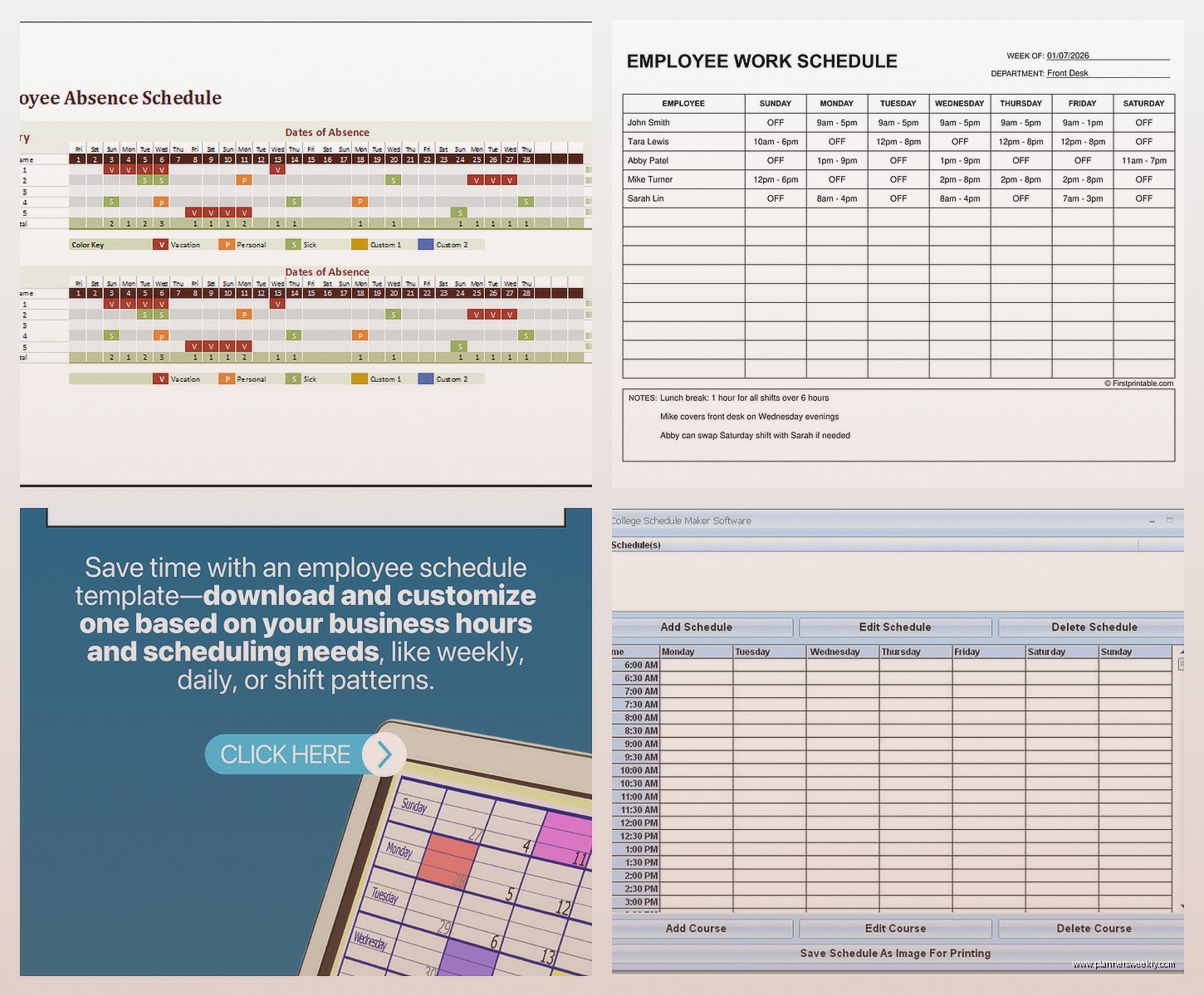
The interface looks like it was designed in 2010 which… it probably was. But it loads fast and doesn’t crash, which is more than I can say for some of the fancier options.
The Actual Limitations That’ll Bite You
No time clock integration. So if you need to track actual hours worked versus scheduled hours, you’ll need another system. No automatic overtime calculations. Can’t set up rotating schedules automatically – you’re building each week manually.
Also the reporting is basically nonexistent. You can see the schedule, employees can see the schedule, but if you want to analyze labor costs or scheduling patterns or whatever, you’re exporting to Excel and doing it yourself.
Homebase is The One Everyone Recommends But
So Homebase keeps coming up when people ask about free scheduling and yeah it’s good but you need to understand what you’re getting into. The free plan is actually generous – up to 20 employees, unlimited scheduling, time clock with GPS, shift messaging.
Where it gets you is everything else. Want to let employees swap shifts? That’s the paid plan. Need time-off request management? Paid plan. Want to schedule based on employee availability? Also paid.
I spent like three hours testing this while watching that show about the restaurant, you know the one, and I kept running into features that looked available but then had the little lock icon. Super frustrating design choice honestly.
But Here’s Why People Still Use It
The mobile app is actually good. Like really good. Your employees can clock in and out, they get push notifications about their shifts, they can message you through the app. For a lot of managers, that’s worth the limitations.
Plus the interface makes sense. I could figure out how to build a schedule in like 10 minutes without watching tutorials. Drag and drop, color-coded by employee or role, you can copy previous weeks. It’s just… smooth.
The time clock feature with GPS is clutch if you have employees at different locations. You can see where they clocked in from, which sounds creepy but is actually super useful when someone claims they were at the downtown location but they clocked in from their house.
When I Work is Confusing Because The Name
Okay so there’s “When I Work” and “WhenToWork” and they’re different companies and I mixed them up initially which wasted an entire afternoon. Very annoying.
When I Work (one company) has a free plan for up to 75 employees which seems insane until you use it and realize it’s basically a schedule viewer. You can create schedules, employees can see them, that’s about it. No time tracking on the free plan, no availability management, no shift trading.
But – and this is important – the mobile app is really clean. If you just need employees to know when they work and maybe message each other, it does that well. I had my coffee shop client test it for two weeks and her main feedback was “it’s fine, everyone can figure it out, but I’m still managing time-off requests through text.”
WhenToWork is The Other One
WhenToWork (different company, also confusing name) is more old-school. The interface looks dated but it’s actually got more features in the free tier. You can have employees submit availability, request time off, even volunteer for open shifts.
Free plan works for up to like 70 people I think? But there’s a catch – only one manager account. So if you’ve got multiple people who need to make schedules, you’re sharing login info like it’s 2005.
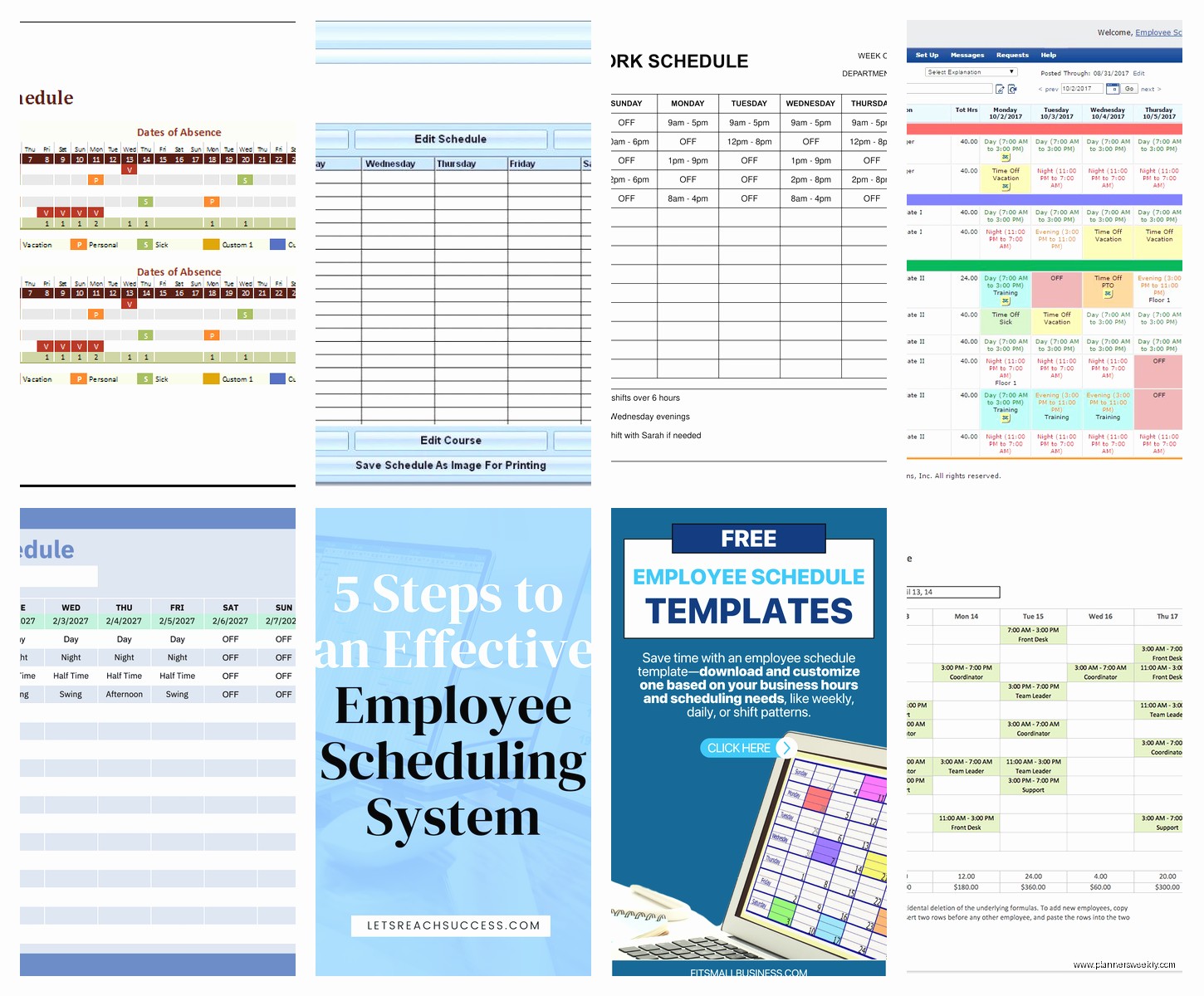
I actually liked this one more than I expected to. It’s not pretty but it works and it doesn’t constantly try to upsell you. The confirmation emails employees get about their schedules are clear and you can customize them, which is a weirdly nice feature for a free tool.
wait I forgot to mention Findmyshift
Okay so Findmyshift is based in the UK but works fine in the US, I tested it with both my coffee shop client and another one who runs an escape room. Free for up to 5 employees which is pretty limiting but if you’ve got a tiny team it’s actually feature-rich.
You get shift swapping, time-off requests, availability management, even basic payroll integration. For free. The catch is just that 5-employee limit.
The founder is super responsive though – I emailed a question about timezone settings and got a personal response in like two hours. Not from support, from the actual founder. Which doesn’t help you schedule employees but it’s kind of nice to know someone cares about the product.
My escape room client uses this because she’s got 4 regular employees and occasionally brings on a 5th for busy seasons. She loves that employees can post shifts they can’t work and others can claim them without her being involved. Saves her so many texts.
The Spreadsheet Question Everyone Asks
Look, Google Sheets is free and you already know how to use it. I’ve got clients who swear by their scheduling spreadsheet templates and refuse to switch. And honestly? If it’s working, don’t fix it.
But here’s what you’re giving up: employees can’t easily access it on mobile unless you share view-only links and then they gotta remember to check. No automatic notifications when schedules change. Shift swaps require you to manually update cells. Can’t really track who viewed the schedule.
I made a pretty robust scheduling template in Google Sheets last year and it took me probably 8 hours to get it working with all the formulas for coverage requirements and overtime warnings. You can definitely find templates online but you’ll probably need to customize them.
When Spreadsheets Actually Make Sense
If your schedule barely changes week to week, spreadsheets are fine. If everyone works set shifts and you just need to document it, spreadsheets work great actually. If your team is good about checking shared documents, you’re probably okay.
But if you’re spending more than an hour a week managing schedule questions and changes, there’s probably a free tool that’ll save you time even with the learning curve.
I spilled tea on my keyboard while testing the spreadsheet option which seemed like a sign but probably wasn’t.
Deputy Has a Free Trial Not a Free Plan
This is gonna sound weird but I’m including Deputy even though it’s not technically free because so many people think it is. They have a 31-day free trial which is actually long enough to decide if you wanna pay for it.
It’s really polished – like this is what scheduling software looks like when someone spends actual money building it. Auto-scheduling based on availability and labor budgets, compliance alerts for breaks and overtime, integrates with payroll systems.
The cheapest plan is like $2.50 per employee per month which honestly isn’t bad if you’ve got 10+ employees and you’re wasting hours every week on schedule management. That’s what I told my coffee shop client and she made the switch after the trial.
But if you’re absolutely committed to free, this isn’t it. Just wanted to mention it because the trial period is generous enough that you could use it for a month and really see if scheduling software is worth paying for.
7shifts is Restaurant-Specific But Works Elsewhere
So 7shifts is built for restaurants which makes sense given the name, but I’ve had clients in retail use it successfully. Free plan covers up to 30 employees which is pretty solid.
You get schedule creation, shift messaging, labor cost estimates, and employees can request time off through the app. The catch is you can only have one location on the free plan, and some of the cooler features like shift pools and auto-scheduling are locked behind paid tiers.
The interface is really intuitive for restaurant-style scheduling – you can schedule by position (server, host, cook) and it shows you coverage levels throughout the day. My coffee shop client tested this one too and liked how visual it was.
Why Restaurant People Love It
It understands restaurant scheduling weirdness – split shifts, different positions for the same employee, scheduling around peak hours. If you’re in food service, the free tier might be enough forever honestly.
If you’re not in restaurants, it still works but you might find the position-based scheduling setup kind of overkill. Like if everyone does basically the same job, you don’t really need to color-code by role.
oh and another thing about mobile apps
Almost every scheduling tool says they have a mobile app but the quality varies wildly. I made my partner download like six different apps to test them from an employee perspective and his main feedback was “most of these are just worse versions of the website.”
Homebase and 7shifts have legitimately good mobile apps. When I Work is decent. The others are… technically mobile apps. They work. But they’re clearly not where the company spent their development time.
If your team lives on their phones – and honestly most teams do now – test the mobile app during any trial period. Have an employee actually use it for a week and tell you what’s annoying.
The Features That Sound Good But Maybe Aren’t
Shift marketplace where employees bid on open shifts – sounds cool, reality is nobody uses it unless you really train them to. I’ve seen this feature go completely unused on three different platforms.
Auto-scheduling based on some algorithm – usually creates schedules that technically work but make no logical sense. Like scheduling your best person for the slowest shift because the algorithm doesn’t understand humans.
Integration with seventeen different payroll systems – you probably use one payroll system and it’s probably not the seventeen they integrate with. Check if your actual payroll is supported before caring about this.
Fancy analytics and reporting – honest question, are you gonna look at charts about scheduling patterns? Maybe if you’re a multi-location manager. Probably not if you’re scheduling twelve people at one cafe.
Features You Actually Want
Mobile schedule access that doesn’t suck. This is non-negotiable unless your team genuinely checks email regularly (they don’t).
Easy schedule copying from previous weeks. If your schedule is mostly consistent, you want to copy last week and make minor tweaks, not rebuild from scratch.
Some way for employees to handle time-off requests digitally instead of texting you. Even if it’s just a form they fill out.
Shift notes or messaging so you can communicate details like “bring the blue shirt for this shift” or “delivery expected at 2pm.”
Coverage indicators that show you if shifts are understaffed. Visual color-coding helps a lot here.
ZoomShift Does One Thing Well
ZoomShift free plan is up to 20 employees and it’s very focused on schedule creation and communication. Not a lot of fancy features but what’s there works smoothly.
Employees get text or email notifications about new schedules, schedule changes, and shift reminders. You can see who viewed the schedule and who didn’t, which is surprisingly useful when someone claims they never saw they were scheduled.
No time tracking on the free plan which is annoying, but if you have a separate system for that already, not a dealbreaker. The schedule builder is fast – drag and drop, copy previous weeks, color-coded by employee.
I tested this one while my cat kept walking across my keyboard which is why I have detailed notes about “jjjjjjjj” in my testing document. Super helpful.
