
Digital Productivity, Online planners, Planners
Daily Task Planner Guide: Systems for Maximum Productivity
Mar
okay so I just spent the last three weeks testing like eight different daily planner systems and here’s what actually works
So you know how everyone’s always like “just use a planner” but then you buy one and it sits there judging you? Yeah. I’ve been there about seventeen times. But I finally figured out why most daily task planner systems fail and it’s not because you’re lazy or disorganized or whatever.
The biggest thing I learned – and I cannot stress this enough – is that you need to match your planner system to how your brain actually works, not how productivity gurus say it should work. I tested the time-blocking method that everyone swears by and honestly? Made me want to throw my planner across the room by 10am because my client calls never stick to their scheduled times.
the brain dump method (which sounds gross but whatever)
Start here. Every single morning before you even look at your calendar, just dump everything that’s in your head onto paper. And I mean everything – the work stuff, the “need to text mom back,” the “why is my check engine light on” stuff. Takes maybe five minutes. I use the blank pages at the back of my Hobonichi for this because the paper’s thick enough that my Pilot G2 doesn’t bleed through.
Here’s the thing nobody tells you about brain dumps though: you’re not trying to organize while you dump. That’s why it fails for people. Your brain’s just clearing the cache. My dog interrupted me this morning barking at literally nothing and I lost my train of thought, which actually proved the point – if it’s not written down, it’s just taking up mental RAM.
then you gotta do the filter thing
Okay so after your brain dump, you filter. I use this three-category system that I stole from a workshop I took in 2019 and modified because the original version was way too complicated:
- Today Must – things that will cause actual problems if you don’t do them today
- Today Should – things you want to do today but the world won’t end
- Someday Maybe – everything else that’s just noise right now
Most people put like fifteen things in “Today Must” which defeats the entire purpose. If I’m being really honest with myself, I usually have like two or three actual Must items. Yesterday it was finish a client deliverable and pick up my prescription before the pharmacy closed. That’s it. Everything else was Should or Maybe.
the planner formats that actually make sense for different work styles
oh and another thing – the format matters way more than the brand, which is annoying because everyone asks me “which planner should I buy” and I have to be like “well what kind of work do you do though”
if your schedule is chaos (meetings, calls, interruptions)
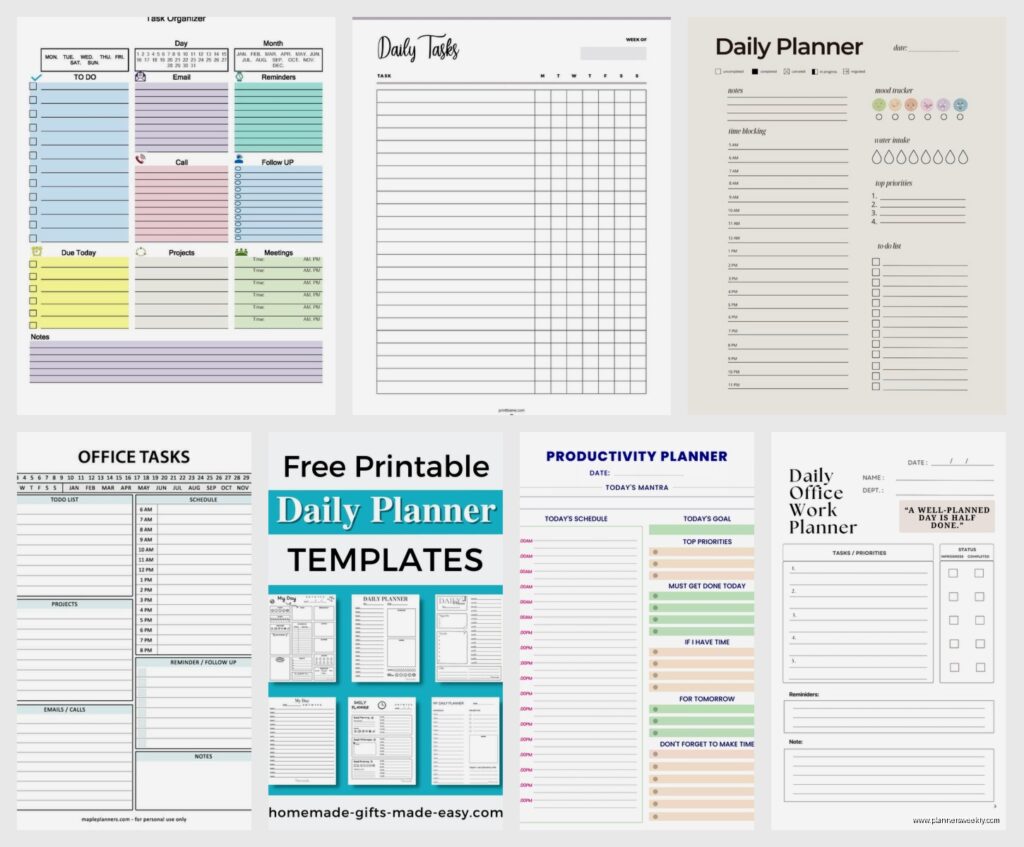
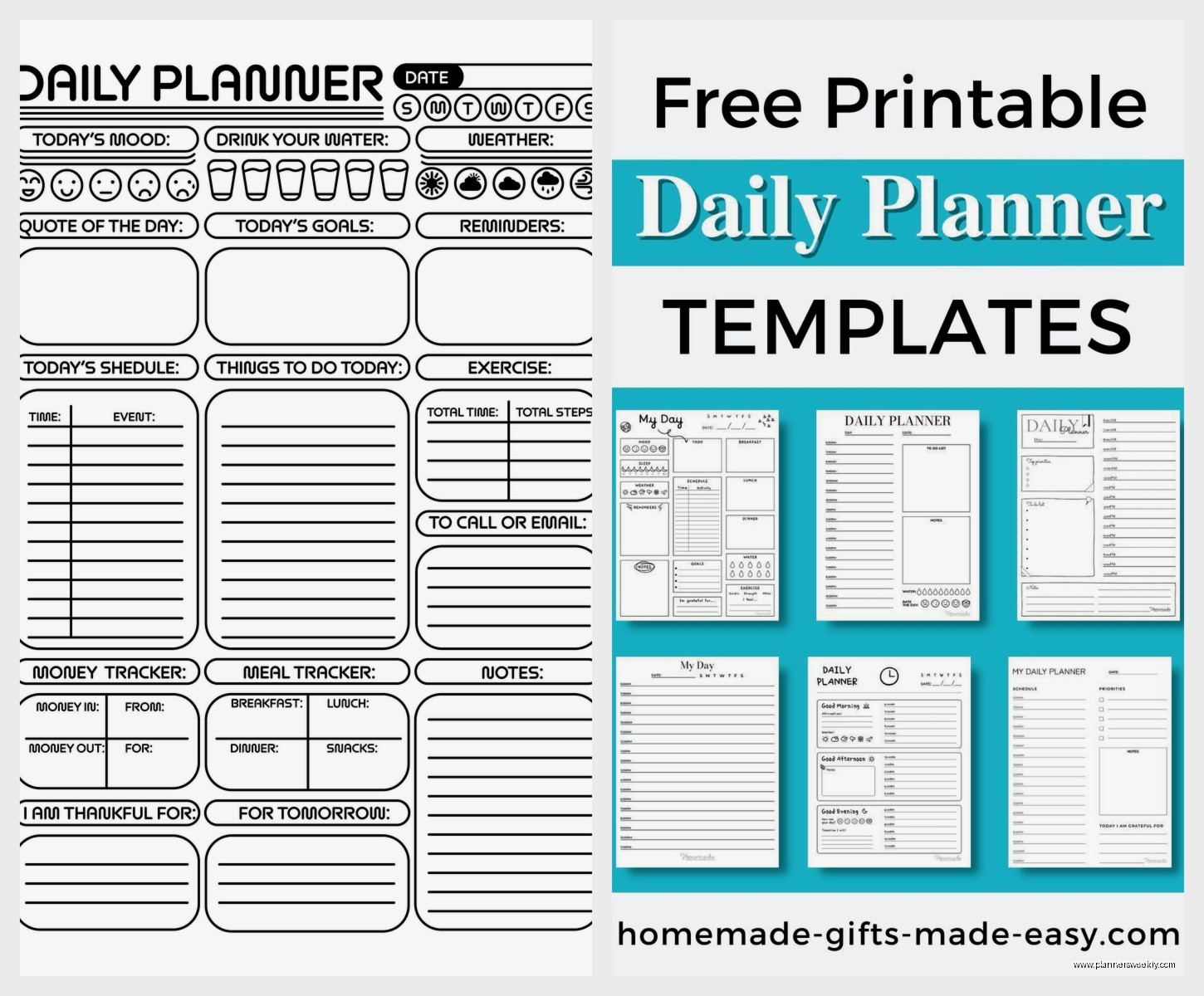
You need hourly time slots but not for time-blocking. I know, sounds contradictory. Use something like the Passion Planner or Blue Sky Day Designer that has those column layouts with times. BUT here’s how you actually use it: block out the things that are genuinely time-specific (meetings, appointments, that zoom call) and leave everything else in a separate task list on the same page.
I spilled coffee on my Blue Sky one last month which actually tested the paper quality accidentally – it didn’t bleed through to the next day which was impressive. The pages are like 90gsm or something. Anyway.
The mistake people make is trying to assign every task to a time slot. “I’ll do email from 9-10am” and then your boss calls at 9:03 and your whole day feels ruined. Instead, you just need to see where your anchored commitments are and flow your tasks around them.
if you have project-based work with lots of moving pieces
This is gonna sound weird but the dated daily planners might actually work against you. I use a bullet journal style setup for my clients who do project management or creative work – basically you need to see the forest AND the trees at the same time.
Get something with daily pages that also has a weekly overview. The Full Focus Planner does this pretty well, also the Volt Planner. Each morning you’re looking at your projects, identifying what needs to move forward TODAY on each project, then creating your daily task list from that.
Here’s my system for this:
- Weekly review on Sunday night (or Monday morning if Sunday You isn’t feeling it) – list all active projects
- Each project gets a next action identified
- Daily task list pulls from those next actions based on priority and energy level
- Track project progress in the weekly spread so you can see if something’s stalling
The energy level thing is crucial and nobody talks about it. I have design work that requires my brain to be sharp, and I have administrative stuff that I can do when I’m basically a zombie. If I schedule design work for 3pm I’m just setting myself up to fail.
wait I forgot to mention the two-list system
Okay so this is for people who get totally overwhelmed by long task lists. You make two lists every morning:
The Short List: Three things. That’s it. Three things that would make today feel successful. Not productive, not optimal, just… good enough.
The If I’m On A Roll List: Everything else you could potentially do if the first three go faster than expected or you hit a flow state.
I tested this with my own work for like two weeks straight and the psychological difference is wild. When you only commit to three things, you actually do them. Then if you do more, it feels like bonus points instead of catching up.
My favorite planners for this method are the simple ones – like the Ink+Volt Daily Planner or even just a Rhodia notebook with your own structure. You don’t need all the sections and prompts, you just need space for two lists.
the tools you actually need (spoiler: not many)
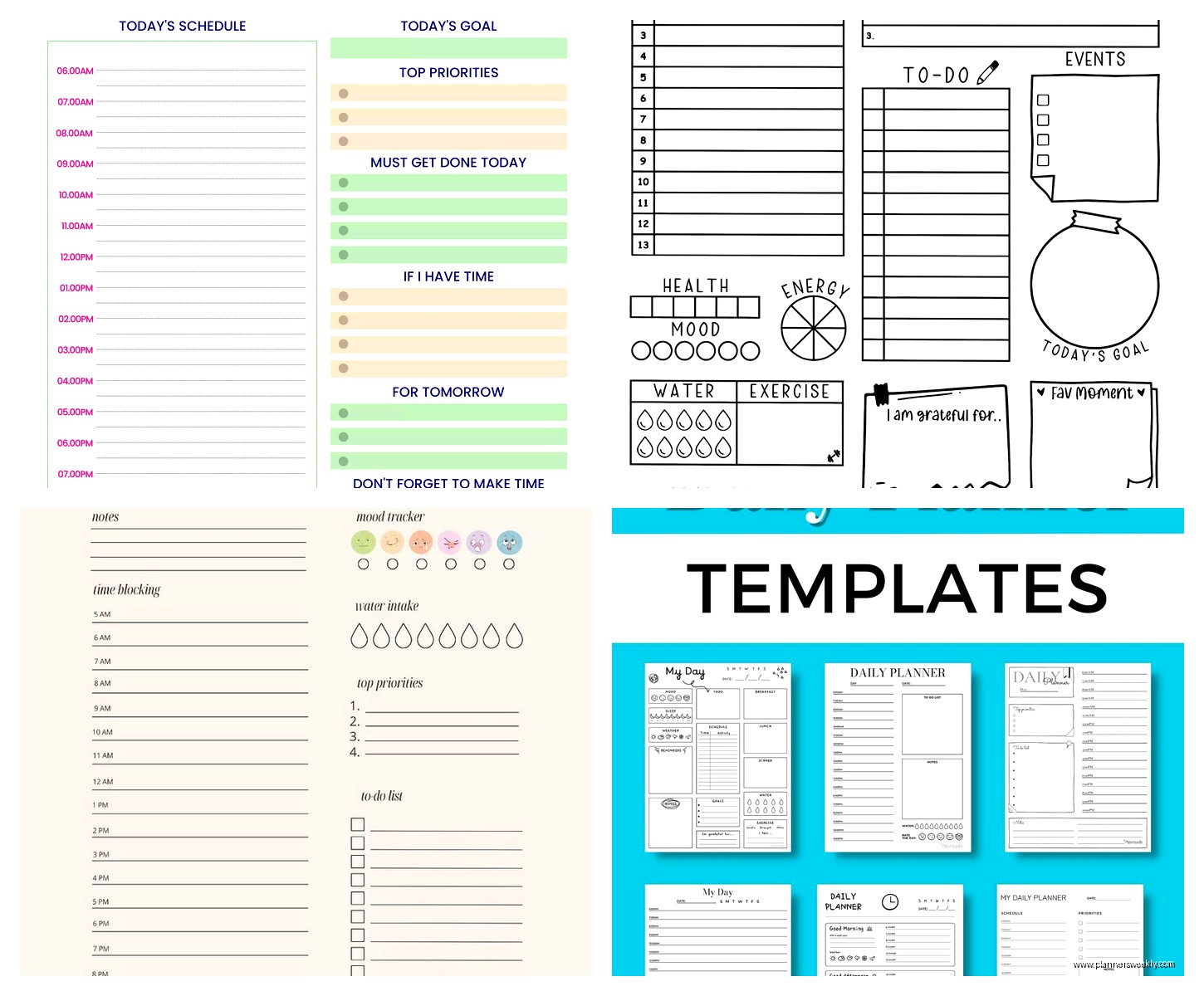
People get so caught up in the stationery ecosystem. And look, I love a good pen situation as much as the next person – I literally review this stuff for a living – but for daily task planning you need:
- One planner that you’ll actually open (paper or digital, I don’t care)
- One pen that writes smoothly enough that you don’t hate writing
- Maybe a highlighter if you’re visual but honestly optional
That’s it. I have a whole drawer of washi tape and fancy stamps and you know what I use for actual daily planning? A Muji 0.5mm gel pen and my Hobonichi. Sometimes I use a Mildliner to highlight my top three tasks but half the time I forget.
the digital vs paper thing that everyone argues about
okay so funny story – I tried going all-digital last year because I thought it would make me look more professional in client meetings. Used Todoist and Google Calendar and Notion. It was fine. It was functional. But I stopped actually planning my days because opening an app felt like opening work.
Paper planners have this psychological boundary that digital doesn’t. When I close my planner, I’m done looking at my tasks. My phone is always there, always pinging, always showing me the list.
But here’s the thing: some people’s brains work the opposite way. My friend Sarah never touches paper, everything’s in her phone, and she’s wildly productive. The key is that she’s very strict about notifications and has specific times she checks her task app.
If you’re gonna go digital for daily planning:
- Turn off all notifications except genuinely time-sensitive stuff
- Use an app that has a daily view, not just a master list (Todoist’s Today view, Things 3, TickTick)
- Have a specific time you do your daily planning – morning with coffee, whatever – make it a ritual
- Don’t use the same device for planning that you use for scrolling social media if you can help it
I keep going back to paper though. There’s something about writing “finish blog post” and then physically crossing it out that hits different.
the weekly review that makes daily planning actually work
This is the missing piece for most people. Daily planning without weekly reviewing is like trying to navigate with a map but never zooming out to see where you’re going.
Every week – I do mine Sunday evenings while watching whatever trashy TV I’m into, currently rewatching The Office for the millionth time – spend 20 minutes looking at:
- What got done last week (celebrate this, seriously)
- What didn’t get done and why (no judgment, just data)
- What’s coming up this week that you need to prep for
- Any projects that are stalling and need attention
I use the weekly spreads in my planner for this. Some weeks I’m really thorough, some weeks I just scribble notes. Both are fine. The point is you’re zooming out.
oh and another thing – during weekly review, be honest about your capacity. I used to plan like I was gonna be Super Productive Emma all week and then feel like garbage when Regular Human Emma showed up instead. Now I plan for Regular Human Emma and if Super Productive Emma appears, great.
how to actually use time blocks without wanting to die
Okay so I know I said time-blocking didn’t work for me but I figured out a modified version that does. Instead of blocking every hour, I block energy zones:
Peak Brain Time (usually 9am-12pm for me): This is sacred. This is for the work that requires actual thinking. Writing, strategy, design, problem-solving. I protect this time like my life depends on it. No meetings unless absolutely unavoidable. Phone on Do Not Disturb.
Interaction Time (usually 1pm-3pm): Meetings, calls, emails, Slack messages, all that collaborative stuff. My brain’s good with people during this window but not great at deep work.
Cleanup Time (usually 3pm-5pm): Administrative tasks, organizing, planning tomorrow, responding to non-urgent stuff, processing receipts, whatever doesn’t require peak brain power.
I don’t assign specific tasks to specific times within these blocks. I just make sure the right kind of work happens in the right energy window. Game changer.
For tracking this in a planner, I literally just write “PEAK,” “INTERACT,” and “CLEANUP” in my daily page margins and list tasks under each category. The Full Focus Planner actually has a section for this kind of thing but you can DIY it in any planner.
the method for when you have TOO MUCH to do
This is gonna sound counterintuitive but when you’re completely underwater, you need to plan LESS, not more. I learned this during a brutal client deadline month where I was working like 12 hour days.
Emergency planning mode:
- One page, one day, no fancy systems
- Write down only what absolutely must happen today
- Put a star next to the ONE thing that matters most
- Do that starred thing first, even if it’s hard
- Everything else fills in around it
I just used scratch paper during that month. Didn’t even open my nice planner because the sight of all those empty sections made me feel worse. Sometimes you gotta just survive the day and that’s okay.
habit tracking integration (or not)
So many planners have habit trackers built in and honestly? I have mixed feelings. Tracking habits alongside daily tasks can be motivating or it can be just one more thing to feel bad about.
I track exactly three habits in my planner: whether I worked out, whether I did my weekly review, and whether I took my vitamins. That’s it. Everything else felt like homework.
If you want to track habits, keep them separate from your task list. Different section of the page, different page entirely, whatever. Tasks are things you have to decide to do each day. Habits should be things you’re trying to make automatic. Mixing them creates this weird obligation stew in your brain.
The Passion Planner has separate habit tracking grids which I actually like. The Clever Fox Planner does too. But you can also just use a separate notebook or app for habits if your planner doesn’t have good space for it.
rolling tasks forward without losing your mind
wait I forgot to mention the rolling forward problem – you know when you write something on Monday’s list and then Tuesday’s list and then Wednesday’s list and by Thursday you hate yourself?
Here’s what’s happening: that task either isn’t actually important enough to do, or there’s something blocking you from doing it that you haven’t identified.
When I notice I’ve rolled a task forward three days in a row, I do this:
- Ask: Does this actually need to happen? Like really? Or am I should-ing myself?
- Ask: What’s preventing me from doing this? Time? Energy? Information? Someone else?
- Either schedule it for a specific day/time when the blocking factor is resolved, or delete it entirely
The delete option is so underrated. I had “organize digital files” on my list for literally two months before I was like “I don’t actually care about this enough to do it” and crossed it off permanently. Felt amazing.
