
Digital Productivity, Online planners, Planners
Social Media Schedule Template: Complete Planning Guide
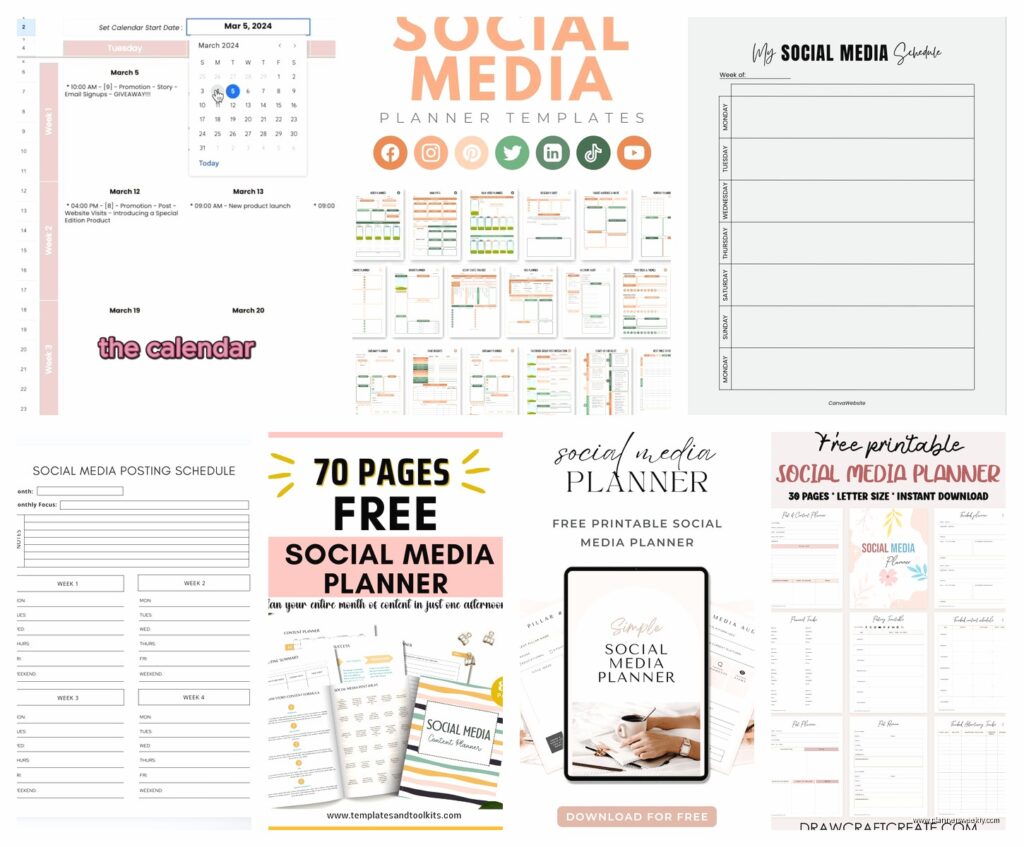
Mar
Okay so I just spent the entire weekend rebuilding my social media schedule template for 2025 and honestly, if you’re still using that random Google Sheet you started in like 2019, we need to fix that right now.
The Basic Framework That Actually Works
Look, I’ve tested probably fifteen different scheduling systems over the past year because my clients kept asking what I use and I realized my answer was basically “uh, a messy combo of three things?” which is not helpful. So here’s what I landed on after way too many hours.
You need three layers. Not two, not five. Three. First layer is your content pillars – I know everyone talks about these but most people set them up wrong. Second layer is your actual posting calendar with time slots. Third layer is your content bank where you store ideas and half-written captions.
The mistake I see constantly is people creating this beautiful color-coded calendar and then they have nowhere to dump ideas when inspiration hits at 10pm on a Tuesday. So they just… forget the idea. Gone forever.
Setting Up Your Content Pillars for 2025
I’m gonna be real with you, content pillars sound more complicated than they are. You just need 4-6 categories that you post about regularly. Mine are productivity tips, stationery reviews, workspace setups, planning methods, digital tools, and behind-the-scenes stuff.
Here’s how to figure yours out if you’re staring at a blank screen feeling lost:
- Look at your last 20 posts that got actual engagement not just pity likes from your mom
- Group them into themes
- Whatever you have more than 3 posts about becomes a pillar
- If you don’t have 20 posts yet just write down what you could talk about for 10 minutes without prep
I tested this with a client who’s a financial advisor and she was like “I don’t have pillars I just post random money tips” but when we looked at her analytics she had basically been rotating between budgeting, investing, debt payoff, and financial mindset stuff. Boom, four pillars.
The Actual Template Structure
So here’s where I got really specific because vague templates are useless. I’m using Notion for this now after trying Airtable, Asana, Trello, and honestly just going back to Google Sheets twice because I’m stubborn.
Your main view should be a monthly calendar. Weekly is too zoomed in, you lose perspective. Daily is insane unless you’re posting like 10 times a day. Yearly is too zoomed out to be useful for actual planning.
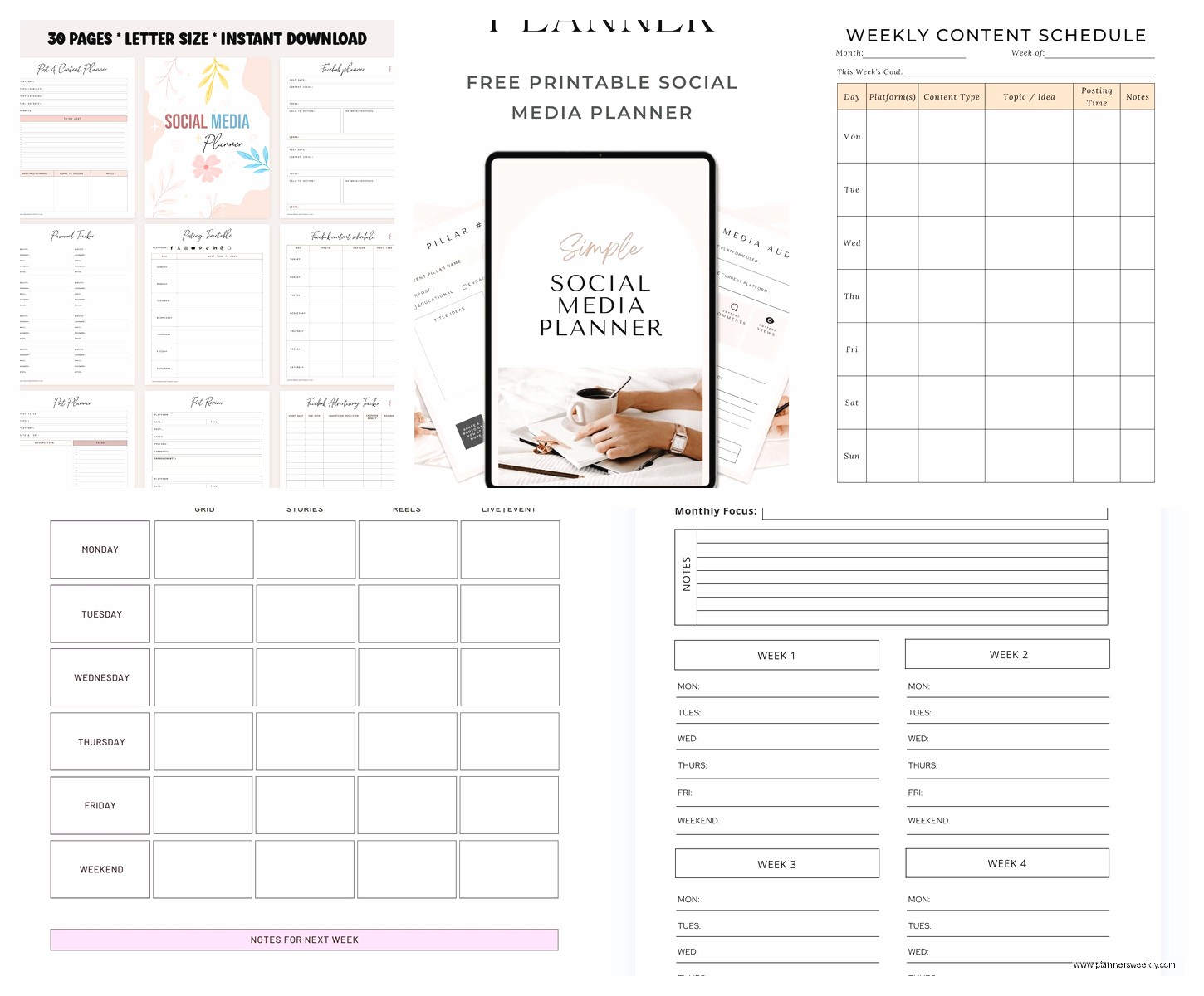
Column Setup That Makes Sense
Each post entry needs these fields and I’m gonna explain why because I tried templates that had like fifteen fields and I never filled them out:
- Date and time – obvious but use actual time slots not just “morning” because you’ll never post
- Platform – I separate these now instead of doing multi-platform posts because the algorithm gods hate recycled content
- Content pillar – dropdown menu so you can filter later
- Post type – carousel, reel, static image, text post, whatever
- Caption status – draft, ready, scheduled
- Visual status – need to create, in progress, done
- Link/CTA – where are you sending people
- Actual caption – I keep this in the template now instead of a separate doc
Oh and another thing, add a “performance notes” field that you never think you’ll use but then three months later when you’re trying to figure out what worked you’ll be so glad it’s there.
Time Blocking Your Content Creation
This is gonna sound weird but the template itself isn’t the hard part. It’s actually using it consistently. I blocked out every Sunday from 2-5pm for the past month to batch-create content and it’s the only reason I’m not scrambling every single day.
Here’s my actual schedule that I tested and refined:
- First Sunday of the month: Plan out the whole month’s topics and assign to pillars
- Every other Sunday: Create 4-6 graphics or film 3-4 reels
- Monday morning 20 minutes: Write captions for the week
- Wednesday spot check: Make sure Thursday/Friday posts are actually scheduled
My dog literally knows Sunday is content day now because I ignore him for three hours. He just sleeps under my desk. It’s become a whole routine.
Frequency That Won’t Burn You Out
Everyone’s gonna tell you to post daily and look, if you can maintain that without wanting to throw your phone in a lake, great. I can’t. Most of my clients can’t either.
Here’s what actually works for different platform combinations – I tested these schedules with like eight different clients over the past year:
If you’re focusing on Instagram: 3-4 feed posts per week, 5-7 stories per week, 2-3 reels per week. Yes that’s a lot. Instagram is needy.
If you’re focusing on LinkedIn: 3 posts per week is plenty. Quality over quantity actually works there. I post Monday/Wednesday/Friday and my engagement is way better than when I was forcing daily posts.
If you’re doing Twitter/X: Honestly I’m still figuring this one out post-everything but 1-2 times daily seems to be the minimum to stay visible.
For TikTok: My younger clients tell me 1-2 daily but I cannot keep up with that so I do 4-5 per week and it’s fine.
Pinterest: 5-10 pins per day but you can schedule these in bulk and forget about it. I use Tailwind and load it up once a month.
Content Batching Strategy
Wait I forgot to mention the single thing that changed everything for me. Batching by TYPE not by day. I used to sit down and try to create one complete post – graphic, caption, hashtags, scheduling. It took forever and I hated it.
Now I do it assembly-line style:
- Brainstorm 10-15 topics in one sitting with coffee
- Different day: Create all the graphics or film all the videos
- Different day: Write all the captions
- Different day: Schedule everything
This is so much faster because you’re not switching contexts constantly. When I’m in writing mode, I can bang out 6 captions in an hour. When I’m in Canva, I can create 8 graphics in 90 minutes if I’m not also trying to write.
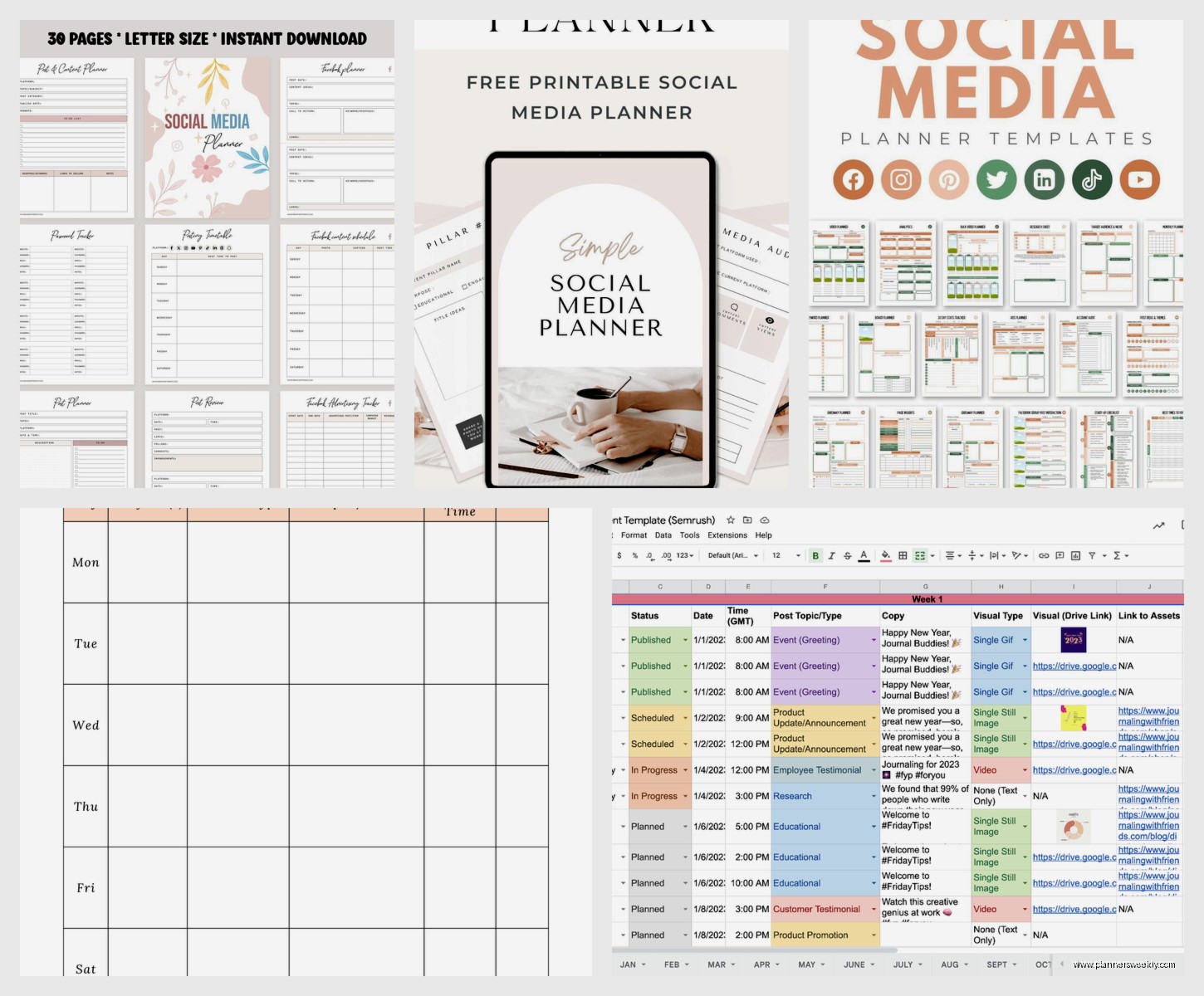
The Content Bank System
Okay so this part of the template is separate but connected. I have a running list of ideas that I add to literally whenever something occurs to me. This lives in the same Notion workspace but different page.
Categories in my content bank:
- Random ideas – just a brain dump list
- Seasonal content – stuff tied to specific times of year
- Trending topics – things I see getting traction that I could adapt
- Evergreen topics – the stuff I can post literally anytime
- Promotional content – for when I’m launching something
- Personal stories – behind the scenes stuff that’s actually interesting
Every time I sit down to plan, I shop my content bank first. Usually I already have way more ideas than I need which beats staring at a blank screen trying to invent something.
Platform-Specific Timing
I tested posting times obsessively in Q4 last year because I was convinced the “best times to post” articles were just making stuff up. Turns out they’re like 60% right but you gotta test for your specific audience.
Here’s what worked for me and my clients, but seriously test this yourself:
Instagram: Tuesday and Wednesday 10am-12pm, Thursday 2pm, Sunday 9am. Monday is weirdly dead for engagement. Friday after 3pm nobody cares about anything work-related.
LinkedIn: Tuesday through Thursday 8-9am or 12-1pm. Posting on weekends gets you tumbleweeds unless it’s something super personal or storytelling.
Facebook: I mean does anyone under 50 still use Facebook for business? My audience there is different so I post Wednesday and Saturday mornings and it’s fine.
Twitter/X: Honestly any weekday between 9am-4pm. I’ve stopped trying to optimize this one.
TikTok: The algorithm is so chaotic that timing barely matters from what I can tell. My best-performing video went up at 11pm on a random Thursday.
Building in Flexibility
Here’s something nobody tells you about content calendars – if you plan every single post in advance, you have no room for timely content or trending topics or just… being a human who has spontaneous thoughts.
I leave 20-30% of my schedule blank now. So if I’m posting 4 times a week on Instagram, I plan 3 posts and leave one slot open. Sometimes I fill it with something timely. Sometimes I just don’t post that day and the world continues spinning.
My client who’s in the wedding industry learned this the hard way when a celebrity couple got engaged and she couldn’t post about it because her calendar was “full” with pre-planned content about centerpieces. Like just… skip the centerpiece post that day.
Tracking What Actually Works
Okay so funny story, I was so focused on planning content that I wasn’t tracking performance at all for like six months. Just posting into the void, hoping for the best. Then I looked at my analytics and realized carousel posts were getting 3x the engagement of static images and I’d been doing mostly static images because they’re faster to make.
Add a monthly review to your template. I do mine the first Monday of every month:
- Top 3 performing posts – what did they have in common
- Worst 3 posts – why did they flop
- Follower growth – is it actually going up or are you spinning your wheels
- Which content pillar got the most engagement
- Which posting times worked best
- Any comments or DMs that turned into actual business
This takes maybe 30 minutes but it’s the difference between randomly posting and actually improving your strategy over time.
The Hashtag Strategy Section
I keep a hashtag library in my template because researching hashtags every single time I post makes me want to quit social media forever. Different sets for different content pillars, already researched, already tested.
For Instagram I do 20-25 hashtags per post because why not use the space. Mix of:
- 5-7 big hashtags (100k+ posts) – low chance of being seen but possible
- 10-12 medium hashtags (10k-100k posts) – sweet spot for discovery
- 5-8 small hashtags (under 10k posts) – higher chance of top posts
- 2-3 branded/community hashtags – for specific niches
LinkedIn is different, I only use 3-5 hashtags max because more looks spammy there. Twitter hashtags barely matter anymore unless you’re trying to join a trending conversation.
Repurposing Content Across Platforms
This part of the template saves me so much time. One piece of core content becomes like 6-8 posts across different platforms if you do it right.
Example from last week – I wrote a blog post about digital planning apps. From that one piece of content I created:
- LinkedIn article – basically the blog post reformatted
- 3 Instagram carousels – different angles on the same topic
- 1 Instagram reel – quick tips version
- 5 Twitter threads – key takeaways
- 2 TikToks – showing the apps in action
- 10 Pinterest pins – linking back to the blog post
I have a template section that maps out this repurposing strategy for each content type. So when I create a blog post, I have a checklist of all the ways to atomize it.
Collaboration and Approval Workflow
If you’re managing social for clients or you have a team, you need an approval process built into the template. I learned this after posting something for a client that they hated and we had this awkward conversation about who’s responsible for checking what.
Status labels I use now:
- Idea – just a concept, needs development
- Draft – written but needs review
- Client review – sent to them, waiting for feedback
- Revisions needed – they sent back changes
- Approved – good to go
- Scheduled – loaded into the scheduler
- Published – it’s live
Color coding these makes it super obvious when you’re falling behind on getting approvals. I flag anything that’s been in “client review” for more than 3 days because usually it means they forgot to look.
