
Digital Productivity, Online planners, Planners
Free Online Planner for Students: Best Academic Tools
Mar
okay so I’ve been testing like fifteen different free online planners this month
And honestly half of them are trash but I found some that actually work for students. I’m gonna just jump into the ones I’d actually recommend to my own kid if she wasn’t still in middle school using paper planners covered in BTS stickers.
Google Calendar but like actually using it properly
Everyone’s got Google Calendar already right? But most students just have it sitting there doing nothing. Here’s what I figured out after my client Sarah showed me her system – she’s a nursing student and if she can organize clinical rotations with this thing, it works.
You gotta set up multiple calendars. Don’t just dump everything into one calendar because you’ll lose your mind. I use:
- Classes (color it blue or whatever)
- Assignments and due dates (I do red because urgent)
- Study sessions (green makes it feel less stressful somehow)
- Personal stuff (purple because why not)
The game changer is the Tasks integration they added. You can literally see your to-do list right next to your calendar and drag tasks to different days. I spent like two hours just playing with this feature while my dog was barking at the mailman and I realized this is actually what students need.
Oh and another thing – set up recurring events for every single class at the beginning of the semester. Takes maybe 20 minutes but then you never have to think about it again. Put the room number in the location field because I cannot tell you how many college students I know who still forget where their Wednesday class is in week 8.
Notion for the students who want to feel organized
Okay so Notion is free for students and it’s like… look it’s got a learning curve. I’m not gonna lie to you. The first time I opened it I was like what is this spaceship dashboard. But once you get it? It’s actually pretty incredible for academic stuff.
I built a template for my friend’s daughter last month and she’s obsessed with it now. Here’s what you can do that you can’t really do elsewhere:
- Database of all your courses with linked assignment pages
- Note-taking pages that connect to your calendar
- Reading lists that you can check off (so satisfying)
- Grade tracking – like you can build a formula that calculates your current grade
The thing about Notion is you can either spend 6 hours building the perfect system or you can just grab someone else’s template from their template gallery. I recommend the second option unless you’re procrastinating on a paper, then by all means build your perfect planner.
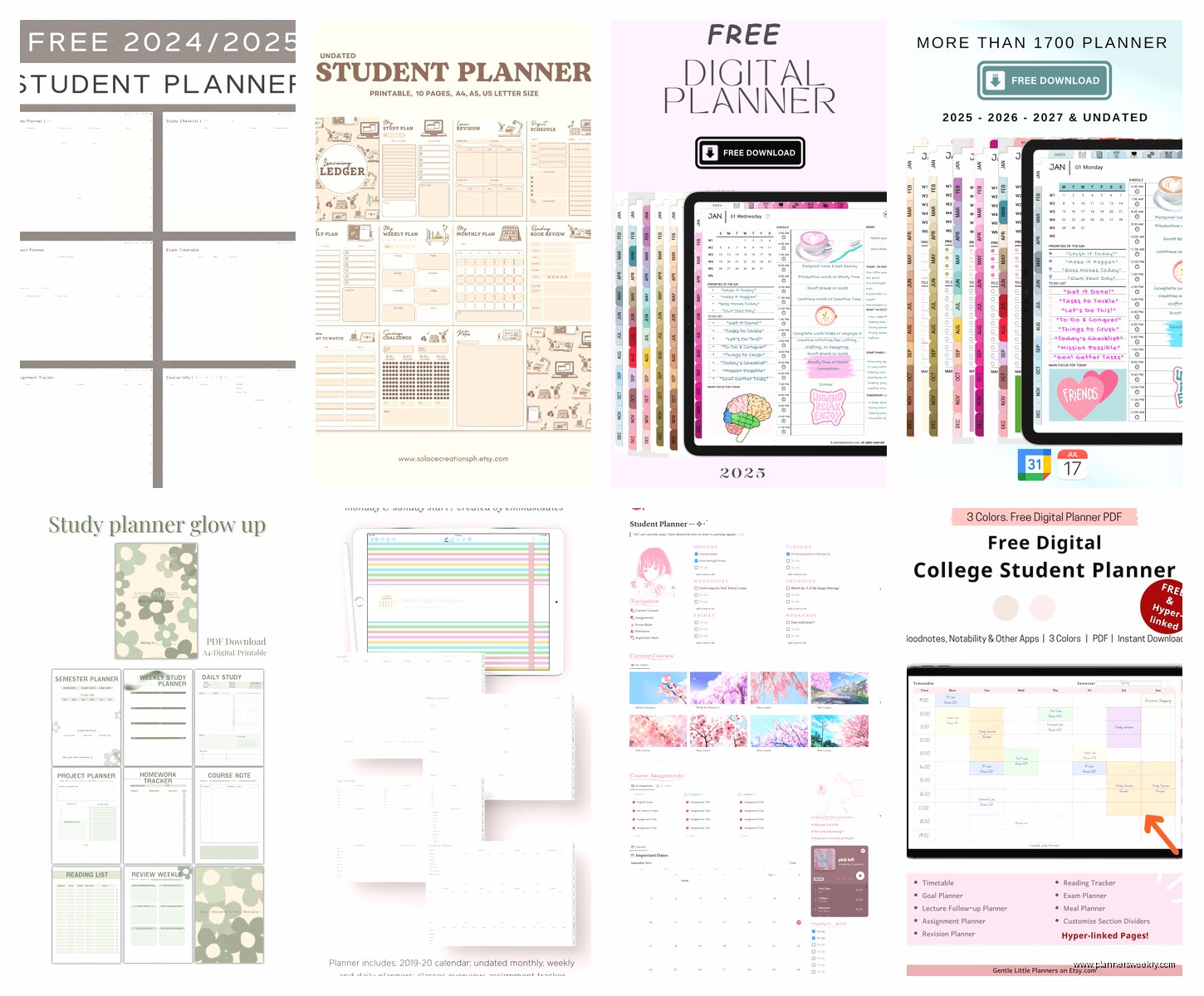
There’s this Cornell Notes template that actually made me understand why people like Cornell Notes. You can tag your notes by subject, date, exam – whatever. And then when you’re studying for finals you just filter by that exam tag and boom, all your relevant notes in one place.
wait I forgot to mention My Study Life
This one’s specifically built for students and honestly it shows. It’s not trying to be everything for everyone like some of these other apps. Just classes, homework, exams. That’s it.
What I love about it is the rotation schedule feature. If you’re in college and your Monday schedule is different from your Wednesday schedule, it handles that. High school with those weird A-day B-day rotations? It’s got you. I tested it with this complicated rotation my nephew has at his high school where classes meet different times on different weeks and it actually figured it out.
The free version is fully functional which is rare. You’re not gonna hit some paywall after adding three tasks. And it syncs across devices without making you pay which is basically unheard of.
Also they have this cloud sync thing that works offline too – so if you’re in a basement classroom with no signal (been there) you can still access everything and it’ll sync when you get back online.
Trello for visual people who hate boring lists
This is gonna sound weird but Trello changed how I think about planning assignments. It’s free, it’s visual, and if you’re the type of person who needs to SEE your tasks moving through stages, this is it.
I set mine up with columns like: To Do, In Progress, Waiting on Professor, Completed. Then each assignment is a card you drag across. Super simple but something about physically moving that card to Done hits different than just checking a box.
You can add due dates, attach files from Google Drive, make checklists within each card. Like for a research paper card I’ll put:
- Find 5 sources
- Create outline
- Write intro
- Draft body paragraphs
- Write conclusion
- Edit and proofread
And then I can see exactly what stage I’m at without opening the whole thing. My productivity client Tom used this for his senior thesis and said it was the only thing that kept him from panicking because he could SEE progress happening.
The Butler automation thing is free for limited commands and you can set it up so cards automatically move or due dates change based on triggers. I have mine set so when I mark a card complete it automatically moves to my Done column and archives after 7 days. Sounds complicated but there’s a template for it.
okay so funny story about Todoist
I was testing Todoist during midterms week while working with like four different college students and every single one of them ended up switching to it. It’s that good for task management.
The free version lets you have up to 5 active projects which is perfect for students. One project per class. Or maybe one for Academics, one for Extracurriculars, one for Job Applications if you’re job hunting, whatever.
What makes it better than just writing lists? The natural language processing. You can type “essay due next Friday 11:59pm !high” and it automatically sets the date, time, and priority level. I watched a student add her entire syllabus in like 10 minutes just by typing normally.
The karma points system is kinda goofy but also it works? You get points for completing tasks and hitting streaks. My brain knows it’s just fake internet points but also I don’t wanna break my streak so I actually do my tasks. Whatever works right?
Recurring tasks are clutch for weekly assignments. Chemistry problem set due every Thursday? Set it once, it repeats forever. Or until the semester ends and you delete it with joy.
wait this is important – Structured for time blocking
I just discovered this one last week and I’m mad nobody told me about it sooner. It’s free, super minimal design, made for time blocking your day.
If you’re the type who needs to see your day in time chunks – like 9am to 10:30am study chemistry, 10:30am to 12pm biology class, whatever – this app is perfect. You can’t add a million tasks and overwhelm yourself. You can only plan one day at a time which sounds limiting but is actually kinda freeing?
I tested it on a day where I had back-to-back client calls and realized this would be perfect for students with packed schedules. You see exactly where your time is going. And when something runs over or you need to adjust, you just drag the blocks around.
It’s only on iOS though which is annoying if you’re on Android. But if you have an iPhone it’s worth checking out especially if you tend to overcommit yourself.
oh and another thing about Forest app
Okay so Forest is free with in-app purchases but you don’t need the paid stuff for it to work. The concept is you plant a virtual tree and it grows while you study. If you leave the app to check Instagram or whatever, your tree dies.
Sounds dumb. Works incredibly well. I have no idea why.
I watched my client’s teenager go from 20-minute study sessions maximum to 90-minute deep work sessions because she didn’t want to kill her tree. The app has a whitelist feature where you can allow certain apps – like if you need to use a calculator or dictionary app while studying, you won’t kill your tree.
You can also set study goals and see statistics about your focused time. And there’s this multiplayer thing where you and your study group all plant trees together and if anyone leaves the app everyone’s trees die. Peer pressure for productivity I guess?
this is gonna sound random but Notion Calendar deserves its own section
They just rebranded Cron and made it free and honestly it’s the prettiest calendar app I’ve ever used. Which shouldn’t matter but also if you’re gonna look at something 50 times a day it might as well not be ugly.
It’s got this feature where you can see multiple time zones at once which is great if you’re taking online classes or working with study groups across different states. The keyboard shortcuts are really fast once you learn them – you can create events without even touching your mouse.
It links with Notion if you use that, and also works with Google Calendar. So you’re not creating another separate system, it’s just a better interface for what you already have.
The day view shows your tasks and events together in a timeline which is what I’ve been wanting from a calendar app forever. Not separate lists, just one view of everything happening today.
Toggl Track for figuring out where your time actually goes
Free version is solid for students. This is less of a planner and more of a time tracker but hear me out – you gotta track your time for like a week to actually understand where it’s going.
I thought I was spending 3 hours a day on my blog. Tracked it with Toggl. It was 5 hours. I was just lying to myself about how long things take.
For students this is huge because you think “I’ll study for 2 hours” but you actually studied for 45 minutes and spent the rest on your phone. Toggl doesn’t judge, it just shows you the reality. And the free version lets you track unlimited time which is all you need.
You can tag entries, add projects, see reports of where your time went. After tracking for two weeks my client realized she was spending 8 hours a week “getting ready to study” which was really just procrastination with extra steps. Once she saw that number she was able to actually fix it.
TickTick if you want Todoist but more features for free
I keep going back and forth between recommending Todoist or TickTick because honestly TickTick gives you more stuff for free. You get a built-in pomodoro timer, a calendar view, habit tracking – stuff that costs money in other apps.
The interface isn’t as pretty in my opinion but if you’re on a student budget and want all the features, this is it. You can add up to 9 task lists on the free plan. Voice entry works which is great for capturing ideas between classes.
There’s this duration feature where you can estimate how long a task will take and then it’ll calculate if you can actually fit everything into your day. Revolutionary for students who constantly overbook themselves.
I spilled tea on my keyboard while testing this last week so I had to use the voice entry feature more than planned and honestly it’s pretty accurate. Better than Apple’s Siri for task capture.
wait the simple option – Apple Reminders if you’re in the ecosystem
Everyone sleeps on Apple Reminders because it seems too basic. But they’ve updated it so much in the last few years and if you already have an iPhone, iPad, and Mac, it’s actually really good.
The shared lists feature is perfect for group projects. You can share a list with your project group and everyone can add tasks, check things off, get notifications. All native, no third-party app required.
Location-based reminders are underrated. “Remind me to ask about the assignment when I get to campus” and your phone will ping you when you arrive. Works surprisingly well.
And tags! They added tags finally. You can tag tasks by class, priority, type of work, whatever. Then you’ve got smart lists that automatically show everything tagged with like “midterms” across all your different course lists.
Plus if you use Siri at all – “hey Siri remind me to submit my essay Friday at 11pm” and it’s done. No opening apps, no typing. I use this constantly while driving which probably isn’t the intended use case but whatever.
this is probably obvious but Microsoft To Do
Free, syncs with Outlook if your school uses that, and it’s got this My Day feature that I actually really like. Every morning you go in and pick which tasks from your various lists you’re gonna focus on today. Those go into My Day.
Sounds simple but it prevents that thing where you look at a list of 47 tasks and just give up. You’re only looking at today’s 5 tasks. Everything else can wait.
It integrates with Microsoft Planner if you’re doing group work through Teams which a lot of schools use now. And you can add tasks from Outlook emails which is useful when professors email you assignments.
The step feature lets you break tasks into subtasks without it getting messy. Like “Write Research Paper” becomes a task with 8 steps underneath and you can check them off individually but the main task only shows as complete when all steps are done.
honestly just pick one and stick with it
The biggest mistake I see students make is trying every app for two days and then switching. You gotta commit to something for at least 3 weeks before you’ll know if it actually works for you.
If you’re super visual and like dragging things around, go with Trello. If you want everything in one place and don’t mind a learning curve, try Notion. If you just want simple task lists that work, Todoist or TickTick. If you’re already using Google stuff for school, just use Google Calendar and Tasks together.
