
Digital Productivity, Online planners, Planners
Weekly Task Planner: Best Productivity Systems
Mar
Okay so I just spent the last three weeks testing literally every weekly planner system I could get my hands on and here’s what actually works
The bullet journal method is honestly still the gold standard if you’re willing to put in like 15 minutes on Sunday nights. I know everyone says it’s too much work but here’s the thing – you don’t need to do all those fancy spreads. My client Sarah kept showing me her Instagram-worthy layouts and I’m like, that’s beautiful but also you’re spending 2 hours decorating instead of actually planning.
What I do is grab my Leuchtturm1917 (the A5 dotted one, not the lined because the dots give you flexibility without being totally blank and intimidating). Set up a simple weekly spread with just columns for each day. That’s it. Monday through Sunday across two pages. Takes maybe 5 minutes to draw out. Then I brain dump everything that needs to happen that week in the margins and distribute tasks into actual days.
The magic part that nobody talks about is the rapid logging symbols. I use a simple dot for tasks, a dash for notes, and a circle for events. When something’s done, I X it out. If it needs to migrate to next week, I draw an arrow. Sounds complicated but after like three days it becomes automatic and you can see at a glance what’s actually getting done versus what keeps getting pushed.
The digital systems that don’t suck
Wait I should mention the digital options because honestly some weeks I’m fully digital and some weeks I’m paper and that’s fine. Notion templates for weekly planning are either absolutely perfect or completely overwhelming, there’s no in between. I found this template called “Weekly Dashboard” by someone named Marie (I think?) that’s actually usable. It’s got your week view, a brain dump section, and links to your project pages.
The problem with Notion is you can spend literally three hours customizing your setup. My cat knocked over my coffee last Tuesday right onto my planner and I thought okay fine, going digital for a bit, and then I fell down this rabbit hole of database properties and relation functions and it’s like… I just need to remember to call the dentist, you know?
Todoist with their weekly view is surprisingly good though. I resisted it forever because I thought task managers were overkill but the way you can set recurring tasks and see everything laid out by day actually helps. The premium version lets you add labels and filters which sounds boring but when you can filter by “work” or “personal” or “urgent” it’s genuinely useful. Plus it syncs across devices so when I’m lying in bed at 11pm and remember something, I can just add it from my phone.
Paper planners that are actually worth the money
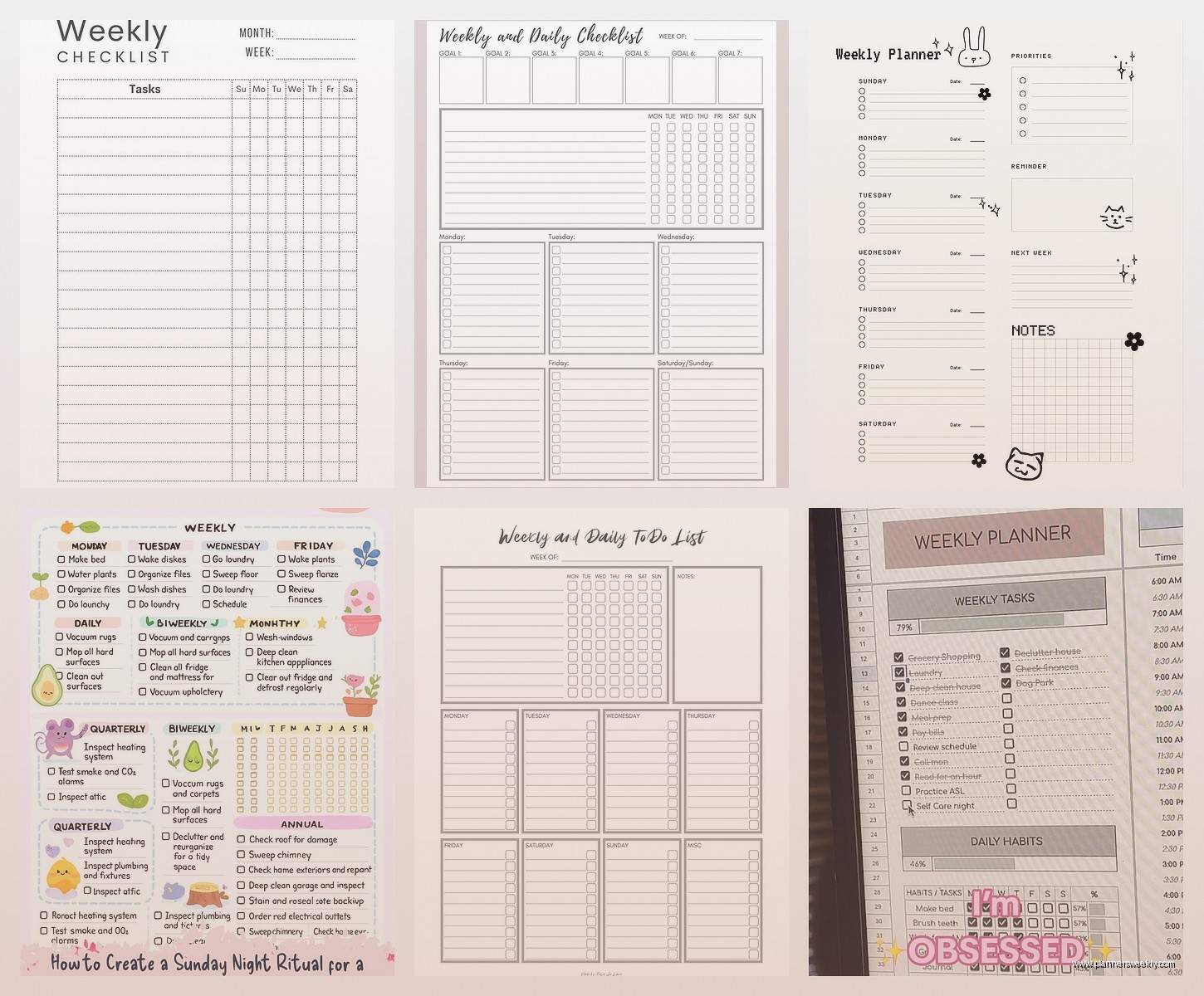
The Passion Planner weekly layout is probably the best pre-printed option I’ve tested. Each week gets a two-page spread with hourly time slots on the left and a blank space on the right for notes or goals or whatever. The time slots go from 7am to 9pm which works for most people, though if you’re a night owl you’re gonna run out of space.
What I like is they build in reflection prompts at the bottom of each week. “What went well? What needs improvement?” Sounds cheesy but actually when you’re reviewing your week it’s helpful to have those questions staring at you. Otherwise I just flip the page and forget to actually learn anything from the previous week.
Oh and another thing – the Panda Planner does this thing where you prioritize your top 3 tasks for each day right at the top of the daily section. This is gonna sound weird but having that physical constraint of only three spots makes you actually choose what matters instead of writing down 47 things and then feeling bad when you only do 8 of them.
The time-blocking approach that changed everything
So funny story, I was watching this productivity video while testing planners and the person mentioned time-blocking and I was like yeah yeah I know about that. But then I actually tried it properly for two weeks and holy shit the difference.
Here’s what you do: instead of just listing tasks for Monday, you assign them to specific time blocks. “9-10am: write blog post. 10-11am: client calls. 11-12pm: research new planners.” The Full Focus Planner is literally designed around this method. Each day has a schedule section where you block out your hours.
The revelation for me was that you start seeing where your time actually goes. I thought I had tons of time on Thursdays but when I blocked it out I realized I had like 2 actual free hours after meetings and admin stuff. That’s why I kept feeling behind – I was assigning 6 hours of tasks to 2 hours of available time.
You don’t need a special planner for this though. I do it in my bullet journal by just drawing a line down the left margin and writing times. Some weeks I’m super detailed with 30-minute blocks, other weeks I just do morning/afternoon/evening chunks. Depends on how chaotic things are.
The hybrid system I keep coming back to
Okay so after testing everything, here’s what I actually use now and have stuck with for like 8 months which is a record for me. I use a paper planner for weekly overview and daily tasks, but I keep my full project lists and reference stuff in Notion.
Every Sunday night I open Notion and look at my project dashboards. I pull out what needs to happen this week and write it in my paper planner. The paper planner is my “this week only” view. Notion is my “everything else” storage. This way I’m not constantly overwhelmed by seeing every single thing I need to do ever, but I’m also not losing track of bigger projects.
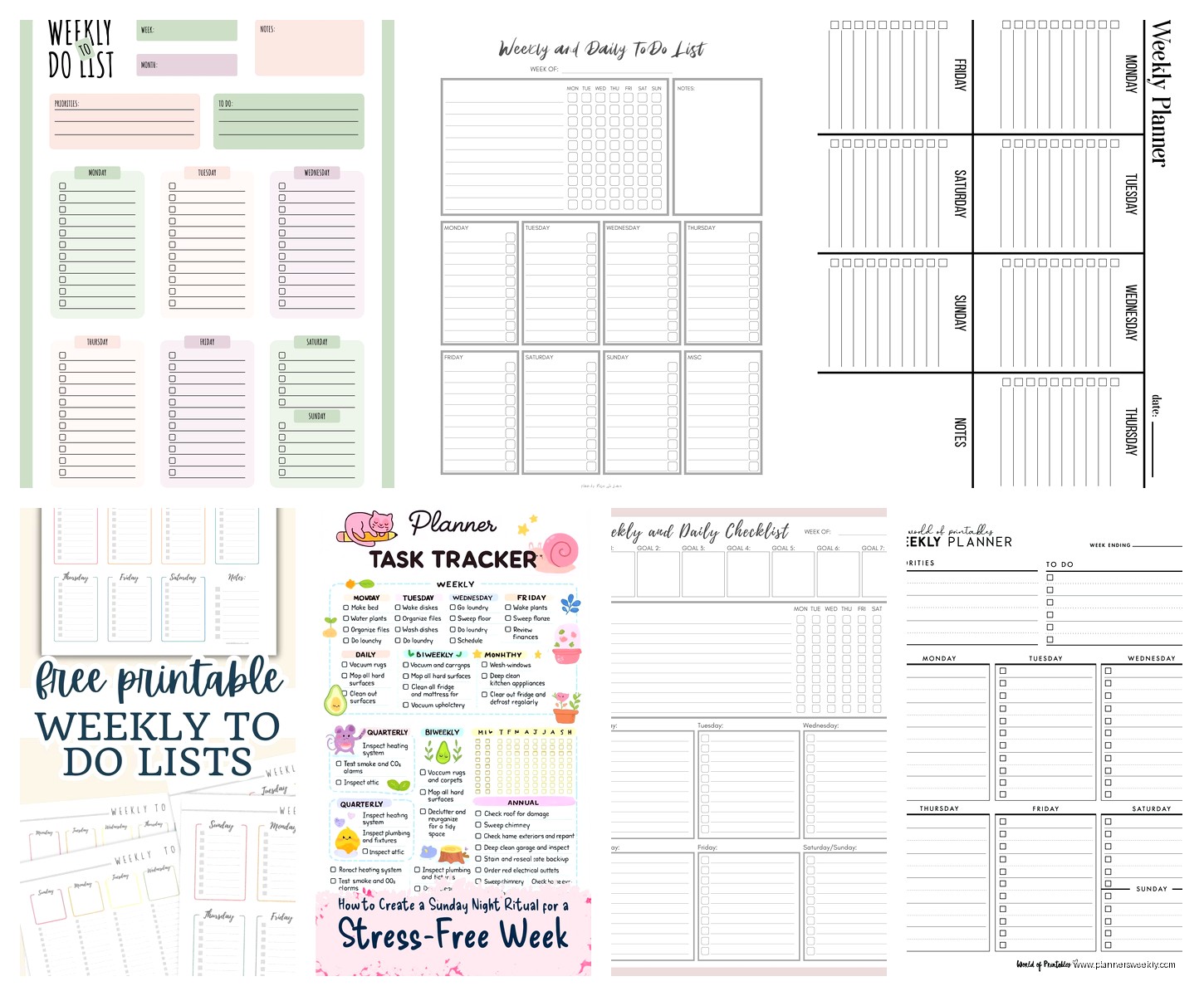
The specific planner I’m using is the Ink+Volt weekly planner. It’s undated which I love because I can start any time and if I miss a week I don’t have blank dated pages mocking me. The weekly spread has a priorities section, schedule blocks for each day, and a notes area. Simple, clean, not too prescriptive.
For digital backup I take a photo of my weekly spread on Sunday and Friday. Just with my phone, drop it in a folder. That way if I lose the planner or need to reference something later, I’ve got it. Takes 10 seconds.
The systems that sound good but actually don’t work
I gotta be honest about what failed for me because otherwise this isn’t helpful. The Getting Things Done (GTD) methodology is way too complex for weekly planning. It’s great as an overall system but for just organizing your week it’s overkill. You don’t need 43 folders and context lists to remember to buy groceries and finish that report.
Those planners with inspirational quotes on every page? They drove me insane. I don’t need “She believed she could so she did” staring at me when I’m trying to figure out if I can fit the dentist appointment between two meetings. The Clever Fox planner is guilty of this. Nice quality paper, good layout, but so many motivational quotes I couldn’t focus.
Daily pages in weekly planners are also weird. Like the Erin Condren LifePlanner has beautiful weekly views but then also daily pages and I could never figure out which one to use. Ended up duplicating tasks across both and getting confused. Stick with one or the other.
Specific techniques that actually move the needle
The Sunday review is non-negotiable. I know people say they don’t have time but it’s literally 20 minutes that saves you hours of confusion during the week. I make coffee, sit down with my planner and my laptop, and go through what happened last week and what’s coming.
First I look at last week and migrate anything that didn’t get done. This is important – you gotta decide if it still matters or if you’re just carrying it forward out of guilt. Most things that I’ve migrated more than twice get deleted or moved to a “someday” list because clearly they’re not actually priorities.
Then I brain dump everything I can think of for the coming week. Work stuff, personal stuff, random things I’ve been meaning to do. Just get it all out. My client canceled last Thursday so I spent an hour comparing different brain dump methods and honestly just writing a messy list works better than any fancy template.
After the brain dump I categorize things loosely – work, personal, urgent, can wait. Then I assign them to specific days based on my energy and schedule. I put creative work on mornings because that’s when I’m sharpest. Admin stuff goes in the afternoons when my brain is mush anyway.
The rolling task list trick
Wait I forgot to mention this and it’s probably the most useful thing. Keep a running list of tasks that don’t have a specific day attached to them. I use the notes section of my weekly spread or sometimes just a sticky note in the planner.
These are things like “research vacation options” or “organize photos” – stuff that needs to happen eventually but doesn’t have a deadline. When you finish your planned tasks for a day and have extra time, pull from this list instead of just scrolling your phone. Feels productive without being stressful because there’s no pressure about when it gets done.
The Clever Fox planner actually has a dedicated section for this they call “ongoing tasks” which is helpful if you need that structure built in. Otherwise just dedicate a page or section in whatever planner you’re using.
Color coding that doesn’t become a whole thing
I use exactly three colors and that’s it. Work tasks are blue, personal are green, urgent/time-sensitive are red. That’s the whole system. I tried doing like 8 different colors for different project categories and it became this whole production just to write down a task.
The Mildliner highlighters are perfect for this because they’re not too bright and they don’t bleed through most planner paper. I just keep three of them clipped to my planner. Circle or underline the task in the appropriate color. Takes 2 seconds, gives you visual clarity when you scan the page.
Some people are gonna say you don’t need color coding at all and they’re probably right but it helps my brain parse information faster so I keep doing it. Do what works for you, ignore what doesn’t.
Making the system stick beyond week one
The biggest problem with any planner system is actually using it consistently. I’ve bought so many beautiful planners that I used for three days and then forgot about. Here’s what finally worked:
Keep it visible. My planner lives on my desk open to the current week, not in a drawer or bag. If I have to go find it I won’t use it. Same with digital – if your planning app isn’t on your home screen or pinned in your browser you’ll forget about it.
Build in a daily check-in. I look at my planner first thing with my coffee and last thing before I close my laptop for the day. Morning is “what’s happening today” and evening is “what actually happened, what’s moving to tomorrow.” Takes maybe 3 minutes total.
Don’t restart every time you miss a day. This was huge for me. I used to think if I didn’t fill out my planner perfectly every single day the whole system was broken and I’d give up. Now if I miss a day or even a week I just pick back up where I am. Cross out the unused days if it’s a dated planner, or just flip to a new week if it’s undated.
The Silk + Sonder planner builds in this flexibility really well because it’s got monthly and weekly sections that aren’t super rigid. You can skip weeks without it feeling like you failed. Though honestly the monthly reflection prompts are a bit much for me, I usually skip those parts.
Anyway that’s basically everything I’ve learned from testing way too many planning systems. The best one is genuinely whichever one you’ll actually use consistently, which I know sounds like a cop-out but it’s true. Start simple, add complexity only if you need it, and don’t feel bad about switching systems if something stops working for you.
