
Digital Productivity, Online planners, Planners
My Daily Planner Guide: Personalized Planning Systems
Mar
okay so I literally just spent the entire weekend reorganizing my planning system again because what I was doing stopped working like three weeks ago and I finally admitted defeat. here’s what I’ve figured out about actually personalizing a daily planner instead of just buying whatever’s pretty on instagram
first thing – and I cannot stress this enough – you gotta figure out if you’re a time blocker or a task lister because that changes EVERYTHING. I spent like two years forcing myself into time blocking because all the productivity people said that’s what works but honestly I’d just stare at the empty time slots and feel paralyzed. turned out I’m a task lister who needs to see everything dumped out first, then I can assign times
so here’s how to actually figure out your system. take whatever planner you’re using right now (or a random notebook) and for one week – just ONE week – track what you actually look at. not what you think you should look at. I did this back in March and realized I was spending 15 minutes every morning writing out my schedule in my hourly planner but then never looking at it again because I had everything memorized already. total waste of time
The Brain Dump Method That Actually Works
okay so this is gonna sound basic but most people skip this part. every Sunday night (or Monday morning if you’re not a Sunday planner person) you need like 20-30 minutes to dump everything out. and I mean everything – work stuff, personal stuff, that thing you promised your friend you’d do three weeks ago
I use a specific format now after testing like eight different ones. categories are: work projects, admin stuff (emails, invoices, boring things), personal life, and then this weird category I call “brain weasels” which is basically anything causing me anxiety that I need to address. my therapist actually suggested that last one and it’s been weirdly helpful
oh and another thing – write it ALL down even if you think you’ll remember. you won’t. I lost an entire client project in my head last month because I thought “oh I’ll definitely remember to follow up on that” and then my dog ate something weird and we spent the evening at the emergency vet and yeah. everything goes on paper now
Picking Your Actual Planner Format
this is where people get stuck in analysis paralysis and I get it because there are like ten thousand options. here’s what I’ve tested in the last year and what actually worked:
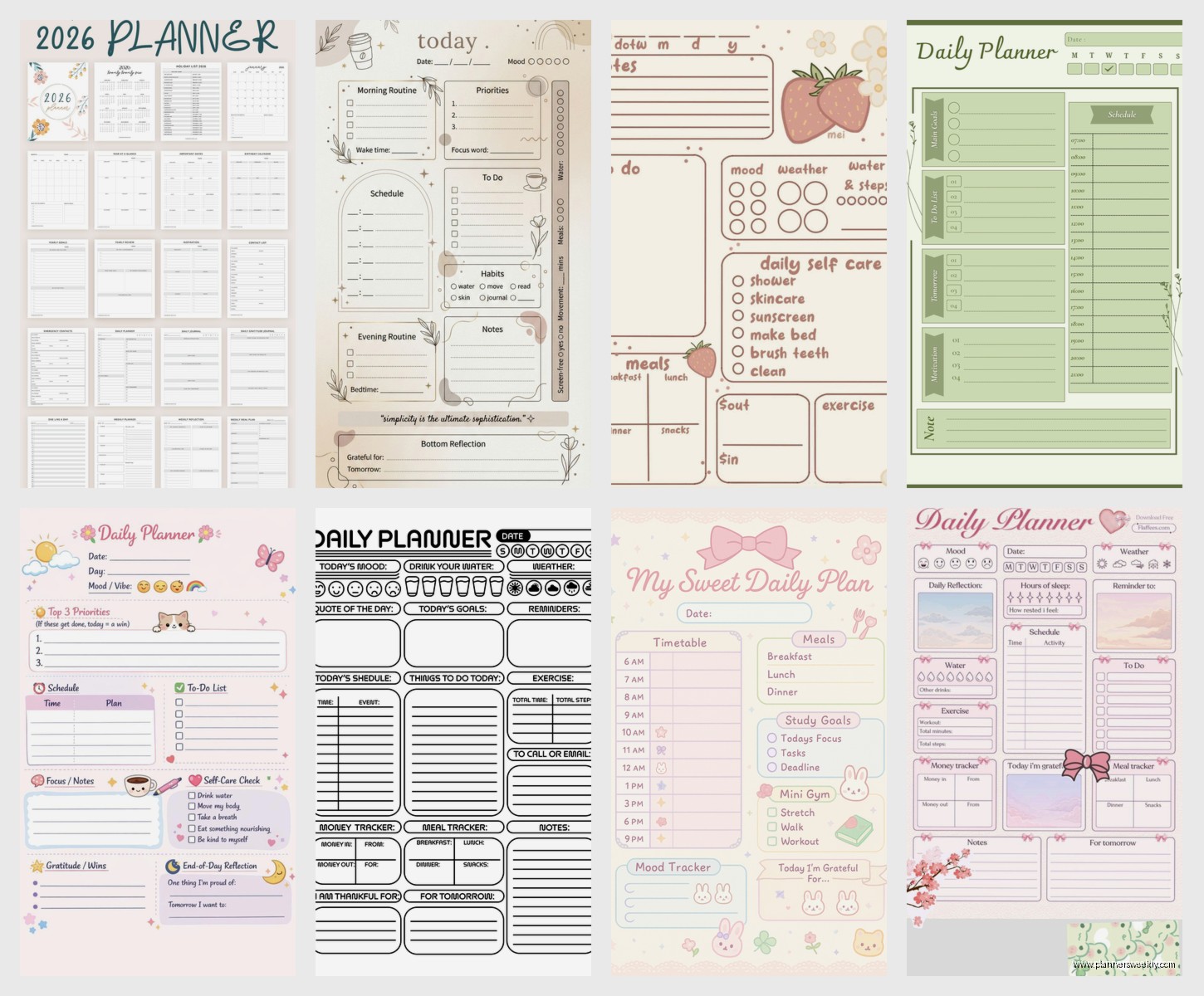
the Passion Planner is great if you need structure but also flexibility. it’s got time slots but also open space and honestly the weekly layout is the best I’ve found for people who need to see the whole week at once. downside is it’s THICK like uncomfortably thick to carry around. I only use this when I’m working from home
bullet journaling – okay controversial opinion but this only works if you genuinely enjoy the setup process. I tried it for three months and every Sunday I’d spend 45 minutes drawing out spreads and then by Wednesday I’d be too tired to maintain it. BUT if you’re someone who finds the setup meditative then it’s super customizable. my friend Sarah swears by it and her spreads are like 5 minutes of basic boxes and lines, none of that Instagram aesthetic stuff
digital planning – I wanted this to work SO bad. tried Notion, tried Google Calendar, tried that app everyone talks about (what’s it called… Sunsama? yeah that one). here’s the thing: digital works amazing if your entire life is already on your computer. mine isn’t. I have paper everywhere, sticky notes, notebooks from workshops. trying to digitize everything was actually creating MORE work. but my friend who’s a software developer? digital planning changed her life because she’s already on her computer 12 hours a day anyway
Time Blocking vs Task Listing Deep Dive
wait I forgot to mention earlier – you can actually do BOTH but you gotta know which one is your foundation. so I’m primarily a task lister but I use time blocking for my afternoon because that’s when my brain turns to mush and I need structure
if you’re testing time blocking, start with blocks that are way bigger than you think you need. like if you think something takes 30 minutes, block an hour. I know that sounds inefficient but here’s what happens: you block 30 minutes, it takes 45, now your whole schedule is off and you feel like you failed. but if you block an hour and finish in 45 minutes, you feel like a productivity god and you have 15 minutes to check email or just stare at the wall
for task listing the key is categorizing by energy level not just by priority. I have three categories: brain work (writing, strategy, planning), mindless work (data entry, scheduling, email), and people work (calls, meetings, networking). then I match them to my energy throughout the day. brain work happens 9am-12pm for me, people work after lunch, mindless work when I’m basically a zombie after 4pm
The Weekly Review Thing Everyone Talks About
okay so funny story – I resisted doing weekly reviews for YEARS because it sounded so corporate and boring. then I had a week where I completely dropped the ball on like four different things and had a minor meltdown. started doing weekly reviews after that
here’s my version which takes about 15 minutes: look at last week and write down what actually got done (not what you planned, what actually happened), look at what didn’t get done and decide if it matters (usually it doesn’t), look at the week ahead and flag anything that needs prep work
that last part is KEY. like if you have a presentation Friday, you gotta block time earlier in the week to prep. sounds obvious but I’d always just have “presentation Friday” written down and then Thursday night I’d panic. now I block 2 hours on Wednesday for prep and everything’s less stressful
Customizing Pre-Made Planners
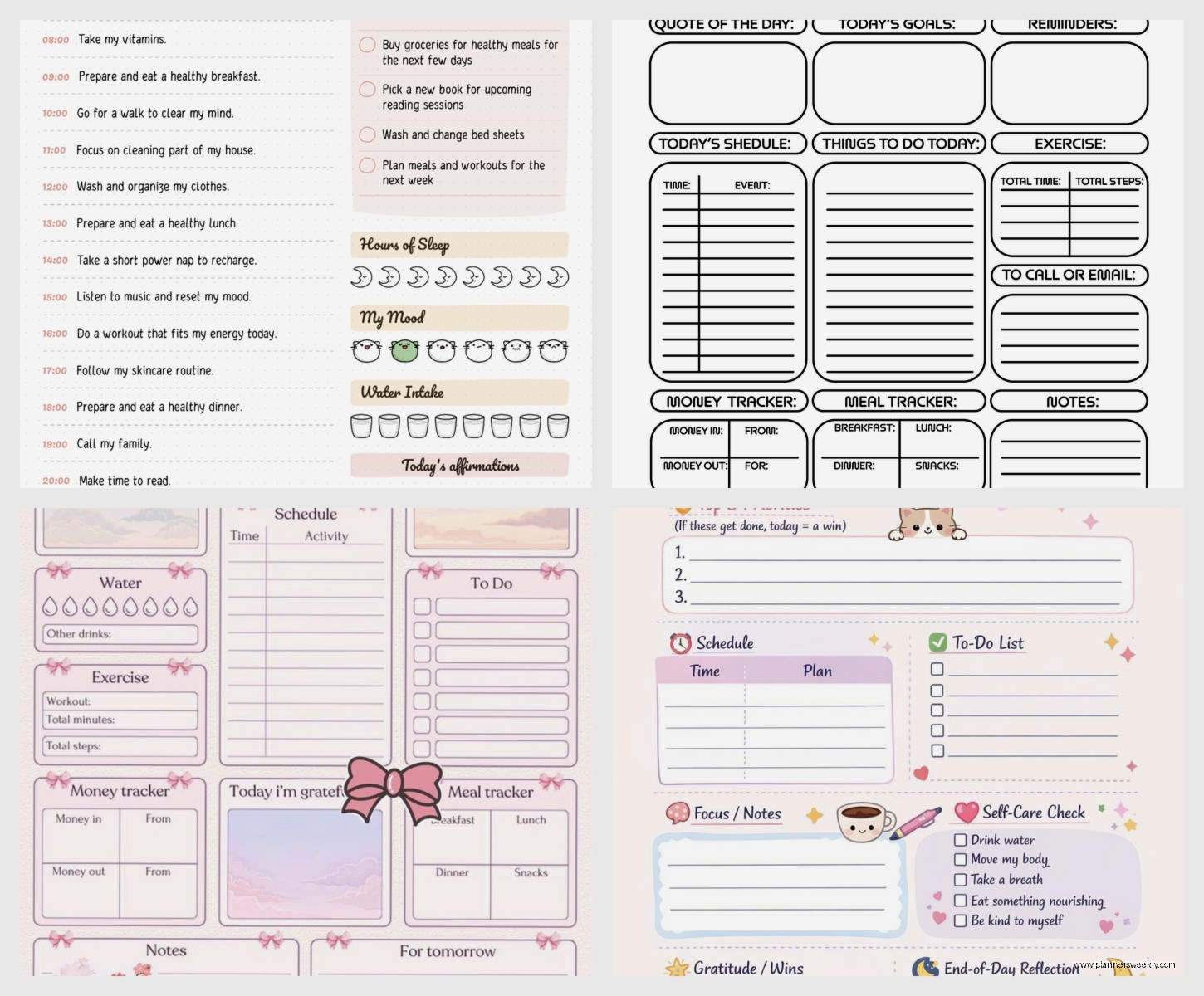
this is gonna sound weird but I’ve gotten really into modifying planners instead of trying to find the perfect one. bought a basic daily planner from Target (like $12) and then added my own sections with sticky notes and tabs
added a sticky note section for “waiting on” tasks – things I can’t move forward on until someone else does something. total game changer because those tasks were always getting lost in my regular lists. also added a monthly habit tracker on the inside cover using washi tape to make a grid because the planner didn’t have one
oh and I printed out monthly calendar pages and taped them into the front because the planner only had weekly views. cost like $2 at FedEx. way cheaper than buying a whole new planner system
The Morning and Evening Routine Setup
so everyone talks about routines but here’s what actually matters for planning: you need like 10 minutes in the morning to look at your plan and 10 minutes at night to update it. that’s it. doesn’t have to be complicated
morning: look at your list, pick your top 3 things (not 10 things, THREE), check your calendar for any meetings or appointments you forgot about, maybe move some stuff around if your energy’s different than you expected
evening: check off what got done, move incomplete tasks to tomorrow or next week (be honest about whether they’re actually gonna happen), write down anything new that came up, maybe prep tomorrow’s top 3 if you’re feeling ambitious
I do my evening review while watching TV honestly. it’s like 7 minutes max. sometimes my cat sits on my planner and I have to write around her but whatever it still gets done
Color Coding and Other Visual Systems
okay real talk – color coding only works if you’re a visual person AND you keep it super simple. I tried doing like 8 different colors for different categories and I’d spend more time finding the right pen than actually planning
now I use three colors: work (blue), personal (green), urgent/important (red). that’s it. takes two seconds to grab the right pen and I can scan my week quickly to see if I’m overloaded on work stuff
some people use highlighters instead of colored pens. my friend does this thing where she highlights completed tasks in yellow which gives her a visual sense of accomplishment. tried it myself but the highlighter would bleed through the pages of my planner so that didn’t work great
Dealing With Plan Changes
here’s something nobody tells you about planning systems – they’re gonna break constantly because life happens. had a whole beautiful week planned last month and then got sick for three days. everything went out the window
the key is having a “plan B” mode that’s like your absolute minimum. for me that’s: check email once, do any truly urgent client work, move everything else to next week without guilt. I keep this written on a sticky note in my planner so when things go sideways I don’t have to think about what the minimum is
also – and this took me forever to learn – you gotta build in buffer time. I plan for like 60-70% of my available time now, not 100%. leaves room for things taking longer than expected or surprise stuff coming up. made my planning way more realistic
Testing Different Systems
if you’re trying to figure out what works for you, commit to testing each system for at least 2-3 weeks. one week isn’t enough because you’re still learning the system. but also don’t force yourself to stick with something for months if it’s clearly not working
I keep a running note in my phone of what’s working and what’s annoying me about my current system. then when I hit like 5-6 annoying things, I know it’s time to adjust. usually happens every 2-3 months because my work changes or life circumstances shift
right now I’m testing a hybrid where I use a physical planner for daily/weekly stuff but keep my project planning in Notion because I need to share that with clients anyway. jury’s still out on whether this is too complicated but so far it’s working okay
The Supplies That Actually Matter
you don’t need fancy supplies but you DO need supplies that don’t annoy you. sounds dumb but if your pen skips or your planner pages are too thin and everything bleeds through, you’re not gonna want to use it
my current setup: a Muji 0.38mm gel pen (writes smooth, doesn’t bleed, cheap enough that I don’t panic when I lose one), a basic Leuchtturm notebook for brain dumps, and whatever planner I’m currently testing. that’s literally it. kept trying to use fancy sticker systems and decorative stuff but it just made planning feel like a craft project instead of a tool
oh and sticky tabs are actually worth it. I use them to mark the current week/month and any pages I reference a lot. costs like $3 and saves so much time flipping through pages
the main thing I’ve learned after testing like 20 different planning systems is that your system needs to match your actual life, not your aspirational life. I wanted to be someone who does elaborate bullet journal spreads but I’m just not. I’m someone who needs to dump tasks on paper quickly and then reference them throughout the day without thinking too hard about it. took me way too long to accept that but my planning has been so much better since I stopped fighting my natural tendencies
