Digital Productivity, Online planners, Planners
Daily To Do Planner: Best Task Management Systems

Mar
Okay so I just tested like six different daily to do planner systems last week and honestly I have Thoughts. My client Sarah canceled our Tuesday session so I literally spent three hours comparing these things side by side and here’s what actually works.
The Paper Planner Situation
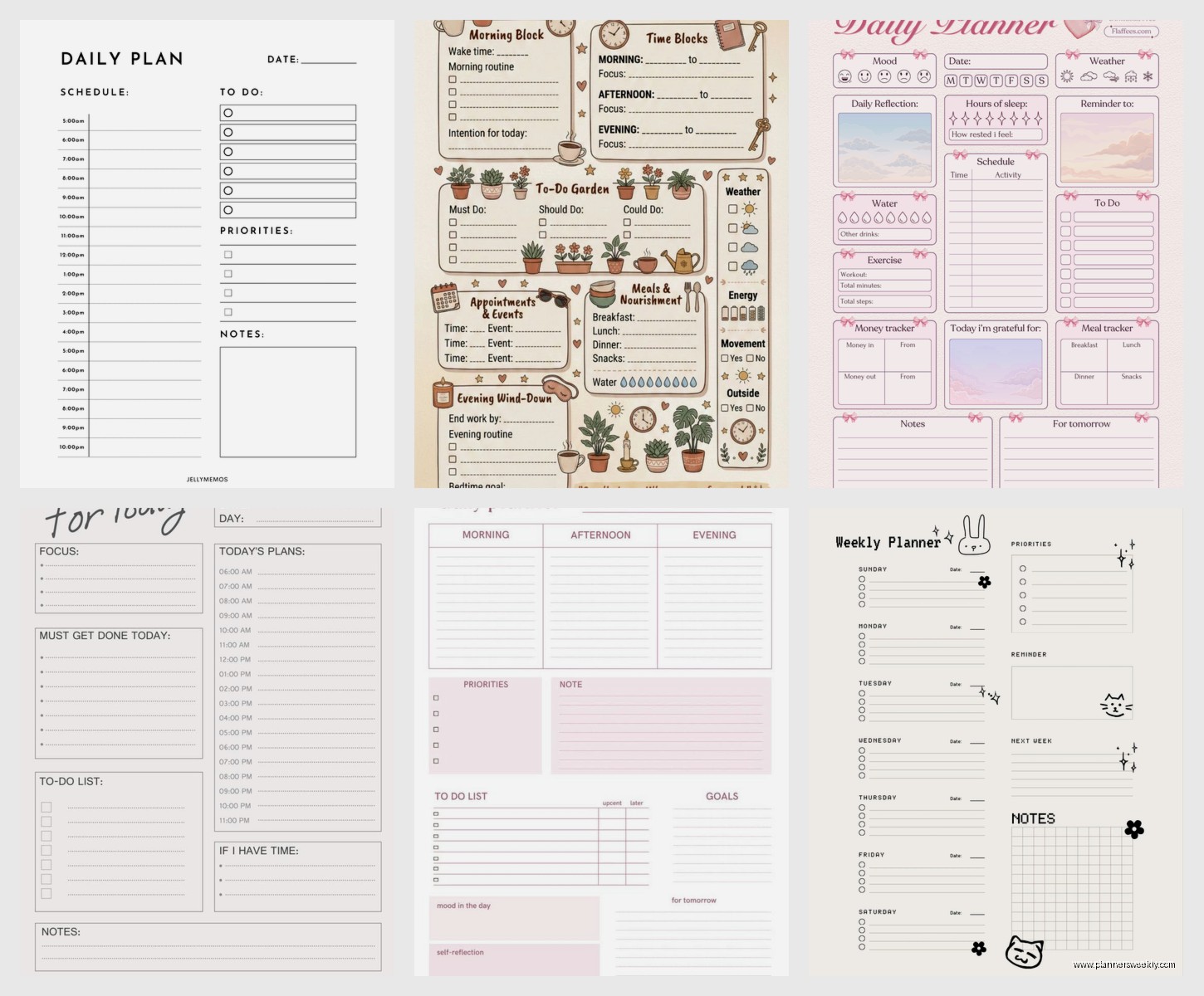
So the Panda Planner daily edition is probably what you want if you’re gonna go paper. I know everyone raves about it but they’re not wrong? The layout has this morning review section where you write priorities and then the actual hourly breakdown starts at 6am which… okay I never start at 6am but you can just cross it out. What I actually love is the evening review part because it forces you to write what went well and that sounds cheesy but when you’re having a garbage week it’s weirdly helpful to see you did accomplish stuff.
The pages are thick enough that my fountain pen doesn’t bleed through and I tested that specifically because my Pilot Metro ruined an entire week in my old planner last month. Still annoyed about that.
Why Paper Still Works for Some People
The thing about paper planners is the physical act of writing actually does help your brain process tasks differently. I have clients who are software developers and they STILL use paper for daily planning because something about the tactile feedback. One guy told me he can’t focus on code if he hasn’t physically written his task list and honestly I get it.
But here’s the problem nobody talks about – if you miss a day you’ve got this blank page staring at you. It’s not adaptable. You can’t just drag Tuesday’s unfinished tasks to Wednesday without rewriting everything like some kind of medieval scribe.
Digital Systems That Don’t Suck
Todoist is probably the one I recommend most often and I know that’s boring but hear me out. The natural language input thing actually works. You type “write blog post tomorrow at 2pm” and it just… knows. Creates the task, sets the time, done. I was watching The Bear the other night and kept pausing to add tasks as I thought of them and it took literally five seconds each time.
The karma point system is motivating if you’re into that gamification stuff but you can also completely ignore it. I do. My assistant is OBSESSED with maintaining her streak though so like, different strokes.
The Todoist Setup That Actually Gets Used
Create these main projects: Work, Personal, Errands, Waiting On. That last one is crucial and nobody does it. It’s for tasks that are blocked by other people. “Follow up with printer about invoice” goes in Waiting On with a due date so you don’t forget but you’re not staring at it in your main list making you feel behind.
Use labels for energy levels. I tag things as high-energy, low-energy, or mindless. Then on days when I’m dragging I can filter for low-energy tasks and still feel productive. Game changer for ADHD clients btw.
Oh and another thing – set your daily review for the same time every day. Mine’s 4pm. Phone alarm, everything. I spend 10 minutes moving stuff around, rescheduling, clearing out completed tasks. If I skip this the whole system falls apart within like two days.
Notion for the Overcomplicated People
Look, Notion can be a daily planner but you gotta be willing to either build a system or buy a template. I use the Tasks & Projects template from Thomas Frank’s setup and modified it because his original version was doing too much.
The advantage is you can connect your tasks to bigger projects, add notes, attach files, whatever. I have a client who’s writing a book and her daily tasks link directly to chapter outlines and research notes. For her it’s perfect. For someone who just needs to remember to buy dog food it’s absolutely overkill.
My Stripped Down Notion Daily Dashboard
I have a database view that shows today’s tasks, this week’s tasks, and a backlog. That’s it. Each task has a priority dropdown (high, medium, low, someday) and a time estimate. The time estimates are what make it work because I can see I’ve scheduled 11 hours of work in an 8 hour day and adjust BEFORE I fail at my own plan.
There’s also a notes section where I dump random thoughts throughout the day. This is gonna sound weird but I call it my “brain trash” and it keeps me from getting distracted. Thought about something random? Write it in brain trash, deal with it later.
Wait I forgot to mention – Notion’s mobile app kinda sucks for quick task entry. Like if you’re standing in line at the coffee shop and remember something, it’s too many taps to add it. I use Todoist for capture and then migrate important stuff to Notion during my weekly review. Is that extra work? Yes. Does it match how my brain works? Also yes.
Time Blocking Systems
Okay so if you want to actually time block your day, Sunsama is stupid expensive but really good. It’s like $16/month which made me laugh when I first saw it but then I tried it and understood.
Every morning it makes you drag tasks from your various tools (pulls from Todoist, Asana, Gmail, whatever) into time blocks. You’re physically assigning each task to a time slot. Cannot skip this step. It MAKES you estimate how long things take.
I used it for three months and got really good at estimating task duration which improved my planning in every other system. Now I don’t subscribe anymore because I learned the skill but it was worth it for that. My cat stepped on my keyboard while I was time blocking one morning and scheduled “jjjjjjj” for 2 hours on Thursday which I didn’t notice until Wednesday night and had a brief moment of panic trying to figure out what the hell jjjjjjj was.
Free Time Blocking Alternative
Google Calendar as a task manager. Sounds dumb, works great. Create tasks as calendar events with realistic time blocks. You’ll immediately see when you’ve overcommitted because the blocks overlap or run past 6pm or whatever your cutoff is.
Color code by task type. Blue for deep work, green for meetings, yellow for admin stuff, red for urgent. Glance at your day and you can see if it’s balanced or if it’s all red urgent tasks and you’re gonna have a bad time.
The Bullet Journal Method Without the Aesthetic Pressure
Real talk – the bullet journal system works but you don’t need the fancy layouts. The actual method is just rapid logging with dots for tasks, dashes for notes, circles for events. That’s it. You can do this in a 99 cent notebook.
I have clients who tried to do the Instagram-worthy bullet journals with the washi tape and hand lettering and lasted exactly one week. The system itself though? Solid. Migration is the key part where you review incomplete tasks and decide if they’re actually important or if you’re just carrying them forward out of guilt.
My Lazy Bullet Journal Setup
Daily rapid log on the left page. Brain dump / notes on the right page. Monthly calendar on one page at the start of each month. That’s the whole thing. Takes 30 seconds to set up a new day.
The migration part I do on Sunday nights. Go through the week, see what didn’t get done, ask “does this matter?” If yes, move it to next week. If no, cross it out and stop feeling bad about it. This probably saves me 3 hours a week of doing tasks I don’t actually need to do just because I wrote them down once.
Hybrid Systems for Commitment-Phobes
Okay so funny story – I couldn’t pick one system for like two years. Kept switching between paper and digital every few weeks. Finally accepted I’m a hybrid person and now I use:
Paper planner for daily top 3 priorities and time blocking. This lives on my desk. Physical writing for the important stuff helps me commit.
Todoist for task capture and recurring tasks. Anything that pops into my head goes here immediately. Weekly grocery shopping, monthly invoices, whatever.
Google Calendar for actual appointments and deadline awareness. If it has a specific time or a hard deadline, it’s in the calendar.
This sounds complicated but it takes less time than trying to force myself into one system that doesn’t match how I think. The key is each tool has ONE job and they don’t overlap.
What Actually Makes a Daily Planning System Work
Doesn’t matter which one you pick if you’re not doing a daily review. This is the part everyone skips and then wonders why their system fails. Spend 10 minutes at the same time every day looking at what’s coming, what didn’t get done, what needs to move.
Make it stupid easy to capture tasks. If adding a task takes more than 10 seconds you won’t do it when you’re busy and then you’ll forget stuff. This is why I always have quick capture methods – Todoist widget on my phone, notebook in my bag, voice memos if I’m driving.
Build in buffer time. If you schedule tasks back to back with zero gaps you WILL fall behind by 10am and spend the rest of the day feeling behind. I schedule 30 minute buffers in the mid-morning and mid-afternoon. Sometimes I use them for overflow, sometimes I just breathe for a minute. Both are valuable.
The System You’ll Actually Use Beats the Perfect System
I’ve tested probably 30 different planners and apps at this point. Tested ClickUp for two months and it can do EVERYTHING but I hated opening it. Tried the Full Focus Planner and the pages were beautiful but I never wanted to mess them up with my messy handwriting so I’d procrastinate planning which defeats the entire purpose.
The best system is whichever one you’ll open every single day without negotiating with yourself. For some people that’s a $200 leather-bound planner that feels luxurious. For others it’s a free app that sends pushy notifications. Both are correct if they work for YOU.
Start with something free or cheap. Use it for a full month before deciding if it works. A week isn’t enough because novelty carries you through the first week. A month shows you if it actually fits your workflow or if you’re forcing it.
And honestly if you just want me to tell you what to buy right now – get Todoist premium for three months. It’s like $12, works on every device, has every feature most people need, and if you hate it you’re only out $12. Set up the projects I mentioned earlier, add your tasks with due dates, turn on daily review reminders, and see what happens.
The fancy paper planners can wait until you know what features you actually use versus what just looks good in a YouTube productivity video.