Digital Productivity, Online planners, Planners
Content Planner Template: Marketing Strategy Guide
Mar
Okay so I just spent like three weeks completely rebuilding my content planning system and honestly I should’ve done this years ago because the difference is wild.
Why I Finally Caved and Made a Real Template
So here’s the thing – I was using this Frankenstein system of Google Sheets tabs and Notion pages and sticky notes everywhere, and my cat literally knocked over my coffee onto a notebook with like two months of content ideas and I just… snapped. Started fresh with an actual structured template and now I’m gonna walk you through what actually works.
The content planner template isn’t just one thing, it’s more like a system of connected pieces. I tested probably eight different approaches and kept what worked.
The Core Structure That Actually Makes Sense
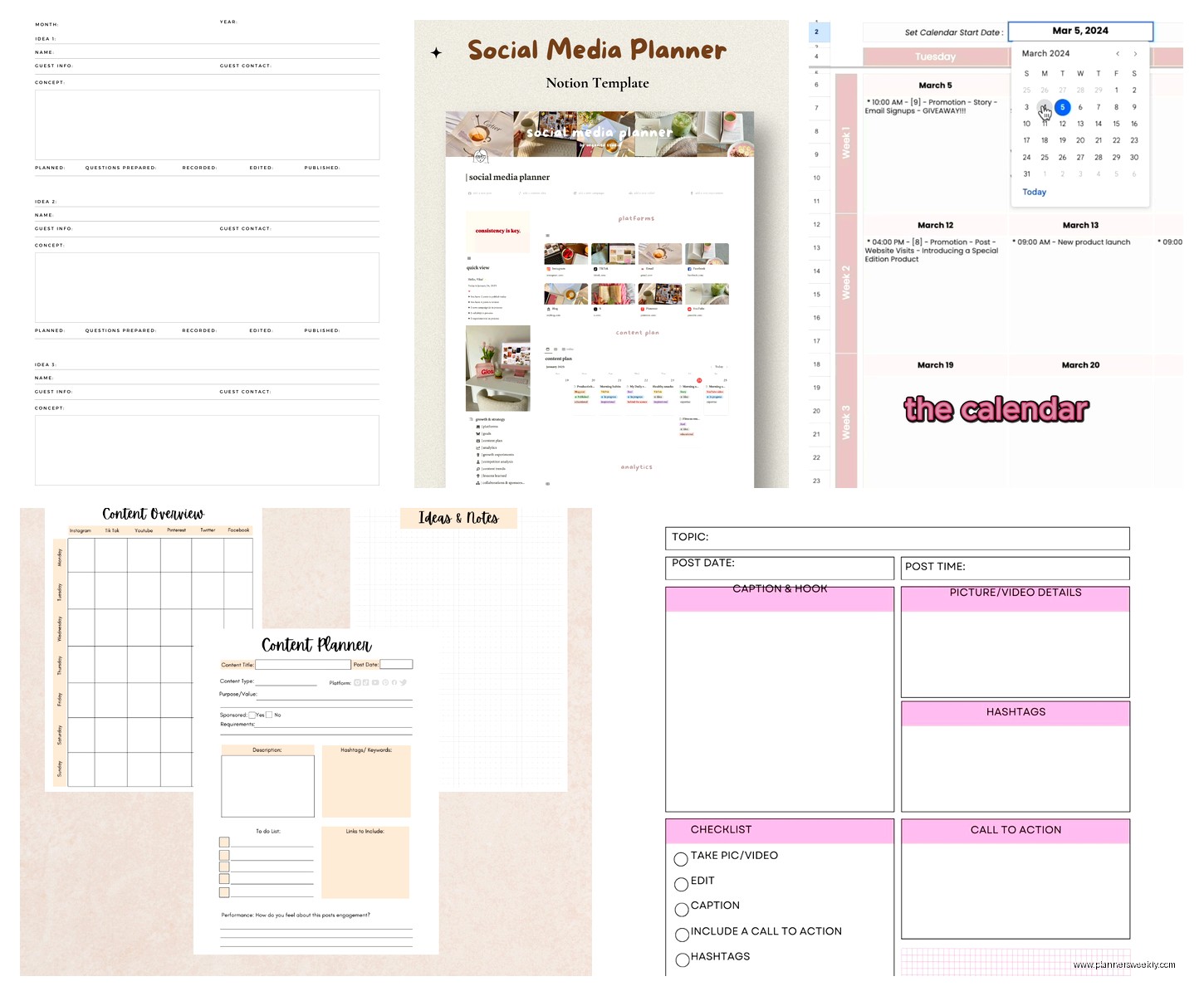
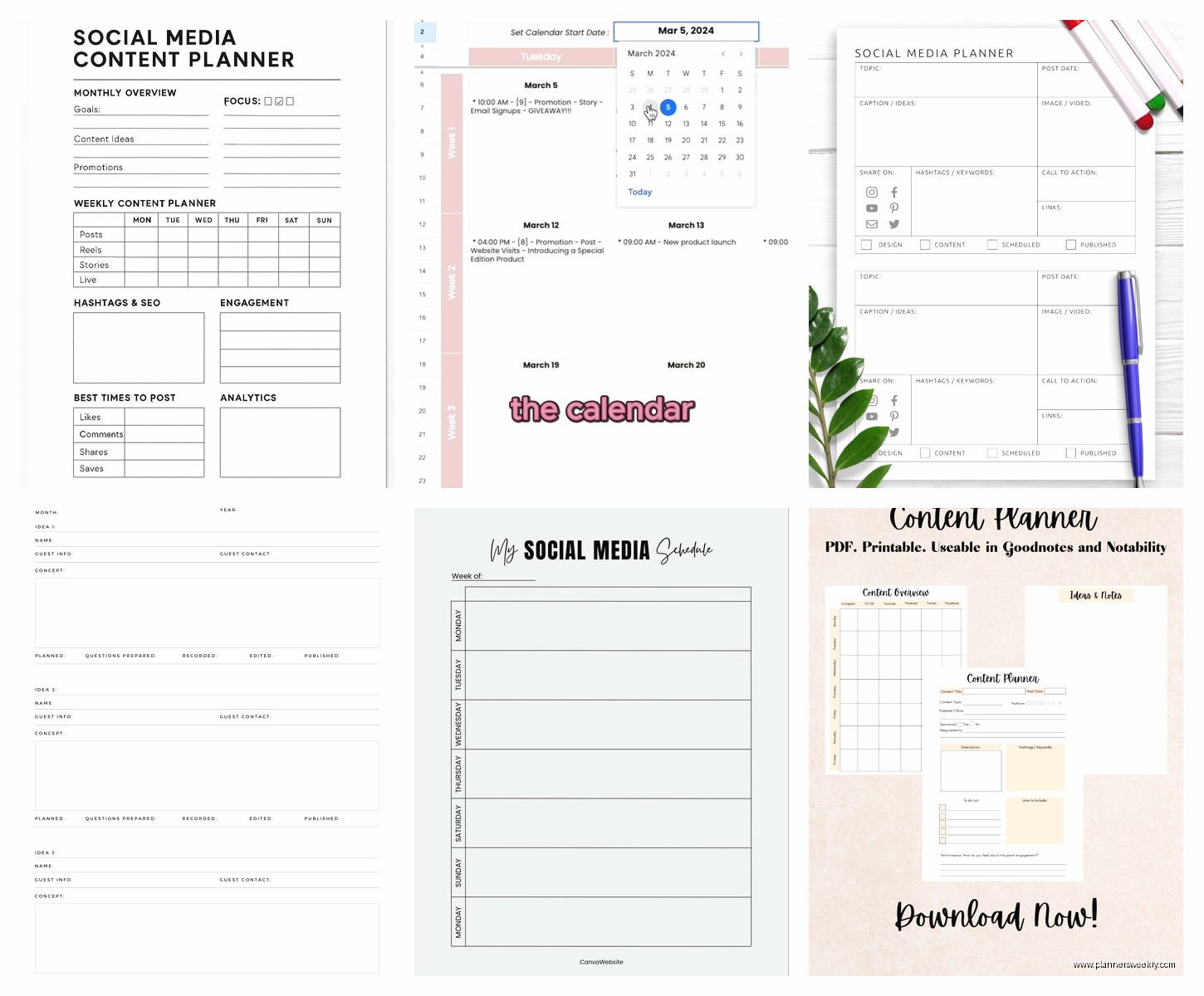
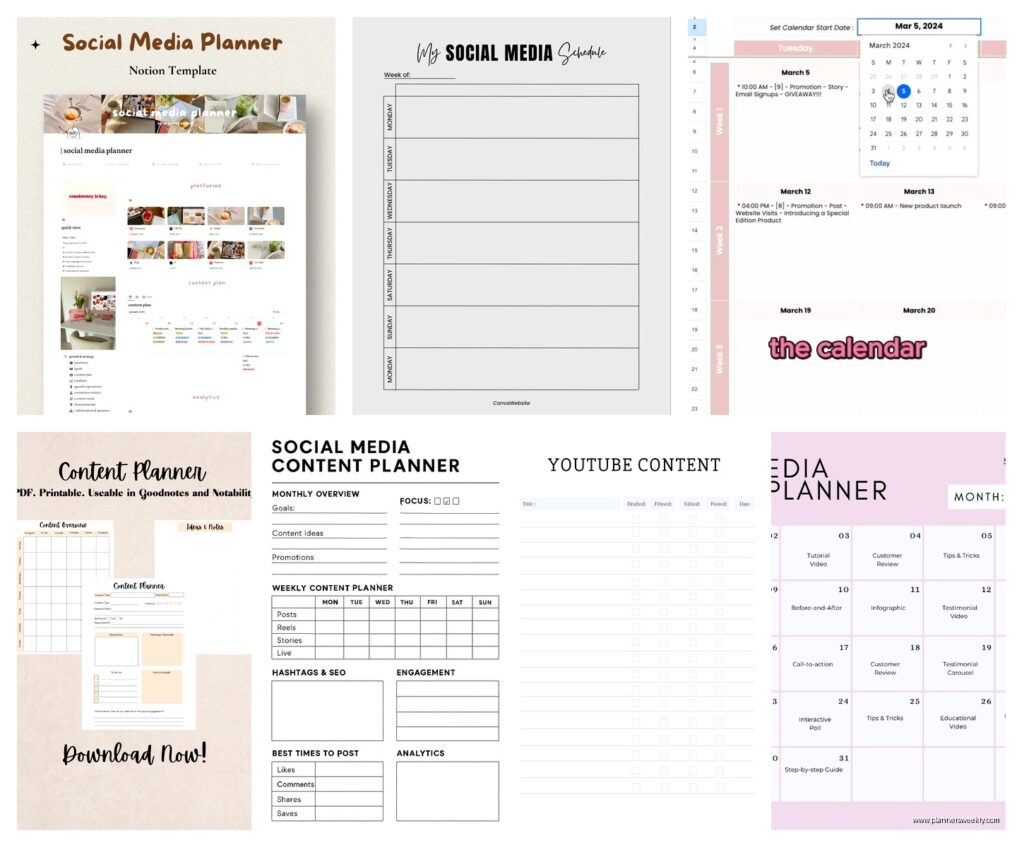
Start with a master calendar view – I use a monthly grid but some people like weekly. The monthly works better for me because I can see patterns. Like I noticed I was posting way too much educational content on Fridays when everyone’s brain is already checked out.
Your columns need to include:
- Publication date and time
- Platform (because cross-posting without adapting is lazy and it shows)
- Content type – blog post, social, email, video, whatever
- Topic or headline
- Primary keyword or theme
- Status – idea, drafted, scheduled, published
- Performance tracking link
Wait I forgot to mention – add a priority column. I use high, medium, low but you could do numbers. This saved me when I had a product launch and needed to shuffle everything around without losing track of what mattered.
The Strategy Layer Nobody Talks About
This is gonna sound weird but the actual calendar is like 30% of the template. The strategy section is where the magic happens and it’s the part most templates skip entirely.
I have a separate tab – or page if you’re using Notion or whatever – that breaks down:
Monthly themes. Pick one core theme per month. January was productivity systems for me, February was digital decluttering. This keeps you from randomly jumping around and confusing your audience.
Content buckets. I use five categories and rotate through them. Educational, promotional, engagement-focused, storytelling, and curated. The ratio changes based on what I’m doing that month but usually it’s like 40% educational, 20% promotional, 15% engagement, 15% story, 10% curated.
Oh and another thing – map these buckets to your actual business goals. I was creating tons of engagement content because it felt good to get comments but it wasn’t moving people toward my paid offers at all. Had to adjust the ratio.
The Keyword Research Integration Part
This is where most people’s content planning falls apart. They plan content in a vacuum without considering what people are actually searching for.
I keep a running keyword list right in the template. Three columns: keyword phrase, search volume (rough estimate is fine), and difficulty level. When I’m planning content, I pull from this list instead of just making up topics that sound interesting.
My client canceled last week so I spent like an hour just dumping keyword ideas into this section and now I have content mapped out through June. Which feels both productive and slightly unhinged but whatever.
The Actual Week-by-Week Planning Process
Every Sunday I spend 30 minutes in the template. Used to take me two hours when I was winging it.
First I check what’s already scheduled for the coming week. Then I look at what needs to be drafted. I try to stay two weeks ahead on drafts but honestly sometimes I’m writing stuff the day before and that’s fine too.
The template has a “content creation checklist” section for each piece:
- Research completed
- Outline done
- First draft written
- Edited
- Graphics created
- SEO optimized
- Scheduled in platform
- Promoted in other channels
I don’t always do every step for every piece – a quick Instagram post doesn’t need research – but for bigger content it keeps me from forgetting stuff.
Cross-Platform Adaptation Notes
This is clutch. I have a column where I note how each piece of content gets adapted for different platforms. A blog post might become:
- Three Instagram carousel posts
- One YouTube short
- Five tweets or threads
- Email newsletter with a different angle
- LinkedIn article with industry-specific examples
Writing this out in the template means I actually do it instead of just thinking “oh yeah I should repurpose that” and then never doing it.
Tracking What Actually Works
Okay so funny story – I was planning all this content and had no idea what was working. Like I’d spend six hours on a comprehensive guide and it would get twelve views, then dash off a random tweet and it would blow up.
Now the template has a performance tracking section. After each piece publishes, I wait a week then log:
- Page views or impressions
- Engagement rate
- Conversions (email signups, purchases, whatever your goal is)
- Unexpected results or feedback
That last one is key. Sometimes content performs well in ways you didn’t expect. I had a post about my favorite notebooks that got zero comments but drove a bunch of affiliate sales. Would’ve missed that if I only looked at engagement.
The Monthly Review Section
End of each month I fill out a review section:
What content performed best and why – I try to identify patterns. Turns out my audience loves specific product comparisons way more than general advice.
What flopped – also important. I kept trying to make video content happen and it just… wasn’t landing. Stopped forcing it.
Audience feedback themes – what questions kept coming up, what did people ask for more of.
Adjustments for next month – based on all the above, what changes in the plan.
The Idea Bank That Saves Your Life
Bottom of the template is just a running list of content ideas. No structure, no dates, just dump thoughts here whenever they hit.
I was watching this show about paper manufacturing – totally random – and got three content ideas from it. Threw them in the idea bank. When I’m planning and hit a blank spot, I pull from here instead of staring at the screen trying to manifest inspiration.
Categories in my idea bank:
- Trending topics I might want to jump on
- Evergreen content I’ll get to eventually
- Seasonal stuff with specific time windows
- Experimental ideas I’m not sure about yet
- Reader/follower requests
The Tools Situation
You’re probably gonna ask what tool to use for this. Honestly it matters less than you think.
I built mine in Airtable because I like the database features and multiple views. But I’ve seen people do this effectively in:
- Google Sheets – free, shareable, works everywhere
- Notion – pretty, flexible, good if you like everything in one place
- Trello – visual people love this, I find it chaotic but you do you
- Asana – if you’re already using it for project management
- CoSchedule or similar dedicated tools – worth it if you have budget and a team
I’d say start with Google Sheets because it’s free and you can always migrate later. Don’t get stuck in tool paralysis.
The Template Setup Time
Setting this up took me about four hours initially. But like, I was also doing laundry and got distracted redesigning my entire color-coding system which I didn’t need to do.
You could probably knock out a basic version in two hours:
Hour one: Set up the master calendar and basic columns. Add the current month and next month.
Hour two: Create your content buckets, add your keyword list (even if it’s just ten keywords to start), build the idea bank section.
Then you just use it and refine as you go. My template looks totally different now than it did three months ago because I kept adding things that would make my life easier.
Common Mistakes I Made So You Don’t Have To
Planning too far ahead. I tried to plan three months out and it was a waste because things change. One month ahead with a rough outline for month two is plenty.
Not building in buffer time. I used to schedule content for every single day and then when life happened – sick kid, client emergency, just not feeling it – the whole system collapsed. Now I have designated flex days.
Ignoring what my analytics were screaming at me. The data doesn’t lie but I kept trying to make certain content types work because I enjoyed creating them. Had to separate what I like making from what my audience actually wants.
Making the template too complicated. My first version had like eighteen columns and color coding for everything and honestly I stopped using it because it was exhausting. Simple beats comprehensive every time.
How to Actually Use This Thing Weekly
Sunday planning session – 30 minutes reviewing the week ahead, moving things around if needed, checking that drafts are ready.
Mid-week check – Wednesday I spend 10 minutes making sure I’m on track. If something’s not gonna happen I reschedule it now instead of stressing about it.
Friday wrap-up – 15 minutes logging what published, adding any new ideas to the bank, making notes about performance.
That’s it. Fifty-five minutes a week of planning saves me probably five hours of “what should I post today” panic.
Batching Content With The Template
Oh wait I forgot to mention batching. The template makes this so much easier.
I block out one day every two weeks for content creation. I look at what’s coming up in the template, group similar tasks together, and knock them all out.
All blog posts on Monday. All social graphics on Tuesday afternoon. Batch filming videos if that’s your thing. The template shows you what’s coming so you can group efficiently instead of context-switching constantly.
The Collaboration Features If You Have A Team
If you’re working with a VA or team members, add assignment columns. Who’s responsible for creating, who’s editing, who’s scheduling.
Also add a notes column for back-and-forth communication. Keeps everything in one place instead of scattered across emails and Slack messages.
I use color coding for this – green means approved, yellow means needs revision, red means blocked on something. Very simple, very clear.
You gotta set clear deadlines too. Not just publication dates but internal deadlines. First draft due date, revision due date, final approval date. Otherwise everything gets done last minute and everyone’s stressed.
The template honestly changed how I work with content and I wish I’d built it sooner instead of thinking I could just keep everything in my head. You can’t. Or at least I couldn’t. Now everything’s visible and I actually stick to a strategy instead of randomly posting whatever feels right that day.