
Digital Productivity, Online planners, Planners
Weekly Academic Planner: Best Student Planning Tools
Mar
Okay so I just tested like six different weekly academic planners last month because three of my college clients were asking about the same thing and honestly the differences are bigger than you’d think.
The Physical Planner Situation
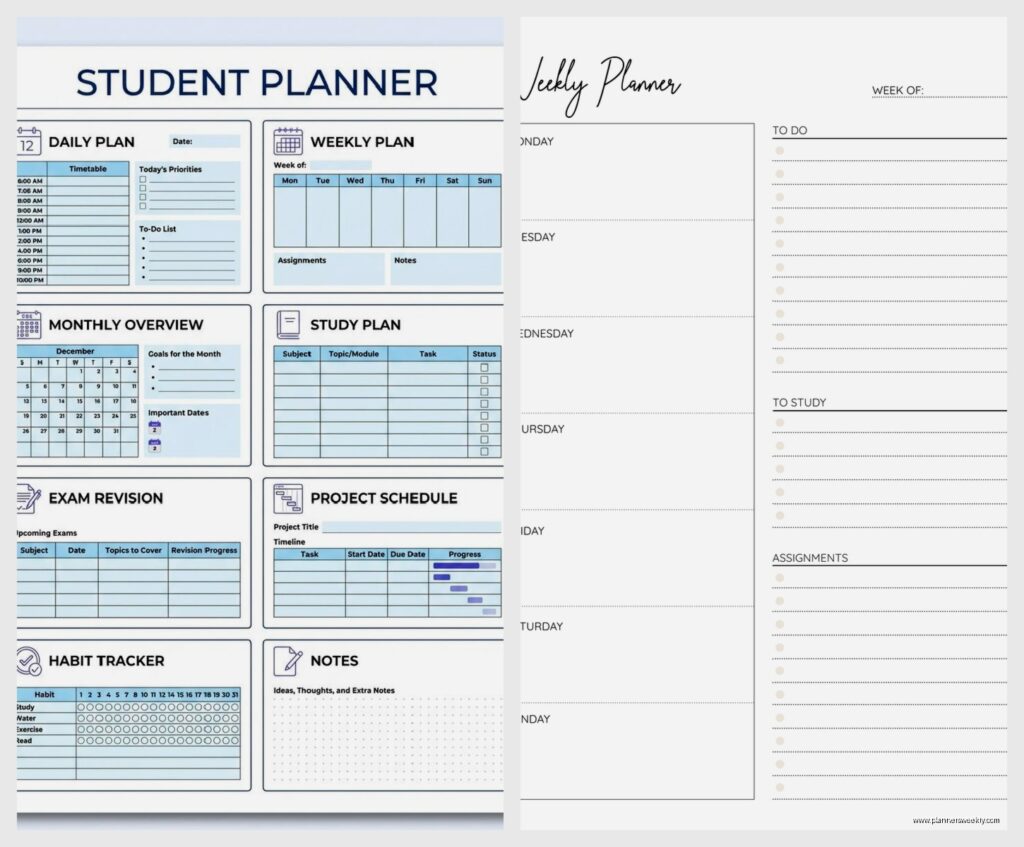
Right so if you want actual paper, the Panda Planner Academic is genuinely good but here’s the thing – it’s almost too structured? Like every day has this gratitude section and priority ranking boxes and my sophomore client was spending 10 minutes just filling out the planning parts before she even got to her actual schedule. But if you’re someone who needs that structure, who’ll actually skip planning without those prompts, then yeah it’s worth the $25.
The layout has morning, afternoon, evening blocks which sounds basic but it actually forces you to think about when you study best. My client realized she was scheduling library time at 2pm every day when she’s literally useless after lunch. Moved everything to morning blocks and her grades went up. The planner didn’t do that obviously but the visual layout made it super obvious.
Wait I forgot to mention the Clever Fox Academic Planner which I tested right after. This one’s got weekly AND monthly views in the same spread which is… okay it’s cluttered. I’m not gonna lie. But for science majors or anyone juggling labs plus lectures plus study groups, seeing the whole month while planning your week is actually clutch. It’s like $23 on Amazon and the paper quality is better than Panda. Thicker. Doesn’t bleed through when you use highlighters.
The Thing About Undated Planners
So this is gonna sound weird but undated planners are secretly better for students who don’t start their semester in January. My daughter started community college in August and we bought her this beautiful dated planner in July and then like half of it was useless pages. Got her the Lemome Academic Planner instead which is undated and she just writes in the dates herself.
Takes an extra 30 seconds per week but you’re not wasting money on pages you’ll never use. Plus if you have a terrible week and don’t plan at all, you just skip those pages instead of having this guilt-inducing blank week staring at you. The Lemome is around $16 and has these bookmark ribbons that are actually thick enough to stay put in your backpack.
Digital Planning Tools That Don’t Suck
Okay so Notion is free for students and everyone acts like it’s the answer to everything but real talk – the learning curve is annoying. I spent two hours setting up a template for a client and she used it for three days before going back to Google Calendar. However, if you’re already using Notion for notes, adding a weekly academic planner template makes sense because everything’s in one place.
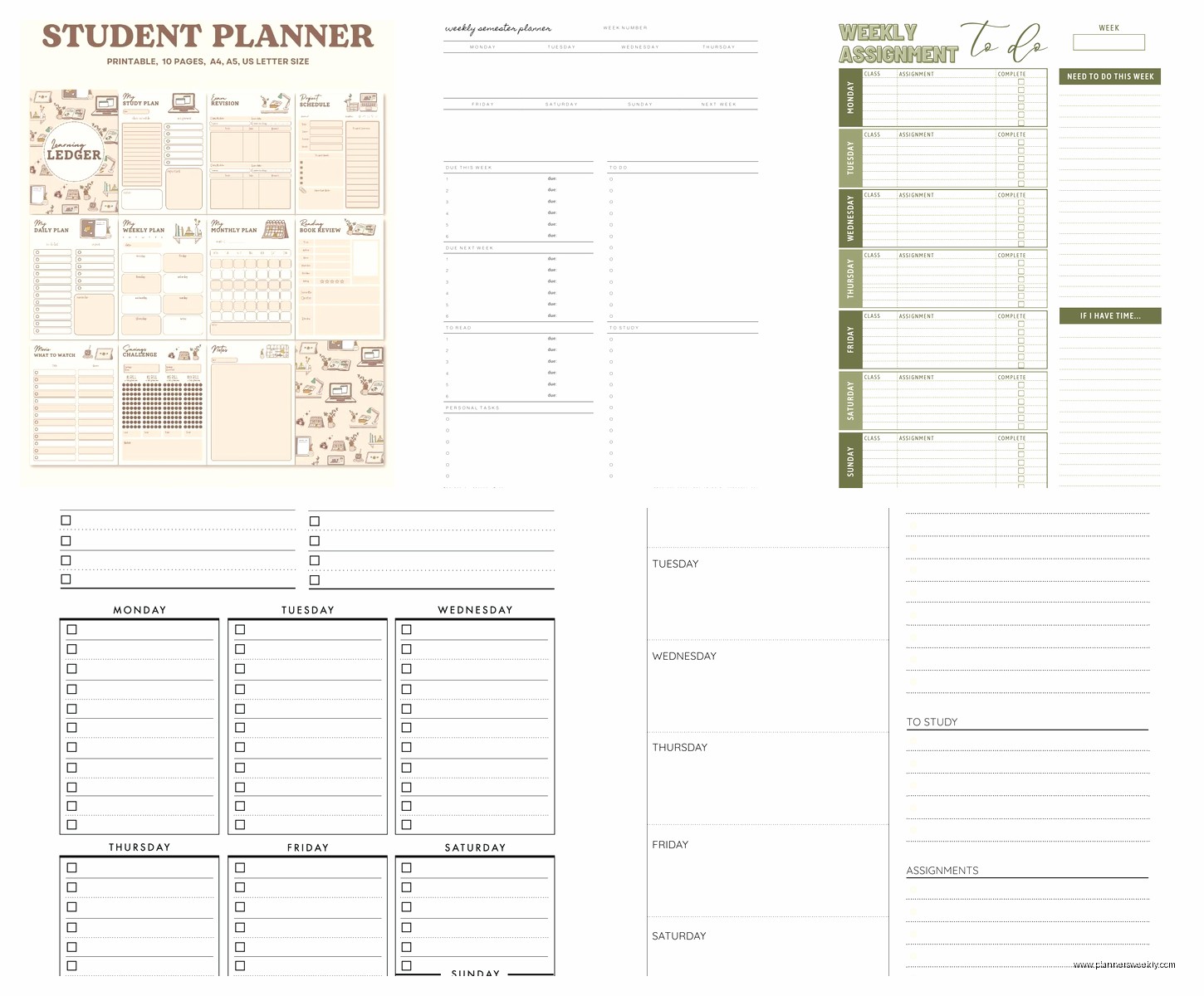
The Cornell Notes Weekly Planner template is the best one I’ve found. It’s got spaces for each class, assignment tracking, and this sidebar for weekly goals that you can actually check off. You can duplicate the template every week so you’re not building from scratch.
Oh and another thing – Structured app for iPhone is like $5 and it’s specifically designed for students. Has this timeline view where you drag tasks into specific time blocks and it shows you visually when you’re overbooked. My client with ADHD loves it because the app sends push notifications before each time block starts. She was missing like 40% of her classes first semester, now she’s at maybe 5% which is pretty normal honestly.
Google Calendar But Make It Actually Useful
Everyone already has Google Calendar but nobody uses it right for academics. Here’s what actually works – color code by class not by task type. So all your Biology stuff is green, Calculus is blue, whatever. Then you can see at a glance if you’re spending way too much time on one subject.
Create recurring events for everything. Lectures obviously but also your regular study blocks, office hours you wanna attend, even meal times if you’re someone who forgets to eat when stressed. I had a client who kept skipping breakfast and then couldn’t focus in her 9am stats class and it took us three weeks to connect those dots.
The Tasks integration is actually good now. You can add assignments as tasks with due dates and they show up on your calendar. Way better than having tasks in one app and schedule in another. I switched to this system myself like six months ago after testing it with clients.
Hybrid Systems That Work
So this is what I personally do and what works for like half my clients – physical weekly planner for the overview, digital for the details. Sunday night I sit down with my Clever Fox planner and map out the big blocks. Classes, work shifts, major deadlines. Takes maybe 15 minutes.
Then during the week I use Google Calendar for the actual minute-by-minute stuff. Dentist appointment gets added digitally, study group time change gets updated in real time. But I still check my physical planner every morning because there’s something about seeing it written down that makes it feel more real? I know that sounds fake but multiple clients have said the same thing.
My cat knocked over my coffee on my planner last week which was a whole thing but honestly the Clever Fox paper held up pretty well. Just got some brown stains on the monthly overview page.
The Passion Planner Academic Version
Okay so funny story, I bought this for myself not even for testing and ended up recommending it to like five clients. It’s $35 which is expensive but it’s got this roadmap section at the beginning where you map out your whole semester goals and then break them down into monthly focuses and then weekly actions.
Sounds cheesy but for students who are taking random classes and feeling lost about their major, it actually helps connect the dots. Like why am I taking Organic Chem? Because I need it for my nursing program. Why nursing? And you work backwards until you remember the point of all this.
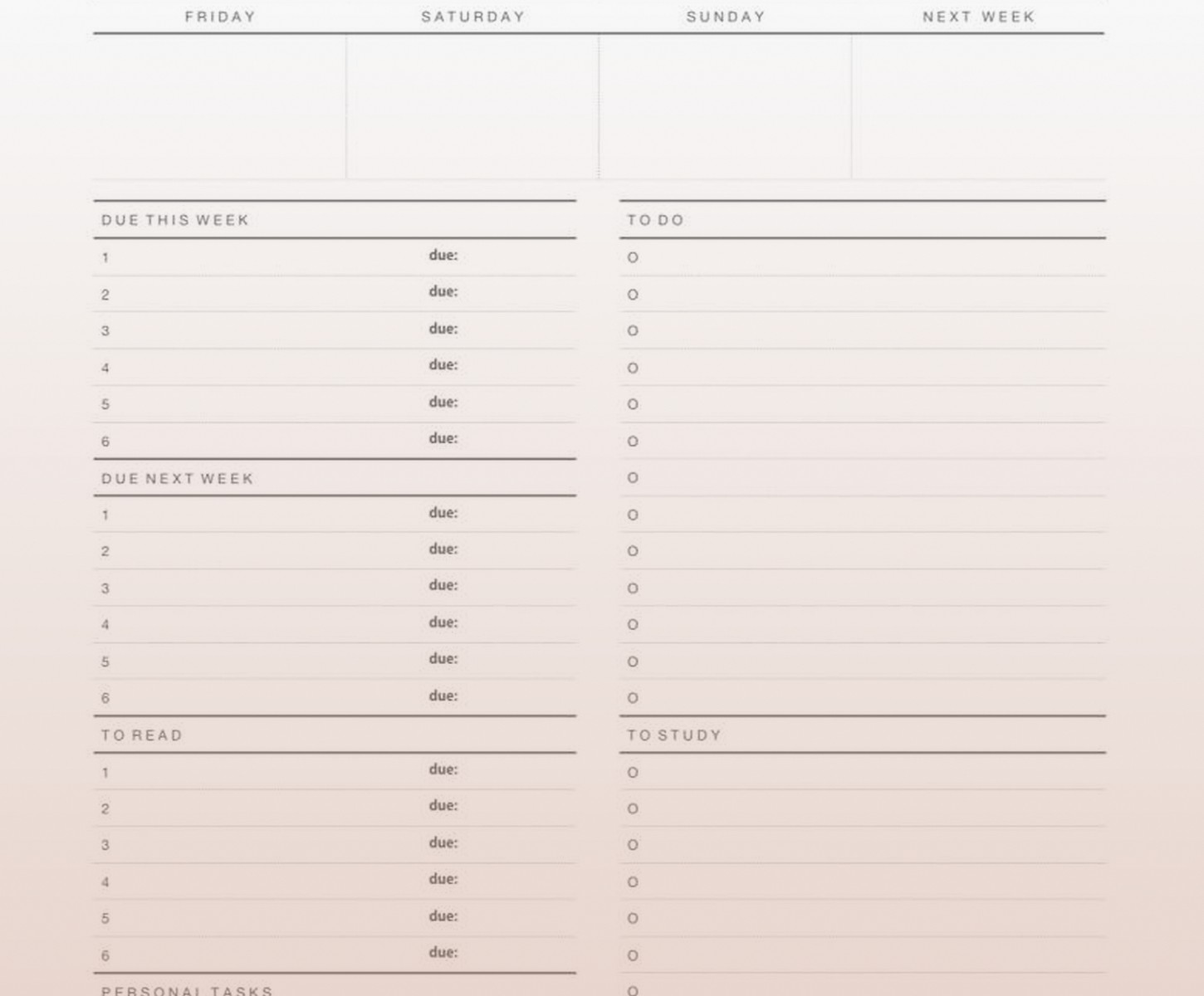
The weekly spreads are hourly from 6am to 11pm which is either perfect or way too restrictive depending on your schedule. If you’re a night owl who studies until 2am this won’t work. But for traditional schedule students it’s detailed enough to actually be useful.
Apps Specifically for Assignment Tracking
My School App is free and ugly as hell but it works perfectly for tracking assignments across multiple classes. You input your class schedule once, then add assignments with due dates, and it calculates how much time you have left. Shows you what’s due this week in a clean list.
The notification system is customizable which matters more than you’d think. You can set it to remind you three days before, one day before, and morning of. My client who was constantly surprised by deadlines finally stopped emailing professors for extensions once we set up proper notifications.
Shovel is another app, like $3, and it’s specifically for breaking big projects into smaller tasks. You input “research paper due Nov 15th” and it asks you to break it down into steps. Then it schedules those steps backward from the due date. Super simple but effective for people who get paralyzed by big assignments.
The Bullet Journal Approach
Look I gotta mention bullet journaling even though it’s not technically a planner you buy. My junior year client started doing this with a cheap Leuchtturm notebook and honestly it’s working better for her than any structured planner did.
The academic setup is simpler than the Instagram versions. Future log for the whole semester with major deadlines. Monthly log with tests and due dates. Weekly spread that she sets up every Sunday with her classes and study blocks. Daily rapid logging of tasks and notes.
Takes her maybe 20 minutes on Sunday to set up the week and then 5 minutes each morning for the daily. The flexibility is the whole point – if she needs more space for one day she just uses more pages. If she has a light week the spreads are smaller. No wasted space, no guilt about unused pages.
She uses the Leuchtturm1917 dotted notebook which is like $20 and has numbered pages and an index which actually matters for finding stuff later. Also the pages lay flat which is crucial when you’re trying to write in it on your lap in the library.
What Actually Matters When Choosing
Okay so here’s the real advice after testing all this stuff – think about when and where you’ll actually use it. If you’re always on your laptop anyway, digital makes sense. If you’re in back-to-back classes and need something you can check between lectures, physical is better.
Consider how much detail you actually need. Some students do fine with a simple weekly overview. Others need hourly breakdowns or they overbook themselves. I had one client using an hourly planner who realized she was scheduling 14 hours of activities in a 12-hour day because she wasn’t seeing it laid out.
The portability thing matters too. That huge Passion Planner doesn’t fit in a small backpack. The Clever Fox is A5 size which is perfect for most bags. Digital obviously goes everywhere but you gotta remember to charge your devices.
Budget Real Talk
If you’re actually broke like college-student broke, Google Calendar plus a cheap composition notebook is totally viable. I did this my whole undergrad before I knew fancy planners existed. Write the week overview on one page, daily tasks on the next page, flip when the week’s done.
The $30+ planners are nice but they’re not magic. I’ve seen students succeed with dollar store planners and fail with expensive Passion Planners. It’s about using the system consistently not about having the perfect product.
That said if you’re gonna invest in one thing, make it something that fits your actual workflow. Don’t buy a minimalist planner if you need structure. Don’t buy an hourly planner if you hate that much detail. I’ve seen so many students buy the planner their friend uses and then never touch it because it doesn’t match how their brain works.
The Stuff Nobody Tells You
Plan on Sunday night or Monday morning, not Friday afternoon when you’re mentally done with the week. Your future self will make better decisions about study time when you’re not exhausted.
Leave buffer time between things. Students always schedule class ending at 2pm and study group starting at 2pm and then wonder why they’re always stressed and late. Build in 15-30 minute gaps for walking between places, grabbing food, or just existing.
Use pencil for study blocks and pen for fixed commitments. Study time can move around, class times can’t. This visual distinction helps you see what’s flexible when your week inevitably gets chaotic.
Actually look at your planner daily. Sounds obvious but I’ve seen students spend hours creating beautiful planner spreads and then check it twice a week. Set a phone reminder if you need to. Make it part of your morning routine like checking your phone or brushing your teeth.
The best planner is the one you’ll actually use consistently not the prettiest one or the most popular one. I use a boring Clever Fox planner and it works great. My client uses a Star Wars themed undated planner from Target and gets straight A’s. Another client swears by her color-coded Google Calendar system. They’re all valid if they work for you.
