Digital Productivity, Online planners, Planners
Holiday Planner Template: Vacation Planning Tools
Mar
Okay so I’ve been testing like six different holiday planner templates over the past month and honestly it started because I completely botched my own family trip to Portugal last summer and I was NOT gonna let that happen again.
The thing with vacation planning templates is that most of them are either way too simple (just a packing list, seriously?) or so complicated you need a vacation from planning your vacation. I found this sweet spot though with a few that actually work for real trips, not just the aesthetic Instagram version of travel planning.
The Basic Setup That Actually Makes Sense
Right so the template I’ve been using most is this modular one that has different sections you can actually customize. It’s got your standard stuff like dates and destinations but here’s what matters – it has a budget tracker that connects to your itinerary. Because here’s what I learned the hard way: when you’re planning activities and you don’t see the running total, you end up booking like four expensive tours in one day and then eating gas station sandwiches for the rest of the trip.
The budget section should break down into categories. I like having transportation separate from accommodation separate from activities separate from food. My template has little checkboxes next to each expense for “paid” vs “budgeted” which sounds obvious but you’d be surprised how many times I’ve double-paid for things or forgotten I already booked something.
Pre-Trip Research Section
This part is gonna sound obsessive but trust me. I have a whole research log in my template now where I dump links, screenshots, and notes about places I’m considering. Last week I was planning a trip to Iceland for a client and we had like 40 tabs open with different thermal pools and volcano tours and it was chaos.
The research section in a good template should have:
- Restaurant possibilities with price range and why you saved it
- Activities you’re considering with costs and booking deadlines
- Accommodation options you’re comparing
- Random tips from Reddit or travel blogs that seemed useful at 2am
I literally have a column that says “seems cool but probably won’t do” because sometimes you need permission to let go of FOMO activities. Not everything needs to make the final itinerary.
The Itinerary Builder Thing
Oh and another thing – the daily itinerary section needs to be realistic about time. I tested this template that had hourly slots and honestly? That’s insane. Nobody sticks to hourly vacation schedules unless you’re on a cruise or something.
What works better is chunking your day into morning/afternoon/evening blocks. So like morning might be “explore Gothic Quarter + coffee at that place Maria recommended” and you’re not stressed if it takes 2 hours or 4 hours. The template I’m using now has space for:
- Main activity or area for each time block
- Backup plan if weather sucks or you’re tired
- Meal plan (even just “lunch somewhere in this neighborhood”)
- Booking confirmations or addresses you’ll need
The backup plan thing is KEY. I went to Scotland last year and it rained literally every single day, so having indoor alternatives already researched saved us from just sitting in the hotel being sad.
Booking Tracker Because Your Email Is A Disaster
Wait I forgot to mention the most important part. You need a centralized booking tracker in your template. All your confirmation numbers, booking dates, cancellation policies, everything in one place.
I have columns for:
- What it is (hotel, flight, tour, whatever)
- Booking reference number
- Date and time
- Cost and payment method
- Cancellation deadline and policy
- Contact info if something goes wrong
This saved my butt in Rome when our cooking class got canceled the day before and I could immediately see I paid through my credit card so I could dispute it. Also having cancellation deadlines visible means you can actually make informed decisions about whether to keep a booking or not as your trip gets closer.
Packing Lists That Don’t Suck
Okay so packing list templates are everywhere but most of them are useless. They’ll say “clothes” and “toiletries” like thanks, super helpful. The template I actually use now has category breakdowns that make sense for different trip types.
For beach vacations it’s different than city trips which is different than hiking trips. I have a master packing template with checkboxes for everything I own that might travel with me, and then I just copy the relevant sections for each trip.
My cat walked across my keyboard while I was making this initially and somehow made it better by adding random formatting that actually helped me see sections more clearly, so thanks Percy I guess.
The Weather and Outfit Planning Section
This is gonna sound weird but having a weather forecast section in your planner with outfit notes is actually brilliant. I started doing this after I packed entirely wrong for Dublin because I only checked the temperature, not the wind and rain situation.
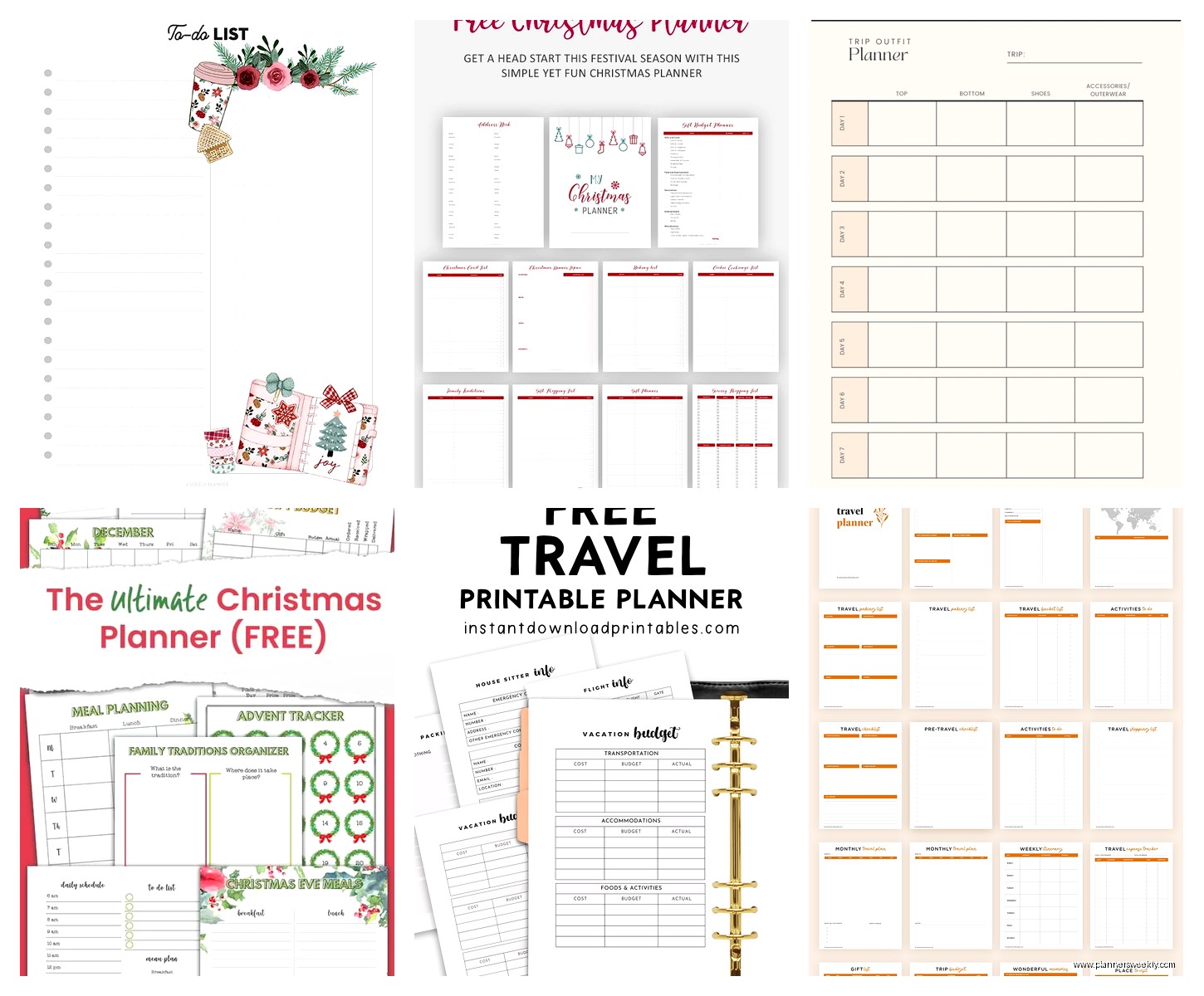
Now I have a simple table with each day’s forecast and what I’m planning to wear. Not in a fashion blogger way, just like “rain jacket + boots day” or “nice dinner outfit needed.” It helps you pack smarter and not bring 47 shirts but one pair of pants.
Food Planning Without Being Annoying
The food section in vacation planners is usually either nonexistent or way too detailed. I don’t need a full menu plan for vacation, but I do need to know which restaurants require reservations and which are casual.
My template has a simple restaurant list with:
- Restaurant name and type of food
- Which day/meal you’re thinking
- Reservation needed yes/no
- Price range
- Why you want to go there
That last one matters because when you’re standing there hangry at 7pm trying to pick between three options, remembering that you saved one specifically for the pasta and another for the view helps you decide.
Local Info Dump
Oh and another thing your template needs – a local information section. This is where you put stuff like:
- Emergency numbers
- Hospital or pharmacy locations
- Embassy info if international
- How public transit works
- Tipping customs
- Basic phrases if different language
- WiFi passwords
- Where the nearest grocery store is
I was watching that show The Bear while setting up this section and it made me think about how chefs have all their mise en place ready – that’s what this is for travel. All the little info bits you’ll need, ready to go.
Digital vs Paper Templates Real Talk
So I’ve tested both extensively and honestly the answer is you probably need both. I know, annoying.
Digital templates (I use Google Sheets mostly) are great for:
- Sharing with travel companions
- Automatic calculations for budgets
- Easy updates when plans change
- Linking to booking confirmations
- Having everything on your phone
But paper templates are better for:
- Quick reference without draining your phone battery
- Writing notes while walking around
- Not being that person staring at their phone constantly
- Having a backup if technology fails
What I do now is plan everything digitally, then print a simplified one-page daily itinerary for each day of the trip. Best of both worlds.
The Collaborative Planning Problem
Wait I need to talk about planning with other people because this is where most templates fail. If you’re traveling with friends or family, you need a template that multiple people can access and edit.
I planned a girls trip last month and we used a shared Google Sheet template. Had tabs for everyone’s flight info, shared expenses we’d split later, activities people voted on, and a general chat section where we dumped ideas. The voting thing was clutch – we listed possible activities and everyone marked yes/maybe/no so we could see what had consensus.
The shared expenses tracker is critical if you’re splitting costs. Columns for who paid, how much, who it’s for, and then a summary tab that calculates who owes whom. Saved so many awkward money conversations.
Special Sections You Might Need
Depending on your trip type, there are sections worth adding:
For road trips: mileage tracker, gas station stops, playlist links, audiobook list, car maintenance checklist
For international travel: visa requirements, vaccination records, currency exchange rates, travel insurance info, copies of important documents
For trips with kids: nap schedule considerations (laugh but it matters), kid-friendly restaurant options, emergency contacts for pediatricians, activities by age appropriateness
For adventure travel: gear checklist, permit requirements, guide contact info, emergency evacuation plan, weather backup dates
Post-Trip Section That Future You Will Love
Okay so funny story, I added a post-trip reflection section to my template after I completely forgot the name of this amazing restaurant in Lisbon and spent like an hour trying to find it again. Now I have a section for:
- Places you loved and would return to
- Things you’d skip next time
- Unexpected expenses to budget better next time
- What you overpacked or underpacked
- Photos or memories to remember
- Recommendations for friends
This takes like 10 minutes to fill out on your flight home but makes planning your next trip (or helping friends plan theirs) so much easier.
The Templates I Actually Recommend
After testing a bunch, here’s what I’m actually using:
For simple trips (weekend getaways, one destination): A basic one-page template with essentials only. Budget, daily plan, bookings, packing list. Don’t overcomplicate it.
For complex trips (multiple cities, lots of activities): A multi-tab spreadsheet with separate sheets for budget, itinerary, bookings, research, and packing. The template I use has about 6-7 tabs but you can hide the ones you don’t need.
For group travel: Collaborative Google Sheet template with shared expenses tracker and voting sections. Make one person the “owner” who makes final decisions or you’ll never agree on anything.
For annual trips you repeat: A master template you refine each year. I have one for our annual beach trip that I just update dates and tweak slightly. No need to reinvent the wheel.
The key thing is your template should save you time and stress, not add to it. If you’re spending more time formatting your planner than actually planning, the template is too complicated. I learned this the hard way when I spent like 3 hours making my Iceland template color-coded and perfect, then barely looked at it during the actual trip.
Start with something simple, use it for a trip, then add sections that would’ve been helpful. That’s how I built mine up over like five trips until it actually worked for how I travel. Your template should evolve with you, not be some perfect Pinterest thing that looks pretty but doesn’t function.