Digital Productivity, Online planners, Planners
Google Sheets Event Planning Template: Free Guide

Mar
Okay so I’ve been living in Google Sheets for event planning lately and honestly it’s way better than those expensive project management tools once you know how to set it up properly.
Starting with the basic structure because everything else falls apart without this
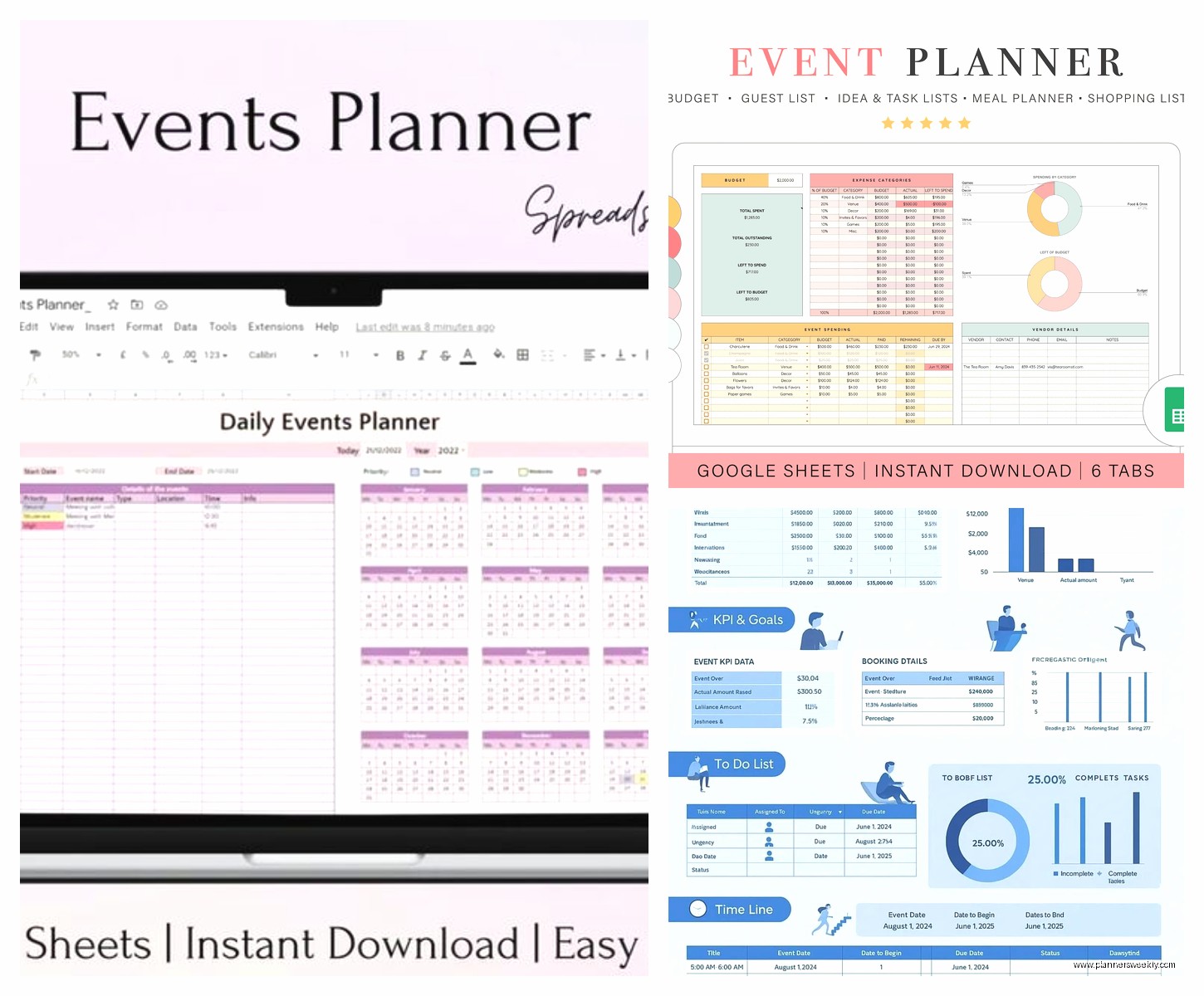
First thing you gotta do is create separate sheets within one workbook. Like, don’t try to cram everything onto one tab because you’ll lose your mind scrolling. I learned this the hard way planning my friend’s baby shower last month where I had vendors mixed with guest lists and it was a nightmare.
Make these tabs at minimum:
- Master Timeline
- Budget Tracker
- Guest List
- Vendor Contacts
- Task Checklist
- Day-Of Schedule
The master timeline is where you’ll spend most of your time initially. Set up columns for Task Name, Due Date, Status, Assigned To, and Notes. Use data validation for the Status column so you can make a dropdown with options like “Not Started,” “In Progress,” “Complete,” and “Blocked.” This keeps everything standardized instead of having random text entries everywhere.
The budget tracker that actually works
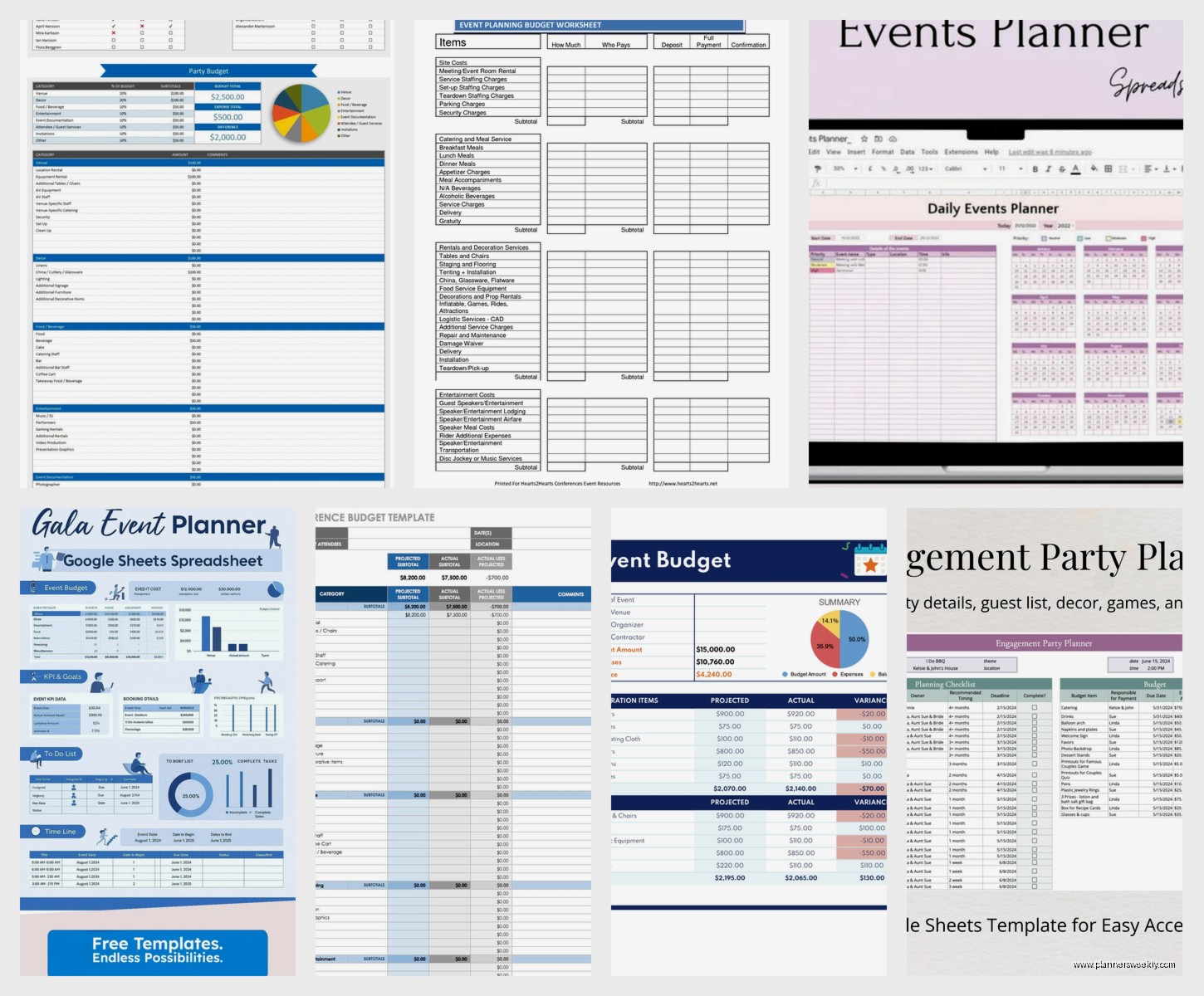
Oh and another thing – your budget sheet needs to be dead simple or you won’t update it. I use these columns: Category, Item Description, Estimated Cost, Actual Cost, Paid (yes/no checkbox), Payment Method, and Variance.
The variance column is just a formula that calculates Estimated minus Actual so you can see where you’re bleeding money. The formula looks like =C2-D2 if your estimated is in column C and actual is in column D. Then at the bottom I add a SUM function for each column so I can see totals at a glance.
Pro tip that saved me literally hundreds of dollars – add conditional formatting to highlight when actual costs exceed estimated by more than 10%. The cell turns red and you can’t ignore it. Go to Format > Conditional formatting, set the rule to “Custom formula is” and use something like =D2>(C2*1.1)
Guest list management without losing track of RSVPs
This is gonna sound weird but the guest list is where Google Sheets really shines over other tools. You need columns for Name, Email, Phone, Invited (checkbox), RSVP Status (dropdown with Yes/No/Maybe/No Response), Number of Guests, Dietary Restrictions, and Plus One Name if applicable.
Wait I forgot to mention – use the COUNTIF function to automatically count your yes responses. At the top of your sheet add a cell that says =COUNTIF(E:E,”Yes”) if your RSVP Status is in column E. This updates in real time as responses come in and you’re not manually counting like some kind of caveman.
For dietary restrictions, don’t use dropdowns because people always have specific things. Just let it be free text but maybe add a filter so you can quickly see all vegetarians or whatever when you’re talking to the caterer.
Vendor tracking before everything goes sideways
My client canceled last week so I spent like two hours perfecting this vendor sheet setup. You want Vendor Name, Service Type, Contact Person, Email, Phone, Contract Sent (date), Contract Signed (date), Deposit Amount, Deposit Paid (checkbox), Balance Due, Final Payment Date, and Notes.
The key thing here is using color coding. I mark rows yellow if contracts aren’t signed yet, green when everything’s paid and done, and red if payment is overdue. You can do this manually but honestly conditional formatting based on dates works better. Like if Final Payment Date is less than TODAY() and the Balance Due is greater than zero, make it red.
Formula for that is =AND(J2<today(),j2″”,I2>0) assuming your payment date is column J and balance is column I.
Task checklist that doesn’t make you want to cry
The task sheet should connect to your timeline but be more granular. I structure mine with these columns: Task, Category (dropdown like Venue, Catering, Decor, etc.), Due Date, Priority (High/Medium/Low dropdown), Status, Owner, and Dependencies.
Dependencies is super important for events because you can’t book the photographer until you confirm the venue, you know? Just write which task number needs to be done first. Like if Task 5 depends on Task 2 being complete, write “Task 2” in the dependencies column.
Use checkboxes for quick status updates or if you want to get fancy, use a dropdown with percentage complete options. I prefer checkboxes because my brain likes the satisfaction of checking things off.
Oh and create a view filtered by YOUR tasks specifically. Use the filter function at the top, select your name in the Owner column, and boom – you only see what you need to do. You can save this as a filter view so it doesn’t mess up everyone else if you’re collaborating.
Day-of schedule because events are chaos
This needs to be printed out honestly, even though it’s digital. I format mine as a timeline with Time, Activity, Location, Responsible Person, and Notes columns. Start from earliest activity (like vendor arrivals) and go through breakdown at the end.
Use 24-hour time format to avoid AM/PM confusion. Trust me on this. I once had “3:00 ceremony start” and the DJ showed up at 3pm instead of 3am load-in and… yeah. Click Format > Number > Time to standardize this.
Add buffer time between activities. Like if speeches end at 8:00pm, don’t start dancing at 8:00pm. Give yourself 15 minutes for transitions because nothing ever runs exactly on time.
Formulas that make you look like a spreadsheet genius
Okay so funny story, I was watching The Bear while building templates last week and figured out this formula situation during the stressful kitchen scenes, which feels appropriate.
For your budget sheet, use =SUMIF to calculate totals by category. Like if you want to see total catering costs and your categories are in column A and costs are in column D, use =SUMIF(A:A,”Catering”,D:D)
For tracking how many days until your event, put the event date in a cell (let’s say A1) and use =A1-TODAY() somewhere visible. When it gets under 30 days, use conditional formatting to make it red so you remember to panic appropriately.
To count incomplete tasks, use =COUNTIF(E:E,”Not Started”)+COUNTIF(E:E,”In Progress”) if your status column is E. This shows you exactly how much work is left.
Sharing and permissions without creating chaos
Click the Share button and add collaborators with different permission levels. Give your co-planner Edit access, but maybe vendors only get View access to specific sheets. You can protect ranges by right-clicking a tab, selecting “Protect sheet,” and choosing who can edit.
For guest list privacy, protect that sheet so only you and maybe one other person can edit it. People are weird about their contact info being shared with the whole planning committee.
Use comments (Insert > Comment) to tag people with questions. Type + and their email to notify them directly. Way better than sending separate emails about “hey what was the florist’s number again.”
Templates you can actually steal
Google has built-in templates but they’re kinda basic. Go to the template gallery in Sheets and look for “Event Planning” but honestly you’ll end up modifying it heavily.
Better approach – build your own once and save it as a template. After your event is done, make a copy, delete all the specific data but keep the structure and formulas, and save it in a “Templates” folder in your Drive. Name it something like “Event Planning Master Template 2024” so future you knows it’s the good one.
I have versions for different event sizes. Small events (under 30 people) don’t need as much vendor tracking. Large events (over 100 people) need more detailed seating charts and multiple day-of schedules for different teams.
Mobile access because you’re never at your desk when you need info
Download the Google Sheets app if you haven’t already. The mobile interface is actually pretty good for checking things quickly. You can update checkboxes, add notes, and view your sheets while you’re on vendor calls or at the venue.
Pin your event planning sheet to your home screen – open the sheet in the app, tap the three dots, and select “Add to Home screen.” Now you can access it immediately instead of digging through Drive.
The app lets you work offline too which is clutch when you’re in a basement venue with no signal. It syncs when you get connection back.
Common mistakes I keep seeing
Don’t merge cells for aesthetics. It breaks sorting and filtering and you’ll regret it when you need to reorganize data quickly.
Don’t use multiple sheets across different workbooks. Keep everything for ONE event in ONE workbook with multiple tabs. Otherwise you’re constantly switching between files and it’s annoying.
Don’t forget to back up your sheet before the event. Make a copy and download it as Excel format just in case. I’ve never had Google Sheets crash but the one time something goes wrong during your event is not when you want to discover cloud storage issues.
Update your sheet regularly or it becomes useless. Set a reminder to review it every 2-3 days minimum. I do mine every morning with coffee because my dog needs his walk around that time anyway and I can multitask.
Integrations that actually help
Connect Google Forms to your guest list sheet for RSVP collection. Create a form with the questions you need, set responses to go directly to a sheet tab, then reference that data in your main guest list with formulas. Keeps everything centralized.
Use Google Calendar integration for your timeline. You can’t directly sync but you can copy dates to Calendar manually or use add-ons like “Sheets to Calendar” that automate it. Having deadlines in your calendar with notifications is honestly essential.
Zapier can connect Sheets to email if you want automated reminders, but that’s probably overkill unless you’re planning something huge. I’ve only used it for conferences, not regular events.
The key is not overcomplicating it. A well-organized spreadsheet beats a fancy tool you don’t understand. I’ve planned everything from 20-person dinners to 200-person conferences with basically the same Google Sheets structure, just scaled up or down. The flexibility is why I keep coming back to it instead of those dedicated event planning apps that cost like $30/month and do basically the same thing.</today(),j2