
Digital Productivity, Online planners, Planners
Weekly Schedule Template Guide: Free Downloads & Examples
Apr
Okay so I’ve been testing weekly schedule templates for like three months now because honestly my own system was a disaster and I figured if I’m gonna recommend these to my coaching clients, I should actually know which ones don’t suck.
Google Sheets Templates Are Actually Pretty Solid
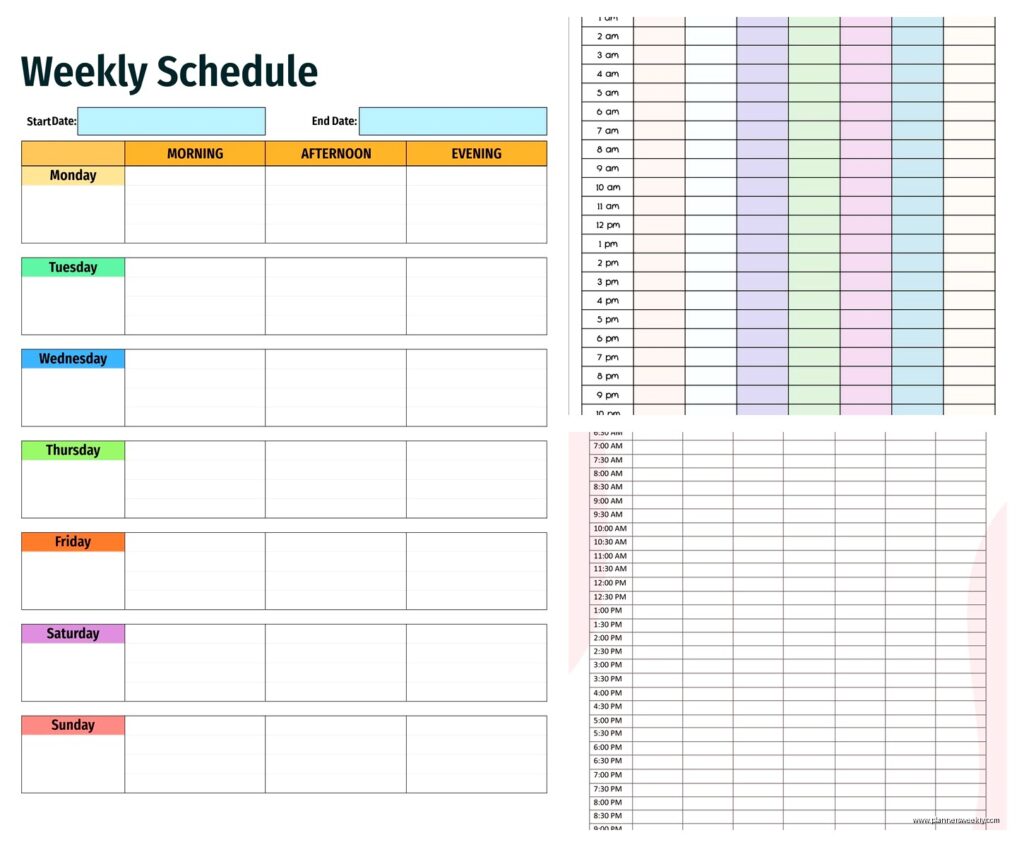
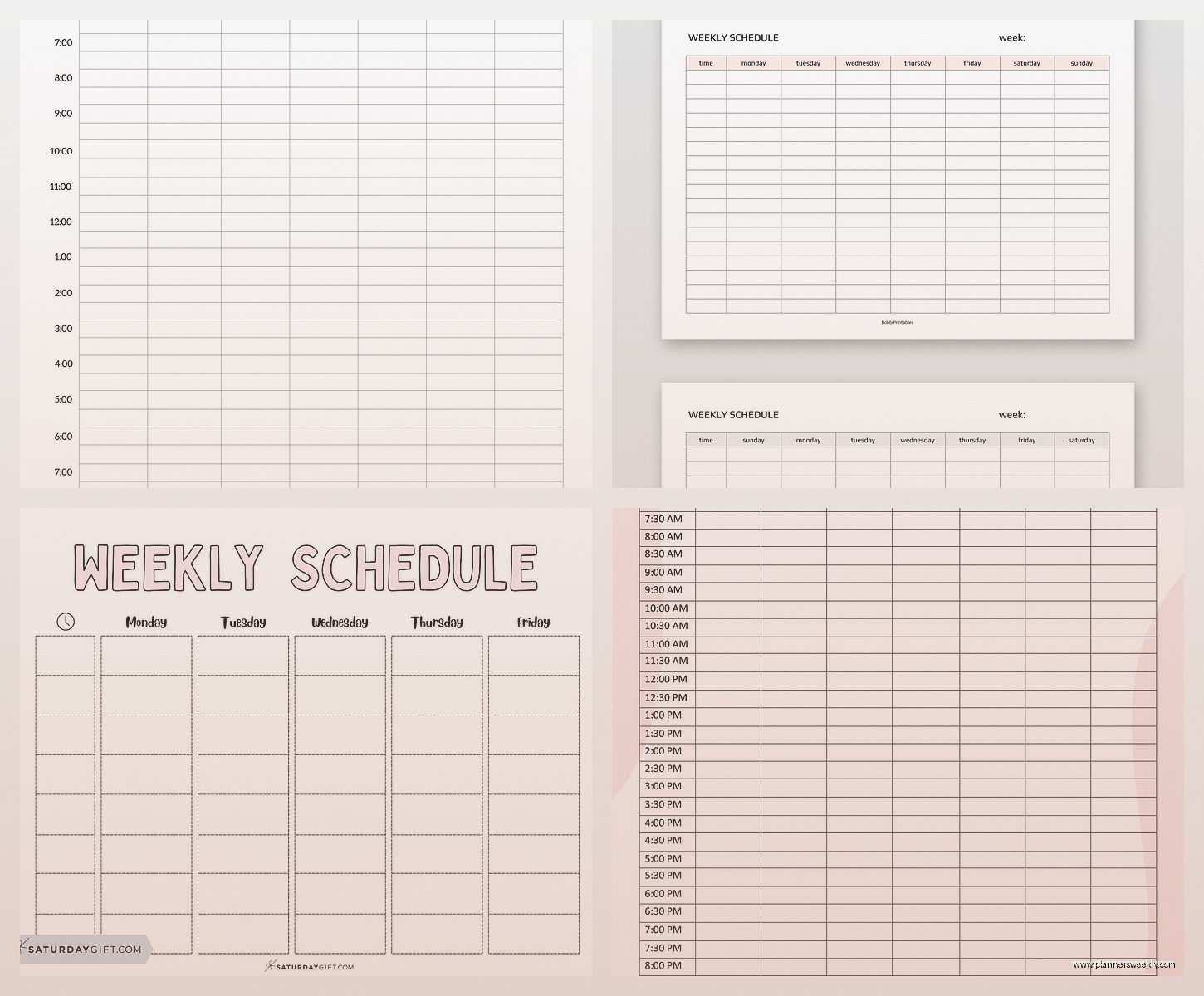
Started with Google Sheets because it’s free and I can access it everywhere. The basic weekly planner template they have built-in is surprisingly decent? You go to Google Sheets, click the template gallery, and there’s this “Schedule” option that gives you a simple hourly layout. Monday through Sunday across the top, time slots down the side.
What I like is you can color-code stuff super easily. I spent way too long making my work blocks blue and personal stuff green, but it actually helps when you’re glancing at your week. Oh and another thing, you can share it with other people which is huge if you’re coordinating with a partner or team.
The downsides though. It doesn’t auto-repeat tasks, so if you do the same thing every Tuesday at 2pm, you’re manually typing that in every single week. Got old fast. Also printed versions look kinda ugly unless you spend time formatting, which defeats the purpose of using a template.
The Hourly vs Block Method Thing
This is gonna sound weird but I actually tested both styles because some people need every hour mapped out and others just need general blocks. The hourly templates work great if you have back-to-back meetings or appointments. I used one during a week when I had like 12 client calls and it kept me sane.
Block templates are better for creative work or flexible schedules. Instead of “9:00am, 9:30am, 10:00am” you just have “Morning, Midday, Afternoon, Evening.” My friend Sarah who’s a freelance writer swears by these because she hates feeling locked into specific times.
Microsoft Excel and Word Templates
Wait I forgot to mention, Microsoft has a bunch of free templates even if you don’t have Office installed. You can download them from their website and open in the free online versions. The Excel ones are basically fancier Google Sheets with better formatting options.
I tested this “Weekly Schedule with Tasks” template that has your calendar on the left and a task list on the right. Pretty useful actually. You can check off tasks as you complete them and it feels satisfying in that weird productivity-junkie way.
The Word templates are more static but they print beautifully. There’s one called “Weekly Calendar” that’s just clean and minimal, no weird clipart or anything. I printed a stack of these for a client who doesn’t like digital planning and she’s still using them six months later.
Template.net Has Like Everything
Okay so funny story, I was watching The Bear season 2 and couldn’t sleep after, so I went down this rabbit hole on Template.net at like 1am. They have hundreds of weekly schedule templates. Free downloads but you gotta create an account which is annoying.
They have ones for students, professionals, fitness tracking, meal planning, literally everything. The quality varies though. Some look super professional, others look like someone made them in 2003 and never updated the fonts.
I downloaded probably 15 of them. The “Simple Weekly Schedule” is actually my go-to now for clients who are just starting out with planning. It’s a basic table, nothing fancy, which means people actually use it instead of getting overwhelmed.
Canva Templates If You Want It Pretty
This is where I spent way too much time because Canva makes everything look good and I got distracted customizing colors. They have a free tier with decent templates, but the really nice ones require Canva Pro.
The aesthetic weekly planners on there are gorgeous. Like Instagram-worthy if you’re into that. I’m not usually, but I tested one with a minimalist beige and black color scheme and it made me actually want to fill it out? Weird how design affects motivation.
You can customize literally everything, fonts, colors, add stickers or whatever. Then download as PDF or PNG. The PDF option is great for printing, PNG works if you’re using it digitally on a tablet.
Downside is it’s not really functional for digital use beyond just writing on it. Like you can’t click boxes or anything. It’s basically a pretty paper planner that you print or use with a stylus.
Wait Speaking of Digital Planning
If you have an iPad or tablet, GoodNotes and Notability templates are worth looking at. You buy them on Etsy usually, they’re like $3-8. I tested a bunch because my client canceled last Thursday so I spent an hour comparing them instead.
The hyperlinked ones are game-changers. You can tap between weeks, months, daily pages. Feels like using an app but with the flexibility of a template. My favorite was this “Digital Weekly Planner” from a shop called ProductivePeach, it has tabs and everything.
But honestly if you don’t already have a tablet and stylus, don’t buy one just for this. The paper and PDF options work fine.
Notion Templates Are Powerful But Confusing
Okay so Notion has this huge learning curve which I hate, but once you get it, the weekly templates are really powerful. There’s a template gallery with pre-made weekly planners that you can duplicate into your workspace.
The cool thing is you can create databases of recurring tasks and they’ll auto-populate. Remember how I complained about Google Sheets not doing this? Notion does it. You set up “Workout” to repeat every Monday, Wednesday, Friday and it just shows up.
I use a modified version of the “Weekly Agenda” template now. It took me like two hours to set up initially (my dog kept interrupting because apparently 3pm is mandatory play time), but now it runs itself mostly.
The problem is explaining Notion to clients who aren’t tech-savvy is basically impossible. I tried with one client and she looked at me like I was speaking another language. Stick with simpler options if you’re not into learning new software.
Time Blocking Templates Specifically
This is different from regular weekly schedules. Time blocking templates have you assign every single hour to a specific task or category. Cal Newport style if you’ve read his stuff.
I found a free one from Productivity Game (just Google “Productivity Game time blocking template”) that’s actually well-designed. It’s a PDF you can print or fill out digitally. Has 30-minute increments which is detailed enough without being ridiculous.
Used this during a really busy week in September and it helped, but it’s also kinda exhausting? Like I don’t wanna plan every single hour of my life. Works great for people who thrive on structure though. My Type-A clients love this approach.
Printable PDF Options
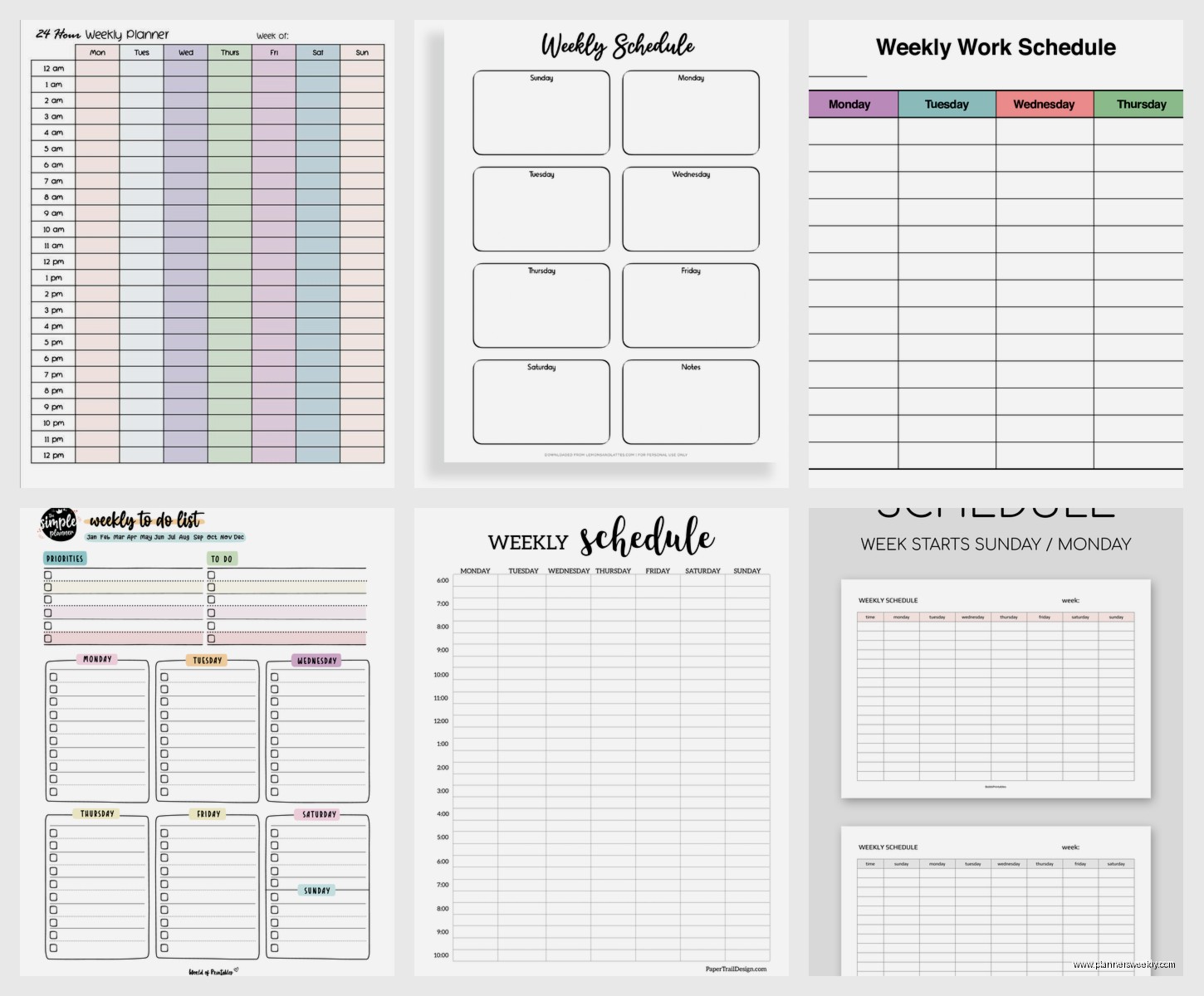
If you just want something simple to print and write on, Vertex42 has good free templates. The site looks old-school but the templates are solid. They have weekly schedules in both portrait and landscape, hourly and daily blocks.
I printed their “Weekly Schedule (Portrait, 1 Page)” and it’s been on my desk for weeks. Sometimes paper just works better than digital, especially for that quick glance overview.
Oh and another thing, if you’re printing these regularly, invest in a decent printer or just go to a print shop. I was using my crappy inkjet and the quality was terrible, made me not wanna use them.
The Bullet Journal Style Templates
These are for people who like the bullet journal method but don’t wanna draw everything from scratch. Basically pre-made weekly spreads that you can print and put in a binder.
I tested some from Boho Berry and they’re really nice. The “Weekly Log” template has space for tasks, events, notes, and a habit tracker. It’s comprehensive without being cluttered.
The thing about bullet journal templates is they work best when you actually commit to the system. If you’re just looking for a basic schedule, they might be overkill.
Which One Should You Actually Use
Okay real talk, it depends on your situation. If you’re just starting with weekly planning, grab the simple Google Sheets template or the Microsoft Word basic one. Don’t overthink it.
If you have a lot of appointments and meetings, go with an hourly template. The Google Calendar print view actually works as a decent weekly schedule too if you’re already using that.
For flexible creative schedules, use a block-style template. The Template.net simple one or make your own in Google Docs with a basic table.
If you want it pretty and are willing to spend 30 minutes customizing, Canva all the way. If you’re into digital planning with a tablet, invest in a good Etsy template with hyperlinks.
For power users who want automation and don’t mind a learning curve, Notion is gonna be your best bet long-term.
My Current Setup
I’m using a combination now which probably breaks my own advice about keeping it simple. Notion for my master schedule and recurring tasks, then I print a weekly overview from Canva every Sunday night. The printed version sits on my desk for quick reference.
I also keep a basic Google Sheet shared with my partner for family stuff because he refuses to learn Notion and honestly I don’t blame him.
The key thing I learned testing all these is that the best template is the one you’ll actually use consistently. I’ve seen people succeed with literally a hand-drawn table on printer paper because they used it every day. And I’ve seen people download gorgeous templates that sit unused in their downloads folder forever.
Start simple, test it for two weeks, then decide if you need more features. Don’t download 47 templates like I did and then get paralyzed by choice. That’s a waste of time and also very specifically what I did so learn from my mistakes.
