Digital Productivity, Online planners, Planners
Study Planner Template: Free Academic Planning Tools
Mar
Okay so I just spent like three weeks testing every free study planner template I could find because one of my college students asked me which one actually works and honestly most of them are garbage but I found some solid ones.
The Google Sheets Templates That Don’t Suck
The thing with Google Sheets is you can customize literally everything which is great until you spend two hours color-coding instead of studying. I tested this one called the “Academic Semester Planner” from Template.net and it’s actually pretty decent. Has separate tabs for each class, assignment tracker, grade calculator built in. My client Sarah used it for her nursing program and the grade calculator alone saved her so much anxiety because she could see exactly what she needed on finals.
But here’s the thing – if you’re not into spreadsheets this is gonna stress you out more than help. I watched my nephew try to use it and he kept accidentally deleting formulas and then nothing worked right.
Setting Up the Semester View
What I do is duplicate the template first thing, then I fill in all the class info in one sitting. Course names, professor emails, office hours, that stuff. Takes maybe 20 minutes but then it’s done. The template has this weekly overview thing that pulls from your assignment list automatically which is honestly pretty cool when it works.
Oh and another thing – make sure you’re entering dates in the right format or the auto-sort gets confused. I learned this the hard way when all my assignments showed up in random order and I almost missed a paper deadline.
Notion Templates Because Everyone Won’t Shut Up About Notion
Look I resisted Notion for like two years but it’s actually good for students. The free student planner templates in their template gallery are solid. There’s one called “Student Dashboard” that has everything – class schedule, assignment database, notes section, even a habit tracker if you’re into that.
The learning curve is real though. My friend spent a whole Sunday setting hers up and then used it for like three days before going back to paper. But if you stick with it, the linked databases are actually genius. You can view the same assignments by due date, by class, by priority, whatever.
The Actual Useful Notion Setup
Start with the basic student template, don’t get fancy yet. Add your classes as database entries. Then create assignments and link them to the classes. The calendar view is where this gets good – you can see everything plotted out visually which helps if you’re like me and panic when you see three things due the same week.
Wait I forgot to mention – Notion has this web clipper thing where you can save research articles directly into your notes. Game changer for research papers. I wish this existed when I was in grad school.
Excel Templates For the Old School Folks
Microsoft has free templates right in Excel that are honestly underrated. The “Student Assignment Planner” one is clean, simple, works offline which matters more than you’d think. My internet went out last semester during finals week and my client who used Google everything was freaking out while the Excel users were fine.
It’s basically a weekly planner with assignment tracking and a GPA calculator. Not fancy but it does the job. You can print it too if you want physical copies which some people really need.
Weekly Planning Layout
The Excel template breaks down by week which I actually prefer over monthly views for studying. You list out everything due that week, time needed for each thing, priority level. There’s something about seeing it in that grid format that makes it feel manageable.
I usually tell students to fill this out Sunday night for the week ahead. Takes ten minutes, saves you from that “wait what’s due tomorrow” panic at midnight.
Canva Study Planners That Are Actually Free
This is gonna sound weird but Canva has study planner templates that you can customize and they’re really pretty which matters when you’re trying to actually use the thing. The “Weekly Study Schedule” template is free and you can change colors, fonts, add stickers if that’s your thing.
My niece uses these and prints them out each week. She’s super visual so the aesthetic part actually helps her engage with it. The downside is it’s not connected to anything else – it’s just a standalone weekly view. But for some people that’s perfect because it’s not overwhelming.
Making It Work Long-Term
The trick with Canva planners is batching them. Sit down once a month and create four weeks worth. Save them all as PDFs. Otherwise you’re spending time every week designing instead of planning which defeats the purpose.
Trello Boards For Project-Based Classes
Okay so funny story, I started using Trello for my own work projects and then realized it’s perfect for students with big research papers or group projects. The free version lets you create unlimited boards and it’s super visual with the card system.
Create columns for “To Do,” “In Progress,” “Waiting on Professor Feedback,” and “Done.” Each assignment is a card you move across. You can add checklists within cards which is great for breaking down big papers into smaller tasks.
Group Project Management
This is where Trello really shines. You can invite classmates to the board, assign tasks to specific people, set due dates, attach files. We used this for a collaborative project last year and it was the only thing that kept four people across different schedules actually coordinated.
The mobile app is decent too so you can check stuff between classes without opening your laptop.
Good Old Printable PDF Planners
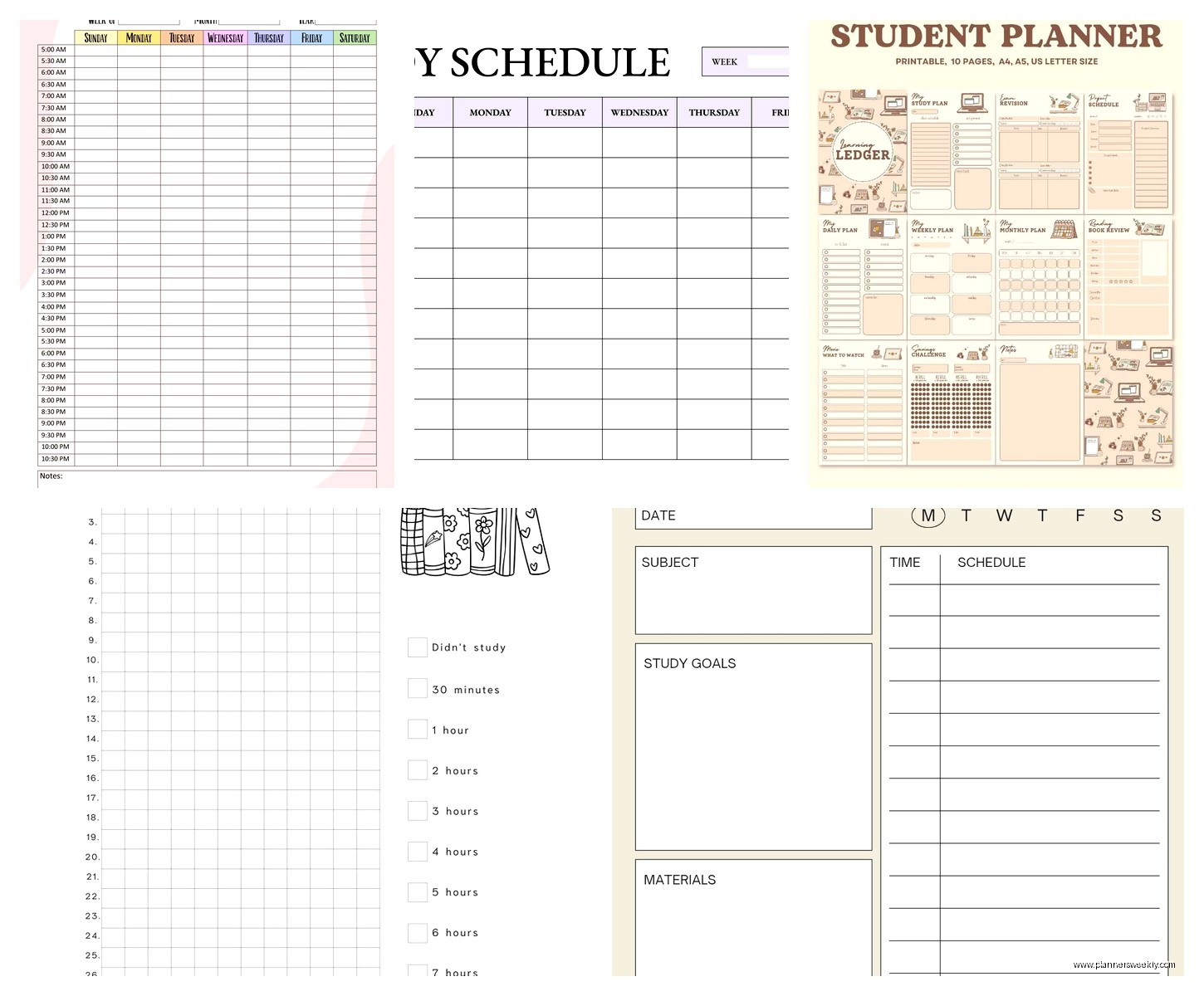
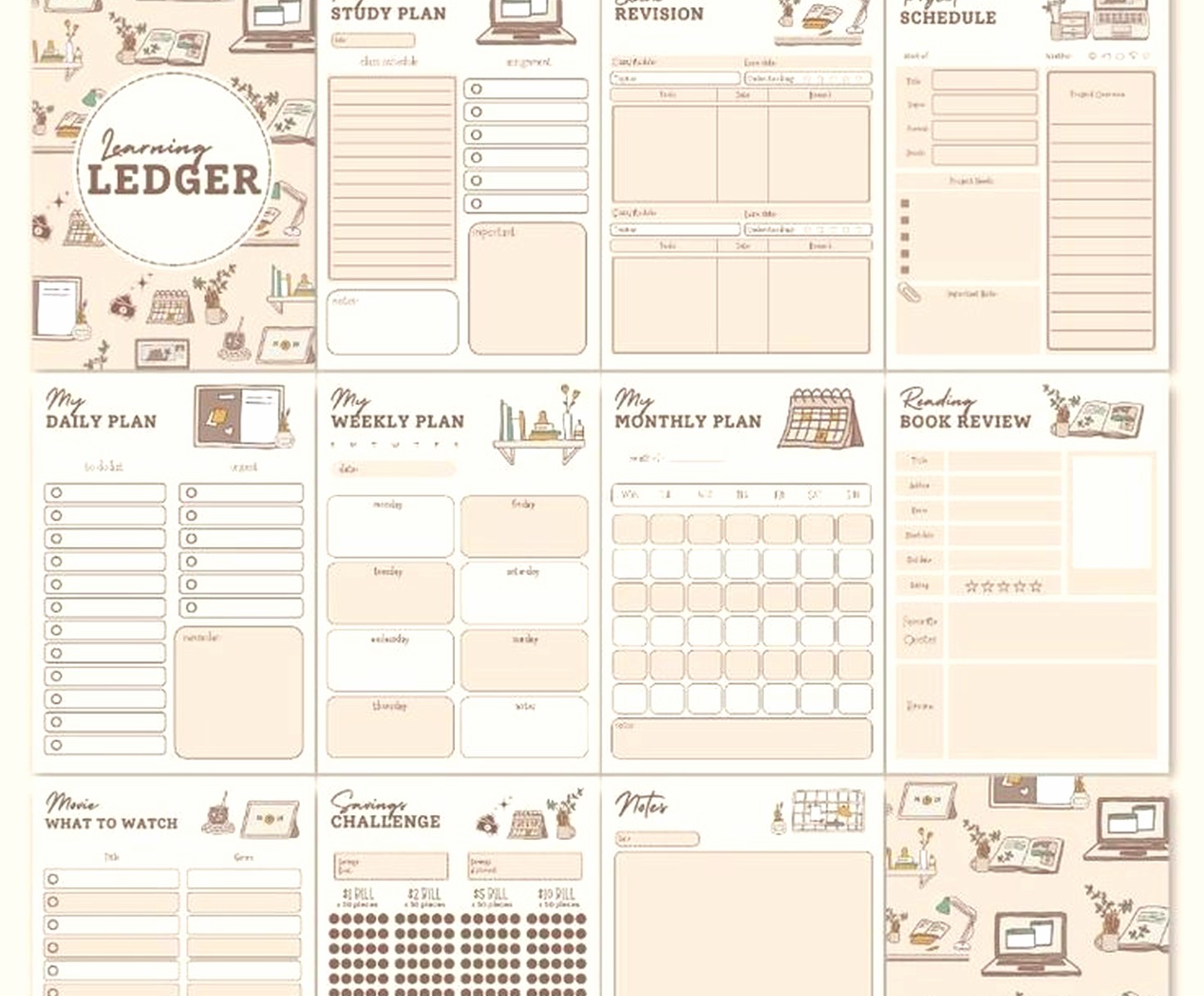
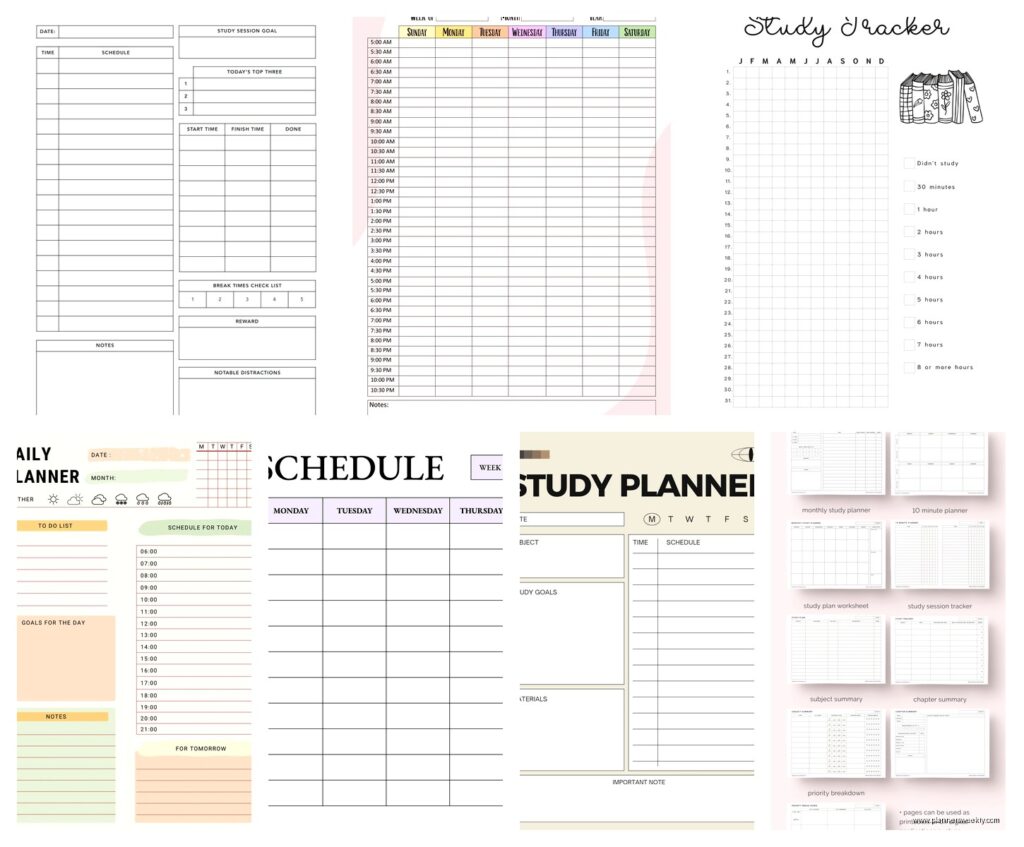
Sometimes you just need paper. I get it. The “Student Planner” PDFs from sites like FortyFlowCo and Scattered Squirrel are actually really well designed and completely free. They have daily, weekly, and monthly layouts.
Print the whole semester at once and put it in a binder. Write everything down by hand which apparently helps memory retention according to studies I’ve read. My cat knocked over my coffee on mine once so maybe keep it away from beverages.
The Hybrid Approach
What I’ve seen work really well is using digital for the master schedule and printables for daily/weekly planning. Keep everything in Google Calendar or Notion, but print out weekly pages to actually work from. Best of both worlds – digital backup but tactile daily use.
Google Calendar As A Study Planner
This feels almost too obvious but hear me out. Google Calendar is free, syncs everywhere, and you can create separate calendars for each class with different colors. Add assignments as events with notifications set for a week before, three days before, and day of.
The week view on your phone shows you everything at a glance. You can share specific calendars with study groups. It’s not fancy but it works and you’re probably already using it anyway.
Time Blocking Strategy
What I tell my coaching clients is to actually schedule study time as calendar events, not just deadlines. “Study for Chemistry Exam” from 2-4pm on Tuesday. Treat it like a class you can’t skip. The calendar will remind you and you’re way more likely to actually do it.
Block out your classes first, then add study time around them, then plug in assignments. You’ll see really quick if you’ve overcommitted yourself to extracurriculars.
Airtable For the Database Nerds
If spreadsheets and databases make you happy, Airtable is like Google Sheets on steroids. The free tier is generous and there are student planner templates in their universe section. You can track assignments, link them to classes, add attachments, create different views.
I’m not gonna lie, this is overkill for most people. But if you’re managing multiple internships plus classes plus research, the relational database aspect actually helps keep everything connected. You can see which professor you’re asking for too many extensions from, what type of assignments take you longest, all that data.
Custom Views For Different Needs
The cool part is creating different views of the same data. Gallery view for visual overview, calendar view for deadlines, kanban view for workflow. It’s the same information just displayed differently depending on what you need in that moment.
MyStudyLife App Integration
Okay this deserves a mention even though it’s an app not a template – MyStudyLife is free and specifically designed for students. Cloud synced, works on phone and computer, has class schedule, homework tracking, exam countdown.
The interface is a little dated looking but it’s really functional. Notifications actually work which is more than I can say for some apps. It’s designed around rotating class schedules which is perfect for college but also works for high school.
Cross-Platform Reliability
What makes this one worth it is that it actually syncs reliably. I’ve had students lose stuff in Notion when the sync got weird, but MyStudyLife just works. Not exciting but dependable.
Making Any Template Actually Work
Here’s the real talk – the template doesn’t matter as much as actually using it consistently. I’ve tested probably thirty different systems and the one that works is whichever one you’ll open every single day.
Pick something, commit to it for one full month minimum. Set a daily reminder to check it. Sunday nights plan the week ahead. That’s it. The students who do well aren’t using the fanciest system, they’re using the one that fits their brain and sticking with it.
Weekly reviews are non-negotiable. Spend fifteen minutes every week updating everything, clearing out completed stuff, adding new assignments. Otherwise it gets messy and overwhelming and you stop using it.
Also don’t be afraid to switch if something isn’t working. I changed my system three times my first semester coaching before finding what clicked. Just don’t switch every week because then you’re constantly setting up instead of actually planning.
The hybrid digital-analog thing I mentioned earlier genuinely works for a lot of people. Master calendar digital, daily todo list on paper. Or vice versa. Mix and match until it feels natural.