
Digital Productivity, Online planners, Planners
Weekly Planner Online: Best Free Web Tools & Apps
Apr
Okay so I just spent the last two weeks testing literally every free weekly planner I could find and here’s what actually works
Google Calendar is gonna be the boring answer but honestly it’s still my go-to for the basic weekly view. Like I know everyone already has it, but the web version got this update last year where you can actually customize the weekly layout better and it syncs with literally everything. I had a client ask me why I don’t use something “prettier” and I’m like… because this one actually loads when my internet is being weird and doesn’t lose my data.
The thing nobody tells you about Google Calendar though is you gotta turn on Tasks and Keep integration. Click the little sidebar thing on the right, enable both, and suddenly you’ve got your to-do list right there with your schedule. Game changer. I only figured this out because my dog knocked over my coffee onto my paper planner last month and I had to go fully digital for like three weeks.
Notion is where things get interesting but also complicated
So Notion has this weekly planner template situation that’s actually free and super customizable. I tested their “Weekly Agenda” template and then like fifteen community templates because I got sucked into a rabbit hole one night when I should’ve been sleeping. Here’s the deal with Notion:
- The learning curve is real. Like you’re gonna spend your first hour just figuring out how databases work
- Once you get it though, you can build literally any layout you want
- It’s slow sometimes. Especially on the web version when you have a lot of data
- The free version is actually generous, unlimited blocks for personal use
I built this whole weekly dashboard thing with my schedule, habit tracker, and meal planning all on one page. Took me maybe three hours total but now I just duplicate it every week. The templates are in the gallery if you don’t wanna build from scratch. Search for “weekly planner” and there’s probably 50 options.
Wait I forgot to mention Tweek
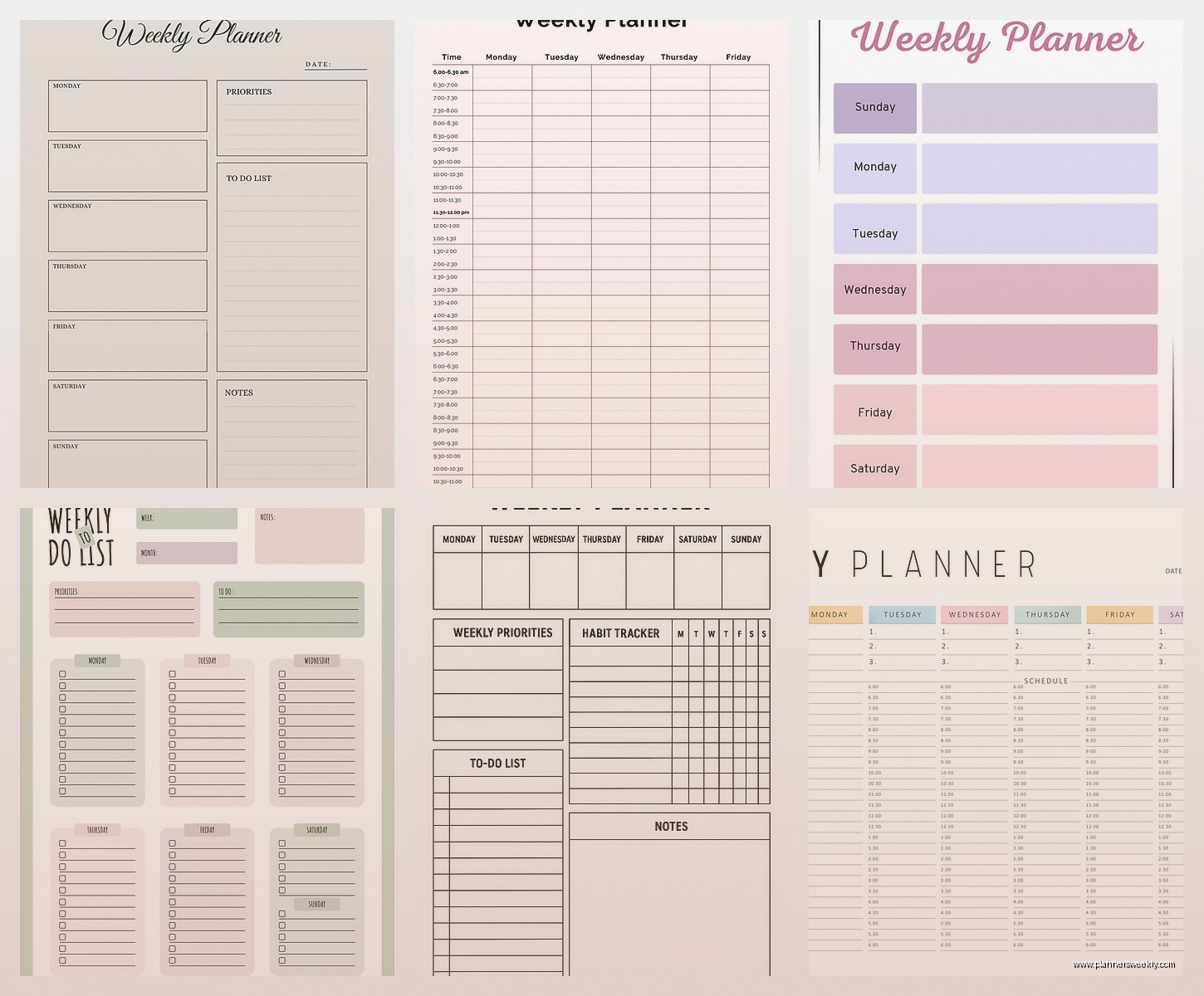
This is gonna sound weird but Tweek.so is like… the most minimal weekly planner I’ve ever seen and I kinda love it for that? It’s literally just seven columns for the days of the week. You type tasks in. That’s it. No fancy features, no color coding options, no nothing.
But here’s why it works: sometimes you just need to brain dump your week without getting distracted by making everything look aesthetic. I use this when I’m planning my actual work week versus the Google Calendar thing for appointments and meetings. They’re different needs, you know?
It’s completely free, works in any browser, and you can access it offline if you add it to your home screen. The mobile version is just the website but it works fine honestly.
Trello boards set up as weekly planners are actually pretty genius
Okay so funny story, I was watching that organizing show on Netflix and got inspired to reorganize my entire planning system at like 11pm on a Tuesday. Ended up building a Trello board with seven lists, one for each day of the week, plus an “Inbox” list for stuff I haven’t scheduled yet.
The free version gives you:
- Unlimited cards and lists
- Basic labels and due dates
- One power-up (I use the calendar view so I can see the week differently)
- Checklists within cards which is huge for breaking down bigger tasks
You can drag cards between days super easily when things inevitably get rescheduled. Add yourself as a member to cards you wanna prioritize. Use labels for categories like work, personal, errands, whatever.
The thing I like about this setup is you can see your whole week at a glance without scrolling. Unlike those vertical planners where you gotta scroll scroll scroll to see Friday when you’re looking at Monday.
Todoist has this sneaky good week view that people don’t talk about enough
So Todoist is technically a task manager but if you set it up right it works perfectly as a weekly planner. The free version is kinda limited now compared to what it used to be, but you still get:
- 5 active projects
- Basic filters and labels
- The “Next 7 Days” view which is basically your weekly planner
I set up projects for different life areas, then schedule tasks with due dates, and just live in that Next 7 Days view. You can reschedule stuff by typing things like “tomorrow” or “next Monday” which feels faster than clicking through a calendar picker.
The karma points thing is kinda motivating too if you’re into that gamification stuff. I’m not usually but there’s something satisfying about watching the productivity tracker go up.
ClickUp’s free tier is honestly almost too much
This is where I’m gonna lose some people because ClickUp is a LOT. Like, it’s a full project management tool that you can use as a personal planner but it’s got so many features that you’ll spend the first week just turning off notifications and hiding views you don’t need.
But if you can get past the initial overwhelm, the weekly calendar view is actually beautiful and functional. You get:
- Unlimited tasks
- Calendar view, list view, board view, like 10 other views
- Time tracking built in
- Recurring tasks which is essential for weekly planning
- Subtasks and checklists
I use this for client work mostly because I need the time tracking, but it works for personal stuff too. You can color code everything, set priority levels, add custom fields. My setup has a “Weekly Focus” list that I plan every Sunday night, then I schedule individual tasks across the week in calendar view.
Fair warning though, the mobile app is buggy sometimes. I’ve had it crash on me twice while trying to reschedule tasks. The web version is solid though.
Oh and another thing, Any.do has the cleanest interface
If you want something that looks good without being complicated, Any.do might be your thing. The web app has this “Plan My Day” feature that literally walks you through your tasks every morning and asks when you wanna do each one. It’s almost too hand-holdy but some days I need that.
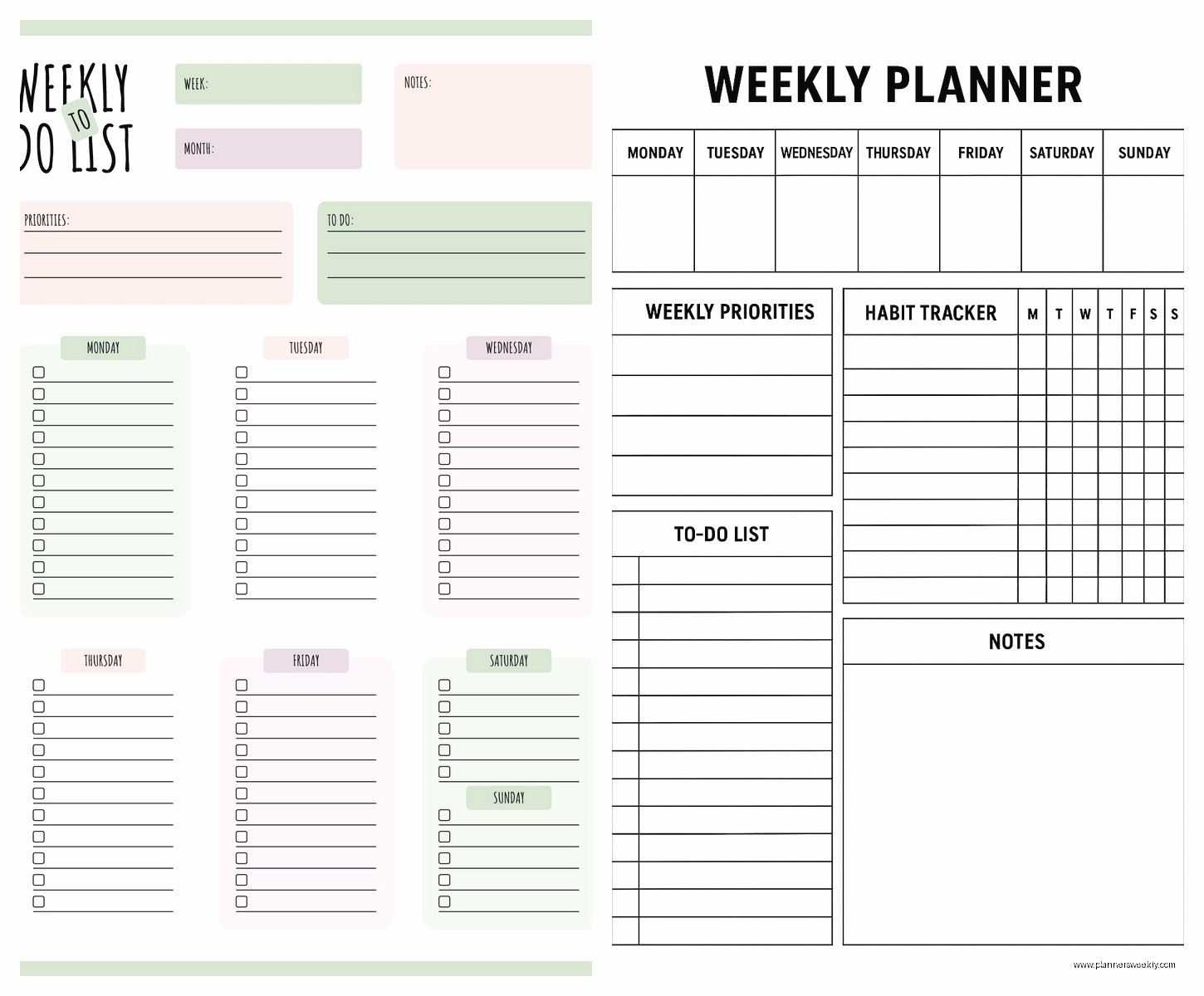
Their weekly planner view shows you tasks grouped by day with a calendar integration. Free version includes:
- Unlimited tasks and lists
- Daily planner feature
- One reminder per task
- WhatsApp integration which I don’t use but exists
The thing that bugs me is you can’t customize the start of your week. It’s always Sunday. Like I get that’s standard but my week starts on Monday mentally so it throws me off.
Notion alternatives if Notion is too much
My client canceled yesterday so I spent an hour comparing Notion alternatives because apparently that’s what I do with free time now. Coda and Airtable both have free tiers and both can work as weekly planners.
Coda feels like Notion’s more professional sibling. The templates are less aesthetic but more functional. Their weekly planner template has formulas built in that auto-calculate time blocks and stuff. It’s impressive but also… do you really need your planner doing math? Depends on your workflow I guess.
Airtable is basically Excel had a baby with a database and it’s actually pretty powerful for planning. You can create a table with all your tasks, then filter by week, then switch to calendar view. The free plan gives you 1,200 records which is way more than you’ll need for weekly planning unless you’re like… planning every single minute of your life.
I built a whole content calendar in Airtable once and it’s still my favorite setup for that specific use case. But for just regular weekly planning it might be overkill. The interface is a bit corporate-feeling too.
TimeBloc is specifically designed for time blocking your week
This is more niche but if you’re into time blocking specifically, TimeBloc’s web version is free and actually pretty good. You drag blocks onto a weekly calendar view and it’s super visual. I tested it for two weeks and it helped me realize I was scheduling way too much on Wednesdays for some reason.
The free version has limitations on how many events you can create but for weekly planning it’s enough. You can’t sync with other calendars though which is annoying if you’re using multiple tools.
Here’s what I actually use after testing all this stuff
So after all this testing, I ended up with a hybrid system because of course I did. Google Calendar for appointments and meetings because everyone sends Google Calendar invites anyway. Notion for my weekly overview and project planning because I already have all my notes there. And Todoist for daily task management because it’s fast and I can add stuff from my phone easily.
Is this unnecessarily complicated? Maybe. But it works for my brain and that’s what matters right?
The actual best free weekly planner is whichever one you’ll actually use consistently. I know that sounds like a cop-out answer but I’ve watched so many people build these elaborate planning systems in fancy tools and then abandon them after two weeks because it was too much maintenance.
Quick decision guide based on what you actually need
If you just want simple weekly task lists: Tweek or Any.do
If you need calendar integration and appointments: Google Calendar with Tasks enabled
If you want customization and don’t mind a learning curve: Notion
If you like visual board layouts: Trello
If you need time tracking or project management features: ClickUp
If you’re into time blocking specifically: TimeBloc
If you want something between simple and complex: Todoist
Random tips that actually matter
Whatever tool you pick, set it as your browser homepage or bookmark it somewhere super accessible. I have mine pinned as the first tab in Chrome so it opens automatically. Sounds obvious but you’d be surprised how many people choose a tool then never actually open it.
Also most of these tools have browser extensions or web app versions you can install. Makes them feel more like actual apps instead of just another browser tab. The Todoist one is particularly good for quickly adding tasks without opening the full interface.
Don’t try to migrate your entire life into a new planner all at once. I learned this the hard way when I spent like 6 hours moving everything into Notion and then felt so exhausted I didn’t plan anything for three days. Start with just next week. See if you like it. Add more later.
The weekly review thing is real though. Pick a consistent time each week, I do Sunday evenings but some people prefer Friday afternoon, and actually look at your upcoming week. Move stuff around. Delete things that don’t matter anymore. Add new stuff. Takes maybe 15 minutes and makes such a difference.
Oh and turn off most notifications. Seriously. You don’t need a notification every time a task is due. You’ll just start ignoring them and then they’re useless. I only keep notifications on for actual time-sensitive appointments.
