
Digital Productivity, Online planners, Planners
Daily Calendar Planner: Best Options & Templates
Apr
Okay so I just spent the last three weeks testing every digital and paper daily planner I could get my hands on and here’s what actually matters.
Google Calendar – The One You Already Have
Look, I know this sounds basic but hear me out. Google Calendar is honestly still the best free option for most people and I keep coming back to it even though I test fancy planners literally for a living. The mobile app got this massive update last year that actually makes daily planning not terrible.
Here’s what you gotta do to make it work as an actual daily planner instead of just a calendar:
- Turn on Tasks integration – this was a game changer for me because now my to-do list lives right inside the daily view
- Use the Schedule view instead of the default monthly thing. Seriously, tap that button at the bottom.
- Color code by energy level not by category – I do red for deep work, yellow for meetings, green for easy tasks
- Set up recurring tasks for your morning routine so you can just check them off
The desktop version lets you see your tasks sidebar while looking at your day which is honestly perfect for planning tomorrow night. I usually spend like 10 minutes around 9pm just dragging tasks into time slots for the next day.
Oh and another thing – you can set different notification times for different types of events. My client meetings get a 30-minute warning but my “write blog post” blocks just get a little nudge at start time.
Notion Calendar (Used to be Cron)
Wait I forgot to mention this one and it’s actually really good if you’re already in the Notion ecosystem. They acquired Cron last year and rebranded it and honestly it’s gorgeous. Like actually beautiful to look at which shouldn’t matter but when you’re staring at your schedule all day it kinda does?
The keyboard shortcuts are insane. You can do basically everything without touching your mouse. Command-K to search, N for new event, and you can type stuff like “coffee with Sarah tomorrow at 3pm” and it just… creates it. My cat walked across my keyboard last week and somehow scheduled a meeting called “jjjjjjkkkk” for 2am though so maybe close your laptop.
The daily agenda view shows up in your menu bar on Mac which means I actually look at my schedule more often. It’s just always there when I click the little icon.
The catch with Notion Calendar
It’s really meant to work with Google Calendar or Outlook as the backend. So you’re not replacing your calendar, you’re just getting a better interface for it. Some people find this annoying but I actually like that my events sync everywhere regardless of which app I use.
Paper Planning – Physical Daily Planners That Don’t Suck
Okay so funny story, I was totally anti-paper planner until about six months ago when my phone died during a full day of client meetings and I had absolutely no idea what I was supposed to be doing. Bought a paper planner that day and now I use both systems.
Passion Planner Daily
This is gonna sound weird but the Passion Planner Daily is actually worth the $30-ish dollars. Each day gets a full page which felt excessive at first but now I can’t go back. The layout has time slots from 5am to 9pm (you can write in earlier or later if you’re a maniac), plus a whole section for tasks and notes.
What I actually love about it: there’s an “Inspirational Quote” section I ignore completely, but there’s also a “Good Things That Happened Today” box at the bottom that I thought would be cheesy but it’s actually nice to fill in? Like my therapist would probably say this is healthy or whatever.
The paper quality is really good. I use a fountain pen (yeah I’m that person now) and there’s zero bleed-through. The binding lets it lay flat which matters more than you’d think when you’re trying to write in it while on a phone call.
Blue Sky Daily Planner
If Passion Planner feels too expensive or too structured, Blue Sky makes these daily planners for like $15-20. I tested their “Bakery Collection” one because it had donuts on the cover and honestly the inside is just as functional as the pricier options.
Each day gets half a page which is plenty for most people. There’s an hourly schedule from 7am to 7pm, a small to-do list section, and lined space for notes. The paper is thinner than Passion Planner so I wouldn’t use a fountain pen but regular pens and pencils are fine.
My client actually uses this one and she’s a lawyer who bills by the hour, so it definitely handles busy schedules. She just writes her billable hours in the time slots and keeps case notes in the margins.
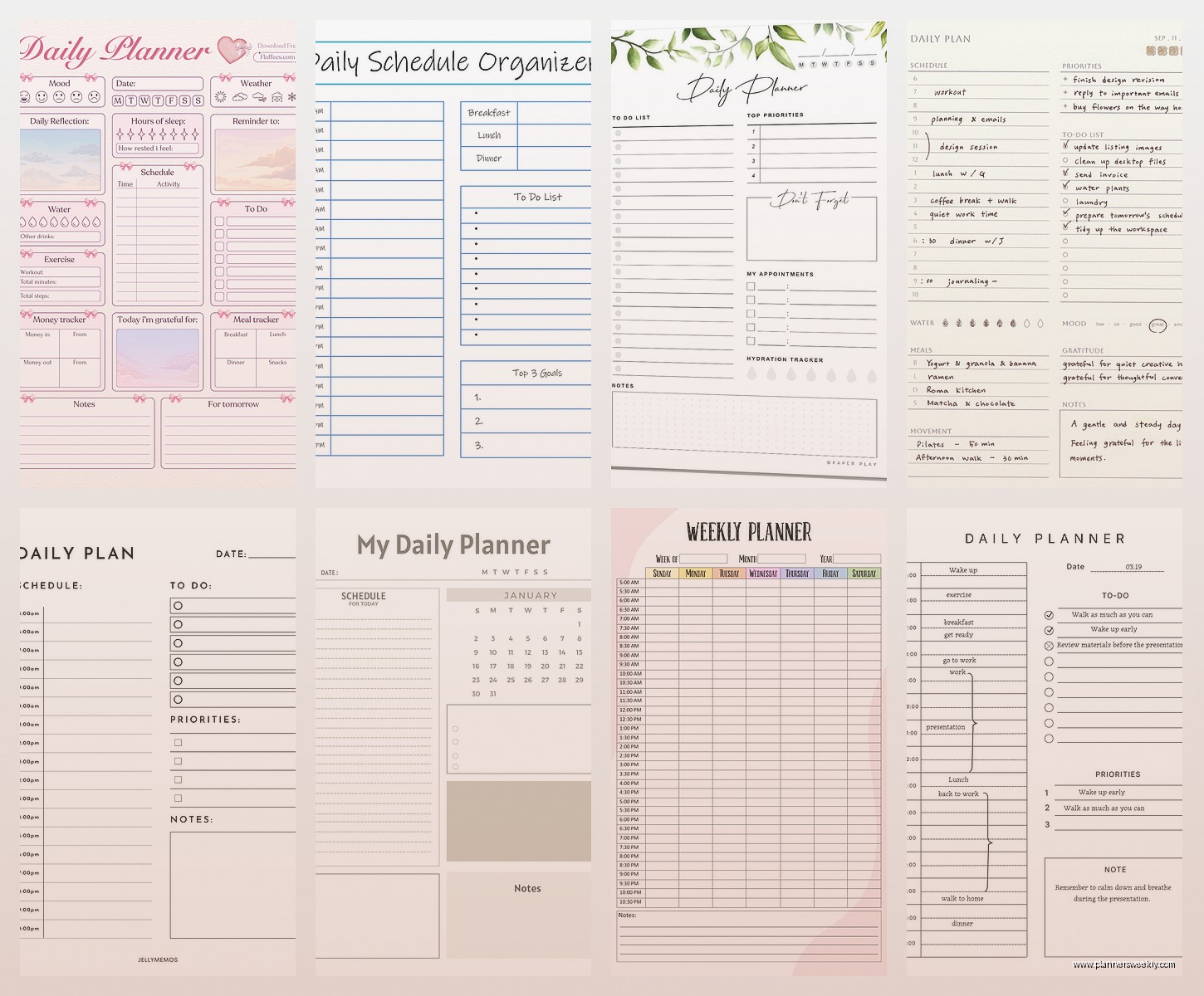
Printable Daily Planner Templates
This is where things get interesting because you can customize everything and print exactly what you need. I spent way too much time going down this rabbit hole last month when I should’ve been watching The Last of Us.
Where to Actually Find Good Templates
Etsy is surprisingly good for this. Search for “daily planner printable” and you’ll find thousands. I’ve bought probably 15 different ones testing them and here’s what to look for:
- PDF format that’s actually fillable if you want to use it digitally
- Multiple page sizes – at minimum US Letter and A4
- Actual preview images of every page, not just the cover
- Reviews from people who aren’t just saying “cute!”
The ones I keep coming back to are from a shop called “ProductivitySpot” – they have this minimalist daily planner that’s just time blocks and a task list. Nothing fancy. Costs like $4 for the template and you can print it forever.
Free Options That Don’t Look Like Garbage
Canva has a whole section of free daily planner templates now. They’re actually good? I was shocked. You can customize the colors and fonts and then download as PDF. The time slots are pre-set which is annoying if you work weird hours, but for standard 9-5 people it’s perfect.
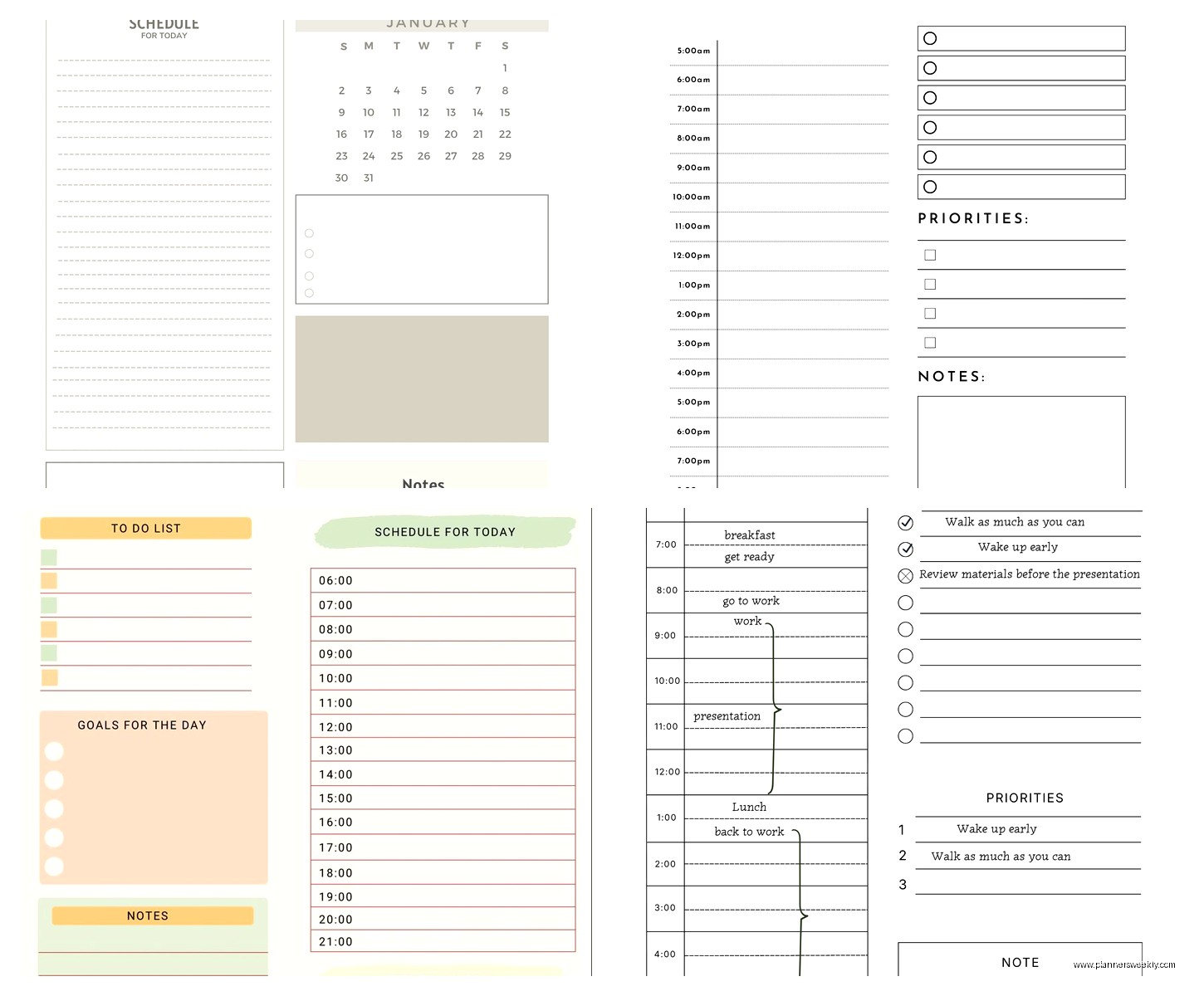
Microsoft also has free templates in Word and Excel. The Excel ones are particularly good if you like having your daily schedule in a spreadsheet format. You can add formulas to calculate how much time you’re spending on different types of tasks which is either really useful or really depressing depending on your job.
Specialized Daily Planners for Specific Needs
Wait I should mention these because they’re not for everyone but if they match your situation they’re amazing.
Full Focus Planner
This is Michael Hyatt’s system and it’s very… intense. Each day has sections for your daily big three (your three most important tasks), scheduled tasks with time blocks, and notes. The whole philosophy is about being really intentional with your time.
I tested this for a month and honestly it was too much structure for me personally, but my friend who’s a project manager swears by it. She says the daily ritual of identifying her big three tasks actually helps her say no to things that don’t matter.
It’s expensive though. Like $40 for a three-month planner expensive. And you kinda have to buy into the whole Full Focus system with their quarterly planning and weekly preview stuff.
Ink+Volt Planner
This one has daily pages but they’re not dated, which is perfect if you’re inconsistent with planning (no judgment, we all are sometimes). Each page has an hourly schedule, top priorities section, and a habit tracker.
The habit tracker thing is actually useful for building routines. I used it to track whether I actually drank enough water each day and turns out I was dehydrated like 80% of the time. Who knew.
Digital Apps That Actually Feel Like Daily Planners
Sunsama
Okay so Sunsama is basically like having a really organized friend who helps you plan your day every morning. It pulls in tasks from everywhere – Asana, Trello, Gmail, Slack – and makes you drag them into time slots on your calendar.
The daily planning ritual is built into the app. It literally walks you through reviewing yesterday, planning today, and doing a shutdown routine at night. This is gonna sound weird but the shutdown routine actually helps me stop working instead of just… continuing to check email until midnight.
The downside is it costs $20/month which is a lot for a planning app. I justify it because I use it every single day but if you’re just starting out with daily planning maybe try the free trial first.
Structured App (iOS Only)
If you have an iPhone this app is ridiculously simple and that’s why it works. You just add tasks with time estimates and it shows you a timeline of your day. When you complete something, you swipe it away and the rest of your tasks adjust automatically.
I use this on days when I’m mostly out of the office doing errands or meetings. It’s faster than opening a full calendar app and the widgets are actually useful. You can see your next three tasks right on your home screen.
It’s free with a premium version for like $10/year that adds recurring tasks and themes. The free version is honestly enough for most people.
How I Actually Use These Things Together
Here’s my real system that I don’t really talk about in my official blog posts because it’s kinda chaotic: I use Google Calendar for anything that involves other people or specific times. Client meetings, dentist appointments, that kind of thing.
Then I use a paper planner (currently the Passion Planner) for daily task planning and notes. Something about writing things down by hand makes them stick better in my brain. Every morning I look at my Google Calendar and transfer the day’s schedule into my paper planner, then add my tasks around those fixed commitments.
And I use Structured app when I’m away from my desk because I’m not carrying around a planner everywhere like some kind of productivity influencer.
Is this over-complicated? Probably. Does it work for me? Yeah actually it does.
Templates You Can Steal and Modify
The best daily planner template I’ve found is honestly just a Google Doc with a table. Here’s the basic structure:
- Top section: Date, top 3 priorities for the day, weather if you care about that
- Left column: Time slots in 30-minute increments from whenever you wake up to whenever you sleep
- Right column: Notes, random thoughts, things people said in meetings
- Bottom section: Tomorrow’s prep, stuff you need to remember
You can make this in Google Docs, print it, and use it forever. Or keep it digital and just duplicate the doc each day. I did this for like six months before buying any actual planners and it worked fine.
Oh and another thing – if you work from home, add a column for personal stuff. Like I literally schedule “put laundry in dryer” between meetings because otherwise I forget and my clothes smell weird.
What Actually Matters in a Daily Planner
After testing all this stuff, here’s what I think actually makes a difference: You need to see your whole day at once. Whether that’s on paper or a screen doesn’t really matter, but you need that bird’s eye view.
Time blocking is more important than task lists. Just having a list of stuff to do is overwhelming. Assigning each task to a specific time makes it manageable.
You gotta review your day either the night before or first thing in the morning. This is the part everyone skips but it’s the most important part. Spending 5 minutes looking at what’s coming and deciding what matters makes the whole day better.
And honestly? The best daily planner is the one you’ll actually use. I know that sounds like cop-out advice but I’ve seen people spend $50 on fancy planners that sit on their desk untouched. Start with something free or cheap, build the habit, then upgrade if you want to.
My friend just uses a blank notebook and draws her own daily layout every morning. Takes her 30 seconds. Works perfectly for her. Meanwhile I’m over here with my color-coded digital calendar syncing to my paper planner like some kind of productivity cyborg.
The system that works is the one that fits how your brain already works, not the one that looks prettiest on Instagram.
