
Digital Productivity, Online planners, Planners
Digital Weekly Planner: Best Apps & Templates 2026
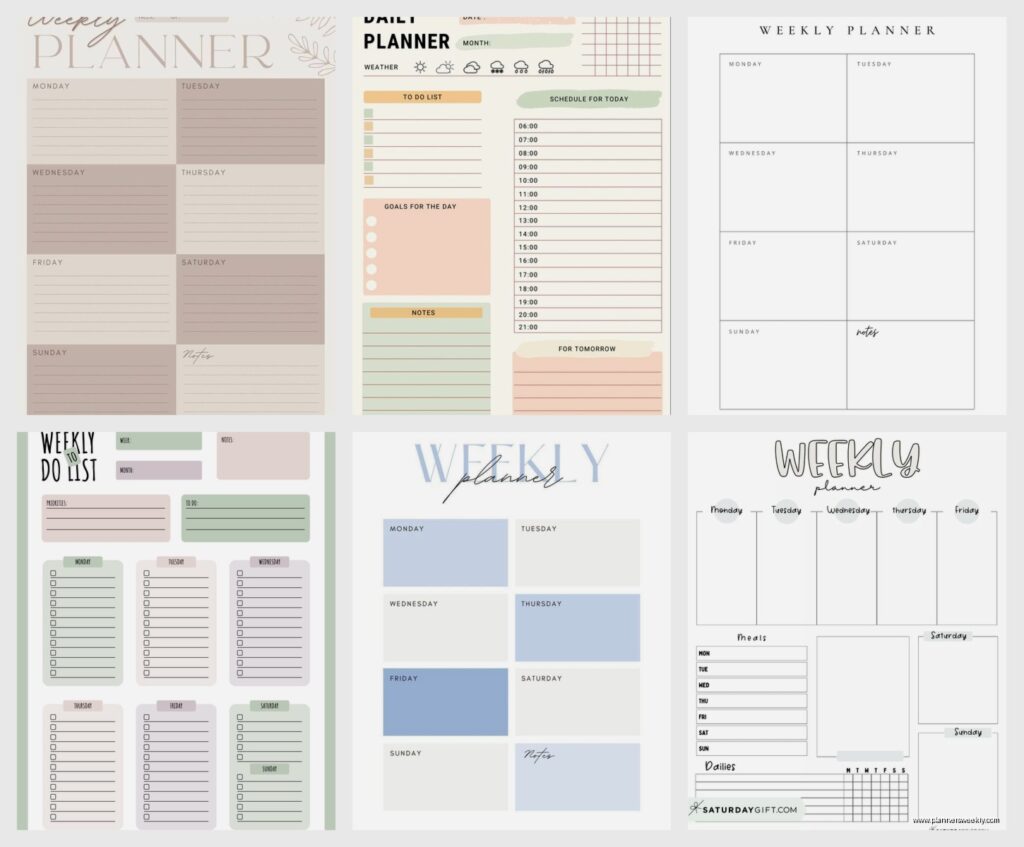
Apr
Okay so I’ve been testing digital weekly planners for like three months straight now
My client canceled last Tuesday so I literally spent four hours comparing every single weekly planner app I could find and honestly? Most of them are either trying too hard or missing something super obvious. Let me just dump everything I learned because I’m still annoyed about the ones that made me waste time.
Notion is still the one everyone asks about
So Notion. Everyone and their mom wants to know about Notion for weekly planning. Here’s the deal – it’s incredibly powerful but you’re gonna spend your first week just setting it up. I’m not even kidding. I have this template I built that took me probably six hours total? But now I can customize literally everything.
The weekly database view is where it’s at. You create a database, set it to calendar view, then switch to a table view filtered by week. Sounds complicated but once you get it, you get it. The thing I love is you can link tasks to projects, add tags, create formulas that calculate how many hours you’ve allocated vs how many you actually have. My dog knocked over my coffee while I was setting up the formula thing and I almost rage-quit but it’s actually useful now.
Best for: people who want total control and don’t mind the learning curve. Also if you’re already using Notion for other stuff, just keep everything in one place.
The free version works fine honestly. I pay for the Plus plan ($10/month) but that’s only because I share workspaces with clients.
TickTick surprised me though
Wait I forgot to mention TickTick earlier and it’s actually the one I use most days now. So TickTick has this calendar view that shows your week and you can drag tasks around between days super easily. It’s not as pretty as some of the others but it just… works? The widget on my phone actually updates in real time which seems basic but you’d be surprised how many apps mess this up.
They added this feature in 2025 where you can set task durations and it’ll show you if you’re overbooked for the day. Game changer. I was planning like 14 hours of work into 8-hour days and wondering why I felt behind constantly. The visual representation of “hey dummy you physically cannot do all this” helped more than I want to admit.
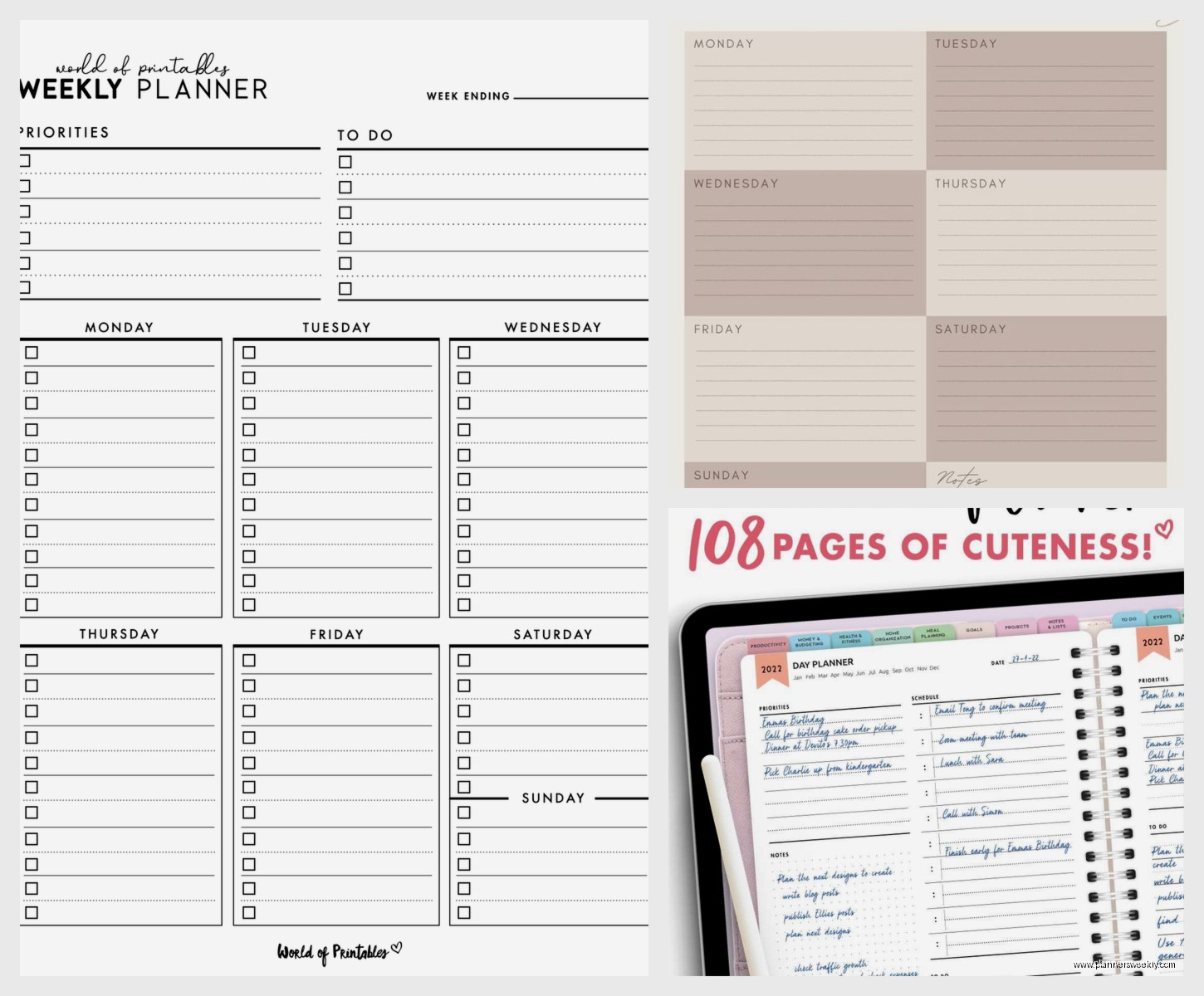
The premium version is $27.99 yearly which is honestly cheap compared to most productivity apps. You get calendar integration, better filters, and habit tracking. The free version is solid for basic weekly planning though.
If you want something specifically for weekly layouts
Structured is iOS only which sucks if you’re on Android but it’s genuinely the best visual weekly planner I’ve found. It’s designed around time-blocking and the interface is so clean it almost looks too simple? But that’s kinda the point.
You can see your whole week at a glance, color code by category, and it integrates with your calendar so meetings show up automatically. I tested this during a super busy week where I had client calls all over the place and being able to see the gaps between meetings made it so much easier to slot in actual work time.
This is gonna sound weird but the app forces you to set time estimates for tasks and I hate it but also it made me so much more realistic about planning. Turns out “write blog post” is not a 30-minute task Emma, it’s more like two hours minimum.
It’s $9.99 one-time purchase. No subscription. Honestly worth it if you’re on iPhone.
The template situation is honestly overwhelming
Okay so if you don’t want a full app and just want templates, I have opinions. Strong opinions because I’ve downloaded approximately one million templates and most of them are either too cute to be functional or too complicated to actually use weekly.
Google Sheets templates are underrated
I know, I know, Excel vibes aren’t exciting but hear me out. There’s this template called “Weekly Planner with Time Blocking” that you can find in the Google Sheets template gallery and it’s actually perfect for people who like seeing everything in a grid. You’ve got hourly slots for each day, a priorities section, and a notes column.
The best part is you can customize it without learning a whole new system. Need to add a row for meal planning? Just insert a row. Want to color code by project? You already know how to do that in Sheets. I use this one when I’m planning client workshop schedules because I can easily share it and everyone knows how to use Google Sheets.
Pro tip: make a copy of the blank template at the start of each week. I name mine like “Week of Jan 6” and keep them all in one folder. Makes it easy to look back and see what I actually accomplished versus what I planned.
Notion templates if you’re already in that ecosystem
There are so many Notion weekly planner templates and honestly most of them are showing off rather than being practical. But I found one called “Weekly Dashboard” by someone named Thomas Frank (I think?) that’s actually usable.
It has this linked database setup where your tasks live in one database but you can view them by week, by project, or by priority. The weekly view shows Monday through Sunday with tasks underneath each day, plus a section for weekly goals and a reflection area for the end of the week.
I modified mine to add a “brain dump” section because I needed somewhere to throw random thoughts that pop up during the week. My version is probably messier than the original but it works for how my brain actually operates.
Oh and another thing about GoodNotes templates
If you have an iPad and use GoodNotes (or Notability, same concept), digital planner templates are huge right now. I bought this one from Etsy for like $8 called “Minimalist Weekly Planner” and it’s basically a PDF that looks like a paper planner but you write on it with your Apple Pencil.
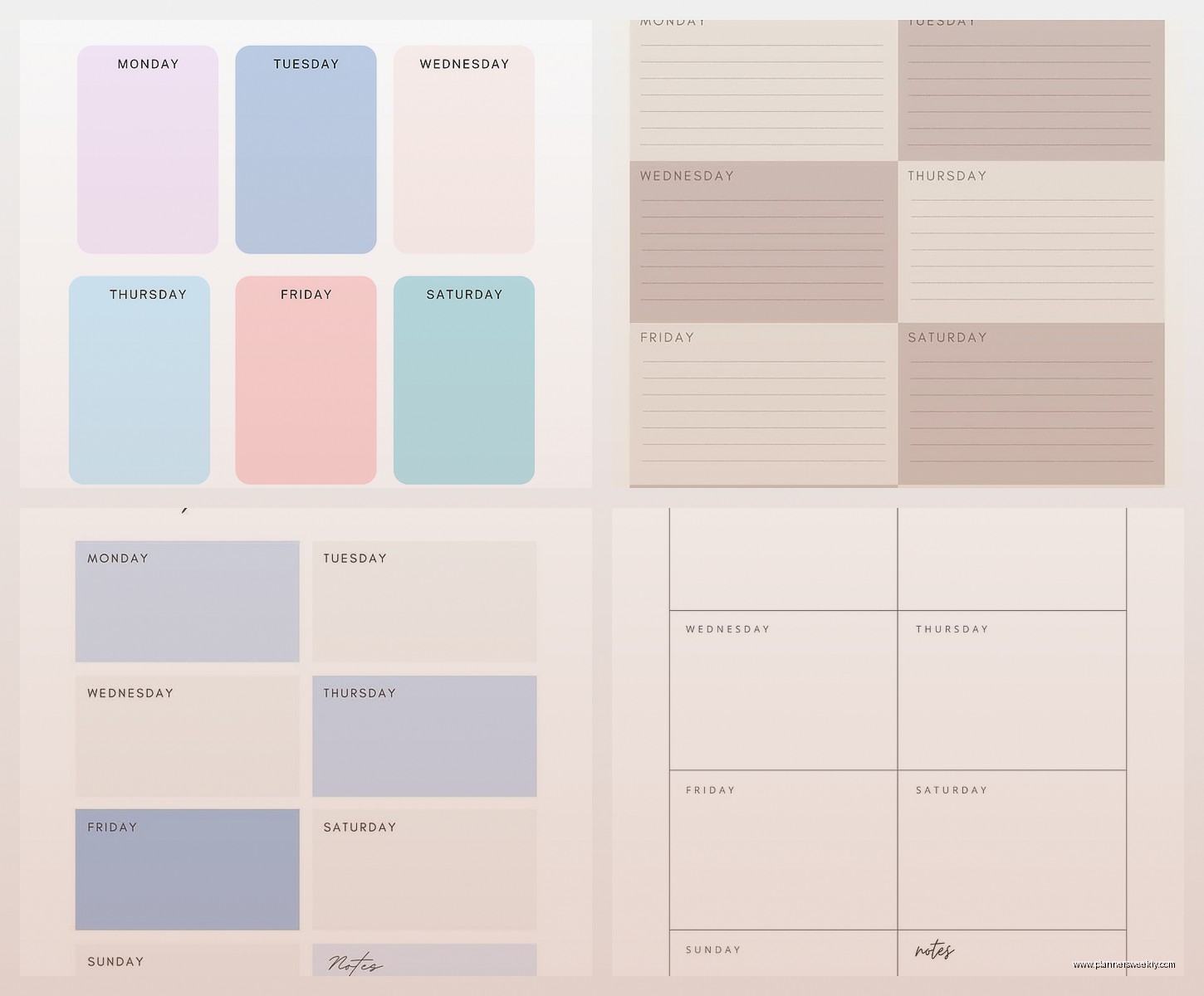
The advantage here is it feels more natural if you’re used to paper planning but you get digital benefits like copying pages, searching your handwriting, and not running out of pages. I use this for weeks when I want to disconnect from typing and apps and just… write things out.
Fair warning though: you gotta like handwriting digitally. Some people hate the feeling. I’m like 50/50 on it depending on my mood.
Apps I tested that didn’t make the cut
Okay so Sunsama keeps getting recommended and I wanted to love it because it’s gorgeous. But it’s $20 per month. TWENTY DOLLARS. For a task manager. I used the free trial for two weeks and yeah it’s nice, the daily planning ritual is calming, the calendar integration is smooth. But I couldn’t justify the cost when TickTick does 80% of the same stuff for way less.
Motion AI is another one people are hyped about. It uses AI to schedule your tasks automatically based on priorities and deadlines. Sounds amazing in theory. In practice, it kept scheduling my deep work tasks at like 2pm when I specifically said I focus best in the morning. Maybe I set it up wrong? But also it’s $34/month so I didn’t stick around long enough to figure it out.
Akiflow was pretty good actually, I just found it overwhelming for weekly planning specifically. It’s more of a daily planner that happens to have a week view. If you’re someone who plans day-by-day rather than week-by-week, check it out. But for weekly overview planning it felt like too much.
The actual free options that don’t suck
Google Calendar is free and honestly underutilized for weekly planning. I know it’s just a calendar but you can create all-day events for tasks, color code them, and set up different calendars for work vs personal vs whatever. The week view on desktop is super clear.
I have a calendar called “Task Blocks” where I schedule time blocks for specific work. So instead of just having meetings on my calendar, I also have “write newsletter” blocked from 9-11am on Thursdays. It’s not fancy but it works and you’re probably already using Google Calendar anyway.
Trello with a weekly board setup is another free option. Create lists for each day of the week, add cards for tasks, drag them between days as needed. Super visual, easy to use, and the free version has everything you need for basic weekly planning. I used this method for like two years before I started testing other stuff.
What I’m actually using right now in 2026
So after all this testing my current system is probably gonna sound anticlimactic but: I use TickTick for task management and quick weekly overview, Google Calendar for time blocking my actual schedule, and I keep a Notion page for weekly reflections and bigger picture planning.
It’s not one perfect app because honestly that doesn’t exist. The app that has the best weekly view doesn’t have great task management. The one with amazing task features has a mediocre calendar. You kinda gotta pick what matters most to you.
If I had to recommend just ONE thing for someone starting out: start with Google Calendar and time block your week. Free, you already have it, and it’ll teach you how you actually spend your time before you invest in fancy apps.
Random tips that helped me
Plan your week on Sunday evening or Monday morning, not Friday. Your Friday self is tired and optimistic about what Future You can accomplish. Monday You is realistic.
Leave buffer time between tasks. I learned this the hard way when I scheduled tasks back-to-back and then my internet went out (thanks Comcast) and my whole week got derailed. Now I build in 15-30 minute gaps.
Don’t plan every single minute. I tried that. I lasted three days before I burned out. Now I plan my 3-5 most important tasks per day and leave space for the random stuff that inevitably comes up.
Whatever system you pick, use it for at least three weeks before switching. I kept app-hopping every week and never gave anything a real chance. Three weeks is long enough to get past the learning curve and see if it actually fits your workflow.
Also gonna be real with you, some weeks I still use paper. I have this cheap weekly planner from Target that I grab when I’m overwhelmed by screens. Digital is great but sometimes you just need to physically cross things off a list, you know?
