
Digital Productivity, Online planners, Planners
Free Daily Planner Template: Downloads & Customization
Apr
Okay so I’ve been testing literally every free daily planner template I could find for the past three weeks and here’s what actually works.
The Templates That Don’t Suck
First thing you gotta know is most free templates are honestly pretty terrible. Like someone made them in 2008 and never updated them. But I found a few that are actually usable and I’ve been forcing my productivity coaching clients to try them so I know they work for real people, not just me.
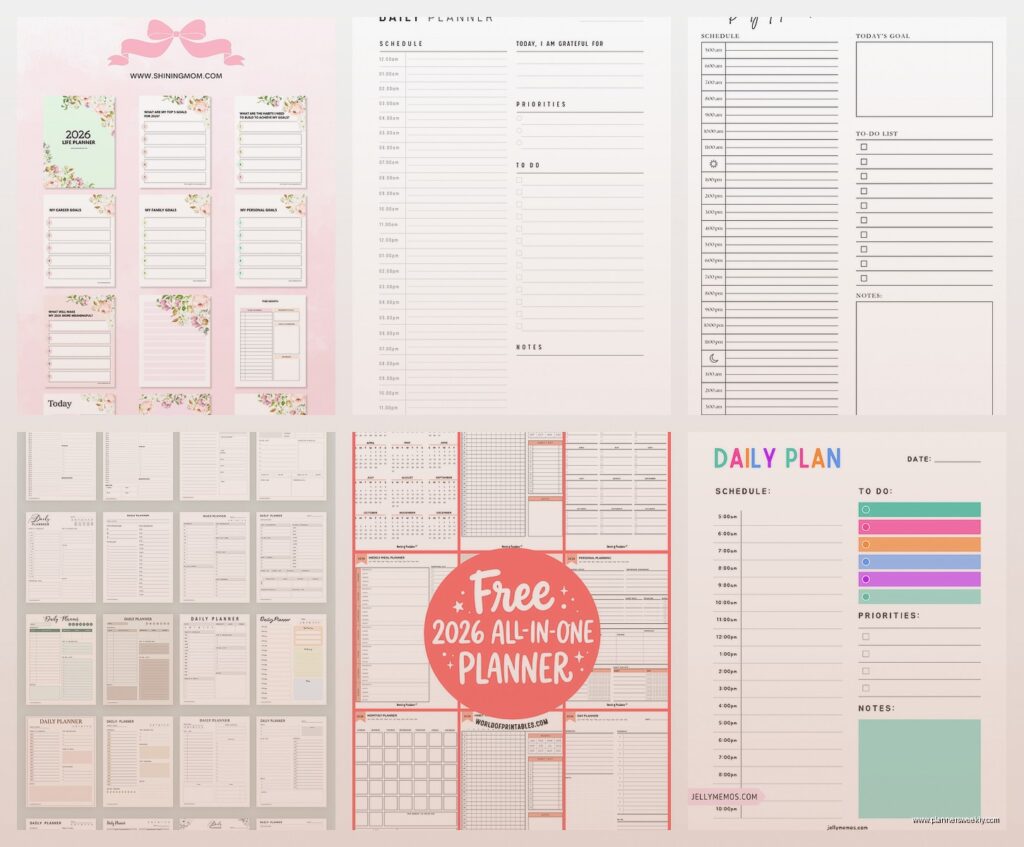
The Google Docs templates are surprisingly decent now. They updated their template gallery last year and there’s this daily planner one that’s super basic but in a good way. It’s got time slots from 6am to 9pm, a priorities section at the top, and this little notes area at the bottom. I used it for a week straight and the thing I liked most was that it’s already in your Drive so you can access it from your phone when you’re standing in line at the grocery store trying to remember what you were supposed to do at 3pm.
Oh and another thing, Canva has a bunch now too. I was skeptical because Canva feels like it’s for making Instagram posts, not actual planning, but their daily planner templates are actually really functional. The one I keep going back to has this layout where your schedule is on the left and then there’s a whole column on the right for tasks that aren’t time-specific. Which is honestly how my brain works anyway because not everything needs to happen at exactly 2:47pm you know.
PDF vs Digital: The Debate I’m Tired Of Having
So everyone asks me this and here’s the truth – it depends on whether you’re a paper person or not. I know that sounds like a cop-out but wait lemme explain.
PDF templates that you print are great if you like physically writing things down. There’s actually research about this, about how writing by hand helps memory retention or whatever, but honestly I just know some people feel more committed when they write it. The best free PDF one I found is from Vertex42. It’s ugly as hell, not gonna lie, but it’s functional and it prints cleanly without wasting ink on fancy borders and decorative crap.
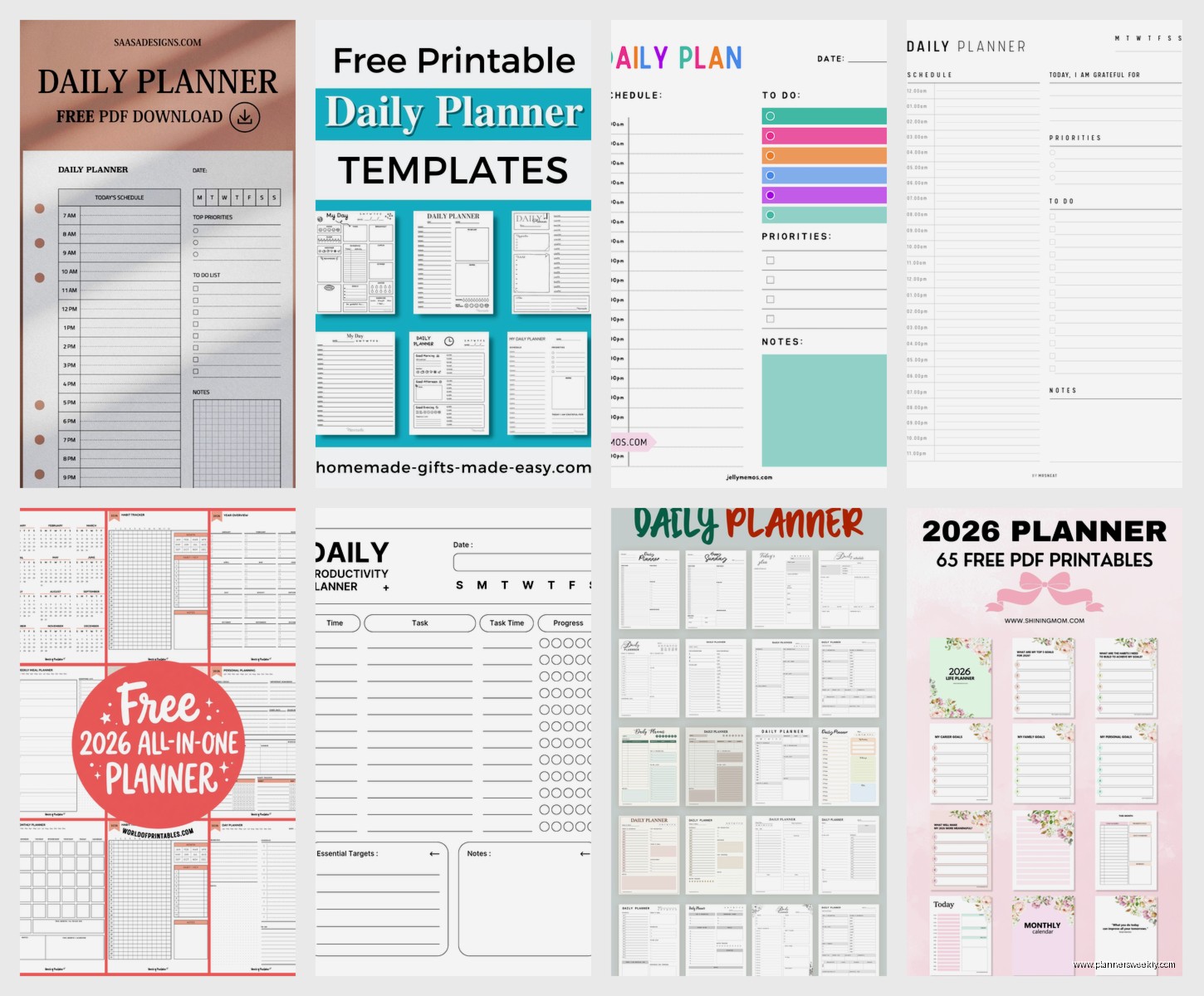
Digital ones that you fill out on your computer or tablet are better if you’re like me and you change your mind seventeen times a day. I can copy-paste tasks, move things around, and I’m not drowning in scratched-out chaos by noon. The problem is you need to be disciplined about actually opening the file. I keep mine pinned in a browser tab and it still took me like four days to remember to check it consistently.
Customizing Without Losing Your Mind
This is where people get all excited and then spend six hours making their planner “aesthetic” instead of actually using it. Been there, done that, wasted an entire Tuesday.
Here’s what customization actually matters:
- Time blocks that match YOUR schedule – if you don’t start work until 10am why does your planner start at 6am
- The right amount of space for tasks – some templates give you like three lines for your entire day which is useless if you have more than three things to do
- Sections that you’ll actually use – don’t add a water tracker if you’ve never tracked water in your life and aren’t gonna start now
I customize templates in Google Docs because it’s the easiest. You can adjust the table columns, change fonts (please use something readable, not some curly script nonsense), and add or delete sections. Last month I added a “brain dump” box to mine because I kept having random thoughts during the day and nowhere to put them. Game changer honestly.
The Sections You Actually Need
Okay so funny story, I had a client who downloaded this elaborate daily planner with like twelve different sections including a gratitude journal, meal planner, exercise log, and inspirational quote area. She used it for exactly one day before giving up because it was too overwhelming. This is gonna sound weird but sometimes less is genuinely more.
Here’s what I include in my daily template now:
- Top three priorities – not ten, THREE, because that’s realistic
- Time-blocked schedule with 30-minute increments
- Task list for stuff that doesn’t need a specific time
- Notes section for random things
- Tomorrow’s prep area where I brain dump what needs to happen the next day
That’s it. I used to have way more but I never used the extra sections and they just made me feel guilty.
Where to Actually Download These Things
So the free template websites are kind of a minefield. Half of them want your email address and then spam you forever. The other half have templates that look good in the preview but download as some weird format that doesn’t work right.
Safe places I actually use:
Google Docs Template Gallery – Just go to Google Docs, click Template Gallery at the top, and look under Personal. The daily planner ones are basic but they work and you don’t have to download anything.
Canva – Free account gets you access to tons of templates. Search “daily planner” and filter by free. You can edit them right in Canva and download as PDF or PNG. My dog was barking at the mailman while I was trying to explain this to a client last week and I completely lost my train of thought but anyway, Canva’s solid.
Microsoft Office Templates – If you have Office 365 or whatever they’re calling it now, there are templates built in. File > New > Search for “daily planner” and there’s a bunch. They work in Word or Excel depending on the template.
Notion – Wait I forgot to mention Notion. It’s technically free and there are a million daily planner templates people have made. The learning curve is steeper though. I spent like two hours figuring out how databases work in Notion before I could even use a planner template properly. But once you get it, you can customize literally everything.
The Email Trap
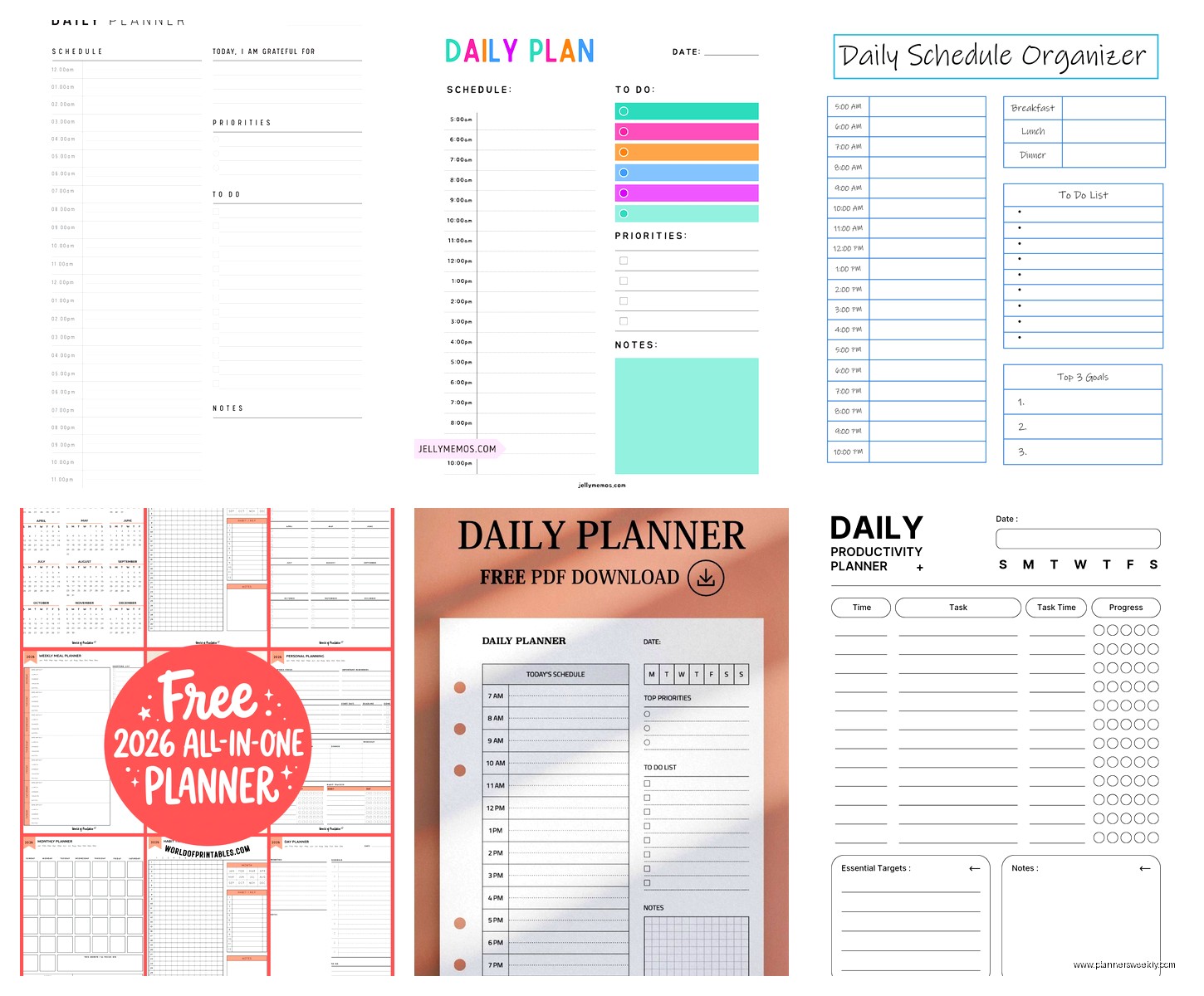
Okay real talk, a lot of “free” planners want your email first. Sometimes it’s worth it, sometimes it’s not. I have a separate email address just for downloading this kind of stuff so my real inbox doesn’t get destroyed. The Organised Housewife has some good free printables but yes you gotta give them your email. I’ve been subscribed for like two years and they send maybe one email a week, not terrible.
101 Planners is another site that does this. Their templates are actually pretty good though, especially if you want something more designed. Just be prepared for the emails.
Making It Actually Work For You
Here’s the thing nobody tells you about daily planners – the template doesn’t matter if you don’t have a system for using it. I tested this gorgeous template from Canva that had everything I thought I wanted and I still didn’t use it consistently until I built some habits around it.
What actually worked for me:
Fill it out the night before – I know everyone says do it in the morning but I’m not a person in the morning, I’m like a zombie until I’ve had coffee. Night before means I wake up and already know what I’m doing.
Keep it open all day – Whether it’s printed on your desk or open on your screen, you gotta see it. Out of sight means you’ll forget it exists by 11am.
Time block realistically – Don’t schedule things back-to-back for twelve hours straight. You’re gonna need bathroom breaks and lunch and probably a few minutes to stare at the wall. I learned this the hard way after scheduling myself into exhaustion for like three days straight.
Review at end of day – Takes two minutes. What got done, what didn’t, what needs to move to tomorrow. This is actually how I figure out if my template is working or if I need to adjust it.
The Customization I Actually Use
So after testing a bunch of different formats here’s what I settled on and why. My template has time slots from 8am to 8pm because that’s my actual workday plus evening stuff. I use 30-minute blocks because anything smaller feels too rigid and anything bigger isn’t specific enough.
I added a “energy level” column next to my time blocks. Sounds weird but hear me out. I mark if I expect to be high, medium, or low energy at that time based on my natural rhythm. Then I schedule hard tasks during high energy times and easy stuff during low energy. This was a game changer honestly. I used to schedule calls at 2pm which is when I always crash and then wonder why they went badly.
Oh and I have this section I call “parking lot” where I dump tasks that come up during the day but can’t be done immediately. Before I had this I would either try to do everything right away (chaos) or forget about it completely (also chaos).
Digital Tools vs Paper Templates
I keep going back and forth on this myself. Right now I’m using a hybrid system that probably sounds overly complicated but it works for me. My main template is digital in Google Docs because I like being able to access it anywhere and make changes easily. But I also print it out each morning because I like crossing things off physically. Yes I’m doing double work. Yes it’s worth it to me.
The digital advantages are obvious – you can copy yesterday’s template and just update it, you can have recurring tasks that you copy-paste, and you never run out of pages. Plus if you’re using something like Notion or Google Docs you can search your old planners which is actually super useful when you’re trying to remember when you did something.
Paper advantages are more subtle but they’re real. There’s no notifications, no temptation to switch tabs to check email, and something about writing things down makes them feel more concrete to me. Also my screen time was getting ridiculous so having my planner on paper means one less thing pulling me to a device.
Apps That Work With Templates
GoodNotes if you have an iPad is perfect for using PDF planner templates. You can write on them with the Apple Pencil and it feels like paper but you get all the digital benefits. I use this when I’m working from a coffee shop and don’t want to carry physical paper around.
Notability is similar and some people like it better. I prefer GoodNotes but honestly they’re both fine.
OneNote is free and works on everything. You can insert PDF templates or create your own planner layout. It’s not as pretty as the other options but it’s functional and it syncs across devices. I used this for like six months before I switched to my current system.
Common Template Mistakes
Okay so after watching clients try different templates I’ve seen the same mistakes over and over. First one is downloading a template that’s too ambitious. Like if you’ve never used a daily planner before don’t start with one that has fifteen sections and requires twenty minutes to fill out. Start simple, add complexity later if you need it.
Second mistake is not customizing at all. Just because a template comes a certain way doesn’t mean it’s right for you. Delete sections you won’t use. Add sections you need. Change the time blocks. Make it yours or you won’t stick with it.
Third mistake is switching templates too often. I’m totally guilty of this. I see a new pretty template and think THAT’S the one that’ll fix everything. But constantly switching means you never build a habit. Pick one, use it for at least two weeks before deciding if it works or not.
My cat just jumped on my keyboard and almost deleted this whole section so that was fun.
Specific Templates I Actually Recommend
The Google Docs “Daily Planner” template – basic, clean, works on any device. Good starting point.
Canva’s “Minimal Daily Planner” – looks nice without being fussy, easy to customize, can download as PDF or use digitally.
Vertex42’s “Daily Schedule Template” – ugly but incredibly functional, prints well, lots of time slots.
Notion’s “Daily Planner” template that’s in their template gallery – takes some setup but super powerful once you get it going. You can link to other pages, add databases, all kinds of stuff.
The basic Excel daily planner template if you’re already living in spreadsheets anyway. You can add formulas to automatically carry over unfinished tasks and stuff like that.
Honestly though the best template is whichever one you’ll actually use consistently. I’ve seen people have amazing success with super basic templates and I’ve seen people fail with elaborate beautiful ones. It’s less about the template and more about whether it fits your life and your brain.
