
Digital Productivity, Online planners, Planners
Daily Planner Templates: Complete Guide & Free Downloads
Apr
okay so I just spent like three weeks testing every daily planner template I could find because honestly my old system was a mess and my client asked me which one she should use and I realized I had no good answer
here’s the thing about digital vs paper templates that nobody tells you upfront – you’re gonna need to actually think about where you spend most of your day. like I was all excited about this gorgeous Notion template but then realized I’m on my iPad like 60% of the time and Notion’s iPad app is… not great for quick edits. ended up going back to paper for two weeks just because I could grab it faster
Google Sheets Templates Are Weirdly Underrated
so Google Sheets daily planners sound boring right? but wait because I tested this one template from Vertex42 and it’s actually super functional. you get time blocking from 6am to 10pm in 30-minute chunks and here’s what I loved – you can color-code by category and it syncs everywhere. I was editing my planner on my phone while waiting for my dog’s vet appointment and it just worked
the free version gives you basic time slots plus a notes section and habit tracker on the side. honestly for someone who just needs to see their day laid out without fancy stuff this is gonna be your best bet. you can print it too which I did not expect to care about but then my internet went out for like 6 hours and I was very glad I had printed Friday’s plan
downside is it’s not pretty. like at all. very spreadsheet-looking which some people hate but I kinda don’t mind anymore?
Notion Templates If You Want Customization
okay so Notion daily planner templates are everywhere now and I tested probably 15 different ones. the most popular free one is from Thomas Frank’s company and it’s got everything – daily tasks, time blocking, notes section, even a water intake tracker which feels excessive until you realize you haven’t had water since 9am and it’s 3pm
what actually works: the linked databases thing. you can connect your daily planner to your project tracker so tasks automatically show up. I set this up for my blog content calendar and now when I open my daily page it pulls in whatever posts are due that day
what’s annoying: the learning curve is real. my sister tried to use my template and called me after 20 minutes like “how do I just write what I need to do tomorrow” and I realized I’d over-engineered the whole thing. if you’re new to Notion maybe start with the basic daily template they provide in their template gallery instead of the fancy community ones
oh and another thing – Notion templates can get slow if you’re adding lots of images or embedded content. I had this beautiful aesthetic template with photo headers and it took like 5 seconds to load each day which doesn’t sound like much but when you’re trying to quickly check your schedule it’s annoying enough that I stopped using it
The Free Notion Templates Worth Downloading
- Notion’s default daily log template – boring but fast
- August Bradley’s PPV Lite version has a daily planner component that’s actually manageable
- the minimalist daily page from Red Gregory – loads fast and has just enough structure
PDF Templates You Can Print
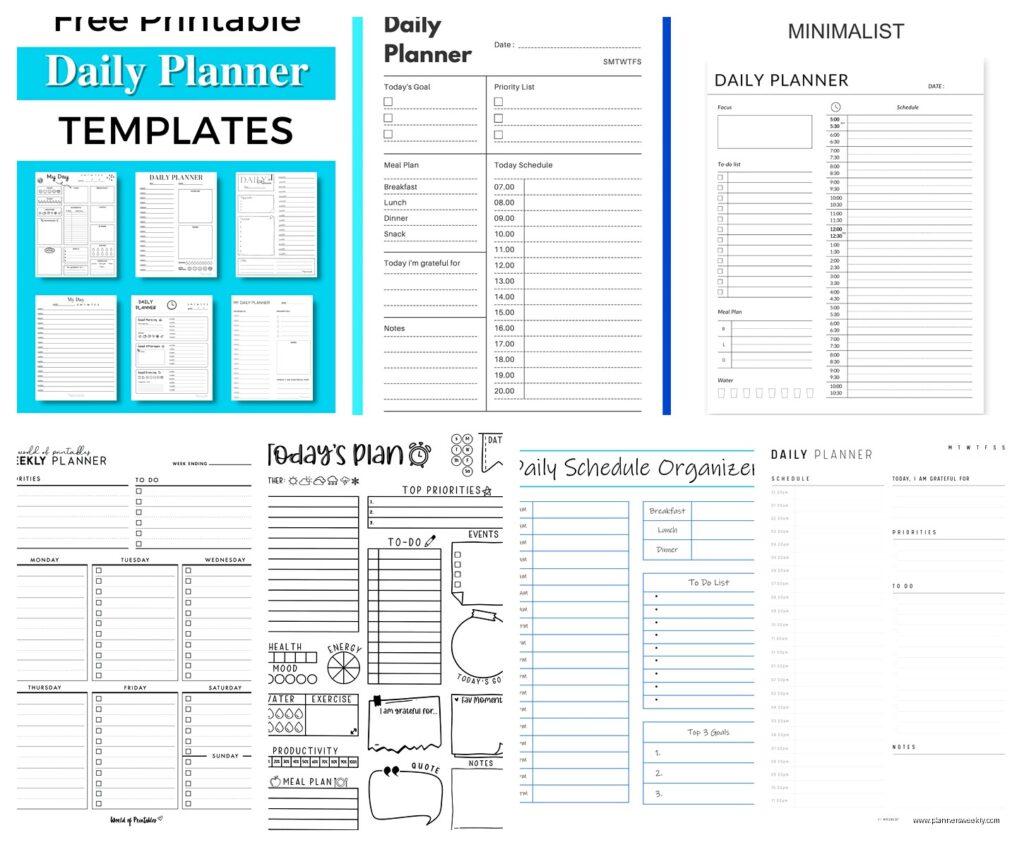
so this is gonna sound weird but I’ve gone back to paper planners for my actual daily planning. I keep digital for project management but something about writing my day by hand just works better for my brain. tested a bunch of free PDF templates you can download and print
the best free one I found is from Scattered Squirrel – they have this daily planning sheet that’s got hourly time slots from 7am-9pm, a top priorities box, and a notes section. it’s designed to fit in a standard binder or you can use it standalone. I print a week’s worth every Sunday and it costs basically nothing
another good option is the passion planner daily template they offer as a free download. it’s got that whole “what would make today great” section at the top which I thought would be too touchy-feely for me but actually it’s kinda helpful to think about before you dive into tasks? though some days I just skip it when I’m not in the mood
wait I forgot to mention – if you’re printing these, do yourself a favor and get 32lb paper instead of regular printer paper. I was using regular paper for like two weeks and it kept tearing in my bag, the heavier paper is worth the extra $3
Trello Daily Planning Boards
okay this is probably my favorite system right now even though it’s not technically a “template” in the traditional sense. you can set up a Trello board with lists for different times of day or different priority levels and it’s so satisfying to drag cards around as your day changes
I have lists set up like: Morning Priorities, Afternoon Blocks, Evening Tasks, Waiting On, and Done. every morning I spend maybe 5 minutes moving cards from my master task board into today’s board. when something comes up I can just drag it to a different time block instead of rewriting everything
the free version is plenty for daily planning – you don’t need the paid features unless you want fancy automation stuff. there’s a butler automation where completed cards automatically archive at midnight which keeps your board clean but honestly I just do it manually on Friday afternoons while watching whatever’s on Netflix
my client canceled last Tuesday so I spent an hour setting up a Trello template board you can copy and it’s got all the lists pre-made with some example cards showing how to use it. way easier than starting from scratch
Excel and Numbers Templates
if you’re on Mac the Numbers daily planner templates are actually pretty solid and they’re free in the app. there’s one called daily schedule that has hourly blocks and looks cleaner than the Excel equivalents
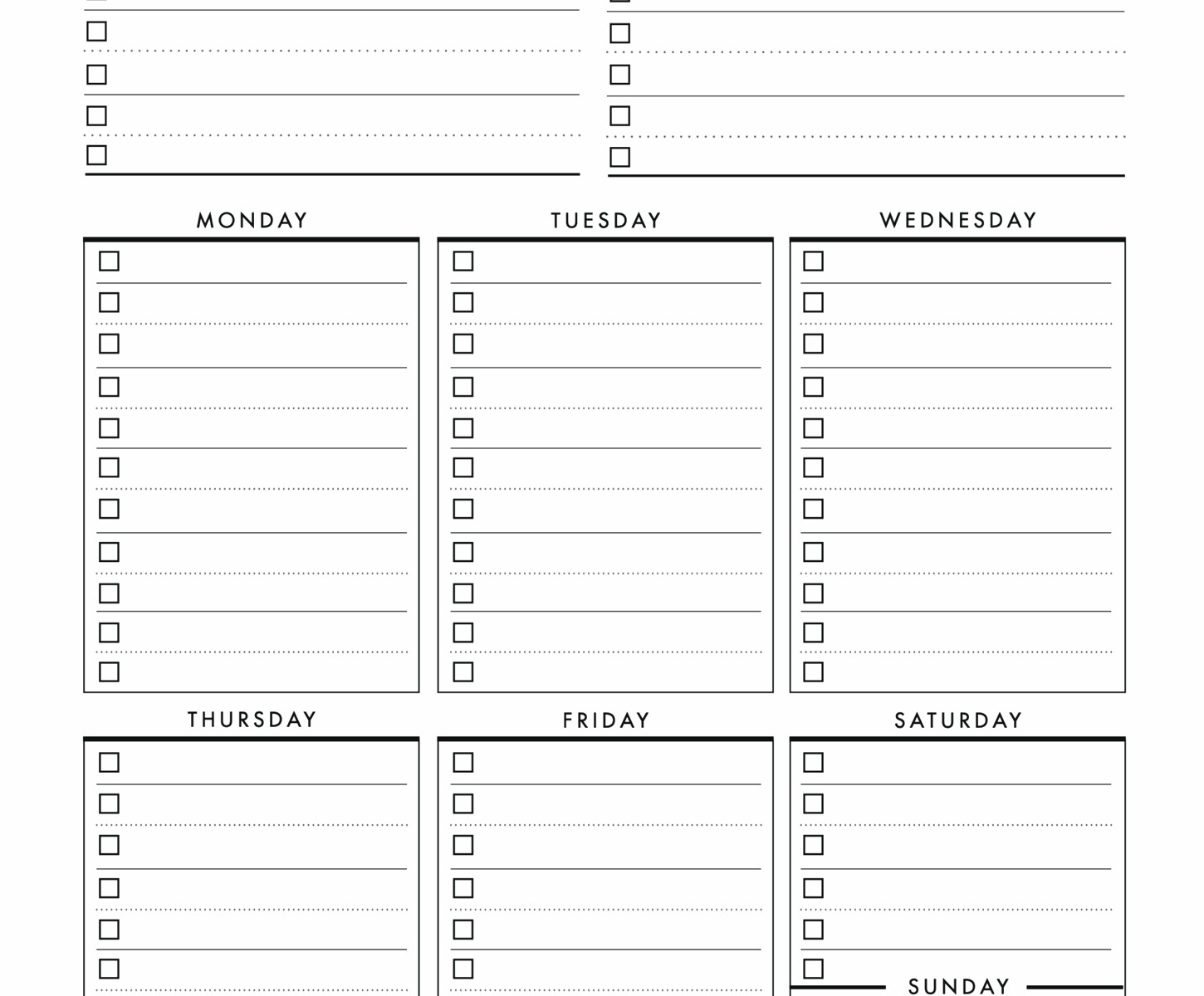
for Excel users Microsoft has free templates in their template library – search for daily planner and you’ll find like 20 options. the one I tested most is called daily schedule and task list. it’s functional but pretty basic – just time slots and a task list side by side. works fine if you literally just need to see your schedule and your tasks
the nice thing about Excel/Numbers is you can get really into formulas if that’s your thing. I set up conditional formatting so overdue tasks turn red automatically which is either motivating or stressful depending on the day
OneNote Daily Templates
OneNote is free and comes with Windows and honestly more people should use it for daily planning. you can set up a template page and then just copy it each day. I have mine set up with sections for time blocking, quick capture notes, and important links
what’s great is you can insert checkboxes that actually work – click them and they get checked off. you can also record audio notes directly in the page which I thought I’d never use but then I was driving and remembered something important and just voice-recorded it into that day’s page
the search function across all your daily pages is really good too. like last week I needed to remember when I’d scheduled something and just searched for the person’s name and found it in my daily note from three weeks ago
Canva Daily Planner Templates
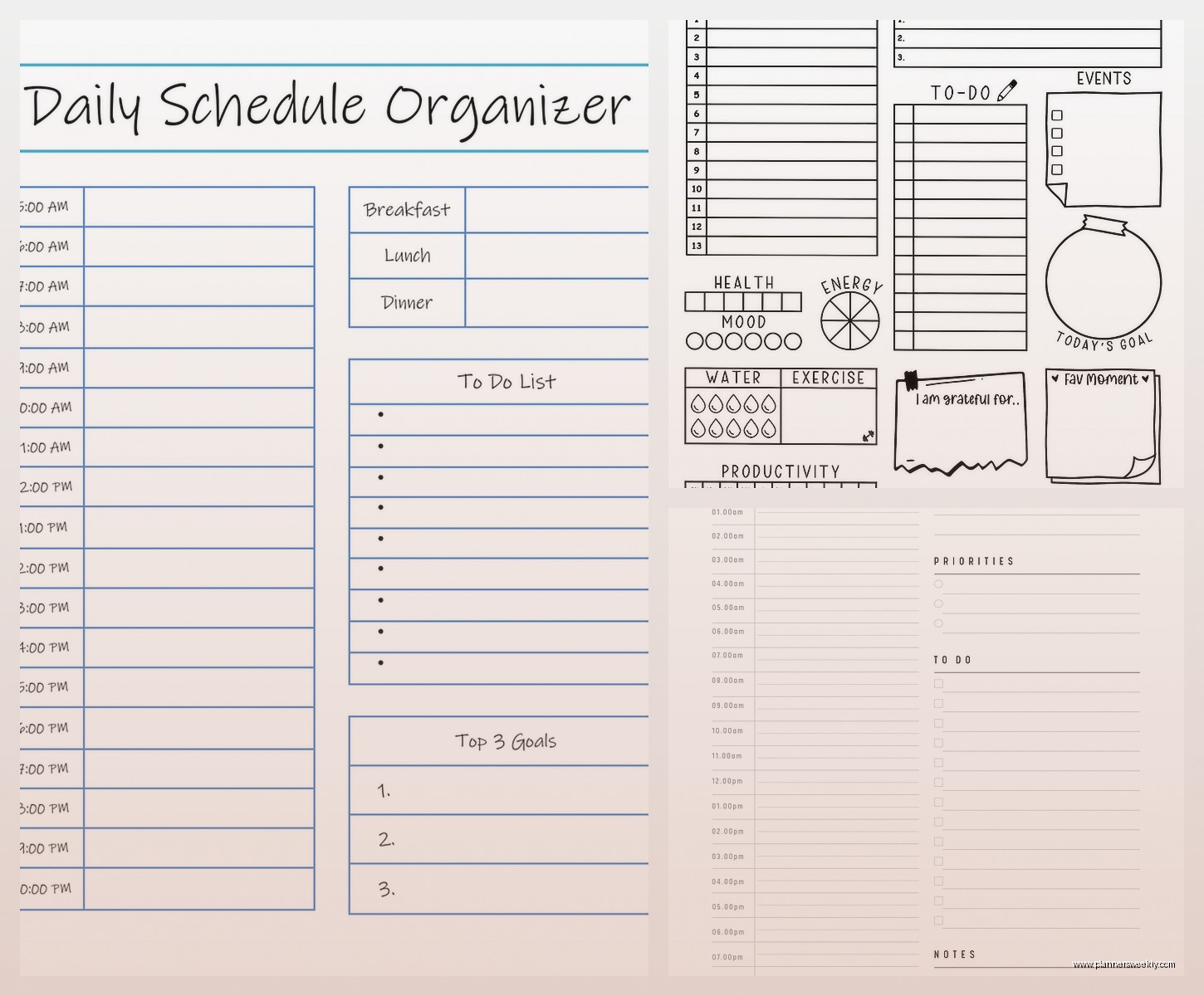
okay so Canva has free daily planner templates and they’re gorgeous which is both good and bad. good because they’re actually pretty to look at. bad because you might spend 30 minutes customizing fonts instead of actually planning your day (definitely didn’t do this multiple times…)
they work best if you’re gonna print them or use them as iPad backgrounds. I tried using one as my iPad wallpaper and writing on it with Apple Pencil but the resolution got weird. works better to download as PDF and open in GoodNotes or Notability
the free account gives you access to plenty of templates – just search daily planner in their template section. you can customize colors and fonts without paying for premium. some templates have premium elements but you can usually delete those and replace with free alternatives
Google Docs Daily Planning Templates
honestly Google Docs templates are kinda underrated for daily planning. they’re not fancy but they’re fast and they work on every device. I have a template saved in my Drive that I literally just copy every morning
it’s got sections for top 3 priorities, time blocks, notes, and tomorrow’s prep. takes maybe 30 seconds to copy and rename with the new date. the advantage is you can search across all your daily docs really easily and you’ve got a record of what you actually accomplished each day
this is gonna sound weird but I actually like that it’s not too structured – some days I need hourly time blocks and some days I just need a brain dump of everything I gotta do. the Google Doc format lets me adjust on the fly
What Actually Matters When Choosing
after testing all these here’s what I figured out – the best template is the one you’ll actually open every day. sounds obvious but like that gorgeous aesthetic Notion template? I used it for three days before the loading time annoyed me enough to quit
think about your actual workflow not your ideal workflow. I wanted to be someone who does beautiful bullet journal style daily logs but in reality I need something I can update on my phone between meetings. so now I use Google Sheets during the week and do a paper version on weekends when I have more time
also you’re probably gonna switch systems a few times before you find what works and that’s fine. I went through like 6 different templates in a month. my downloads folder is embarrassing. but now I’ve got a system that actually functions for how I work instead of how productivity Instagram says I should work
the free downloads I mentioned are all actually free – I’m not trying to get you to sign up for email lists or whatever. some sites make you put in your email but you can usually find the same template elsewhere if you search around. though honestly some of the email newsletters are decent if you’re into productivity stuff
oh and one more thing – whatever template you pick add way less to your daily plan than you think you can accomplish. I was putting like 15 tasks on my daily planner and then feeling terrible when I only did 7. now I put max 5 important things and everything else goes in a separate list for if I have extra time. way less stressful and I actually get the important stuff done
