
Digital Productivity, Online planners, Planners
ADHD Digital Planner: Best Apps & Templates for Focus
Mar
Okay so I just spent the last three weeks testing basically every ADHD planner app because one of my clients asked me this exact question and I got hyperfocused on finding the answer. Here’s what actually works.
The Apps That Don’t Suck
Notion is gonna come up first because everyone talks about it, but honestly it’s a trap for ADHD brains unless you use someone else’s template. I wasted like four hours building my own system and never opened it again. But there’s this template called “ADHD Command Center” by some creator named Marie—I think that’s her name—and it’s actually structured enough that you don’t get lost. It has a dashboard that shows only today’s stuff, which is key because seeing your entire life at once is paralyzing.
The thing with Notion though is you gotta be honest with yourself. If you’re someone who needs notifications screaming at you, it’s not great at that. The mobile app is slow to load and by the time it opens you’ve already forgotten why you opened your phone.
Structured App That Keeps You On Track
Motion is expensive but it does something really specific that helps ADHD brains—it auto-schedules your tasks based on deadlines and how long you said they’d take. So you don’t have to do that mental gymnastics of “okay if this is due Friday and today is Tuesday and I need three hours but I also have that meeting…” It just puts it in your calendar. I tested it for two weeks and actually finished a project early, which like, never happens. My dog knocked over my coffee during one planning session and I didn’t even lose my place because the app just kept showing me what was next.
The downside is it costs $34 a month which is ridiculous. But they have a free trial and honestly if you’re losing money from missed deadlines it pays for itself.
The Visual One
Sunsama is similar but prettier and more journal-y. It makes you plan your day every morning which sounds annoying but actually helps? It forces you to look at everything and drag like three or four things into today. Not seventeen things. Three. Which is realistic.
I’ve been using it for client work and the daily review feature at the end of the day is weirdly satisfying. You check off what you did and move what you didn’t. No guilt trip, just facts. It integrates with basically everything—Gmail, Slack, Asana, whatever you’re already using—so you’re not copying tasks between apps.
Also costs money though, like $20 a month. Why are all these apps so expensive?
Free Options That Actually Work
TickTick is free for the basic version and honestly does 90% of what those expensive apps do. The key feature for ADHD is the Eisenhower Matrix view—you know, that urgent/important grid thing. It automatically sorts your tasks if you tag them right, so you can see what actually needs doing versus what your brain just thinks is urgent because it’s new and shiny.
The pomodoro timer built into it is chef’s kiss. You can set it for any length and it’ll buzz at you. I do 15-minute sprints instead of 25 because sitting still for 25 minutes feels impossible most days.
Wait I forgot to mention—TickTick has this habit tracking thing too. I track if I actually looked at my planner each day because that’s honestly the hardest part. Not planning, but remembering the plan exists. My tracking streak shames me into opening the app.
Google Calendar But Make It ADHD-Friendly
This is gonna sound too simple but hear me out. Google Calendar with color-coding and time-blocking is free and works on every device. The trick is using it differently than normal people do.
Block out your “probably useless” hours. For me that’s 2-4pm when my brain is mush. I mark that time as busy and call it “admin time” but really I’m giving myself permission to do easy stuff or nothing. Then I only schedule hard tasks in my actual good brain hours which is like 9-11am.
Also block buffer time between everything. ADHD brains are bad at transitions so if you have a meeting at 2 and another at 3, you’re not actually free from 2:30-3. You need 15 minutes to remember what the next thing is and find your notes and stuff. Schedule that dead time.
Templates That Save Your Life
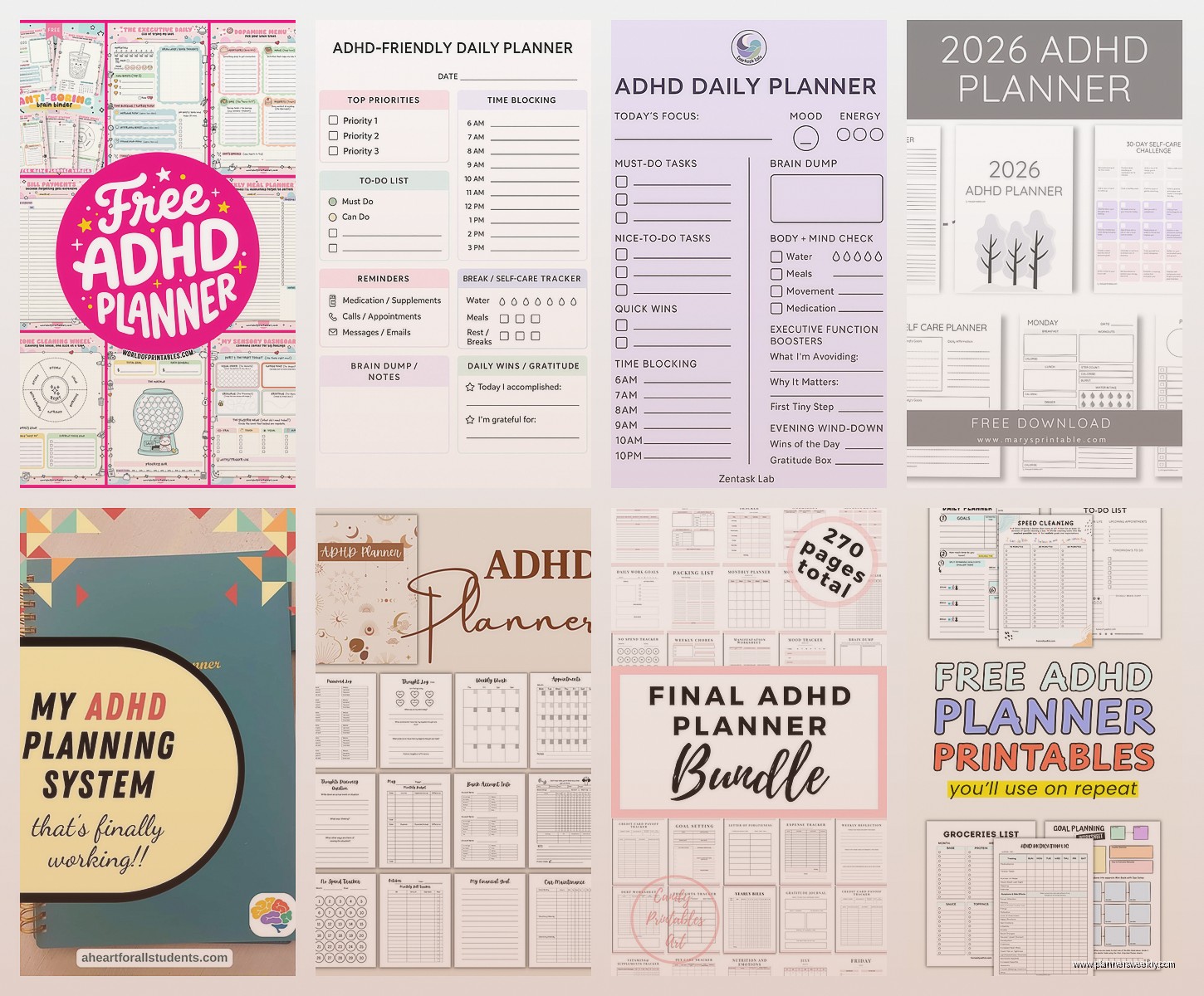
Oh and another thing—if you’re using Notion or OneNote or whatever, don’t start from scratch. Download templates from Etsy or Gumroad. I bought this ADHD productivity bundle for like $12 from someone called “Plan With Bee” I think? It had daily planning pages that break tasks into “brain dead easy,” “medium effort,” and “hard mode” categories.
That categorization thing is genius because on bad brain days you can just look at the easy list. You’re still being productive but you’re not setting yourself up to fail by trying to write a presentation when you can barely remember where you put your phone.
The Paper Hybrid Approach
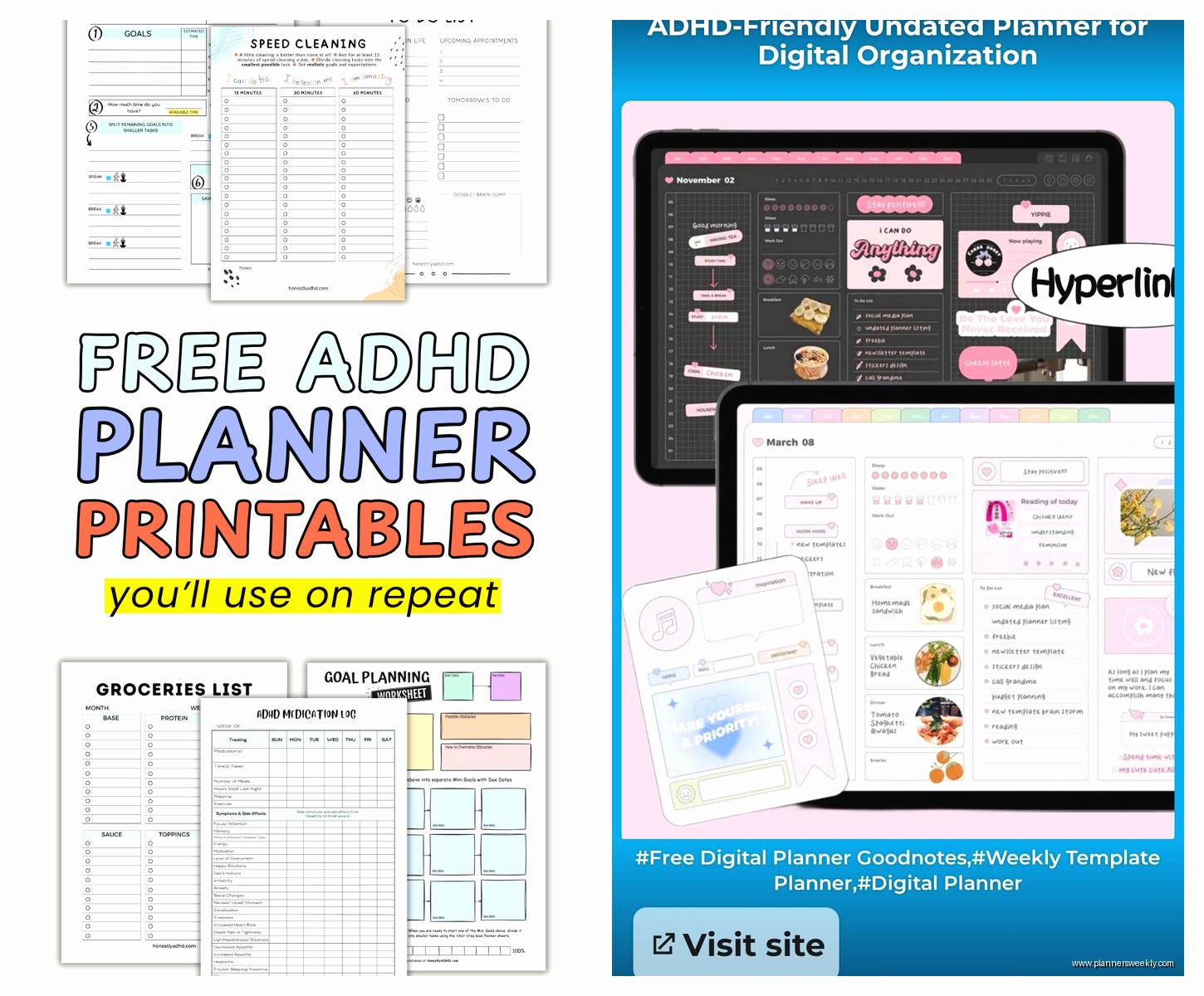
Okay this is weird but digital planners on an iPad with an Apple Pencil or Samsung tablet actually work better than apps for some people. You get the satisfying hand-writing thing but it’s searchable and doesn’t create paper clutter.
GoodNotes has ADHD-specific planner templates you can import. There’s one called “Focus Planner” that has a spot for your three main tasks, a brain dump section, and hourly time blocks. The brain dump section is crucial—you write down every random thought that pops up while you’re trying to focus, then you can forget about it because it’s captured.
I tested this during a week where I was supposed to finish three articles and I actually did it? Normally I’d start one, remember I need to email someone, check email, see a newsletter, read that, forget what I was doing… you know the spiral. But writing down “email Sarah” in the brain dump and going back to the task kept me on track.
What Actually Matters More Than The App
Here’s the thing nobody wants to hear—the app matters way less than your system. I’ve watched so many people download Motion or Notion or whatever, spend a weekend setting it up perfectly, and then never open it again.
The setup that works is embarrassingly simple. You need exactly three things:
- A place where ALL tasks go immediately when you think of them (one inbox, not seven apps)
- A daily list that shows ONLY today’s stuff (not this week, not upcoming, just today)
- Reminders that actually interrupt you (push notifications you don’t ignore)
That’s it. If your planner doesn’t do those three things clearly, it won’t work for an ADHD brain.
The Notification Problem
Most people with ADHD have trained themselves to ignore notifications because we get too many. So app reminders don’t work unless you do something extreme. I set mine to “persistent” so they stay on screen until I deal with them. Annoying? Yes. Effective? Also yes.
Or use something external. I have an Echo Dot that announces my tasks out loud at scheduled times. Can’t ignore Alexa yelling “Time to start your 3pm task” when you’re sitting right there. My cat hates it but whatever.
Apps That Sound Good But Aren’t
Todoist looks perfect—it’s pretty, it’s popular, everyone recommends it. But the natural language input thing that everyone loves? It’s too fiddly for ADHD. You have to type tasks in a specific way for it to understand the date and time and priority. On a good brain day that’s fine. On a bad day you’ll type “call dentist sometime this week” and it’ll just sit there with no date and you’ll never see it again.
Trello is another one people suggest and I hate it for ADHD. Too many boards, too many lists, too many cards. It’s great for project management but for daily planning it’s visual chaos. Unless you’re very disciplined about archiving old cards you end up with seventeen boards and no idea where anything is.
The Cute Planner Trap
Those aesthetic planner apps with the pastel colors and cute stickers? They’re designed to sell in-app purchases, not to help you focus. I’m looking at you, Planner Pro and those similar ones. They feel good to use for like three days and then the novelty wears off and you realize you’ve been decorating your to-do list instead of doing the actual tasks.
This is gonna sound harsh but if an app’s main feature is customization and themes, it’s not actually a productivity tool. It’s a distraction dressed up as productivity.
What I’m Actually Using Right Now
After testing everything, I’m using a combo that feels stupid but works. Google Calendar for time-blocking my day, TickTick for task management, and a paper notebook for brain dumps. The paper notebook is a cheap spiral one from Target, nothing fancy, because if it’s fancy I’m afraid to mess it up.
Every morning I look at TickTick, pick three tasks, and block time for them in Google Calendar. That’s it. Takes five minutes. Then throughout the day if I think of something, it goes in TickTick immediately. If I need to process a thought or I’m stuck on something, paper notebook.
The whole system lives or dies on that morning review. If I skip it I’m doomed. So I do it while drinking coffee before I check email or social media or anything else. It’s the only routine that’s stuck for more than a month.
What To Try First
If you’re reading this at 11pm trying to figure out what to download right now, start with TickTick. It’s free, it works on everything, and it’s not overwhelming. Set up three lists: Today, This Week, and Brain Dump. That’s it. Don’t make it complicated.
Use it for a week and see if you actually open it. If you do, great, keep going. If you don’t, try Sunsama’s free trial because the forced daily planning might be the structure you need. If that feels like too much pressure, go full analog with a paper planner and just use Google Calendar for appointments.
The best planner is the one you’ll actually use, which I know sounds like something a motivational poster would say but it’s true. I’ve got a $400 Hobonichi planner sitting unused on my shelf and a $3 notebook that’s falling apart from use. Your brain will tell you what works if you listen to it.
Oh wait, one more thing—whatever you choose, give it two weeks minimum. ADHD brains hate new systems at first because they’re not automatic yet. Two weeks is usually enough to know if something’s gonna stick or if it’s just not right for how your brain works. I almost gave up on time-blocking after four days and now it’s the only thing keeping me functional, so yeah. Stick with it a bit before deciding.
