
Digital Productivity, Online planners, Planners
At a Glance 2026 Monthly Planner: Complete Review
Feb
Okay so I’ve been using the At a Glance 2026 monthly planner for about three weeks now and honestly I wasn’t even planning to review it but my sister asked me which planner to get her boss and I realized I had a lot to say about this one.
The Binding Situation Nobody Talks About
First thing you need to know is the binding because this is where At a Glance does something kinda genius but also annoying depending on how you work. They use this twin-wire binding which sounds fancy but really it just means the pages lay completely flat. And I mean COMPLETELY flat. I was watching The Bear while testing this and accidentally left my coffee cup on the January spread for like twenty minutes and the pages didn’t even try to close on their own which is… actually pretty impressive?
But here’s the thing about that binding – if you’re someone who likes to fold planners back on themselves (like for throwing in a bag), this one fights you a little. Not a dealbreaker but I noticed it immediately because my old Moleskine just folds however I want it to.
The 2026 Layout Specifics
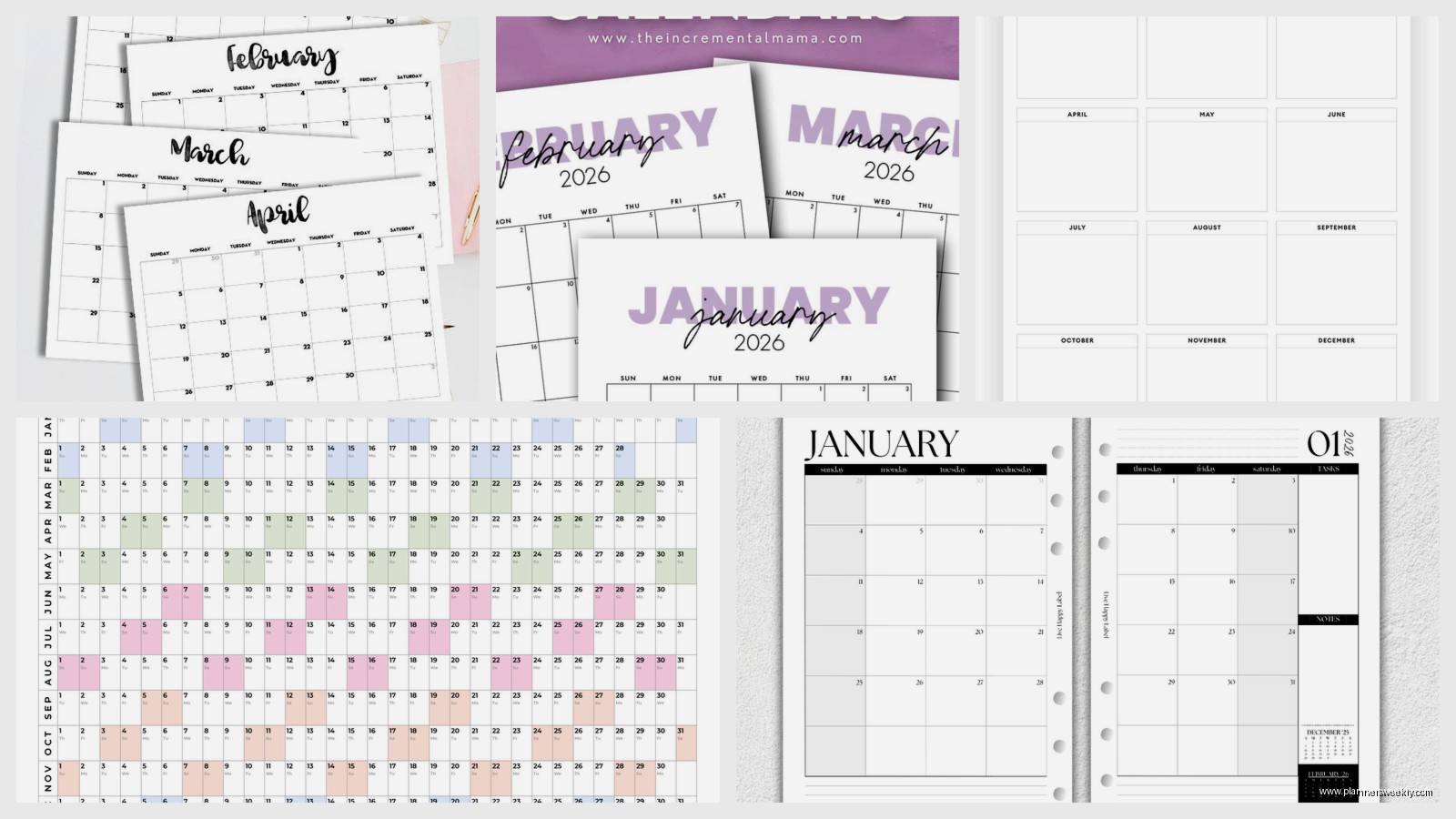
The actual monthly spreads start with January 2026 and run through December 2026, which sounds obvious but I’ve bought “2026 planners” that actually start in like September 2025 and it throws off my whole brain. This one’s straightforward – you get a full two-page spread for each month.
Each month has a notes section on the right side which is either gonna be super useful or completely wasted space depending on your planning style. I use mine for tracking blog post ideas but my friend uses hers for meal planning and it works for that too.
The Actual Dimensions Matter More Than You Think
It’s 8.5 x 11 inches which is basically standard letter size. This was too big for me at first because I’m used to smaller planners but then I realized I could actually see my handwriting without squinting. At 40 my eyes aren’t what they used to be and those tiny 5×7 planners were starting to annoy me even though they’re cuter.
The size means it doesn’t fit in most purses which is either fine or a disaster depending on your life. I keep mine on my desk and use my phone for on-the-go stuff so it works but if you need portability this isn’t gonna be your favorite.
Paper Quality and the Coffee Test
Oh wait I should mention the paper before I forget – it’s not the fancy thick paper you get in those $40 planners but it’s solid. I use Pilot G2 pens mostly and they don’t bleed through. Sharpies bleed a tiny bit but like, why are you using Sharpies in a planner anyway.
There was this one time I knocked over my entire water bottle on the March page (this is becoming a pattern with me and liquids apparently) and the paper did buckle a little but nothing bled to the next page. It dried weird but still usable.
What You Actually Get in Each Monthly Spread
- Big squares for each day with enough room for about 3-4 lines of writing if your handwriting is normal sized
- Federal holidays already marked which is helpful I guess though I usually know when Christmas is
- Week numbers printed tiny in the corner which I literally never use but some people love
- Previous and next month mini calendars at the bottom
- That notes section I mentioned earlier
The Things That Surprised Me
Okay so funny story – I didn’t realize this planner has yearly planning pages at the front until like week two of using it. There’s a whole section with a year-at-a-glance spread, a contacts page, and some blank lined pages for notes or goals or whatever.
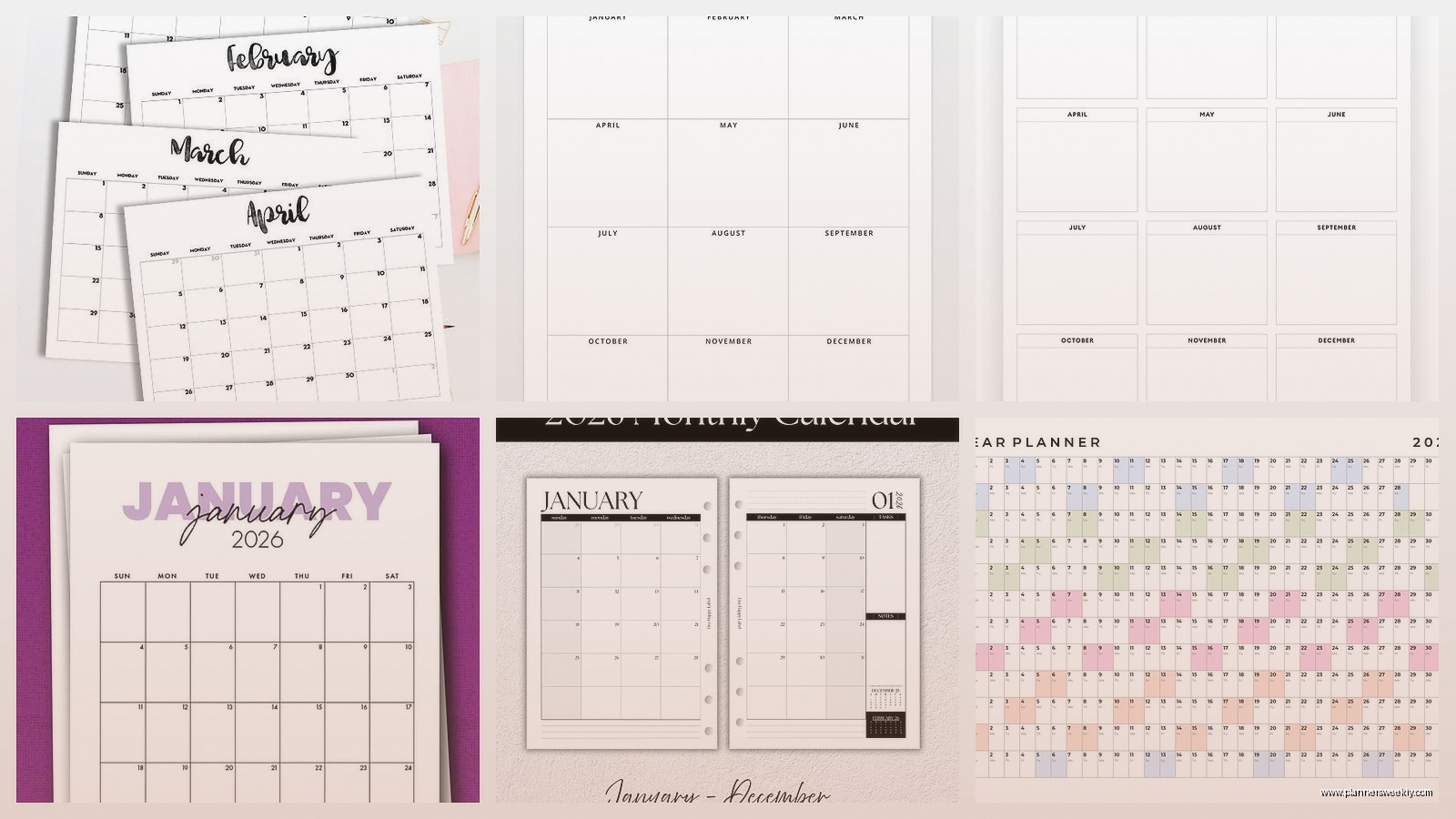
The year-at-a-glance thing is actually more useful than I expected because sometimes I need to see the whole year without flipping through twelve pages. I used it last week to figure out when to schedule a workshop series and being able to see February through June all at once made that so much easier.
Color Coding Possibilities
The paper takes highlighters pretty well which matters if you’re into color coding. I’m not super organized about it but I do highlight client meetings in yellow and personal appointments in pink and it works fine. No ghosting on the back of the page or anything.
My dog knocked my highlighter set off my desk right in the middle of testing this and I had to crawl under my desk to find the green one but that’s not really relevant.
Who This Planner Is Actually For
Real talk – this is a desk planner. If you work from home or have an office desk, this is perfect. If you’re running around between meetings all day and need something portable, look at their smaller versions instead.
It’s also good for people who don’t need weekly or daily planning. I have clients who try to use daily planners and then feel guilty when they don’t fill every day. Monthly planning is less pressure and honestly more realistic for a lot of people.
What It’s Missing
There’s no habit tracking built in, no budget pages, no fancy productivity templates. It’s just a straightforward monthly calendar. Which is either exactly what you want or completely inadequate depending on what you need from a planner.
I use separate notebooks for habit tracking and project planning anyway so this works for me but if you want an all-in-one system you’ll need to supplement this with something else.
The Price Point Makes Sense
It usually runs between $12-18 depending on where you buy it which is totally reasonable for what you get. I’ve tested those $50 planners and yeah the paper is nicer but not $35 nicer if that makes sense.
You’re paying for functionality here not aesthetics. It’s not instagram pretty but it works really well.
Comparing It to Other Options Real Quick
I tested this alongside a Blue Sky planner and a Mead monthly planner last month. The Blue Sky one has cuter covers and slightly thicker paper but the binding isn’t as good. The pages don’t stay flat the same way. The Mead one is cheaper but the paper quality shows it – my pens skipped a lot more.
At a Glance hits this sweet spot of good quality without being precious about it. You can actually use it hard without feeling bad.
The Cover Durability Thing
Oh wait I forgot to mention the cover – it’s that thick cardstock material, not a hard cover. It’s held up fine on my desk but it’s definitely gonna get beat up if you throw it in a bag with other stuff regularly. The corners are already showing a tiny bit of wear on mine but I’m also really rough with my stuff.
They have different cover designs each year and the 2026 ones are pretty neutral. Mine’s navy blue with some geometric patterns. Not exciting but not offensive either.
The Weird Specific Things I Noticed
The weekends get slightly less space than weekdays which I didn’t notice at first but now I can’t unsee it. Doesn’t really matter functionally but it’s there.
There’s a little elastic band attached to keep it closed which seems flimsy but hasn’t broken yet. I’m not holding my breath on it lasting the full year though.
The months start on the actual day of the week they start on in 2026 which again sounds obvious but I’ve seen planners that just start every month on Sunday regardless of what day the first actually falls on. This one is accurate to the actual calendar.
How I’m Actually Using Mine
I track client sessions, blog posting deadlines, and personal appointments. That’s it. I don’t try to make it do more than it’s designed for. I have my daily to-do lists in a separate notebook and my project planning in Notion.
Using it as just a monthly overview keeps me from overbooking myself which was a problem I had with daily planners. I can see the whole month and actually gauge if I have capacity for new projects.
Setup Tips That Actually Help
When you first get it spend like fifteen minutes going through and marking important dates right away. I put in all my known deadlines, my kids’ school holidays, and any travel I have planned. Getting that stuff in there first makes it actually useful from day one.
Don’t try to make it do everything. If you need habit tracking or detailed daily planning, add separate tools. Trying to cram all that into a monthly planner just makes it messy.
Keep it visible. I know that sounds dumb but the number of clients I have who buy planners and then stick them in drawers… this one’s big enough that it stays on my desk and I actually see it.
If you’re someone who forgets to check your planner, maybe set a daily phone reminder for the first month until it becomes habit. I had to do this and now I check it every morning with my coffee automatically.
