
Digital Productivity, Online planners, Planners
Daily Agenda Guide: Best Planning Tools & Templates
Apr
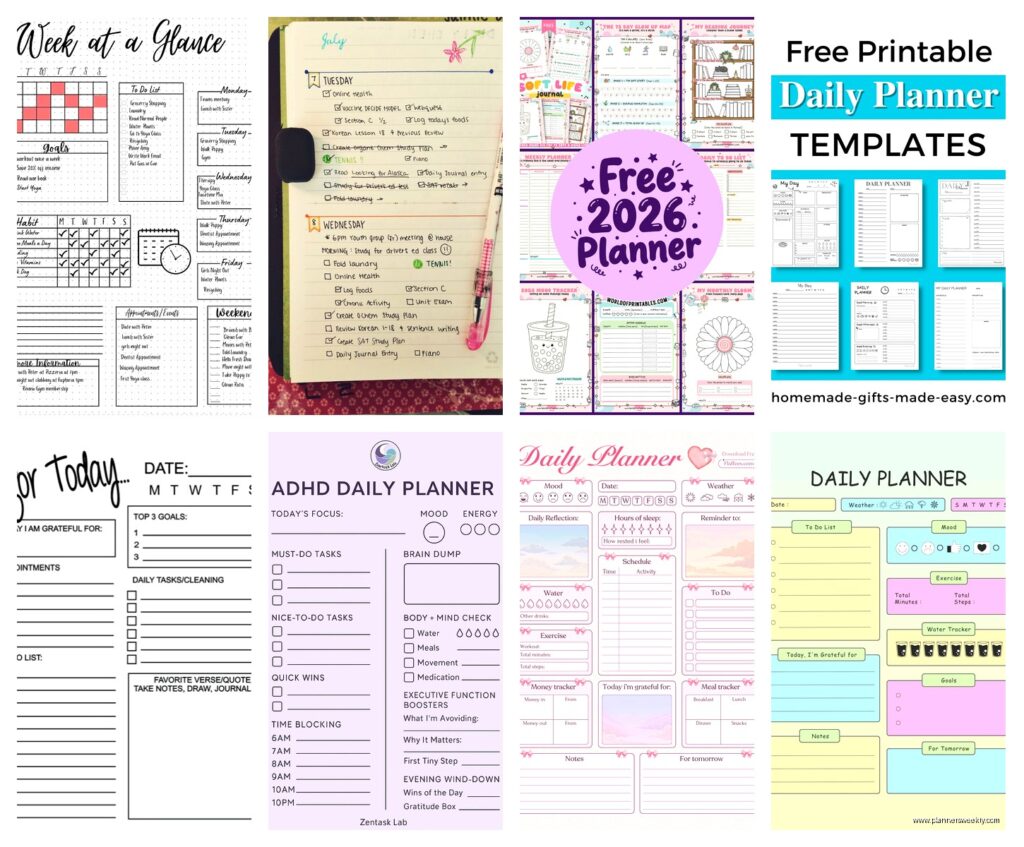
Okay so I just tested like eight different daily agenda systems last week because my old bullet journal method was making me insane and here’s what actually works.
Google Calendar but Make It Actually Useful
Look I know everyone’s like “just use Google Calendar” but nobody tells you HOW to use it properly. I’ve been time-blocking in Google Calendar for three years now and the trick is color-coding by energy level not by category. So red is deep work that needs my brain fully on, yellow is admin stuff I can do while half-watching Netflix, green is meetings where I just need to show up and nod.
The game changer though is setting everything to 25 or 50-minute blocks instead of the default hour. Because nothing actually takes an hour. Either it takes 20 minutes or it takes three hours, you know? So I set my default event duration to 25 minutes in settings and then I actually get realistic about what fits in a day.
Oh and another thing – I duplicate my template week every Sunday night. Takes literally two minutes. I have a “base week” saved in a separate calendar that has all my recurring stuff, exercise blocks, email processing time, and I just copy it over and adjust. My dog started barking at the mailman while I was doing this yesterday and I lost my place, but honestly the system is so simple now that it didn’t matter.
Notion Daily Dashboard (Free Template Modified)
So Notion has this daily agenda template everyone raves about but the default one is absolutely useless because it’s got too many sections. I downloaded like six different ones from Reddit and ended up frankensteining my own.
What actually works is having three sections max:
- Top 3 priorities (not top 5, not top 10, THREE)
- Time blocks synced from Google Calendar using the embed feature
- Brain dump section at the bottom for random stuff that pops up
The embed thing is key because I was trying to maintain two separate systems and it was making me wanna throw my laptop out the window. Now my Notion page just shows my Google Calendar right there, so I’m looking at one screen but getting the structure of Notion with the actual time-blocking of Google.
The template I modified is called “Simple Daily Planner” by someone named Marie Chen I think? It’s in the Notion template gallery. But I stripped out all the habit tracking and water intake nonsense because that stuff never sticks for me anyway.
Paper Planning (Yes Really)
This is gonna sound weird but I went back to paper for my daily agenda and it’s been working better than any app. Not for everything, just for the actual day-of planning.
I’m using the Ink+Volt Daily Planner sheets – they sell them as individual pads which is perfect because I’m not committing to a whole bound planner again. It’s like $16 for 50 sheets. The layout has your schedule on the left and a priorities list on the right, plus this little section at the top for your “focus for today” which sounds cheesy but actually helps me not spiral into doing seventeen unimportant things.
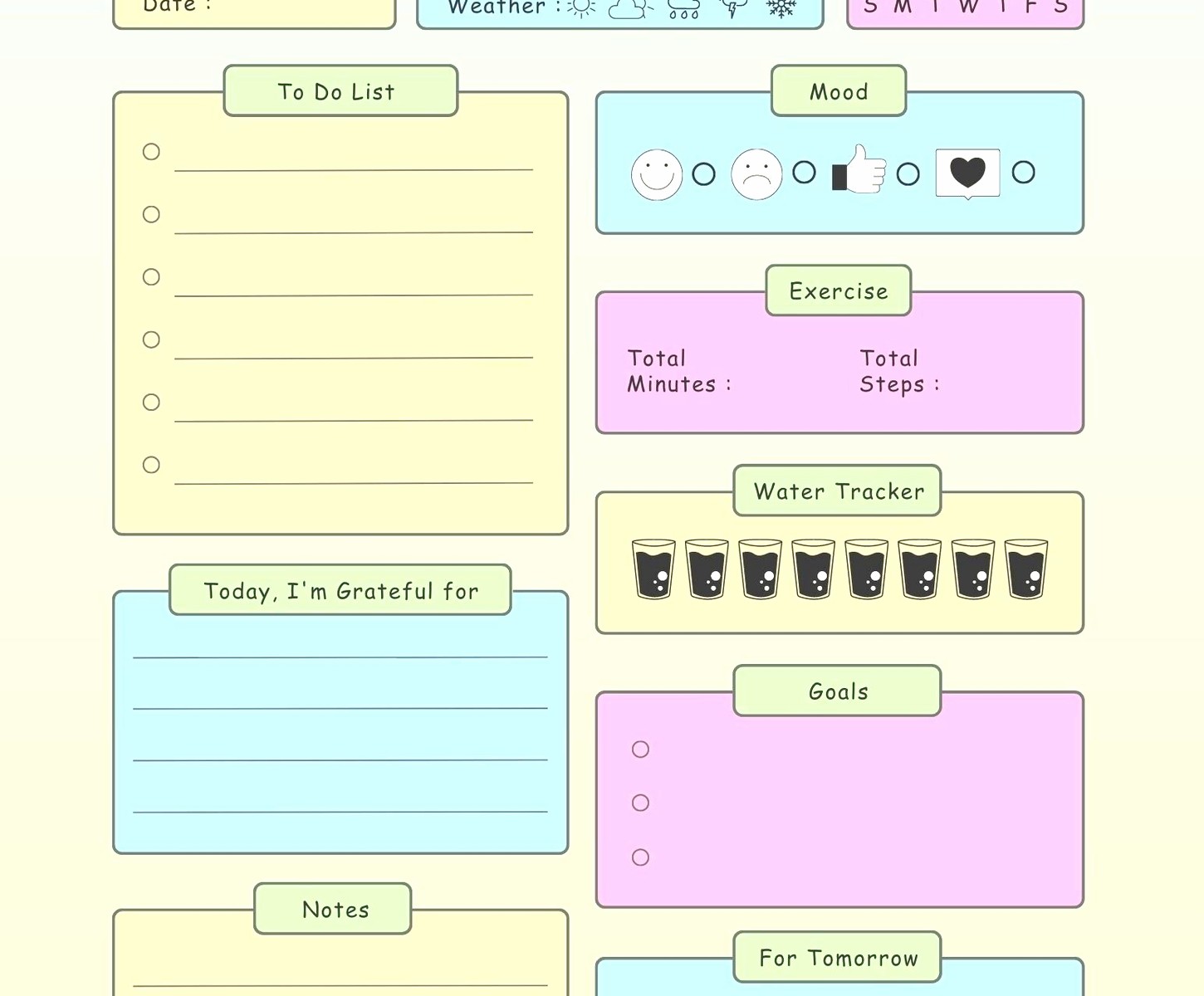
What I do is print my Google Calendar schedule each morning (or the night before if I’m feeling organized) and then hand-write my top priorities on the Ink+Volt sheet. The physical act of writing it makes it stick in my brain better. I’ve got like four different productivity studies bookmarked about this but honestly I just know it works for me.
Wait I Forgot to Mention Sunsama
Okay so Sunsama is expensive ($16/month I think?) but it’s the only daily planning app that actually feels worth paying for. It pulls in tasks from Asana, Trello, Gmail, basically everything, and makes you time-block them into your calendar.
The killer feature is the daily planning ritual thing they force you to do. Every morning it walks you through reviewing yesterday, setting up today, and it won’t let you skip steps. Sounds annoying but it’s literally the only way I actually do a morning planning session instead of just diving into emails and losing three hours.
I tested this for two weeks (they have a 14-day trial) and I was gonna cancel because of the price but then I had the most productive two weeks I’ve had in months and I was like… okay fine, take my money. My client canceled last Tuesday so I spent an hour comparing Sunsama to Motion and Reclaim and honestly Sunsama is the only one that doesn’t feel like it’s trying to be an AI assistant. It just helps you plan your day without being weird about it.
The downside is it’s another app to check, so if you’re already drowning in apps this might push you over the edge.
The Hybrid System I Actually Use Now
Plot twist – I don’t use just one thing because apparently I have commitment issues with planning systems.
Here’s my actual daily flow:
- Google Calendar has my time blocks and meetings (the source of truth)
- Notion has my daily page with the three priorities and notes from meetings
- An Ink+Volt paper sheet sits on my desk with those same three priorities written by hand
- Sunsama for the morning and evening planning rituals
I know that sounds like a lot but each piece does one specific job and they don’t overlap. The paper sheet is just there so I’m not constantly alt-tabbing to see what I’m supposed to be doing. It’s like a $0.32 external monitor.
Time Block Templates That Don’t Suck
If you’re gonna time block (and you should, it’s the only thing that actually works), you need templates or you’ll waste 20 minutes every morning just setting up your day.
I made templates for my three main day types:
- Deep Work Day (two 3-hour blocks, minimal meetings)
- Meeting Heavy Day (back-to-back calls with 15-min buffers)
- Admin Day (mixed small tasks, email processing, planning)
In Google Calendar you can’t actually save templates but I have three separate calendars called “Template: Deep Work” etc and I just copy events from there. Takes 30 seconds.
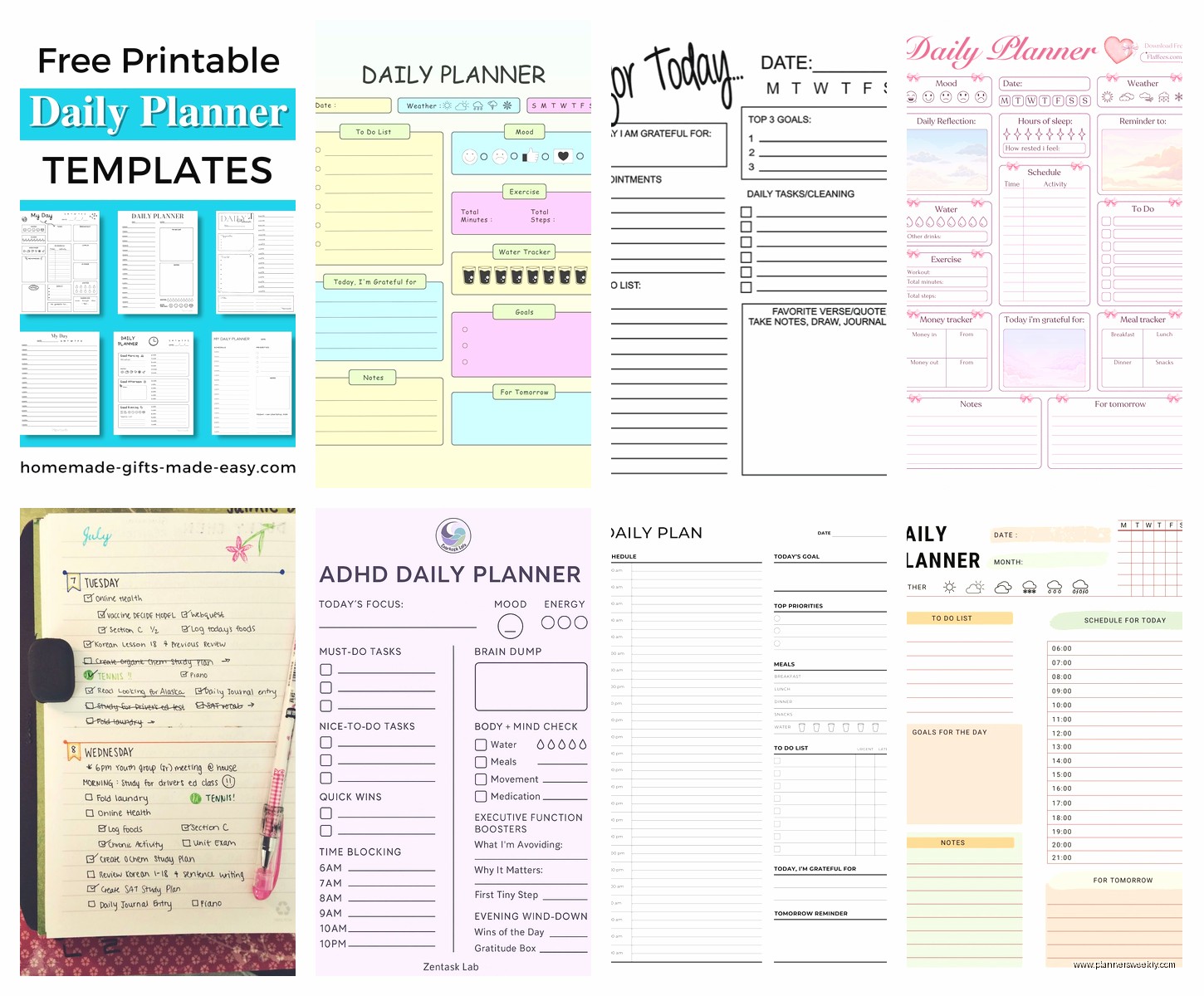
For Notion I actually did make proper templates using the template button feature. If you haven’t used that yet – you make a page, click the three dots, “Turn into template” and then you can duplicate it with one click. Changed my life when I figured that out like six months ago.
The Hourly Planner Notepad Situation
There are SO MANY hourly planner notepads on Amazon and they’re mostly identical. I’ve tested probably 12 of them at this point (I have a problem, I know).
The best one is the Panda Planner Daily sheets. It’s $13 for 60 sheets, has time slots from 6am to 9pm in 30-minute blocks, and the paper quality is actually good enough that pen doesn’t bleed through. Plus it has this little section for evening reflection which I skip most days but sometimes it’s nice to brain dump about why the day went sideways.
The Clever Fox one is also good and slightly cheaper but the time blocks are weirdly small. Like if you have even medium-sized handwriting you’re gonna struggle to fit your tasks in there.
Oh and funny story – I bought this beautiful linen-covered daily planner from Appointed (it was like $38) thinking I’d finally become the kind of person who uses fancy stationery and I used it for three days before going back to the cheap notepads. Sometimes the fancy stuff just makes you feel guilty when you don’t use it perfectly.
Digital Templates You Can Actually Customize
If you want something more customized than Google Calendar or Notion, I’ve been playing with Airtable for daily agendas. It’s got a learning curve but once you set it up it’s really flexible.
I have a base (that’s what they call files in Airtable) with a table for tasks and a calendar view that shows them by due date. But the cool part is I can also switch to a Kanban view to see what’s in progress vs what’s waiting, or a gallery view if I’m planning content and need to see images.
There’s a free template called “Daily Task Manager” that’s a good starting point. You’ll wanna modify it though because the default has like 15 fields and you’ll never fill all that out.
This is probably overkill if you just want a basic daily agenda but if you’re managing projects plus your daily tasks plus trying to track what’s working and what’s not, Airtable is really powerful. I use it mostly for client work planning but it works for personal stuff too.
The Pomodoro Timer Integration Nobody Talks About
Okay so if you’re time-blocking your day you also need a good timer situation. I was using my phone timer but then I’d see notifications and get distracted.
The best setup I’ve found is the Focus To-Do app which combines a Pomodoro timer with a task list. You set up your tasks, assign how many pomodoros each one should take, and then it tracks whether you actually stuck to your estimate. After like two weeks of using it you start getting way better at estimating how long things take.
It syncs across devices and has a widget for your home screen. The free version is totally fine, the premium is only like $3/month if you want white noise and detailed statistics but I’ve never paid for it.
I usually set my daily agenda in Notion or on paper, but then I use Focus To-Do to actually execute it because the timer keeps me honest about whether I’m actually working or just staring at my screen thinking about working.
Weekly Planning That Feeds Into Daily
Your daily agenda only works if you’ve done weekly planning first. I resisted this forever because it felt like too much planning and not enough doing, but turns out spending 30 minutes on Sunday evening saves you like 3 hours during the week.
I use a modified version of the Full Focus Planner weekly spread. You don’t need to buy their planner (it’s like $40), just recreate the layout in Notion or on paper. It’s got sections for:
- Big 3 goals for the week
- Daily priorities (one per day)
- People to follow up with
- Projects moving forward
Then each morning I just look at what I said was the priority for that day and build my daily agenda around it. Way easier than starting from scratch every morning trying to figure out what matters.
What Doesn’t Work (So You Don’t Waste Time)
Okay real talk – here’s what I tested that was completely useless:
Motion app – too expensive ($34/month) and the AI scheduling thing kept putting my deep work at like 2pm when my brain is mush. Maybe it learns over time but I wasn’t gonna pay $34/month to find out.
Any planner with hourly slots before 6am or after 9pm – I’m never gonna plan my 5am workout in a planner, that’s what phone alarms are for. And if I’m working past 9pm something has gone very wrong with my day.
Habit tracking in your daily agenda – just no. Track habits separately or don’t track them at all. Your daily agenda should be for tasks and appointments, not for checking off that you drank water. That’s what makes planners overwhelming.
Passion Planner – everyone loves this one but it’s got too much inspirational quote energy for me. I just wanna know what I’m doing at 2pm not read about manifesting my dreams.
The Actual Best System Is Boring
Here’s the thing nobody wants to hear – the best daily agenda system is whichever one you’ll actually use consistently. I know that’s boring advice but it’s true.
For me that’s a hybrid of Google Calendar for time-blocking, a paper notepad on my desk so I can see my top 3 priorities without opening anything, and Sunsama for the morning planning ritual because I won’t do it otherwise.
For you it might be just a simple hourly notepad and nothing digital. Or it might be a super detailed Notion dashboard with embedded calendars and databases. The key is matching the tool to how your brain actually works, not how productivity influencers say you should work.
Start with the simplest possible version – literally just time-block tomorrow in Google Calendar right now – and only add complexity if you’re actually missing something. Most people’s planning systems fail because they’re trying to track too much information that doesn’t actually help them get things done.
