
Digital Productivity, Online planners, Planners
Daily Schedule Planner: Best Systems & Templates
Apr
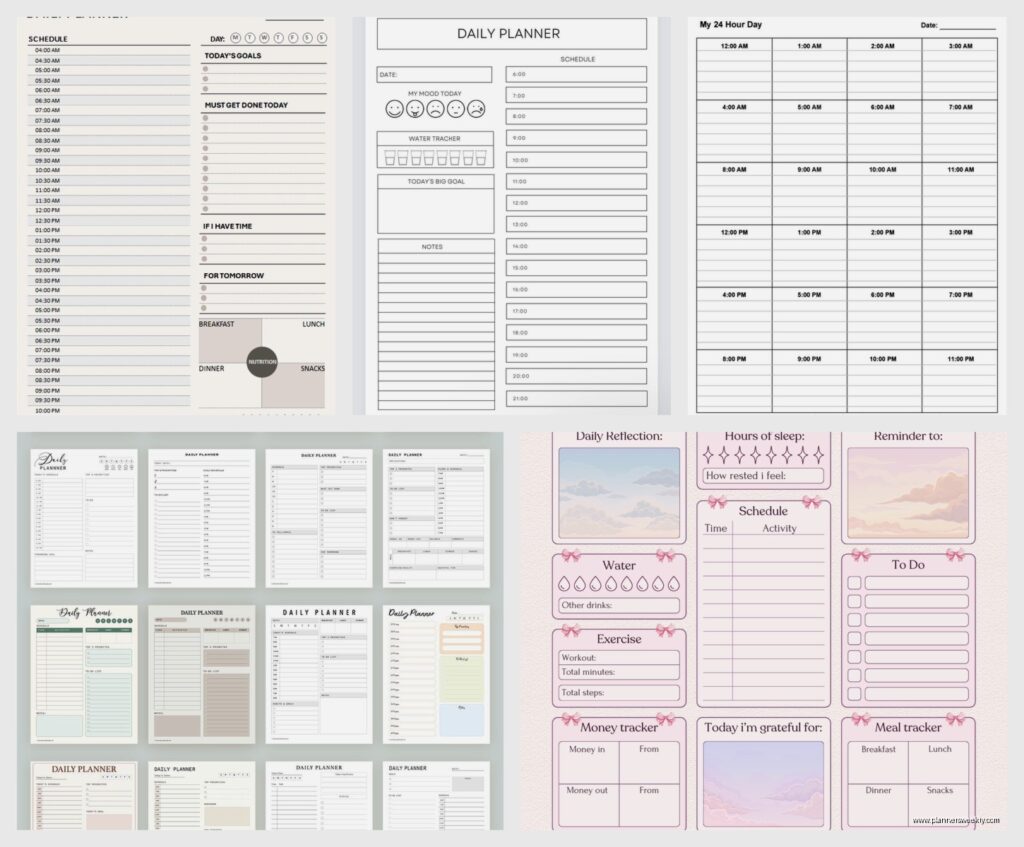
Okay so I just spent the last three weeks testing basically every daily schedule planner system I could get my hands on and here’s what actually works versus what just looks pretty on Instagram.
The Digital Versus Paper Thing Nobody Talks About Honestly
Look, I know everyone’s gonna tell you to go digital because it’s 2024 or whatever, but honestly? Paper planners work better for daily scheduling if you’re the kind of person who gets distracted by notifications. I tested Google Calendar, Notion, and like four different apps alongside physical planners and here’s the thing—when I’m in my phone “checking my schedule,” I somehow end up watching dog videos for twenty minutes. My cat knocked my planner off the desk yesterday and I still got more done than when I was using my iPad.
Google Calendar for the Basics
If you’re going digital, Google Calendar is actually pretty solid for daily planning. The time-blocking feature works exactly how you’d expect—you can drag events around, color-code stuff, and it syncs across devices. I use it for appointments I absolutely cannot miss because it screams at me fifteen minutes before.
The best part is the “Goals” feature that nobody uses. You tell it you want to exercise three times a week, and it literally finds gaps in your schedule and suggests times. Sounds creepy but it’s actually helpful when you’re staring at your week going “when am I supposed to fit in literally anything.”
Notion Templates That Don’t Suck
Notion daily planners are either amazing or completely overwhelming, there’s no middle ground. I tried probably twelve different templates and most of them are designed by people who apparently have eight hours a day to maintain their planning system.
The one that actually worked for me was this super basic template called “Daily Dashboard” by someone named Marie (I think?). It’s got your schedule on the left, a task list in the middle, and notes on the right. That’s it. No mood trackers, no seventeen different database views, just the stuff you actually need to see when you’re planning your Tuesday.
You can set up recurring tasks which is clutch for stuff like “remember to eat lunch” which I definitely don’t forget to do multiple times a week.
Physical Planners That Are Actually Worth Buying
The Passion Planner Daily
This one’s been sitting on my desk for two months and it’s honestly my favorite for daily planning. Each day gets a full page with time slots from 5am to 2am (which, who’s awake at 5am, but okay). The left side has your hourly schedule and the right side has a task list and notes section.
What makes it worth the $35 is the space reflections section at the bottom. Sounds cheesy but having that little spot to write “today was chaos but at least I returned those emails” actually helps you feel less like you’re failing at life constantly.
The paper quality is thick enough that my fountain pens don’t bleed through, which matters if you’re weird about pens like I am. Oh and another thing—it lays flat, which seems obvious but you’d be surprised how many planners just refuse to stay open.
Hobonichi Cousin for the Obsessive
Okay so funny story, I bought this because everyone in the planner community acts like it’s the holy grail, and they’re kind of right but also it’s a lot. Like a LOT a lot.
The daily pages have a vertical time column from 6am to midnight, and then there’s this grid paper section for notes or doodles or whatever. The paper is this fancy Tomoe River stuff that’s super thin but doesn’t bleed, so the whole planner is actually pretty compact even though it covers a full year of daily pages.
It’s expensive though. Like $60-ish expensive. And you gotta buy it from Japan or mark it up from resellers. Worth it if you’re someone who actually writes in your planner every single day, but if you’re gonna forget about it for three weeks at a time (no judgment, we’ve all been there), maybe start with something cheaper.
Blue Sky Daily Planner for Budget People
This is like $15 at Target and honestly does 80% of what the expensive ones do. Each day gets half a page with hourly slots from 7am to 7pm, plus a notes section and a little checkbox area for priorities.
The paper’s kinda thin so I wouldn’t use Sharpies or anything, but normal pens work fine. It’s spiral-bound which some people hate but I actually prefer because you can fold it back on itself when you’re writing.
The size is perfect for throwing in a bag without it being awkward. I keep one in my work bag as a backup for when I inevitably leave my main planner at home.
Time Blocking Systems That Actually Work
Okay so time blocking is basically where you assign specific chunks of time to specific tasks instead of just having a to-do list you stare at anxiously. I tested like five different methods and here’s what doesn’t make you want to give up after two days.
The Cal Newport Deep Work Method
This guy wrote a whole book about it but the daily planning part is simple. Every morning you take your task list and schedule every single minute of your day in blocks. Meeting from 9-10, email from 10-10:30, writing from 10:30-12, whatever.
Sounds intense but here’s the thing—you’re allowed to revise it throughout the day. Something takes longer than expected? Just redraw your schedule for the afternoon. The point isn’t to be perfect, it’s to be intentional about where your time goes.
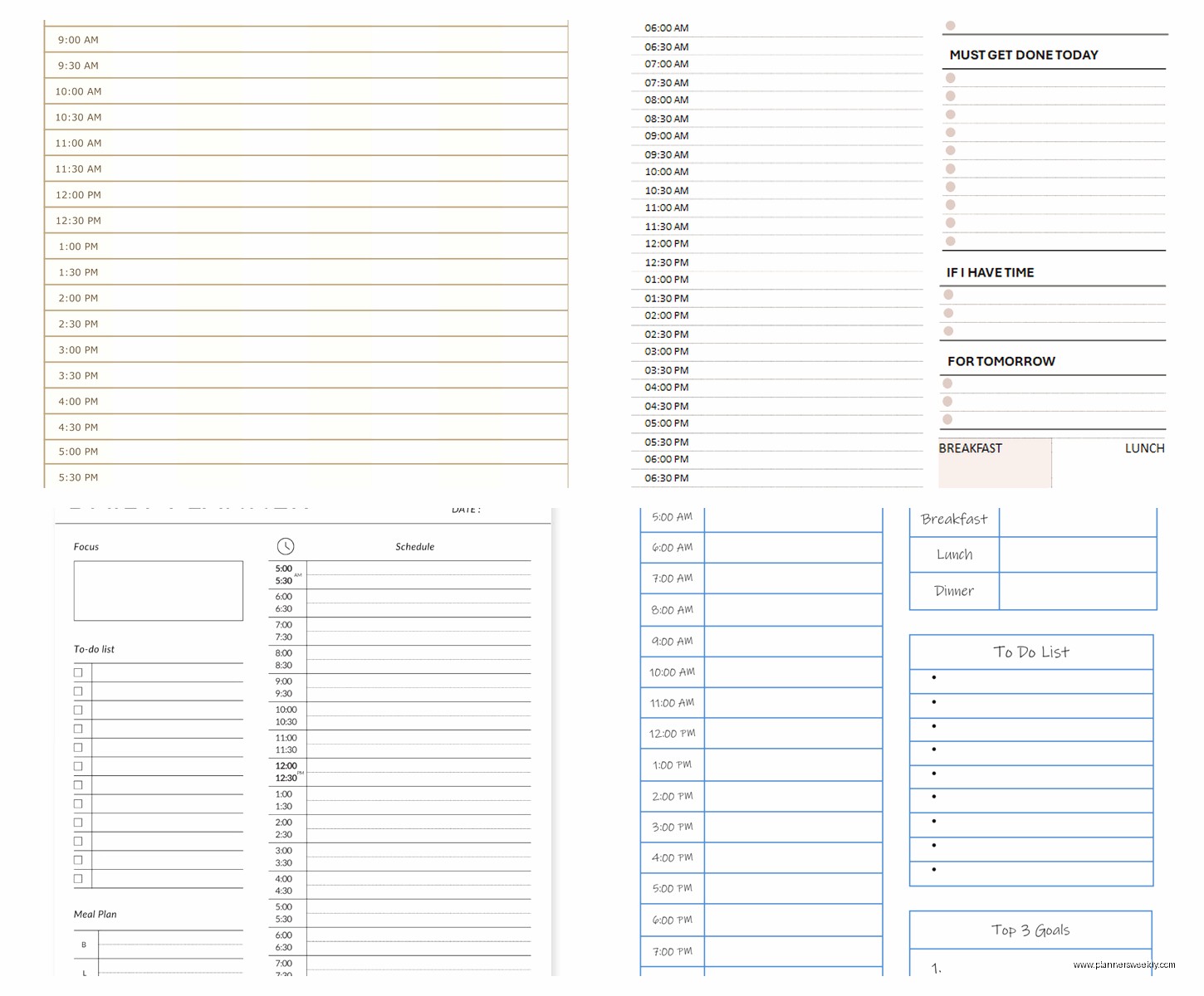
I use a regular lined notebook for this and just draw boxes for time blocks. My client canceled last Tuesday so I spent an hour comparing different ways to draw the boxes and honestly a simple two-column layout works best. Time on the left, task on the right.
The Pomodoro Scheduling Hybrid
Wait I forgot to mention this earlier but it’s actually super helpful. You plan your day in 25-minute Pomodoro chunks instead of hourly blocks. So instead of “write report 9-11am” you schedule “report – 4 Pomodoros” and then you can fit them wherever.
This works really well in the Structured app if you’re doing digital, or you can just use a basic daily planner and mark little tomato symbols (or like, squares, whatever) next to tasks to track Pomodoros.
The flexibility is what makes this better than strict time blocking for some people. Your morning gets derailed by an emergency? Fine, move those Pomodoros to the afternoon. You’re not locked into specific times.
Templates You Can Actually Print and Use
The Basic Hourly Grid
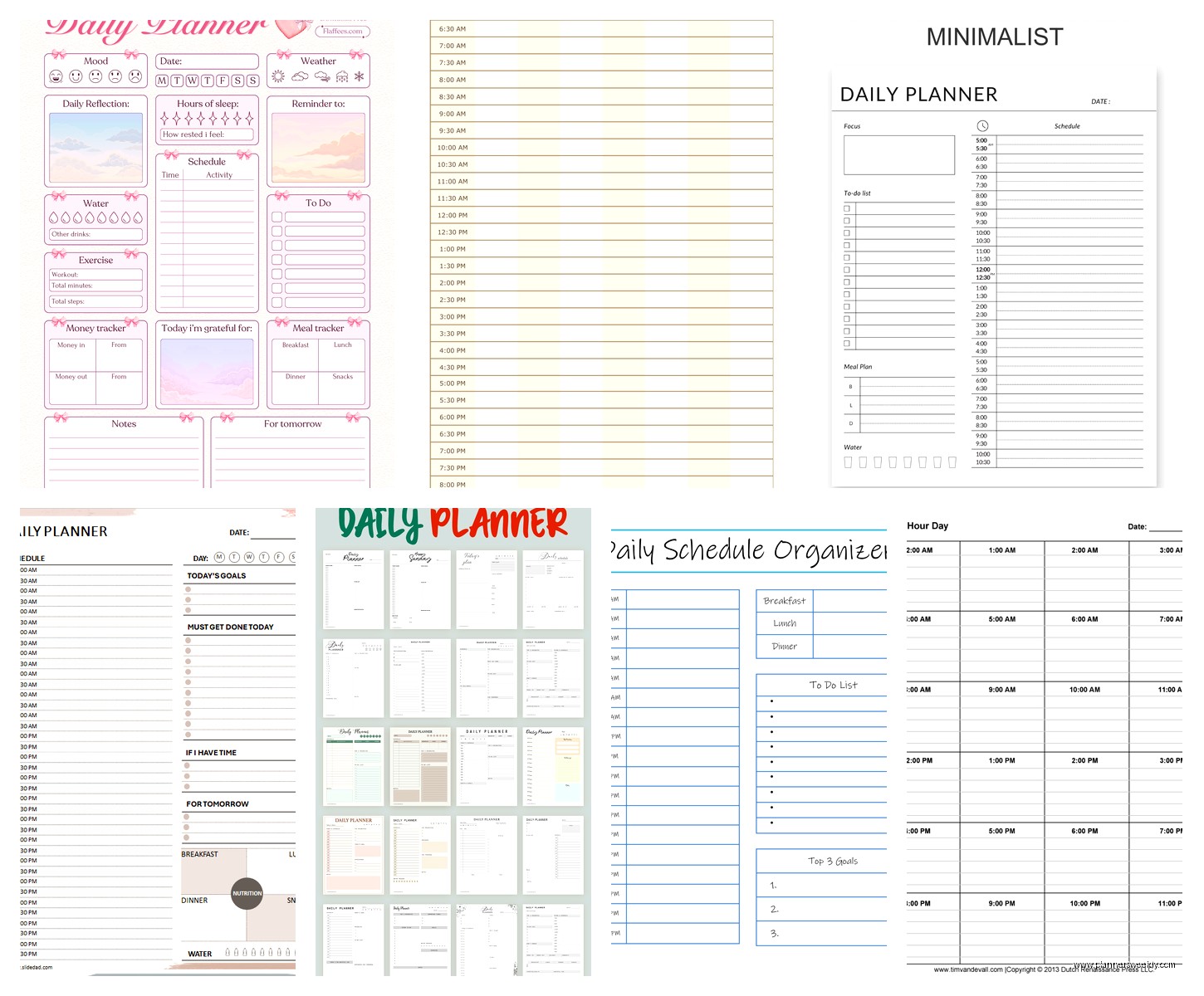
I made like forty versions of this before settling on one that works. You want time slots on the left (I do 7am-10pm in one-hour blocks), a narrow column for appointments, a wider column for tasks/projects, and a notes section at the bottom or side.
You can find free templates on Canva but honestly most of them try to do too much. The simpler the better. I print mine on 32lb paper because regular printer paper feels flimsy and I’m less likely to use it. This is gonna sound weird but the paper quality genuinely affects whether I’ll actually fill it out.
The Vertical Weekly That Functions as Daily
This one’s interesting because it’s technically a weekly spread but each day gets a tall vertical column that you can use as a daily schedule. I found a template called “Week on Two Pages” that does this really well.
Each day has time slots running vertically from 6am-9pm, and there’s a little task section at the top of each column. The benefit is you can see your whole week at a glance but still have the granular daily planning space.
I print these double-sided and keep them in a disc-bound notebook so I can rearrange pages. Staples will punch the holes for like $3 if you don’t have a disc punch.
The Hybrid System I Actually Use Now
After testing everything, here’s what I landed on and have stuck with for two months which is basically a record for me: Google Calendar for appointments and meetings (anything with another person or a specific time), a physical daily planner for time blocking and task planning, and a simple bullet journal for running notes and stuff I need to remember.
The digital calendar handles the stuff that needs reminders and coordination. The physical planner is where I actually plan my day each morning—I look at my Google Calendar, see what’s locked in, and then time-block the rest of my day around those fixed points.
This probably sounds like a lot but it takes like 10 minutes in the morning and then I’m not constantly wondering what I should be doing or forgetting about stuff.
The Morning Planning Routine
I grab coffee, open Google Calendar on my laptop, and have my physical planner next to me. Transfer any appointments into the planner first—those are non-negotiable blocks. Then I look at my task list (which lives in the notes section of yesterday’s planner page because I write tomorrow’s tasks before bed) and slot them into the open time blocks.
High-focus work goes in the morning because that’s when my brain works. Meetings and email in the afternoon when I’m basically useless anyway. Exercise gets scheduled like an appointment or it doesn’t happen.
Stuff That Seems Like It Should Work But Doesn’t
Okay real talk, some planning systems are just terrible for daily scheduling even though people swear by them.
Bullet journaling for daily planning is too much work unless you really love drawing little boxes and headers every single day. I tried it for three weeks and spent more time setting up pages than actually planning. It’s great for other stuff but for daily schedules there are better options.
The Full Focus Planner looks gorgeous but the daily pages are weirdly rigid. You have to use their specific system with their specific sections and if that doesn’t match your brain you’re just fighting with it constantly. Also it’s like $40 and the pages are dated so if you skip a week you’re just… looking at empty pages that mock you.
Any app that tries to be a calendar AND a task manager AND a note-taking app AND a project manager. Pick a lane. I tested ClickUp for daily planning and spent two hours trying to figure out how to just see today’s schedule without seventeen other panels of information I didn’t need.
The Real Answer Nobody Wants to Hear
The best daily schedule planner is the one you’ll actually use consistently for more than four days. I know that’s annoying advice but it’s true. I’ve watched myself and my clients cycle through dozens of systems and the ones that stick are never the most sophisticated ones—they’re the ones that match how your brain actually works.
If you hate writing things down, don’t force yourself to use a paper planner because some productivity guru said it’s better. If you get overwhelmed by too many options, don’t use Notion. If you need to see your whole week at once, daily pages might not work for you.
Start with something cheap or free—Google Calendar and a $15 planner from Target, or a free Notion template, or literally just a notebook where you write today’s date and your schedule. Use it for a week and notice what’s annoying. Then adjust. The planner I use now is like the fifth iteration after figuring out what actually matters to me.
Also nobody needs a new planning system in January. Start whenever. I started this current system in March after my dog ate my old planner and honestly mid-year is better because there’s less pressure about it being a “fresh start” or whatever.
The Passion Planner Daily is probably your best bet if you want a specific recommendation and you’re starting from scratch. It’s structured enough to be helpful but flexible enough to adapt to different planning styles, the quality is solid, and $35 isn’t gonna wreck your budget if you decide you hate it after two weeks.
