
Digital Productivity, Online planners, Planners
Content Planner Template Guide for Marketing Teams
Mar
Okay so I just spent the last three weeks rebuilding our entire content planning system for a client and honestly I’m never doing marketing content planning the old way again, here’s what actually works.
The Basic Framework Nobody Tells You About
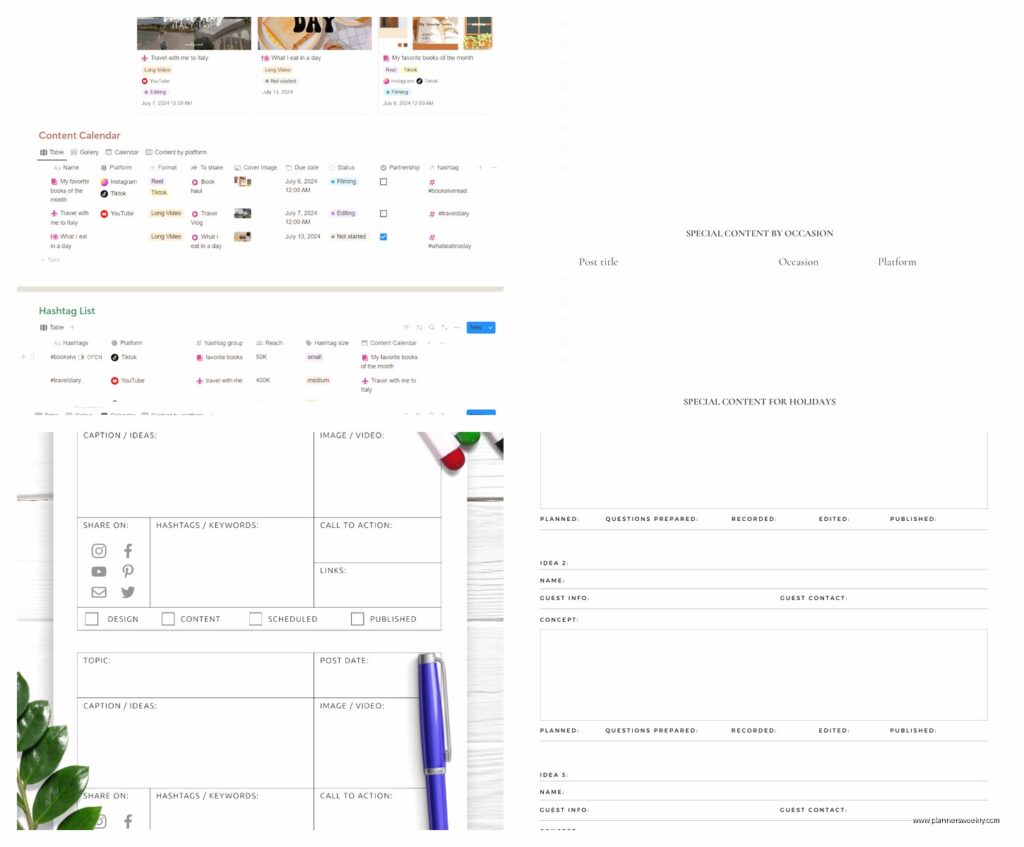
So the thing about content planner templates is that most marketing teams are using them completely wrong. Like they download some pretty PDF template or buy a fancy planner and then… nothing. It sits there. I watched this happen with like four different teams last month alone.
What you actually need is three separate systems that talk to each other, and I know that sounds complicated but just hang with me. You need your macro calendar (the big picture yearly stuff), your production tracker (what’s actually getting made right now), and your distribution schedule (where and when stuff goes out). Most templates try to shove all three into one spreadsheet and it becomes this monster that nobody wants to open.
I use Airtable for the main system now but honestly Google Sheets works fine if you’re not ready to commit. The free version of Airtable gives you enough for most small teams anyway.
Setting Up Your Year View (Without Losing Your Mind)
Right so first thing you gotta do is block out your entire year by quarters. Not months yet, just quarters. This is gonna sound weird but I learned this from my dog trainer of all people, she was talking about breaking down training into phases and it clicked for content planning too.
For each quarter you need to identify:
- Your main campaign theme or focus (just one, maybe two max)
- Major holidays or events that matter to your industry
- Product launches or company stuff you already know about
- Slow periods where you can batch create content
I have a client in e-commerce and we mapped out that Q1 is recovery from holiday season, Q2 is building up to summer, Q3 is back-to-school prep, Q4 is obvious. Sounds simple but having it written down meant we could plan content that actually matched what their customers were thinking about.
The Color Coding Thing That Actually Matters
Okay so everyone says color code your calendar but they never tell you WHAT to color code by. After testing like six different systems, here’s what works: color code by content TYPE not by platform or topic.
So like:
- Educational content is blue
- Promotional stuff is red
- Community/engagement content is green
- User-generated or curated content is yellow
This way you can see at a glance if you’re publishing too much salesy crap and not enough value. We had a client who looked at their calendar after color coding and literally everything was red. No wonder their engagement was tanking.
Monthly Breakdown Structure
Wait I forgot to mention, before you get into monthly planning you need to set your baseline publishing frequency. Like decide right now how many pieces of content you can ACTUALLY produce per week. Not aspirationally, actually.
Most teams overestimate this by like 300%. A small marketing team of 2-3 people can realistically handle maybe 8-12 pieces of content per week across all platforms if they’re also doing everything else. That includes social posts, blog articles, emails, the whole thing.
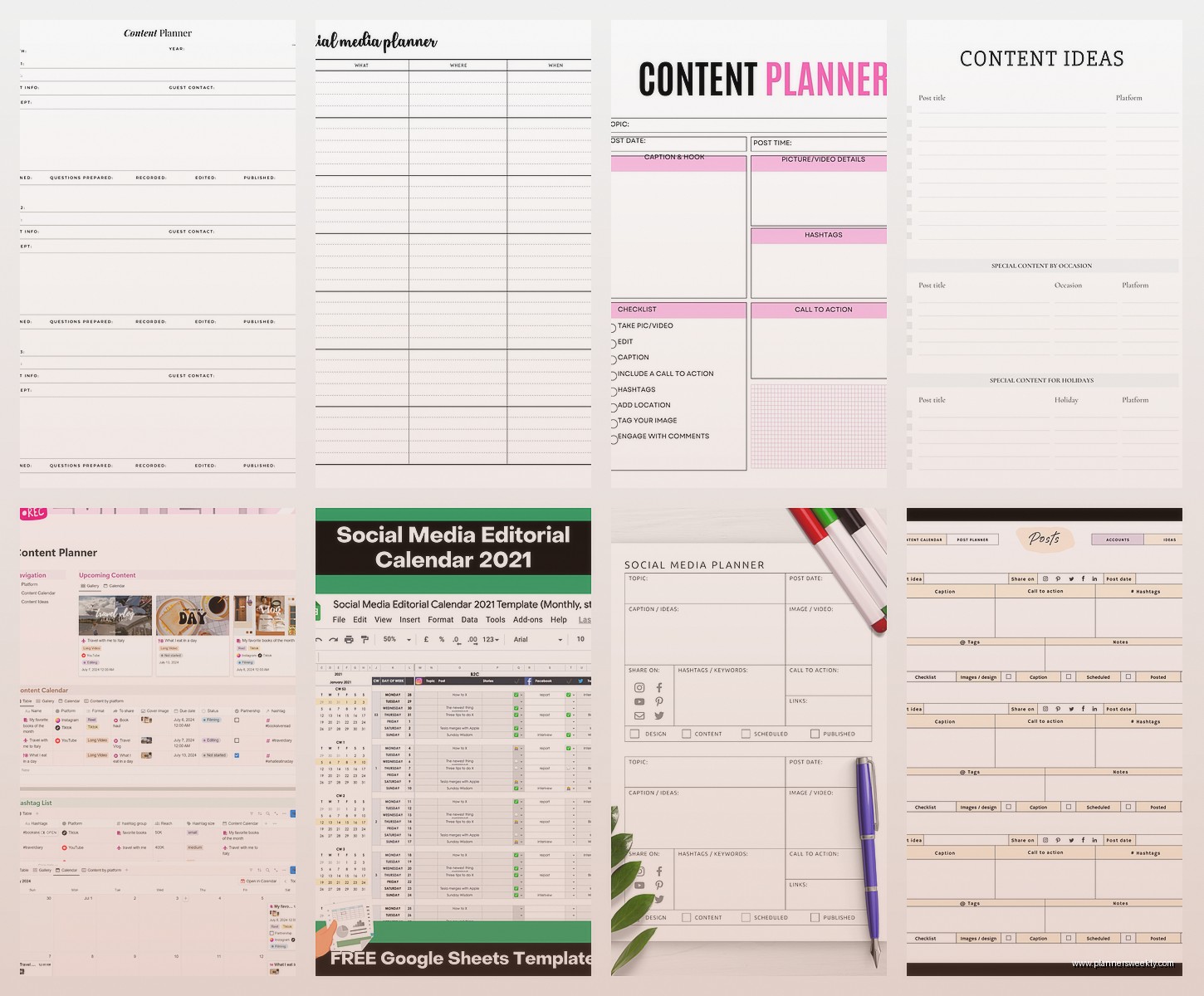
For monthly planning I use this structure and I’m just gonna give you the actual template I use:
Monthly Planning Template Sections
Okay so each month needs its own tab or page with these sections:
Campaign Overview – Just a paragraph at the top explaining what you’re focusing on this month and why. Sounds dumb but three months later when you’re wondering why you published twelve posts about sustainability, you’ll want this note.
Key Dates – List out everything happening this month that impacts content. Product launches, holidays, industry events, that conference your CEO is speaking at, literally everything. I include even weird niche holidays that might be relevant because sometimes you need filler content and National Pencil Day or whatever can save you.
Content Inventory – This is your main calendar grid. I do mine by week because daily gets too cluttered. Each entry needs:
- Content title/topic
- Format (blog, social, video, whatever)
- Platform
- Owner (who’s making it)
- Status (idea, drafted, review, scheduled, published)
- Due date
- Publish date
Oh and another thing, the due date and publish date being separate is CRUCIAL. Content should be done at least 3-5 days before it goes out. I learned this the hard way when our designer got food poisoning and we had nothing ready. Now we have buffer time built into everything.
The Weekly Production Meeting Template
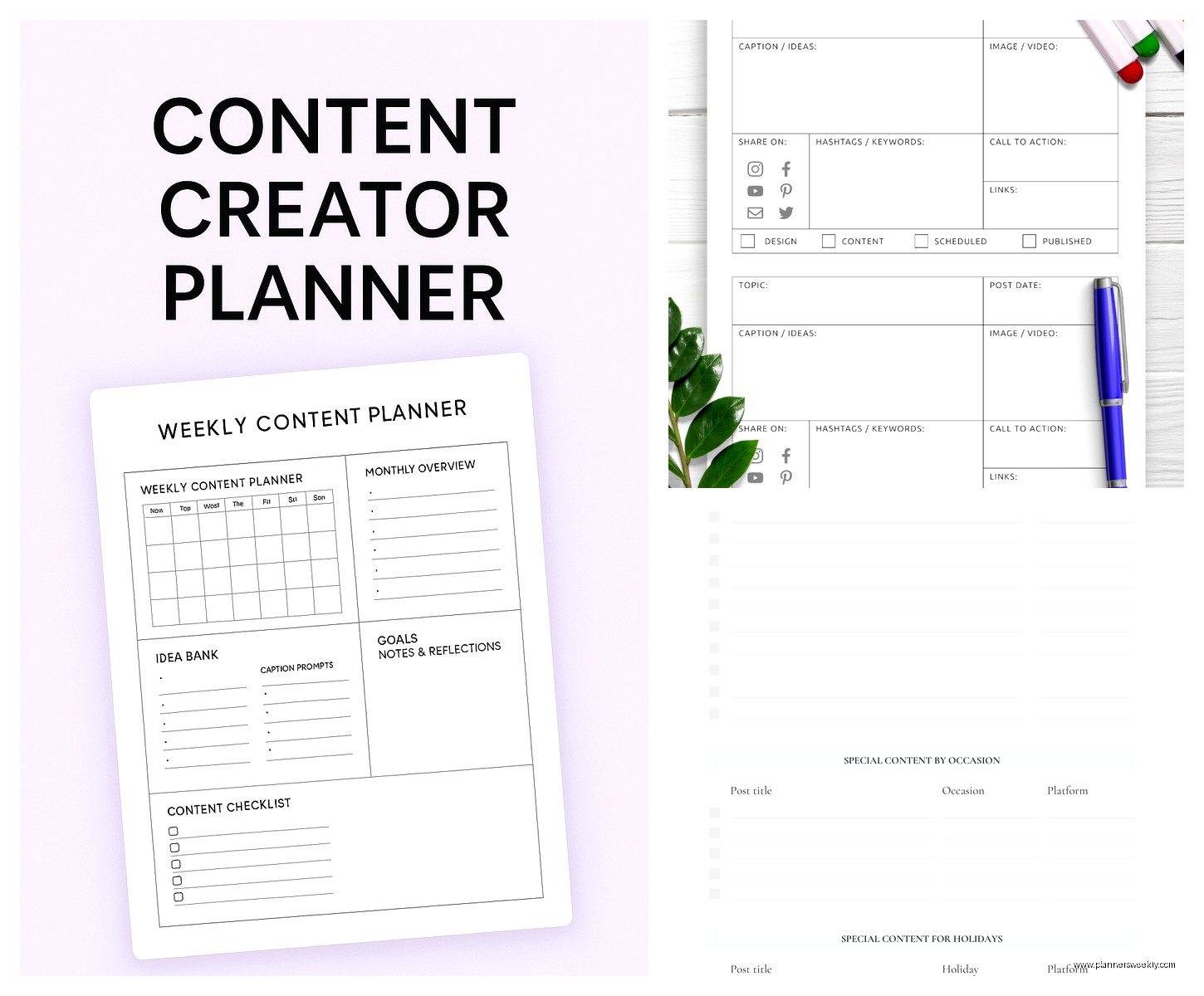
So you’ve got your yearly overview, your monthly plans, now you need a weekly system or this whole thing falls apart. Every week, same day, same time, you need like 30 minutes with your team.
Here’s the agenda I use and it keeps us on track:
- Quick review of last week’s published content (5 min) – what went out, how it performed, any quick wins or issues
- This week’s publishing schedule (10 min) – confirm everything scheduled is actually ready, catch any gaps
- Next week’s content assignments (10 min) – who’s doing what, any resources needed
- Month ahead check (5 min) – anything coming up we need to prep for
This is gonna sound weird but I set a timer for each section because otherwise the performance review part takes over the whole meeting and nothing gets planned.
The Status Tracker Nobody Uses But Should
Okay so within your weekly system you need a content status board. I use Trello for this because it’s visual and my brain works that way but you can do this in literally anything.
Columns you need:
- Ideas/Backlog
- This Month
- In Progress
- Ready for Review
- Approved/Scheduled
- Published
Every piece of content moves through these stages and you can see exactly where bottlenecks are. We discovered one team was stuck at the review stage constantly because they only had one person who could approve stuff and she was in meetings all day. Fixed that real quick once we could see it.
Topic Planning and Ideation Systems
Alright so the actual CONTENT ideas, how do you plan those for a whole year without running out of stuff to say?
First thing, you need a topic bank. This is separate from your calendar, it’s just a running list of every content idea anyone on the team has ever had. I keep mine in Notion but again, whatever works.
Categories I use for organizing topics:
- Evergreen educational content
- Trending/timely topics
- Product-focused content
- Customer stories/case studies
- Behind-the-scenes stuff
- FAQ/support content
- Thought leadership
Every quarter you pull from this bank to populate your calendar. But here’s the trick – you don’t need to plan every single post for the whole year in January. That’s actually counterproductive because things change.
What I do is plan about 60% of content in advance and leave 40% flexible for:
- Trending topics that come up
- Timely responses to industry stuff
- Content that performed really well that you want to recreate
- Random opportunities that pop up
My cat just knocked over my water bottle which is perfect timing because flexibility is the whole point here.
The Content Pillars Framework
Okay so this is something I resisted for a long time because it sounded too corporate but it actually makes planning way easier. You need like 3-5 content pillars, which are just broad themes everything falls under.
For example, a productivity software company might have:
- Time management tips and strategies
- Team collaboration best practices
- Product tutorials and features
- Industry trends and insights
- Customer success stories
Then when you’re planning each month, you make sure you’re hitting all pillars somewhat evenly. This keeps your content balanced and means you’re not just talking about your product constantly or only posting tips without ever mentioning what you sell.
I use a simple tracking sheet that shows pillar distribution by month. If one pillar is getting ignored, I know we need to generate ideas for that area.
Platform-Specific Planning
Right so the yearly and monthly planning is platform-agnostic but then you need separate systems for each platform because they all work differently. This is where a lot of teams get confused and honestly I did too until like six months ago.
Blog/Long-Form Content Planning
For blog content you can plan furthest in advance because it takes the longest to produce. I plan blog topics 6-8 weeks out and aim to have posts fully written 3 weeks before publish date.
Your blog planning template needs:
- Target keyword (just one primary keyword)
- Working title
- Outline/key points
- Word count goal
- Writer assigned
- Images/graphics needed
- Internal links to include
- CTA/next step for readers
- Meta description
The outline part is key because you can plan and approve outlines way faster than full drafts. Get the outline approved first, then the writer knows exactly what to create.
Social Media Planning
Social is trickier because you need more volume and more flexibility. I plan social content 2-3 weeks out maximum, and that’s just the main posts. You need room for spontaneous stuff.
What works is planning your “anchor content” – the important posts that support campaigns or promote key content – and then having frameworks for filler content.
Like okay so you might plan:
- Monday: Blog post promotion
- Tuesday: Educational tip (framework: share one specific tactic)
- Wednesday: User-generated content or testimonial
- Thursday: Behind-the-scenes or team content
- Friday: Engagement post (question, poll, etc.)
You don’t script every single post but you know what TYPE of content goes when. Then your social media manager can create within those guidelines.
Oh and another thing, batch creating social content is the only way to stay sane. Pick one day, create 2-3 weeks worth of posts, schedule them. Done.
Email Newsletter Planning
Email needs its own mini calendar because the frequency is usually different than other channels. Most companies do weekly or biweekly newsletters.
Your email template tracker needs:
- Send date
- Subject line ideas (write like 5 options)
- Main content/article
- Secondary content pieces
- CTA
- Any special segments or personalization
I plan email content to align with blog publishing so we’re not creating separate content for email. Like if a blog post goes live Tuesday, the Thursday newsletter features it. Repurpose everything.
The Production Workflow Nobody Talks About
Okay so you’ve got all these plans and calendars but how does content actually get MADE? You need a production workflow template and this is separate from the calendar.
For each content type, document:
- Who creates the first draft
- What the draft should include (specs, length, format requirements)
- Who reviews it (and in what order if multiple people)
- How long each step should take
- Who does final approval
- Who schedules/publishes it
- Where the final file lives
This sounds super corporate but I’m telling you, teams waste SO much time on “wait who’s supposed to approve this” and “where did that file go.” Write it down once, follow the same process every time.
Asset Management
Oh wait I forgot to mention where you actually store all this content. You need a clear file structure or you’ll spend half your life searching for that one graphic you made three months ago.
My folder structure is:
- Year → Quarter → Month → Project/Campaign → Assets
Within each project folder:
- Drafts
- Final content
- Images
- References/research
Name your files with dates in YYYY-MM-DD format so they sort chronologically. This is gonna sound anal but it saves so much time.
