
Digital Productivity, Online planners, Planners
Digital Agenda Planner: Best Apps & Templates
Apr
Okay so I just spent the last three weeks testing like eight different digital planners because honestly my paper planner situation was getting ridiculous and I needed something that would sync across my devices without me forgetting to update it. Here’s what actually worked.
First thing you gotta know is that digital planners basically fall into two categories: the apps that are actual planning software, and then the PDF templates you use with note-taking apps. They’re completely different experiences and I keep switching between both depending on what’s going on that week.
The Apps That Actually Work
Notion is where I started because everyone and their dog was using it last year. And look, it’s powerful but it’s also like… you can spend three hours building the perfect dashboard and then never actually plan anything? I did that twice. But once I downloaded someone else’s template (there’s this one called “Life OS” that doesn’t make me want to throw my iPad) it got way more usable. The learning curve is real though. My assistant tried to use my Notion setup and just stared at me like I was speaking another language.
What I actually love about Notion is you can embed literally anything. Google Calendar, your habit tracker, that random brainstorm from Tuesday. It all lives in one place. The mobile app used to be trash but they fixed it mostly. Still lags sometimes when you have a lot of databases but whatever.
Oh and another thing, if you’re gonna use Notion, pay for the premium version. The free one kicks you after a certain number of blocks and that’s just annoying when you’re in the middle of planning your week.
Google Calendar But Make It Planning
This is gonna sound basic but Google Calendar with Todoist integration is honestly what I use most days now. It’s not sexy, there’s no cute stickers or whatever, but it syncs instantly and I can access it from my phone while I’m standing in line at the coffee shop trying to figure out if I can fit in another meeting.
Todoist is like $4 a month or something and the natural language input is chef’s kiss. You can type “meeting with Sarah every Tuesday at 2pm starting next week” and it just… figures it out. I’m not manually clicking through date pickers like some kind of medieval peasant.
The combo works because Calendar shows you the time-blocked stuff and Todoist shows you the task list stuff. I color-code my calendar (work is blue, personal is green, client meetings are red) and then my Todoist has projects that match those colors. Very satisfying when everything matches even though literally no one sees it but me.
Wait I Forgot To Mention Sunsama
Okay so Sunsama is expensive. Like $16 a month expensive. But it’s the only app that actually made me do my weekly planning consistently. It pulls from Todoist, Asana, Gmail, Slack, basically everywhere you’re supposed to be doing things, and makes you drag them into your calendar.
The daily planning ritual thing they force you through is either gonna make you love it or delete it immediately. Every morning it’s like “what are your top three priorities today” and you can’t skip it. I found this incredibly annoying for the first week and then realized I was actually getting more done? Wild.
My cat knocked over my water bottle onto my keyboard in the middle of testing this one and I lost a whole day’s plan but it auto-saved everything so that was cool.
The PDF Template Situation
Right so if you want the paper planner experience but digital, you need GoodNotes or Notability on iPad. I use GoodNotes because the handwriting recognition is slightly better and I’m picky about that stuff.
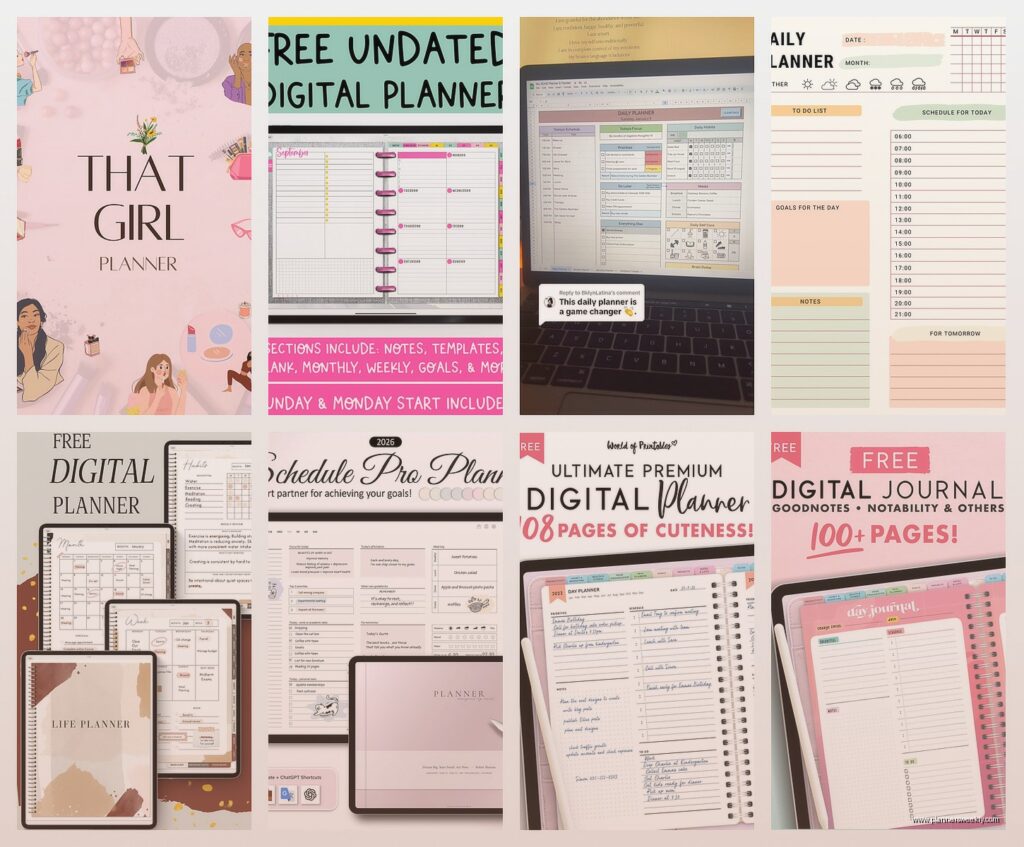
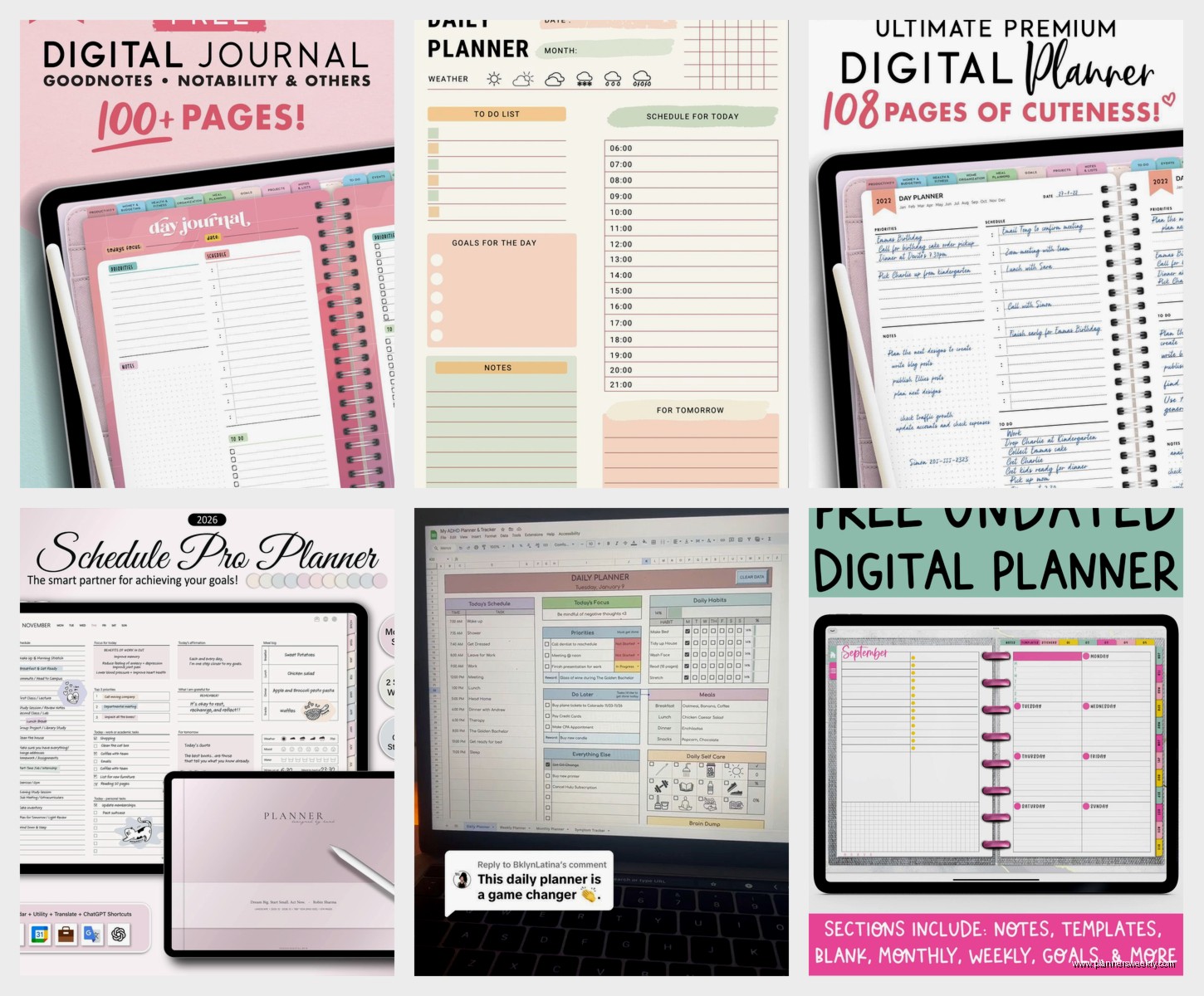
There are approximately one million digital planner templates on Etsy. I bought like twelve before finding ones that actually work. Here’s what to look for: hyperlinked tabs (so you can jump between months without scrolling forever), undated pages (because you’re definitely not gonna use this every single day let’s be real), and space for both scheduled stuff and brain dump lists.
The “Stylish Planner” by PlanBeautifully is the one I keep coming back to. It’s got this minimal aesthetic that doesn’t feel like a kindergarten classroom exploded, and the daily pages have hourly slots but also blank space for notes. Cost me $8 and I’ve been using the same purchase for two years now, just printing new months.
Oh wait, you don’t print it, you import it to GoodNotes and write on it with the Apple Pencil. Sorry that was unclear. Although you COULD print it if you wanted to but then what’s the point of digital right?
The Actual Hybrid System I Use Now
This is probably gonna sound chaotic but it works for me. Google Calendar for time-blocked appointments and meetings. Todoist for task management and recurring stuff. GoodNotes digital planner for weekly planning sessions and brainstorming.
Every Sunday I sit down with my iPad and the GoodNotes planner, look at what’s coming up in Google Calendar, check my Todoist projects, and handwrite my priorities for the week. Something about writing it by hand makes it stick better in my brain. Then during the week I’m mostly in Google Calendar and Todoist because I’m on my phone constantly.
The weekly review thing is key though. I used to try to plan every single day in detail and it was exhausting and I’d give up by Wednesday. Now I just do the big picture on Sunday and adjust as needed during the week.
Templates That Are Actually Worth Downloading
If you’re going the Notion route, grab the “Ultimate Brain” template by Thomas Frank. It’s free and way less overwhelming than building your own. Has a built-in weekly agenda, project tracker, and notes database.
For GoodNotes, besides the Stylish Planner I mentioned, the “Digital Bullet Journal” by PlannerKate is really good if you’re into the bullet journal method but don’t want to deal with paper. It’s got the rapid logging setup, monthly spreads, and habit trackers. Costs about $12 I think?
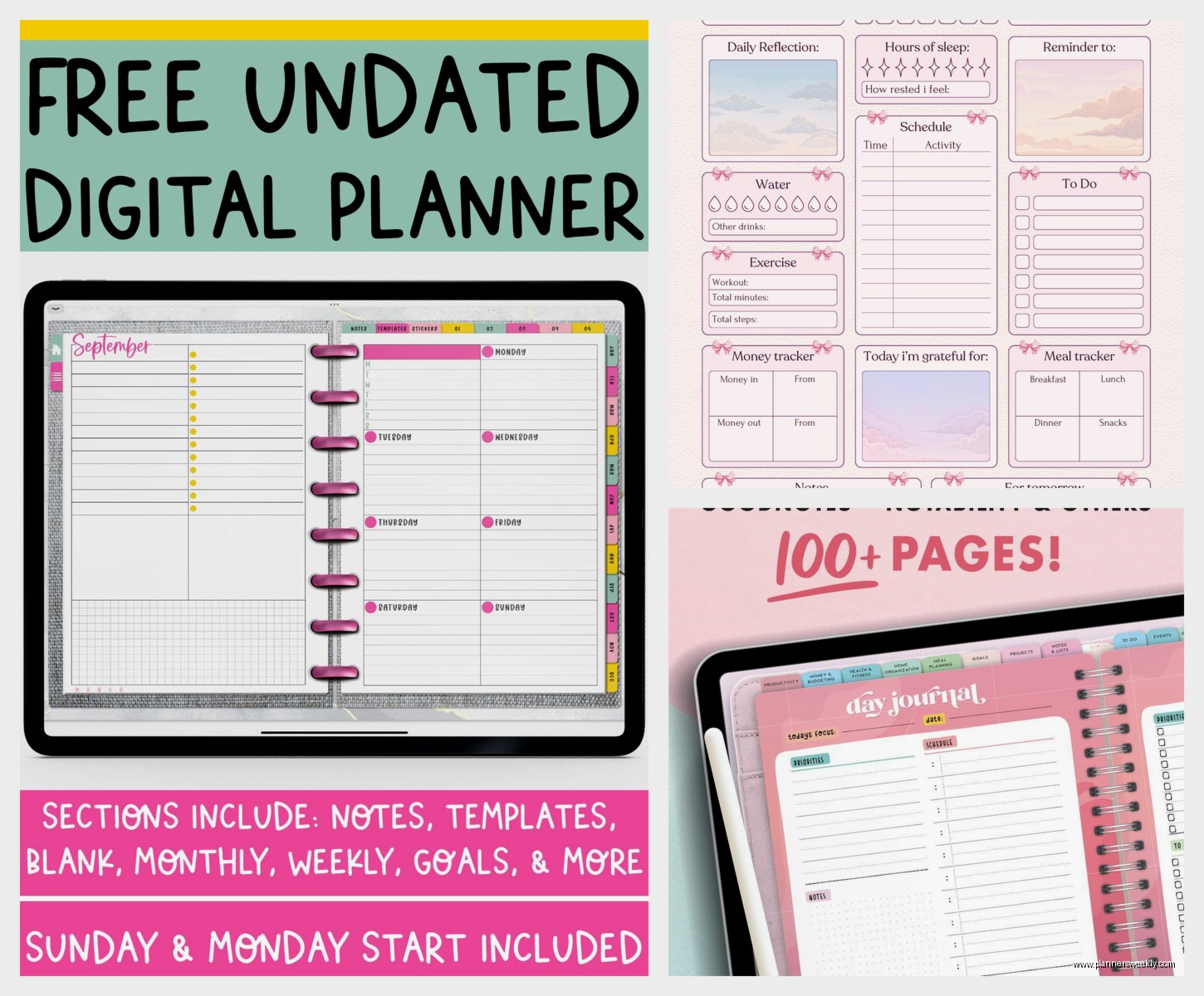
There’s also this free template from Productive & Pretty that’s decent for beginners. Not as fancy but it’ll show you if you even like digital planning before you spend money on it.
The Stuff That Didn’t Work For Me
Microsoft To Do is fine but boring. It’s free and it integrates with Outlook if that’s your life, but the interface makes me want to take a nap. Very corporate energy.
Any.do looked promising with the calendar view but it kept glitching on me. Maybe they fixed it by now but I gave up after it lost my grocery list twice.
Those really elaborate digital planners with animated stickers and tabs for like meal planning and budget tracking and fitness logs? Too much. Way too much. I bought one that had 47 different sections and used exactly three of them. Save your money unless you’re really gonna use all that.
ClickUp wants to be everything to everyone and ends up being overwhelming. It’s powerful if you need project management for a team but for personal planning it’s like using a chainsaw to cut butter.
This Is Gonna Sound Weird But
Sometimes I still use paper for certain things. Like if I’m doing deep work planning or creative brainstorming, I grab my regular notebook. Digital is great for stuff that needs to sync and be accessible everywhere, but there’s something about paper when you’re trying to think through complex stuff.
So maybe the answer isn’t finding the one perfect digital planner but figuring out what you actually need it to do. If it’s just keeping track of appointments, Google Calendar is free and works fine. If you want the aesthetic experience and like writing by hand, get an iPad and GoodNotes with a nice template. If you need serious task management with project tracking, Todoist or Sunsama.
My Actual Recommendations Based On Different Situations
If you’re a student: Notion with a template designed for students, or GoodNotes with a digital planner that has assignment trackers. The free versions work fine honestly.
If you’re managing a lot of projects for work: Sunsama if you can swing the cost, otherwise Todoist premium with Google Calendar integration. The time-blocking feature in Sunsama is worth it if you’re constantly context-switching between projects.
If you just want to feel organized and like pretty things: GoodNotes with a nice Etsy template. Get the Stylish Planner or something similar. Spend the $8, use your Apple Pencil, enjoy the aesthetic experience.
If you’re trying to build better habits and routines: Todoist with recurring tasks set up, or Notion with a habit tracker template. The satisfaction of checking things off is real.
If you’re broke: Google Calendar and the free version of Todoist. Honestly this combo does like 90% of what the fancy paid options do.
The Setup Process Nobody Tells You About
Whatever you choose, you gotta spend time setting it up properly or you won’t use it. Block out like two hours, grab coffee, and actually input your recurring commitments, set up your projects or categories, customize the colors or whatever.
I made the mistake of trying to set up Notion during my lunch break and it was half-done and useless for weeks. Finally sat down on a Saturday morning, put on that new true crime show everyone’s watching, and actually built out my whole system. Now I actually use it.
Also don’t try to migrate everything from your old system at once. Start fresh with the new week, keep your old planner around for reference for a bit. Trying to transfer six months of notes and tasks is how you end up abandoning the whole thing.
The templates in GoodNotes, you can duplicate pages if you need more space for a particular week. I figured this out way later than I should have. Just long-press the page thumbnail and hit duplicate. You’re welcome.
Okay So What Should You Actually Get
Start with Google Calendar and free Todoist. Use that for two weeks. If you’re wanting more aesthetic or handwriting experience, get GoodNotes and a $8 template from Etsy. If you need more power and structure, try Notion with a pre-made template.
Don’t buy Sunsama until you’re sure you’ll use it because $16 a month adds up fast. But if you do get it, the 14-day trial is actually enough time to figure out if it clicks for you.
The most important thing is picking something and actually using it for more than three days. I know it’s tempting to keep testing new apps (I literally do this for a living and still fall into that trap) but you gotta commit to one system long enough to build the habit.
My client actually asked me about this same thing last week and I sent her the Stylish Planner template with GoodNotes because she specifically said she missed writing things down but her paper planner was always on the wrong desk. She’s been using it every day since so that’s a good sign.
The syncing between devices is honestly the killer feature of going digital. I can plan on my iPad at home, check my schedule on my phone while I’m out, and everything’s just there. No forgetting my planner in the car or whatever. That alone makes it worth the switch even if you’re a paper planner person at heart.
