
Digital Productivity, Online planners, Planners
Digital Daily Planner: Best Apps & Templates
Apr
Okay so I just tested like eight different digital planners this week and honestly my brain is fried but here’s what actually works.
The Apps That Don’t Make Me Want to Throw My Phone
Notion is probably where I’d start because it’s free and you can literally make it do whatever you want. I spent three hours last Tuesday building a daily planner template and yeah that sounds insane but now I have exactly what I need. You can duplicate pages, link databases, embed calendars. The learning curve is real though. Like my dog knocked over my coffee while I was watching a YouTube tutorial and I had to rewind it four times to understand database relations.
The thing with Notion is you gotta decide if you want to build from scratch or use someone else’s template. I’ve bought templates on Etsy for like $8 that were honestly better than what I made myself. Search for “Notion daily planner template” and you’ll find hundreds. The good ones have:
- A daily log that actually makes sense
- Habit trackers that don’t require a PhD to update
- Quick capture areas for random thoughts
- Time blocking sections if you’re into that
But here’s the annoying part about Notion on mobile. It’s slower than I want it to be when I’m trying to quickly jot something down. Sometimes I just need to write “call dentist” and I don’t wanna wait for a database to load.
When You Need Something Faster
That’s where Todoist comes in and I know it’s technically a task manager not a planner but honestly the line is blurry. I use it for daily planning because you can set up recurring tasks, organize by project, and the natural language input is chef’s kiss. Type “call mom every Sunday at 2pm” and it just figures it out.
The free version is solid but I pay for Premium ($4/month) because I’m weak and I like the reminders and labels. You can create a filter for “Today” and boom that’s your daily planner right there. Add sections for morning, afternoon, evening if you want structure.
Oh and another thing about Todoist that I love is the karma system which sounds stupid but it actually motivates me? You get points for completing tasks and maintaining streaks. My competitive brain needs this apparently.
The Apple Ecosystem People
If you’re all-in on Apple stuff, Things 3 is genuinely beautiful. It costs $10 on iPhone and $20 on Mac which feels like a lot but it’s a one-time purchase. No subscription. The “Today” view is clean, the quick entry shortcut works from anywhere, and it syncs perfectly across devices.
I tested this for two weeks and the only reason I didn’t stick with it is because I also use Windows for work and there’s no Windows version. But if you’re Apple-only, this is probably the most elegant daily planner experience you’ll get. The evening review feature reminds you to look at tomorrow’s tasks which actually helps me sleep better because I’m not lying in bed thinking “wait what do I have tomorrow.”
For People Who Miss Paper Planners
GoodNotes or Notability if you have an iPad and Apple Pencil. This is gonna sound weird but writing with a stylus scratches the same itch as paper planning without the guilt of buying another planner I’ll abandon in February.
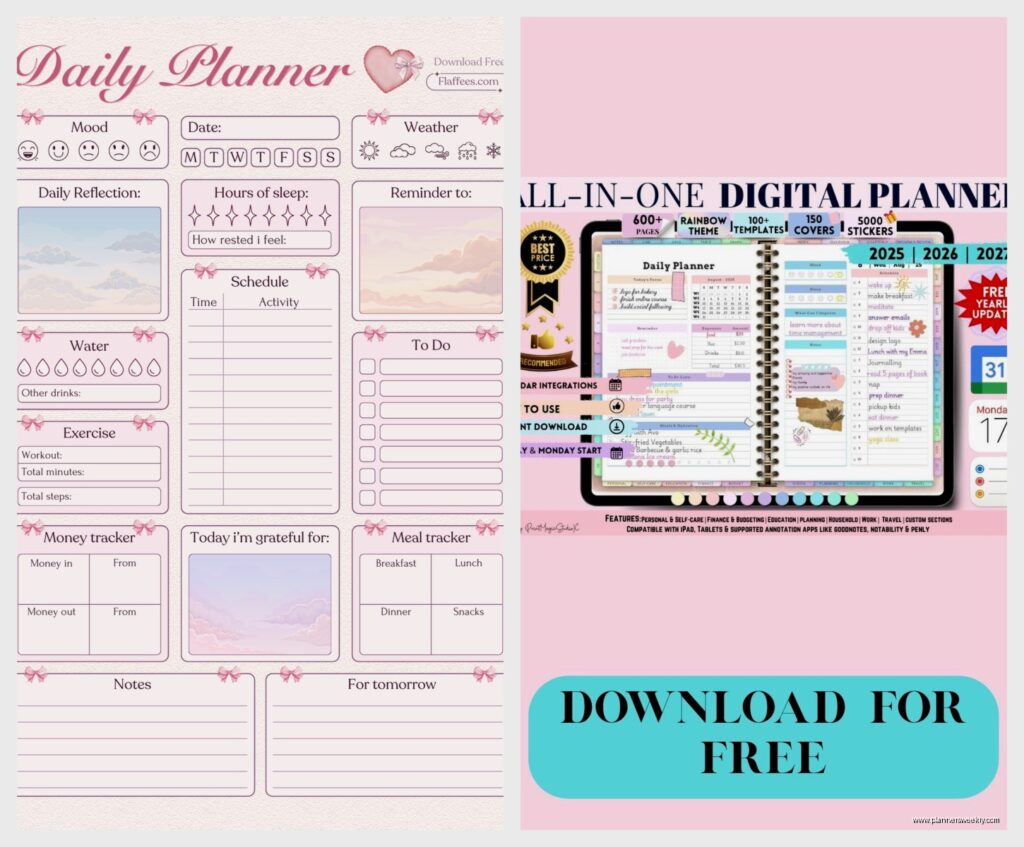
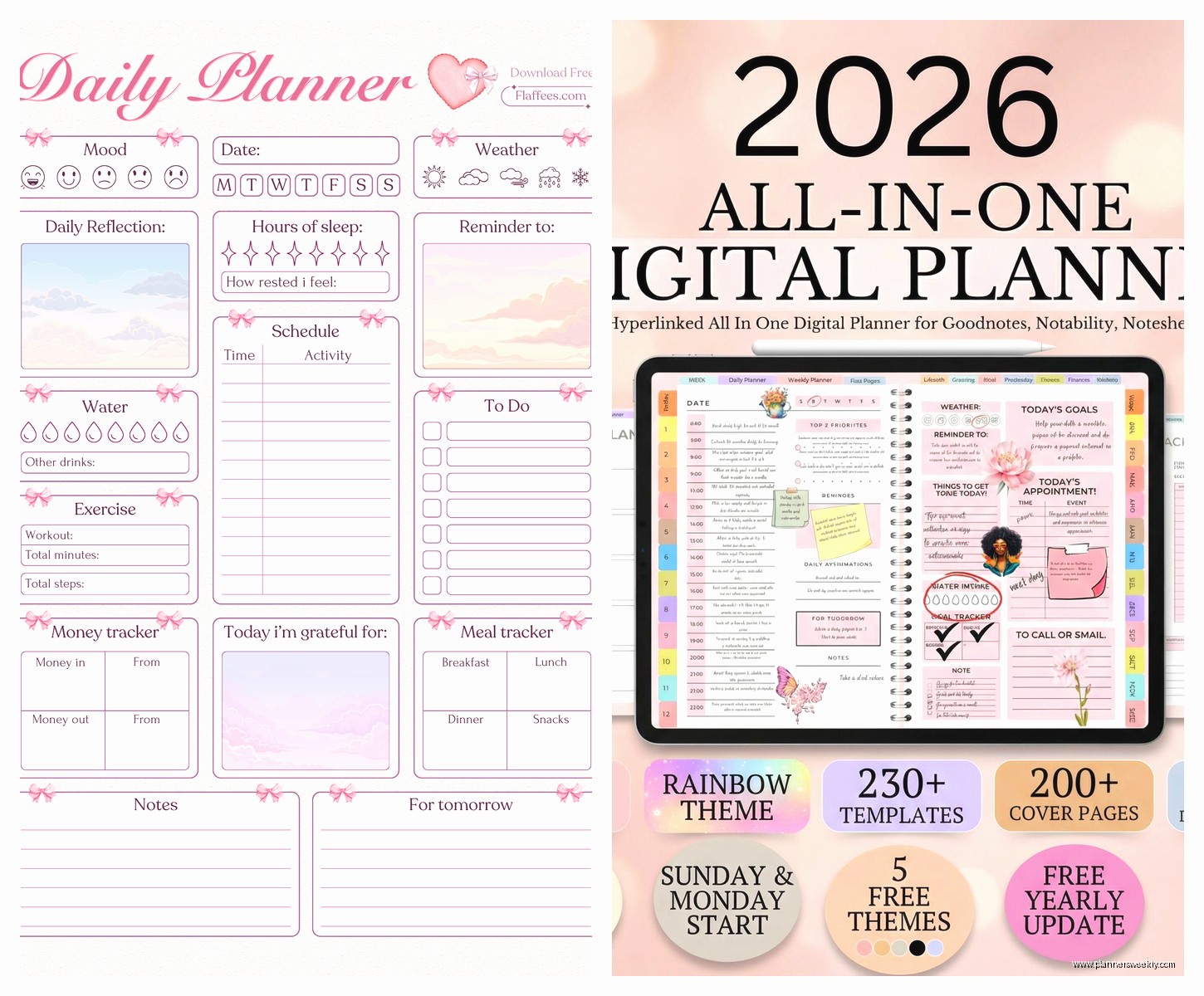
GoodNotes is $8 and you can import PDF planner templates. Etsy has thousands of them. I bought a dated daily planner PDF for 2024 that cost $6 and it’s basically a digital Passion Planner. You get the satisfaction of handwriting, you can use different pen colors, and if you mess up you just erase it instead of scribbling it out like a maniac.
The search function is insane too because it can read your handwriting. I searched for “dentist appointment” last week and it found the page where I’d written it three weeks ago. My actual handwriting. Wild.
Notability is similar but it’s $15/year subscription now which annoyed people when they switched from one-time purchase. I prefer GoodNotes honestly but my client swears by Notability’s recording feature where you can record audio while taking notes and it links them together.
The Templates That Actually Work
For GoodNotes specifically, look for templates with:
- Hourly time blocks if you schedule your day (I do 6am to 10pm)
- A priorities section because otherwise everything feels equally urgent
- Blank space for notes that isn’t pre-formatted to death
- Habit tracker checkboxes
- Water intake tracking if you’re into that
The planner I use has a “brain dump” section at the bottom and I use it constantly. Random thoughts go there so they don’t clutter my actual schedule.
Wait I Forgot to Mention Google Calendar
This seems obvious but hear me out. Google Calendar as a daily planner works if you time-block everything. I mean everything. “Answer emails 9-10am” gets a calendar event. “Lunch” gets blocked. “Stare at wall and contemplate existence” could get blocked if you wanted.
The advantage is it’s free, it’s everywhere, everyone knows how to use it, and it syncs with literally everything. I have a separate calendar for each area of my life (work, personal, blog stuff, workouts) and I can toggle them on and off.
Pair it with a Chrome extension called Todoist for Gmail and you can turn emails into tasks that show up in your calendar. My morning routine is checking calendar first, then email, then Todoist. Everything lives in one of those three places.
The mobile app lets you switch to Schedule view which is basically a daily planner layout. Shows your events and you can add all-day events for tasks. Not fancy but it works.
The Minimalist Option
Structured is this iPhone app that costs $5/year and it does one thing really well: shows you a timeline of your day. You add tasks and events and they stack up chronologically. That’s it. No projects, no tags, no databases.
I used this for a month when I was overwhelmed by all my other systems and honestly it was refreshing. You plan today, maybe tomorrow, and that’s all you can see. Forces you to focus on what’s immediately in front of you instead of obsessing over next month.
The widget is great too. Just lives on my home screen showing me what’s next.
For the Spreadsheet People
Google Sheets or Excel as a daily planner template sounds boring but it’s so customizable. I made one for a client who hated every app we tried. Three columns: Time, Task, Notes. Conditional formatting to highlight overdue stuff. Drop-down menus for categories.
You can find free templates on Reddit in the productivity subreddits. Search “daily planner spreadsheet template” and download a few to see what layout clicks. Some people go wild with formulas that calculate hours worked or track completion percentages.
The advantage is you already know how to use it and it opens on any device. The disadvantage is it doesn’t remind you of anything unless you set up Google Calendar events separately.
This Is Gonna Sound Weird But
I’ve been experimenting with using Obsidian as a daily planner and it’s working better than expected. It’s a note-taking app that saves everything as markdown files on your device. The daily notes plugin creates a new note each day automatically.
My template has checkboxes for tasks, a section for time blocks, and links to project notes. Because everything’s linked, I can see all mentions of a specific project across all my daily notes. It’s free, your data lives on your computer not some company’s server, and the community plugins are extensive.
The mobile app is functional but not amazing. This is more of a desktop-first solution. I use it at my computer and just keep a simple list app on my phone for quick captures.
The Hybrid Approach That I Actually Use
Okay so funny story, after testing all these I don’t use just one. I know that’s probably not helpful but here’s my actual system:
Google Calendar for appointments and time blocks. Anything with a specific time goes here. Client calls, workout classes, “deep work block 9-11am.” This is my source of truth for when I need to be somewhere or do something.
Todoist for tasks without specific times. Errands, emails to send, blog posts to write. I review this every morning and decide what’s happening today. Things with deadlines get due dates, everything else lives in project lists.
GoodNotes for weekly planning and brainstorming. Every Sunday I open my digital planner and map out the week. Big picture stuff. Then during the week if I need to think through something complex, I handwrite it in GoodNotes because writing by hand helps me process.
It sounds complicated written out like this but in practice it takes maybe 15 minutes in the morning. Check calendar, check Todoist, update GoodNotes if needed. Everything syncs across my devices so I can access it anywhere.
Templates You Can Actually Start With Today
If you want plug-and-play templates right now:
For Notion: Search Gridfiti or Easlo on YouTube. They have free daily planner templates you can duplicate. The aesthetic is clean and the functionality is solid. I used Easlo’s template for three months before customizing it.
For GoodNotes: The Digital Planner Market on Etsy has dated and undated options. I like undated because I don’t feel guilty about skipping days. Look for sellers with good reviews and sample pages so you know what you’re getting.
For Google Sheets: Template.net has free daily planner templates. Some are ugly but functional. Download a few and delete what you don’t need.
For Obsidian: The forum has daily planner templates people share. The Templater plugin lets you set up automated daily notes with whatever sections you want.
The Stuff That Didn’t Work For Me
ClickUp is powerful but it’s overkill for daily planning unless you’re managing a team. Too many features, too much setup. My brain couldn’t handle it for personal use.
Trello is great for project management but clunky for daily tasks. Moving cards around felt like busywork.
Any.do looked promising but the free version is too limited and the premium is $3/month which isn’t bad but Todoist does everything better for $1 more.
Physical printable planners that you’re supposed to print daily. I tried this and the printer jamming at 6am when I’m trying to plan my day is not the vibe. Plus the paper waste made me feel bad.
My Actual Recommendation If You’re Starting From Zero
Start with Google Calendar and Todoist free versions. Put time-specific stuff in Calendar, everything else in Todoist. Use it for two weeks. If you’re craving more customization, try Notion. If you miss handwriting, get GoodNotes and a cheap iPad stylus to test before investing in an Apple Pencil.
Don’t buy a bunch of templates or premium subscriptions right away. Test the free versions, figure out what you actually use, then upgrade or customize from there. I wasted probably $100 on templates and apps I used twice before I figured out my system.
The best digital daily planner is the one you’ll actually open every day and that’s different for everyone. Some people need beautiful design to stay motivated, some people just need a functional list. Neither is wrong.
