
Digital Productivity, Online planners, Planners
Free Digital Planners: Best Templates & Downloads 2026
Apr
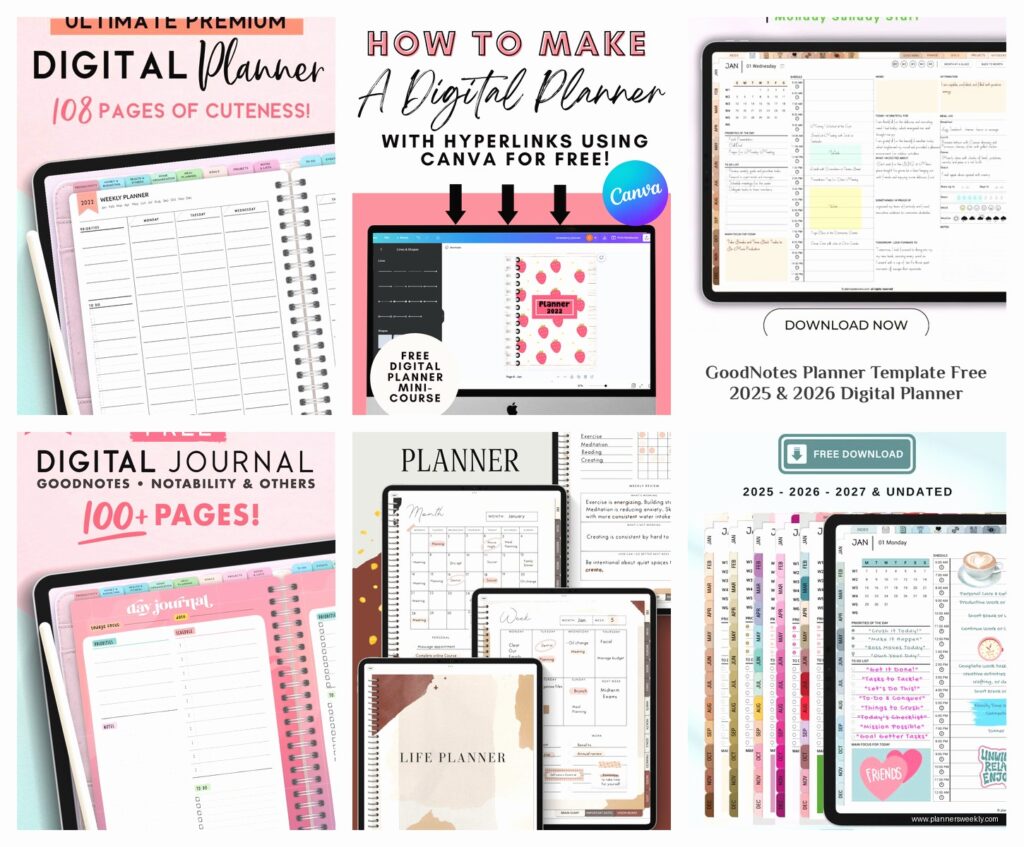
Okay so I’ve been testing literally every free digital planner I could find
And honestly the landscape changed SO much since last year. Like, I spent the entire morning downloading templates because my 2pm meeting got pushed and now I have opinions about GoodNotes vs Notability templates that nobody asked for but you’re getting them anyway.
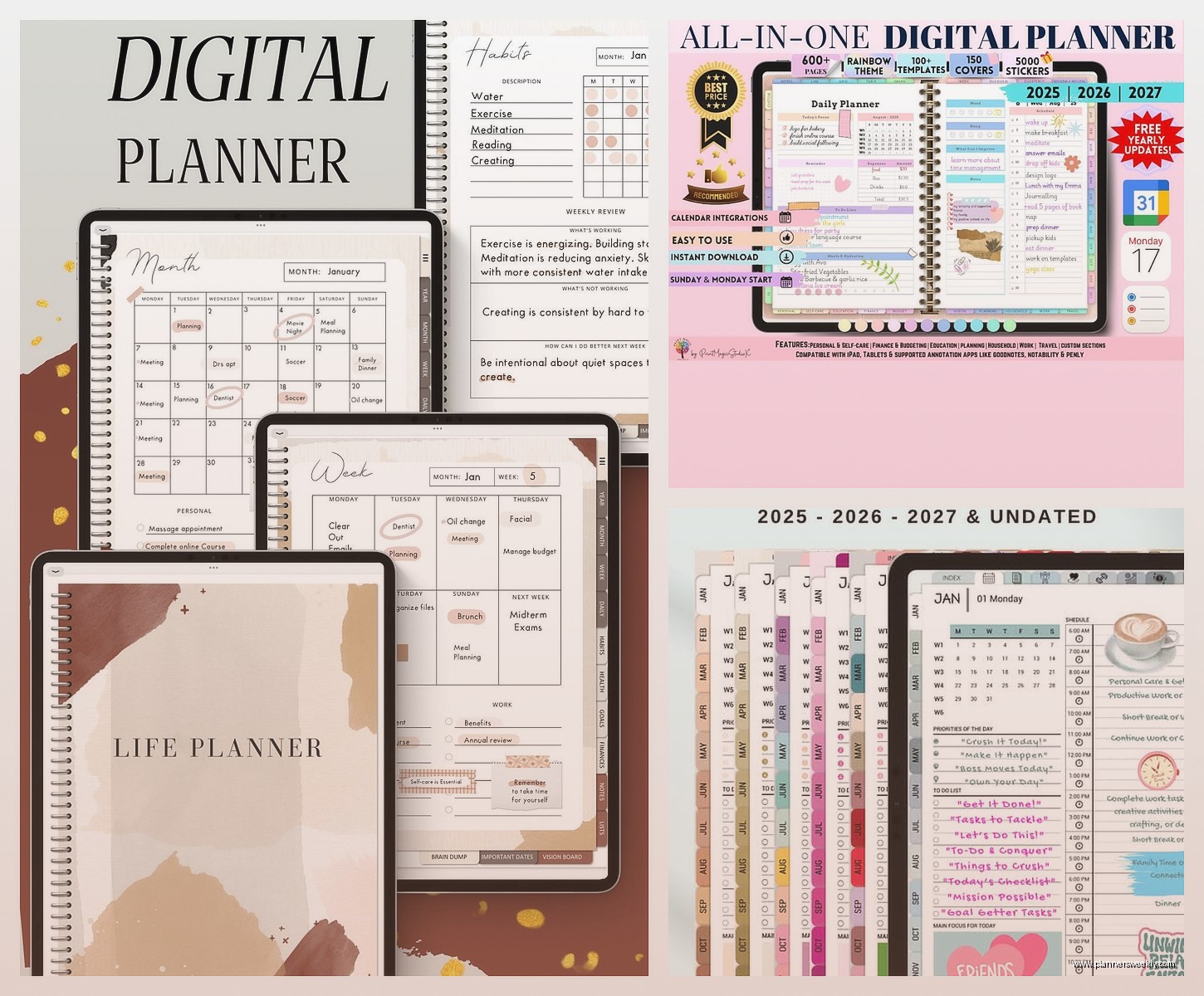
First thing though, you gotta know what app you’re even using because that changes everything. I made the mistake last month of downloading this gorgeous planner template only to realize it was optimized for Samsung Notes and I’m over here on my iPad like an idiot. So let’s break this down by platform because that actually matters.
GoodNotes Templates (iPad/Mac)
The Dated Co has free monthly spreads that are genuinely beautiful and I’m not just saying that. They’re minimalist but not in that boring corporate way. I tested their 2026 monthly calendar last week and the hyperlinks actually work, which sounds basic but you’d be surprised how many free templates just… don’t link properly. The tabs are clickable, you can jump between months without that annoying scrolling thing.
Oh and another thing, their weekly spreads have this time-blocking section that’s actually proportioned correctly. Like some templates give you these tiny boxes for hourly planning and it’s useless if you have actual things to write. These ones you can fit real text in there.
Minimal.Plan (yeah the period is part of their name) has this free starter pack that’s pretty solid. It’s got the dated pages for January through March 2026, so you can test if you even like digital planning before committing to a full year. I appreciate that because I’ve definitely bought full planners in February and then never used them past April.
The habit tracker page in their free version is better than some paid ones I’ve tried, not gonna lie. It’s got space for 10 habits and the boxes are big enough that you can actually tap them with your finger instead of needing the pencil every single time.
Notability-Specific Ones
Notability is weird because it handles PDFs differently than GoodNotes, something about how it layers things. Anyway, Digital Planning Pro has free templates specifically formatted for Notability and they actually understand the assignment. The pages load faster because they optimized the file size, which matters more than you’d think when you’re flipping through pages.
Their weekly layout has this notes section on the side that I keep using for random thoughts or like, things I need to remember to tell my assistant. It’s just blank space but positioned perfectly so it doesn’t feel like an afterthought.
Wait I forgot to mention, if you’re using Notability you want templates with fewer hyperlinks because it gets glitchy. Learned that the hard way when my whole planner crashed during a client call and I had to pretend I totally meant to switch to paper notes.
Samsung Notes Users
Okay so Samsung Notes people are actually spoiled right now because there’s this creator called PlannerSoda who makes free templates specifically for the S Pen and they’re incredible. The pressure sensitivity works properly with their line spacing, which is such a specific thing but it matters when you’re writing.
Downloaded their 2026 daily planner last week and the page turn animation is smooth, no lag. Also they have this feature where you can duplicate pages easily if you wanna add extra daily sheets or whatever. The free version gives you templates for Q1 2026 plus some undated habit trackers.
This is gonna sound weird but their color scheme is actually nice to look at for extended periods. Some planners have these super saturated colors that give me a headache after like twenty minutes of planning, but these are muted enough that I can stare at my screen without wanting to die.
Noteshelf Templates
Noteshelf users have fewer free options honestly, but The Productivity Nest has a decent free collection. Their monthly spreads are pretty basic but functional, which sometimes is all you need. Not everything has to be aesthetic, you know?
They have this goal-setting template that’s actually not cheesy, which is rare. It’s just simple prompts and boxes, no weird inspirational quotes or anything. I used it for my Q1 planning and didn’t feel like I was being lectured by a lifestyle blogger.
The Actually Universal Ones
Oh and another thing, some templates work across multiple apps which is helpful if you’re platform-agnostic or whatever. Passion Planner releases free PDFs every year and their 2026 edition is already up. You can import it into basically anything that reads PDFs.
Their weekly layout has that roadmap section at the top where you write your main goals for the week, then the days are broken down below. I thought it would feel restrictive but it’s actually helpful for keeping me focused instead of just writing random tasks everywhere.
The monthly reflection pages in their free version are surprisingly thorough. Like there’s space to actually write paragraphs if you want, not just check boxes. My cat knocked over my coffee while I was filling one out last Sunday and I had to redo the whole page but that’s not the planner’s fault.
Notion Templates (Because Some People Are Gonna Ask)
Look, Notion templates are technically free once you have Notion, but that’s a whole different vibe from traditional digital planners. Still, gotta mention it because the Notion Template Gallery has some solid 2026 planning templates now.
The one called “Life OS” or something like that is genuinely comprehensive. It’s got calendar database, habit tracking, goal setting, all interconnected with those relation properties. Takes like an hour to set up properly though, fair warning.
I spent way too long customizing one last month when I should’ve been working, but now it syncs across my phone and iPad automatically which is pretty convenient. The learning curve is real though, not gonna pretend it’s intuitive if you’ve never used Notion databases before.
Where to Actually Find These Things
Okay so funny story, I used to just Google “free digital planner” and download whatever came up first, which is how I ended up with like forty mediocre templates. Now I actually know where to look.
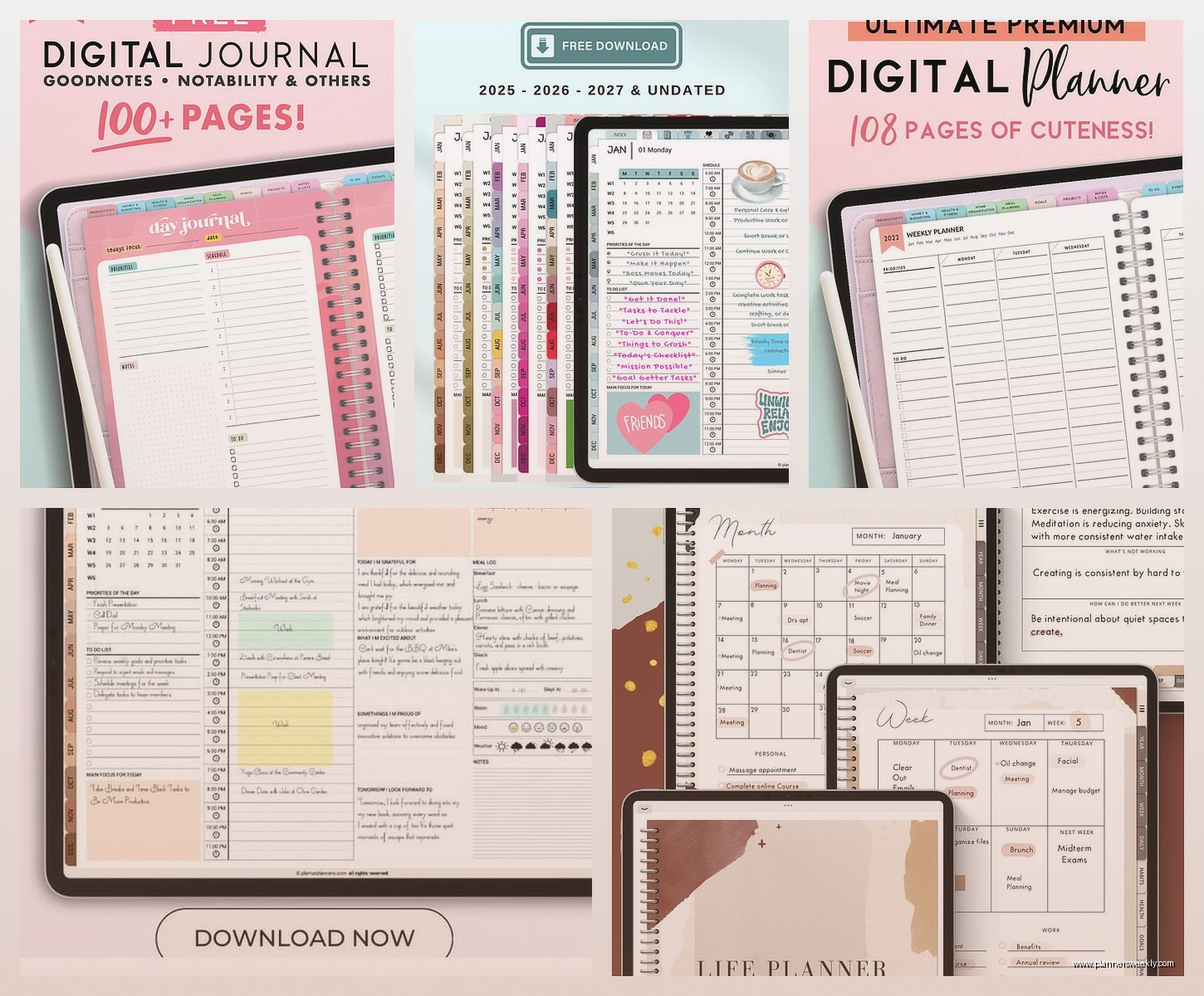
Etsy has free downloads if you filter by price, but you gotta be careful because some are “free” but then upsell you on the full version aggressively. Look for sellers with lots of reviews on their free products, that usually means they’re not just using it as a bait and switch.
Gumroad is another good spot. A lot of digital creators put starter packs there for free to build their email list or whatever. The quality is usually better than random blog downloads because these people are actually trying to impress you into buying their premium versions eventually.
Pinterest links are hit or miss. Like sometimes you find amazing free templates, other times you click through seventeen pages and end up at some sketchy download site. I’d say maybe 30% of Pinterest planner links actually lead somewhere useful.
The Technical Stuff Nobody Tells You
File size matters way more than I thought it would. Anything over 100MB is gonna be slow and annoying to use, especially if you’re opening and closing your planner multiple times a day. The really good free templates are usually between 20-50MB because the creators actually compressed the images properly.
Hyperlinks should be tested before you commit to using a planner all year. Open the template and just tap around on all the tabs and date links. If even one doesn’t work, it’s gonna drive you insane by March. Trust me on this.
Layer settings are important if you’re someone who likes to customize. Some free templates lock all the layers so you can’t change colors or move elements around, which is fine if you like it as-is but annoying if you don’t. GoodNotes templates usually tell you if layers are editable in the product description.
What Actually Makes a Free Template Worth Using
After testing like thirty of these things, here’s what actually matters. The dated pages need to have the correct days of the week for 2026, which sounds obvious but I’ve found “2026” templates that clearly just recycled 2023 pages. January 1st 2026 is a Thursday, so if your planner says it’s a Monday, that’s a problem.
Space for actual writing is crucial. Some templates are so decorated and aesthetic that there’s barely room to write anything useful. I need at least enough space to fit a full sentence per task, otherwise what’s the point.
The color scheme should be neutral enough that it’s not distracting but distinct enough that you can find sections quickly. All white is boring, all black is harsh, somewhere in between is usually good.
Wait I forgot to mention paper size. Most free templates come in A4 or A5 equivalent, which works fine for iPad. If you’re using a larger tablet you might need to zoom in a lot, or if you’re on a smaller device things might feel cramped. There’s not really a solution for this with free templates, you just gotta know what you’re working with.
The Ones I’m Actually Using Right Now
Currently I’ve got three different free planners I rotate between depending on what I’m doing, which probably sounds excessive but whatever. For client work I use that Dated Co weekly template because the time blocks are perfect for scheduling calls. For personal stuff I use the Passion Planner monthly spreads because I don’t need hourly detail for like, grocery shopping and vet appointments.
And then I have this random habit tracker I found on Gumroad from someone called Inkwell Press that’s genuinely better than any paid habit tracker I’ve tried. It’s just a single page template but you can duplicate it, and the layout makes sense for tracking both daily and weekly habits without being confusing.
My friend keeps asking why I don’t just pick one planner and stick with it, and honestly I don’t have a good answer except that different formats work better for different things. The digital planning police aren’t gonna arrest me for using multiple templates.
Oh and if you’re wondering about stylus compatibility, basically everything works with Apple Pencil or S Pen or whatever. The templates don’t really affect that, it’s more about your app settings. I have my GoodNotes set to palm rejection on high because otherwise I’m accidentally making marks everywhere like a toddler.
Things That Don’t Matter As Much As You’d Think
Stickers and decorative elements in free planners are usually pretty basic, but honestly I don’t decorate mine that much anyway. If you’re really into the aesthetic planning thing you’ll probably end up buying sticker packs separately regardless of what your template includes.
The cover design literally nobody sees except you, so don’t let that be a deciding factor. I’m using a planner right now with the ugliest cover but the inside pages are perfect so who cares.
Font choices matter less in digital than paper because you can zoom in if needed. As long as it’s readable at normal size you’re fine.
Okay I think that’s everything I’ve learned from my weird obsessive deep dive into free digital planners. The main thing is just download a few and actually test them for a week before committing to one for the whole year. What works for someone else might be completely wrong for how your brain works, and that’s fine. There’s enough free options out there that you don’t have to settle for something that’s almost right.
